
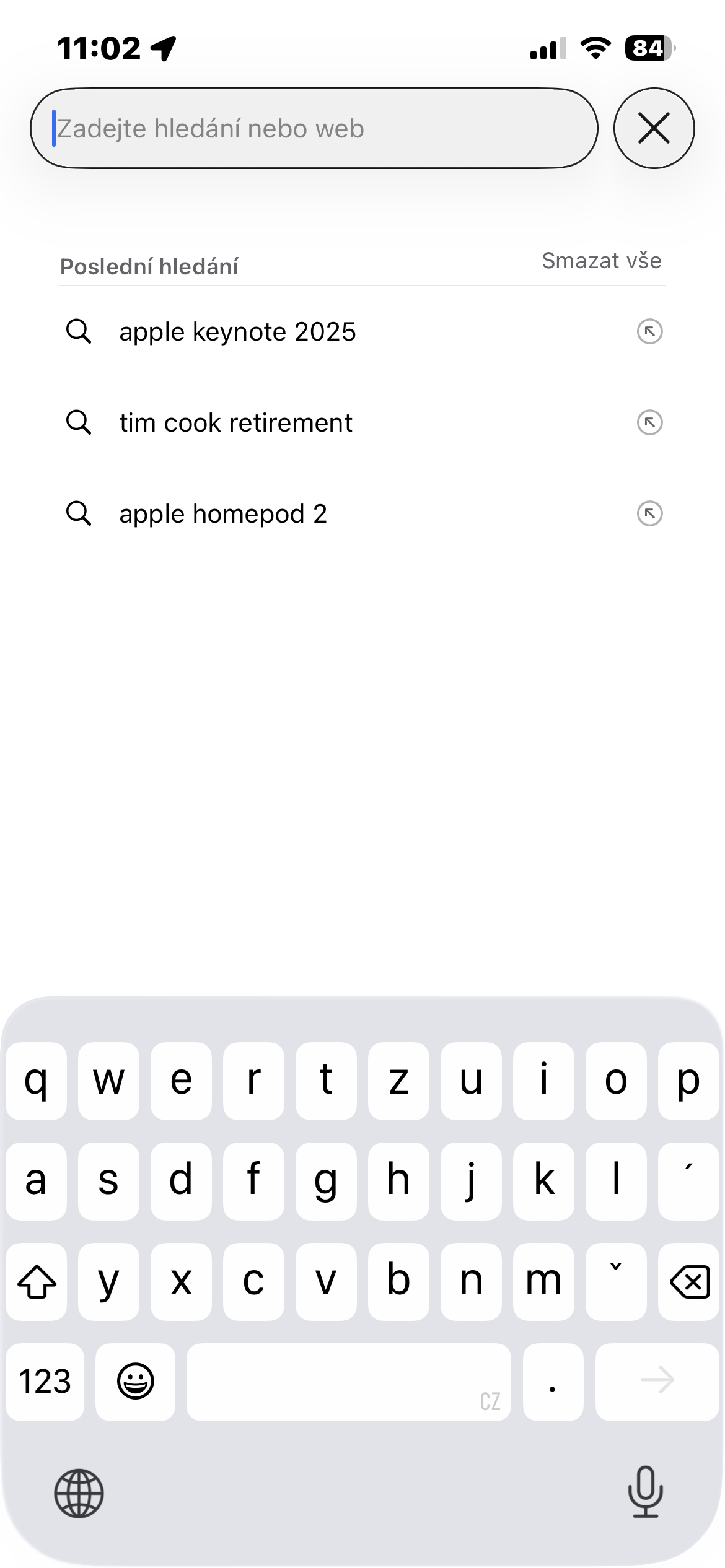
Safari on iPhone is designed to be fast and convenient. But some of the time-saving features can also expose your privacy unnecessarily. A typical example is the recent search suggestions that appear immediately after tapping the address bar or opening a new tab.
You might be interested in

At first glance, this is an inconspicuous detail. However, when you lend your phone to someone else, the situation can be a little uncomfortable. It only takes a few seconds for the other person to see what you have been searching for recently. And it doesn't necessarily have to be anything sensitive. Sometimes, a person simply doesn't like having work topics, health questions, gifts for the family, or complete randomness that they Googled at two in the morning displayed over their shoulder.
Safari while allowing you to turn this function off very easily.
Where to turn off recent searches in Safari
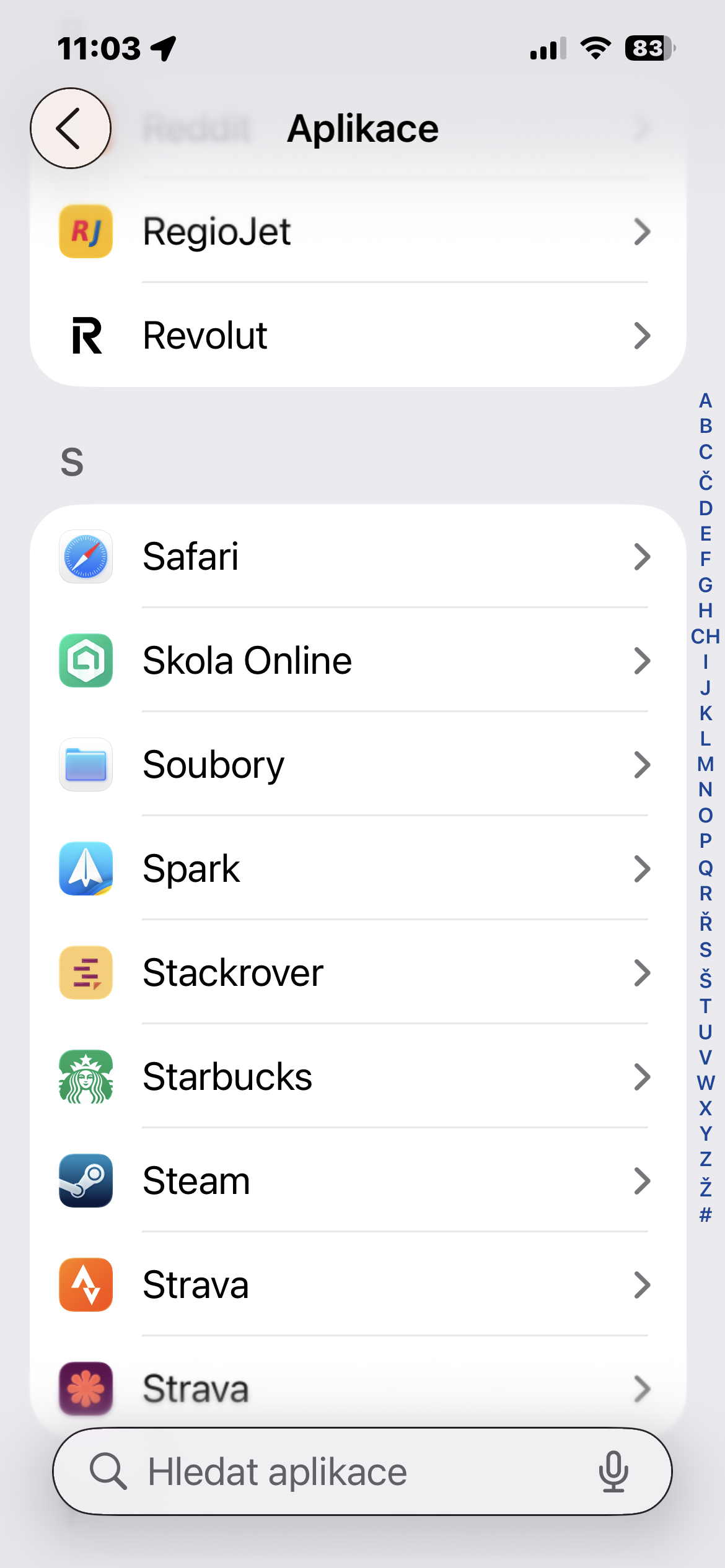
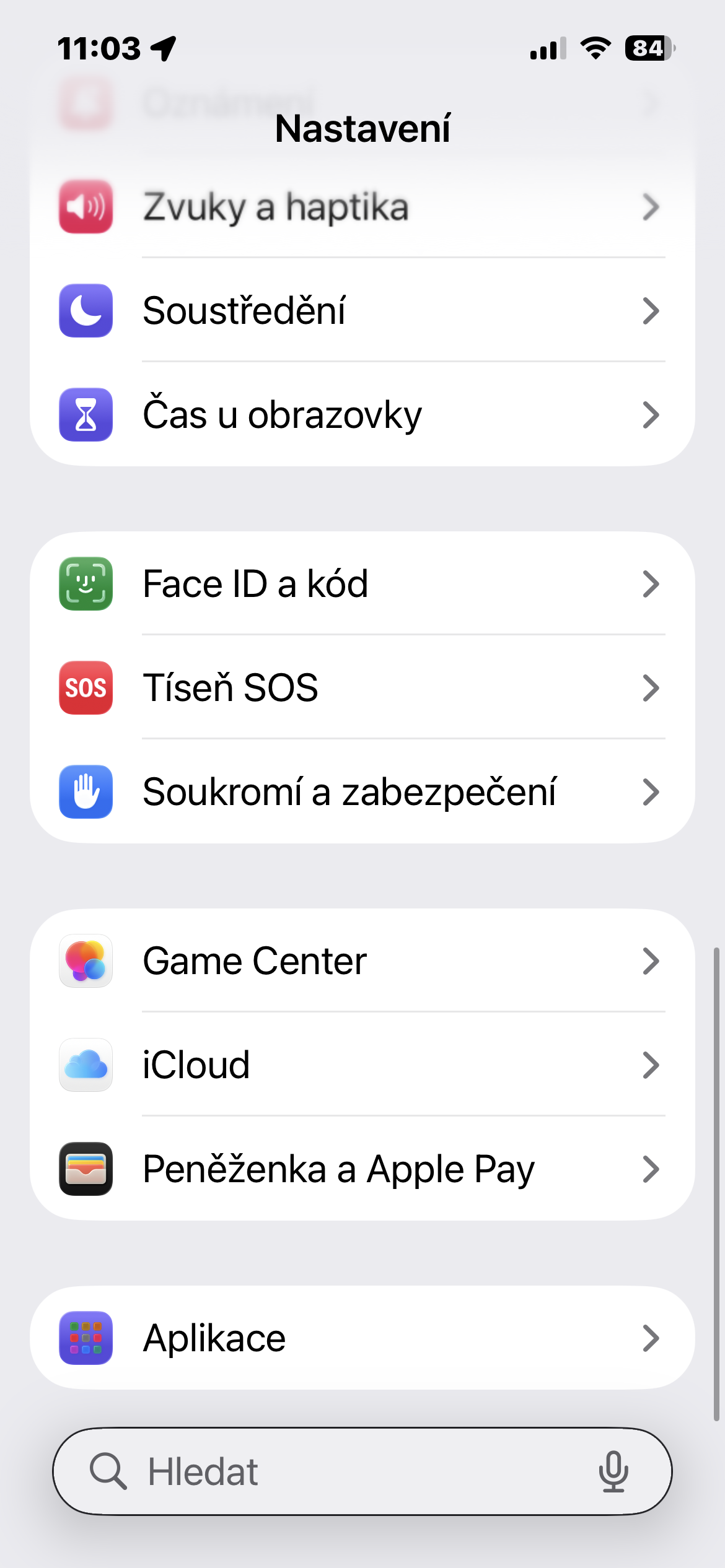
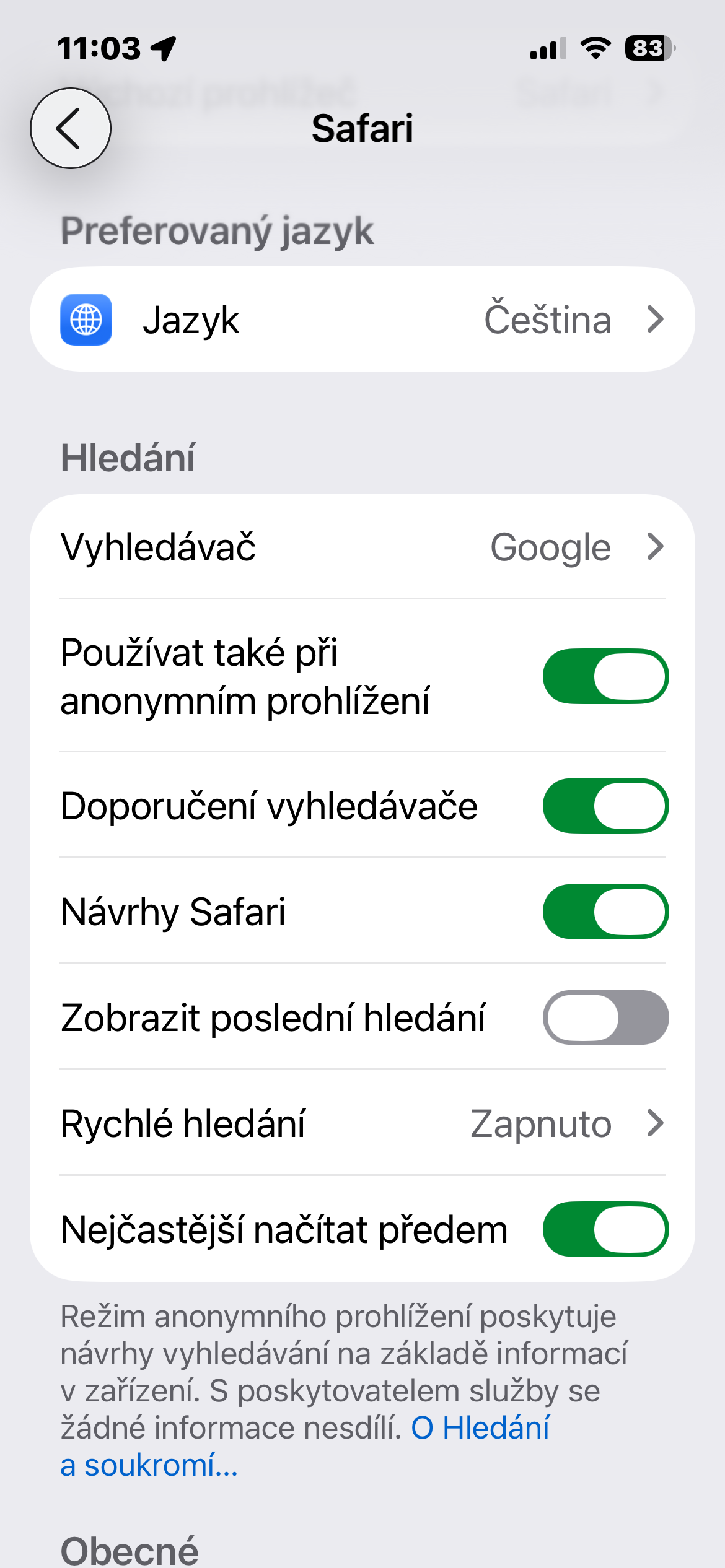
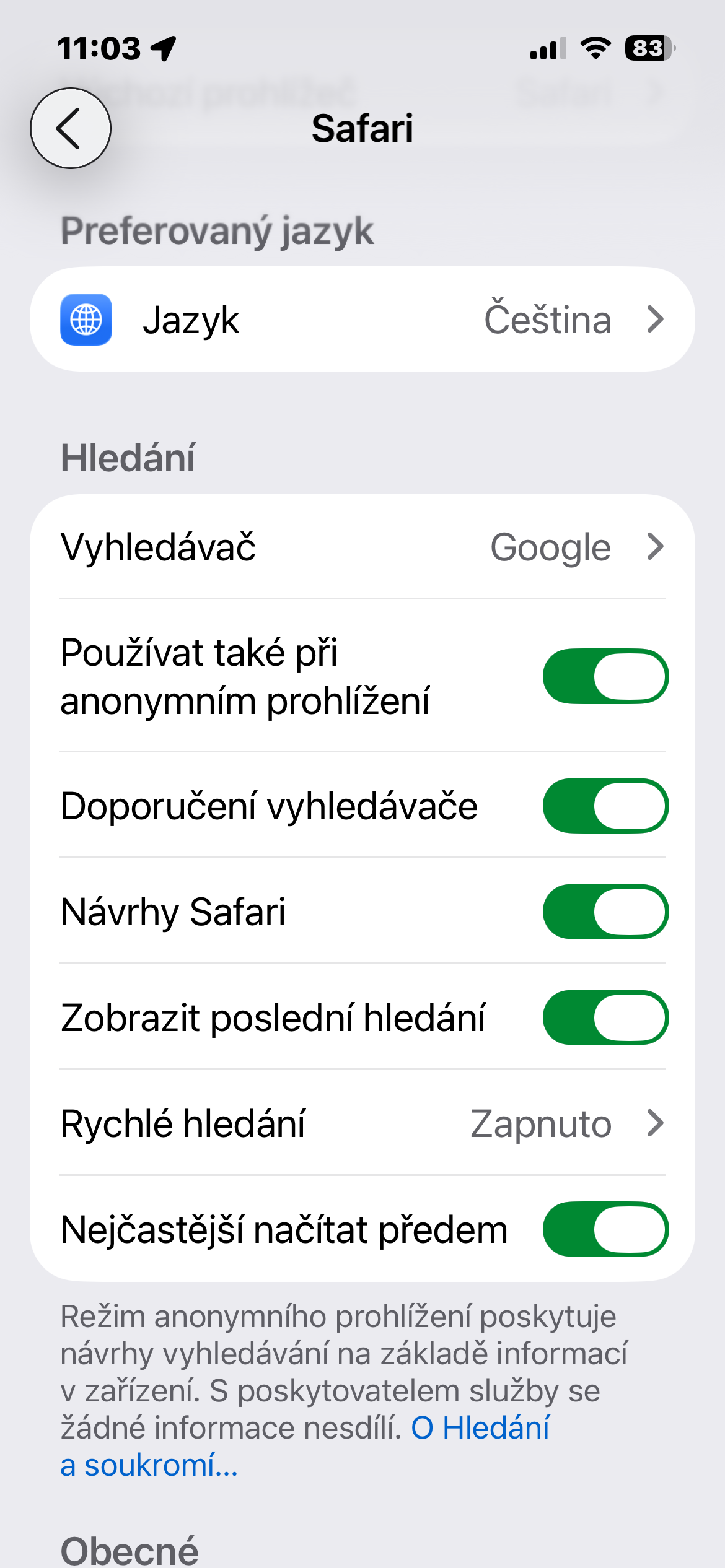
Open Settings and go to the section SafariThere, just find the Show recent searches switch and disable it.
Once you turn off the function, Safari will stop showing a list of previous searches when you open a new tab. This will keep the search field clean and prevent anyone from seeing what you last typed.
The entire change works immediately and no restart is required. iPhone nor a browser.
Gallery
Settings like these are often overlooked, yet they have a greater impact on your phone's daily use than you might think. iPhone Today, we routinely lend it to children for a video, colleagues for a photo, or acquaintances when looking for an address. And people often don't even realize how much personal information can be displayed in a matter of seconds.
If, on the contrary, you use iPhone purely for yourself and you often return to the same topics, the last search suggestions can be practical. Safari thanks to them, it can speed up repeated searches and there is no need to type the same phrases again. So it's mainly up to you whether you prefer convenience or greater privacy. But the good thing is that Apple allows both varianty easily adapt.





I don't want to turn off that feature, that's why I didn't buy a smartphone. And the solution is simple - I don't lend the phone, so there's no risk.