Anonymous browsing in Safari may not use the same search engine as normal mode. In newer versions iOS You can set up a different service for private panels, which is especially useful if you want to limit the amount of data collected about you during a more sensitive search.
You might be interested in
In practice, this means that you can, for example, have one search engine set for regular use Safari and another for incognito mode. So there's no need to manually navigate to a different website or change your browser's main settings every time.
This makes sense especially for users who rely on search engines that are more privacy-oriented in anonymous mode. A typical example is DuckDuckGo, which aims to limit user profiling and tracking of their activity across the web. The anonymous mode itself Safari Of course, it doesn't mean complete invisibility on the Internet, but in combination with a properly chosen search engine, you can have a little more control over your privacy.
How to change your search engine for anonymous browsing
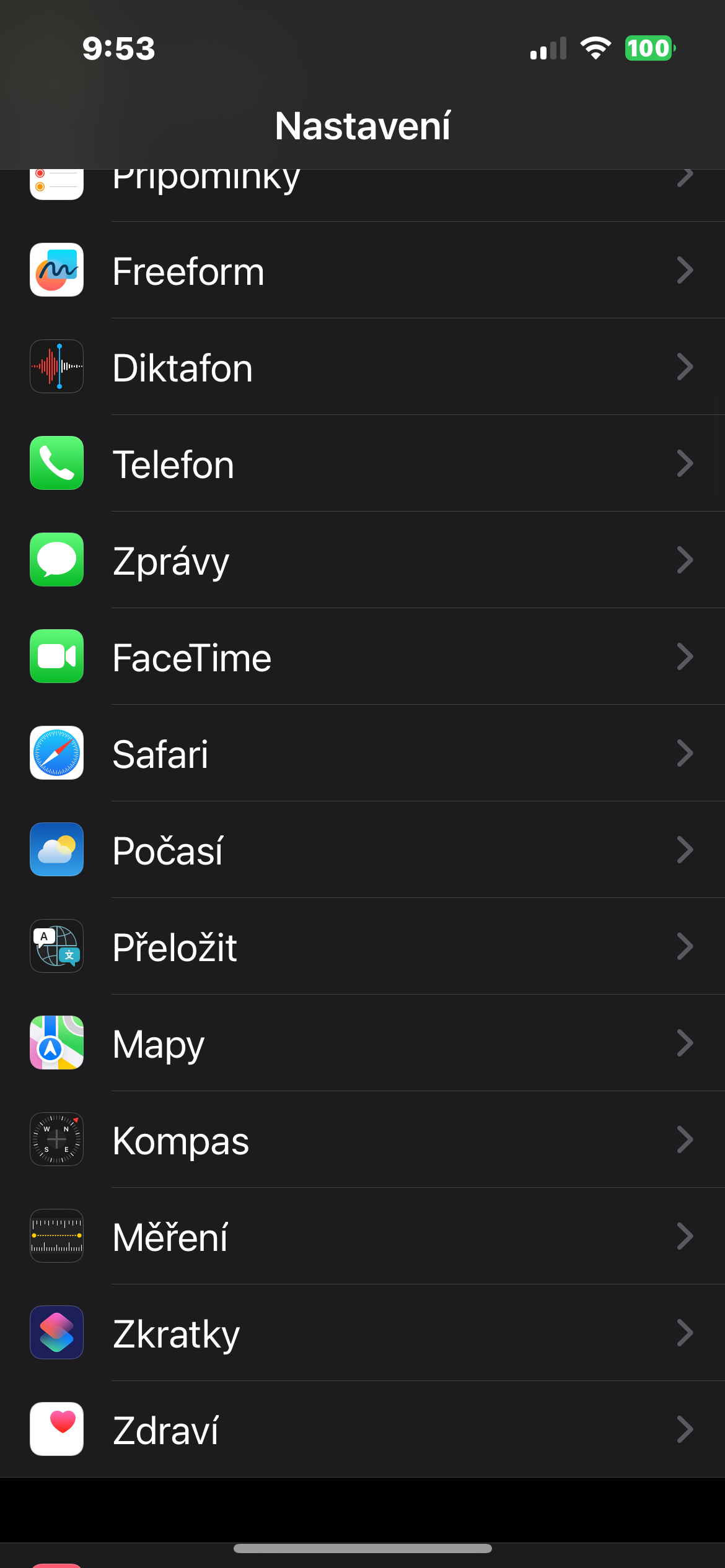
On your iPhone, open Settings and go to Apps -> Safari. In settings Safari then find the Search section, deactivate the Use also when browsing incognito item and click on the Anonymous search engine item.
Gallery
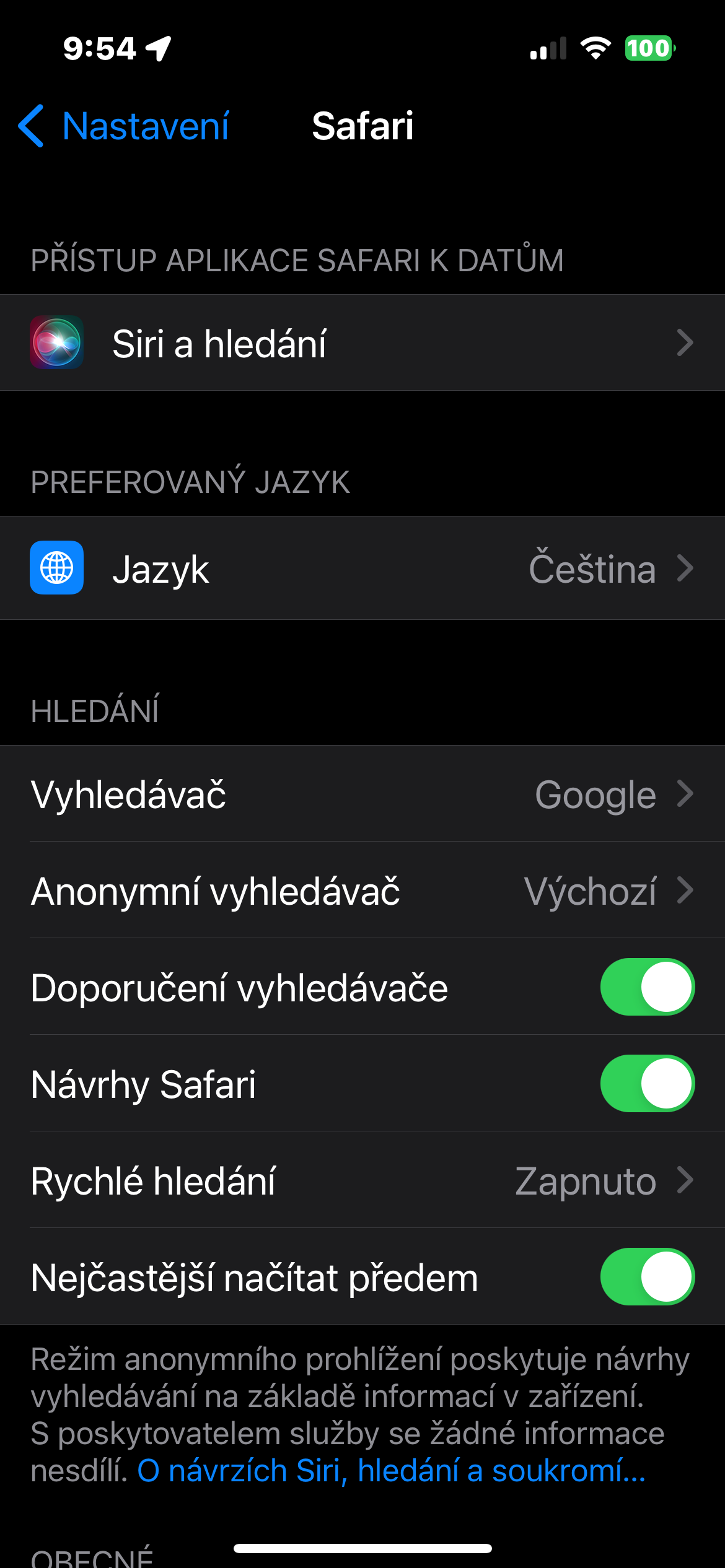

Then just select the search engine you want to use in incognito mode. The change will be reflected in future searches in private panels. Safari, while normal mode can continue to use another service.
It's a small option that's easy to overlook, but it makes a lot of sense in practice. If you're using incognito browsing for privacy, it makes sense to be able to separate not only your history and panels, but also your search method itself.