Commercial message: If you are shooting videos on iPhone, camera, drone or maybe you just occasionally edit older footage from your family archive, you've probably encountered a problem that everyone knows. The video looks great on your phone's screen, but when you send it over WhatsApp, uploading to social networks or re-downloading from cloudsuddenly loses sharpness, noise appears, the image starts to look blurry and the originally good shot suddenly becomes something that you are not happy to share. And it is precisely such situations that are targeted Macxvideo AI, which is part of the celebrations 16th Anniversary of MacXDVD brings very interesting events to the center.
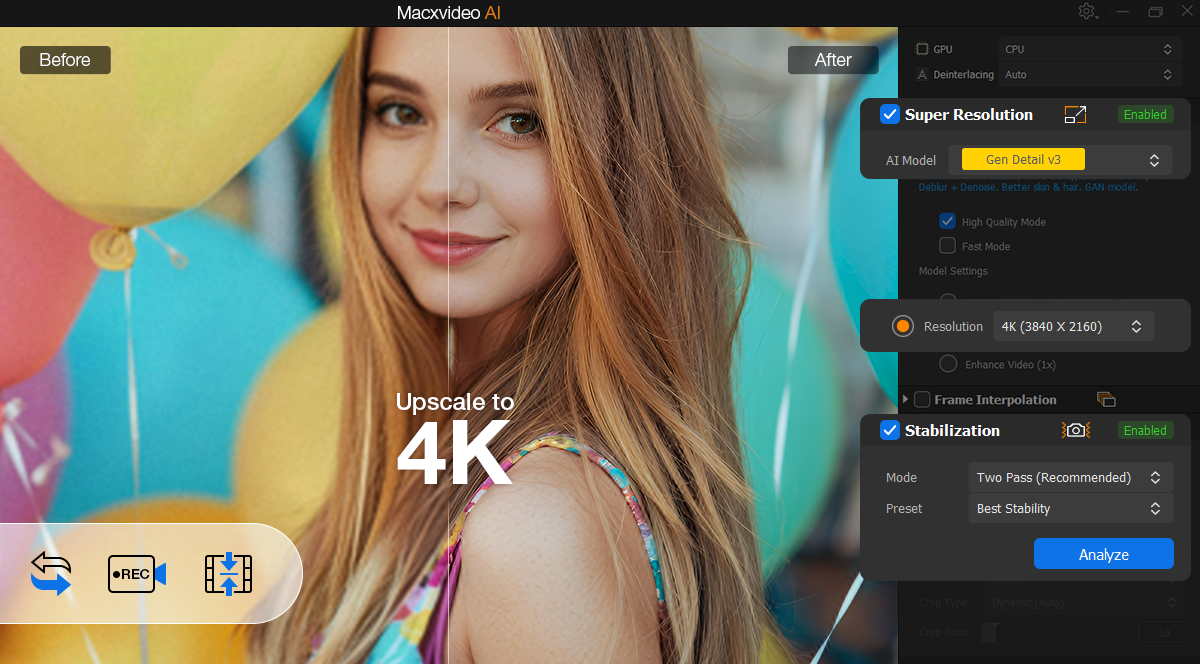
Videos get more attention than you might think
Just one forwarding via chatapplication, upload to social networks or another export from an editing program and the quality often drops noticeably. Compression is not without its faults, so fine details disappear, edges fall apart and the image starts to look significantly worse than the original recording. Add to this shooting in poor light, a shaky hand, different formats across iPhonem, Mac, cameras and social networks, and suddenly it becomes clear that working with video can be quite annoying even for the average user.
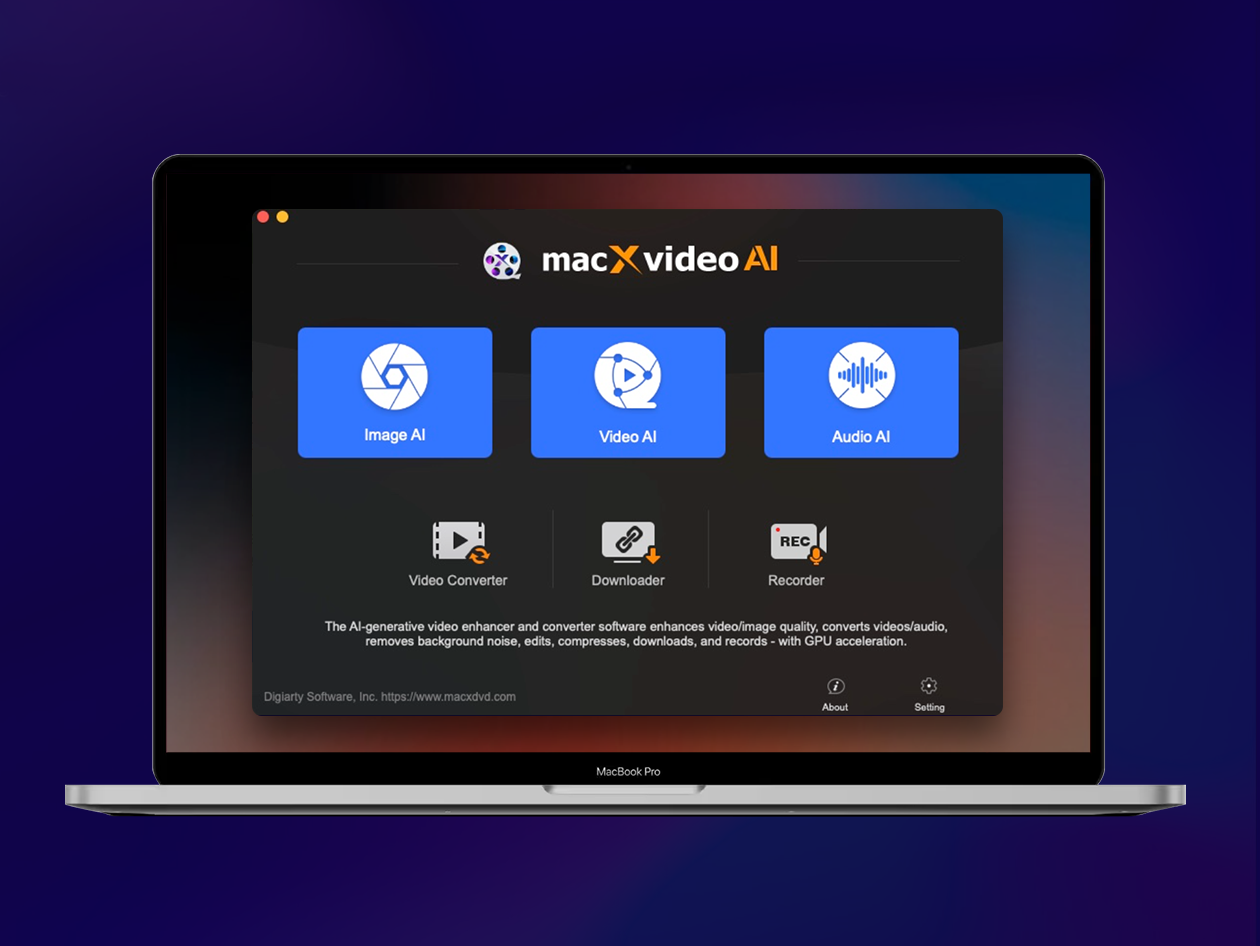
Macxvideo AI as a universal assistant
This is where Macxvideo AI comes in, trying to combine several tools into one package. It is not just a classic video converter, which we have seen many of over the years, but a much broader solution built on artificial intelligence. It takes care of improving videos and photos, upscaling up to 4K for videos and 10K for images, compression, format conversion, basic editing and screen recording. In other words, if you don't want to open another application for every little thing, this is exactly where Macxvideo AI starts to make sense. You can try it out directly on the MacXDVD website here.
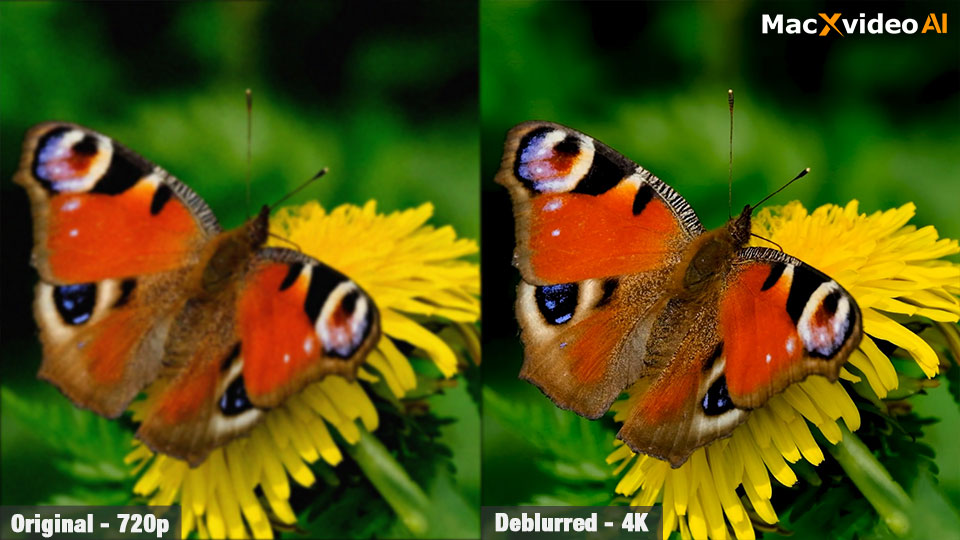
Rescue videos damaged by compression
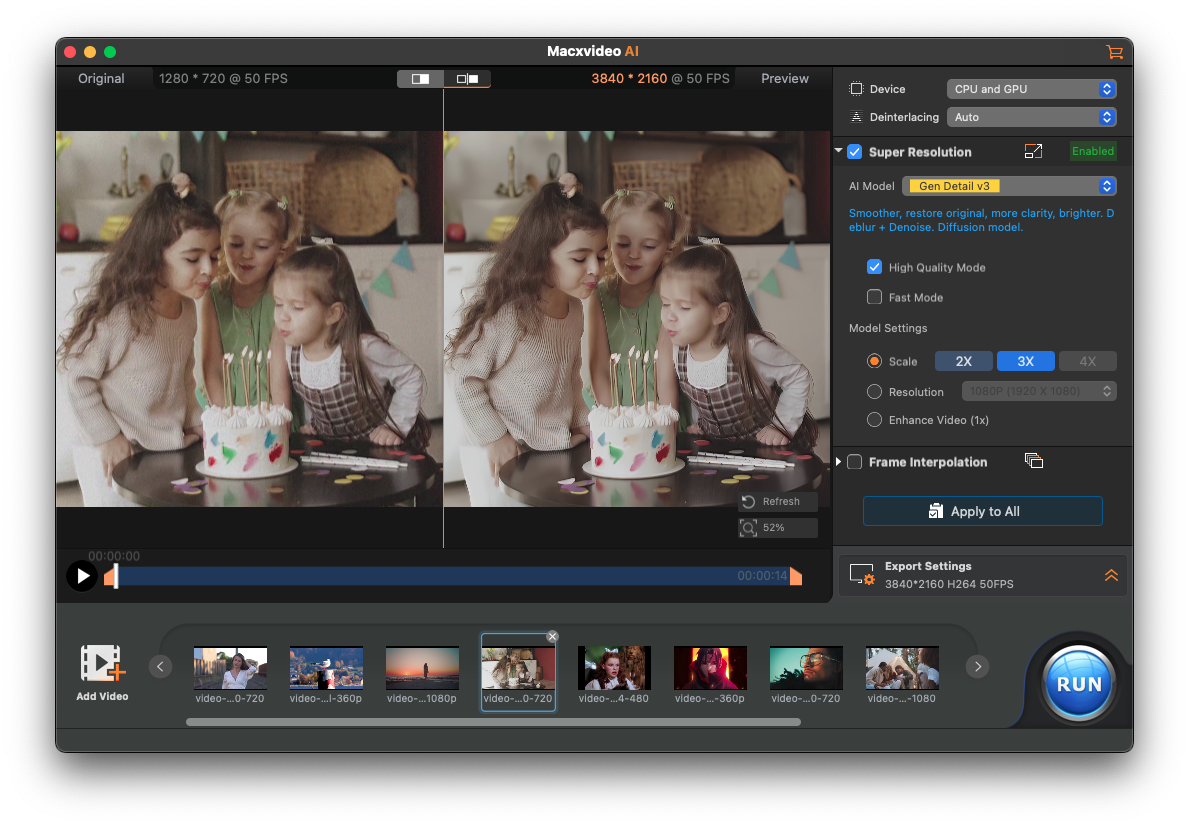
The greatest strength of this software is that it solves problems that people encounter in everyday life. A typical example is videos damaged by compression from social networks, TikTok, Instagram or WhatsAppu. After several retransmissions, the image is often grainy, loses detail and looks significantly worse than the original. In such cases, Macxvideo AI does not just try to artificially sharpen the image, but uses AI reconstruction to calculate the lost details, so the footage can look more natural, sharper and overall more usable.
Better shots even in low light
Similarly interesting is the cleaning of footage shot in poor light. Anyone who has ever filmed in the evening, at home or in dim light knows that noise can quickly bury an otherwise good video. Macxvideo AI can suppress digital grain without making the image look like a blurry wax figure. The goal is to preserve textures, skin, hair and other fine details, which is exactly the area where ordinary filters often fail.
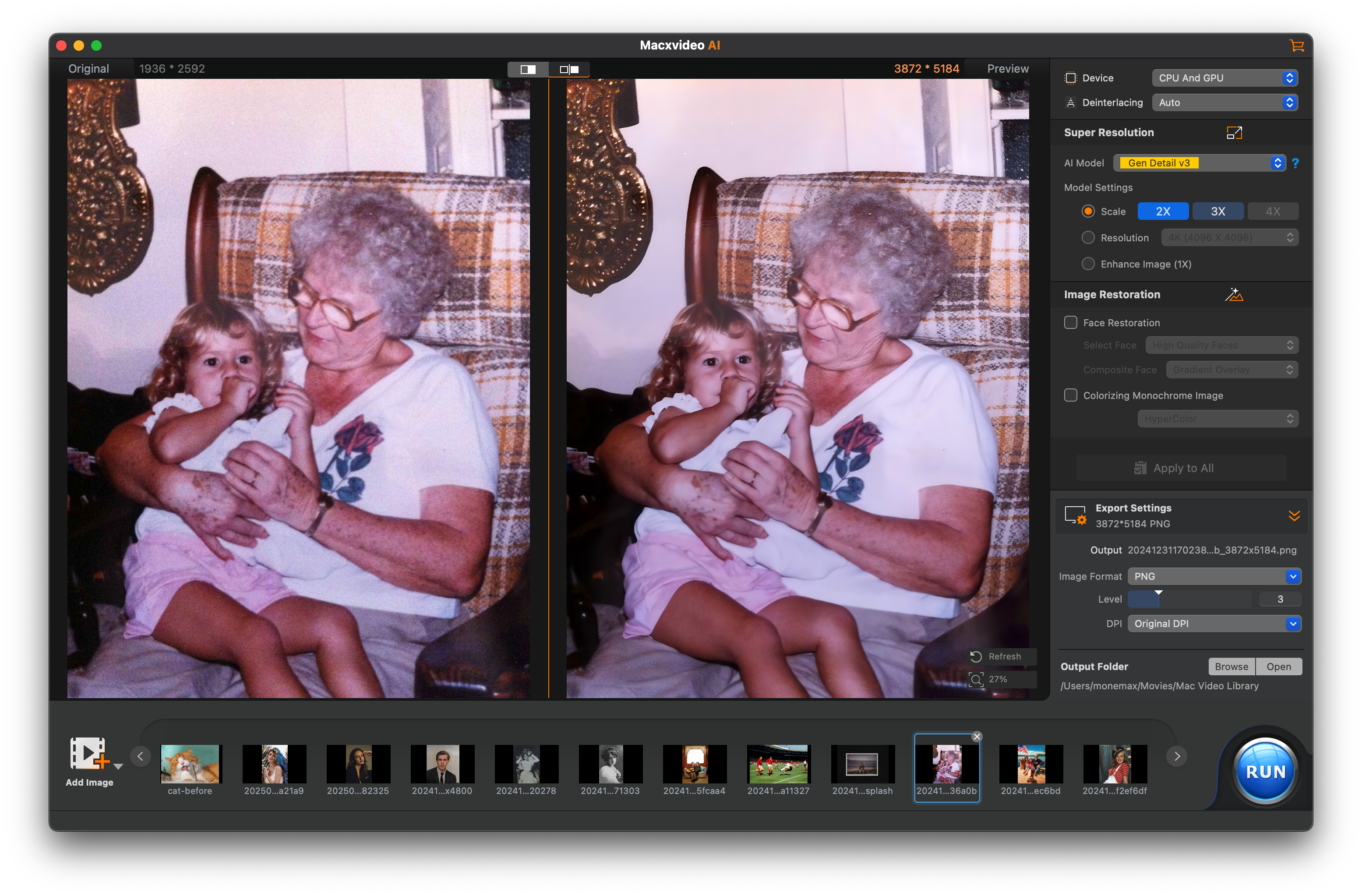
Older videos can be re-watched
The ability to revive older videos also sounds very good. Do you have footage from DVDs, VHS, an old phone or the first digital cameras at home? On today's displays, similar materials often look quite uncompromising. Macxvideo AI can convert them to a higher resolution of up to 4K, and it's not just a matter of simply stretching pixels. The software tries to calculate faces, textures and fine elements so that the result looks more modern and more watchable.
Shaky footage, different formats and full storage
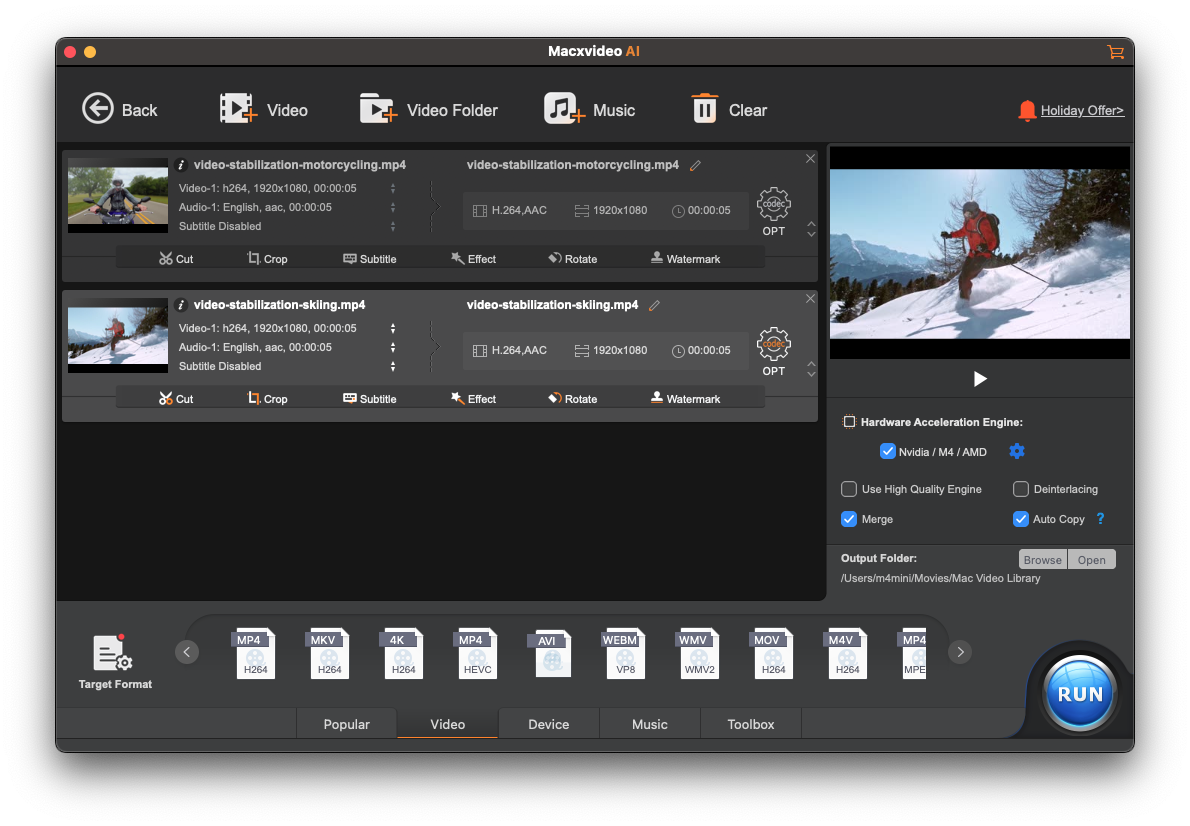
You can't forget about stabilization either. Shaky handheld shots, zoomed videos without a gimbal, or quick snapshots from a trip often end up in a way that makes you feel like you're in a bad place.onec rather deletes. Macxvideo AI offers advanced motion-tracking stabilization to turn chaotic footage into smoother video with miniwith a small cut.
Equally practical is the conversion between formats such as MP4, MOV or MKV, working with different codecs or compressing large 4K and 8K files. So if your video is taking up too much space on your Mac, iPhone or you need to get it to a more reasonable size for sharing, Macxvideo AI can also serve as a very handy compression tool.
Privacy stays on your Mac
Another nice thing is that all processing is done locally on the Mac. No uploading of sensitive videos to cloudu, no waiting for remote servers and no unnecessary privacy risks. Macxvideo AI also uses GPU acceleration on Intel, AMD, NVIDIA and Apple M1 and newer chips, so the performance should be noticeable mainly where regular tools would unnecessarily delay.
Annual event brings discounts and rewards
In addition, MacXDVD is currently celebrating its 16th anniversary, and on this occasion, a special anniversary campaign is running with a discounted price for Macxvideo AI. It also includes a “Share Your Story” program, where users can share their story and receive rewards in the form of GoPro cameras, hard drives or Amazon gift cards. Macxvideo AI's annual offer can be found here and herself MacXDVD 16th Annual Campaign then here.

Summary
In short, Macxvideo AI makes sense mainly for those who want to save older videos, improve footage from their phone, get rid of noise, reduce huge files or simplify working with different formats. It is not just another application in the number, but rather a universal video and image assistant that tries to solve exactly the problems that people encounter over and over again when shooting and sharing. And if it appeals to you, as part of the 16th anniversary of MacXDVD, trying it out or purchasing it makes a little more sense than ever.