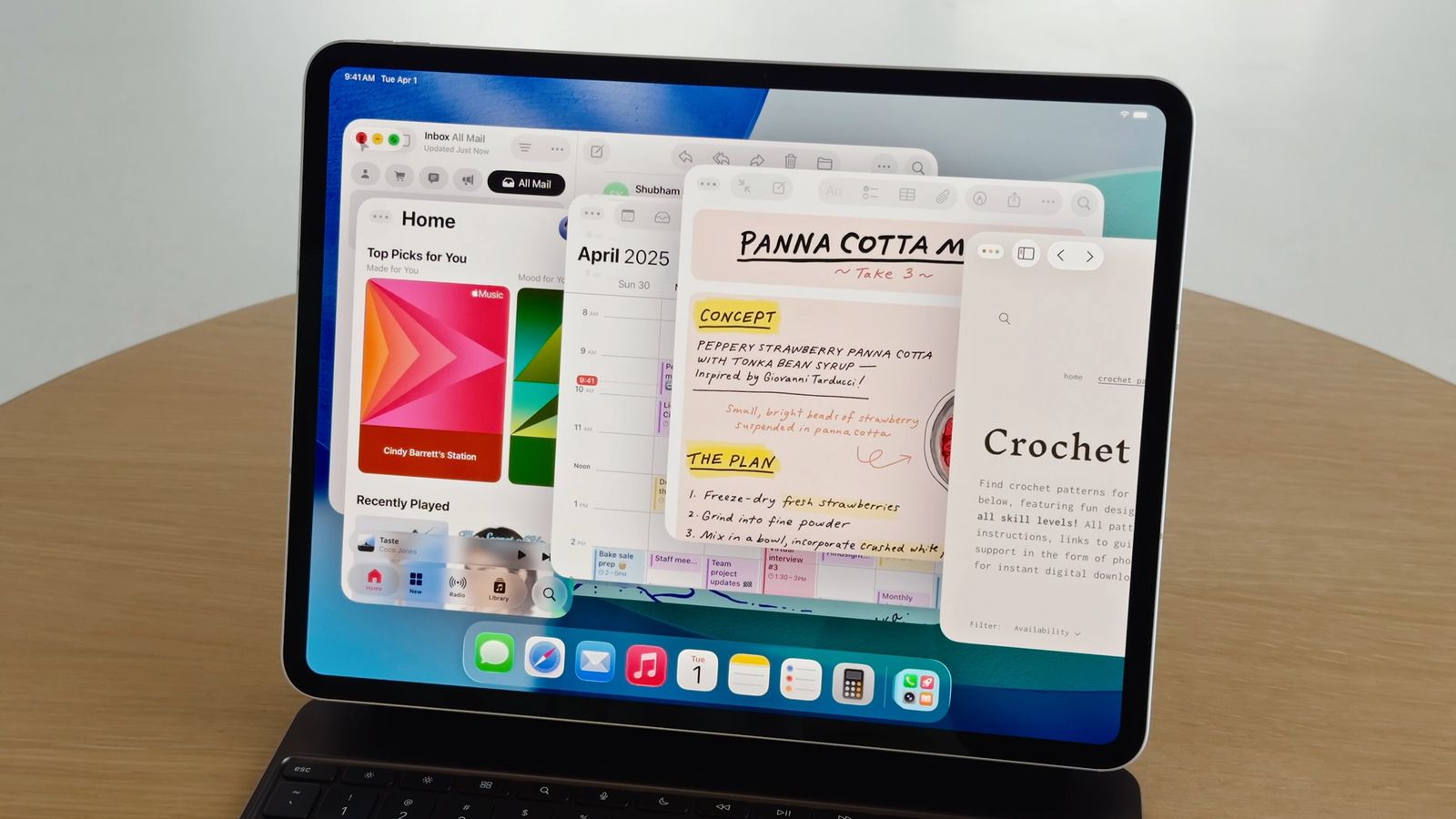
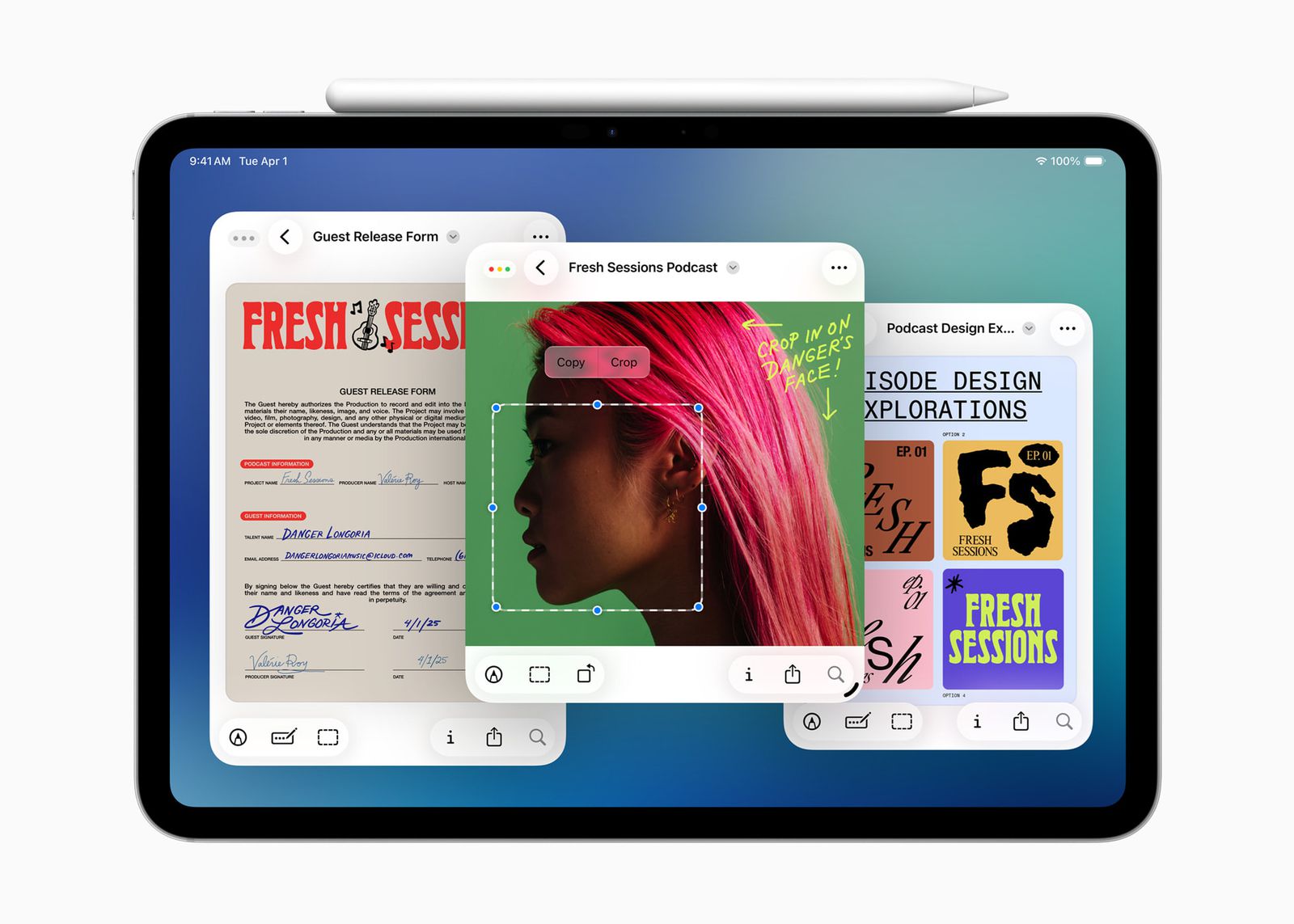
When iPadOS 26 introduced a redesigned windowing system, it was one of those changes that iPad users had been clamoring for for years. The ability to open multiple windows of the same app, move them around, and resize them brought the iPad closer to a classic computer. But after a few days of use, a certain problem began to appear. Windows began to “get lost.”
You might be interested in

It's not that they've disappeared, but you've simply lost track of how many you actually have open and where they are. And this is exactly what's new in iPadOS 26.4. When you open an app that has multiple windows in the background, the system will now notify you with a small pop-up window with information like "X hidden windows." Tapping it will immediately show them all.

You will typically appreciate this minor improvement when working with Safari, notes, and documents at the same time, where you open multiple windows of the same application and then jump between them. Without such help, you often ended up accidentally opening a new window instead of finding the original one.
It is interesting how Apple This feature was implemented. The notification doesn't pop up every time, but rather in situations where you return to the application after a long time. It's less distracting and doesn't get in the way of quickly switching between applications, which could otherwise be annoying. It's clear that Apple is trying to find a balance between information and peace of mind while working. Functionally, this new feature partially returns to what the Shelf feature previously offered in iPadOS 15, only in a more modern and less noticeable form. Instead of a separate interface, you get contextual information exactly when you need it.
Gallery