
Most of us resize windows in macOS by clicking and holding the cursor in one of the corners of the window we want to enlarge or reduce. Then drag the cursor to where the window size should be adjusted. I'm not saying this procedure is bad, not by chance. But there are three tips that you can use to make windows bigger or smaller in other ways. Using these tips, you too can become an absolute expert at resizing windows in macOS. So how to do it?
Soon you will be able to Letem svetem Applem read a review of last year's premiere Mac mini:
Gallery







First tip – the Option key
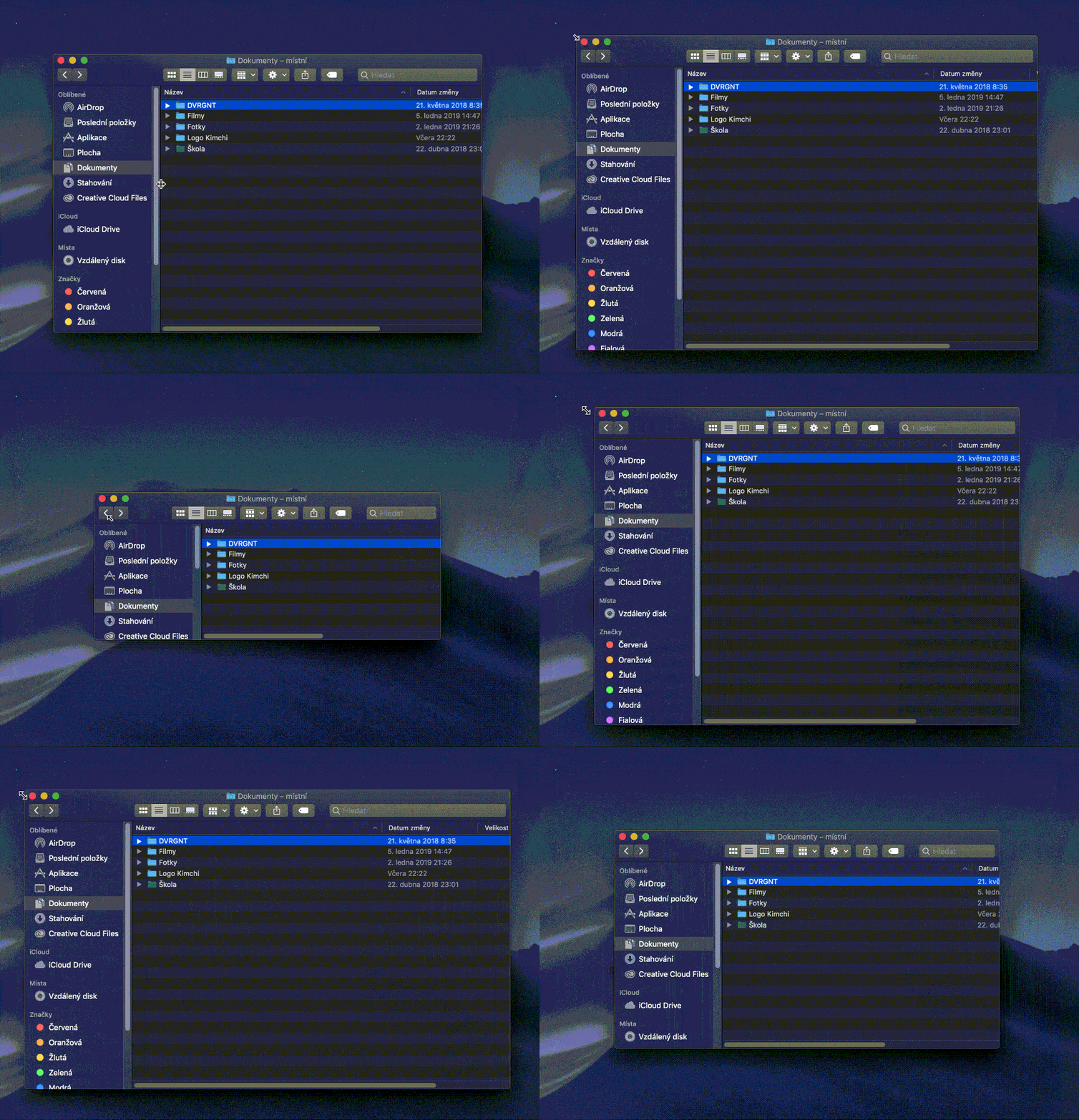
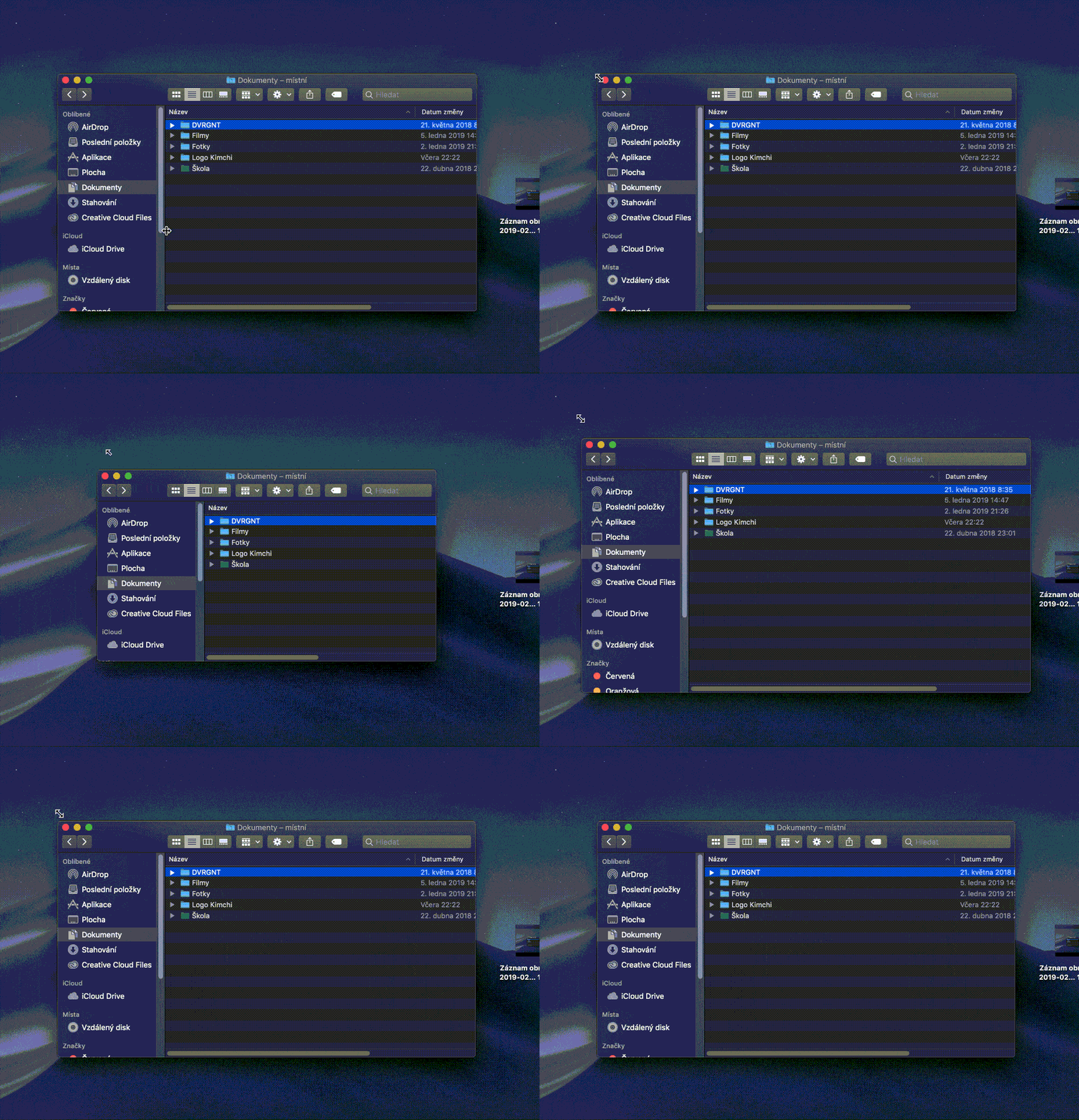
If you hold down the Option key while resizing windows , the content will stay centered and the window will grow or shrink depending on where you drag the cursor. This is practically the same as resizing a window, except that the content will stay centered in the window.
Second tip – Option + Shift keys
If you hold down the Option and Shift keys at the same time while resizing or resizing a window , the window will resize proportionally depending on which corner you want to resize the window from. In practice, this means that the window height:width scale will be maintained . At the same time, the window content will remain in the middle , just like in the first tip. Personally, I use this tip the most out of all three tips.
Third tip – the Shift key
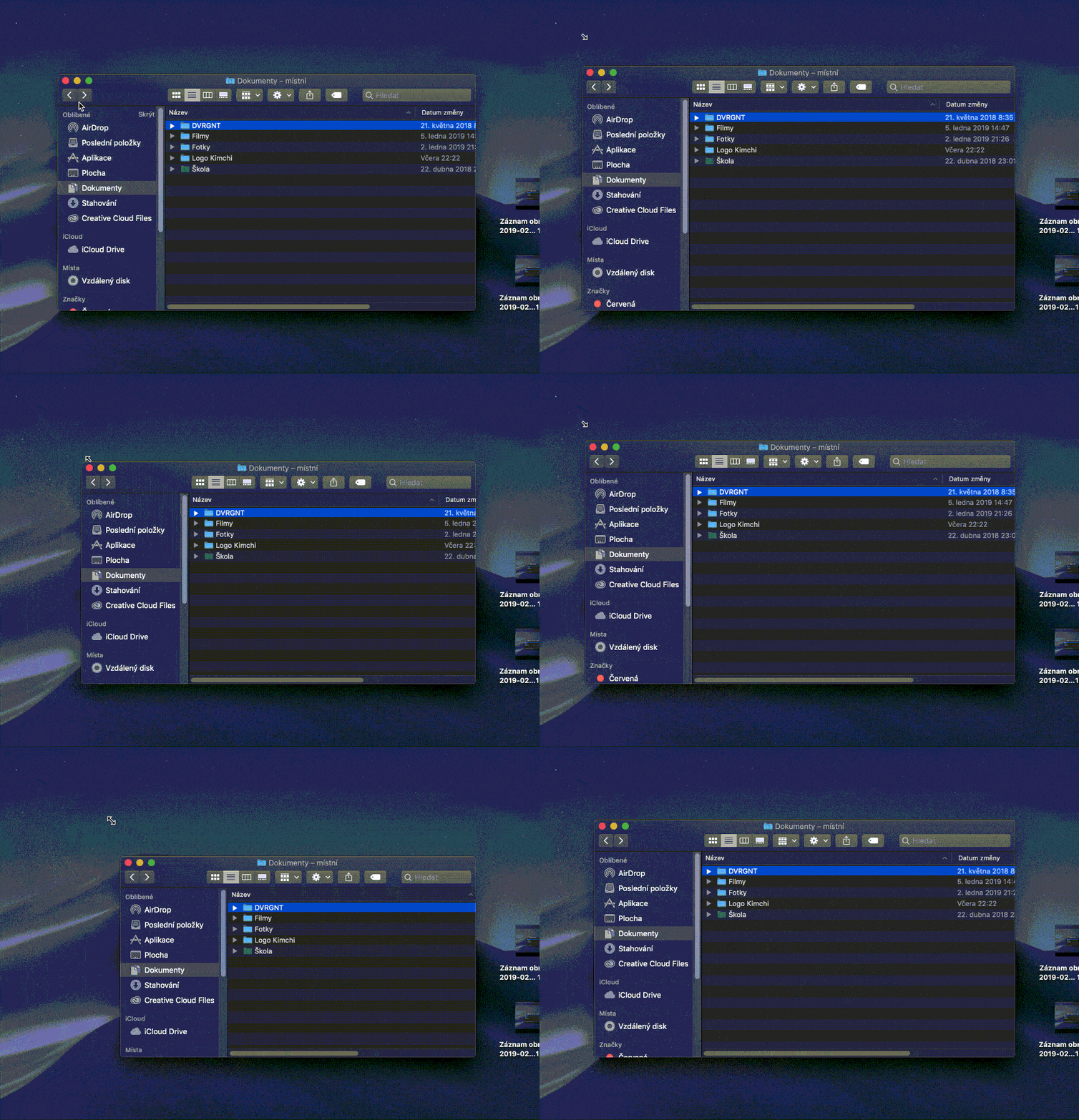
If you want to resize the window proportionally again , but in such a way that the window content does not remain in the middle , but the window will only expand where you move the cursor, then hold down the Shift key . This tip is very similar to the second tip, but this one does not keep the window content in the middle.
I hope these tips have helped you organize your desktop better. As I mentioned above, I very often use the second tip, but in some cases I also use the other two. But what are we going to lie to ourselves about, I most often use the classic window expansion without holding down any key. But once you discover the magic of these three tips, resizing windows will be much easier.
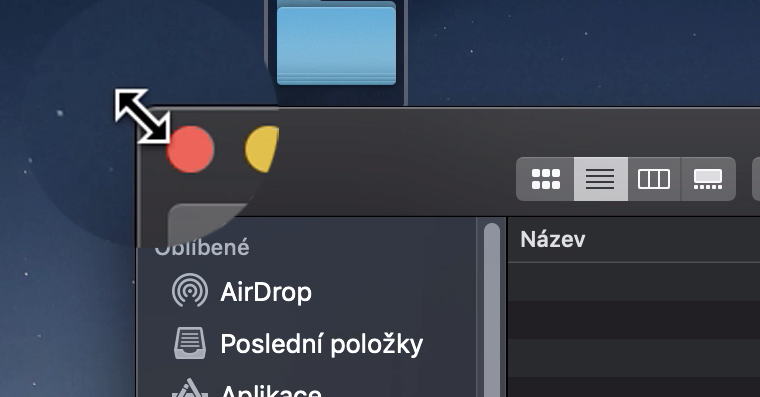








It bothers me sometimes that I... Finderit doesn't "save" the window size and every time I work in it I have to resize the window again. 😐
Set the window size finderu, then hold down the option key and at the same time move the cursor to the cross and close the window. The next time you open the window, it should be the size you set it to before closing. Does it work? :)
How can I set the window to remain the same size the next time it is opened?