I don't know about you, but I personally have a habit of whenever I get my hands on a new iPhone, immediately visit its settings and play around with the video and photo formats here to make everything as high-quality as possible. But while doneIt used to be true that these steps would actually "only" increase the storage space requirements on the phone, with the advent of iPhone 17 Pro (Max) this restriction has been substantially expanded.
Specifically, if you set the highest setting in the Video Recording section of the camera settings, which is 4K recording at 120 fps, you will lose the ability to shoot with the telephoto lens. The 4x and 8x zoom options will disappear from the native Camera app completely. If you then set the second highest option, which is 4K recording at 60 fps, you will have all available zooms available – except for 4x and 8x, and even 0,5x, which is also missing at the highest setting.
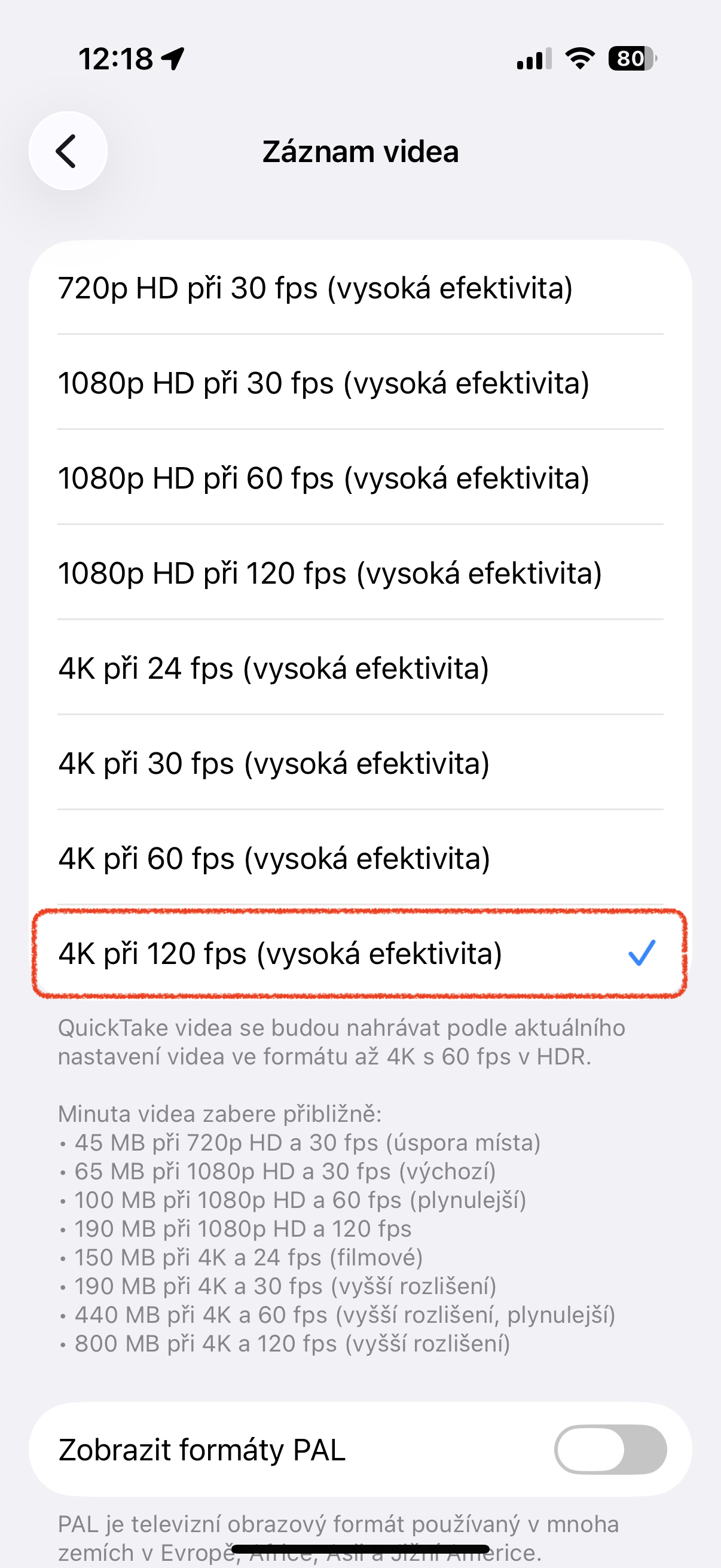
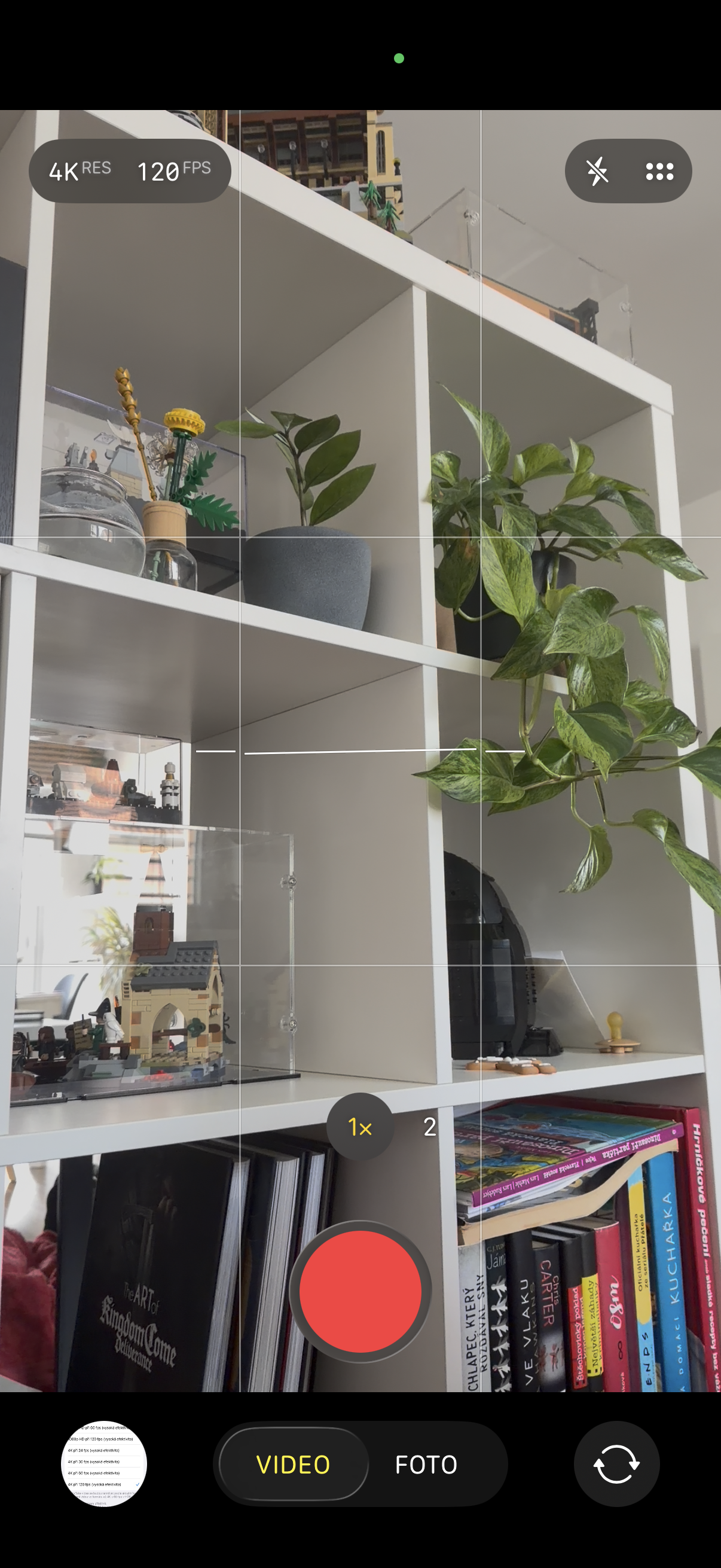
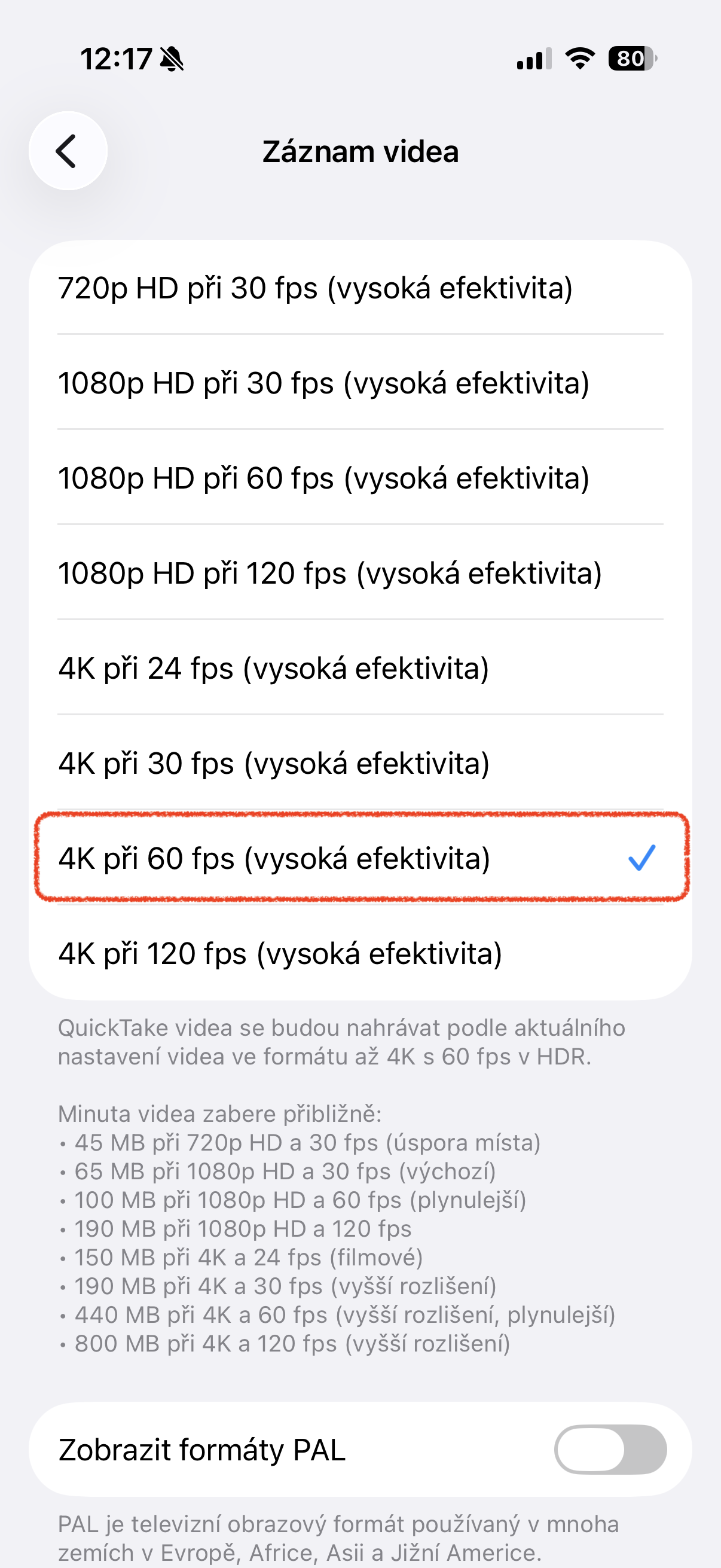
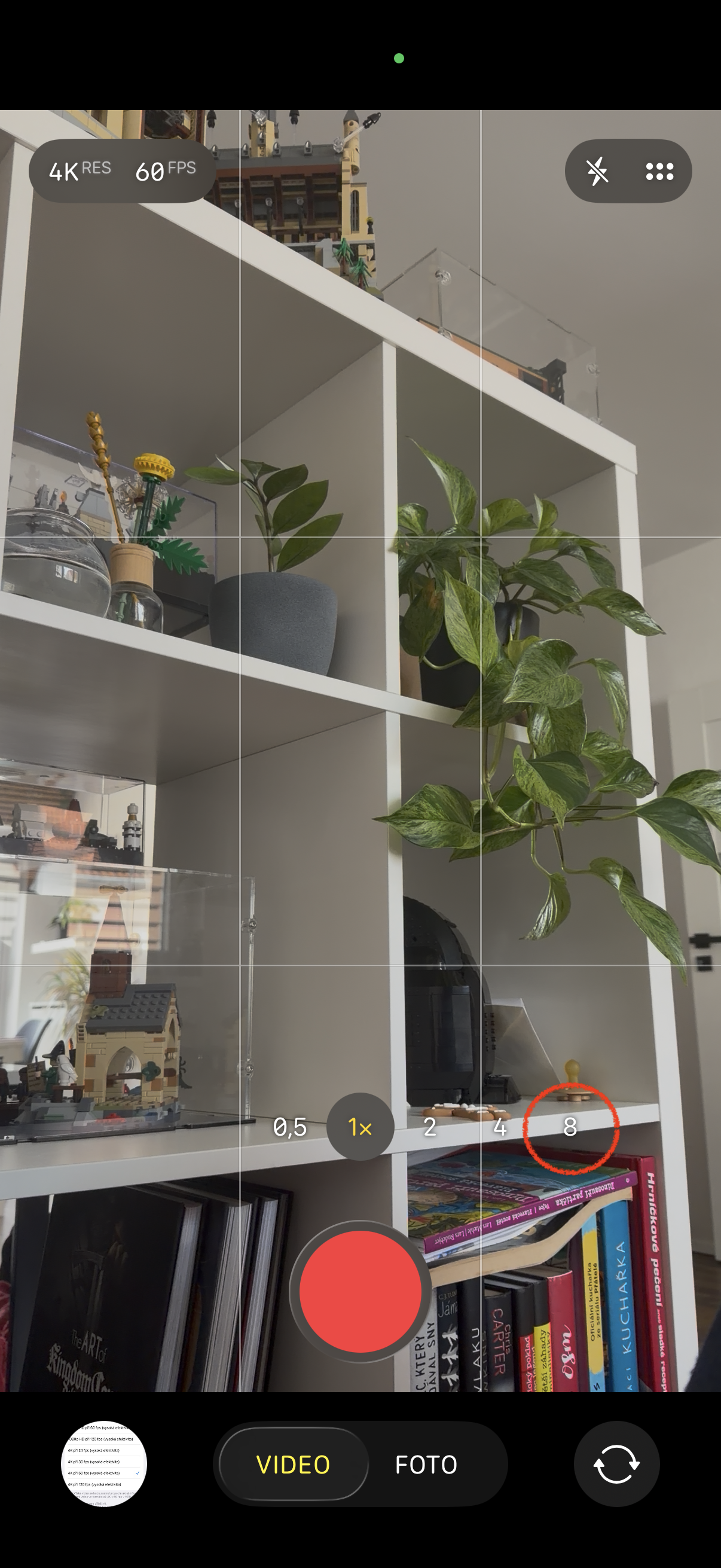
Some of you may write to me that I can set the frame rate directly in the Camera application, which of course I know very well. However, my point is that when I need to film or take a picture of something, it often happens that I need to do it really quickly and there is definitely no time to play with the settings. The default video setting to 4K at 60 fps is therefore a much more universal thing for me at the end of the day, precisely because of the zoom options that are retained here.
If you need 120 fps, which is a frame rate primarily suitable for videos with fast-moving objects, you can switch everything (as mentioned above) directly in the camera. However, if you, like me, are interested in versatility, I recommend setting the video format to 4K at 60 fps and having 5 possible zooms at hand, which are sometimes more useful than a higher frame rate. However, I still can't help but feel a slight aftertaste - on iPhonech 16 Pro and older ones, when using 4K up to 120 fps, you still have 5x zoom.