
Apple v iOS 26 presented new Liquid Glass design, support widgetin CarPlay and a number of improvements. Among them is a small detail that will please anyone who has ever accidentally taken a photo dozens of unnecessary screenshots throughout CarPlay.
Until now, it has been true that every screenshot taken on iPhone automatically captured the screen CarPlay, if the device was connected. The result was hundreds of unnecessary navigation or player images in the Music app library – and frustration for many users.
You might be interested in
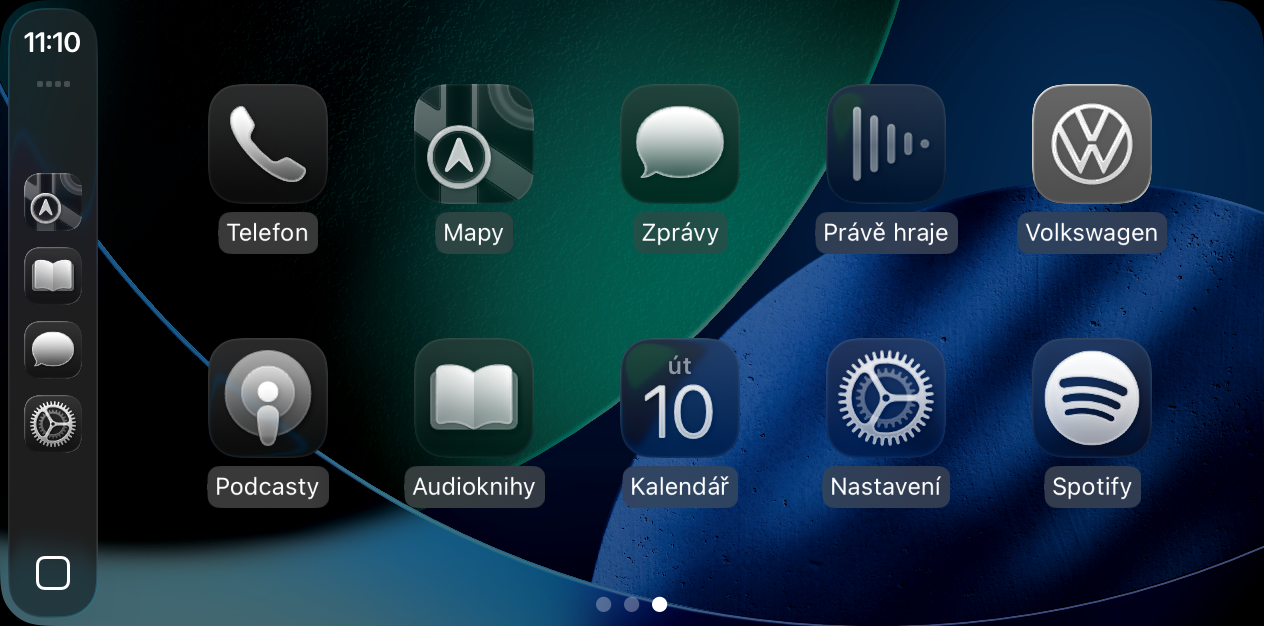
New toggle in settings
iOS 26 konecomes up with a simple solution. By default, screenshots are CarPlay completely off. After the update, so common screenshot on the iPhone, only the phone itself will capture – not CarPlay.
Gallery

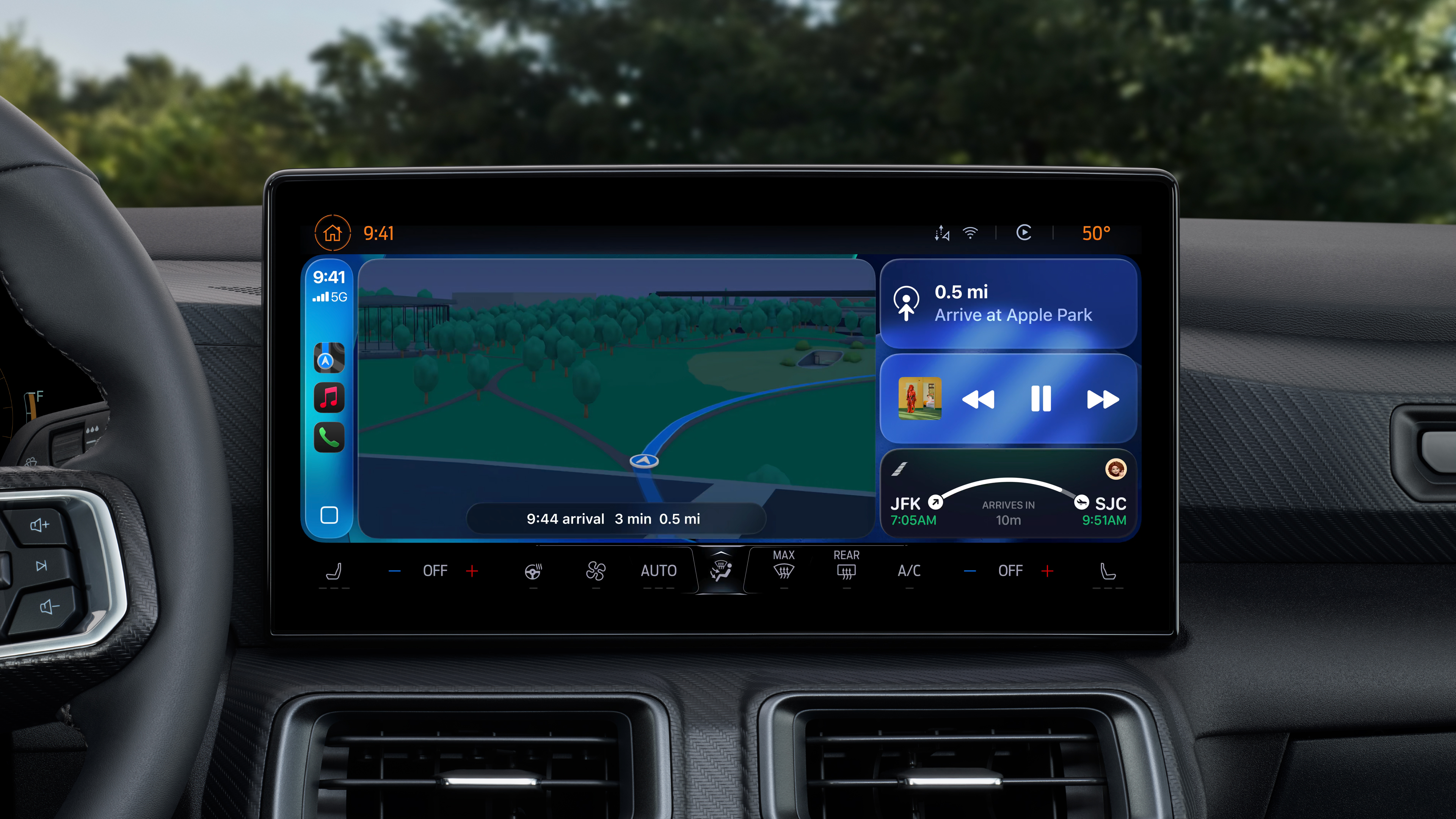
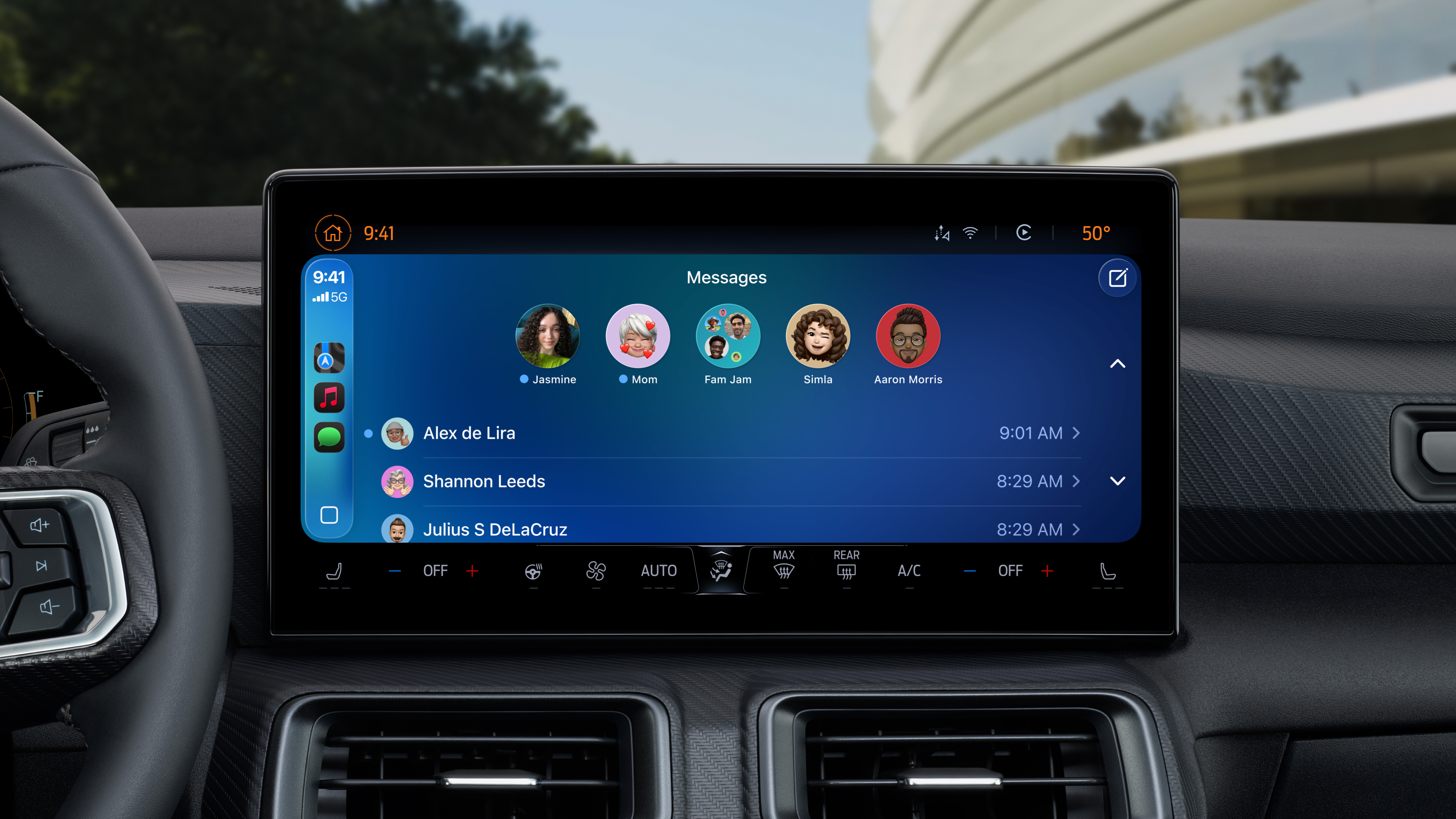
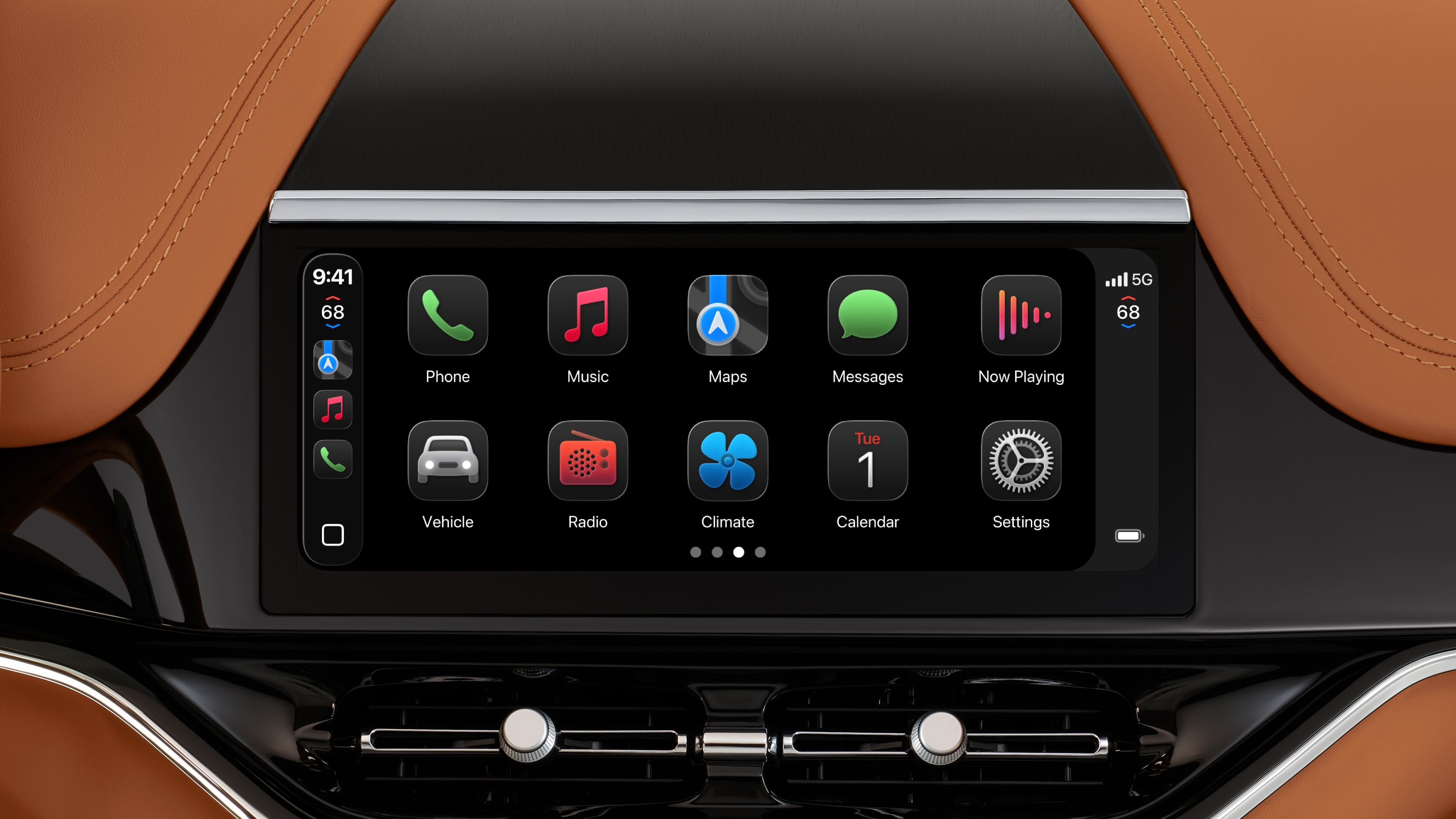
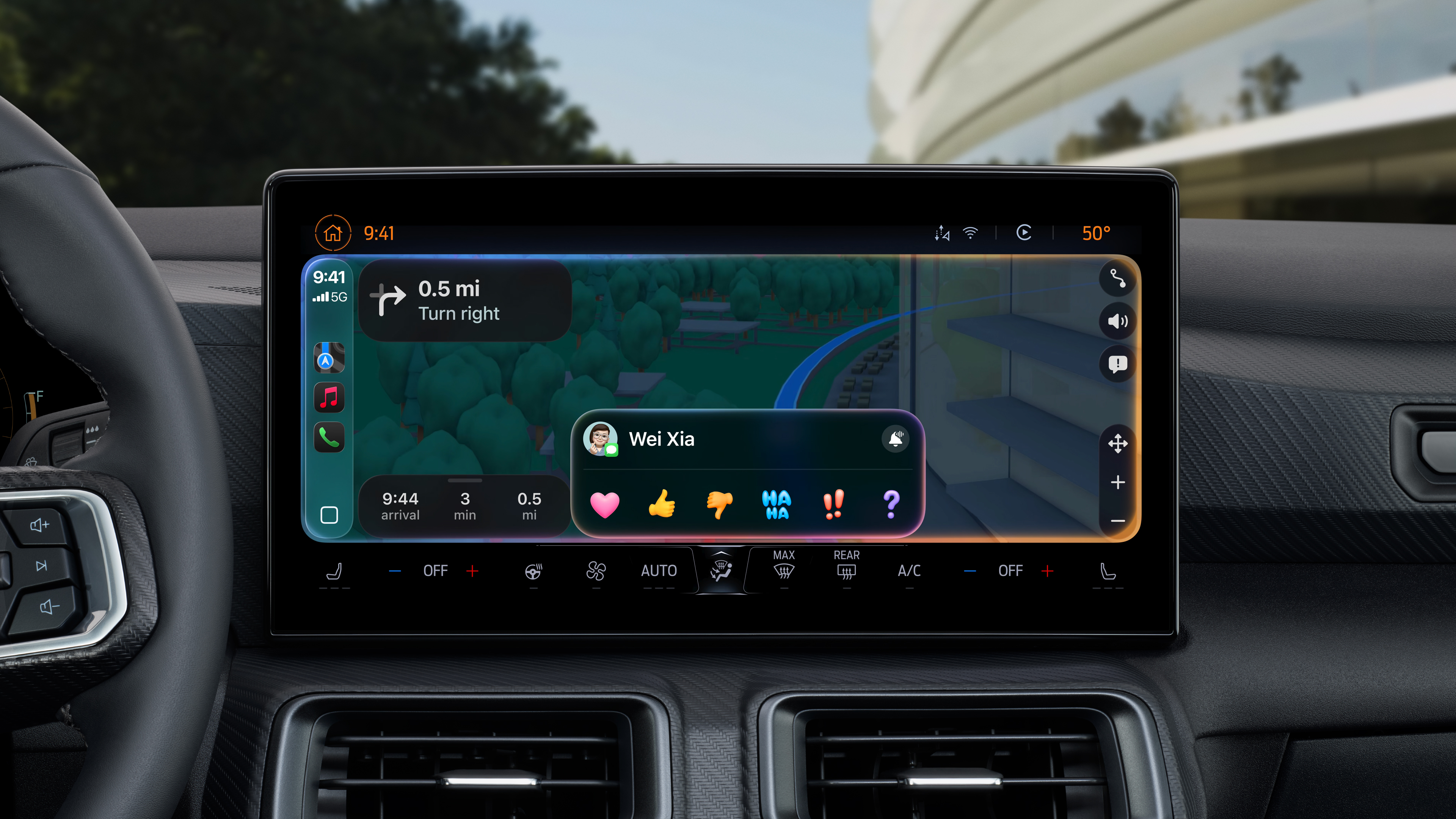

Pro those who still want to capture the screen CarPlay, a new switch is available:
- Open it Settings
- Click on In general
- Select Screenshot
- Turn the option on or off "Snapshots" CarPlay"
It's a small thing, but it's already a big deal among users. CarPlay they discover positive feedbackMany have been asking for this option for years – andoneThey really got it. Apple thus proving once again that even small changes can significantly improve the everyday use of the iPhone and its functions in the car.

Hmm and the problem when wireless Carplay (allegedly when data connection is lost) it restarts itself, will that ever be resolved?