
Apple decided a little while ago for a big surprise. With the introduction of some novelties for iOS 19 decided not to wait until the beginning of June, but revealed them now through a press release issued to celebrate World Accessibility Day. It is "celebrated" every year on the third Thursday in May. As you can probably guess, the news revealed concerns Accessibility, which is on iPhonech was created especially for people with various forms of disabilities. However, some functions are usable by anyone, and this will of course also apply to the new features planned for iOS 19 and other OS versions – especially since in some cases these are things that are hard to believe. So what do you think of the world? Apple prepared?
Gallery
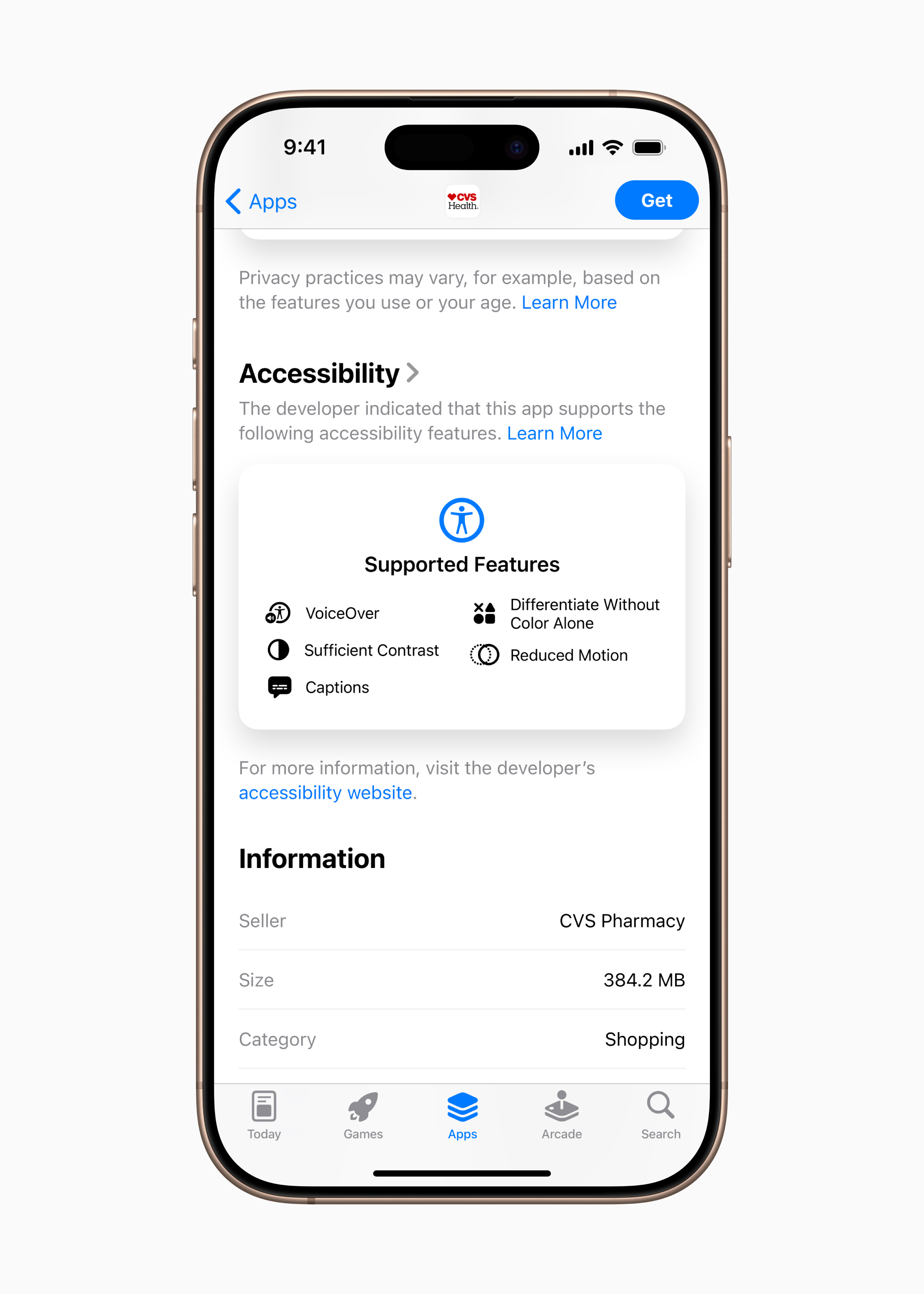
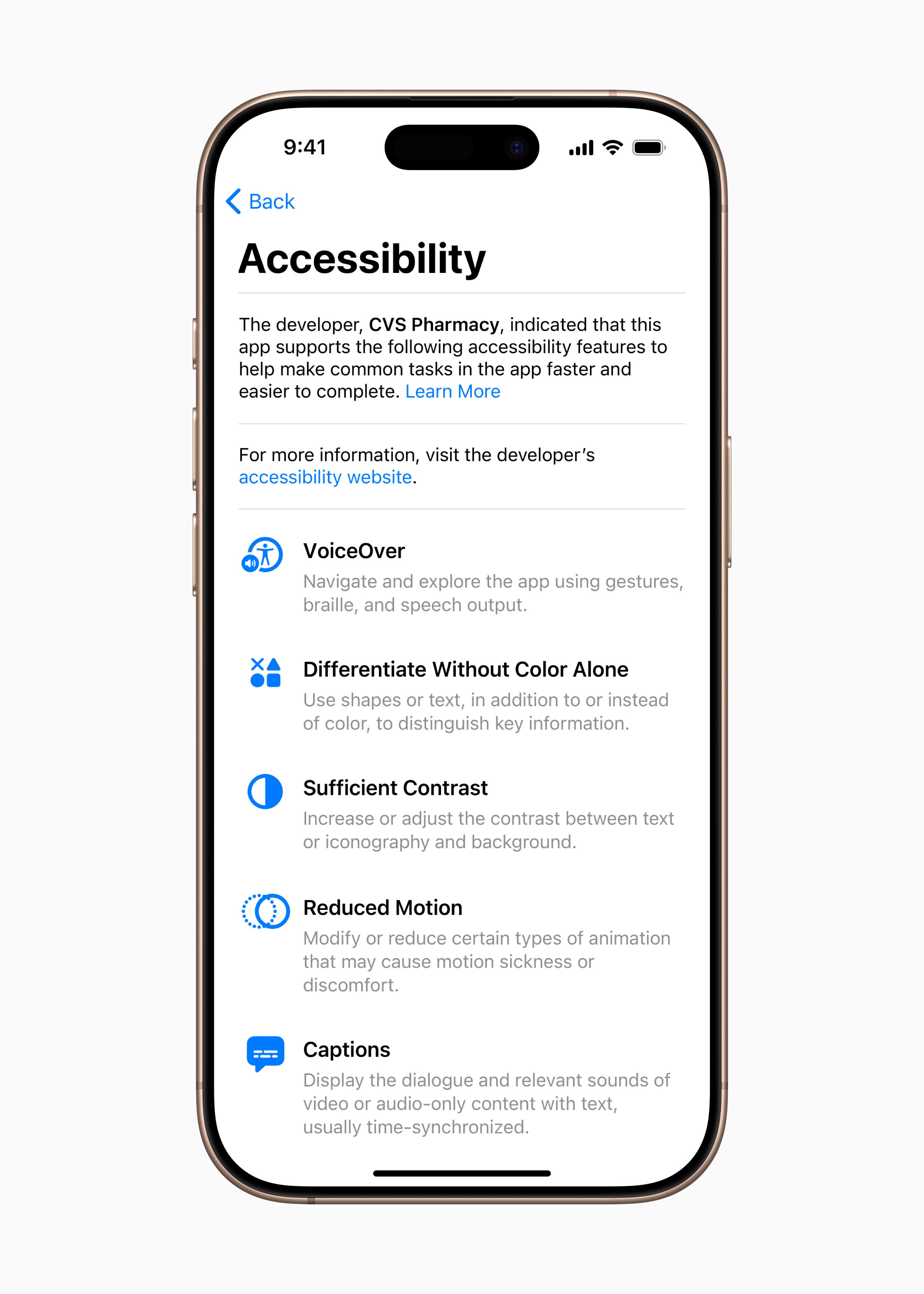
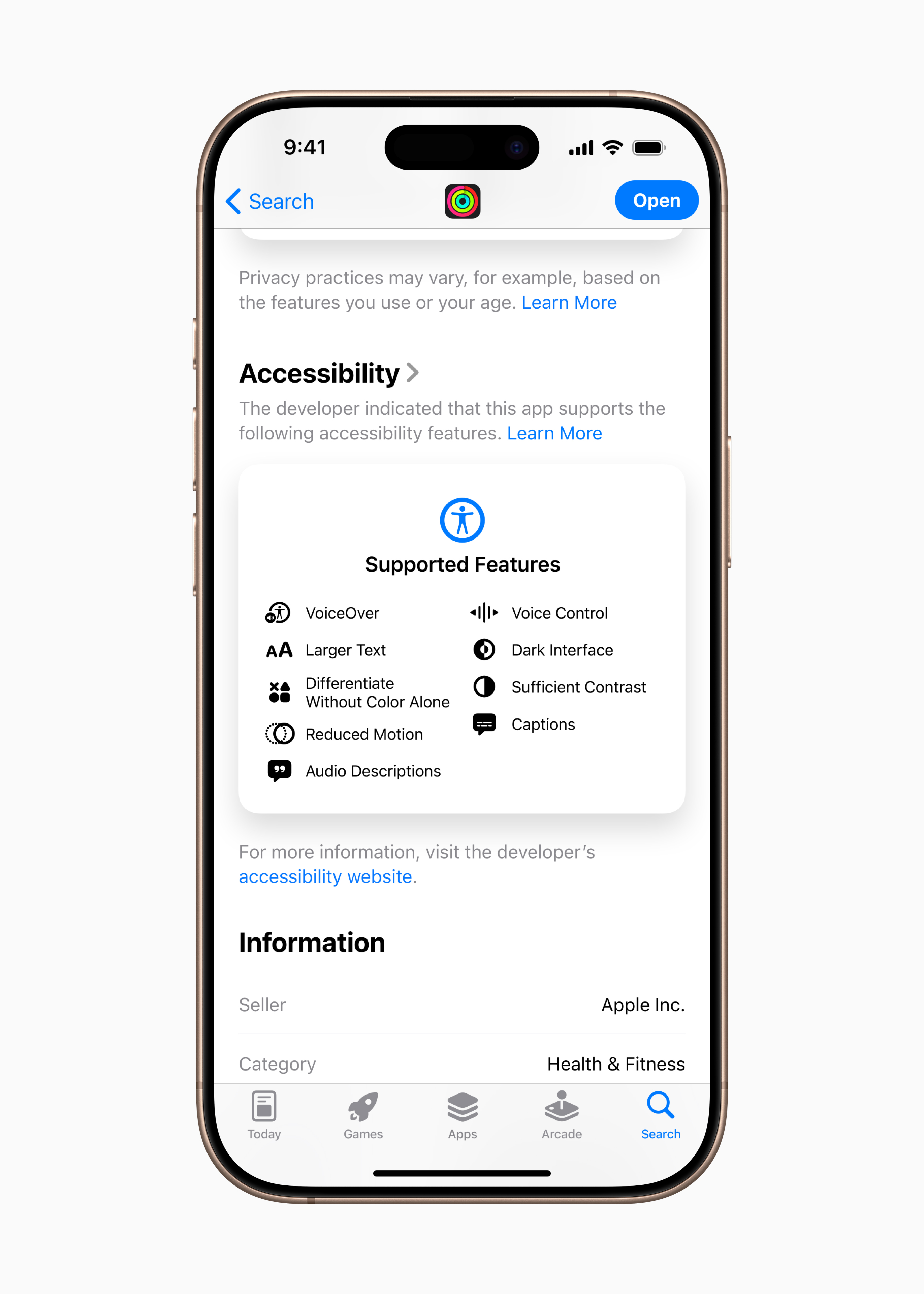
Accessibility labels in App Store
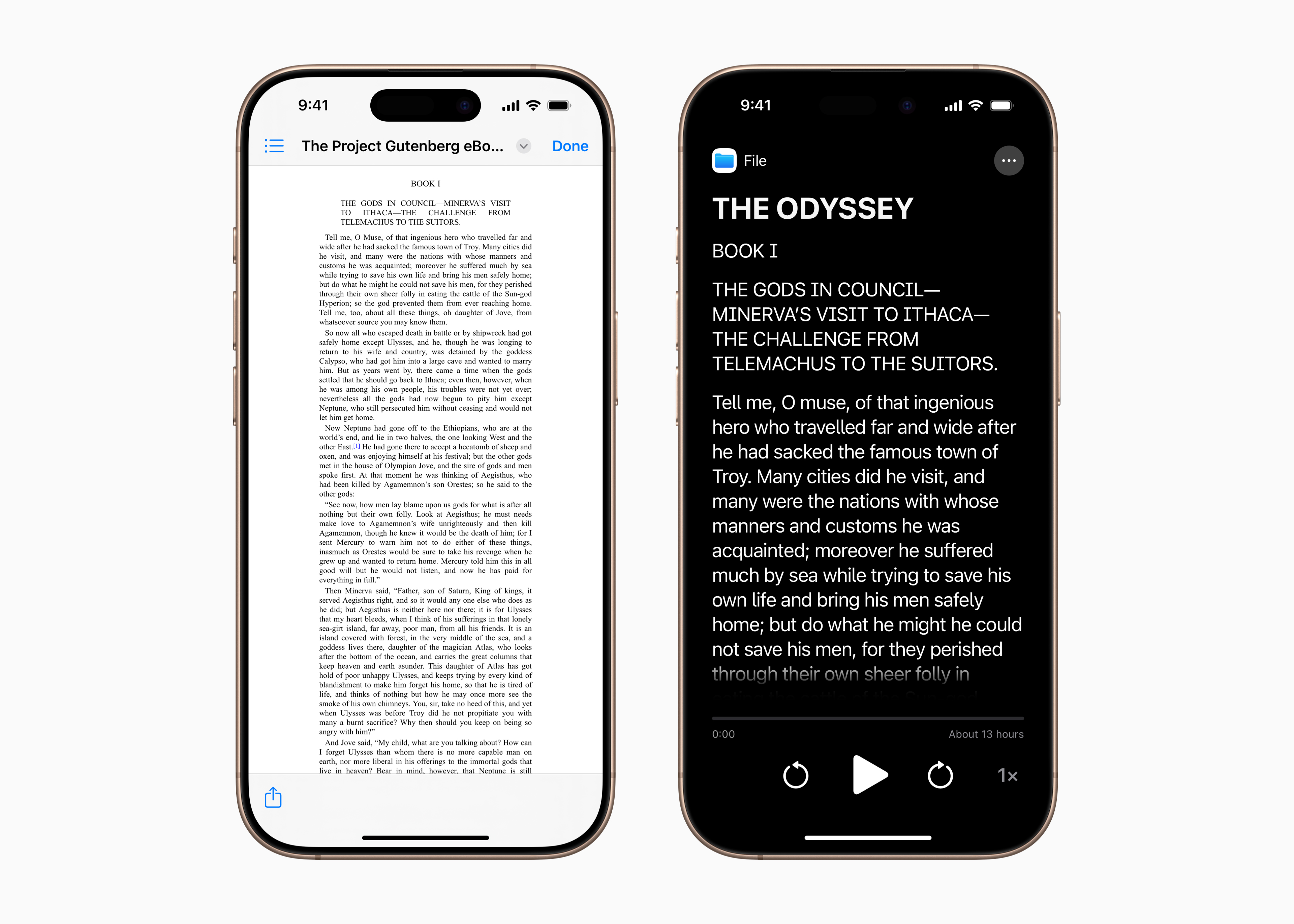
On the product pages in App Store will be a new section that highlights accessibility features in apps and games. These labels provide users with a new way to find out if an app will be accessible for them before they download it, and give developers a way to better inform and educate their users about the features their app supports. These include VoiceOver, Voice Control, Enlarged Text, Adequate Contrast, Reduced Motion, Captions, and more. Accessibility nutrition labels will be available in App Store worldwide, and developers will have access to additional guidance on the criteria that apps should meet before displaying accessibility information on their product pages.
Gallery
A brand new magnifier for Mac
Magnifier on iPhone and iPad has been providing blind or low-vision users with tools to zoom in, read text, and recognize objects around them since 2016. This year, Magnifier is coming to Mac to make the physical world more accessible to low-vision users. The Magnifier app for Mac connects to a user's camera, allowing them to zoom in on their surroundings, such as a screen or whiteboard. Magnifier works with the camera Continuity Camera on iPhone even with connected USB cameras and supports document reading using the Desk View feature.
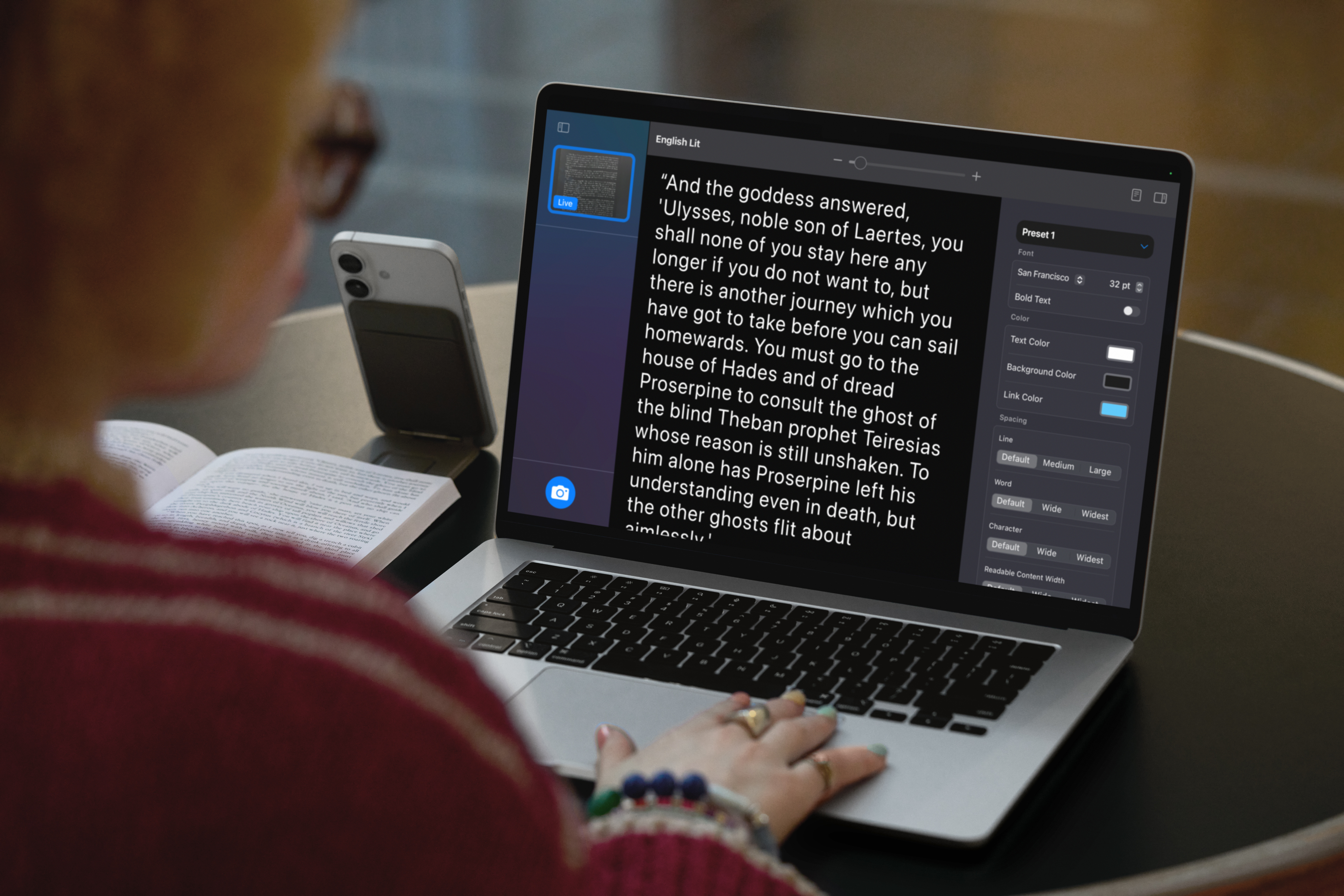
With multiple live session windows, users can multitask—watch a presentation using their webcam while reading a book using Desk View. With customized views, users can adjust brightness, contrast, color filters, and even perspective to better see text and images. Views can also be captured, grouped, and saved for later reference. Additionally, Magnifier for Mac is integrated with another new accessibility feature, Accessibility Reader, which translates text from the physical world into a native readable format.
A new experience with Braille
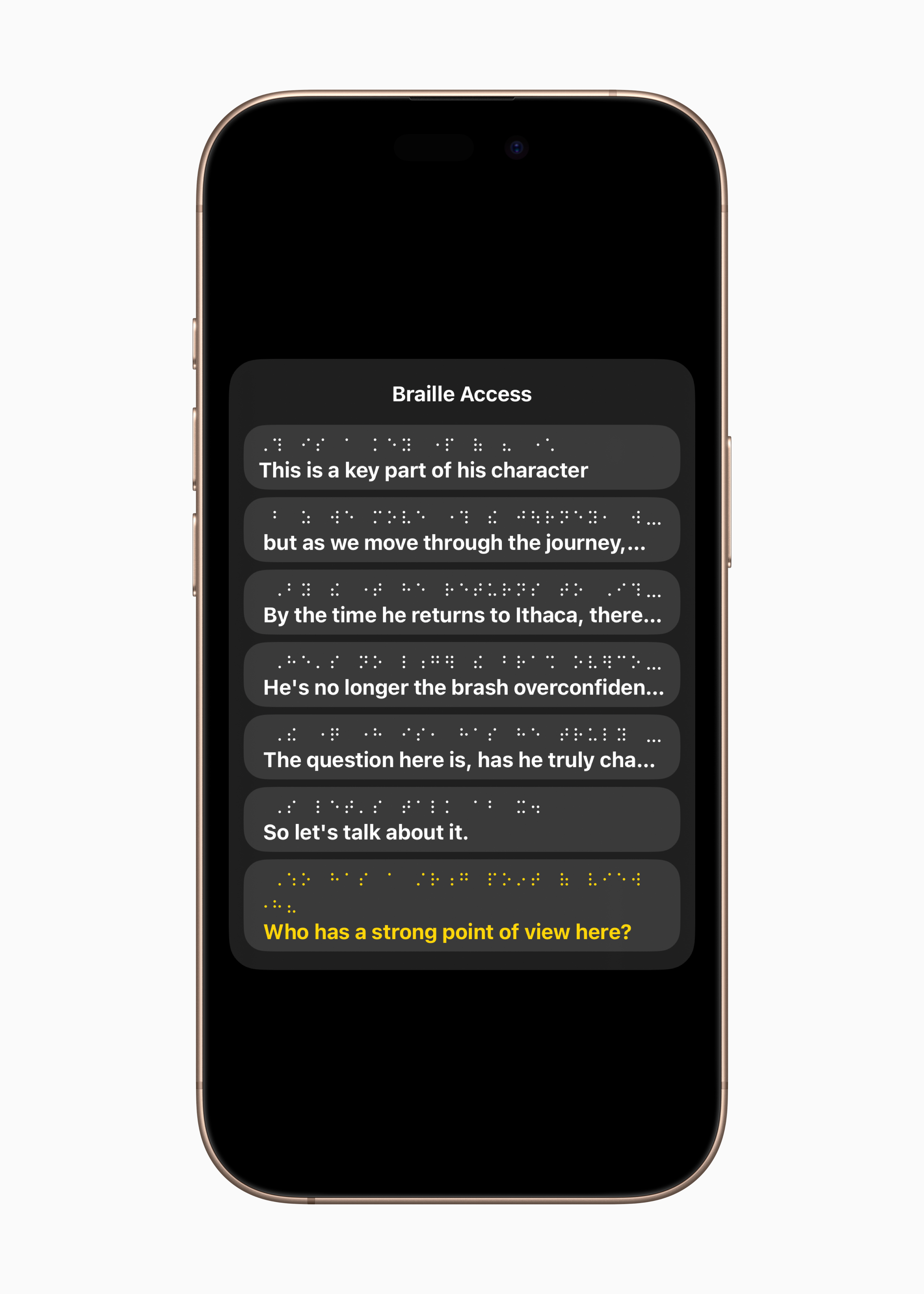
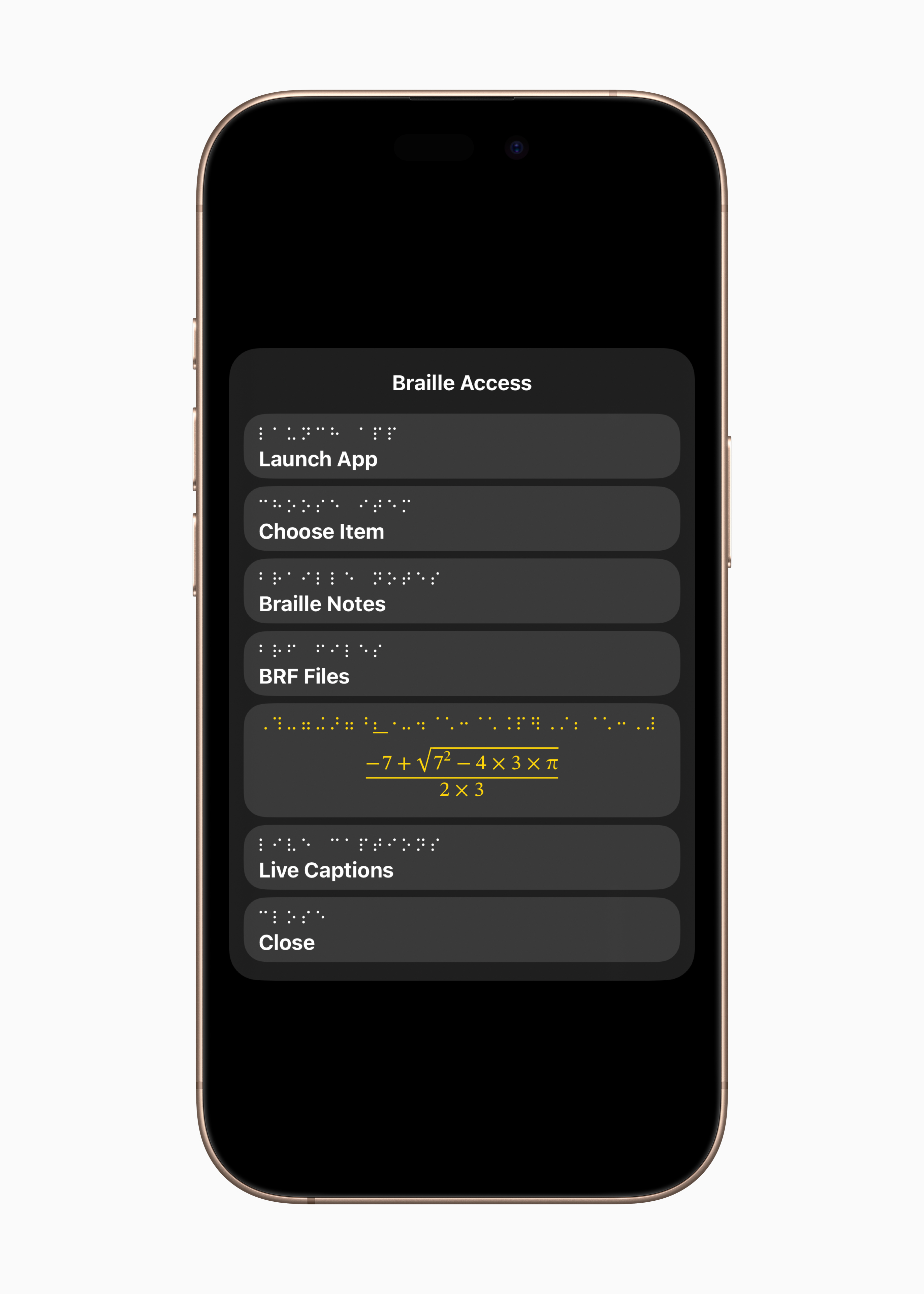
Braille Access is a completely new environment that transforms iPhone, iPad, Mac and Apple Vision Pro into a full-fledged braille notepad that is deeply integrated into the ecosystem Apple. With a built-in app launcher, users can easily open any app by typing on a braille input display or connected braille device. With Braille Access, users can quickly take notes in braille and perform calculations using Nemeth braille, a font often used in math and science classrooms. Users can open Braille Ready Format (BRF) files directly from Braille Access, unlocking a wide range of books and files that were previously created on a braille note-taking device. And integrated Live Captions lets users transcribe conversations in real time directly on braille displays.
Gallery
Introducing Accessibility Reader
Accessibility Reader is a new system-wide reading mode designed to make reading text easier for users with various disabilities, such as dyslexia or low vision. Accessibility Reader, available on devices iPhone, iPad, Mac and Apple Vision Pro, gives users new ways to customize text and focus on the content they want to read, with extensive font, color, and spacing options, as well as support for spoken content. Accessibility Reader can be launched from any app and is built into the Magnifier pro app. iOS, iPadOS, and macOS, so users can interact with text in the real world, such as in books or on menus.
Live captions in Apple Watch
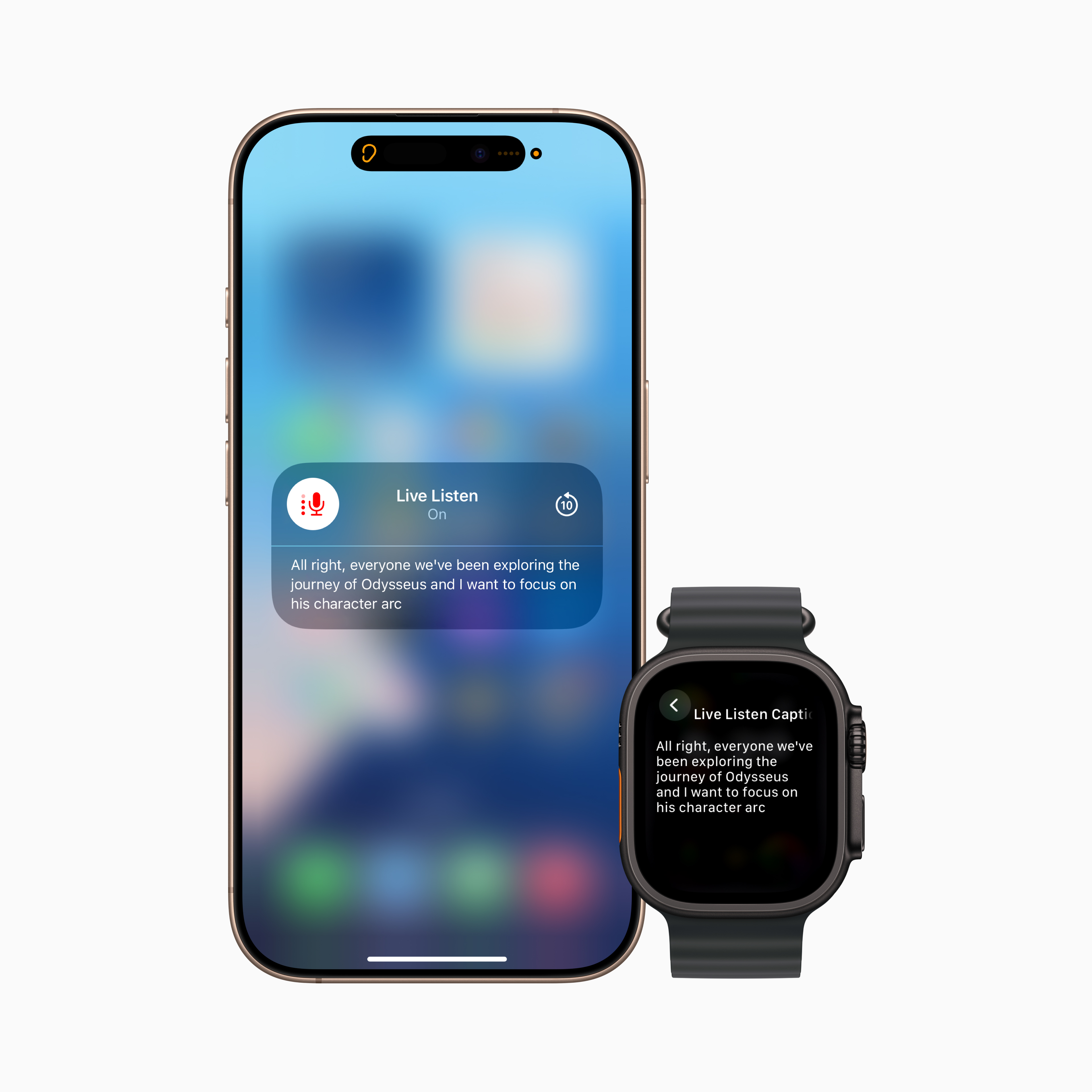
Pro For deaf or hard of hearing users, live listening control comes to Apple Watch with a new set of features, including real-time live captions. Live Listen transforms iPhone in remote microphone for streaming content directly to the headphones AirPods, Made for iPhone or Beats. When a session is active on iPhone, users can listen to audio on their paired watch Apple Watch display live captions of what their iPhone hears. Watch Apple Watch serves as a remote control to start or stop a Live Listen session, or to jump back into a session to catch something you might have missed. With a watch Apple Watch Live Listen sessions can be controlled from across the room, so you don't have to get up in the middle of a meeting or class. Live Listen can be used in conjunction with hearing protection features available on AirPods Pro 2, including the first clinical hearing aid function of its kind.
Improved view with Apple Vision Pro
Pro blind or visually impaired users will expand the system visionOS features for accessibility of vision using an advanced camera system Apple Vision ProWith powerful updates to Zoom, users can use the main camera to magnify everything they see – including their surroundings. Pro VoiceOver uses live recognition in visionOS machine learning on the device to describe surroundings, find objects, read documents, and more.1 For accessibility app developers, the new API will allow approved apps to access the main camera to provide live human-to-human visual interpretation assistance in apps like Be My Eyes, giving users more ways to understand their surroundings hands-free.

More news
- Background sounds can be more easily customized with new equalizer settings, the option to automatically stop after a certain time, and new automation actions in the Shortcuts section. Background sounds can help minireduce distractions and increase feelings of focus and relaxation, which may help some users with tinnitus symptoms.
- Pro users who are at risk of losing the ability to speak, the feature Personal voice faster, easier, and more powerful than ever before, leveraging advances in machine learning and artificial intelligence right on your device to create a smoother, more natural-sounding voice in less than a minute, using just 10 recorded phrases. Personal Voice will also add support for Spanish (Mexico).
- Feature coming to Mac Vehicle Motion Cues, which can help reduce motion sickness in moving vehicles, and new ways to customize animated dots on your screen on iPhone, iPad, and Mac.
- Device users Eye Tracking on iPhone and iPad now have the option to use a toggle or dwell button to make a selection. Typing on the keyboard while using Eye Tracking or toggle control is now available on iPhone, iPad, and Apple Vision Pro easier with improvements including a new keyboard dwell timer, reduced steps when typing with switches, and enabling QuickPath for iPhone a Vision Pro.
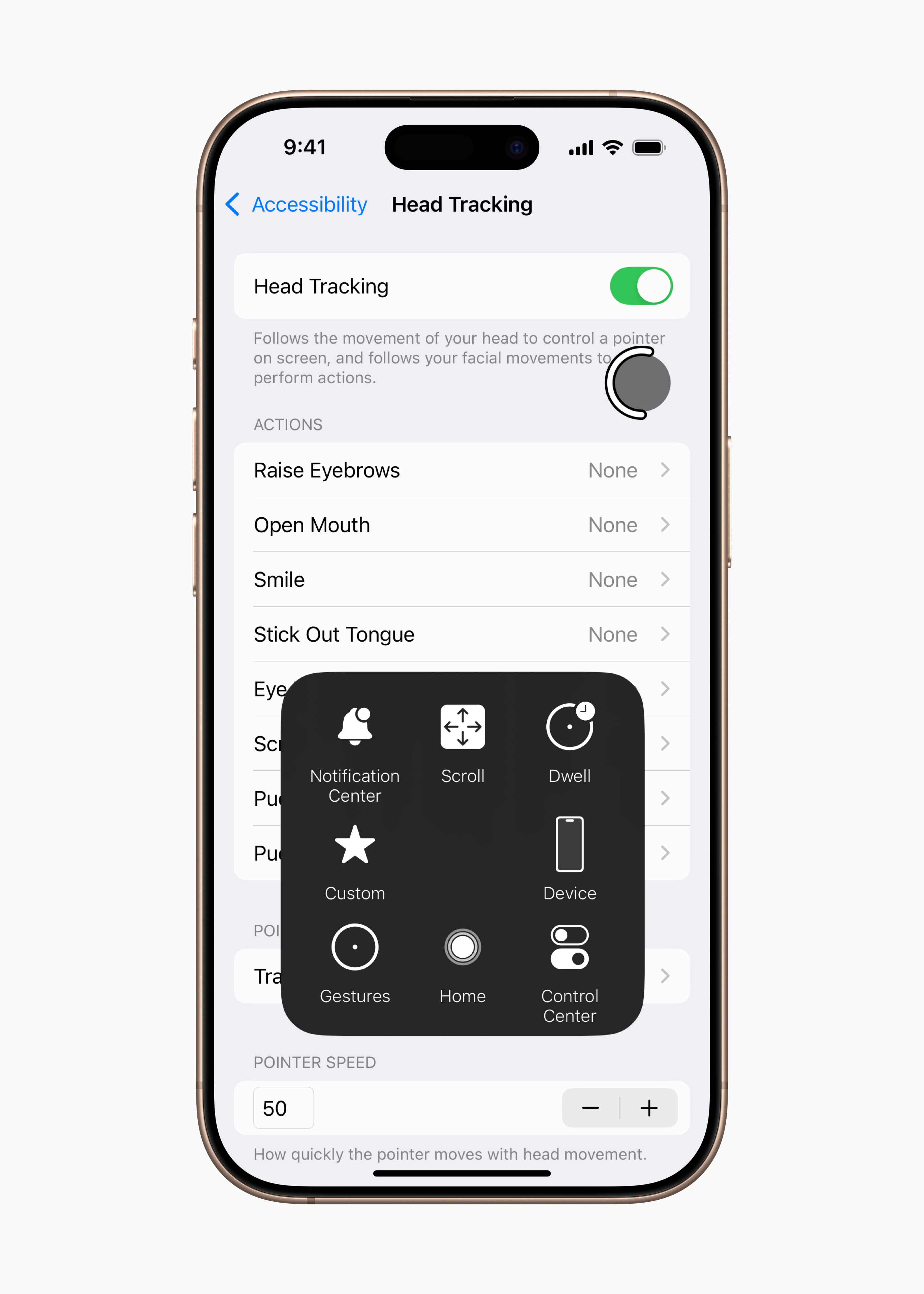
- Using the function Head Tracking users will be able to control it more easily iPhone and iPad head movements, similar to Eye Tracking.
- Pro users with severe mobility disabilities will be in iOS, iPadOS and VisionOS added a new protocol supporting switch control for Brain Computer Interfaces (BCI), a new technology that allows users to control devices without physical movement.
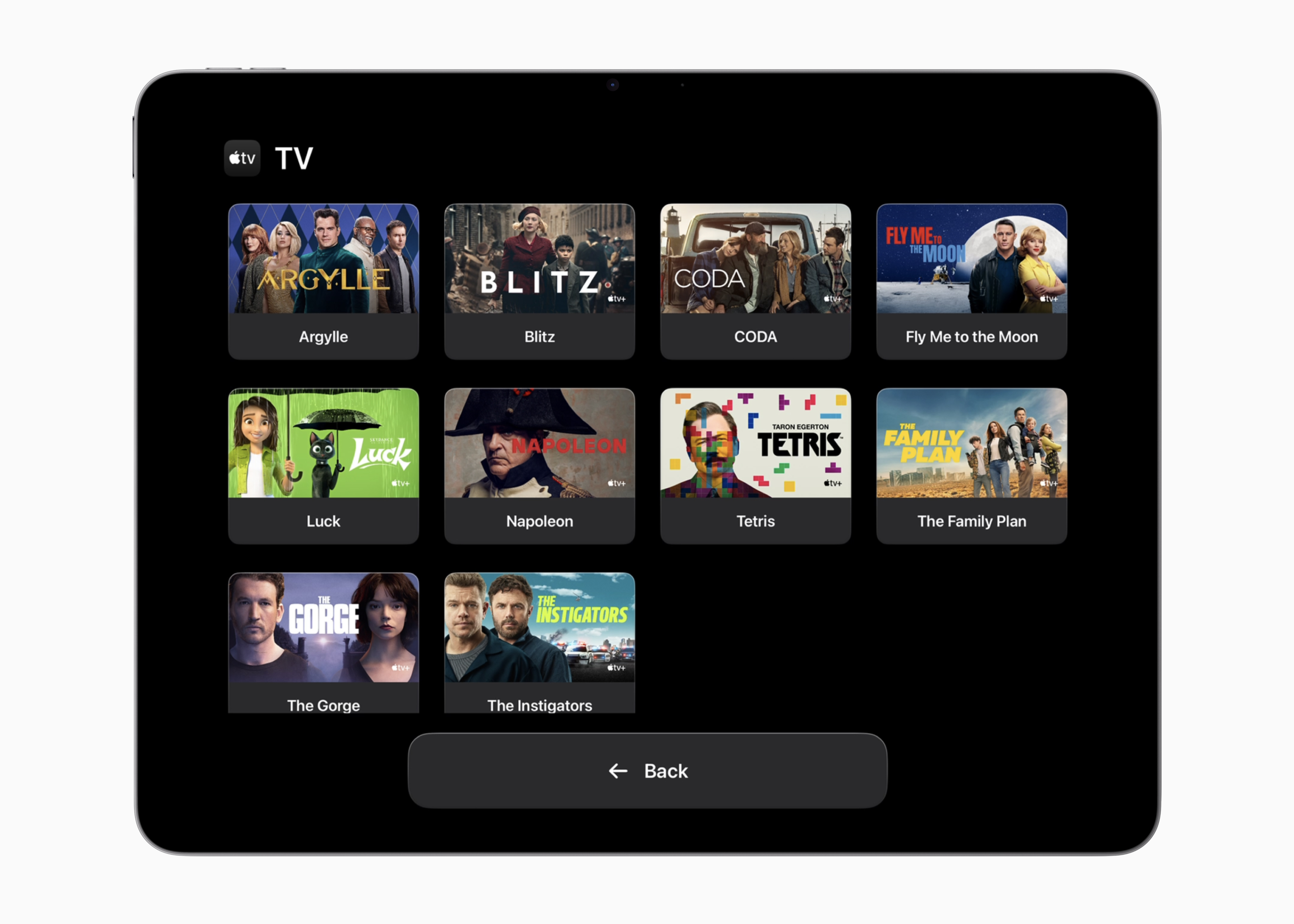
- Function Assistive Access adds a new custom application Apple TV with a simplified media player. Developers will also get support in creating experiences tailored to users with intellectual and developmental disabilities using the Assistive Access API.
- Musical haptics on the iPhone, it becomes more customizable with the ability to try haptics for the entire song or just the vocals, as well as the ability to adjust the overall intensity of taps, textures, and vibrations.
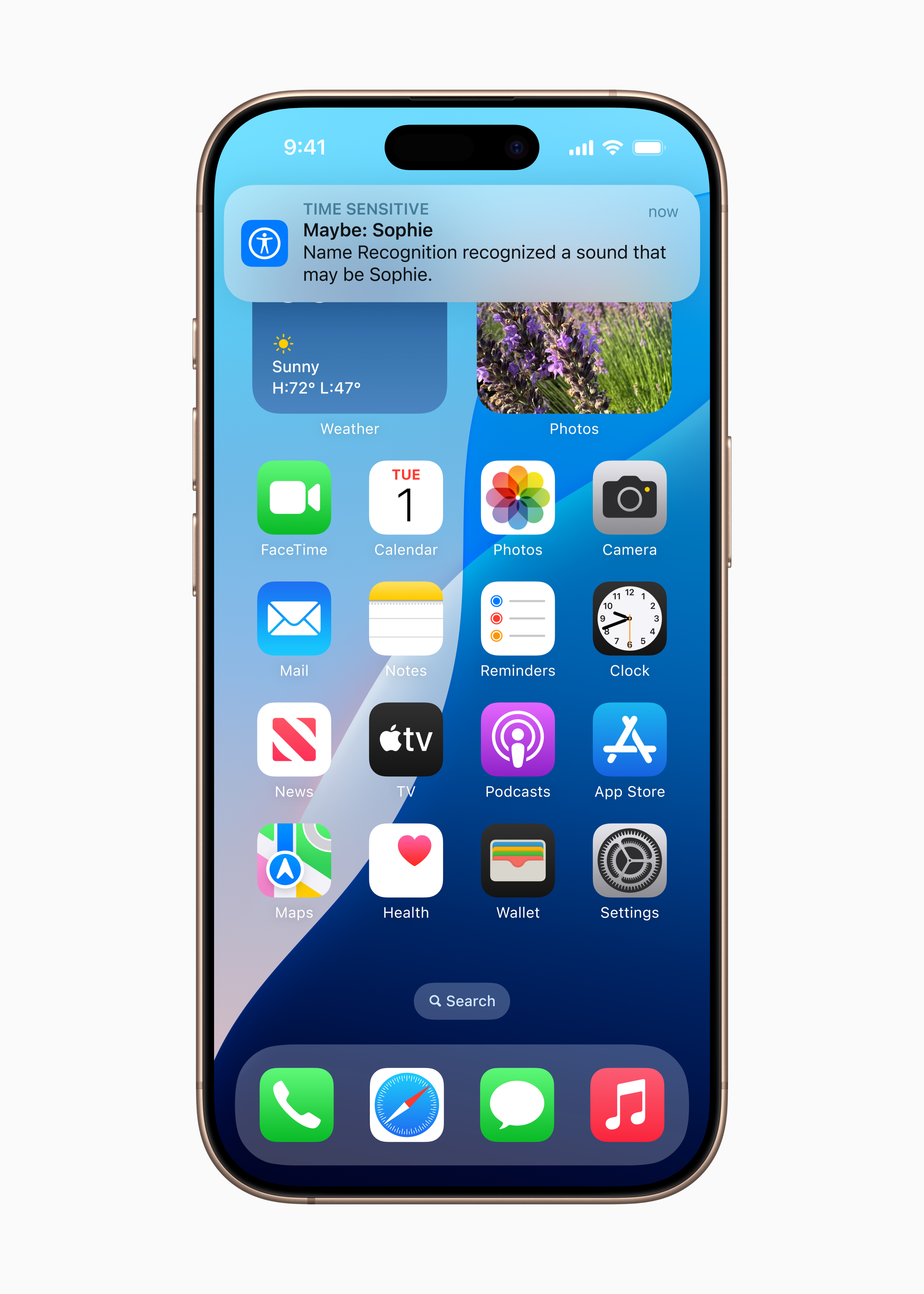
- Sound recognition function adds name recognition, a new way for deaf or hard of hearing users to know when their name is being called.
- Voice control introduces a new programming mode in Xcode for software developers with limited mobility. Voice Control also adds cross-device vocabulary synchronization and expands language support to Korean, Arabic (Saudi Arabia), Turkish, Italian, Spanish (Latin America), Mandarin Chinese (Taiwan), English (Singapore), and Russian.
- Live caption support will be expanded to include English (India, Australia, UK, Singapore), Mandarin Chinese (Mainland China), Cantonese (Mainland China, Hong Kong), Spanish (Latin America, Spain), French (France), andancOuzhe (Francie, Canada), Japanese, German (Germany), and Korean.
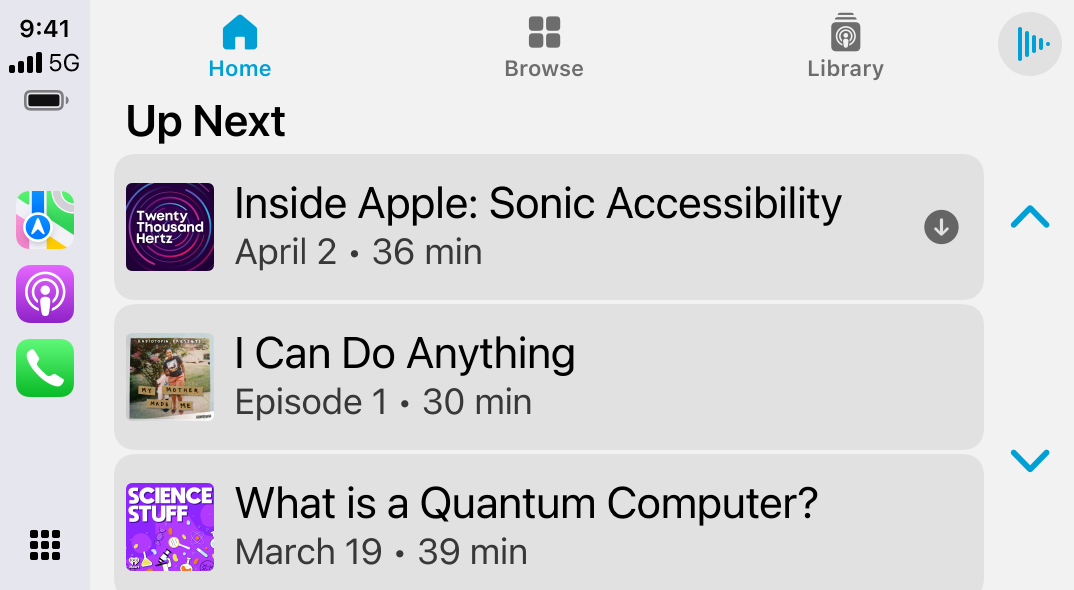
- updates CarPlay include support for Large Text. Thanks to updates to the Sound Recognition feature in the system CarPlay Drivers or passengers who are deaf or hard of hearing can now be alerted to the sound of a crying baby, in addition to sounds outside the vehicle, such as horns and sirens.
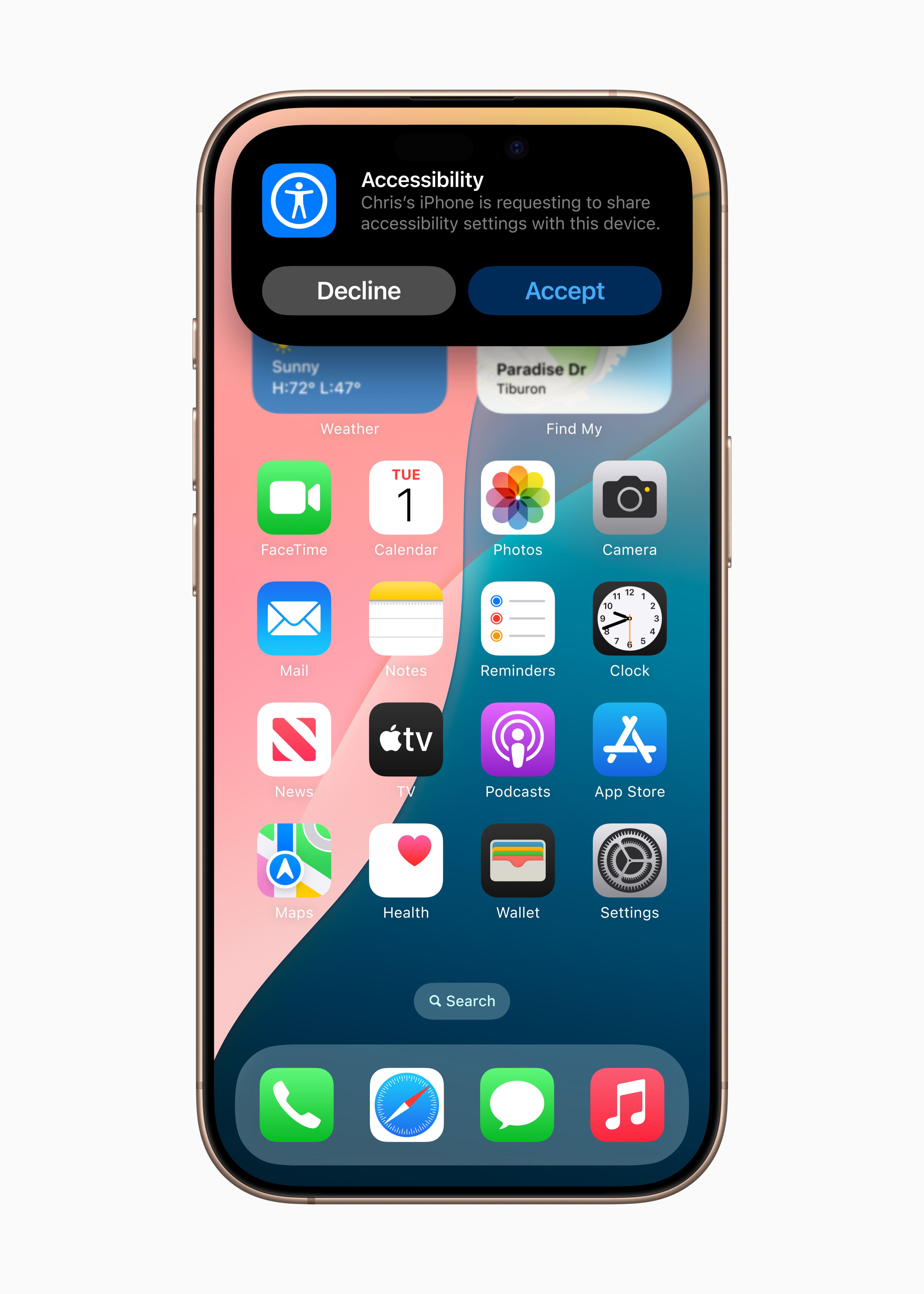
- Sharing accessibility settings is a new way for users to quickly and temporarily share accessibility settings with another iPhonem or iPad. This is great when borrowing a friend's device or using a publiciosin an environment like a café.










So again nothing. And where is Czech? Where is the real voice control of all phone functions like Android has been able to do for several years? Where is the integration of AI with the phoneonem?
Where is the font larger so I don't have to use a magnifying glass to read what the icon is?
How to get to the main screen with one click?
ProI'm starting to get it. AppHunting ignorance of users and complacency and selfishness that they know best what users want to annoy