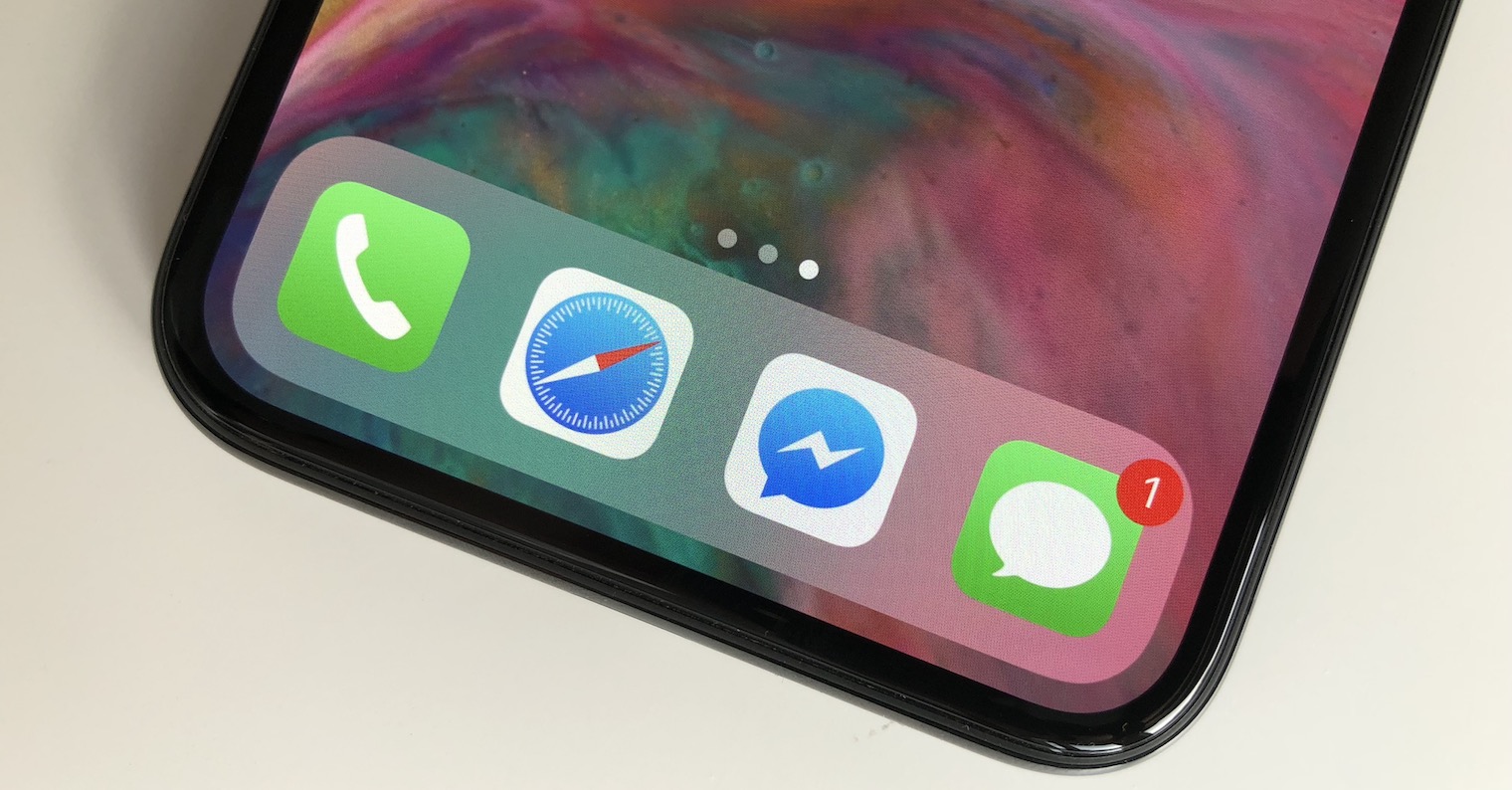
How to mark all messages as read on iPhone? Even though most of us use iPhone As we get used to communicating, we may find that we receive too many messages in the Messages app at once. We ignore some of them, save others for later, and the result is a build-up of unread messages. This can then become an annoying problem, especially if the unread message badge constantly reminds us of unresolved conversations. Fortunately, there is an effective way to solve this problem.
You might be interested in
Many users have gotten used to the unread message badge and it doesn't bother them anymore. But if this badge bothers you, there's a quick and easy solution. You don't have to open each message individually, because iOS offers the option to mark all messages as read at once.
How to mark all messages as read
To mark all messages as read on your iPhone, follow these steps:
- Open the Messages app.
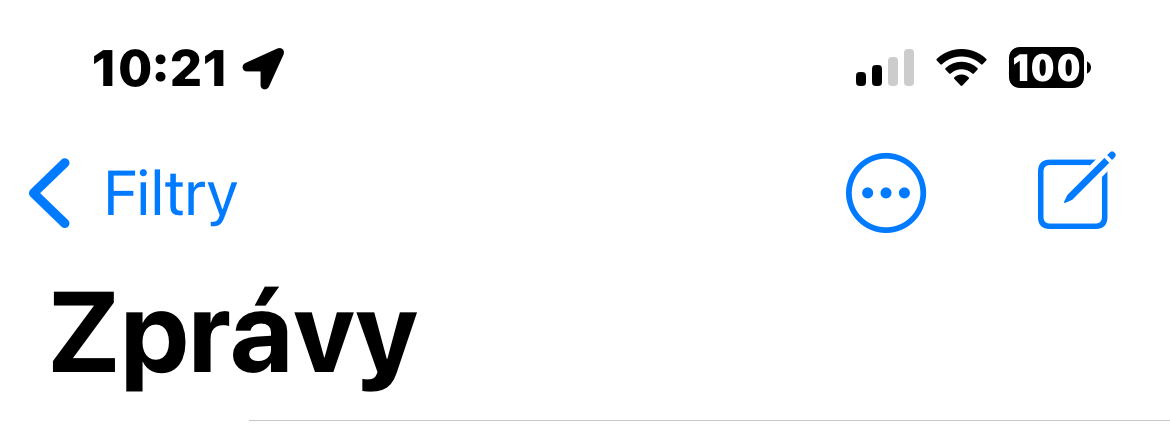
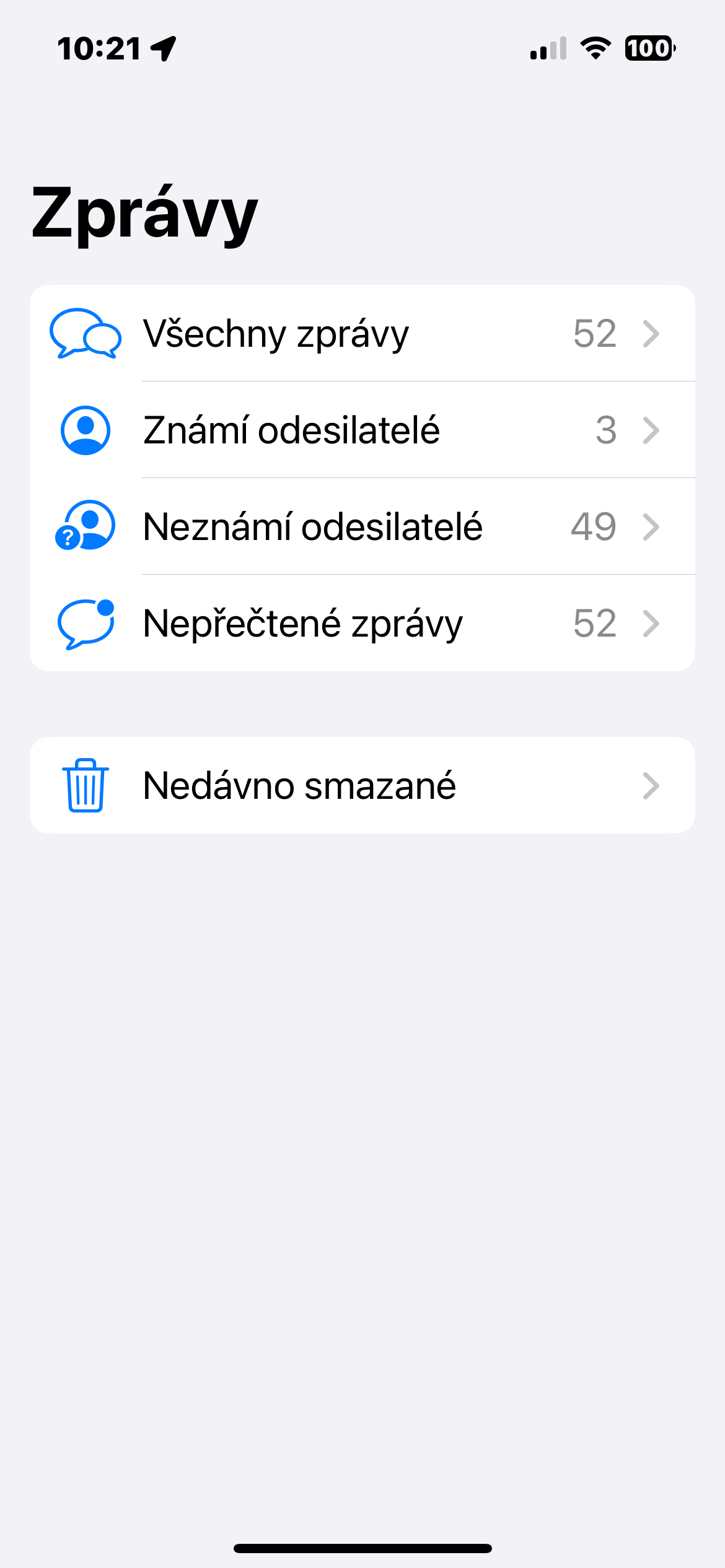
- Tap Filters in the upper left corner to go to the main Messages screen.
- Select All messages.
- Click the three dots icon in the upper right corner.
- Select Select messages.
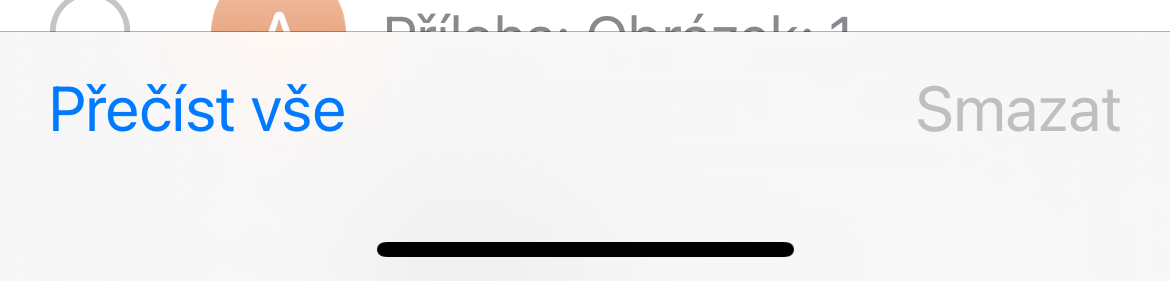
- At the bottom of the screen, tap Read All.
And that's it. All messages will be marked as read immediately. If you have a lot of unread messages in your inbox, this way you can mark them quickly and efficiently so that you will no longer be bothered by the number of unread messages.
Gallery
This procedure is available if you don't have Filter unknown senders enabled in Messages settings.