How in iMessage mark a message as unread? How many times have you accidentally opened a message that you meant to reply to later — and then simply forgotten about it? In the hustle and bustle of everyday life, it's not uncommon to read a message between doors or during a meeting, but the reply never reaches the recipient. It's for these situations that the iOS since version 16, a feature we've been missing for a long time: marking messages as unread.
You might be interested in
ProIs the option to mark a message as unread really that useful?
Marking a message as unread is ideal for anyone who wants to keep track of conversations that require a later response. It acts as a reminder — a blue dot next to the message gives you a visual reminder that you haven't responded yet. And if you have syncing enabled via iCloud, the status will also be transferred to all other devices – i.e. iPad or Mac.
How to do it? Two simple ways
Apple implemented this feature very intuitively. You can mark a message as unread in a few seconds in two ways:
Swipe in the conversation list
- Open the Messages app.
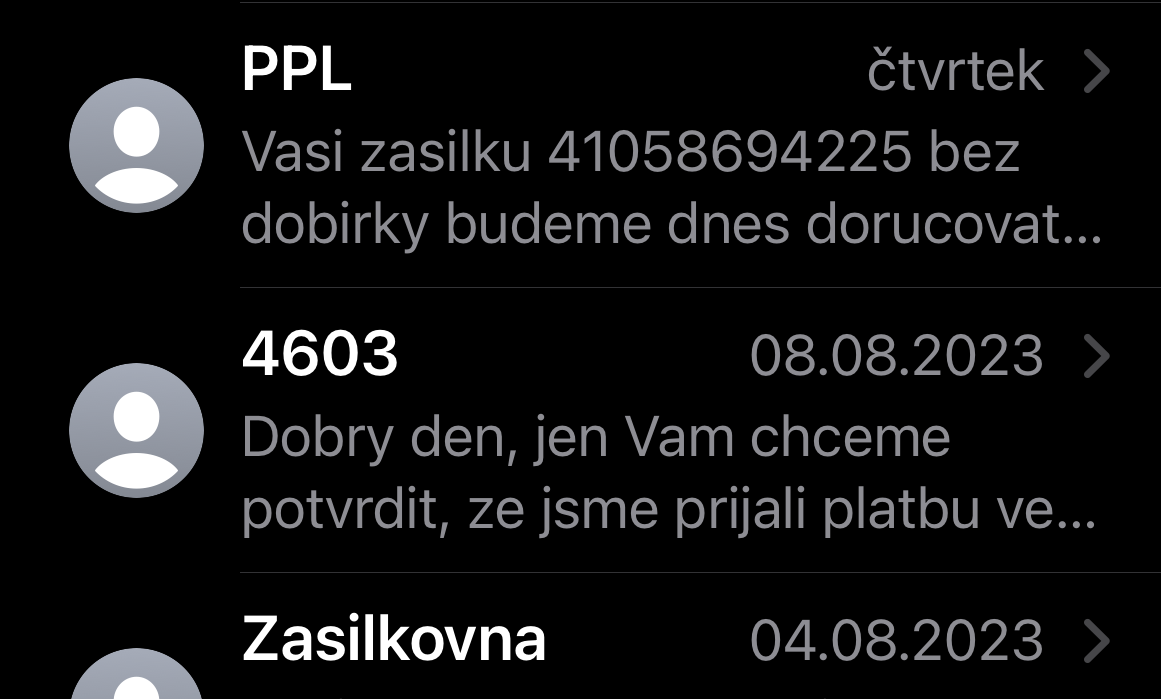
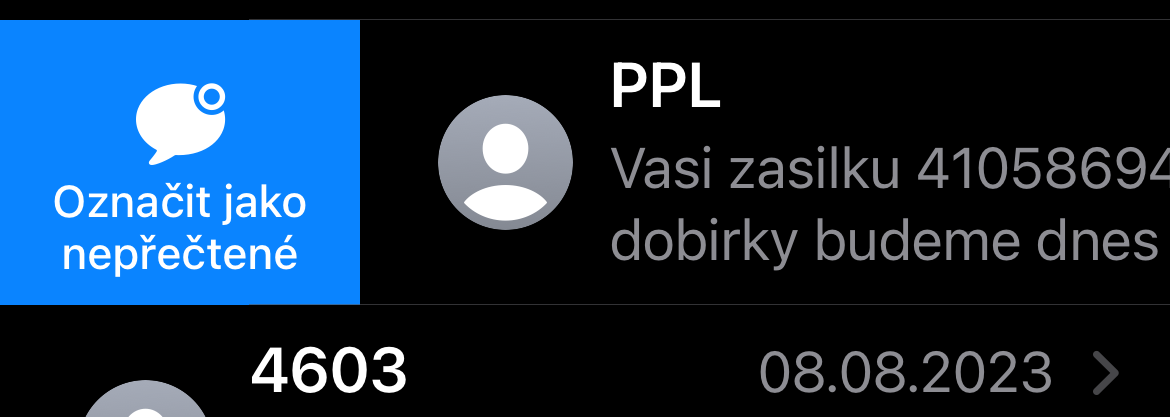
- In the conversation list, swipe right over the desired conversation.
- A “Mark as unread” button will appear. Tap it.
- A blue dot will appear next to the conversation, indicating unread status.
Long press on a conversation
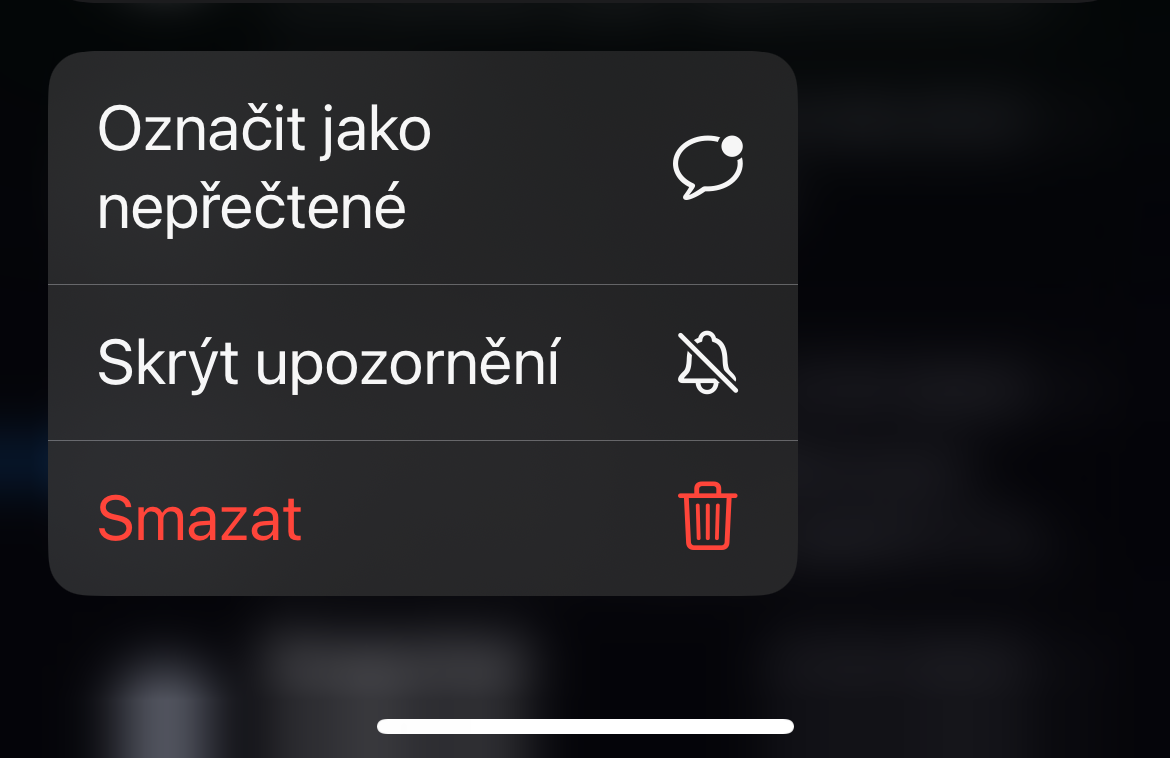
- In the conversation list, touch and hold the preview of the message you want to flag.
- Select "Mark as unread" from the context menu.
- Both methods work the same and it's up to you which one you like more.
Bonus: How to filter only unread messages
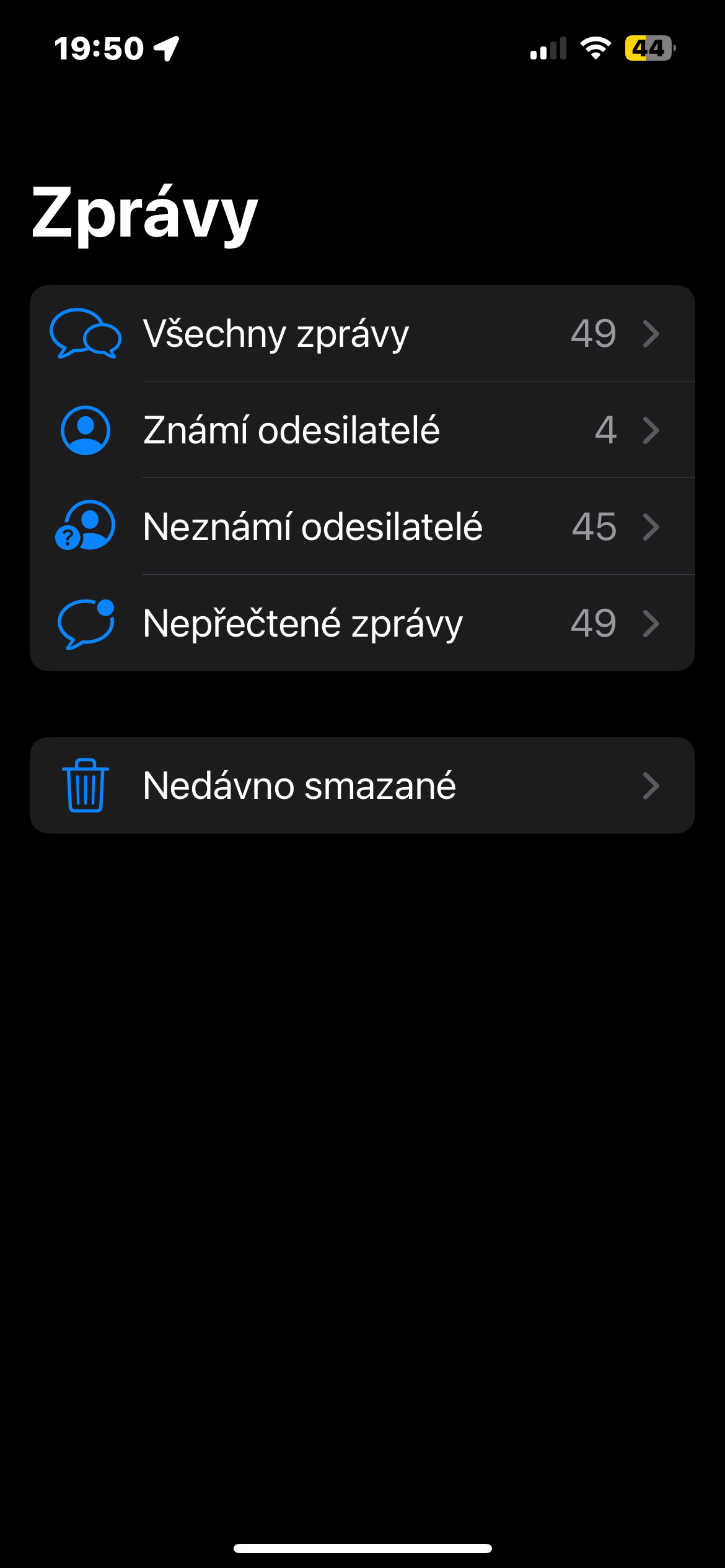
If you're working with a large number of conversations and don't want to sift through the flood of messages, you can activate a filter in the Messages app that only displays unread messages.
How to do it:
- Open the Settings app.
- Go to the Messages section.
- Activate the "Filter unknown senders" switch.
- The Messages app now displays new tabs – including “Unread.”
Gallery
The ability to mark a message as unread is a small but very practical change that brings more control over your communications. If you often open messages without replying to them right away, this tool will help you stay on top of things.