
Have you ever lost your keys or worried about your pet? AirTags and on iPhone with iOS 17 and up, you can easily share the location of these little trackers with other family members or friends. Whether you want to keep track of your belongings or want others to take care of your dog, location sharing AirTagu is simple and safe.
You might be interested in
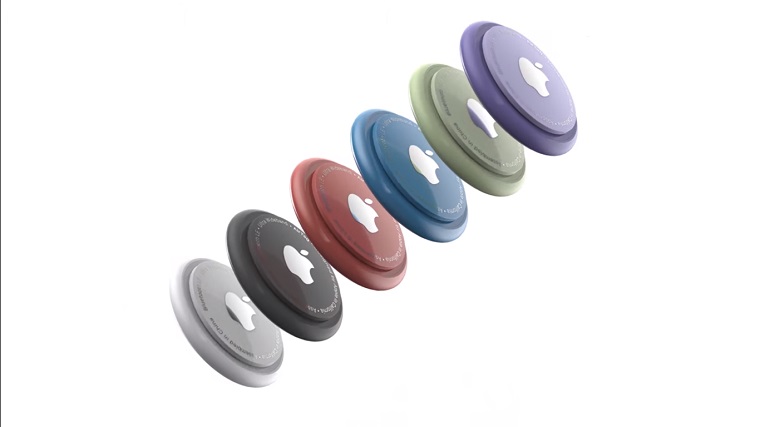
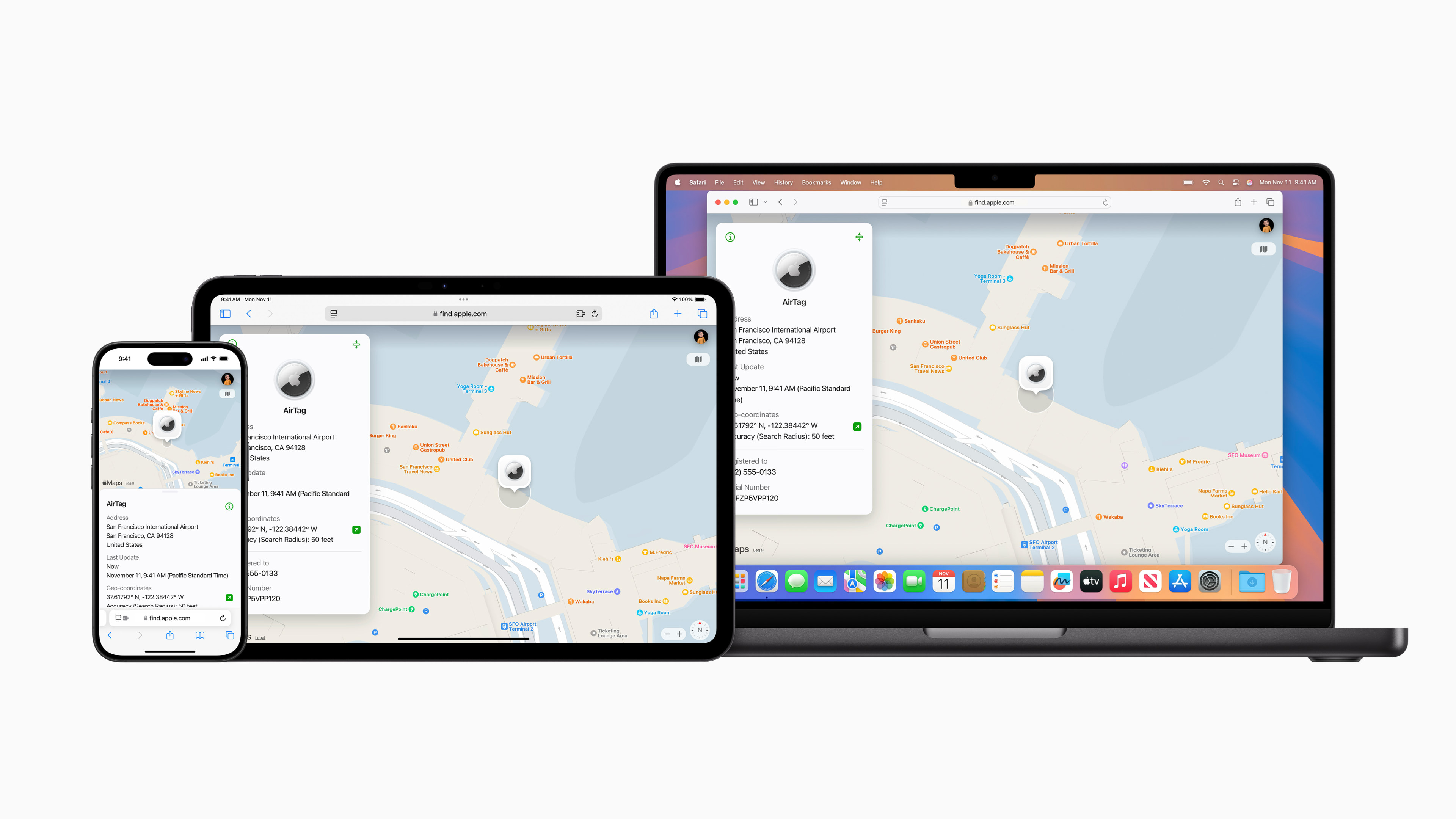
AirTags are a great way to find lost items. With the Find My app, you can easily find out where your AirTag is located. But what if you want the location of your AirDid others see the tag? With the sharing function AirTags are a breeze. Location sharing AirTagu is especially useful if you want other family members or friends to take care of your belongings or pet.
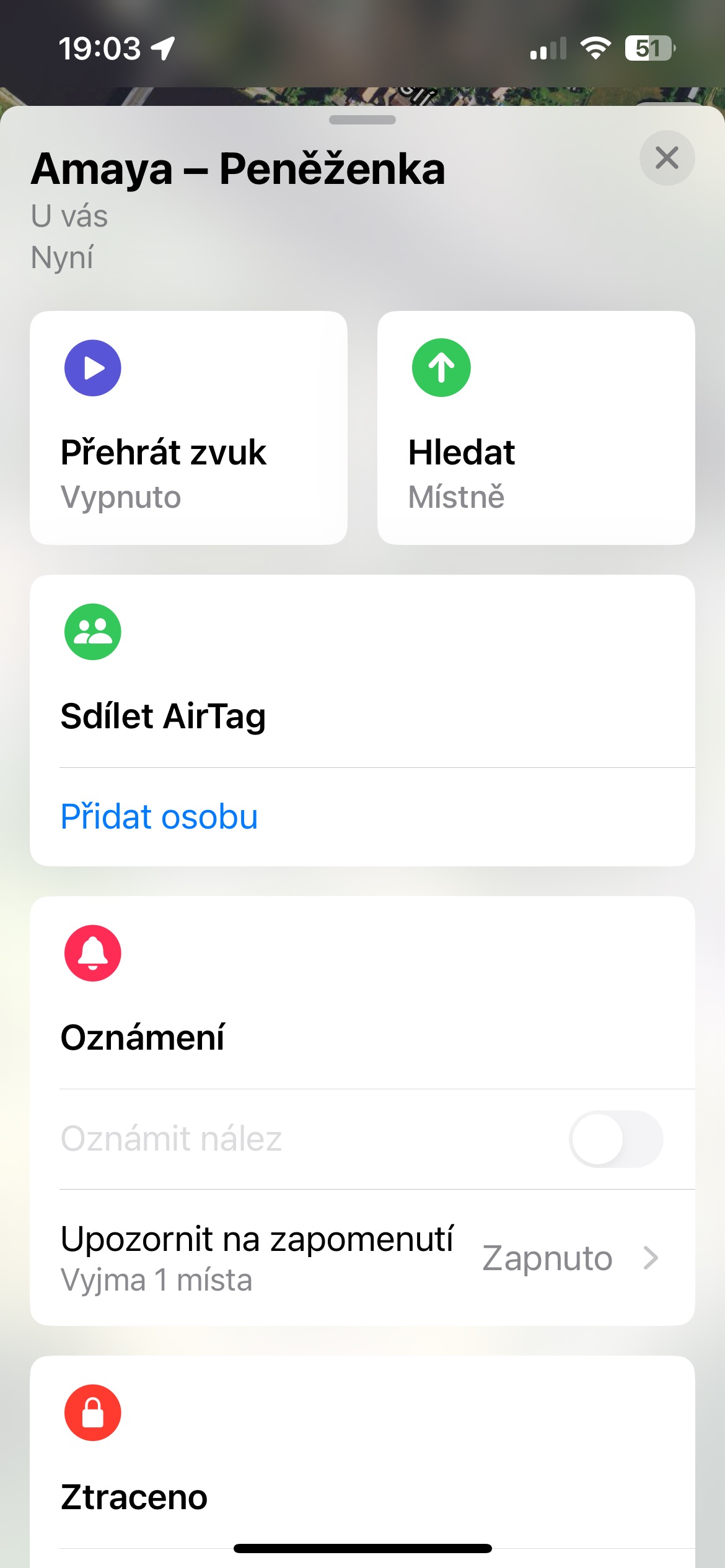
How to share on iPhone AirTags
- Open the Find app: On your iPhone or iPad, find and open the Find app.
- Choose yours AirTag: At the bottom of the screen, tap the Subjects tab. You'll see a list of all your AirTags. Select the one whose location you want to share.
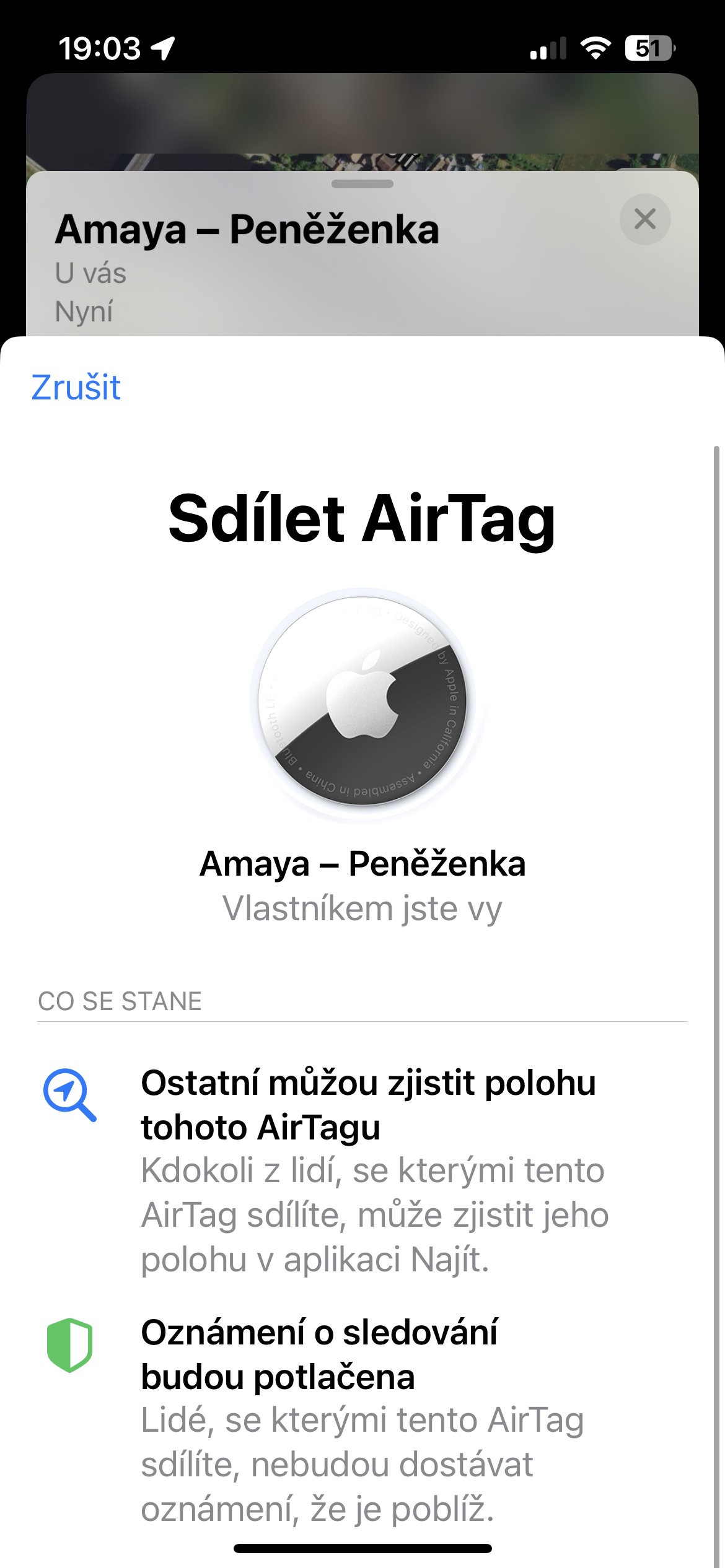
- Share your location: Click on the selected AirTag, then swipe up from the bottom of the screen. In the Share section AirTag click Add Person.
- Select a contact: Select the contact with whom you want to share your location. AirTag. You can select a contact from your phone book or enter their email address.
Done! Once you add a contact, the selected person will receive an invitation to share your location. AirTag. After accepting the invitation, it will be able to track your location AirTag in the Find My app on your device.
Gallery
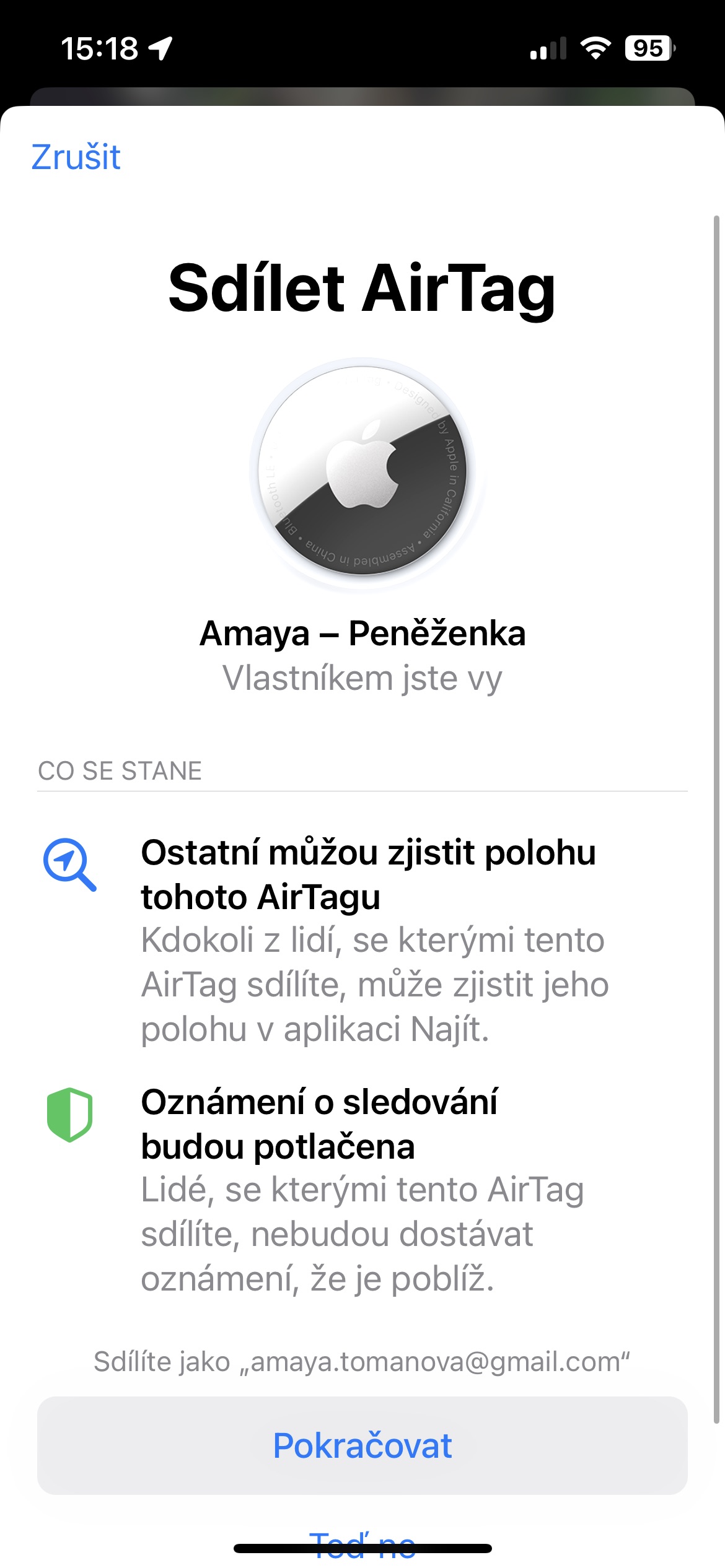
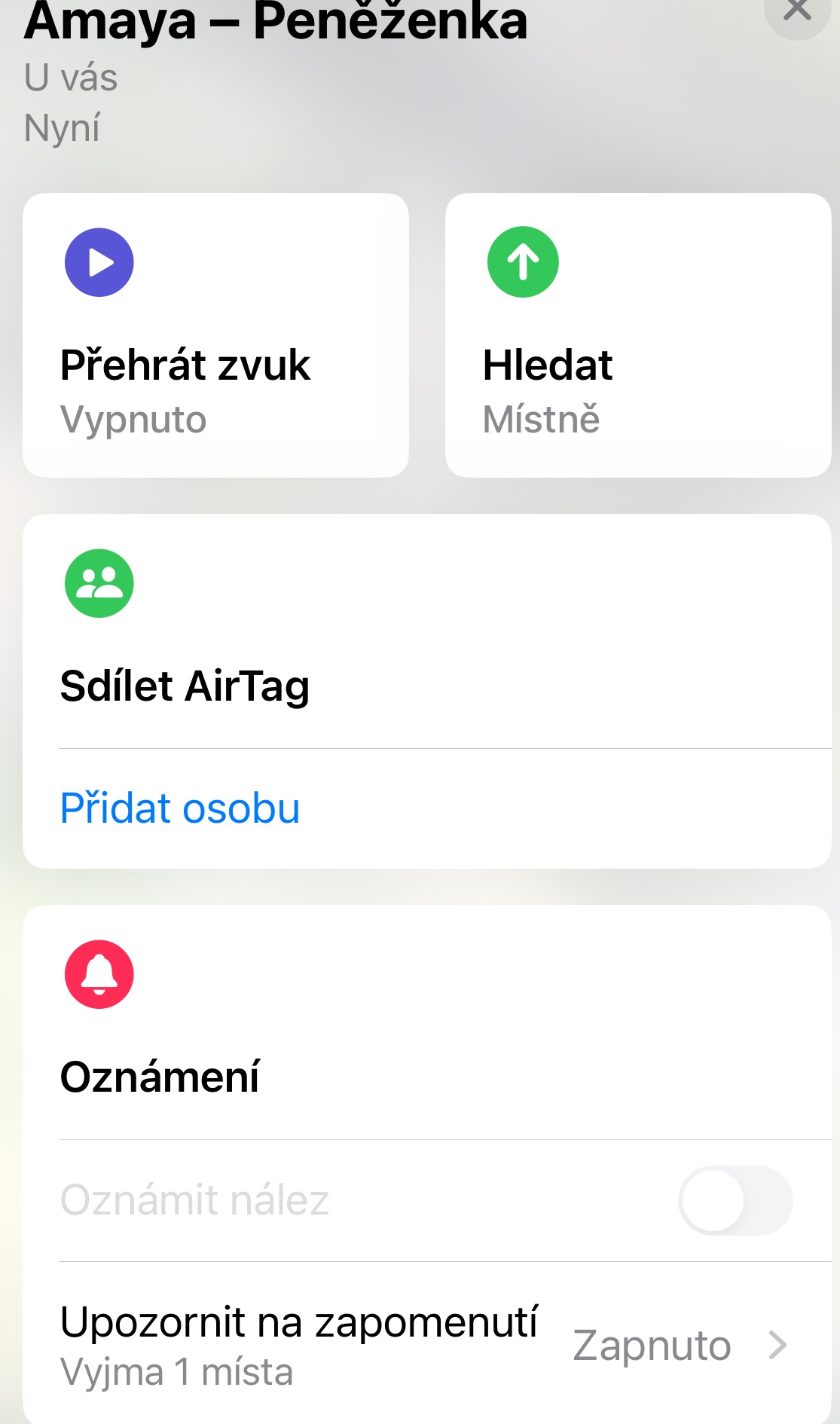
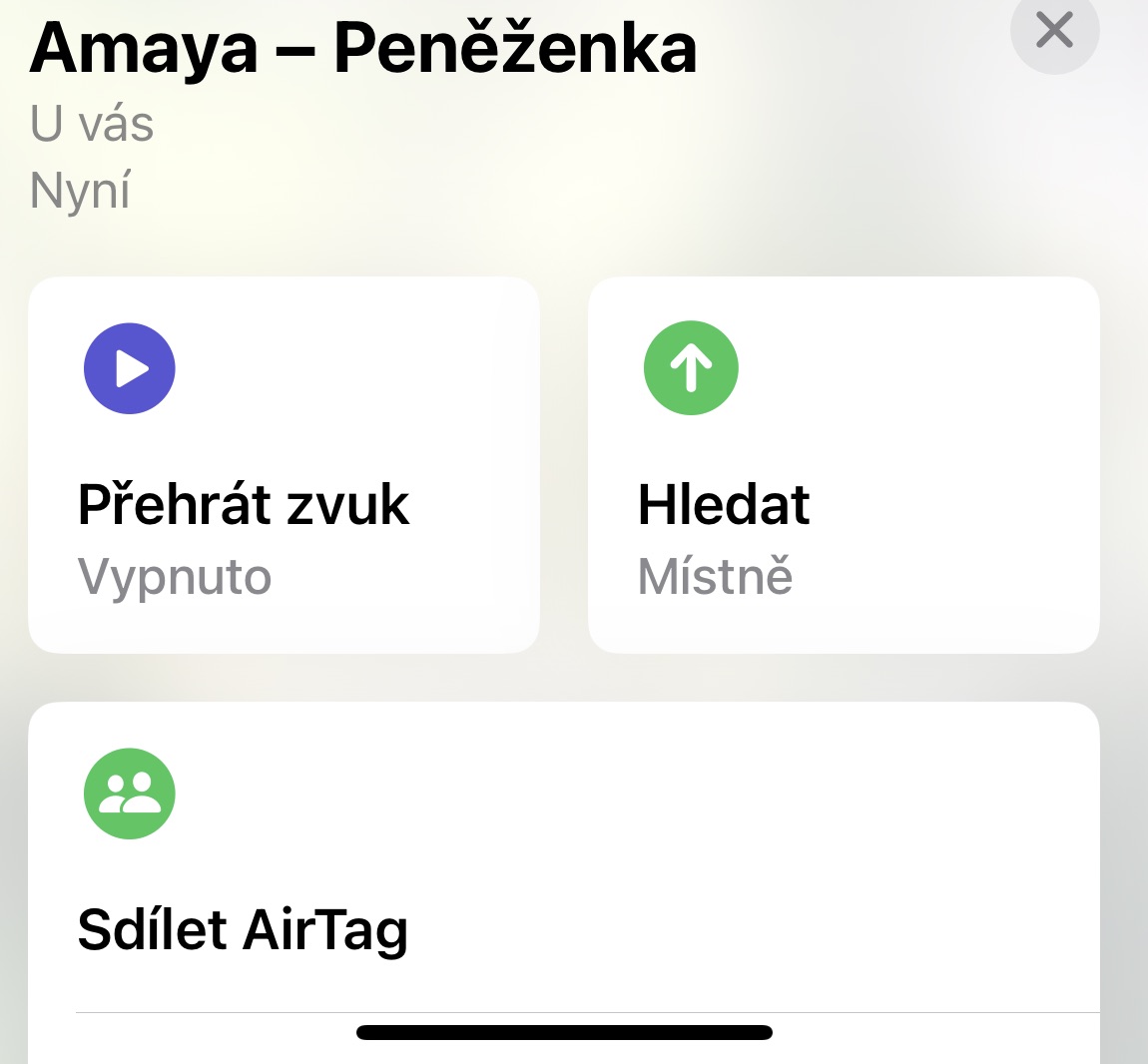

Location sharing AirTagu is a great way to keep your belongings and pets safe. With this feature, you can feel more secure knowing that others are taking care of your belongings. Setting up sharing is very easy and anyone can do it. So don't hesitate to try this useful feature on your iPhone with iOS 17.





NestDoes anyone have the following?:
Mine airI have a tag stuck on the back side window in my car. But when a woman takes the car to my house somewhere, that's it airthe tag is still on because it was last seen at home. Even if I put the mode in lost mode, it still doesn't show me anywhere... and the woman has that too iphone, and the same is true in a Russian city where someone with iphone...my other airthe tag only shows me that he is at home. I also changed the battery, I also removed it and added it again and still the same thing...
That's atypical. Does the woman have mobile data turned on?
Exactly as you write, I don't understand what the Sharing is for if it doesn't actually work in reality.
Exactly the same horrible experience…
My wife and I are exactly the same.
The wallet she is currently carrying shows me that she was seen 14 hours ago. 🤔
That's really amazing when you're actually looking for something.
Well, after replacing the battery plus another deletion and re-adding airtag on my account still behaves the same… Proif this is how everyone works airtag, so it's pretty stupid, because I have a feeling that airthe tag works in such a way that it shows the location only if I have it with me. Otherwise, it's always on either at home or where I leave it. I mean, putting it in your car or on anything they can take from you is total bullshit, because it just won't show you where it is... If I were the airhe didn't get the tag as a gift, so I would scold him for spending money on a total moron...
That's on purpose. So that you can't reconcile her. It only updates here and there. It just sucks.
Sorry - snooping.
I don't need to snoop through her airtag, know my iphone, and since he doesn't even know what kind of apple id so I manage everything, and therefore I know exactly where thanks go iphone which I have with me and it is significantly more accurate than air tag... I use it so that I know, for example, where he parks, that I know how to pay for his parking so that he doesn't get a fine, because women tend to simplify everything... And especially if someone decides to rent a car and not return it... So airso the tag is for two things... or for one and that's shit... sorry