Automatic addition of songs to the library
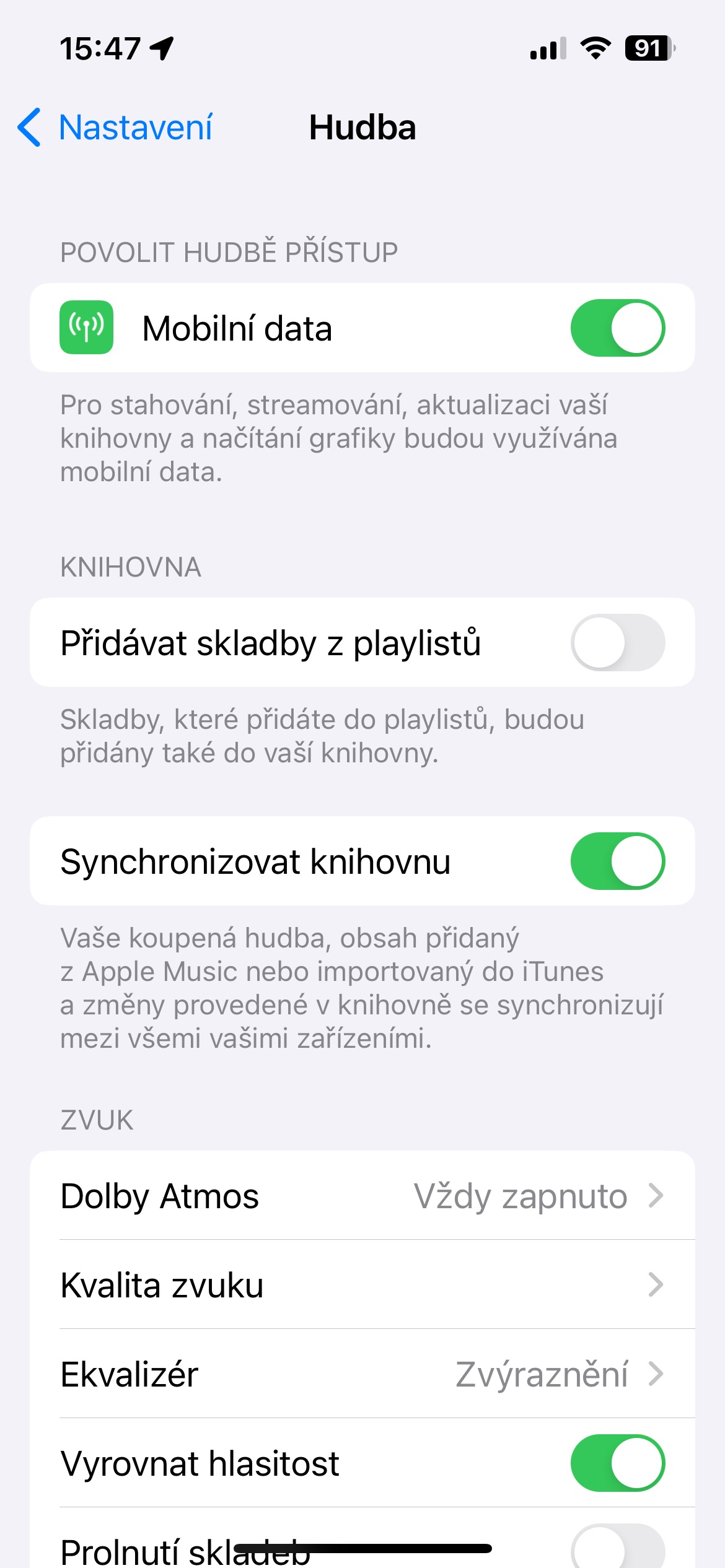
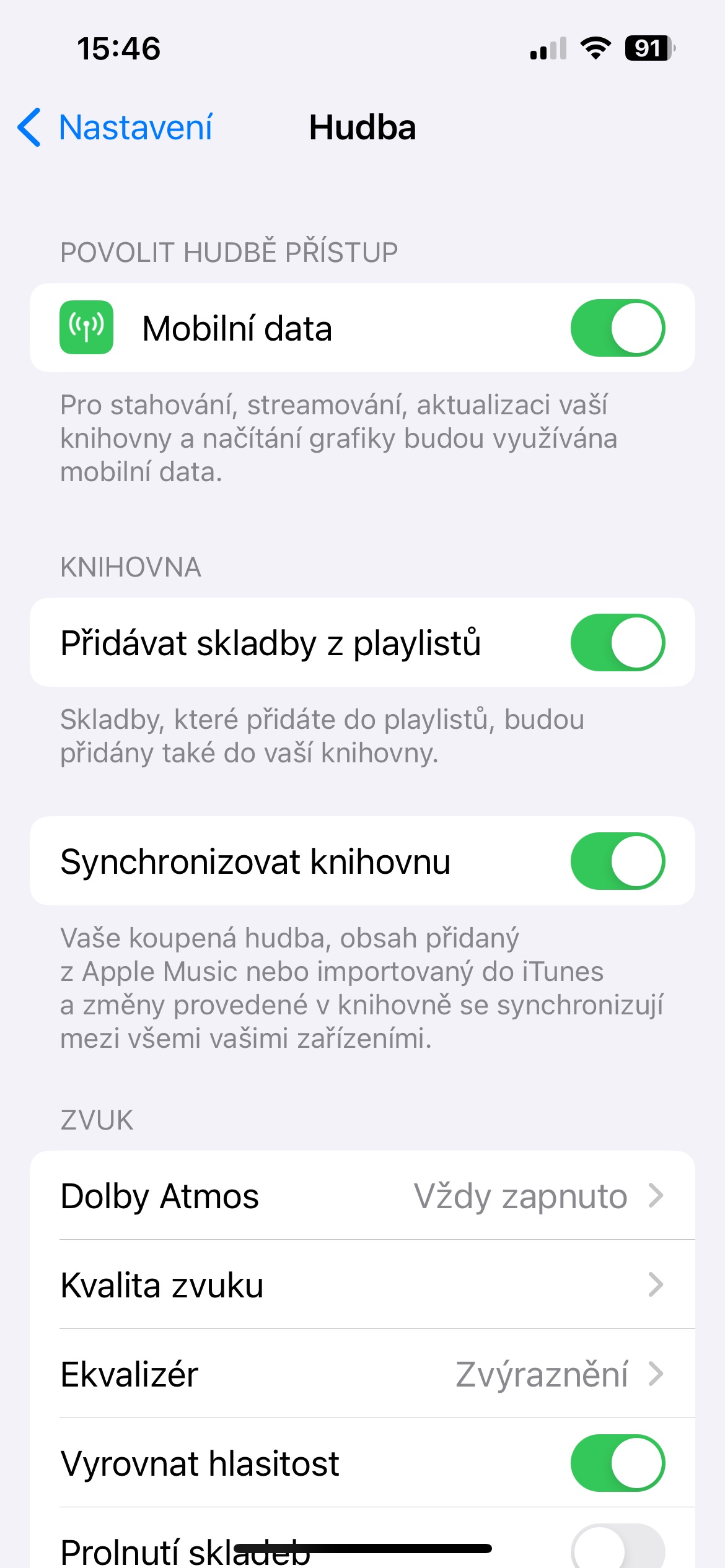
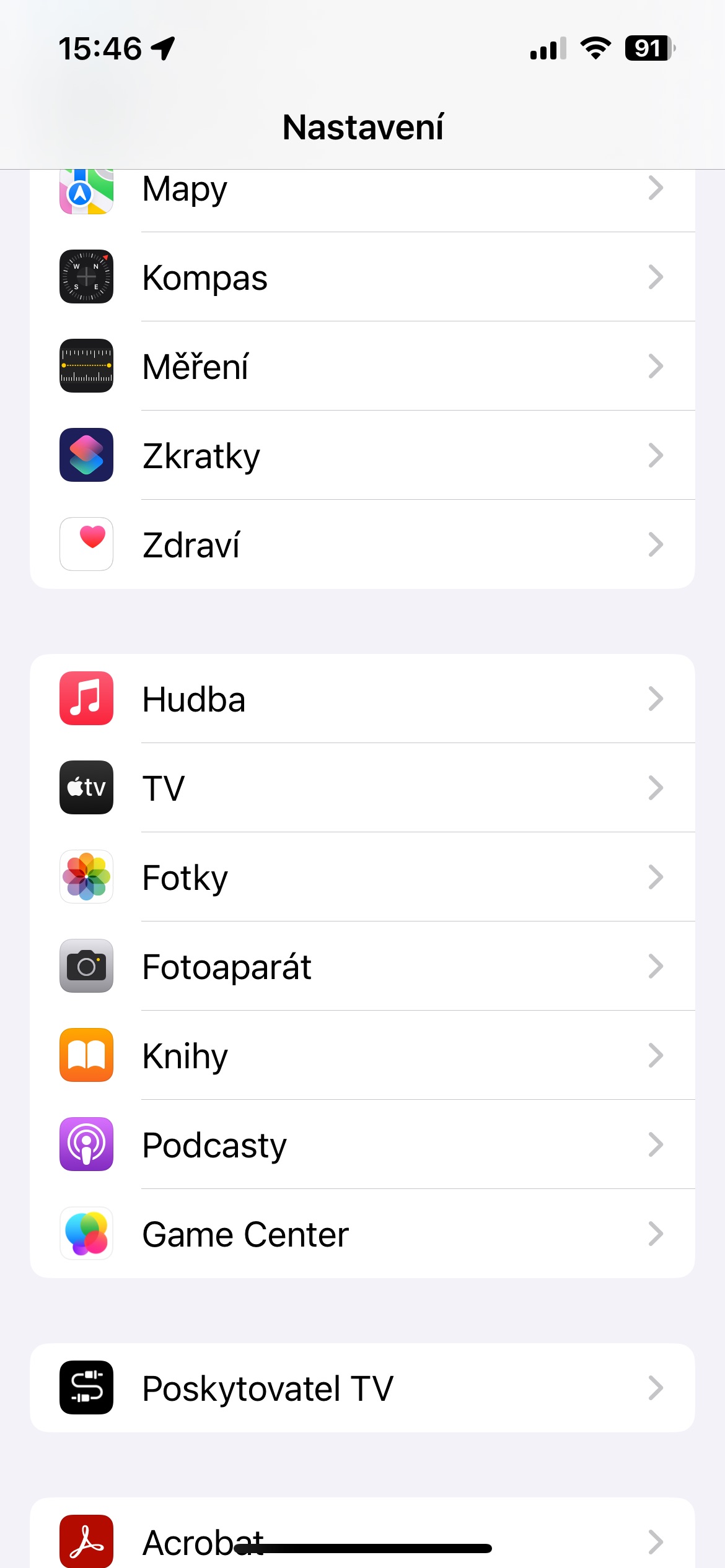
When you find a song you want to add to a playlist, you can also automatically add it to your music library. This means you'll always have the song available, even if you delete the playlist. On your iPhone, go to Settings -> Music , head to the Library section , and turn on Add Songs from Playlists.
Gallery
Tailor-made song selection
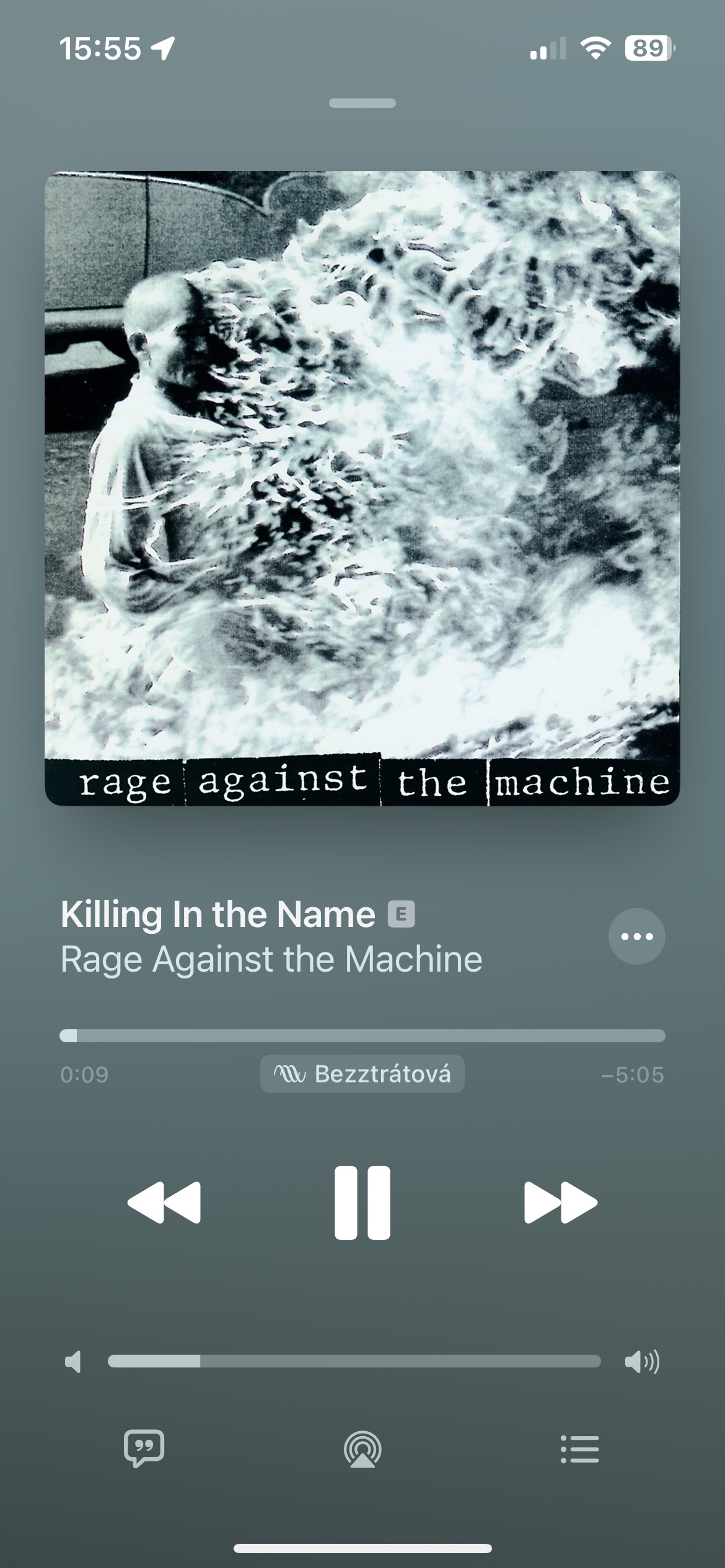
Whether you're discovering a new genre, artist or style, you can Apple Music learn what you like and what you don't. With the appropriate features, you can listen to music with a simple tapchat more of what you like and less of what you don't. Just tap while listening to a song three dots icon in the upper right corner and tap on I like or vice versa Offer less.
You might be interested in
Proconnecting with friends
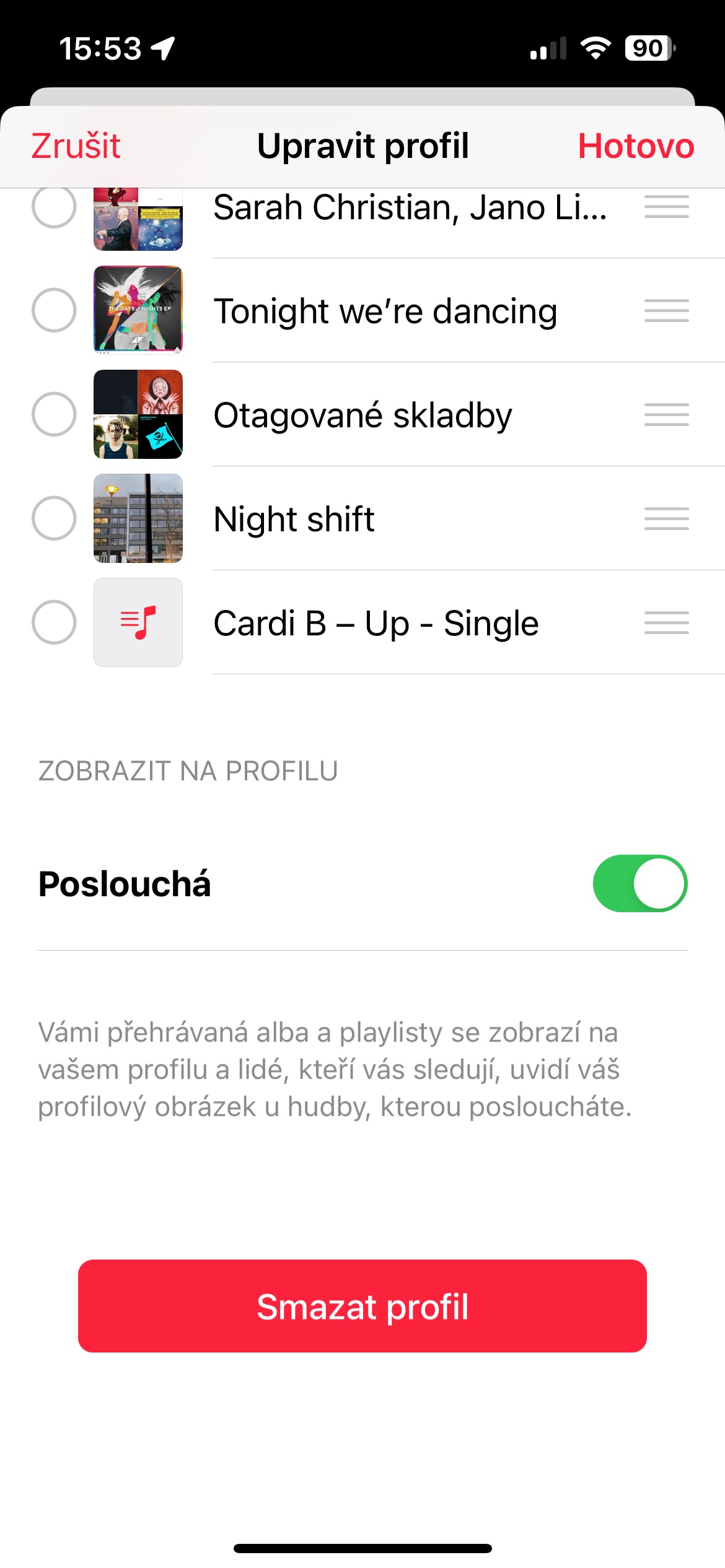
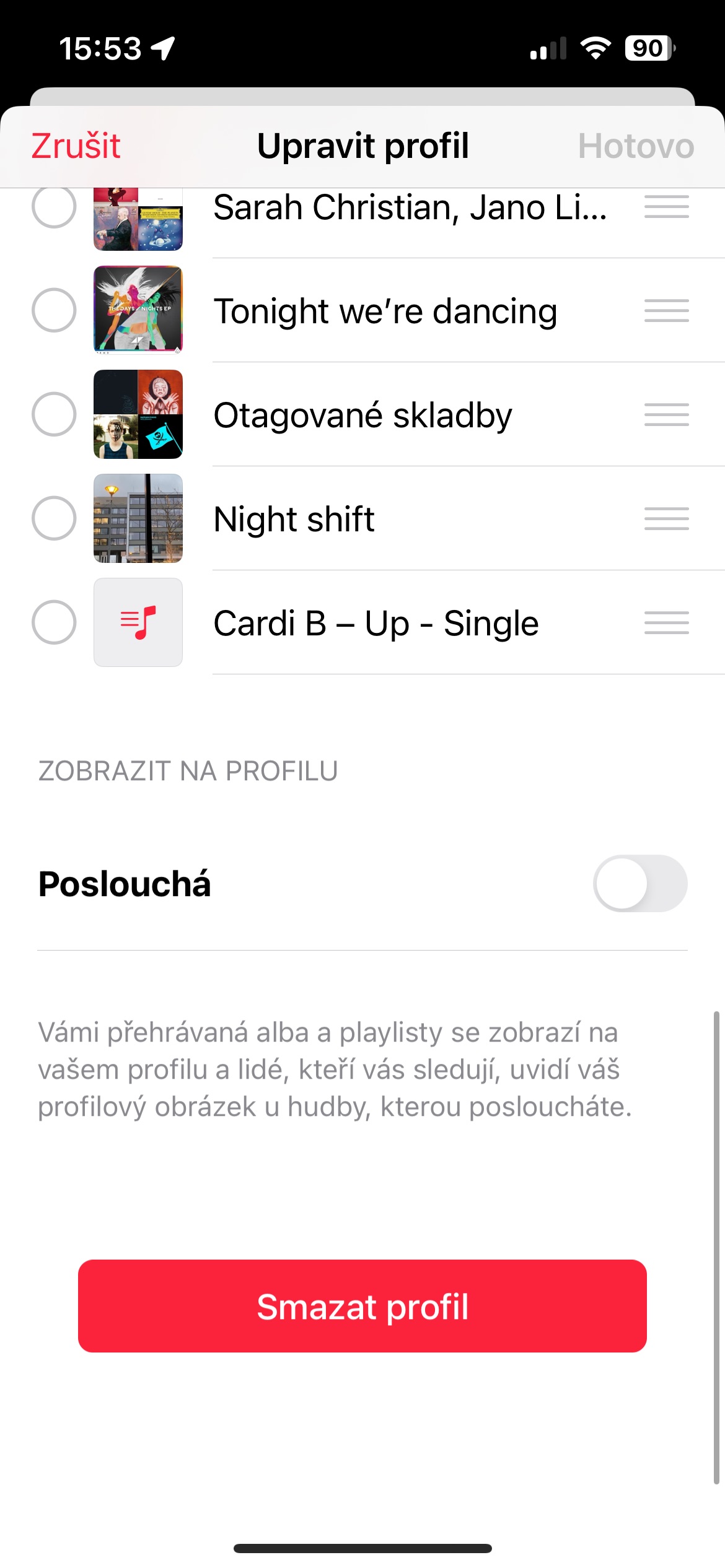
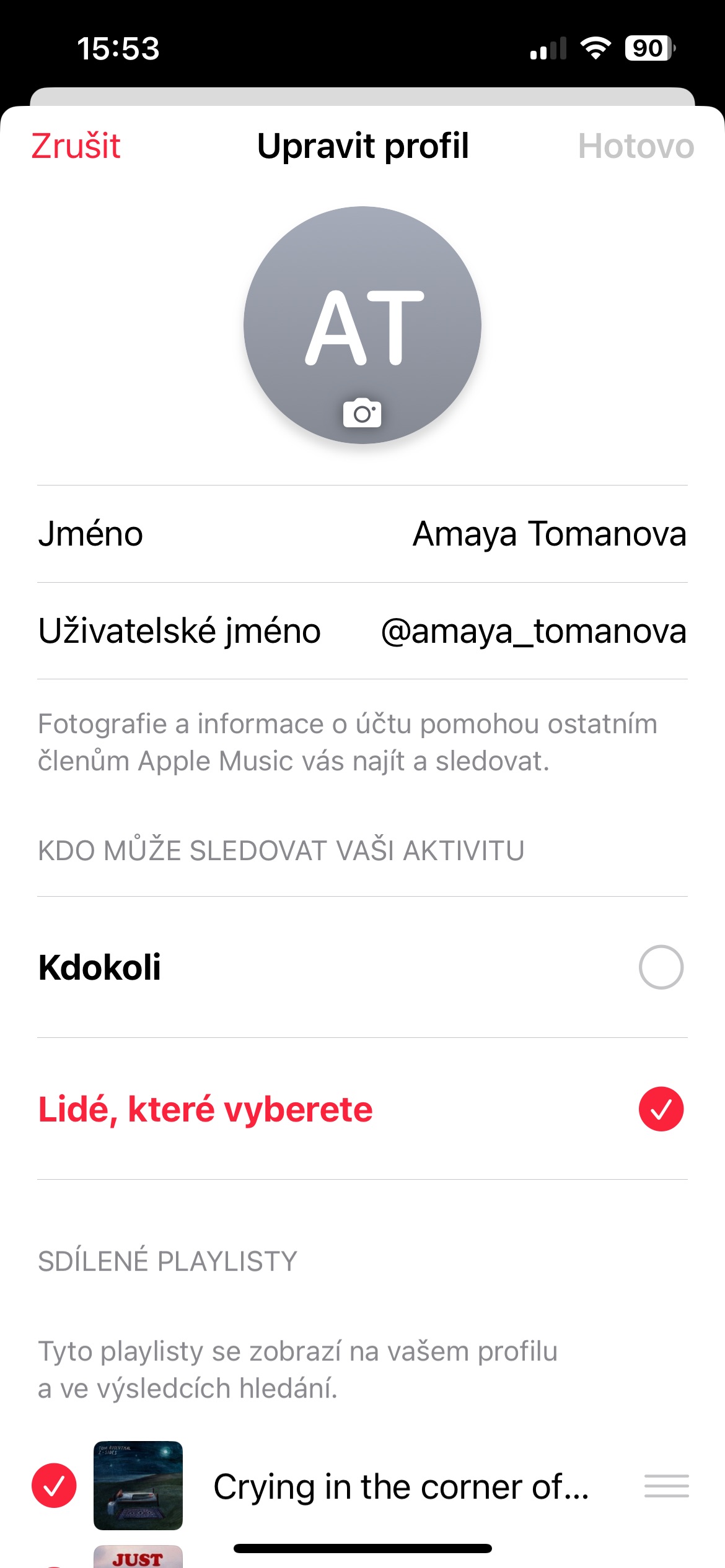
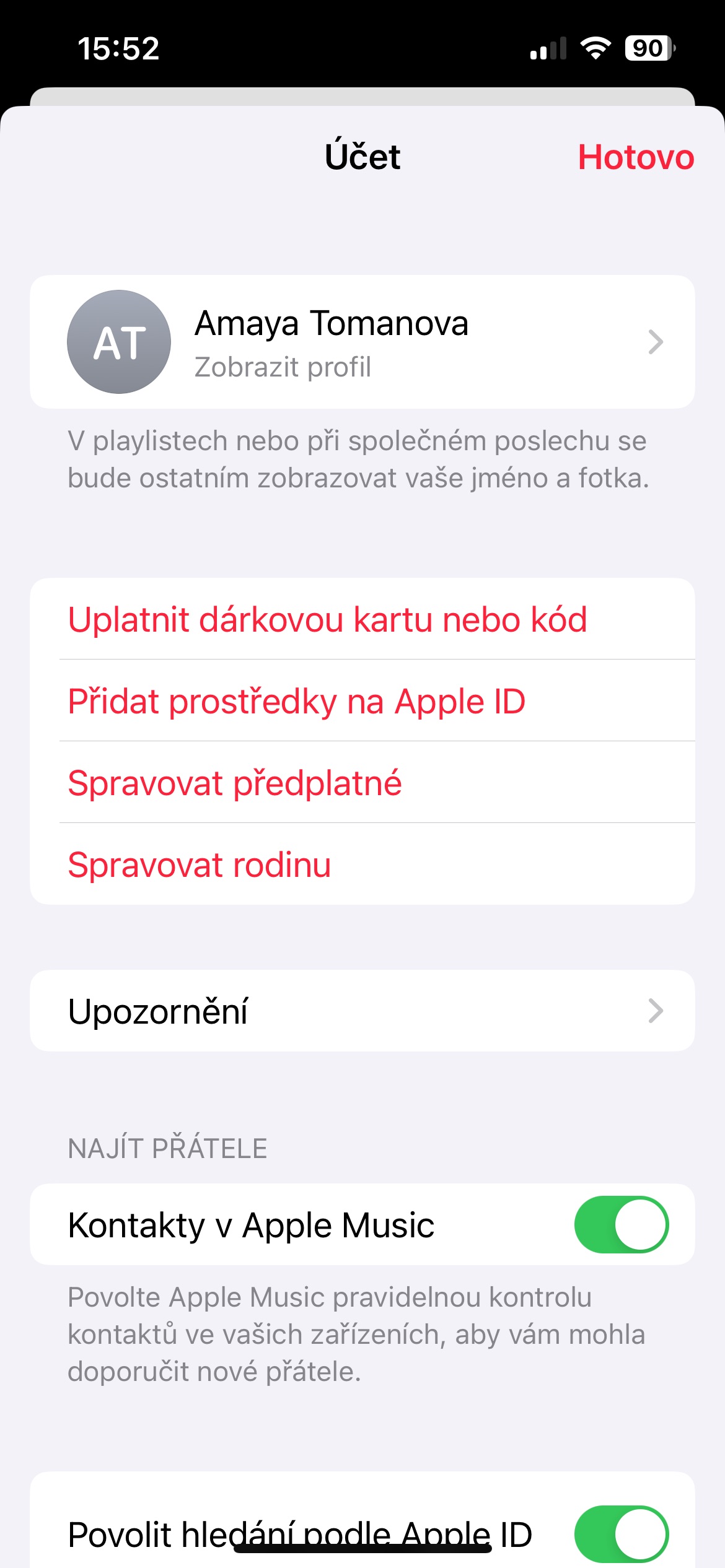
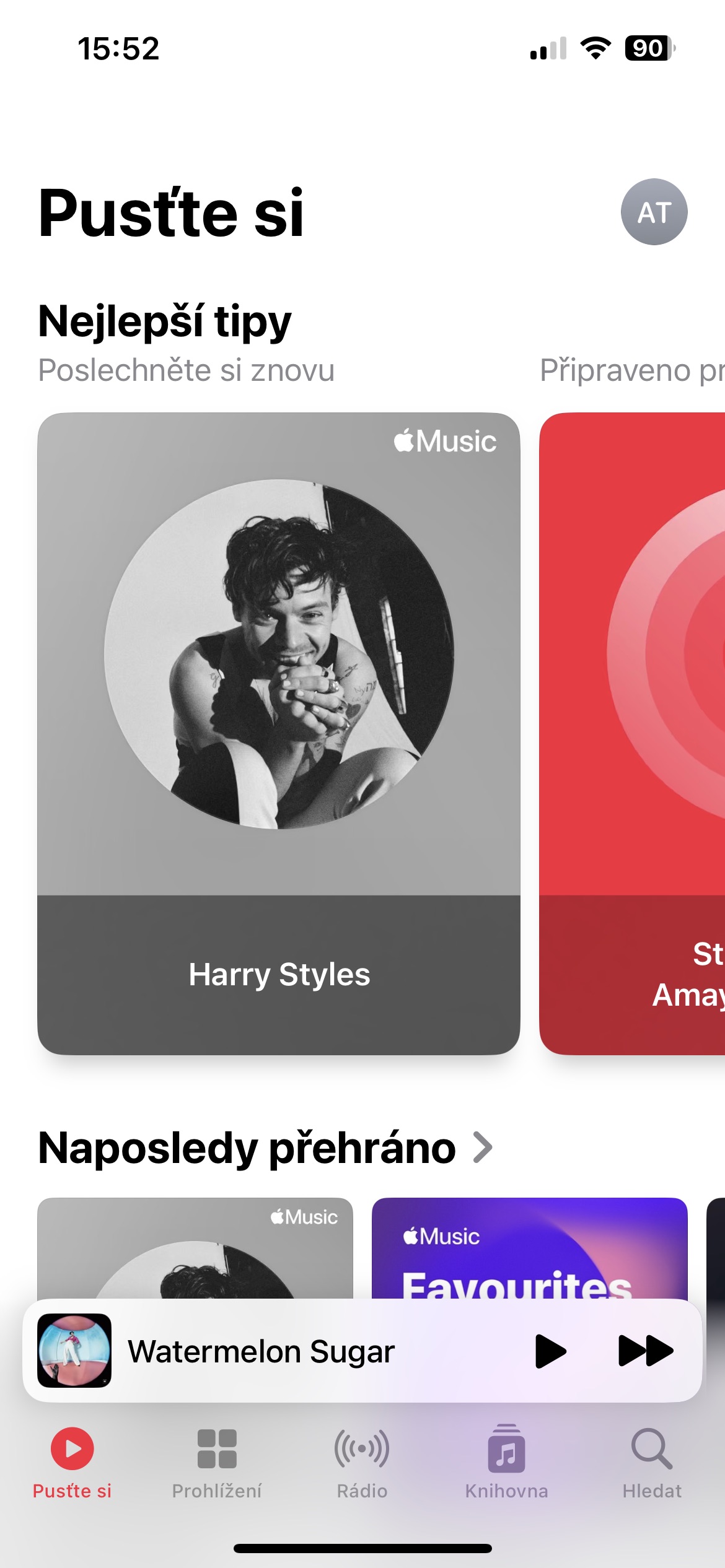
If you and your friends share the same musical tastes, it's fun to find out what they're listening to. Prothey go out with friends Apple Music is also a great way to discover new and interesting music. Click on the icon in the upper right corner to start creating your profile on Apple Music. Click on Adjust under your profile picture you can set details, activate shared playlists, or even display what you're listening to on your profile.
Gallery
Sharing texts
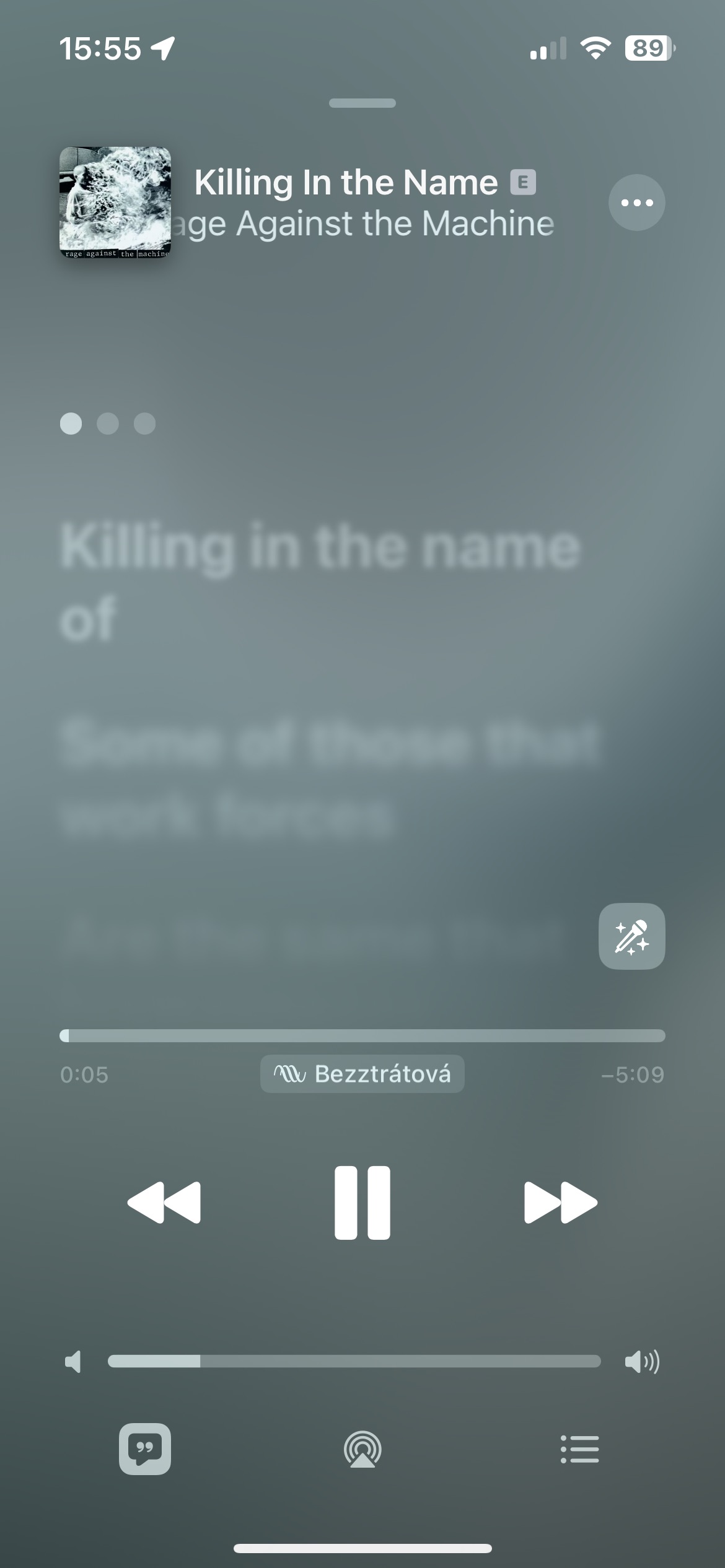
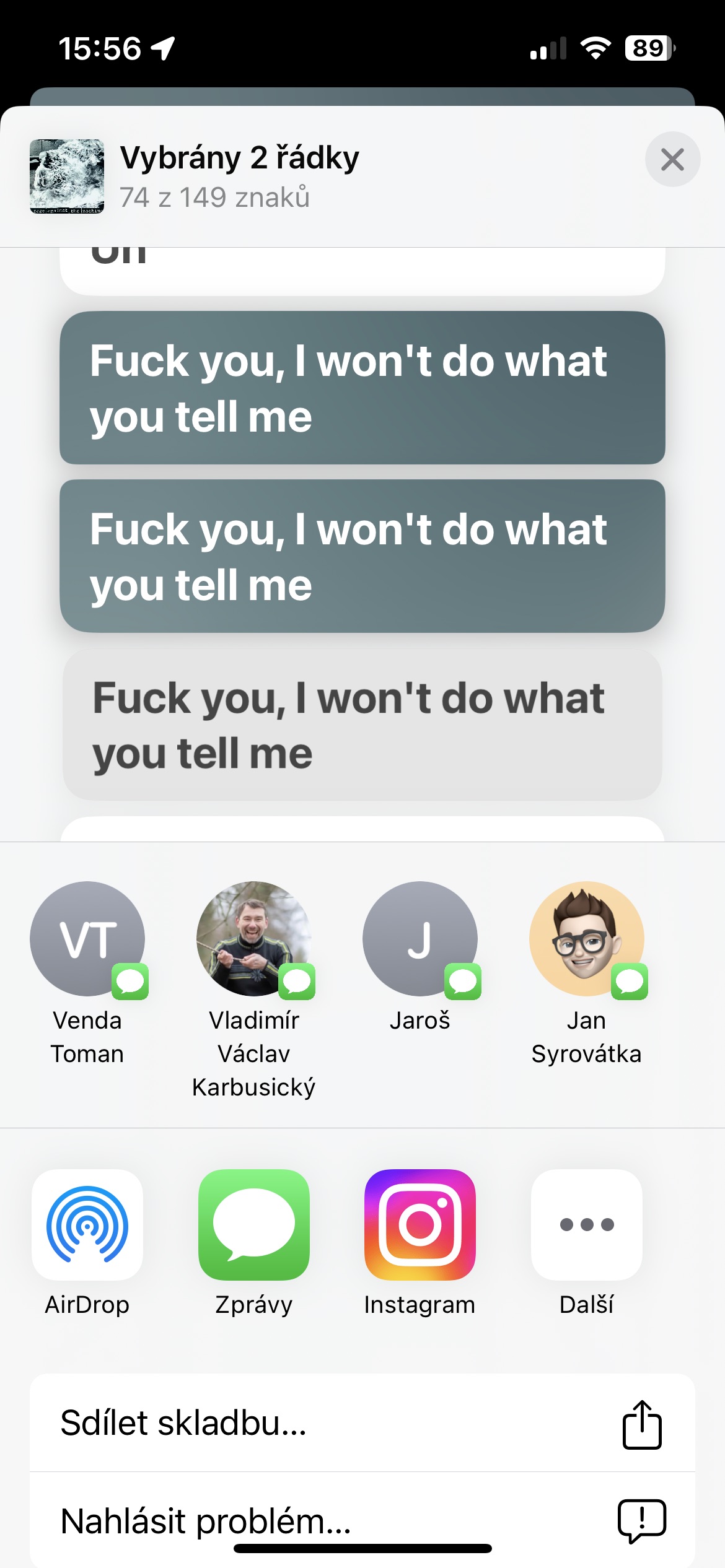
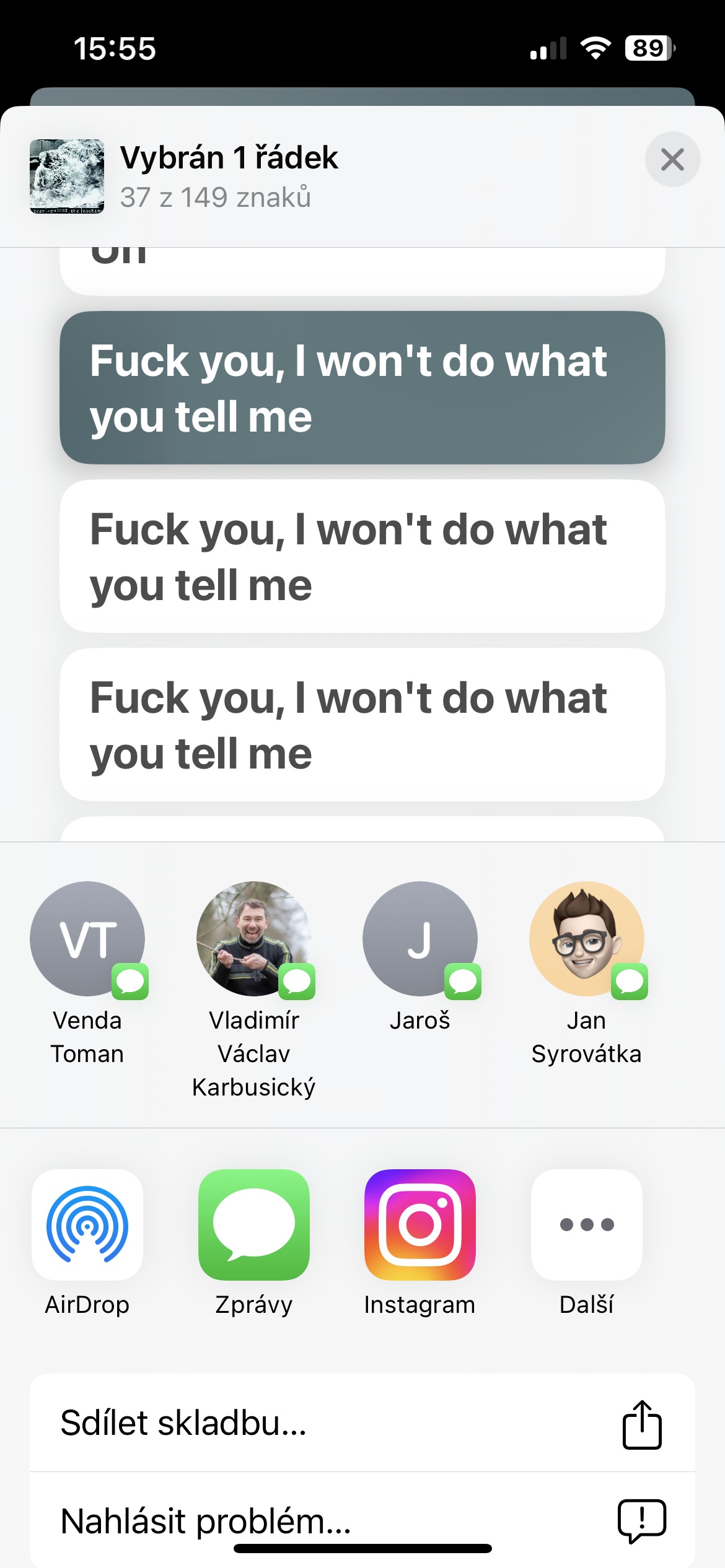
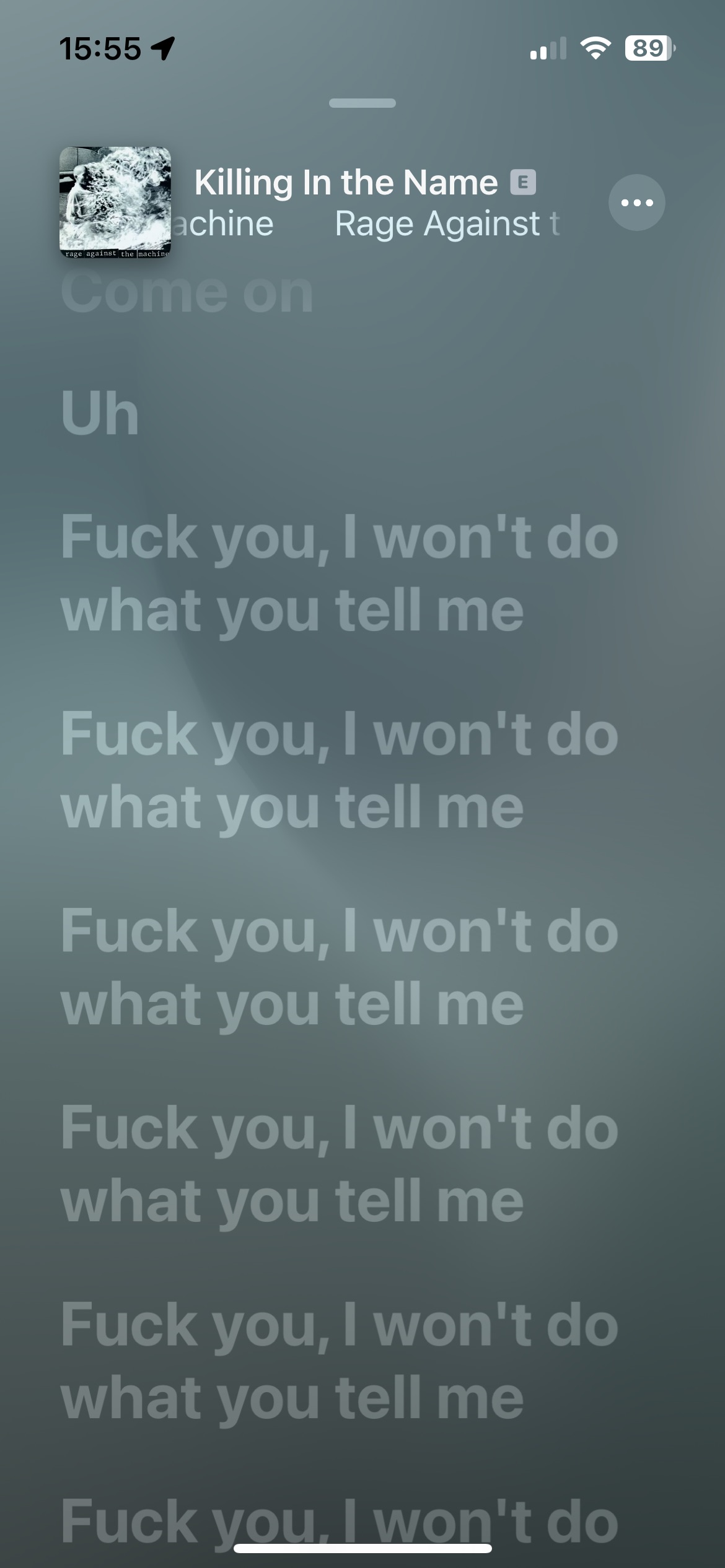
Have you been deeply moved by the lyrics of a song and would like to share it with others? Start the song and click on the quotes icon in the bottom left. Long press the text you want to share, select multiple lines if necessary, and then just choose the recipient and the appropriate sharing method.
Gallery
Another application
You don't necessarily have to use the Music app exclusively to listen to your favorite music. In App In the store you will find a variety of third-party applications that will enhance your experience. Apple Music. These may include, for example, alternative clients or applications for displaying song lyrics. Their selection can be found here, for example.