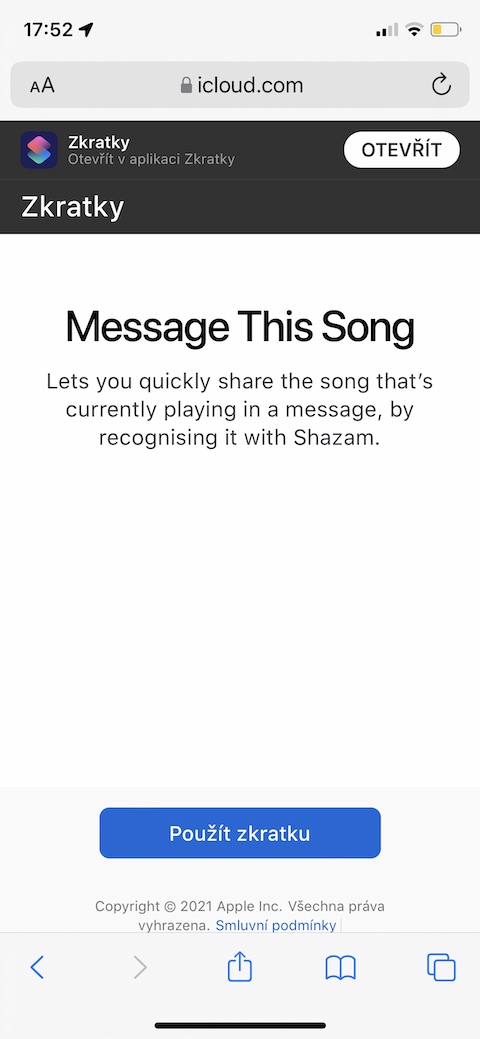
As the week comes to an end, we bring you another overview of other useful shortcuts for iOSBefore you start installing and testing them, we remind you that you need to open each shortcut in a browser environment. Safari on the iPhone you want to install it on. Also, make sure you have enabled the use of untrusted shortcuts in Settings -> Shortcuts.
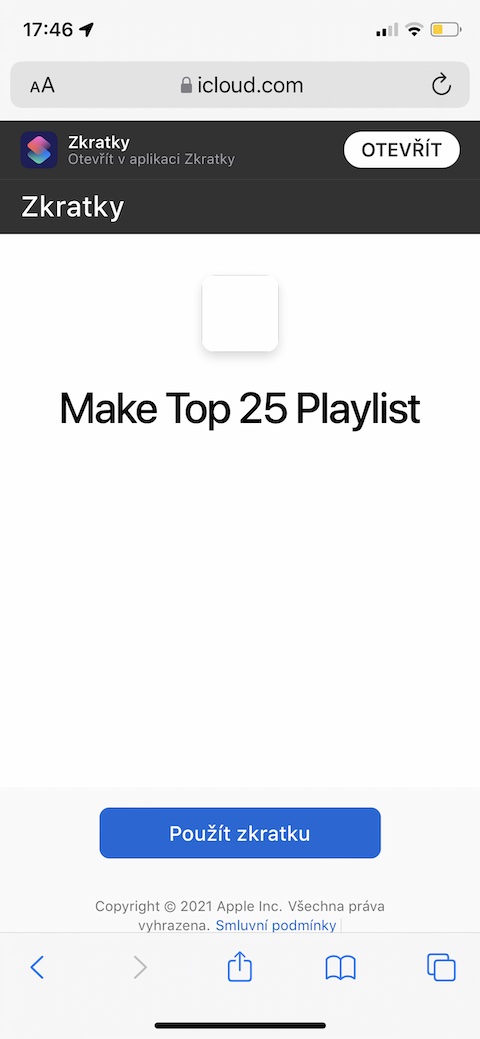
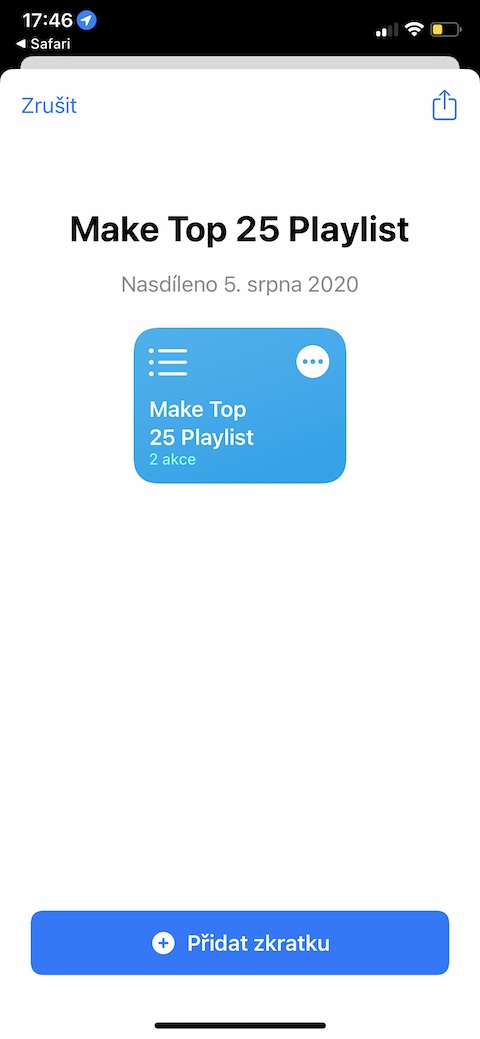
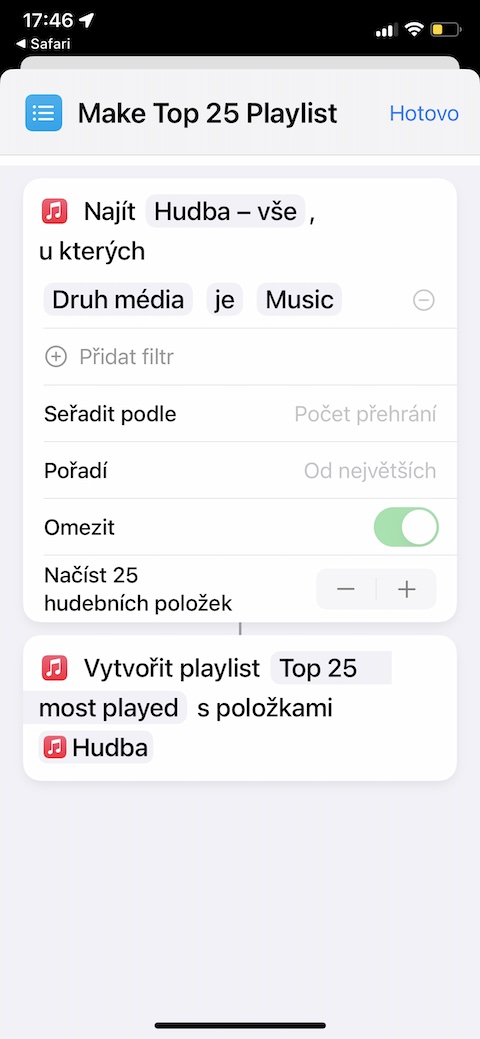
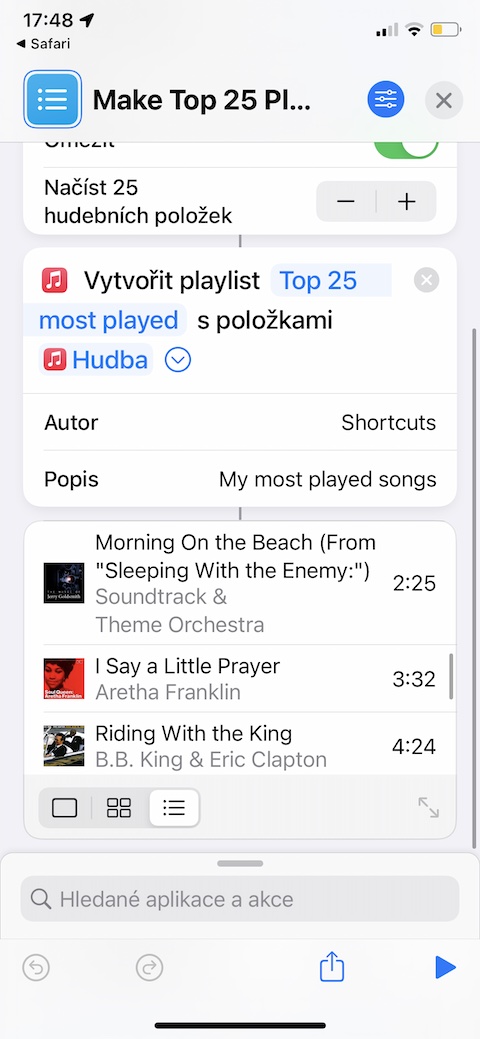
Make a Top 25 Playlist
You often listen to music through a music streaming service Apple Music and would you like to create a list of your twenty-five most listened to songs? You can use the shortcut called Make Top 25 Playlist for this purpose. As the name suggests, it is a useful tool that allows you to create your own playlist in a few seconds. Apple Music hit parade.
Gallery
Message This Song
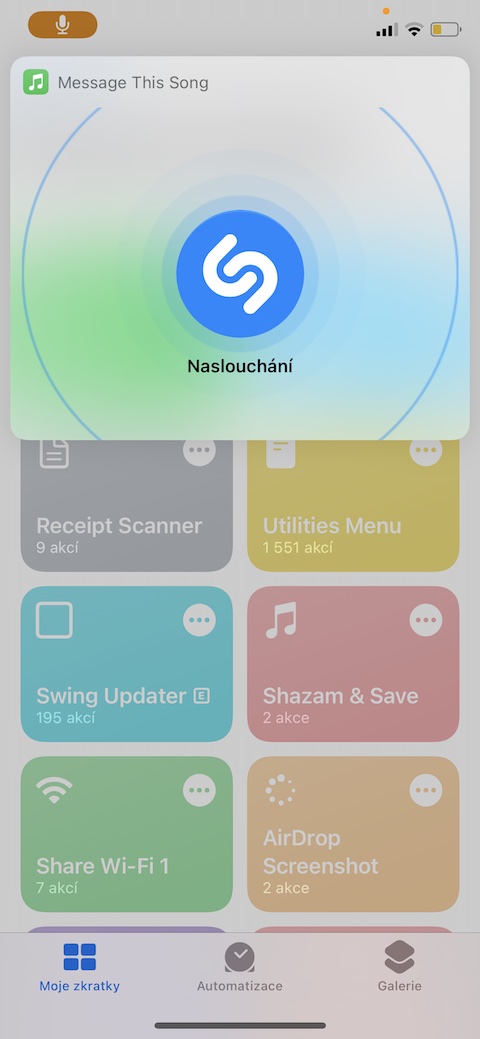
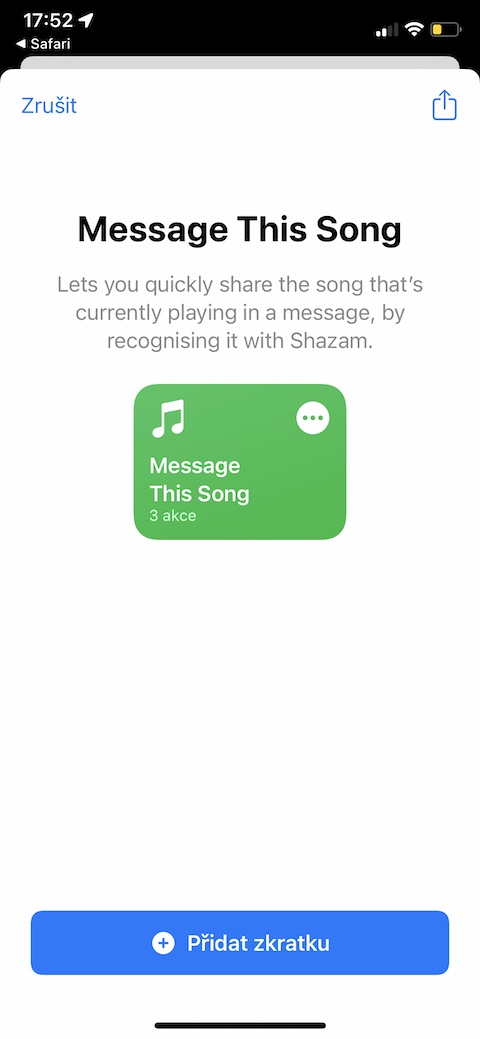
An integral part iOS The device also has the Shazam application. Through it, you can not only easily and quickly identify the currently playing song, but also share it in various usual ways. If you don't want to launch Shazam every time for these purposes and then start sharing manually, you can use a shortcut called Message This Song, which will handle these tasks much faster and completely on its own.
Random Number Generators
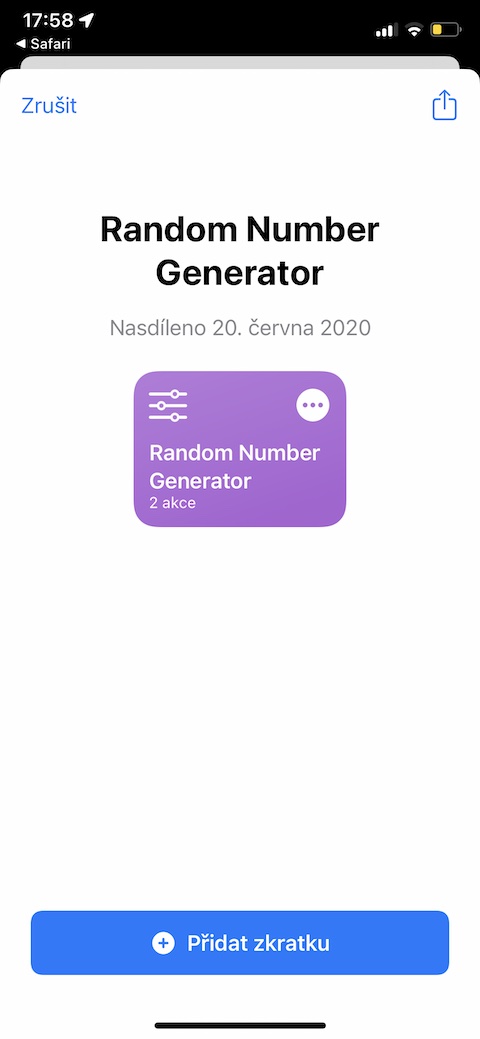
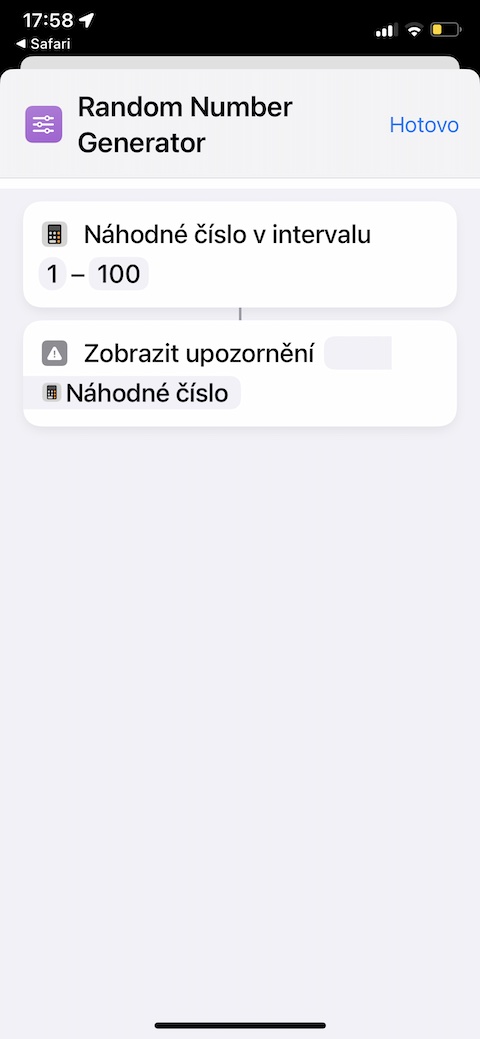
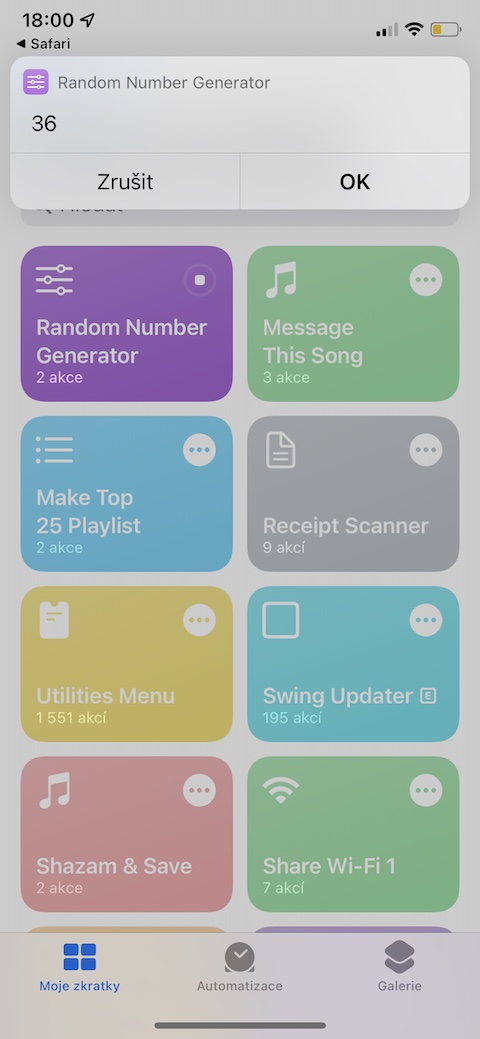
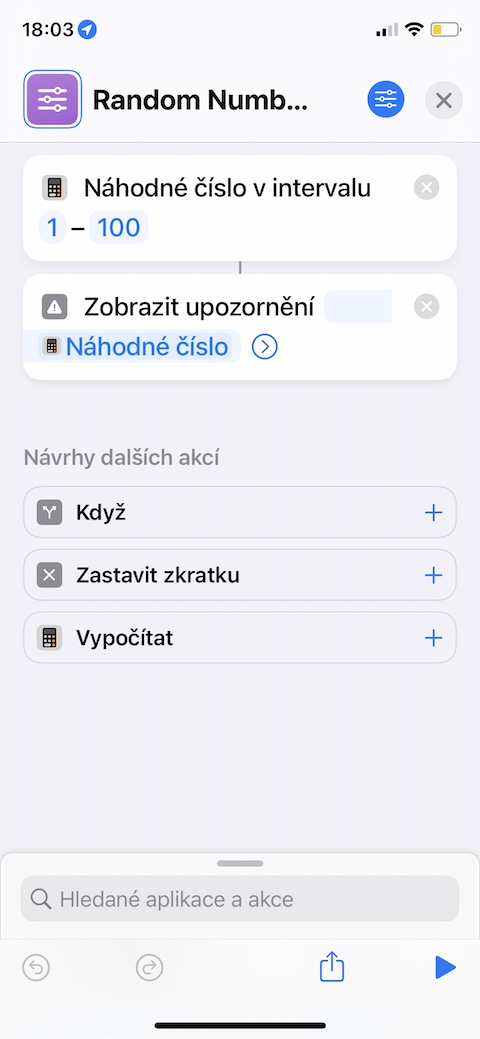
Do you bet Sportka or another lottery, or simply need to generate completely random numbers for any reason? For these purposes, you can effectively use, for example, a shortcut called Random Number Generator. By default, this shortcut will automatically generate a random number in the range from 1 to 100 within a few seconds. However, you can easily adjust the individual parameters of the shortcut in its settings.
Gallery
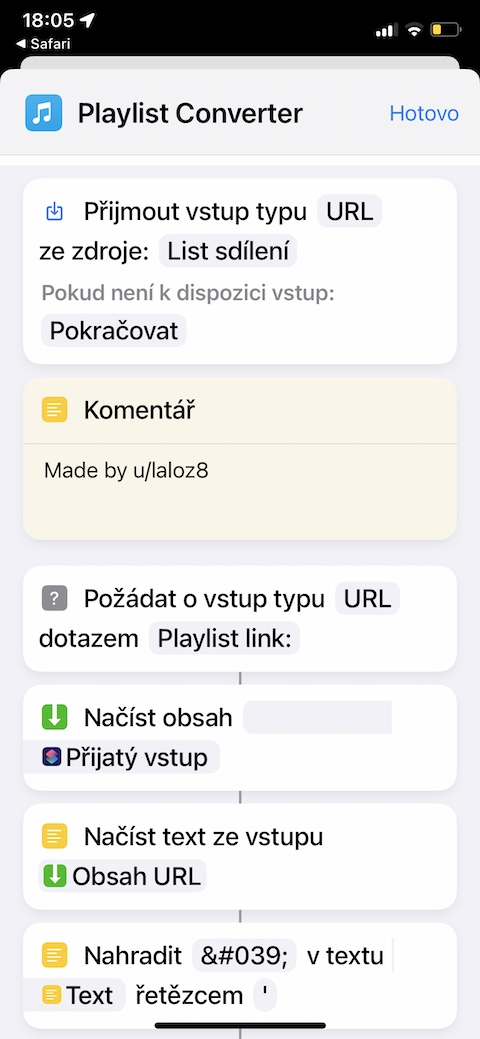
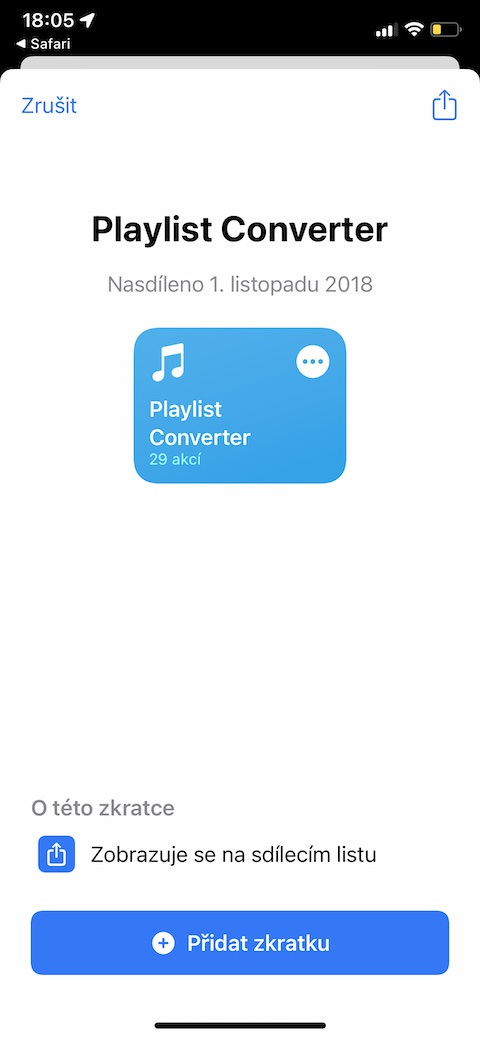
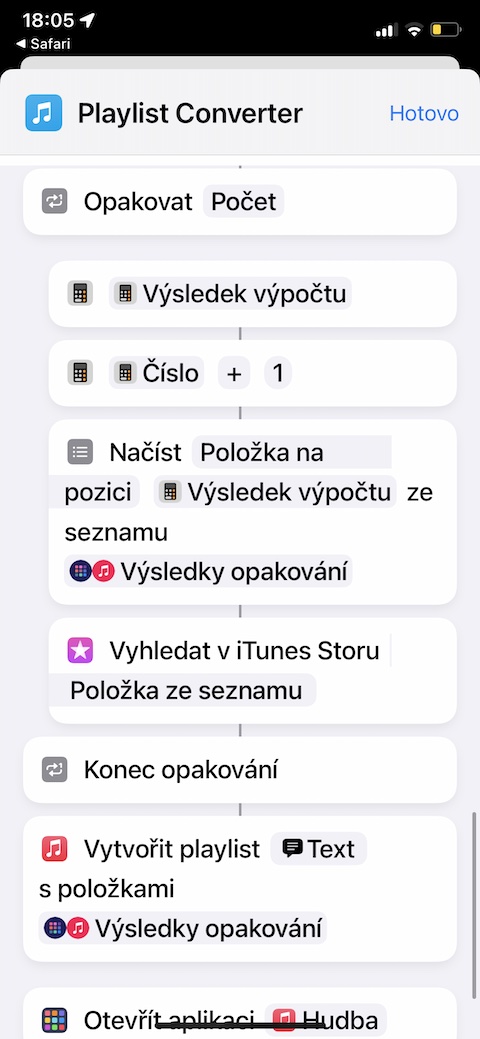
playlist converter
You are switching from the music streaming service Spotify to Apple Music and would you like to convert all your playlists quickly and easily? With the shortcut called Playlist Converter, that won't be a problem. Pro Please note that the time it takes for the shortcut to transfer depends on how many songs are in the playlist. If you want to transfer playlists between other services, you can use instructions from this article.
Gallery