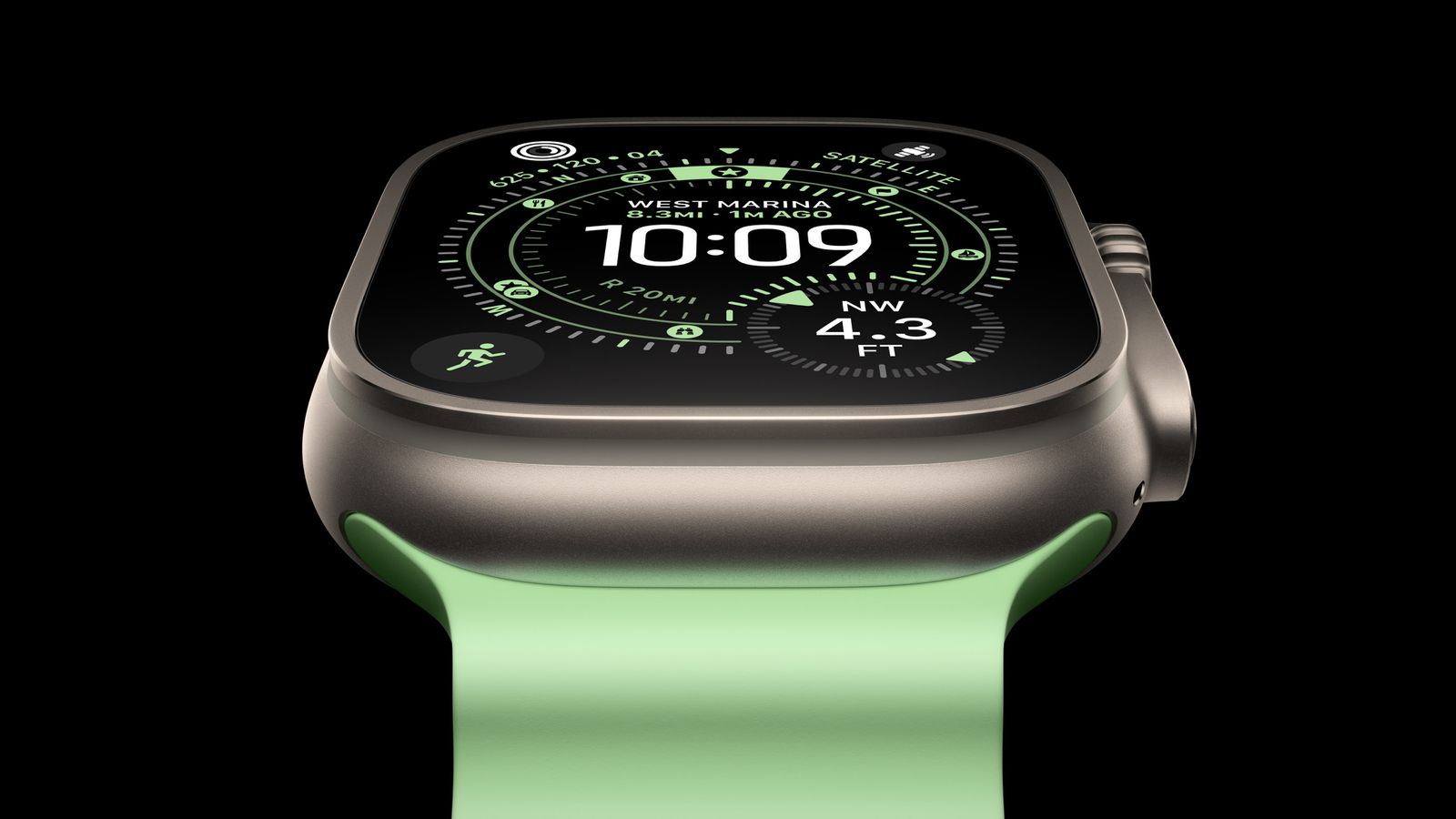
He released a few days ago Apple for the public the first major update of the new watchOS 9, in the form of a version labeled 9.1. This update includes a few new features, but primarily Apple focused on overall stability improvements and fixing all kinds of bugs. However, as is the case after every major update, there will be users who start to complain about reduced battery life, for example, which is of course Apple Watch problem. Therefore, let's look together in this article at 5 basic tips, thanks to which it is possible to extend the life of the apple watch.
You might be interested in
Low power mode
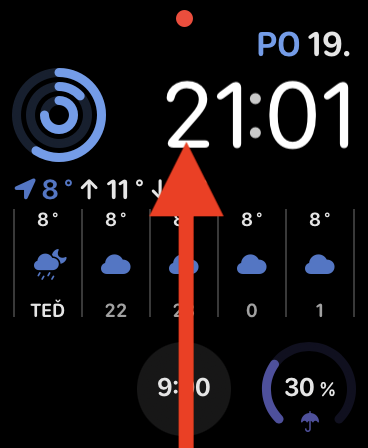
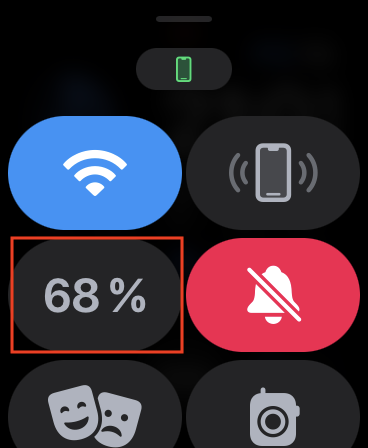
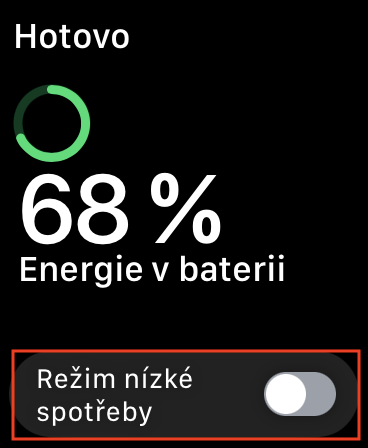
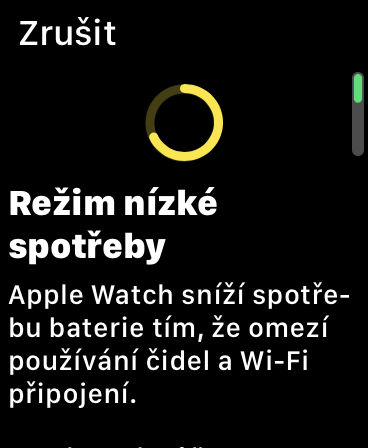
The first, absolutely basic tip on how to extend the duration Apple Watch, is the activation of low power mode. This mode has long been available only on iPhonech and the Californian giant has recentlyonedecided to expand it to other devices, including Apple WatchUnfortunately, many users have no idea about this. Pro To activate low power mode, simply they opened the control center, which you will do by swiping up from the bottom edge of the display. Here you just need to tap on element with the current state of charge a turn on Low Power Mode.
Gallery


Economy mode during exercise
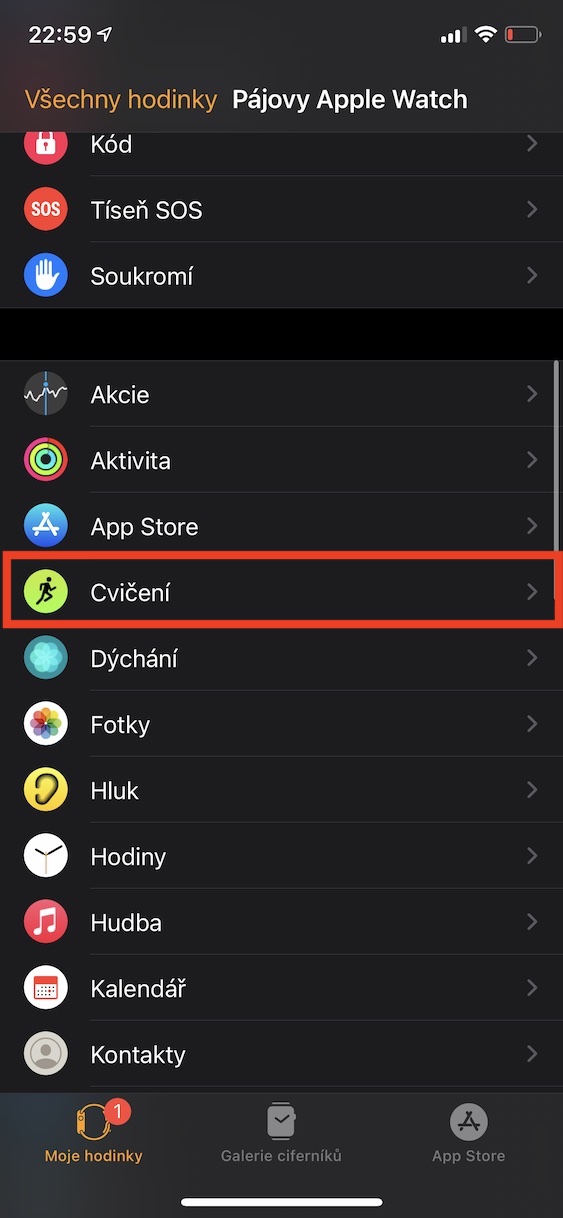
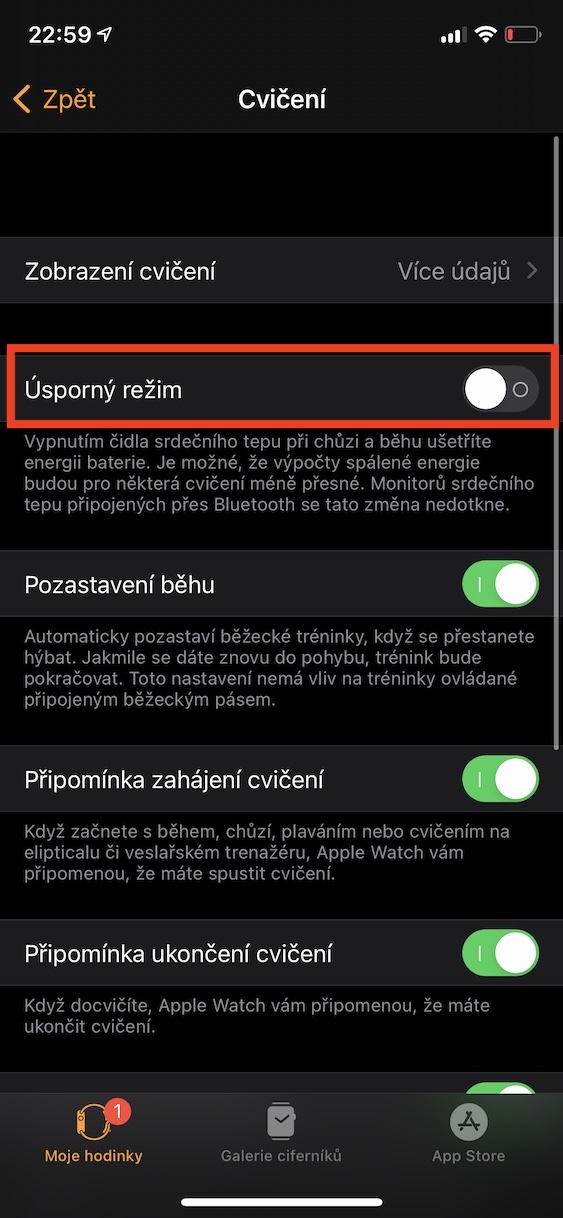
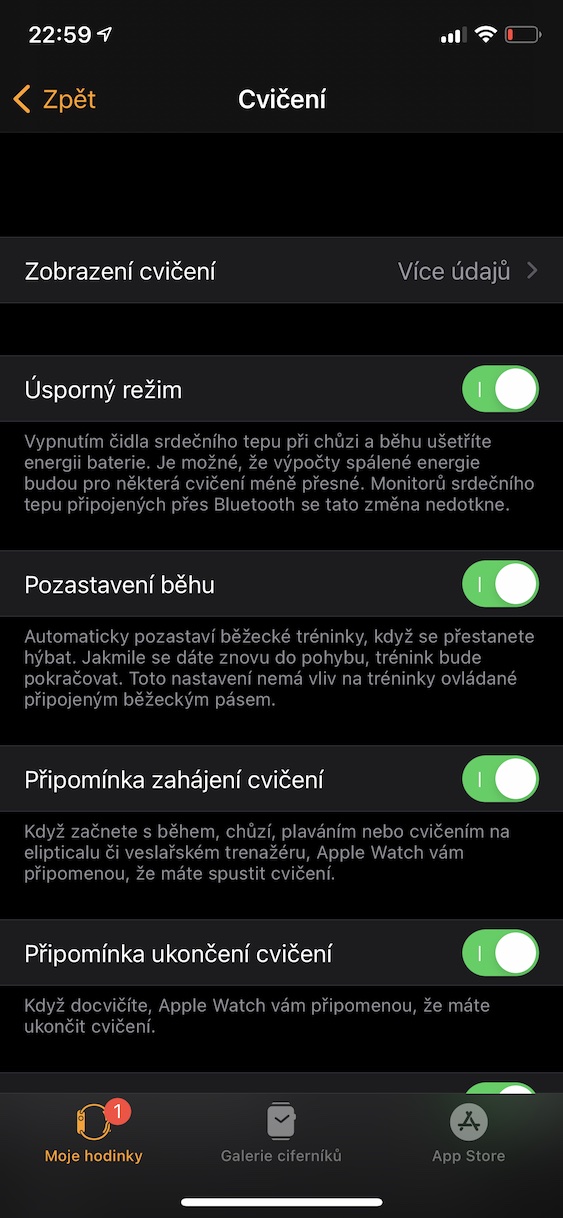
For a long time, Apple watches have included an energy-saving mode during exercise, which, after activation, specifically prevents monitoring of heart activity during walking and running. The monitoring of heart activity is one of the most demanding processes that Apple Watch performs, and if you don't need this information, you can save many percent of your battery by using power saving mode. Pro To activate this power saving mode, simply go to the app on your iPhone Watch, where you open My Watch → Exercise and here turn on function Economy mode.
Gallery
Deactivating heart rate monitoring
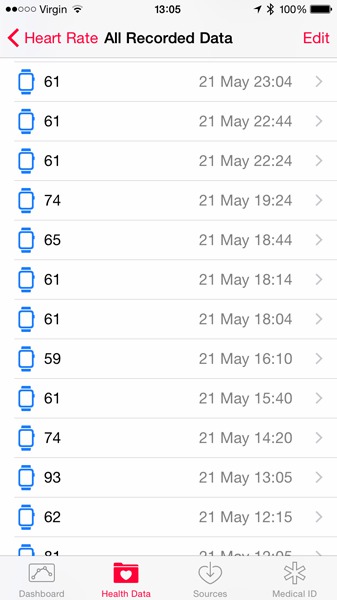
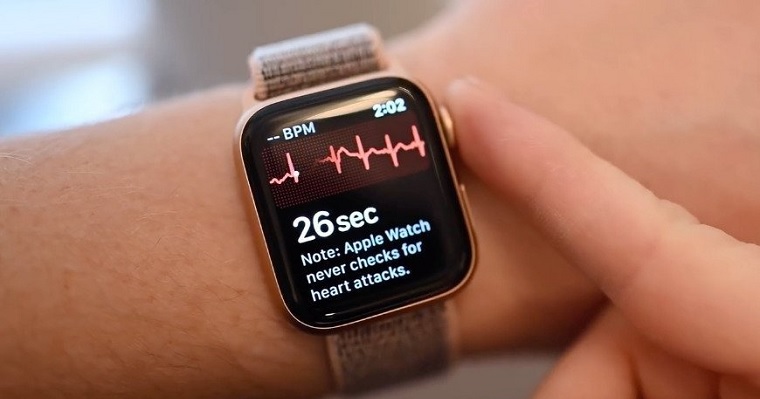
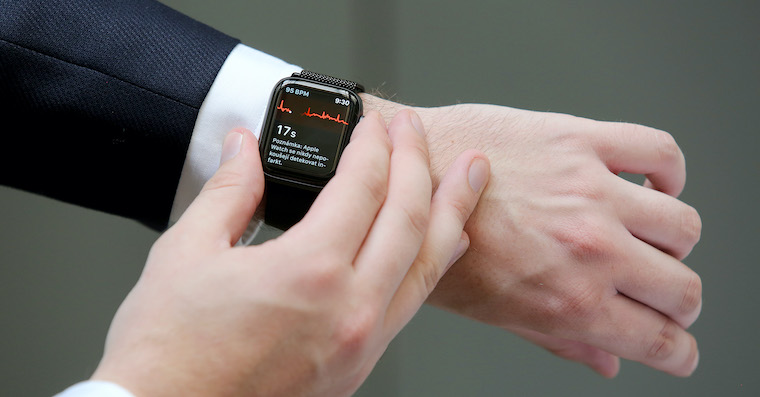
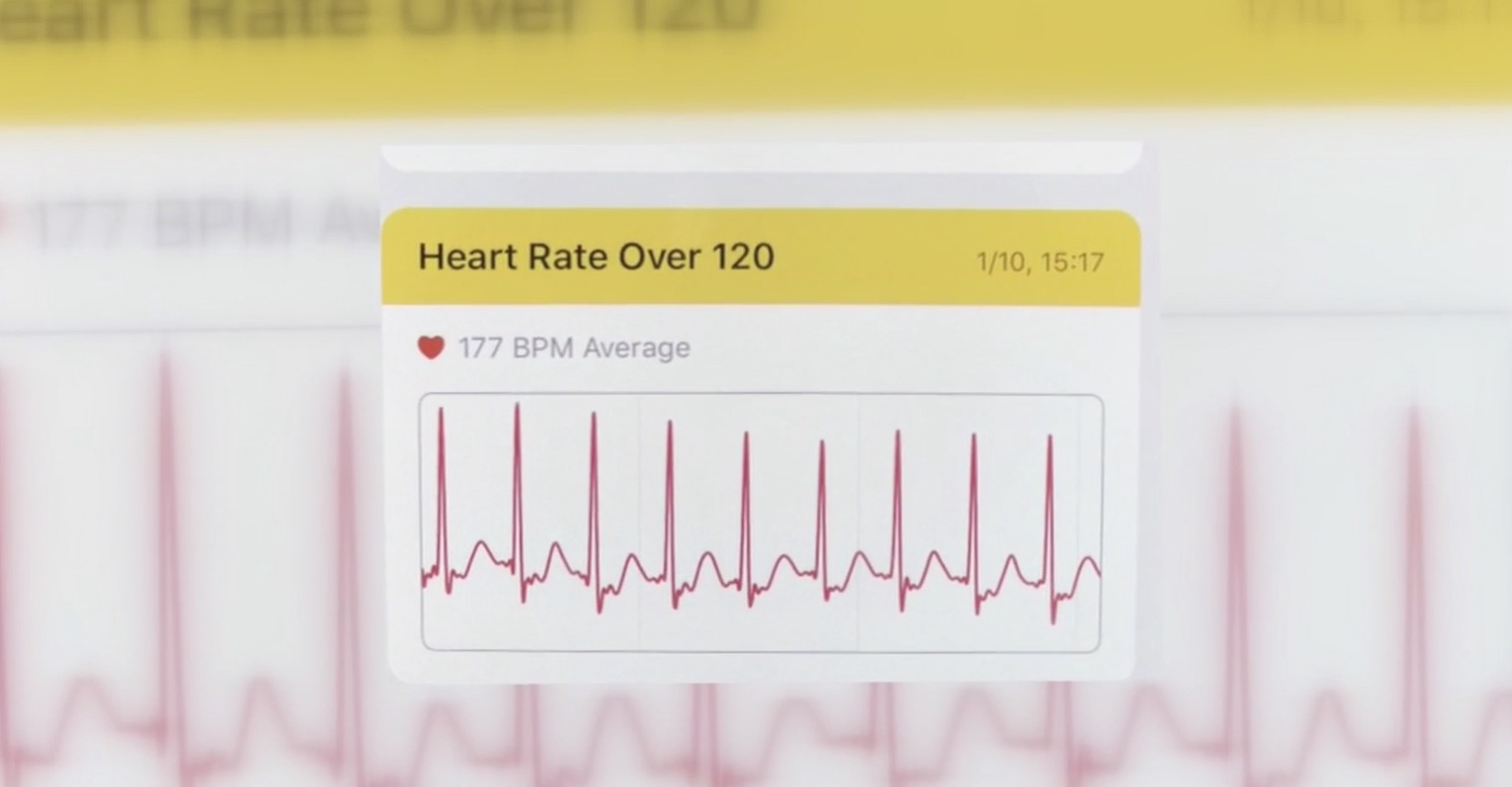
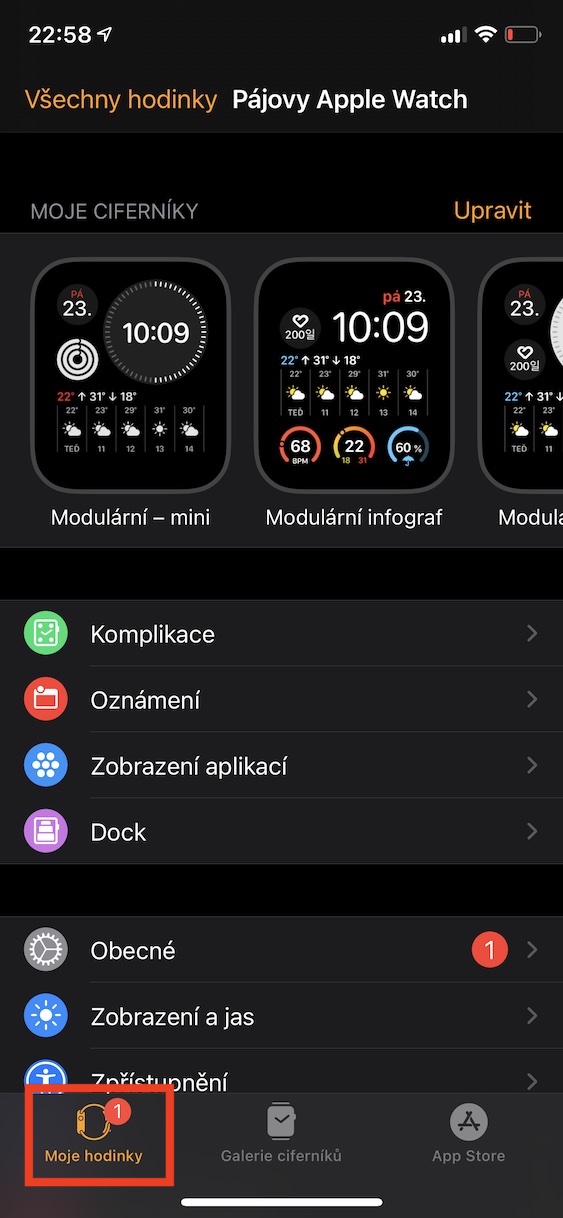
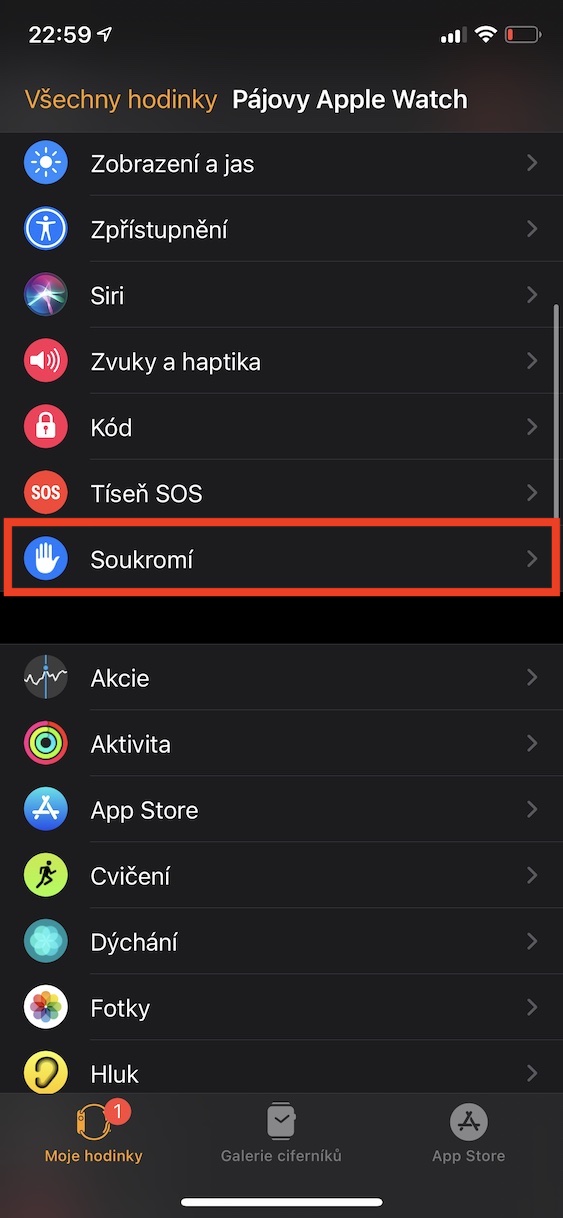
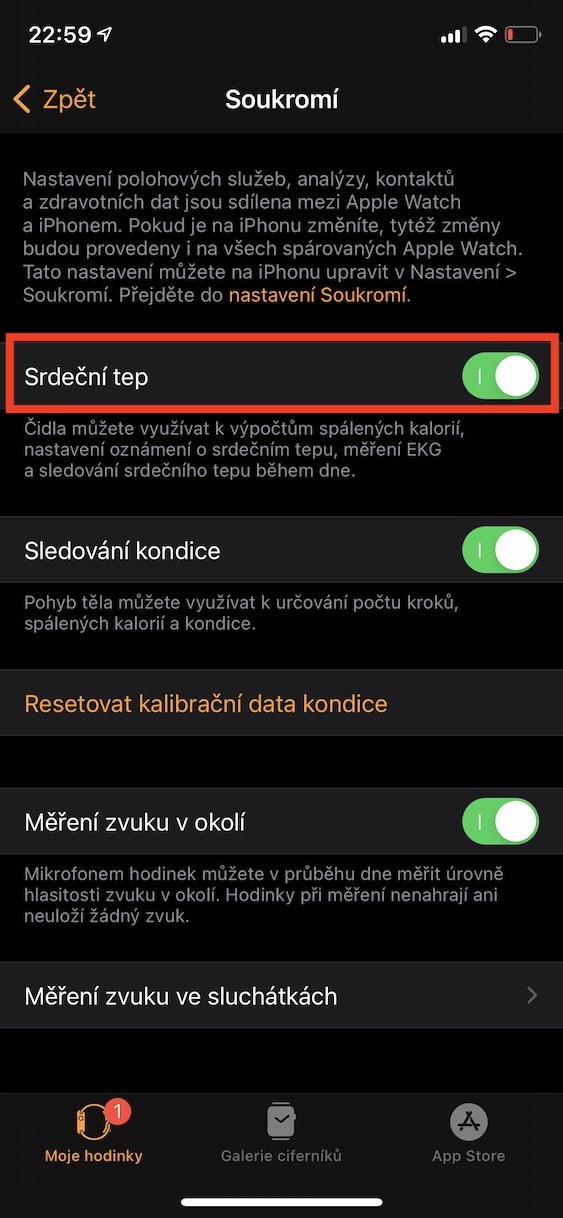
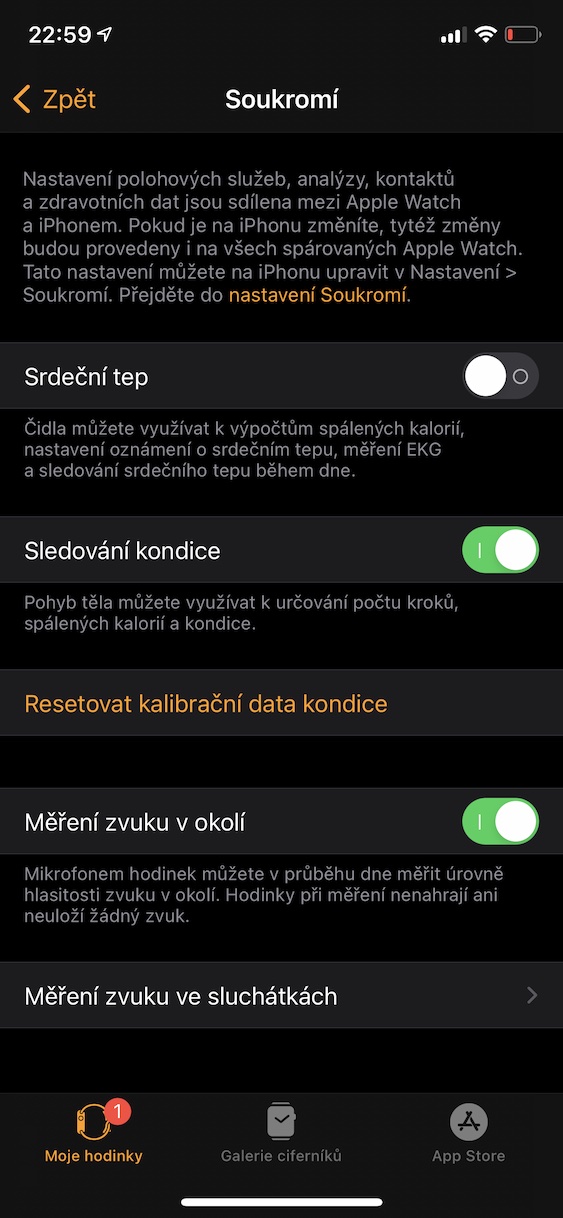
Are you 100% sure that your heart is fine, or are you using a different device to monitor heart activity than Apple Watch? If so, you can completely disable this function that collects information about your heart on them. By doing this you will be able to battery life Apple Watch significantly extend it, but you will lose calorie burn calculations, heart rate notifications, ECG measurements, and all-day heart rate monitoring. Pro To turn off heart rate monitoring, simply go to the app on your iPhone Watch, where you open My watch → Privacy and here activate possibility Heart beat.
Gallery
Manual brightness reduction
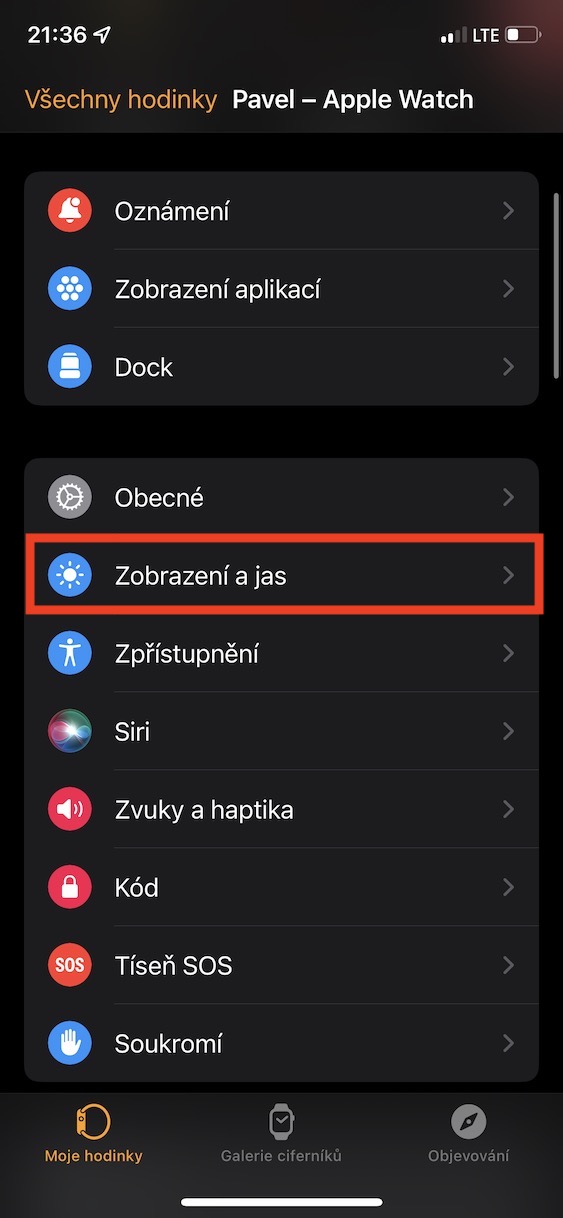
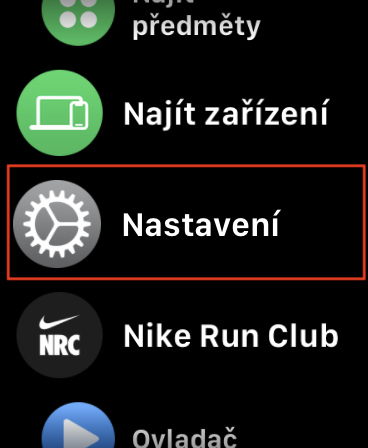
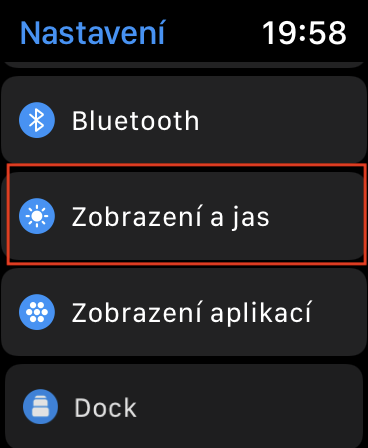
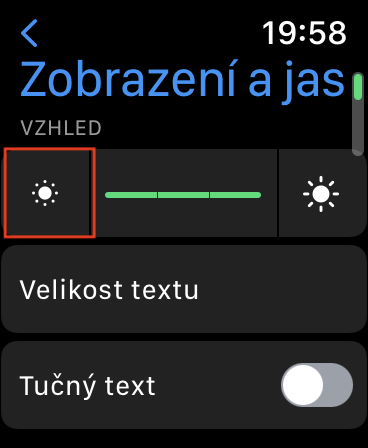
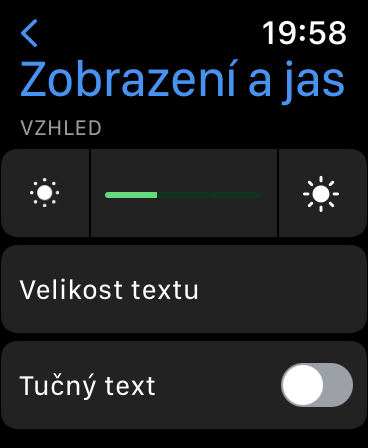
iPhone, iPad, Mac, and other devices adjust the brightness of the display based on data from the ambient light sensor, which helps save battery life by automatically lowering the brightness in low-light areas (and vice versa). However, as for Apple Watch, so they do not have this ambient light sensor, so they have a fixed brightness setting. If you feel that the brightness of your watch's display is too high and you would like to save battery, you can manually reduce it. You just have to on Apple Watch they moved to Settings → Display and brightness. Here, just tap on icon of a smaller sun reduce the brightness to lower value.
Gallery
Turning off the display lighting after raising your hand
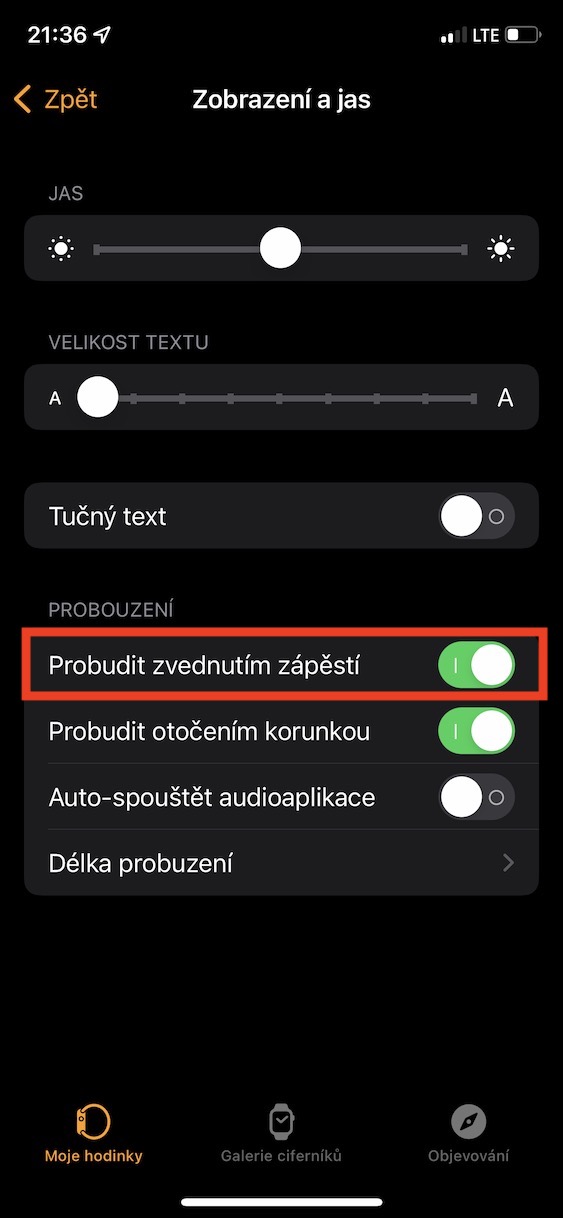
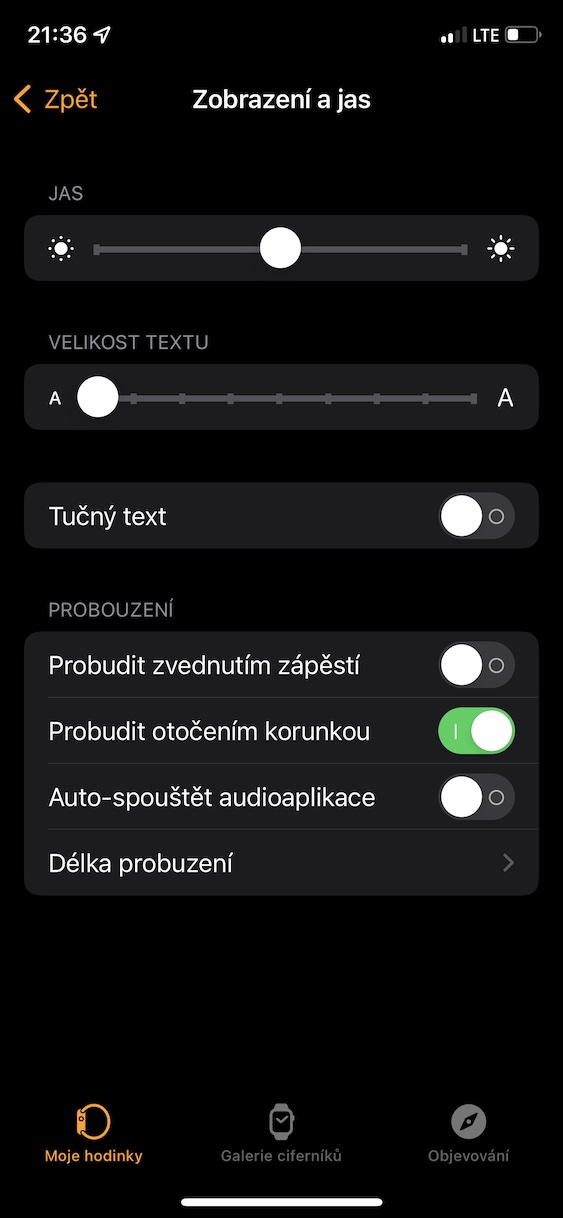
Ways you can light up the display Apple Watch, there are quite a few. Just touch the display, press the side button or the digital crown, or you can also turn the crown. However, the most users use automatic lighting after raising the wrist upwards. This is the most convenient way, however, there can often be a wrong calculation of the movement and the display Apple Watch se lights up even when it shouldn't, which causes faster battery consumption. You can avoid this by turning off the aforementioned feature, which you can do on your iPhone in the app Watch, where then go to Moje watch → Display and brightness a deactivate function Prowake up by raising your wrist.
Gallery