
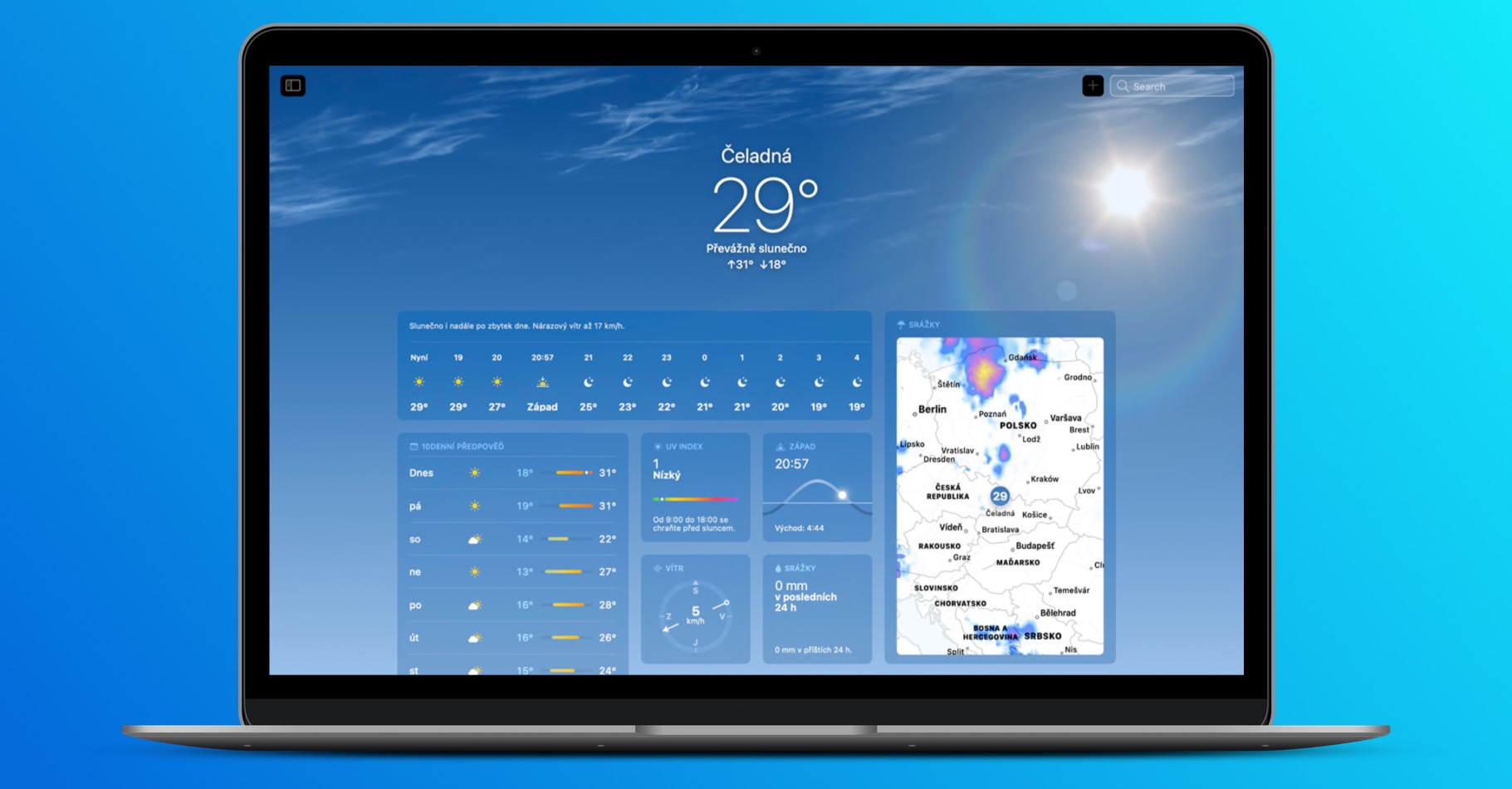
If you own an iPad, then you surely know that it lacked some basic applications - specifically we can mention Weather, Clock and Calculator. However, we recently saw the release of the iPadOS 16 update, in which Apple koneIt has added native Weather and Clock, and as for Calculator, it is still not available. Both of the new apps mentioned are Applu really succeeded and in this article we will focus on Weather, in which we will show a total of 5 tips that you simply need to know about.
You might be interested in
Detailed weather charts
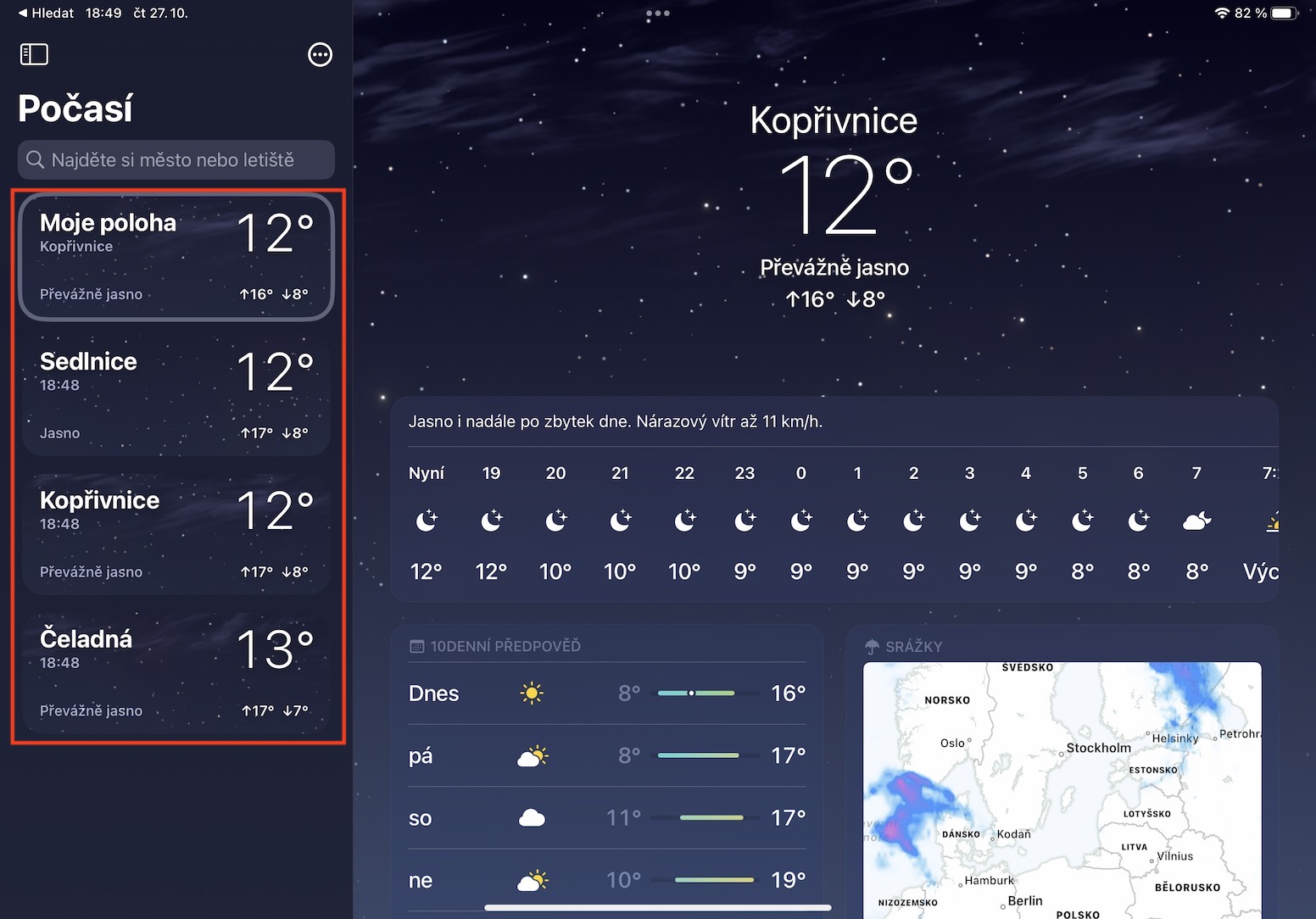
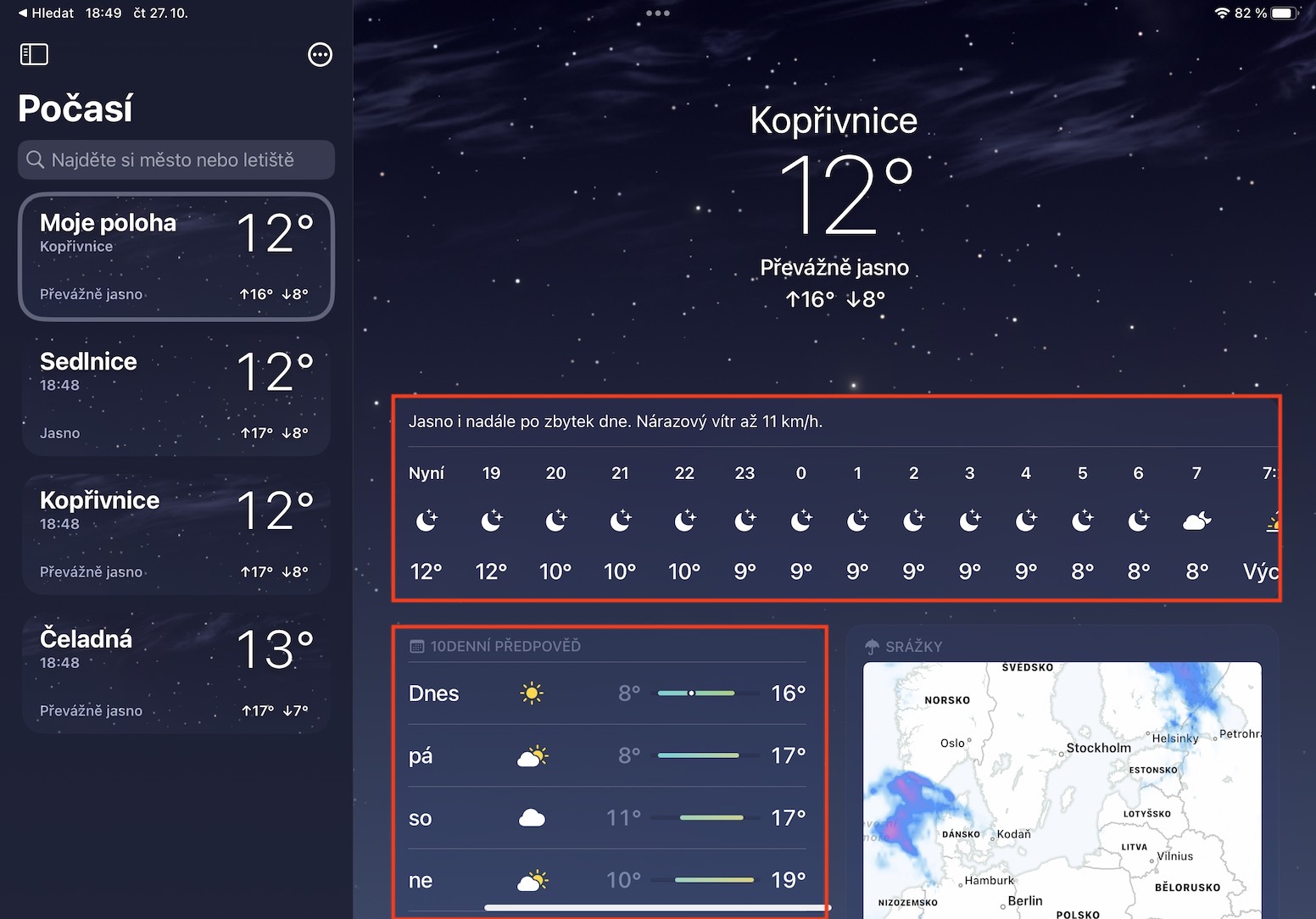
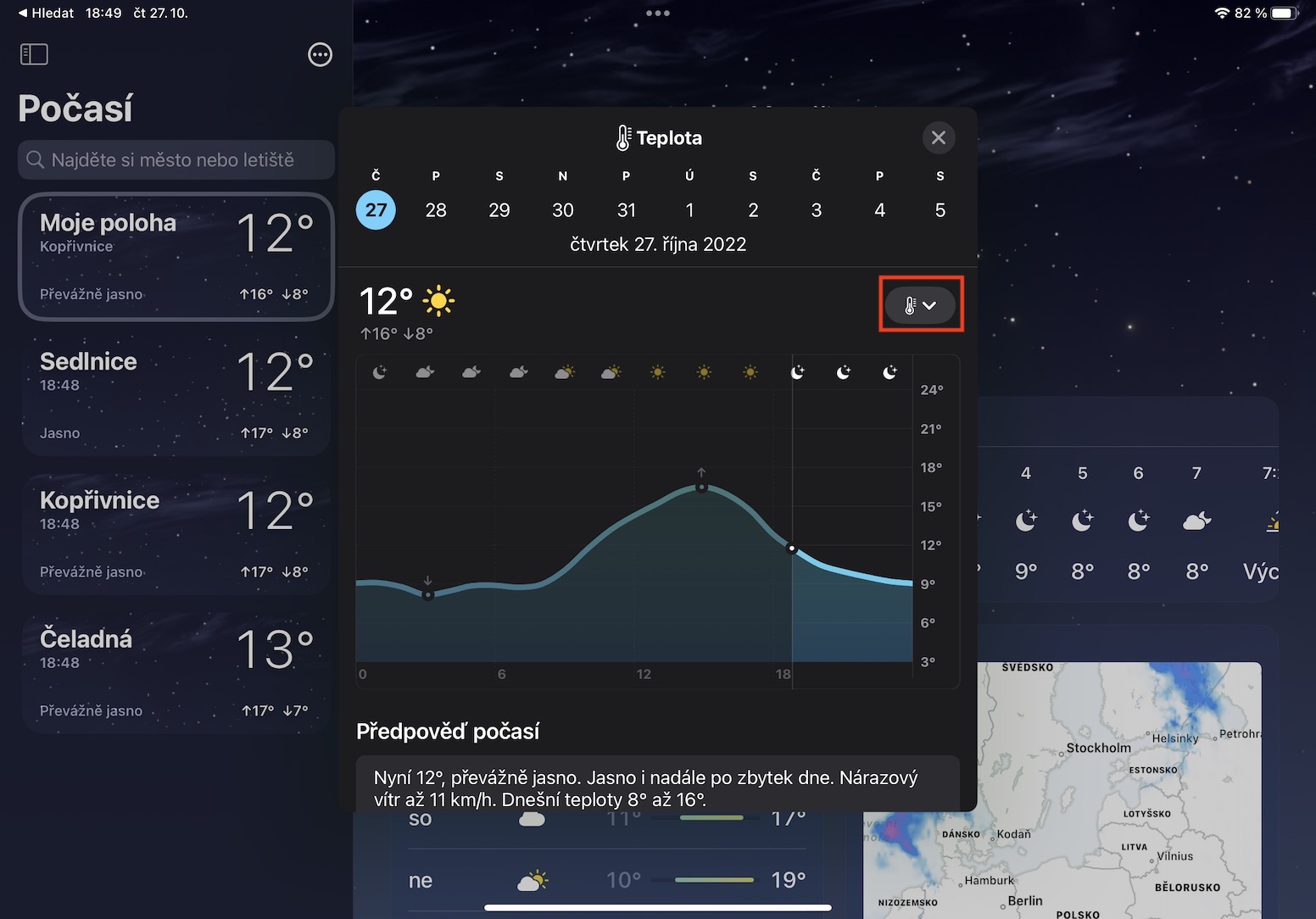
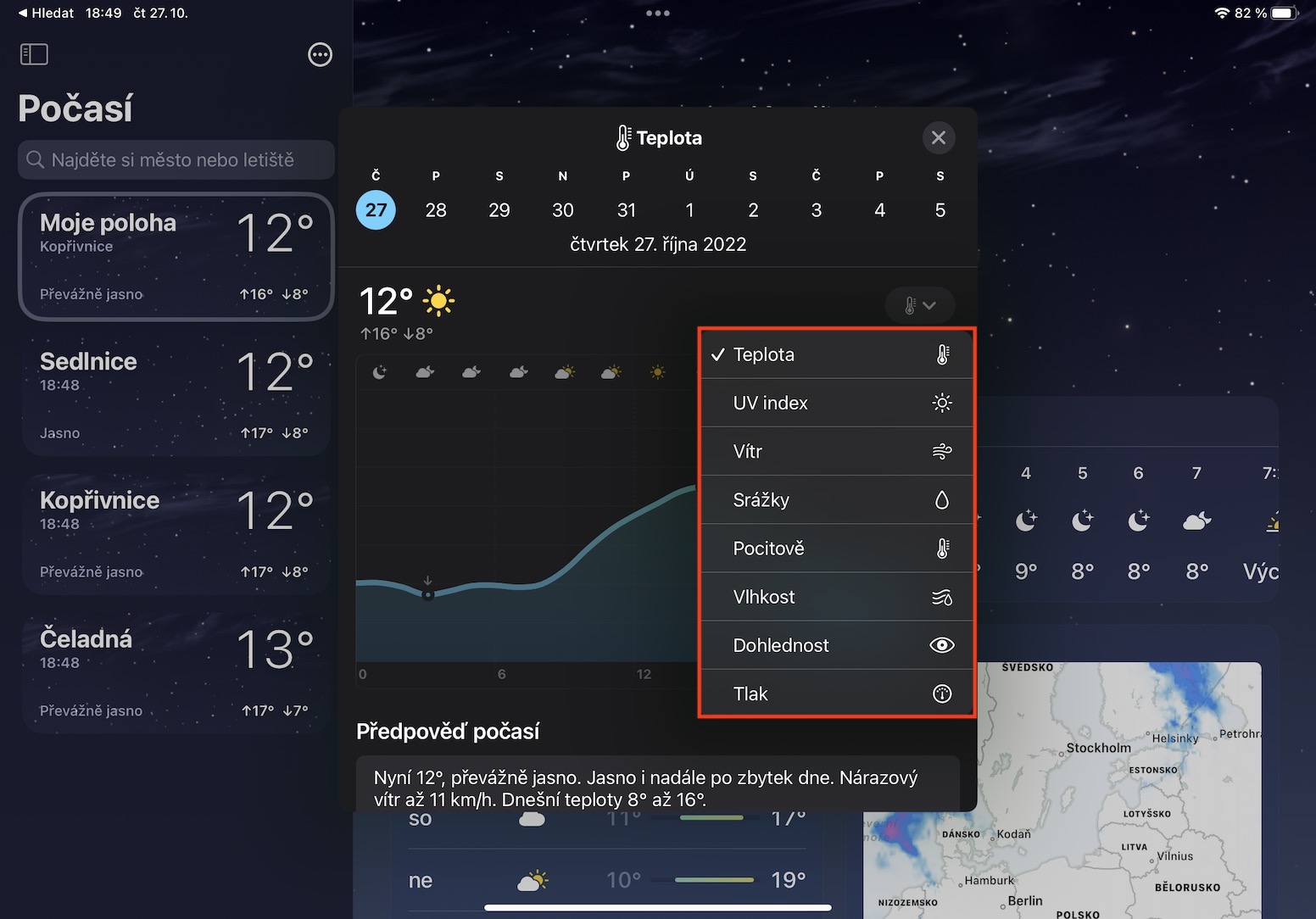
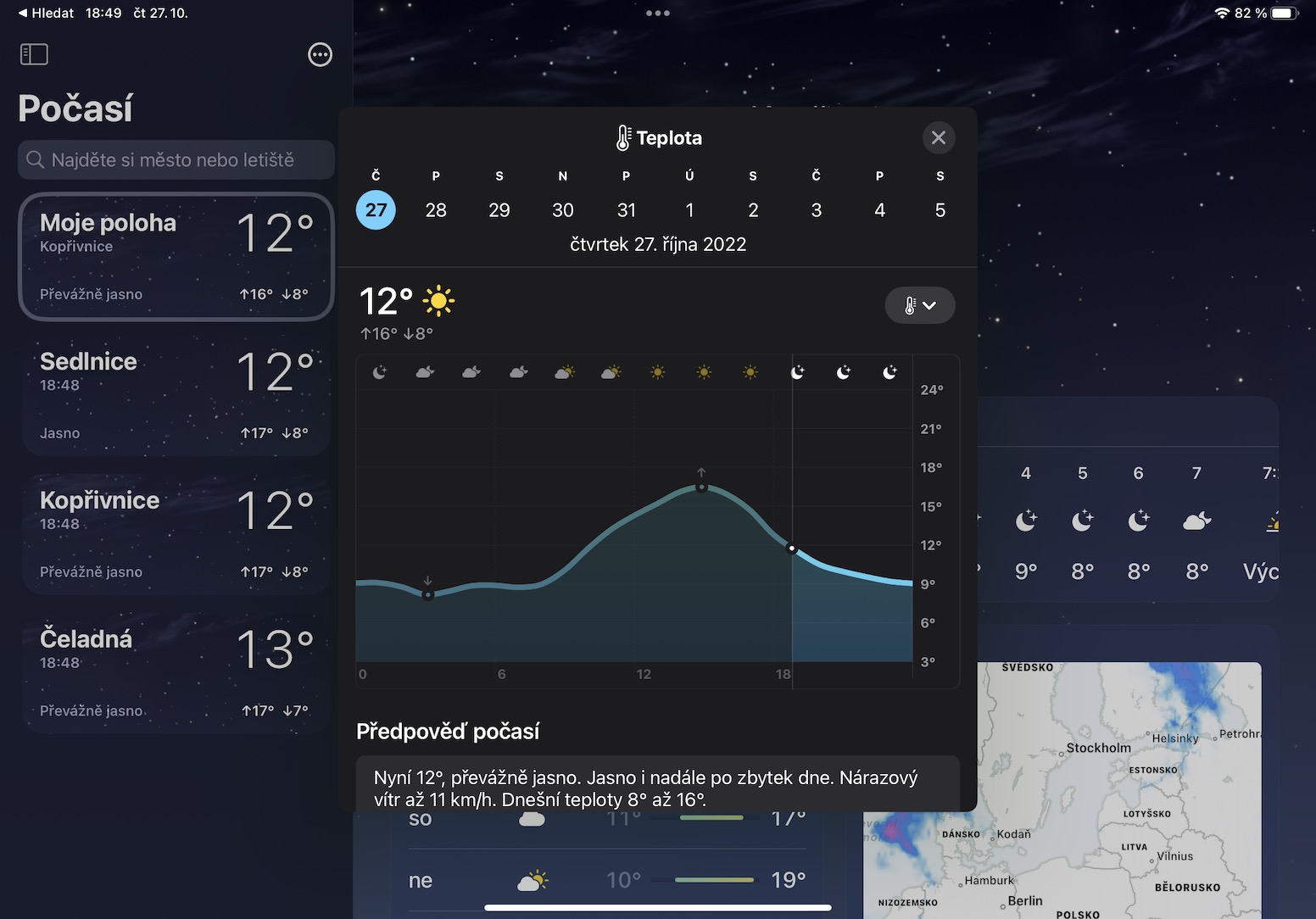
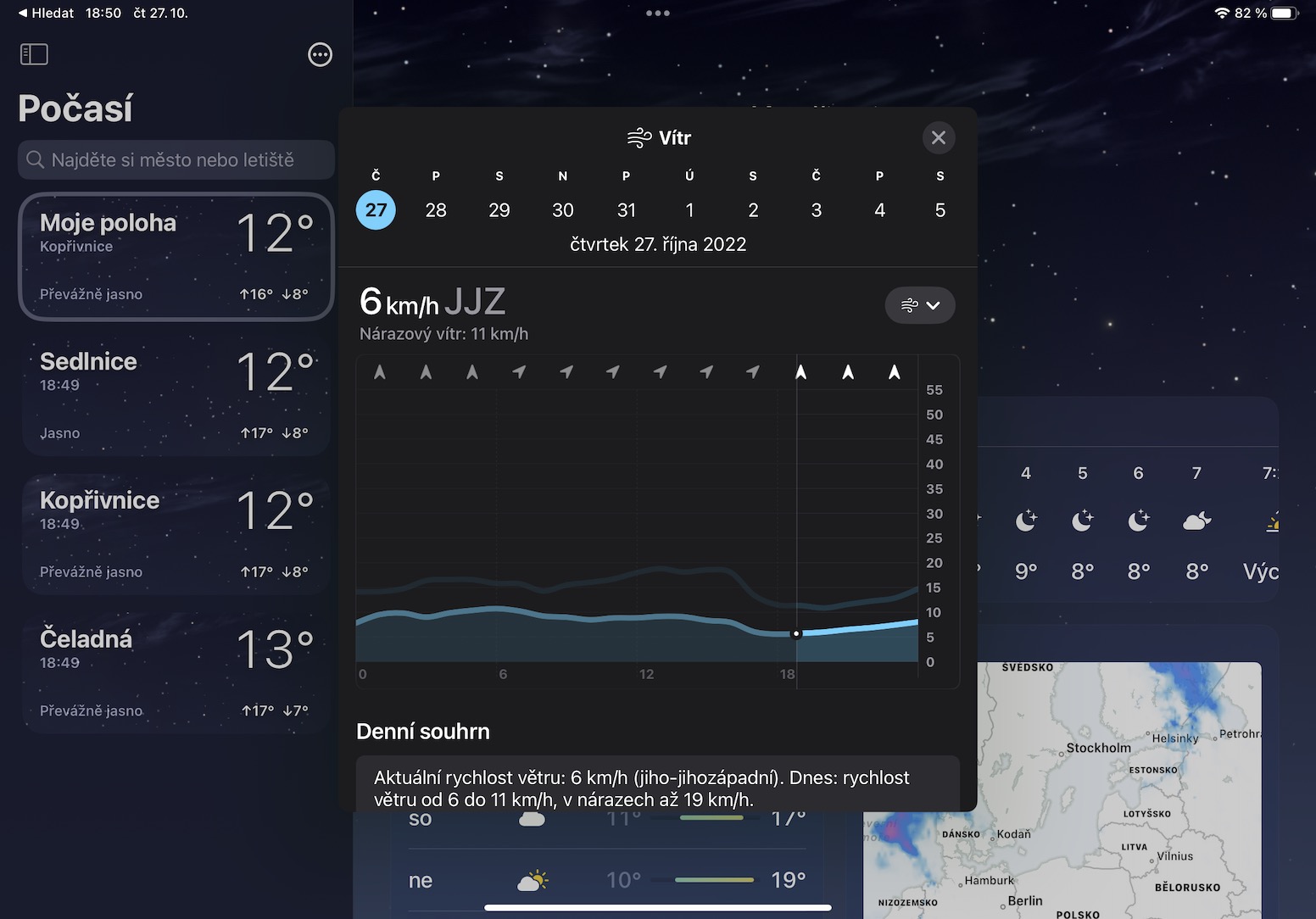
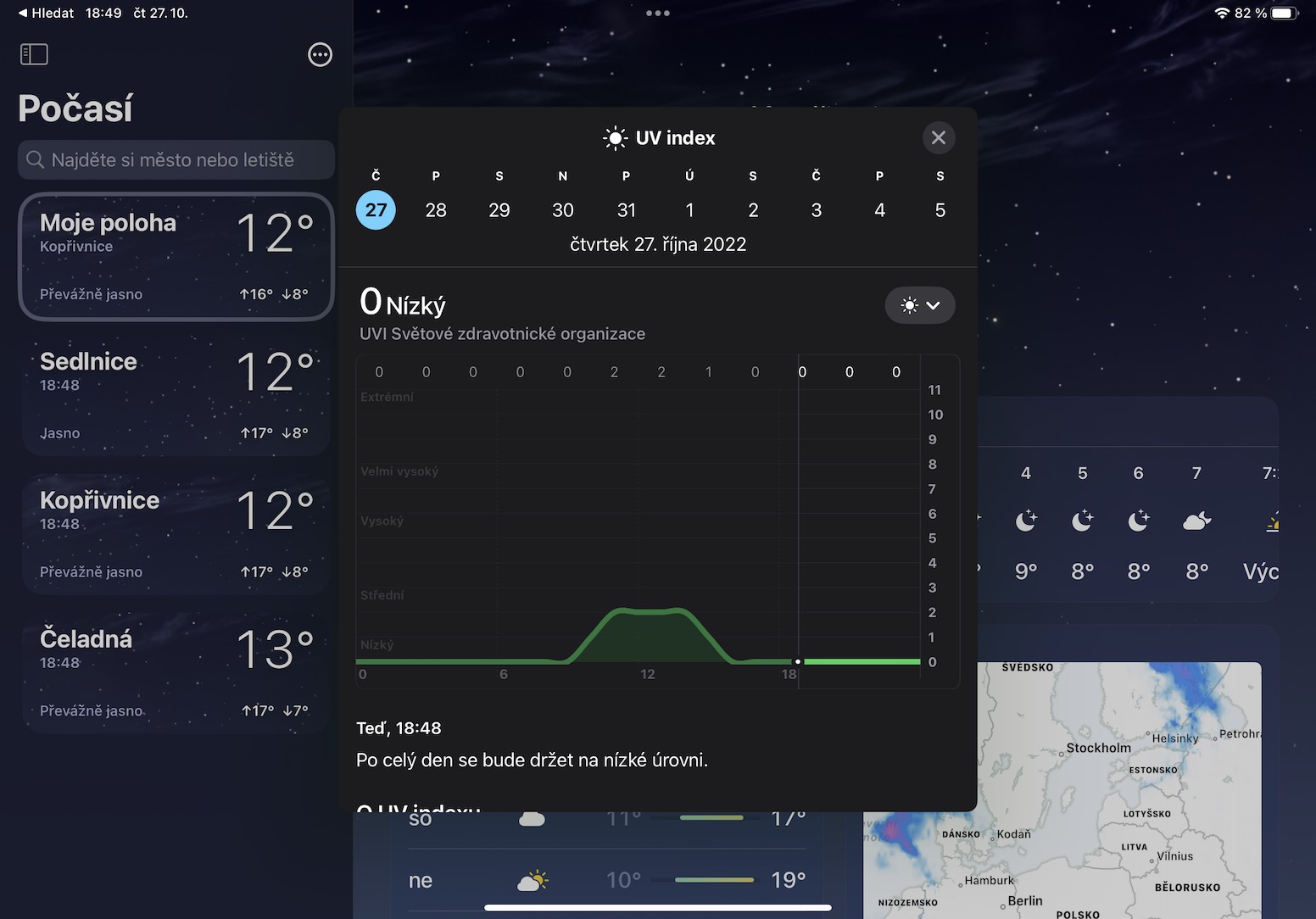
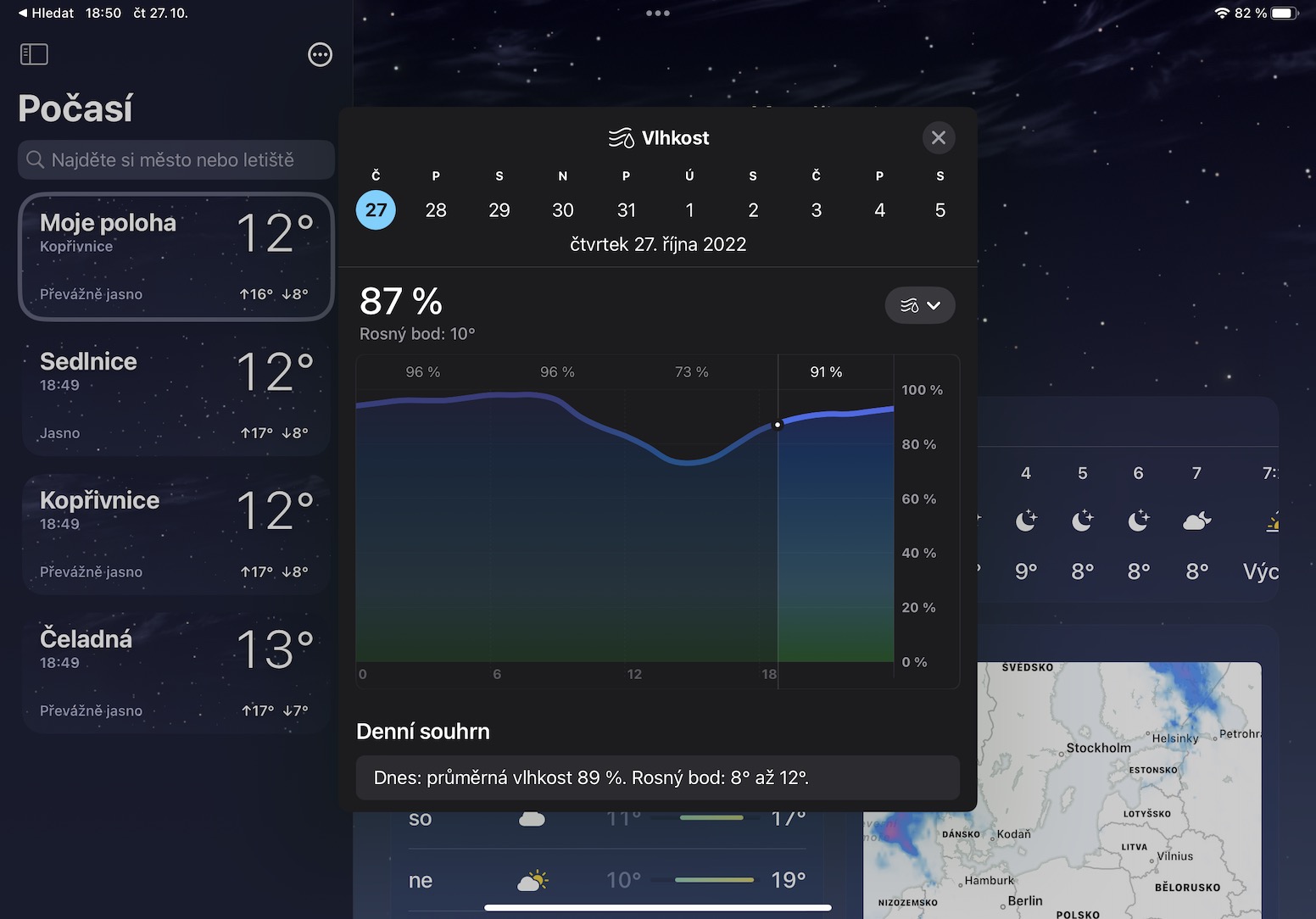
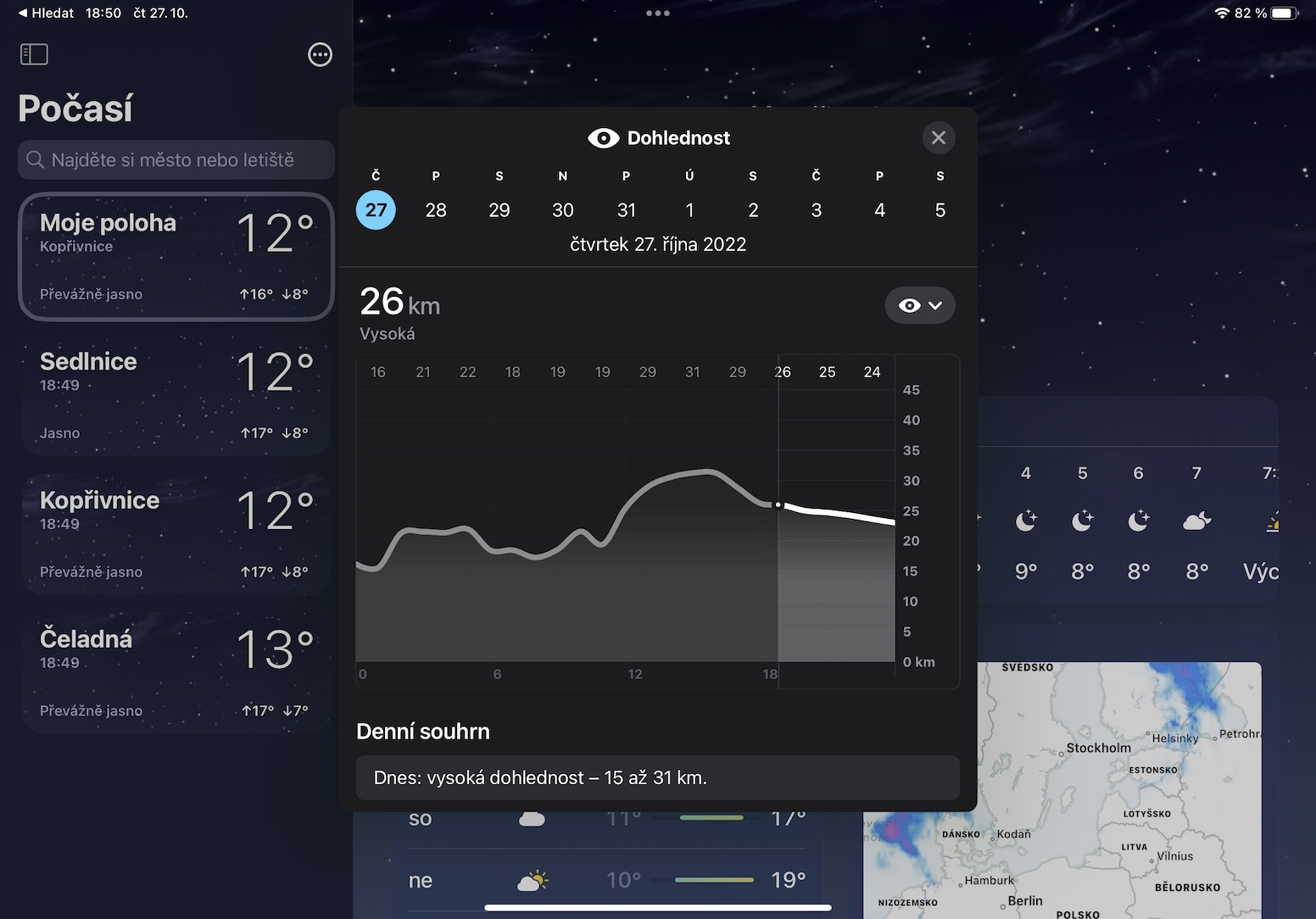
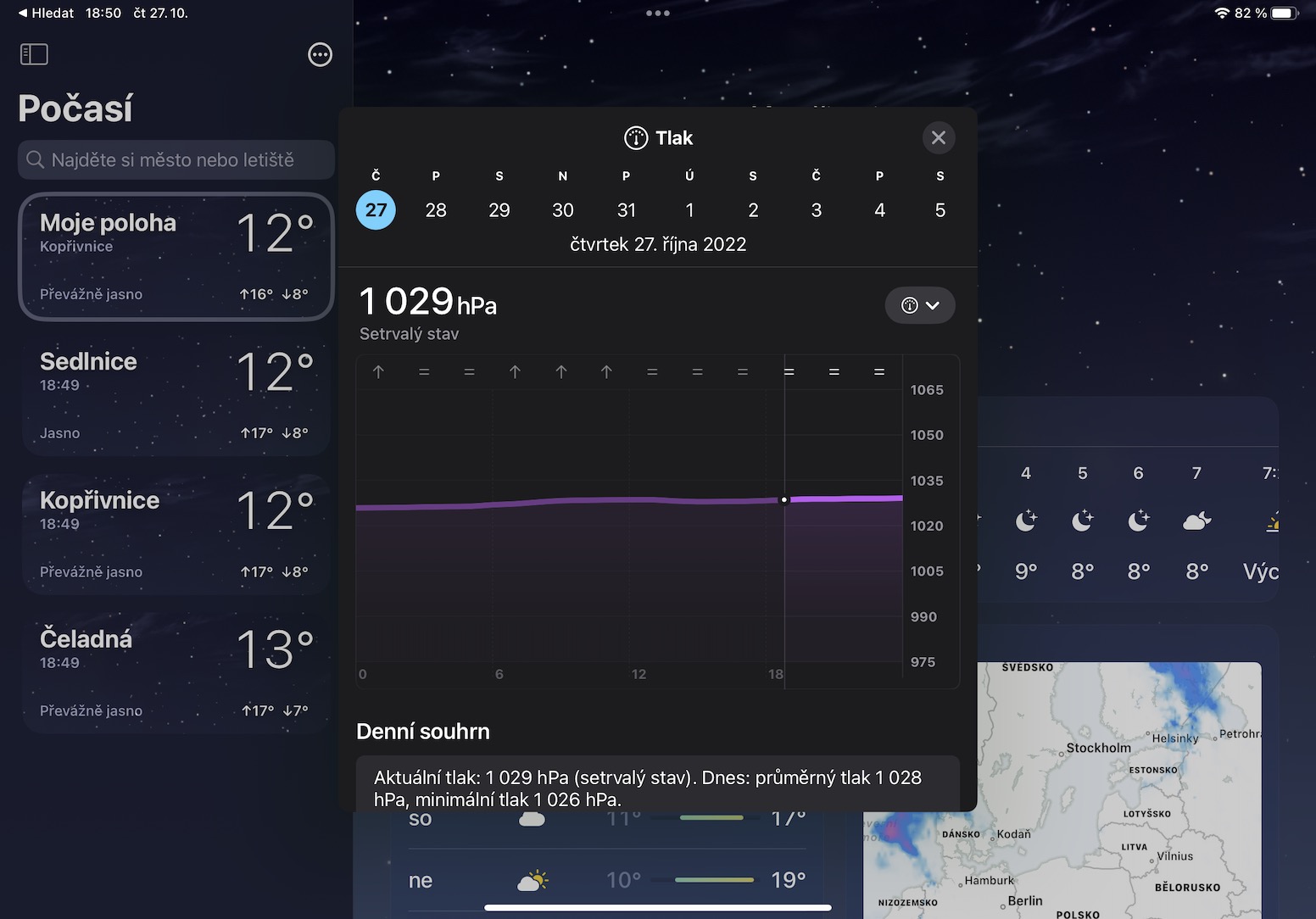
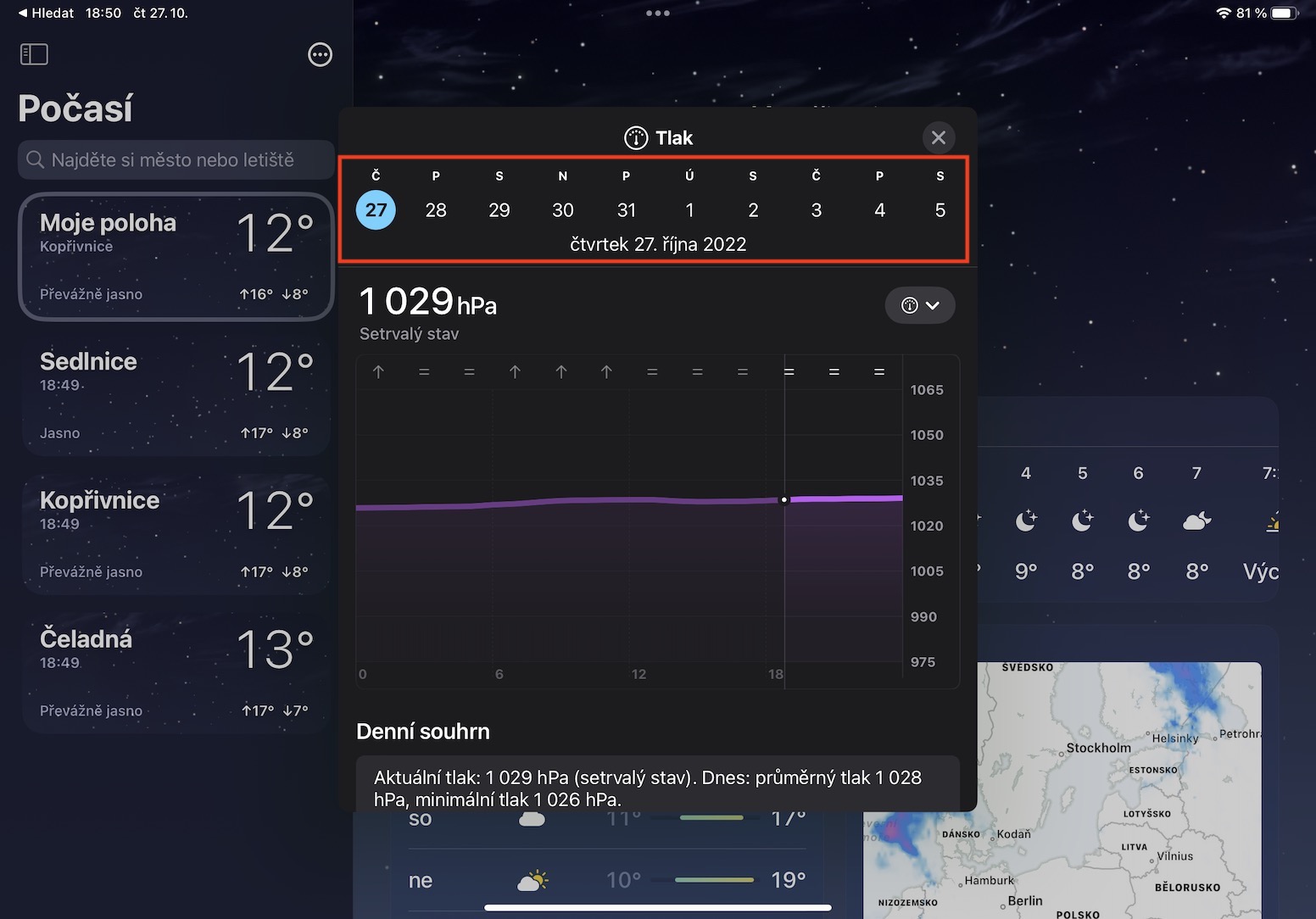
If we were to go back a few years, we would definitely not be thrilled with the native Weather app. It didn't display any detailed information, so most users used third-party apps. However, recently Apple He works hard on his Weather and in iOS and iPadOS 16, all the necessary information you may need is already available. If you would like to view detailed information and graphs, then in Weather on the left click on specific place and then press tile with an hourly or ten-day forecast. This will open a window where you can switch between graphs by tapping on the arrow with the icon in the right part. At the top, you can then move up to 10 days in advance and display the same data.
Gallery
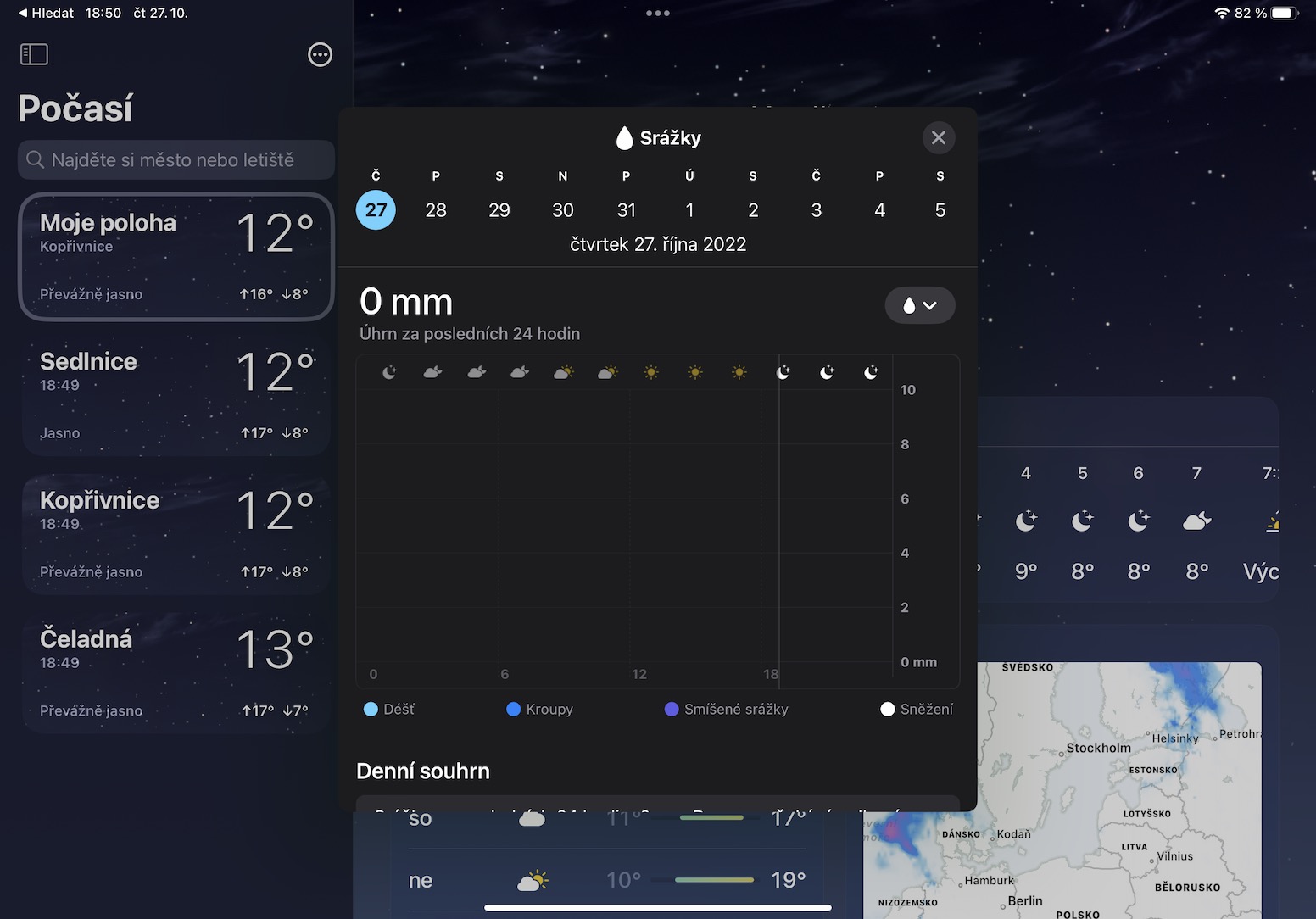
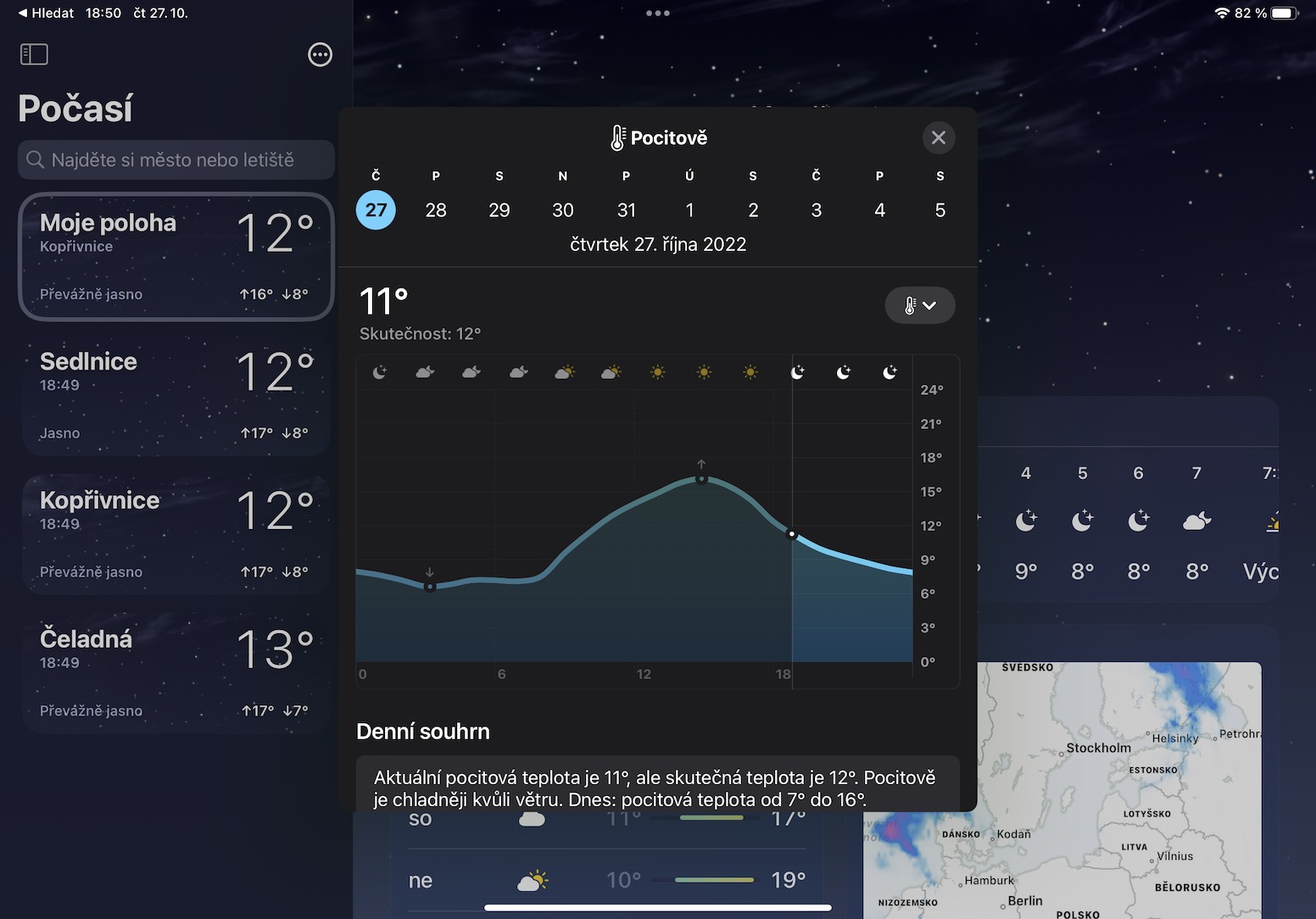
Rain radar
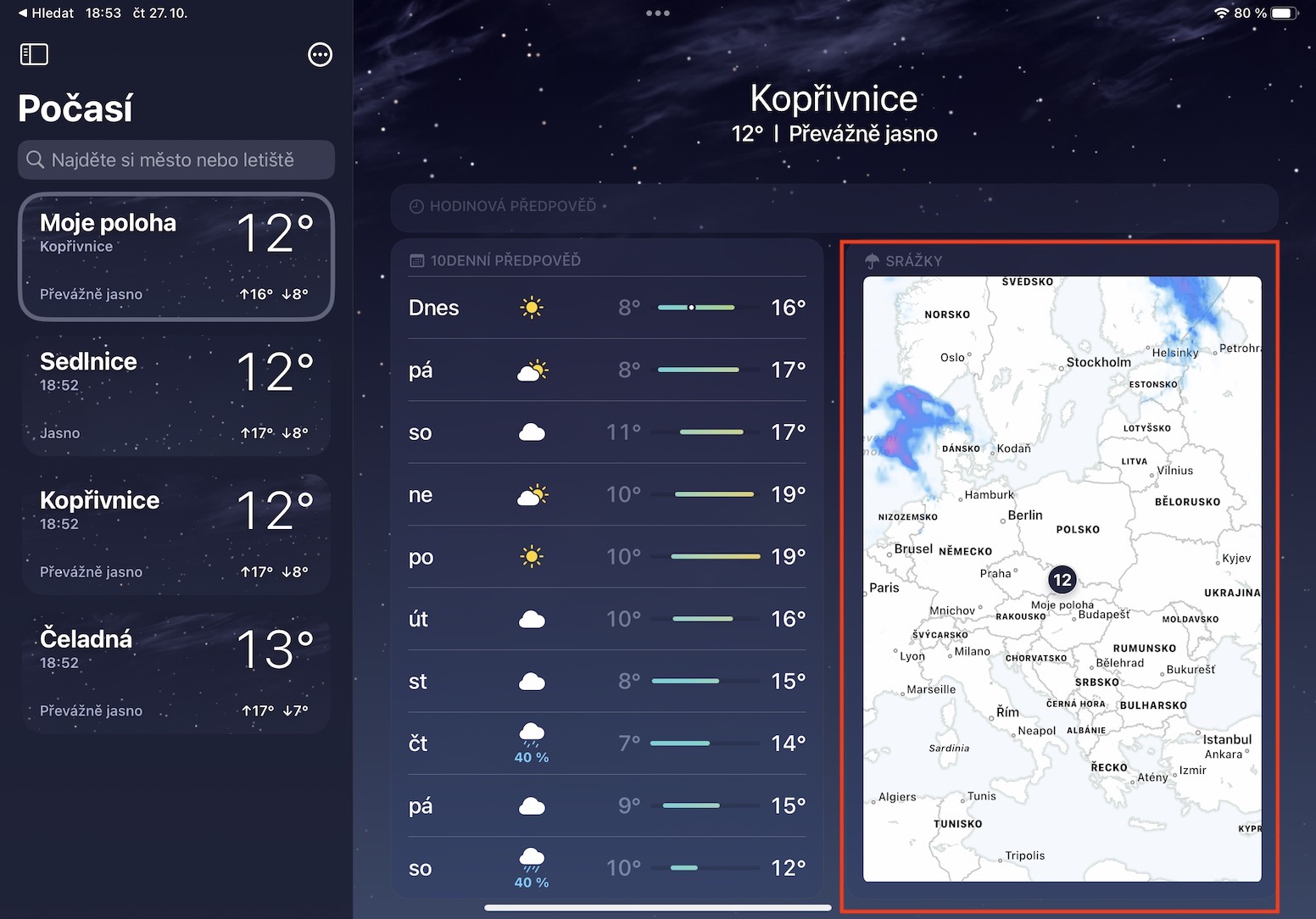
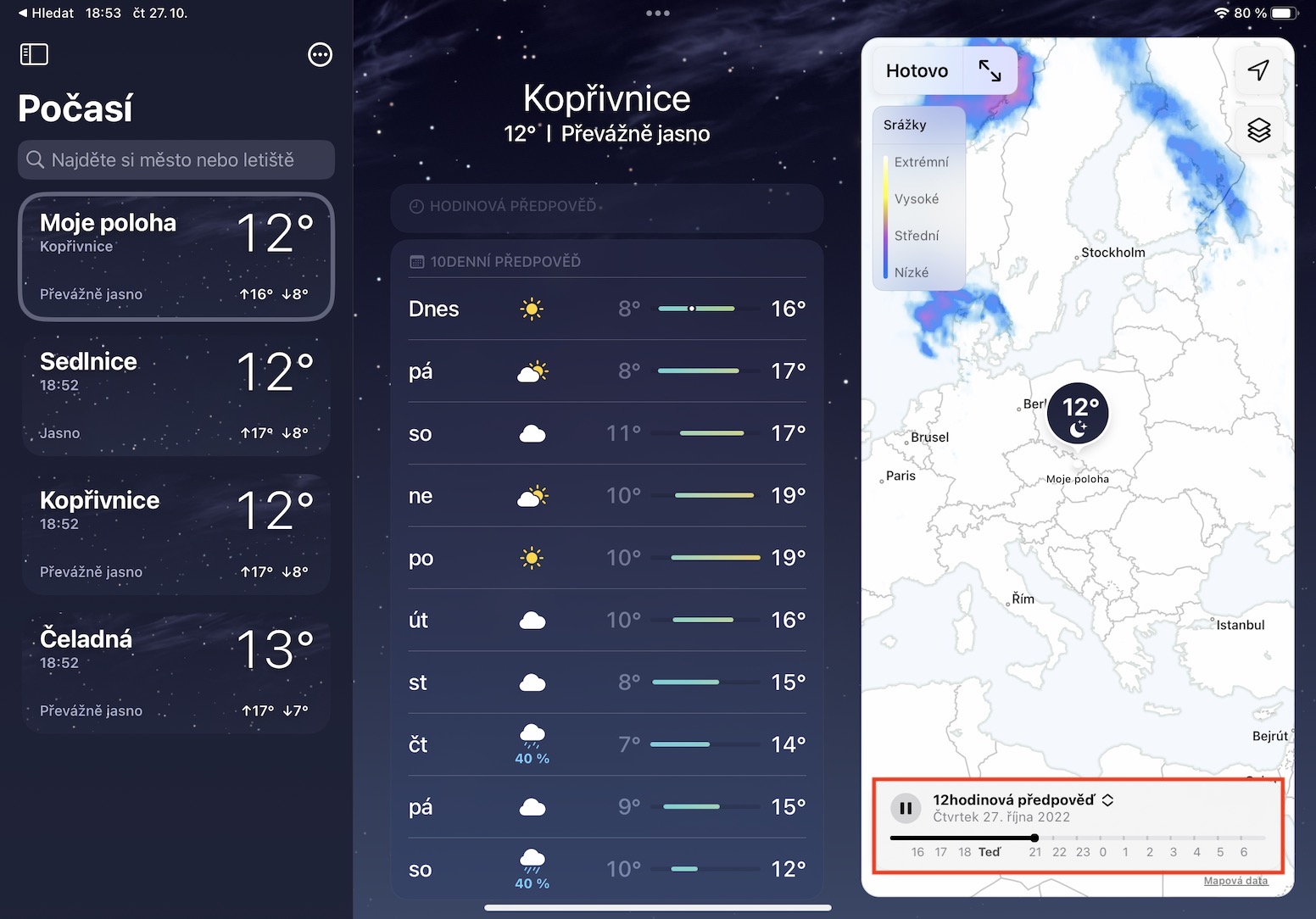
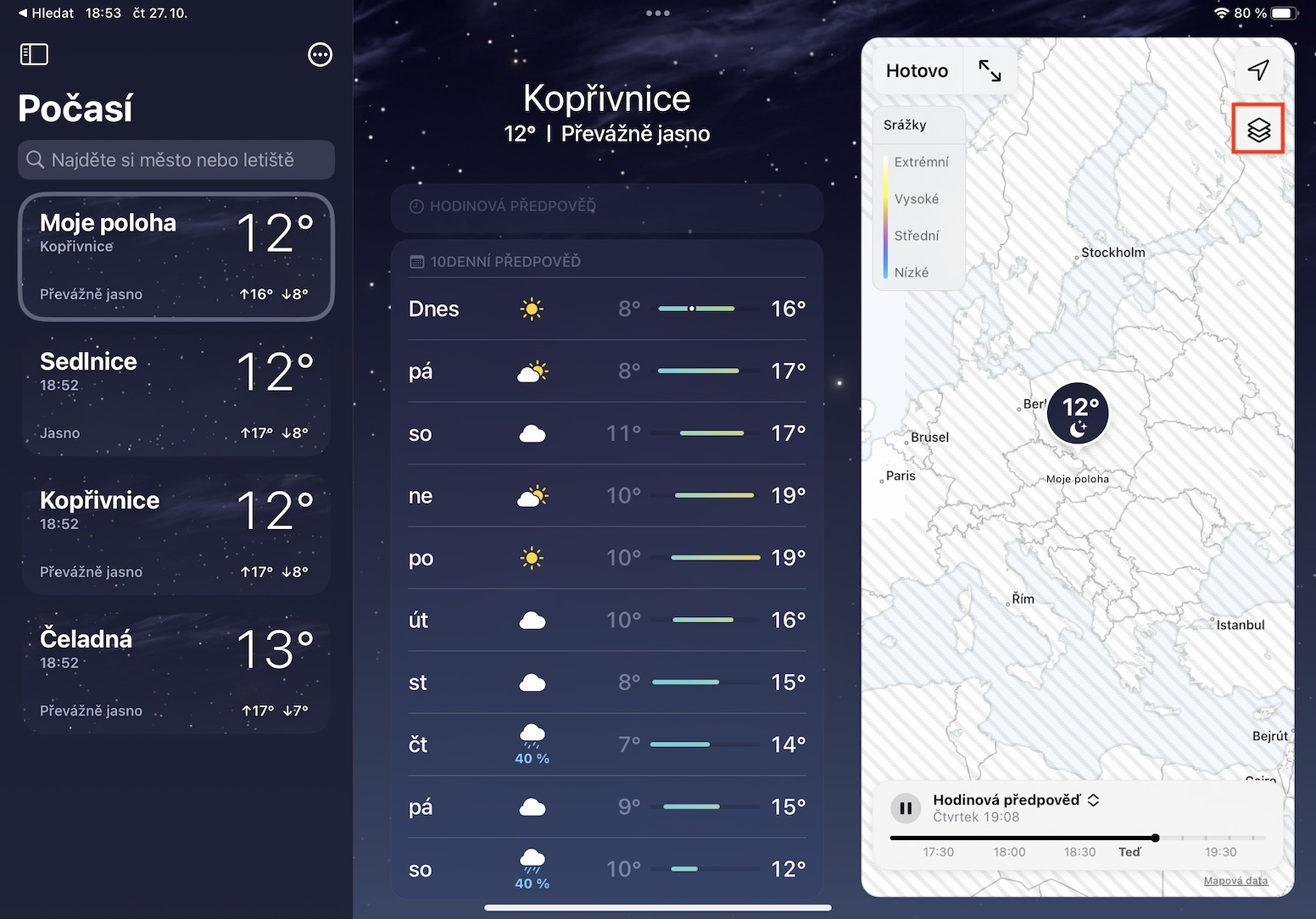
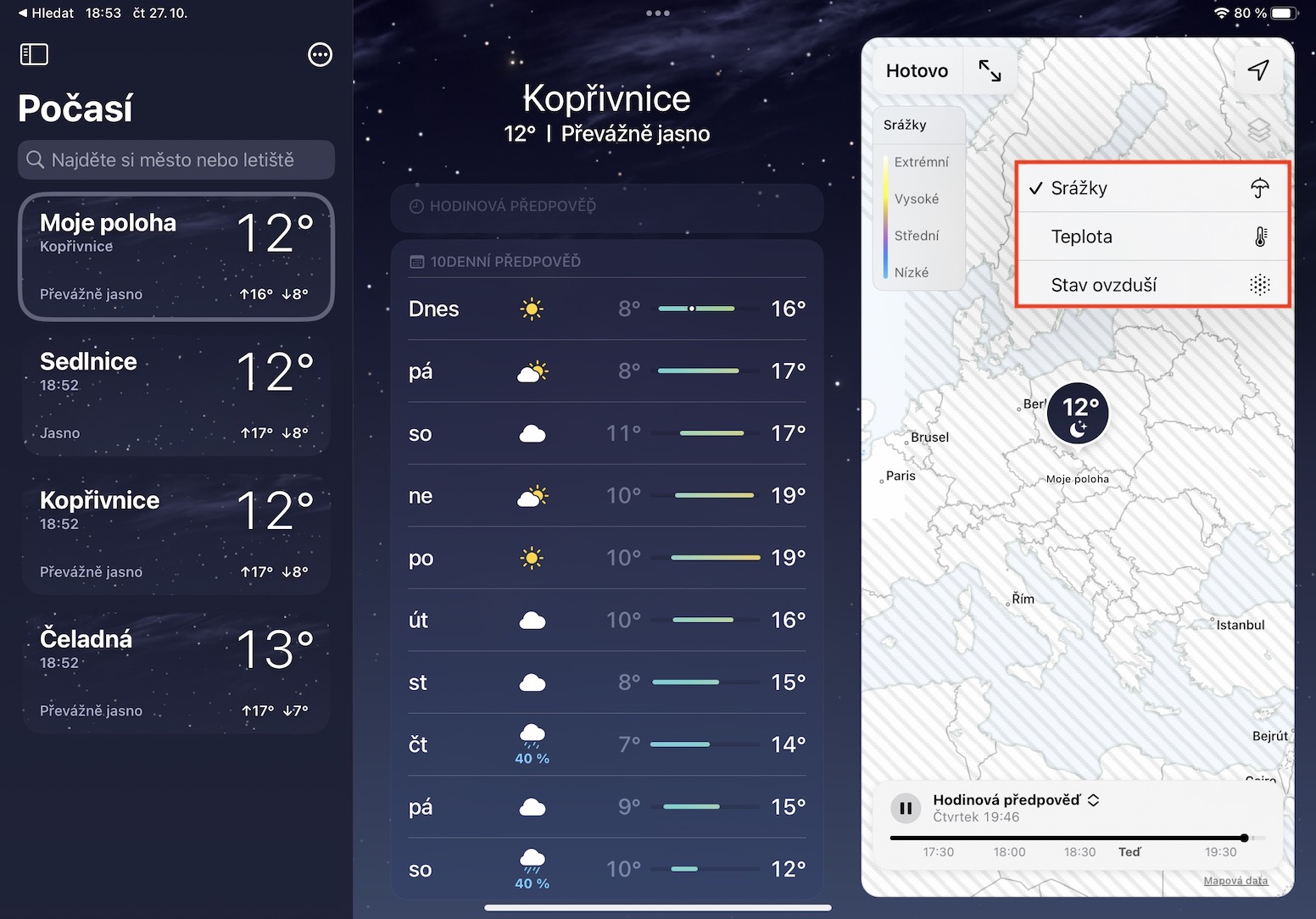
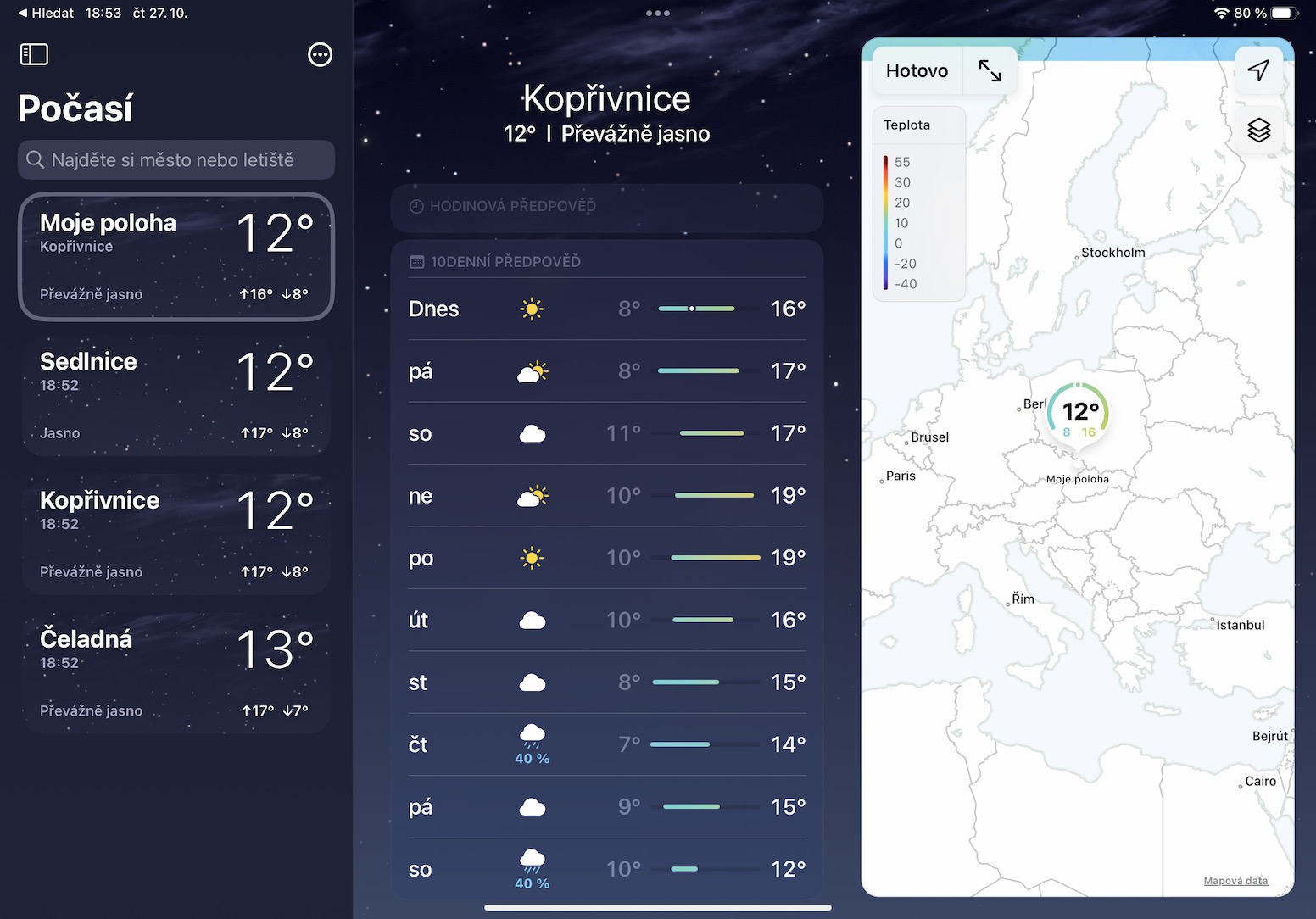
Many of us also follow precipitation radars for the weather forecast, where we can see how precipitation is moving and when it might reach our location. What if I told you that such a precipitation radar is also available in Weather from iPadOS 16? Displaying it is again not difficult. Just move to a specific location on the left in Weather , and then scroll down to find and tap the tile called Precipitation. This will display the precipitation radar with the forecast for the next hour or 12 hours . By tapping the layer icon in the top right, you can also change the radar to Temperature and Air Condition, in any case, information about air condition is not available in the Czech Republic.
Gallery
Quick weather summary
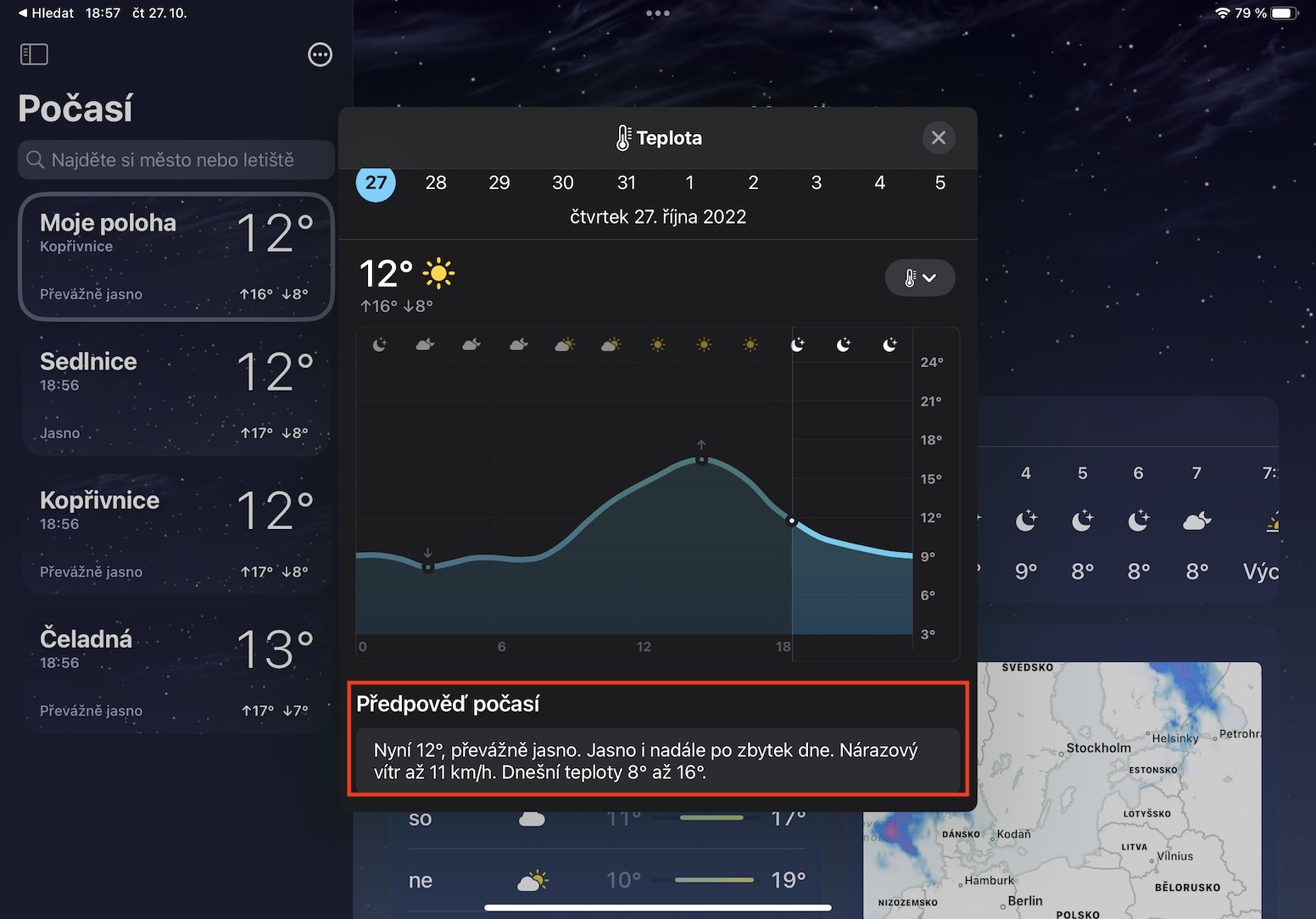
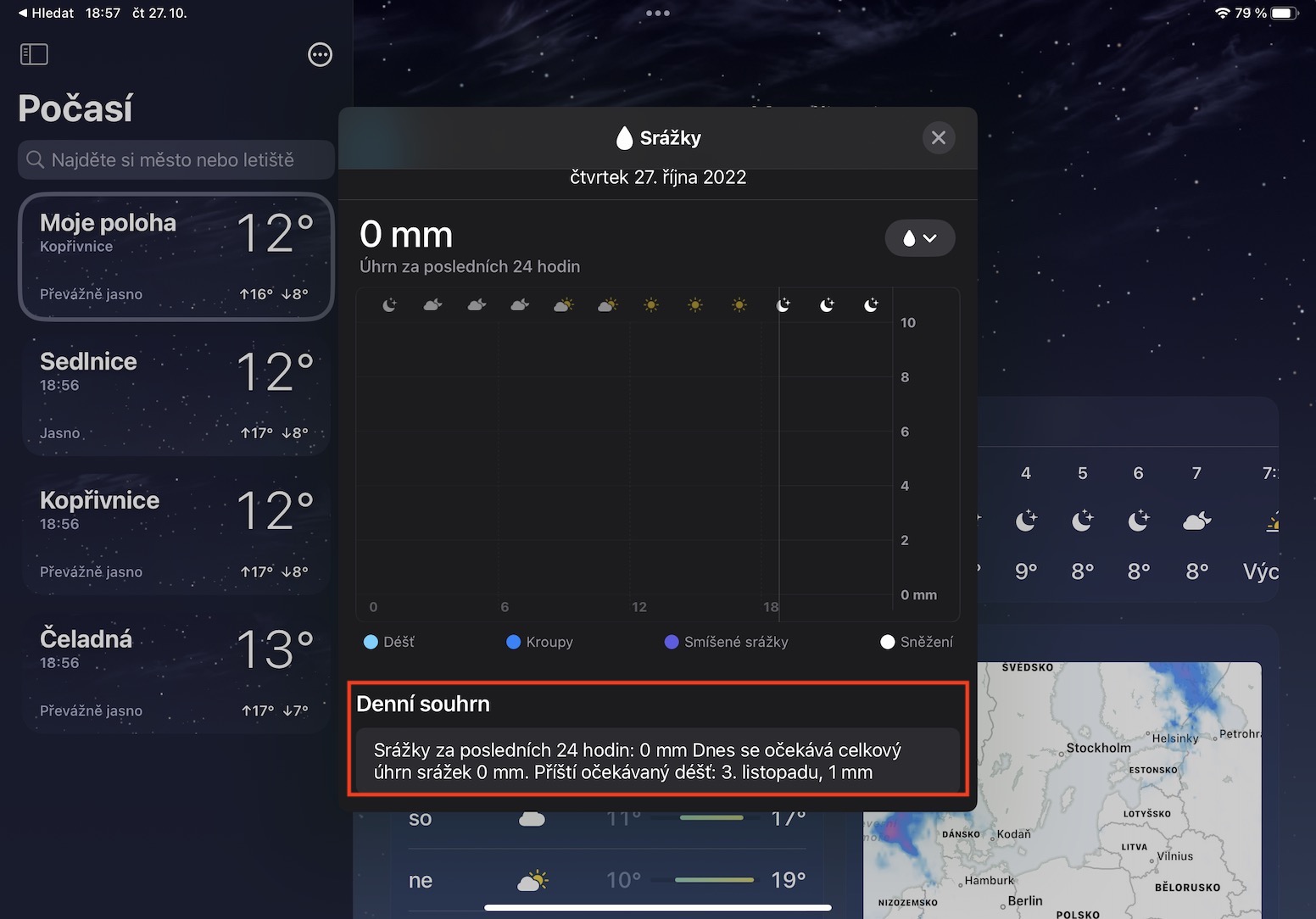
Are you one of those individuals who are not particularly interested in accurate weather charts, and would like to display everything you need quickly and easily, ideally in a few sentences? If so, then I have good news for you - not even for such users Apple For each graph you can notchat display a short text summary, which often says more than a thousand words. Pro The display of this summary is therefore in Weather on the left move to specific place and then tap on hourly or ten-day forecast. In the new window, click on arrow icon on the left view the category with the data you are interested in and then get down where can you find Weather forecast or Daily summary. Even this text summary is displayed up to for 10 days ahead, just click on the calendar above.
Gallery
Current weather alerts
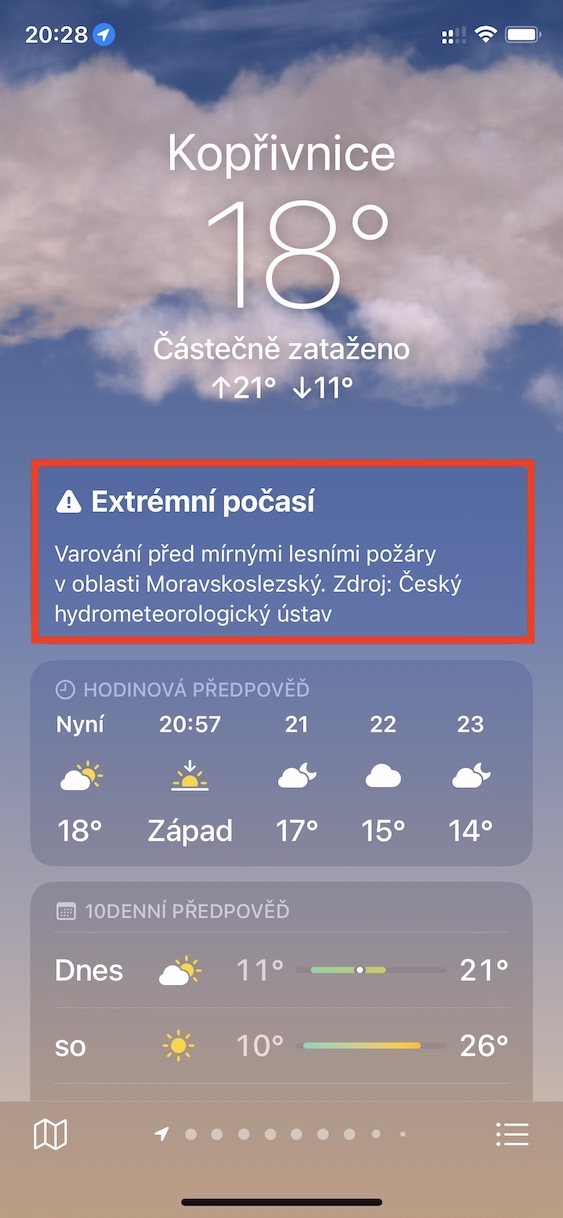
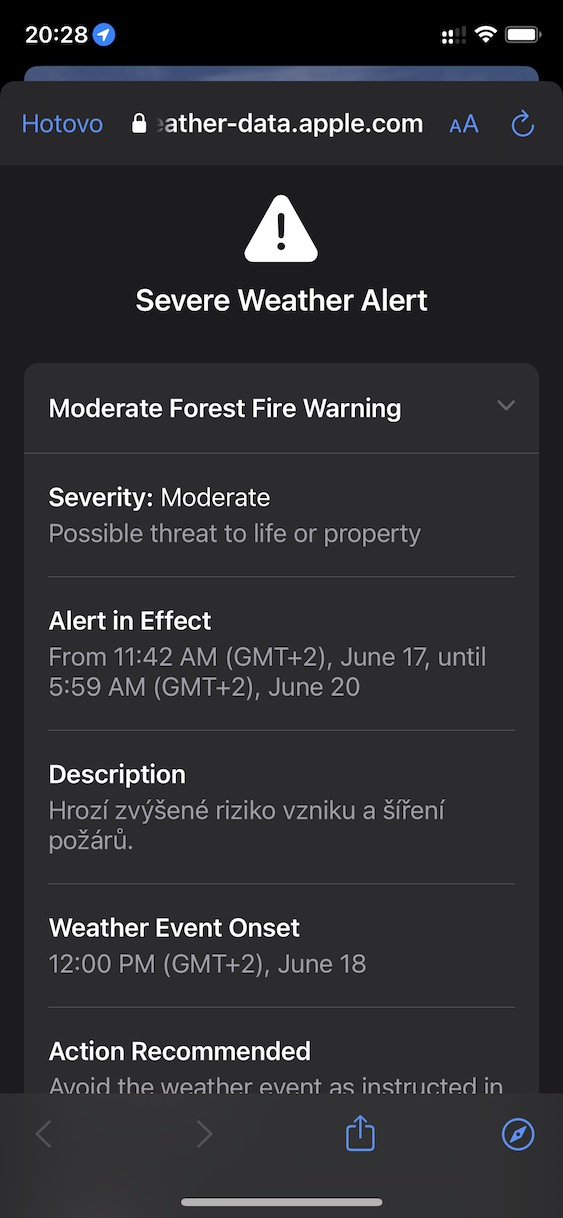
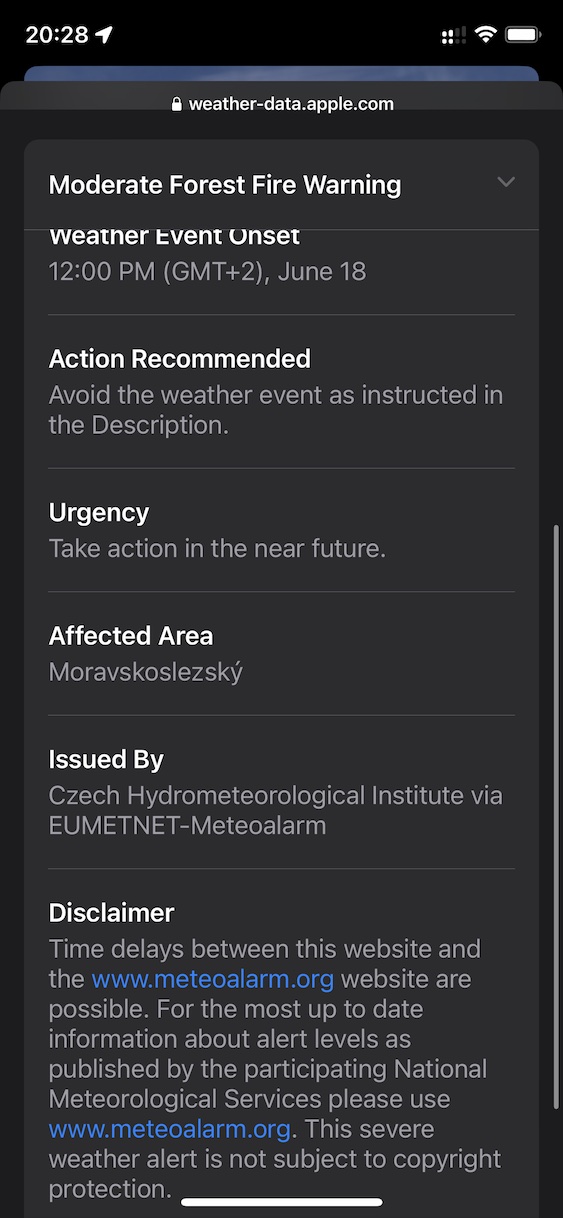
Native Weather takes you toonecan inform you when a weather warning is issued. These warnings are issued by the Czech Hydrometeorological Institute, specifically in the event that there is a threat of extreme weather - for example, severe storms and rain, high temperatures, risk of fire or ice, strong winds and much more. If such a warning is available, it will be displayed at the very top of a specific location, in a tile Extreme weather with an exclamation mark. If tap on this tile, so you can view all of them as well other warnings for a specific location, if more than one is active.
Gallery
Alerts for weather warnings
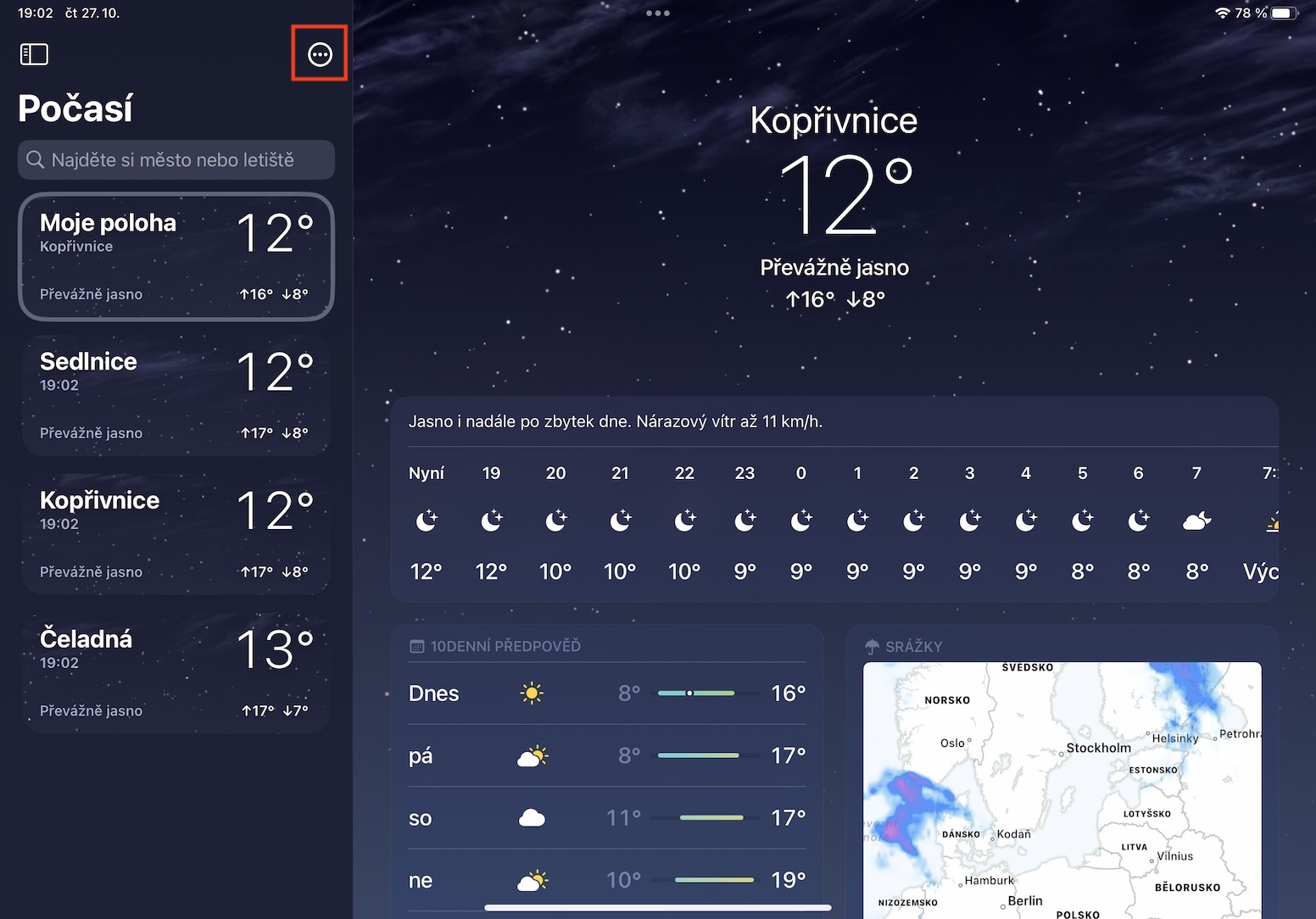
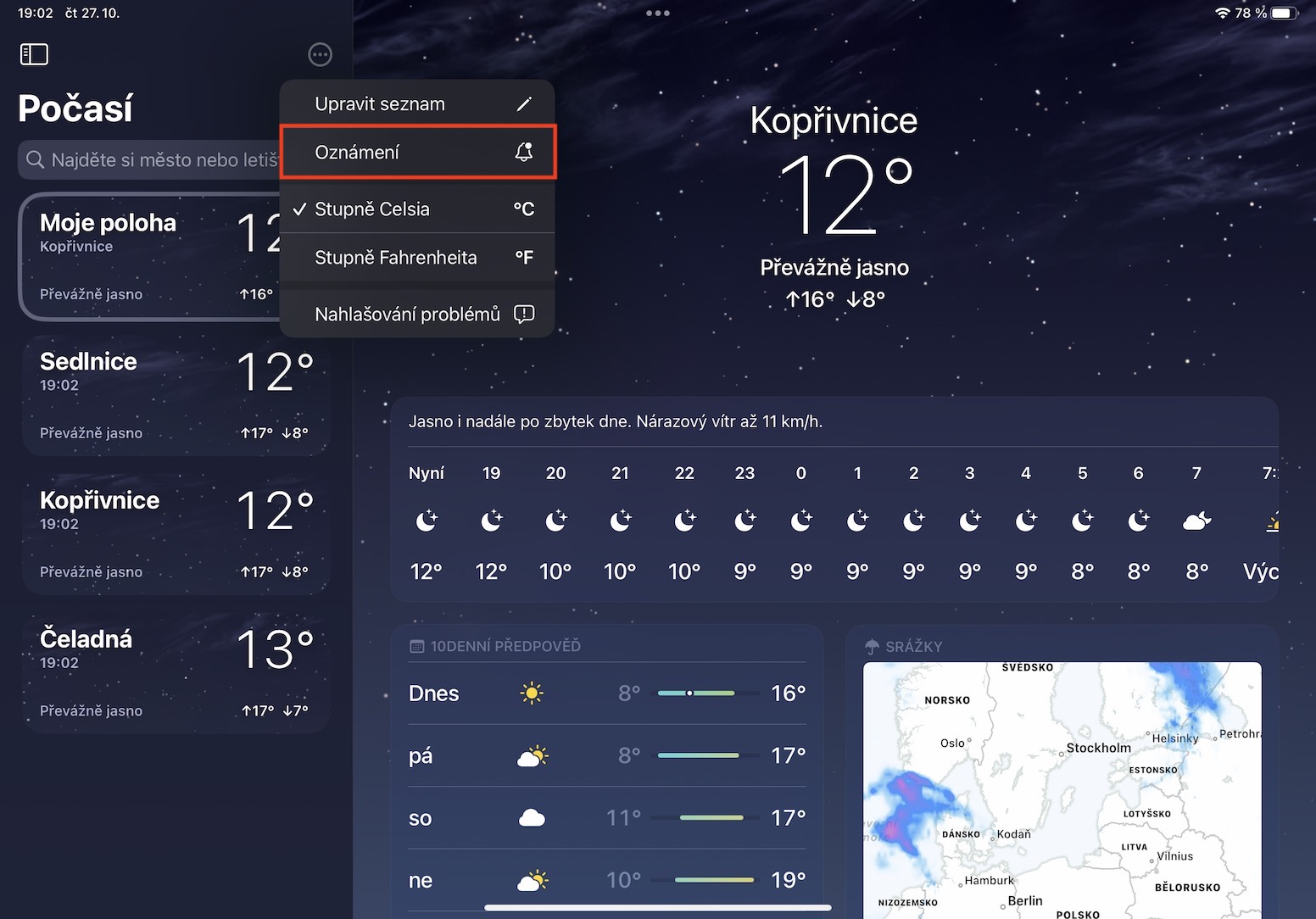
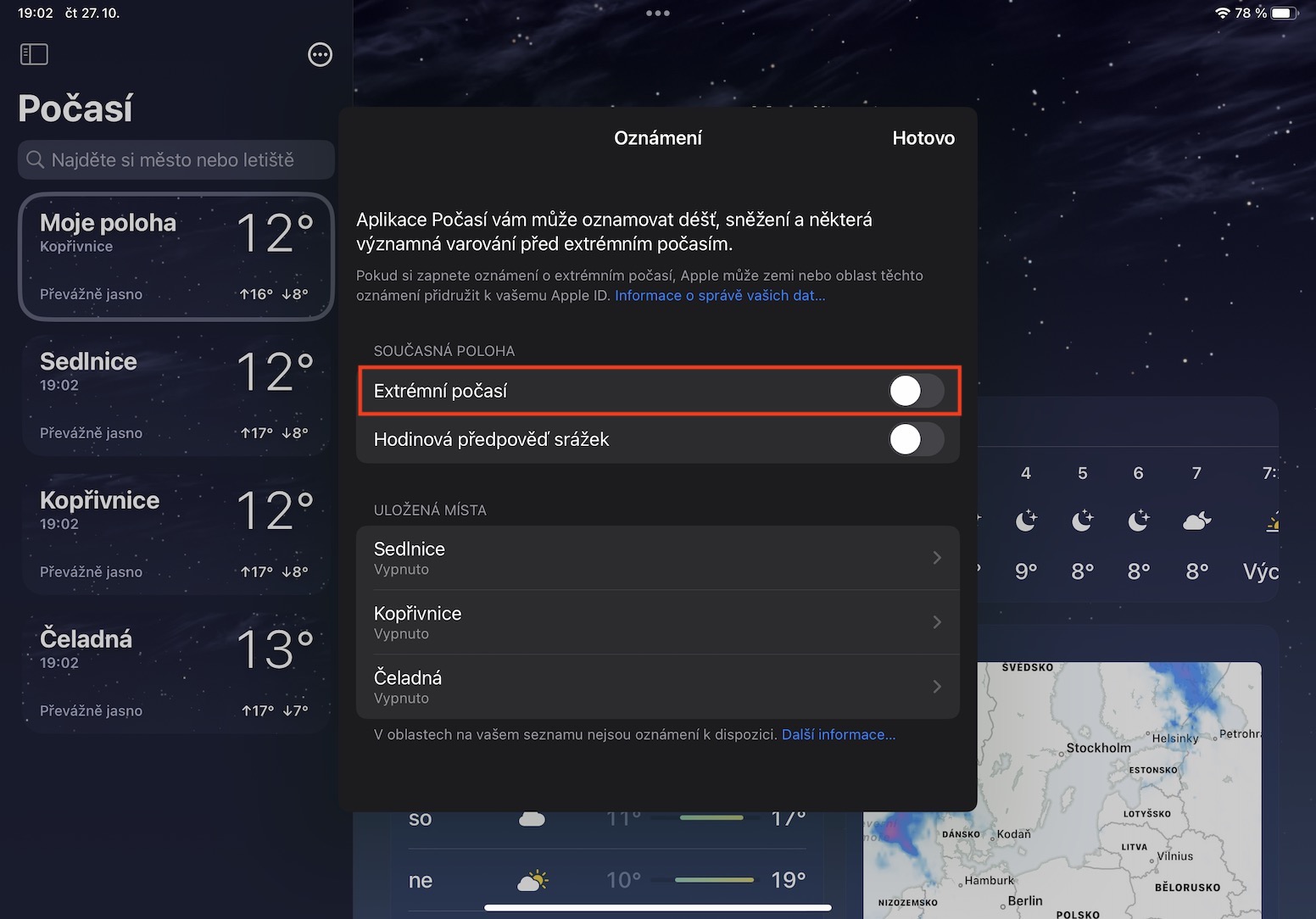
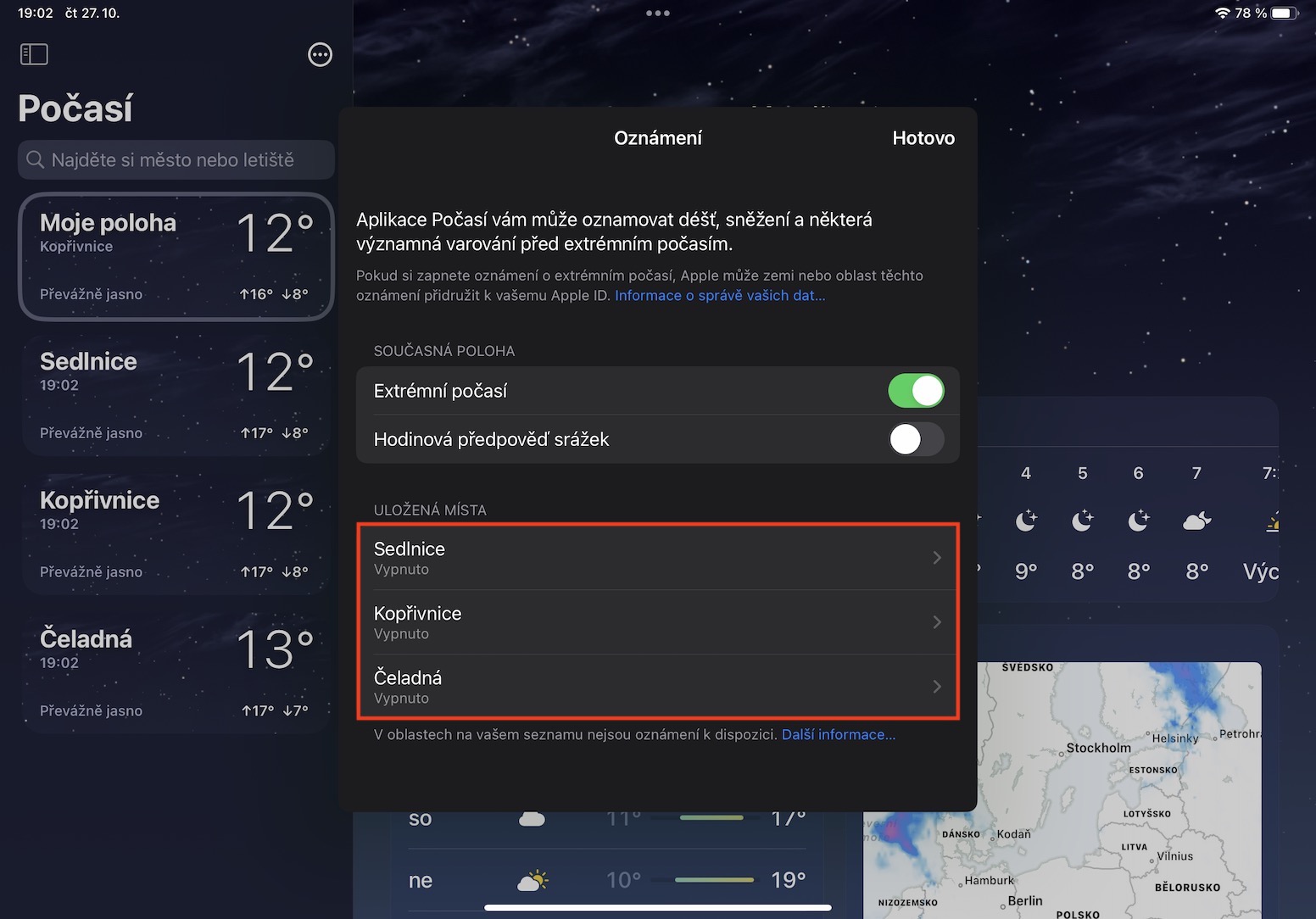
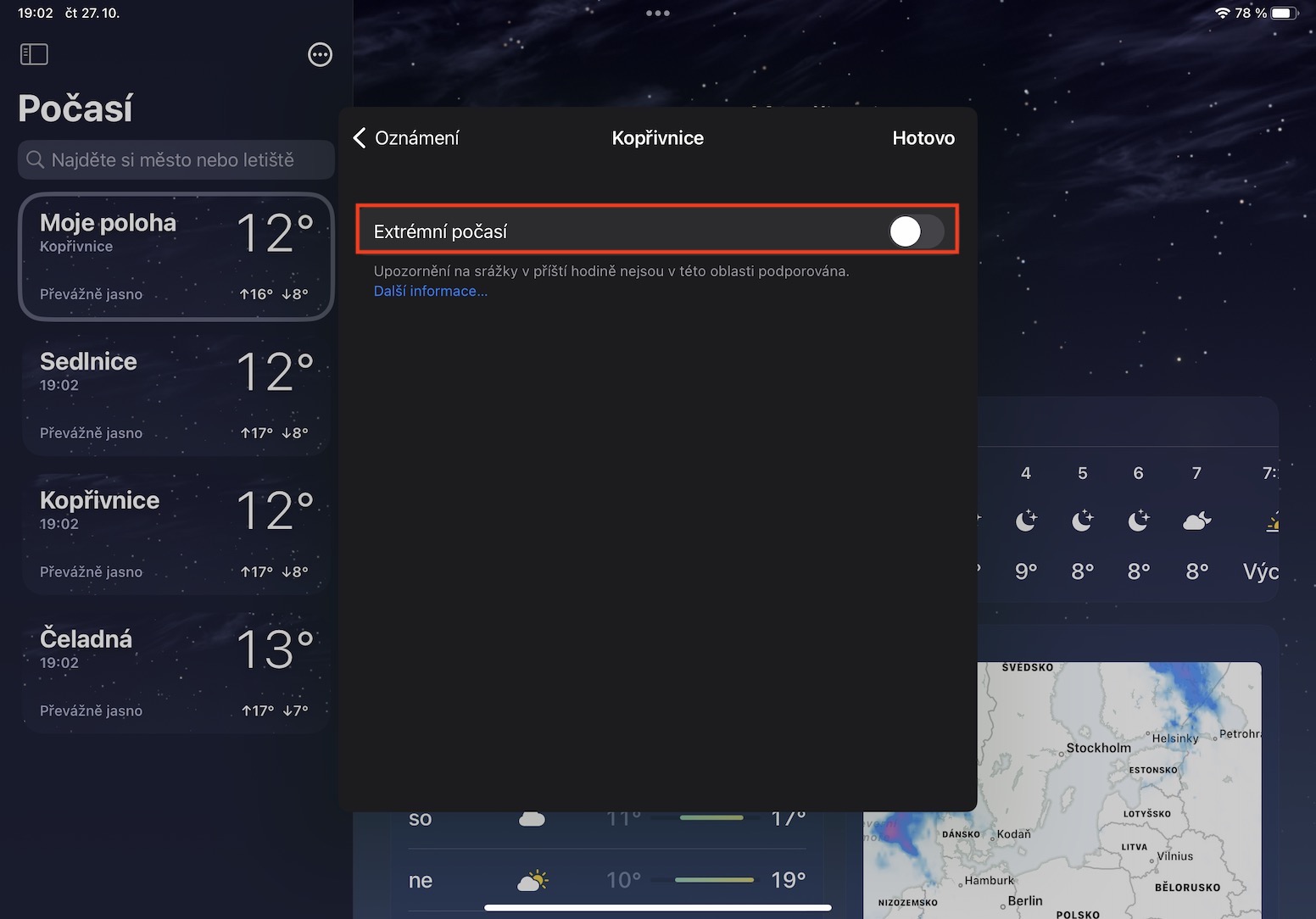
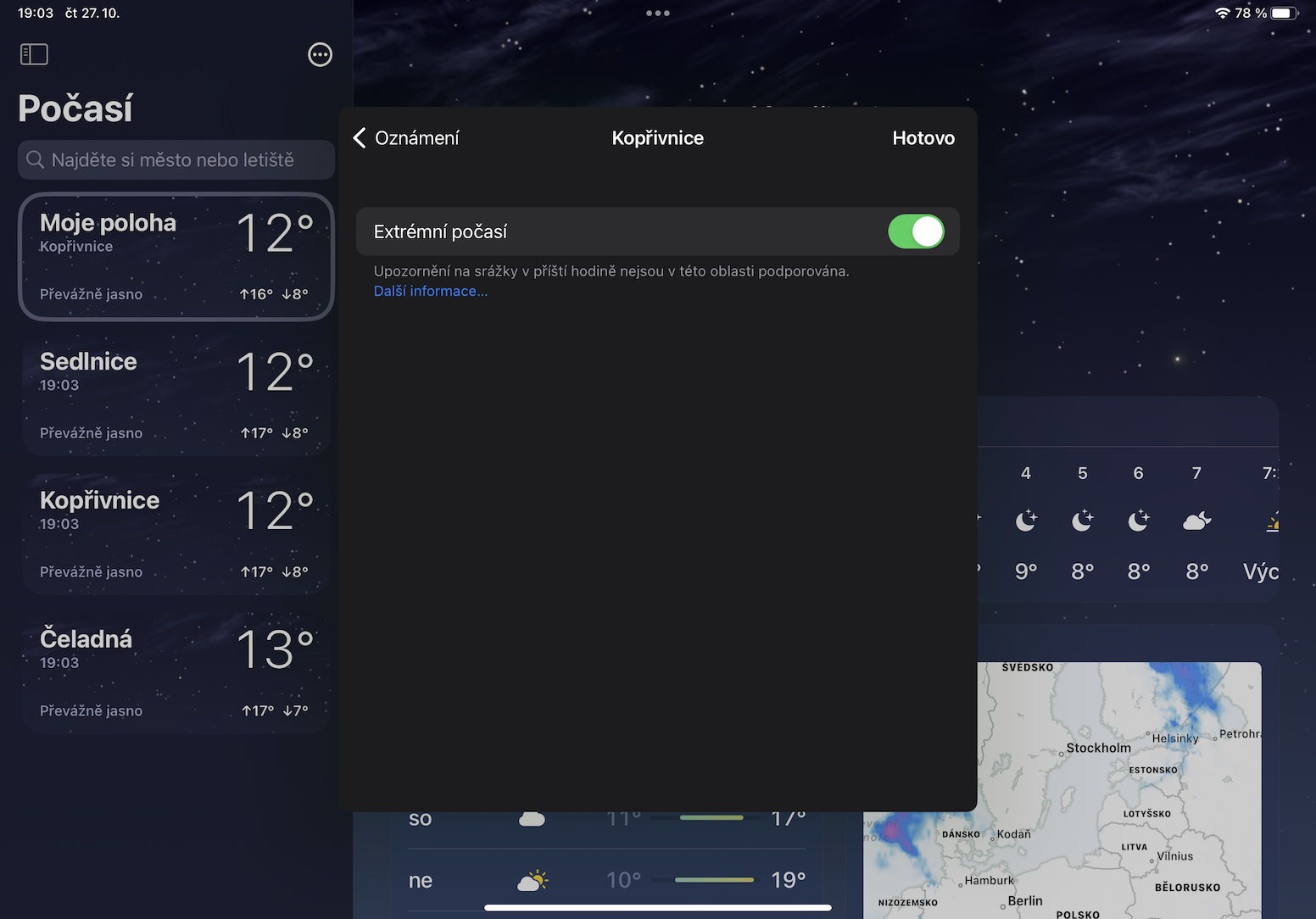
Would you like to be the first to know about weather alerts so you can prepare? Well, that's exactly what's possible in Weather in iPadOS 16. Specifically, you can enable critical notifications with alerts that keep you informed even when you have Focus turned on. Pro To set up these notifications, tap in the top left. Weather na three dots icon in the circle, and then select from the menu Notification. It's enough here activate Extreme Weather pro current location, or you below move to one of your saved locations, where possible Activate extreme weather separately. As for the hourly precipitation forecast, it is unfortunately not available in the Czech Republic.
Gallery






The precipitation radar is only a parody of a radar - it cannot be compared to, for example, the display of precipitation in Windy or other well-known applications.