
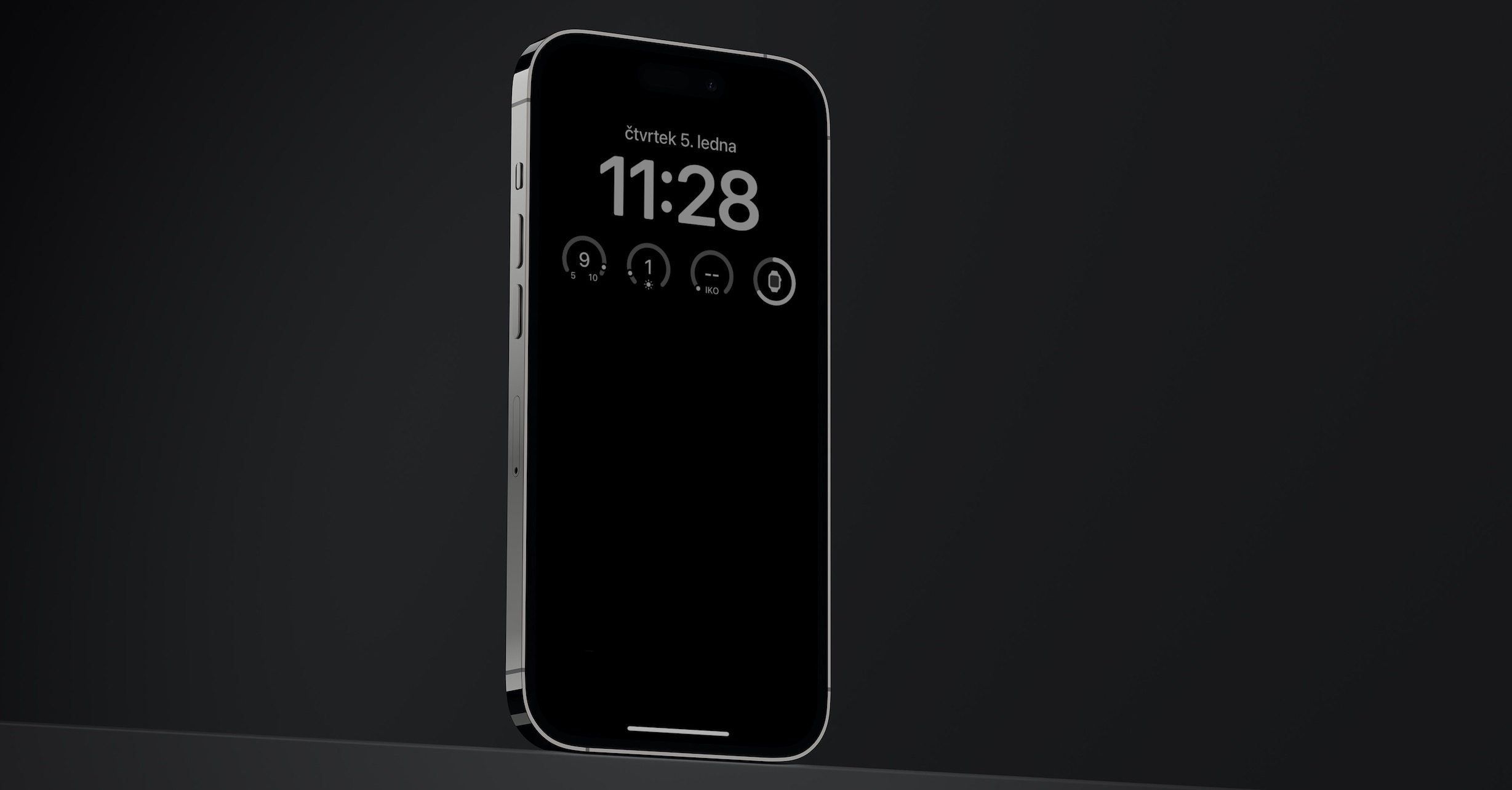
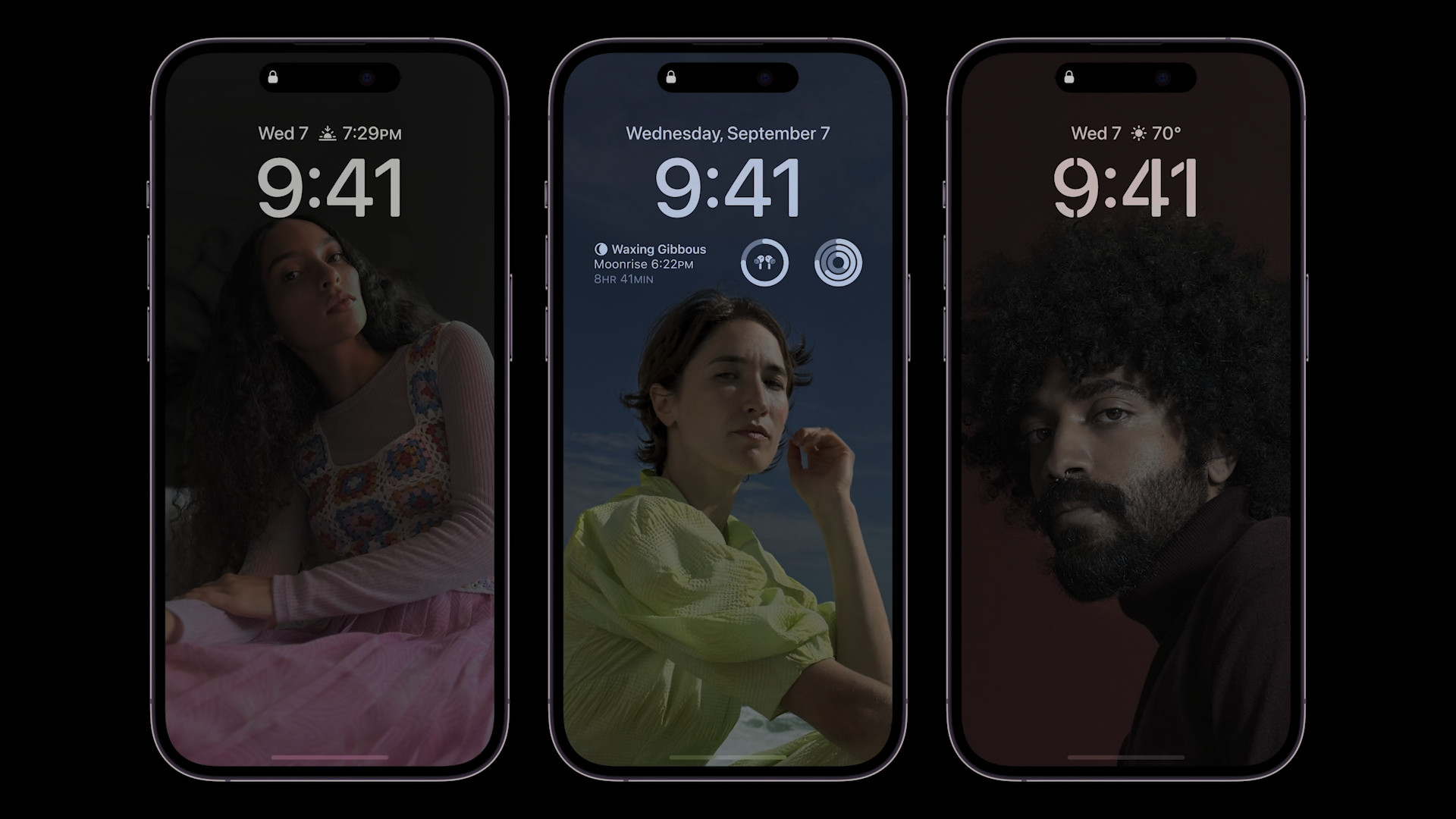
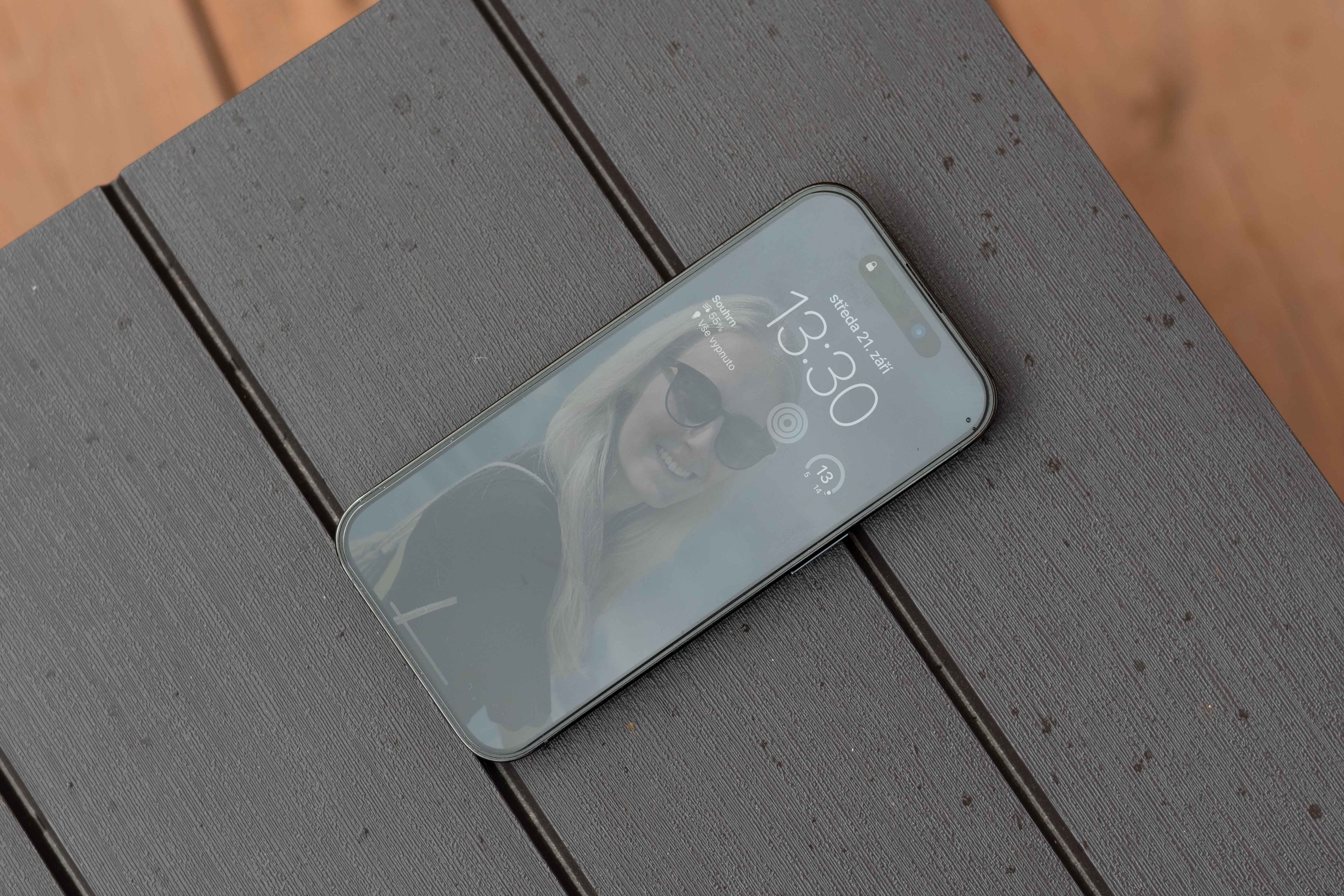
One of the most interesting news iPhone 14 Pro is without a doubt Always-On display. It is also the most discussed novelty and because it is often talked about mainly by people who have the new iPhone haven't even seen it from the train yet, I decided to measure how this display, or rather its function, actually is and how much of an impact it has on battery life onen Always-On mode. On that occasion, I also looked at the difference in battery consumption with different brightness settings. Come and see our test Always-On.
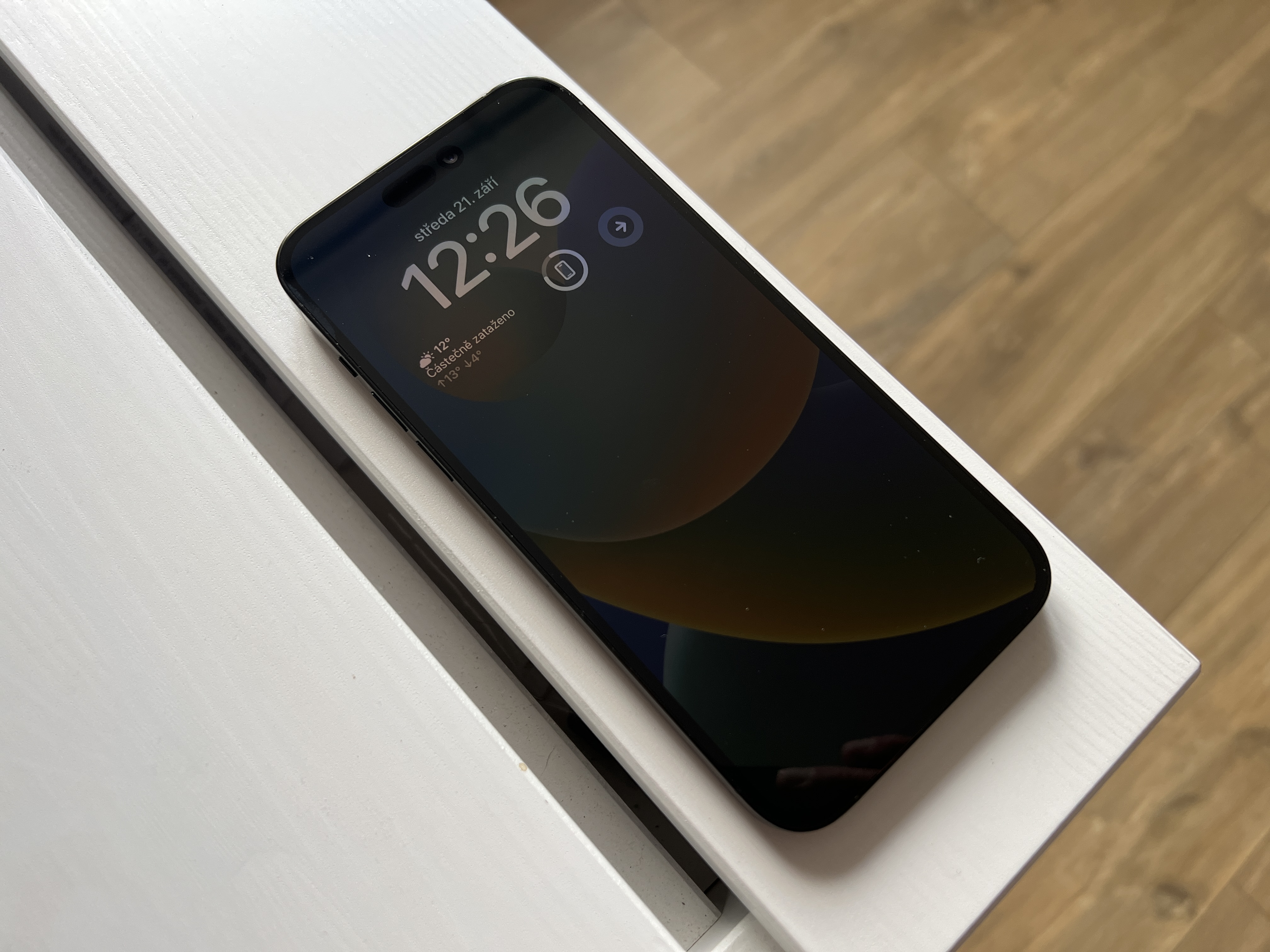
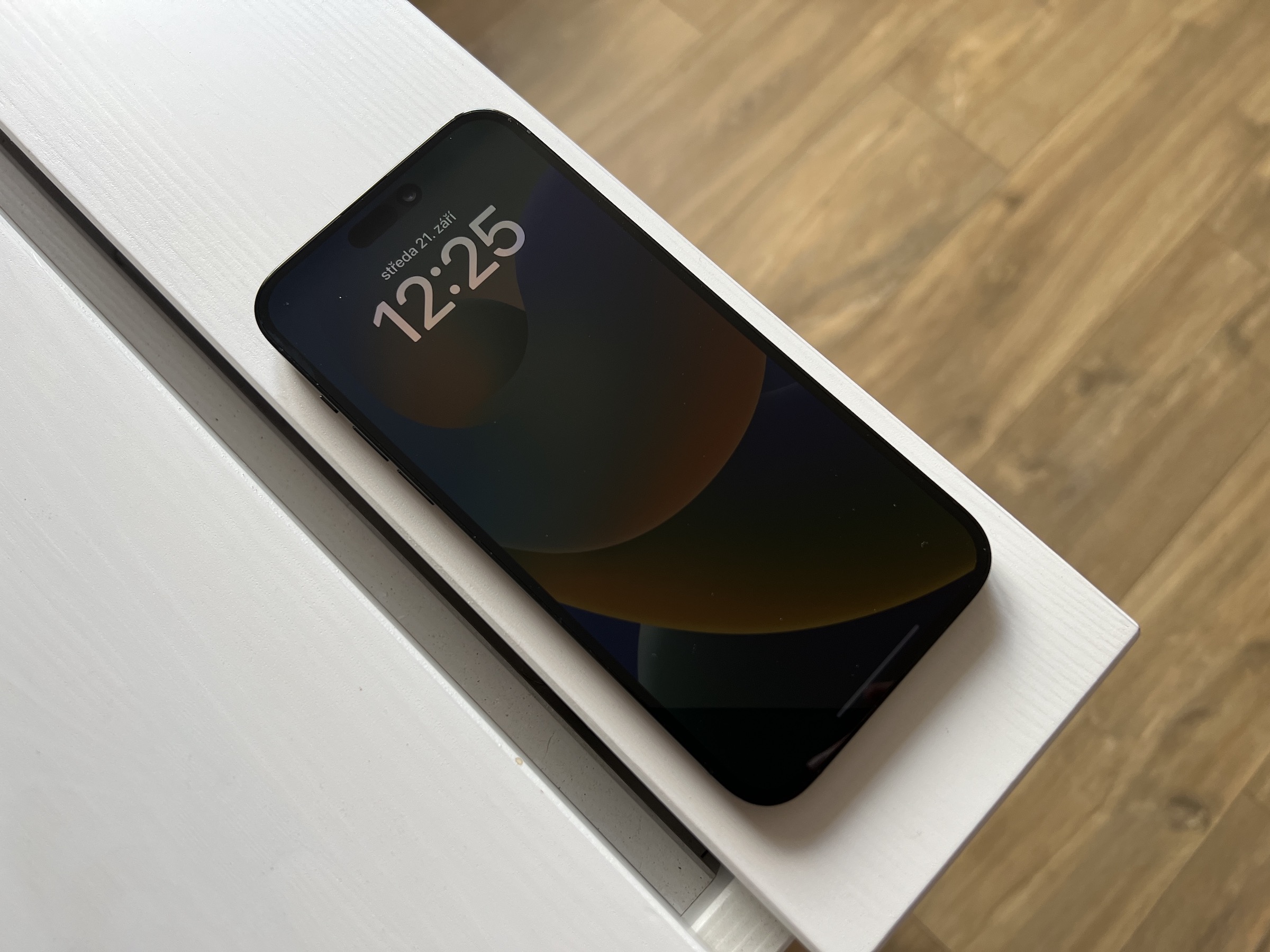
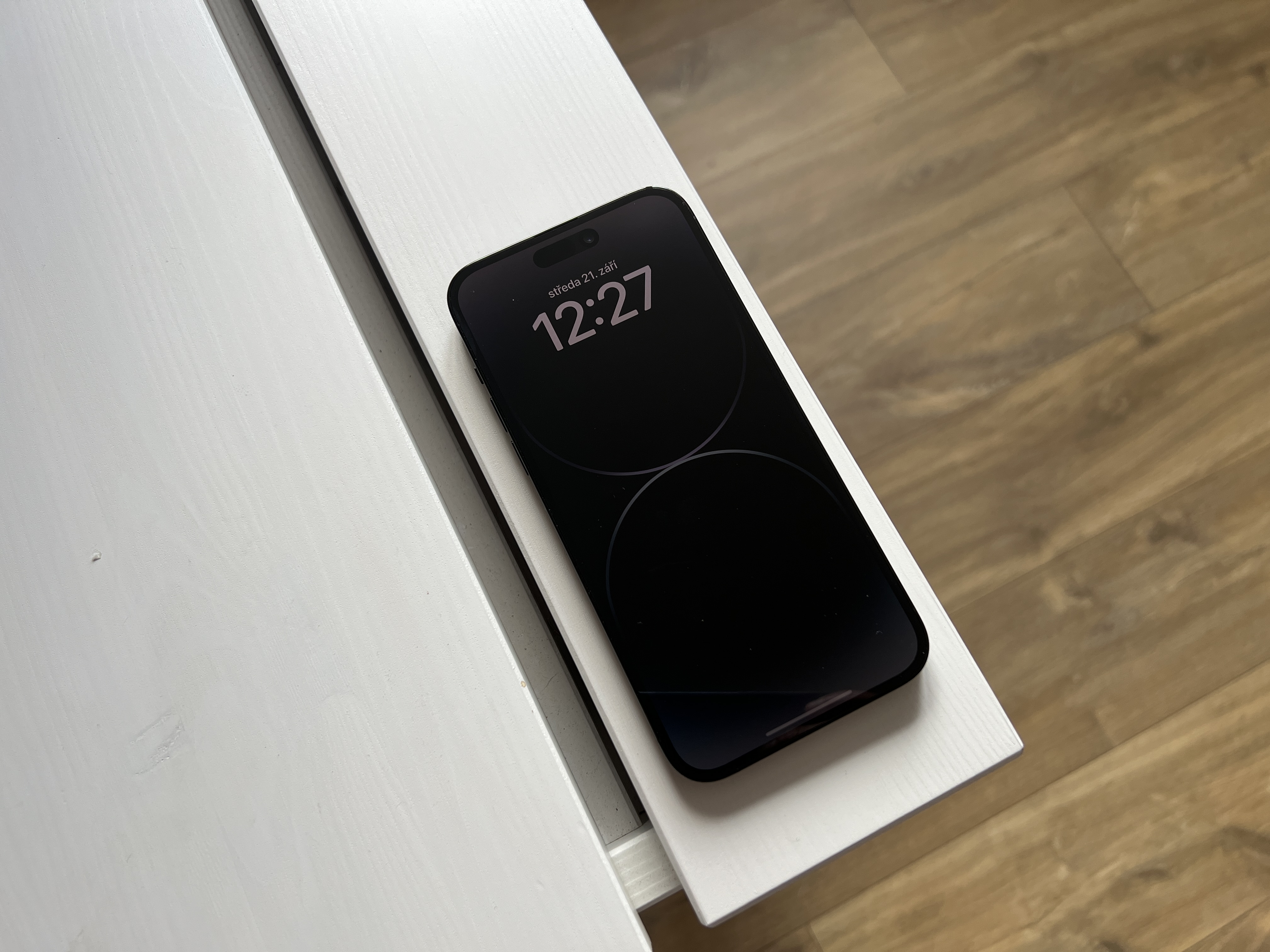
Pro I used a brand new one for testing. iPhone 14 Pro , which was at a constant room temperature with the same ambient lighting throughout the test. The phone did not have a SIM card inserted and therefore the GSM module was not working, to avoid distortion of the measured values due to fluctuations in the GSM signal and so on. On the contrary, location services, Wi-Fi and Bluetooth were turned on. All applications were turned off and the phone was turned off True tone and automatic brightness. ProI feel like the first percent of 100% The battery life of a charged phone always decreases somewhat more slowly than the others, so the test was performed from 97% battery level. Given that Always-On It only works on the locked screen, where it doesn't work if you set the display to never turn off, I solved it by taking measurements with the function turned off. Always-On created screenshot completely identical to what was on the screen when Always-On and I displayed it in the gallery across the entire screen. Thanks to that iPhone All measurements showed the same thing 1:1 with only one exception, which is the changing numbers on the clock and battery status, which is completely negligible in terms of energy.
| miniminor brightness | always-on | maximal brightness | |
| Initial value | 97% | 86% | 81% |
| Value after 3 hours | 89% | 81% | 68% |
| Battery % drop | -8% | -5% | -13% |
Interestingly, if you reduce the brightness to minimum, the phone actually lights up a lot less than when the function is turned on Always-OnThe only difference is that in fact Always-On The display refresh rate is reduced to 1 Hz, which means the display refreshes once per second. When the brightness is reduced to miniFor example, when you are displaying a static photo, as is the case during our test, the display frequency is reduced to 10 Hz, meaning the display refreshes 10 times per second. The difference between Always-On a miniThe minimum brightness is therefore only 3% and these are given by the display refresh rate.
However, it is very important to clarify that Always-On does not work normally as in our test, because even when this function is turned on, the display turns off whenever possible, in situations where you put the phone in your pocket, turn it display down, and so on. In practice, it really happens that Always-On will reduce battery life by 10 to 15% per day, depending on how much you use your phone and how often you simply put it on the table. Our test showed that the difference between Always-On a miniThe minimum brightness is about 1% per hour, which is really not much.
On the contrary, it is quite interesting that if you thought about how much you save battery when you use the lowest possible brightness, then of course you save it, but the difference between maximal and miniAt low brightness, it only drops to 3% in 5 hours, which is 1,6% per hour. So the question is whether it is really worth it to have the brightness reduced to save 1,6% of battery per hour. Again, keep in mind that in our test this is a static image and the values may vary depending on what colors the phone displays and, for example, when playing a game on minismall and maxThe difference may be more noticeable if the brightness is low.
Gallery
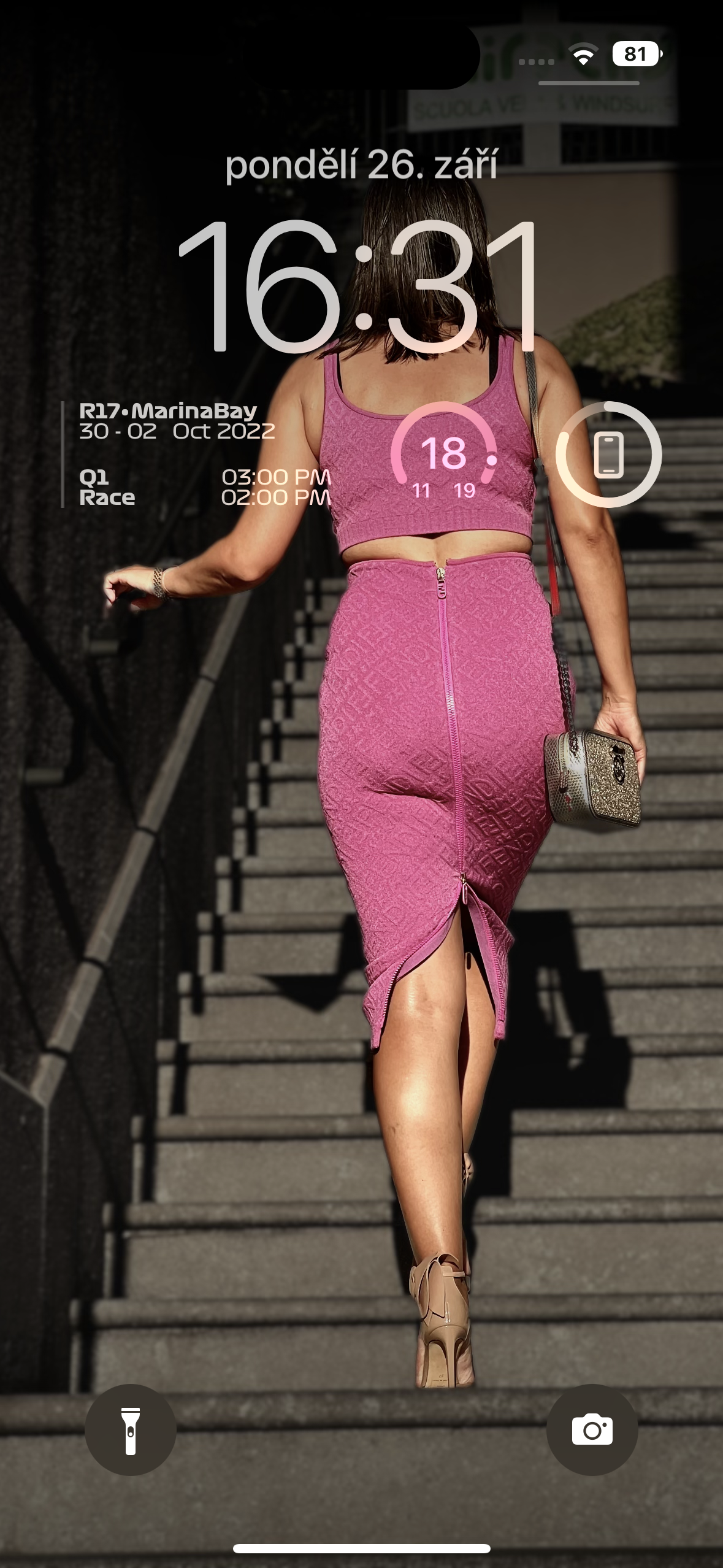
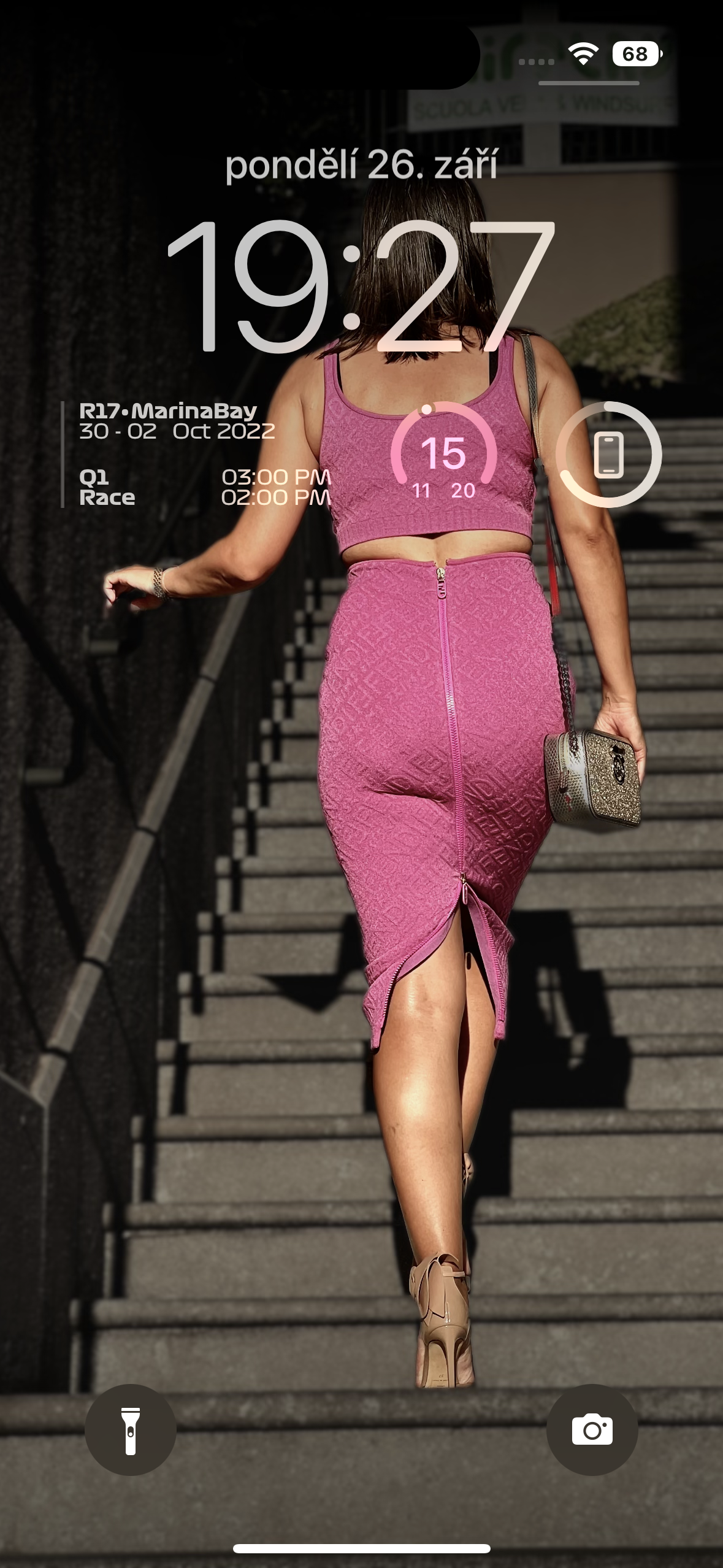
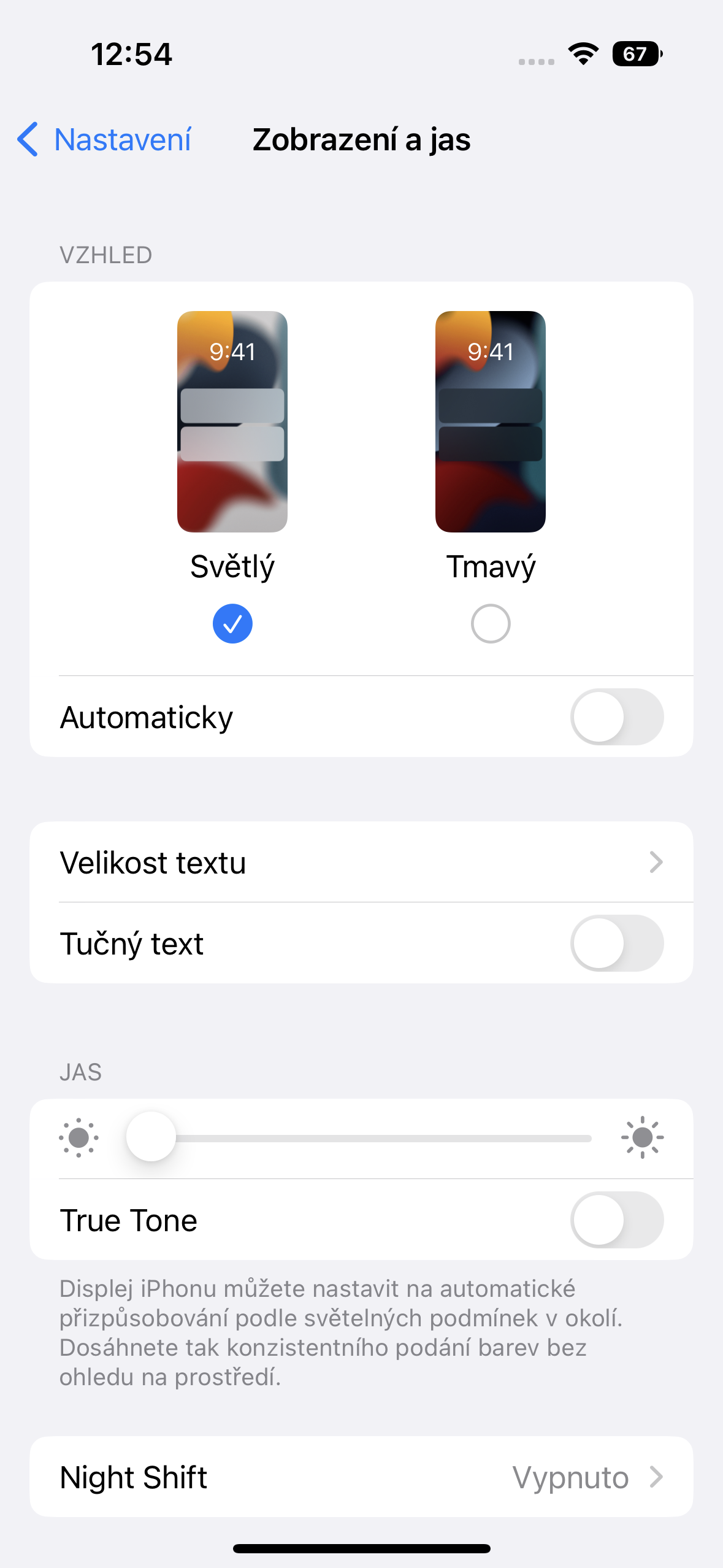
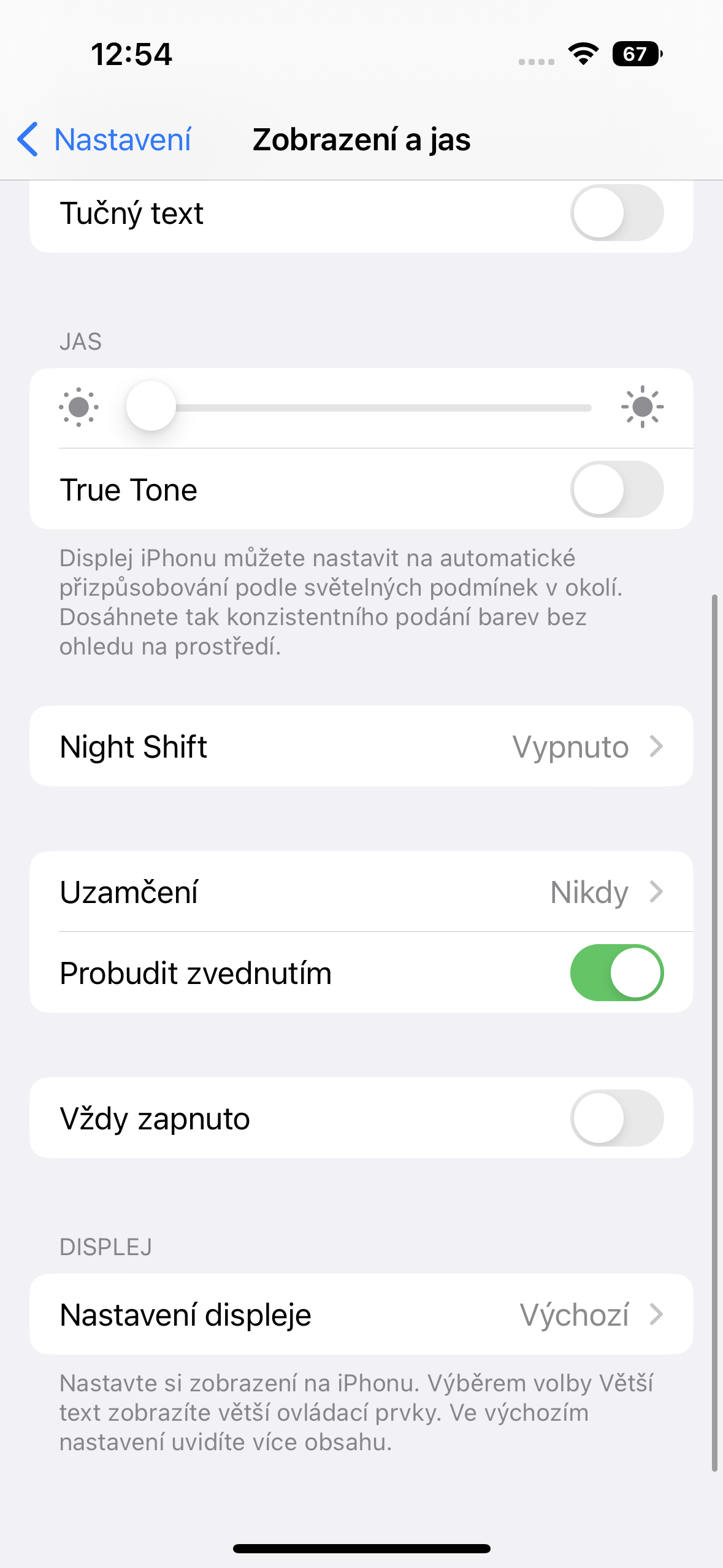
Finally, a little recap. It seems that Always-On It's really not very battery-friendly. iPhone in case we really use it throughout the day. That is, if you put the phone on the table inancIf you leave it on for 9 hours and don't touch it, you will lose 15% of the battery, but on the other hand, this situation probably doesn't happen normally. As for the difference between minismall / maximal brightness and Always-On, it is clear that the biggest influence on battery life is the display frequency, followed by its brightness. So unless you are really in a situation where you have two hours to go to the nearest charger and 10% battery, then reducing the brightness just to increase battery life is completely pointless. Apple could probably build Always-On even to iPhone 13 Pro, but if the display were lit up the same way as iPhone 14 Pro and the frequency was reduced to only 10 Hz and not 1 Hz, then the phone would discharge at an estimated rate of about 10% per hour, which is twice as much as in the case of iPhone 14 Pro.




Nice article, just please don't call this function Always on display because it's a jokeoneplacing technology created by the competition and it's rather funny.
If only I were born now and would pick up phones with a real Always on display and Apple 14 for so I would say yes Apple it is broken.
Good day, we call the function what the company calls it Apple.
Vintage Apple he calls this function so. There is no reason to call it anything else. But what is unfortunately true is that, from the looks of it, it didn't go very well
Nice article. Too bad you blocked me 🤦♂️
I don't know algorithms apple to estimate the state of the battery, but in general it is a problem to compare 5% of the battery in different parts of the discharge curve. It can make significant differences on such small sections, especially without repeating the compared scenarios in different order.
Exactly. Unfortunately, the test is useless, or rather it does not give any advisory results.
They would like to measure real traffic – precisely defined tasks – call, send messages, FB, YouTube, email, Safari and so on – put it on the table, put it in your pocket, repeat all this at least 3-5 times then average it and do the same with always-on and without it with the phoneonem set manually to, say, 20% of the display and 80% of the display brightness and then compare.
Don't hesitate :) we measured something completely different than what you describe, what you would achieve with your measurements if you were to take these measurements always-on turns off? And can I ask how exactly you set 80% brightness on iPhone, I would really like to know if it's not 79 or 81. Thanks a lot for the information :)
I'll just comment on the brightness percentages.
1) Hey siri, set brightness to 80%.
2) If necessary, add a shortcut to the brightness setting, where percentages can be directly selected with the slider.
Good point about that first percent. Also, by the time it drops from 100 to 99, I think the phone will last 5 days on a charge :-)
I have always on and it doesn't really affect my consumption - I take my phone charged in the morning and before going to bed I always put it on the charger between 15-30 percent, depending on how demanding the day is on the phone.
Always on Display on my 2019 phone with a 60 Hz AMOLED panel eats less than this AoD with 1 Hz. So I wonder where the comrades from the GDR made a mistake? :-D
however, it's simple because Putin, the war on the outskirts, the lack of chips, the corona crisis, the energy crisis, the NWO - combine, connect, multiply, amplify, analyze and derive the result. And report to Apple what will i write you off
Without a 1 Hz display, it is not possible to grant true always on ;)