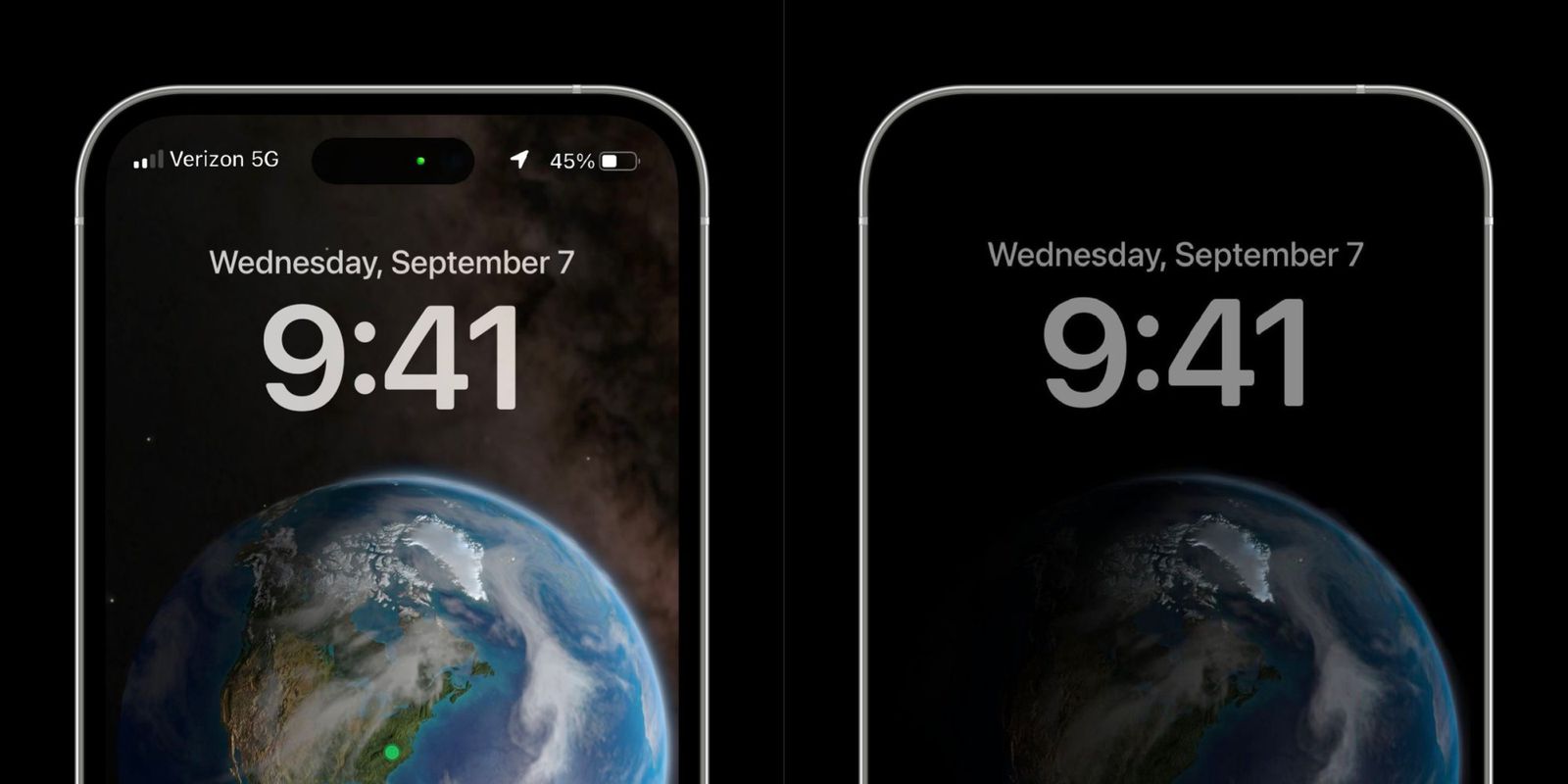
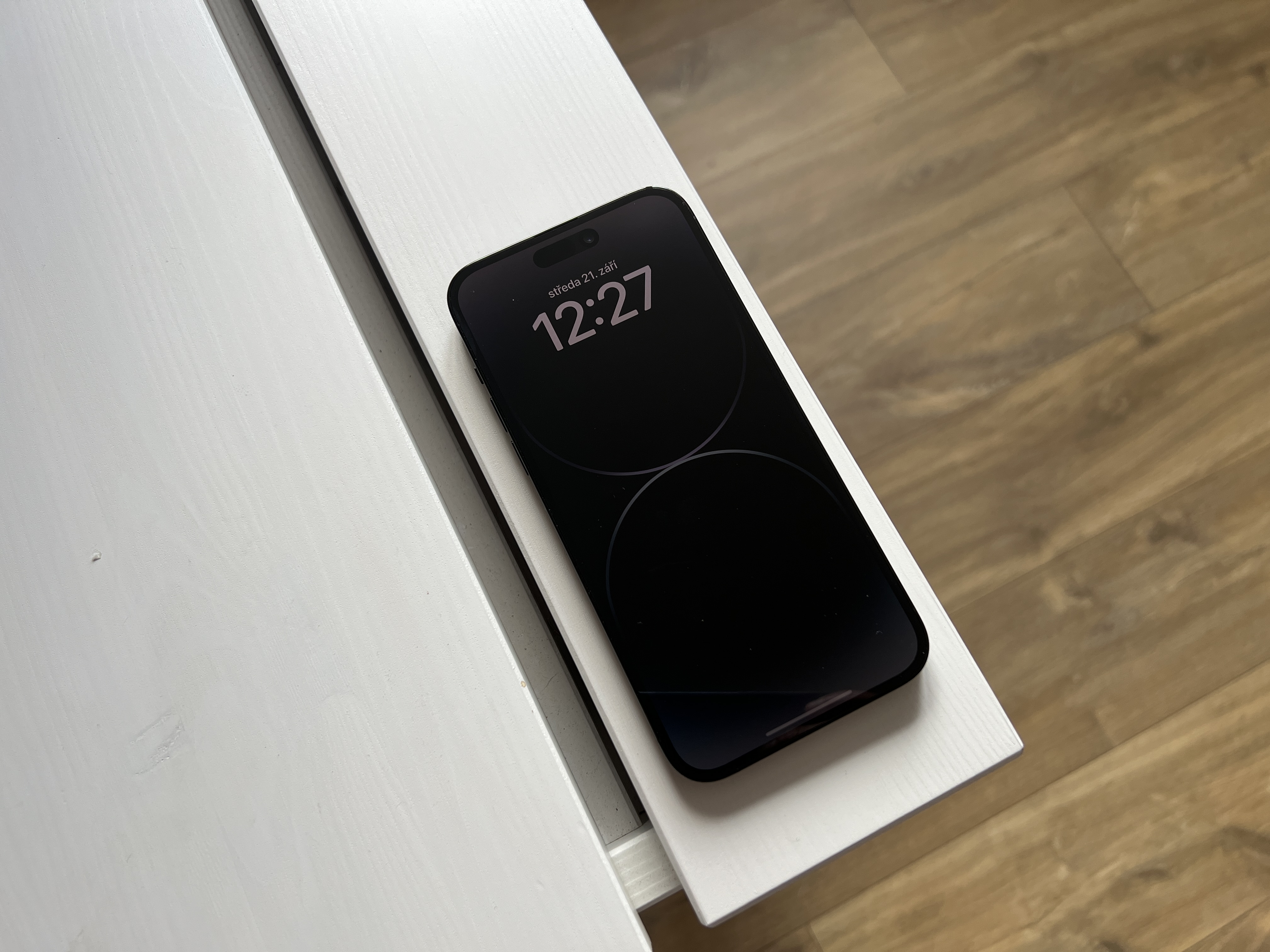
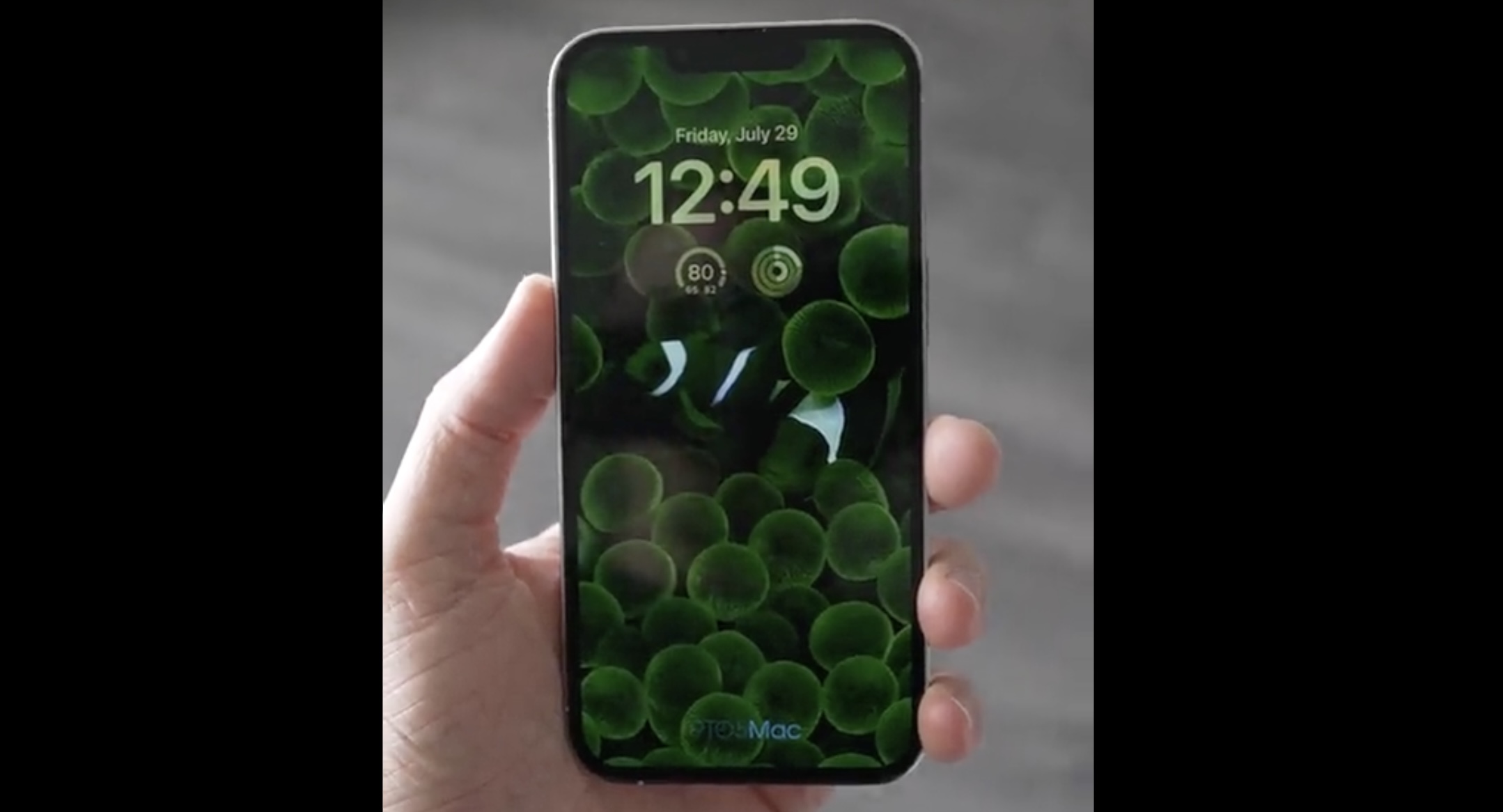
Do you want to know how to iPhone turn off notifications in Always-on? It's not complicated, you just need iOS 16.2 and later. Follow these steps:
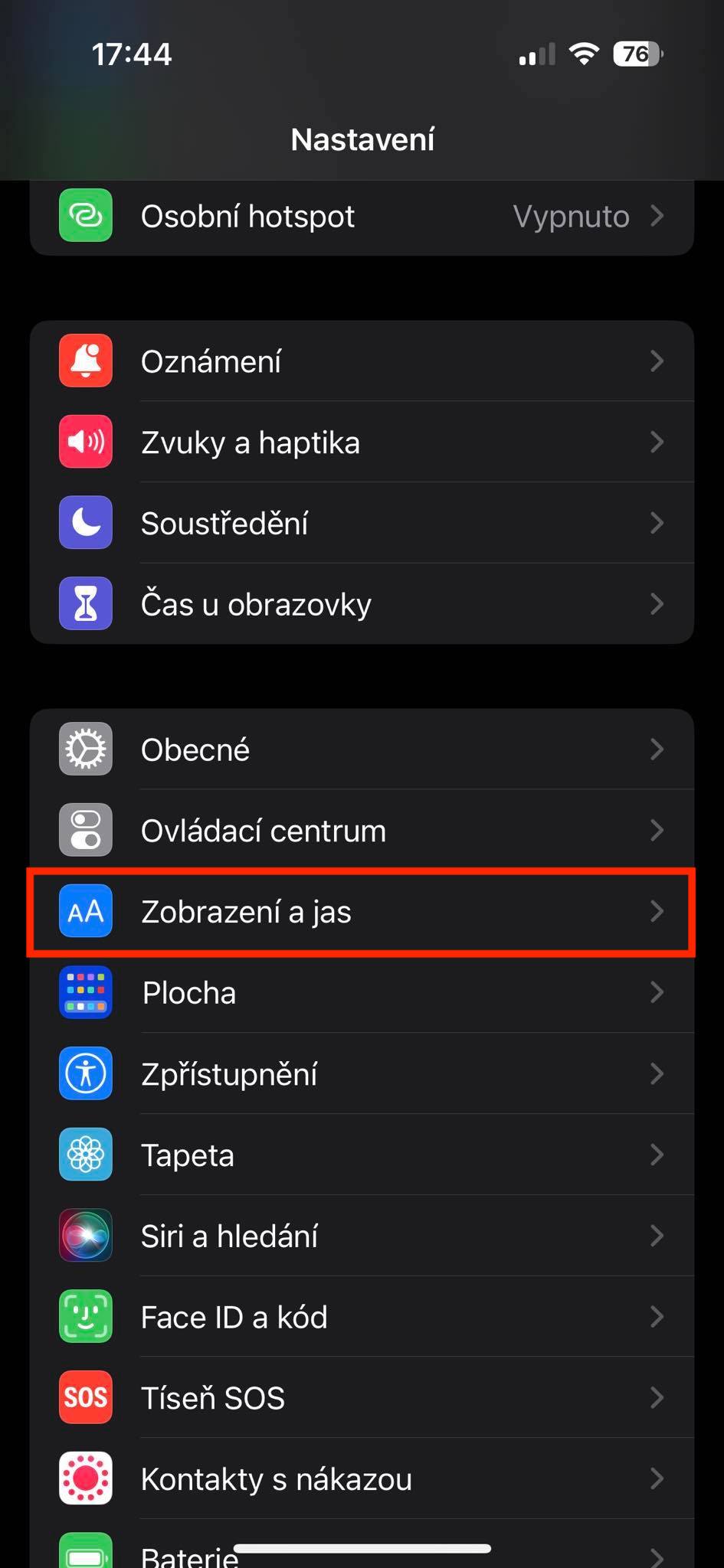
- First, you need to have 14 on your iPhone Pro (Max) moved to a native application Settings.
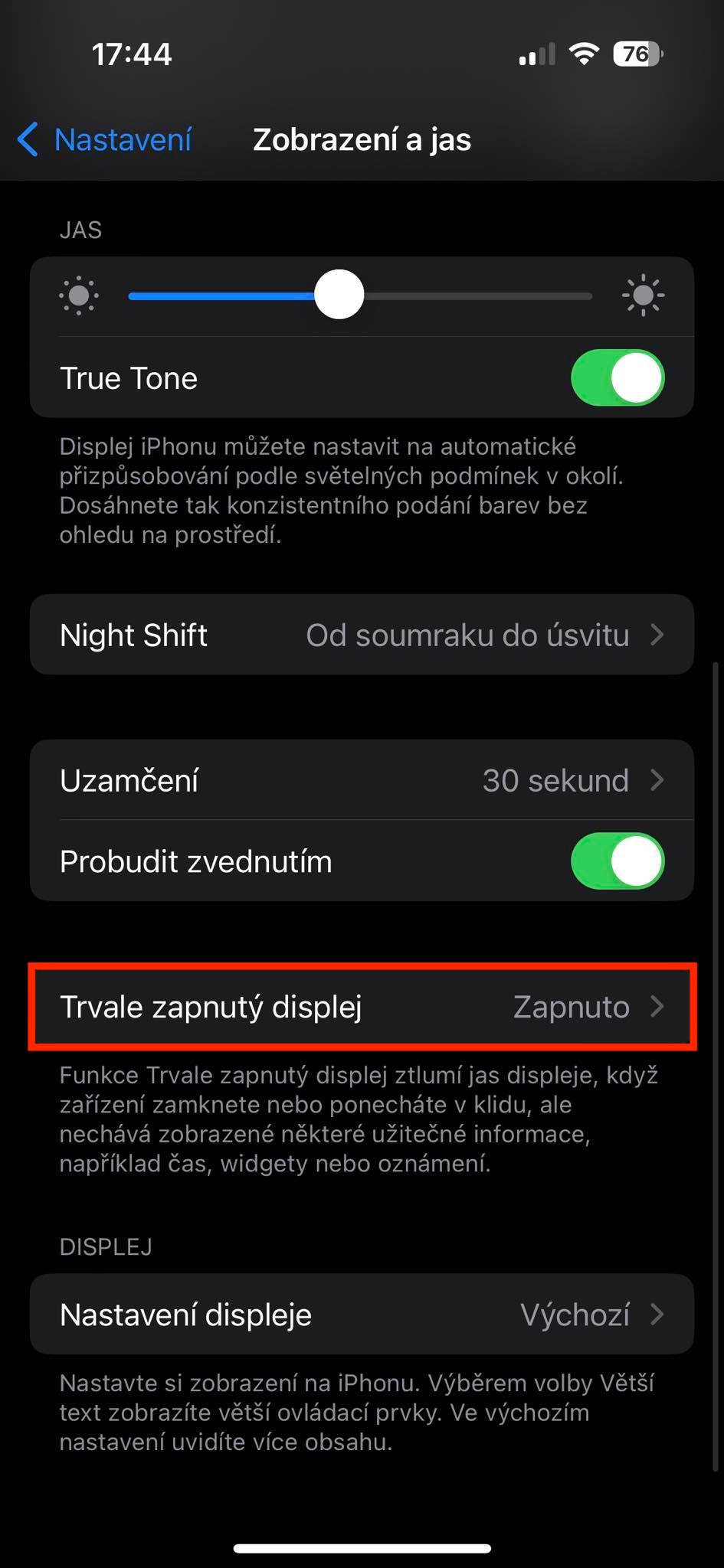
- Once you do, slide down a piece below, where to find and click Display and brightness.
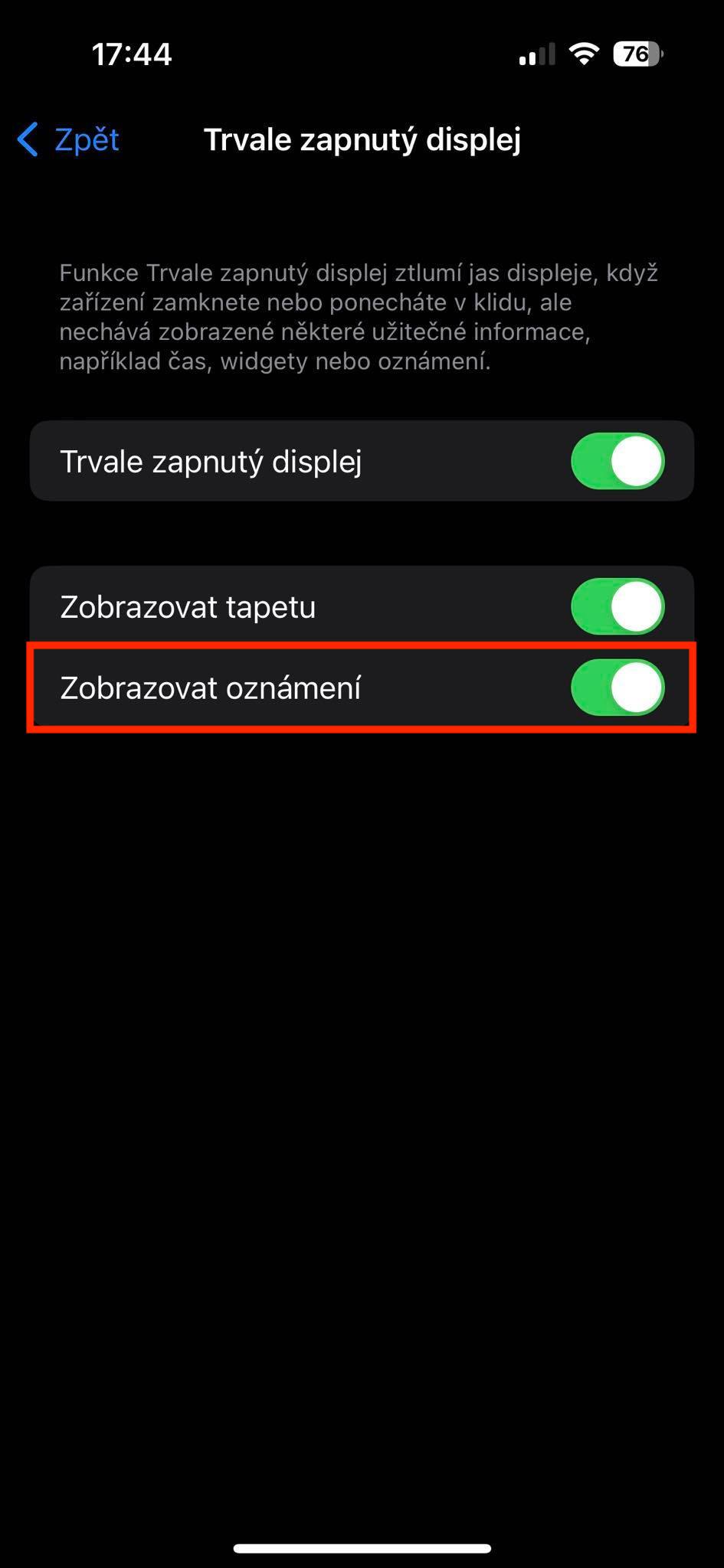
- Here again, a bit further below open the section Permanently on display.
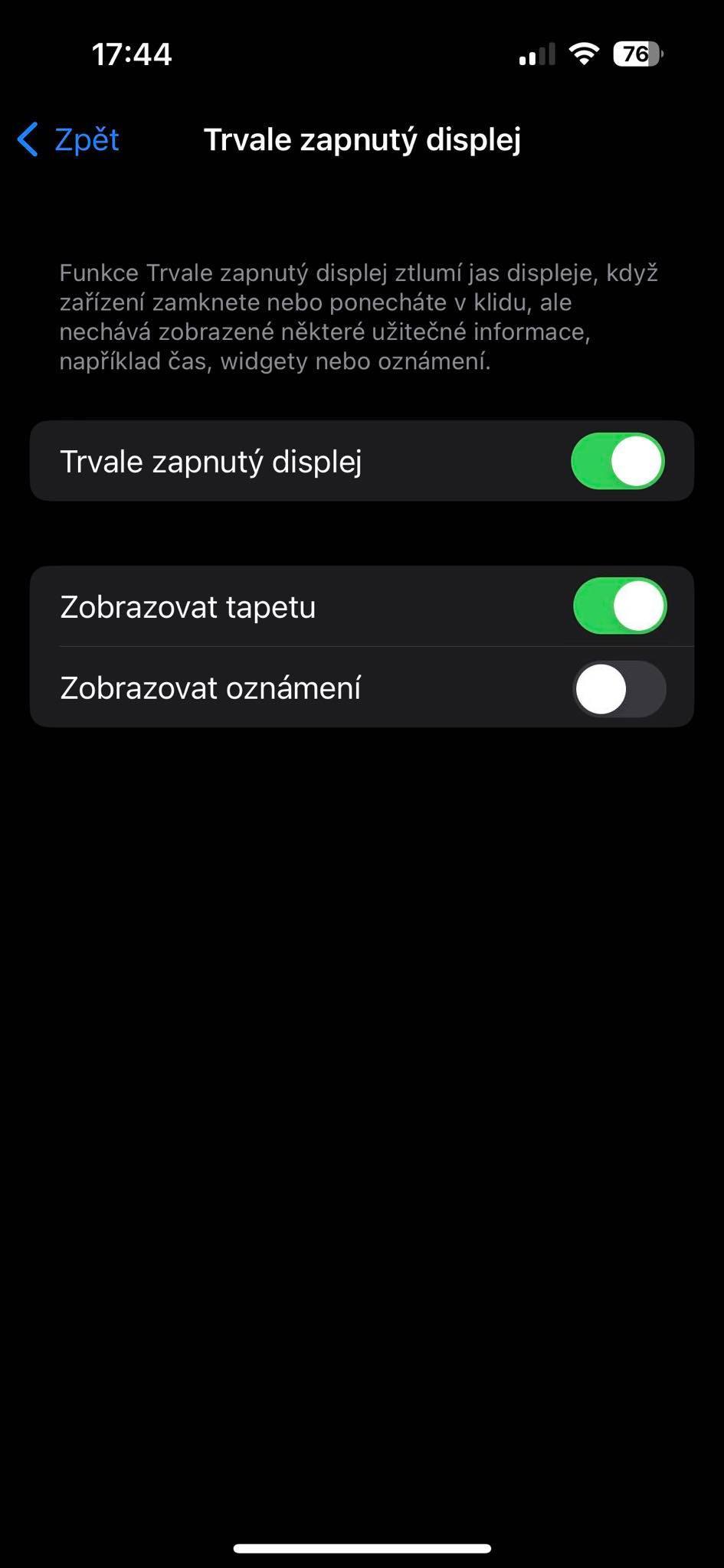
- nakonec just need a switch disable Show notifications.
Gallery