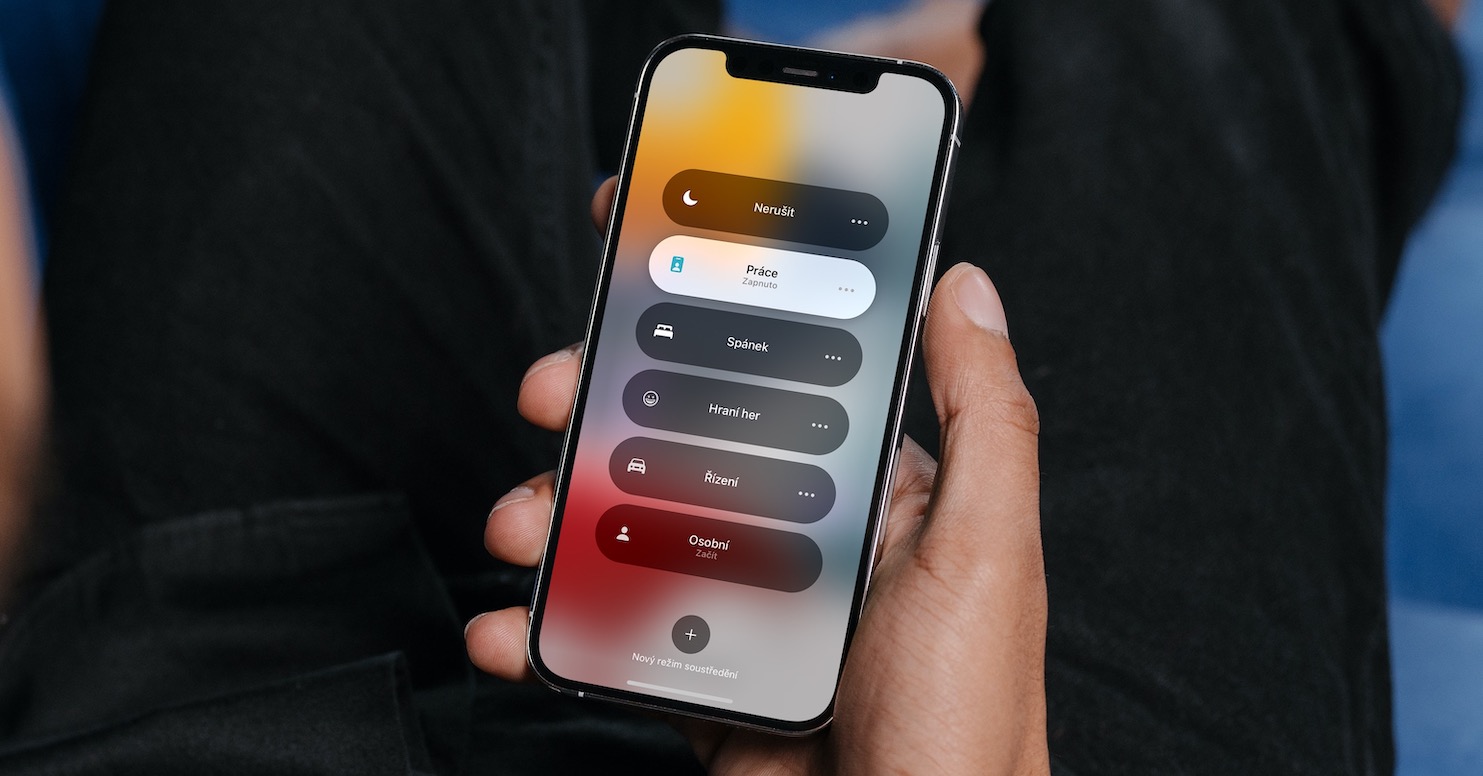
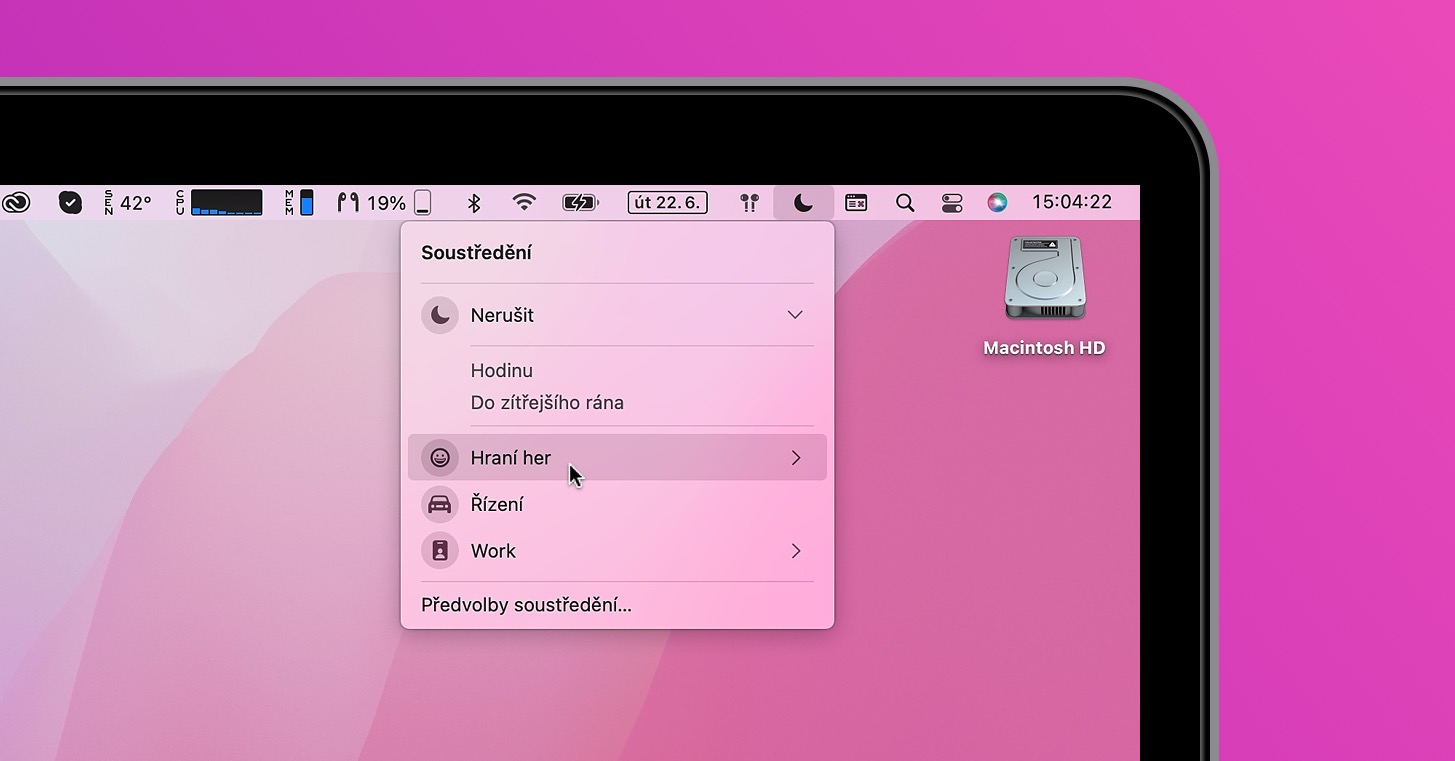
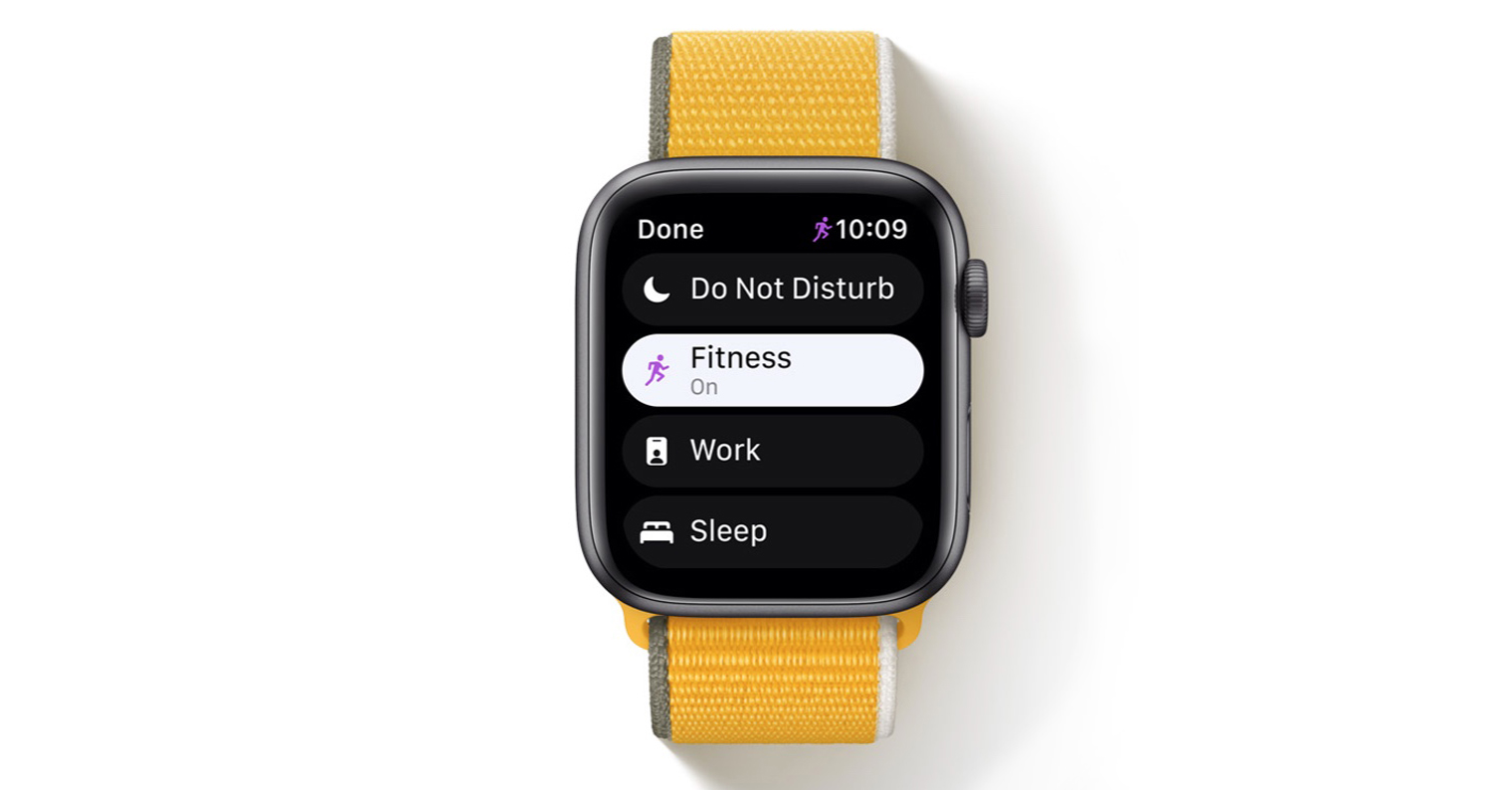
He released almost two months ago Apple new versions of their operating systems – iOS and iPadOS 16, macOS 13 Ventura and watchOS 9. All of these operating systems are currently still available to all developers and testers within beta versions, however, there are still ordinary users who install new systems with the hope of early access to some features. There are a lot of new options available in the mentioned systems and we have already discussed most of them in ours. However, we still have a few more to come, for example in the focus modes, which are in iOS 16 has received some great improvements.
You might be interested in

iOS 16: How to mute selected people and apps in a focus group
Focus modes are one of the best and biggest features that Apple came within iOS 15. And it is important to mention that in iOS 16 we have seen great improvements to these modes. One of them is the ability to set the silence of selected people and applications. Until now, we could set the focus mode exactly the opposite, i.e. in the style of blocking all people and applications with exceptions. So if you wanted to allow all people and applications and set only selected individuals or applications who will not be able to call you or send you notifications after activating the focus, then proceed as follows:
- First, you need to have a iOS 16 moved to native app Settings.
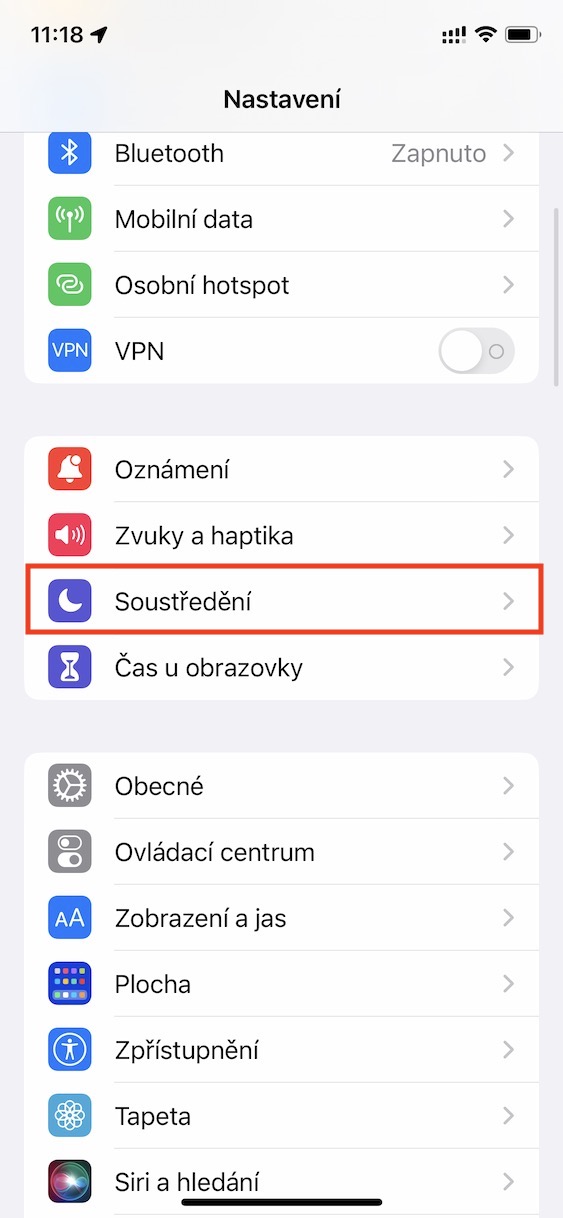
- Once you do, scroll down a bit and tap on the option Concentration.
- Here you are then select mode which you want to manage, or you create a new one.
- Then it is enough in the section Enabled notifications tap on Lide whether Application.
- Then just tick at the top Mute notifications and tap on + Add choose allowed people or apps.
Gallery
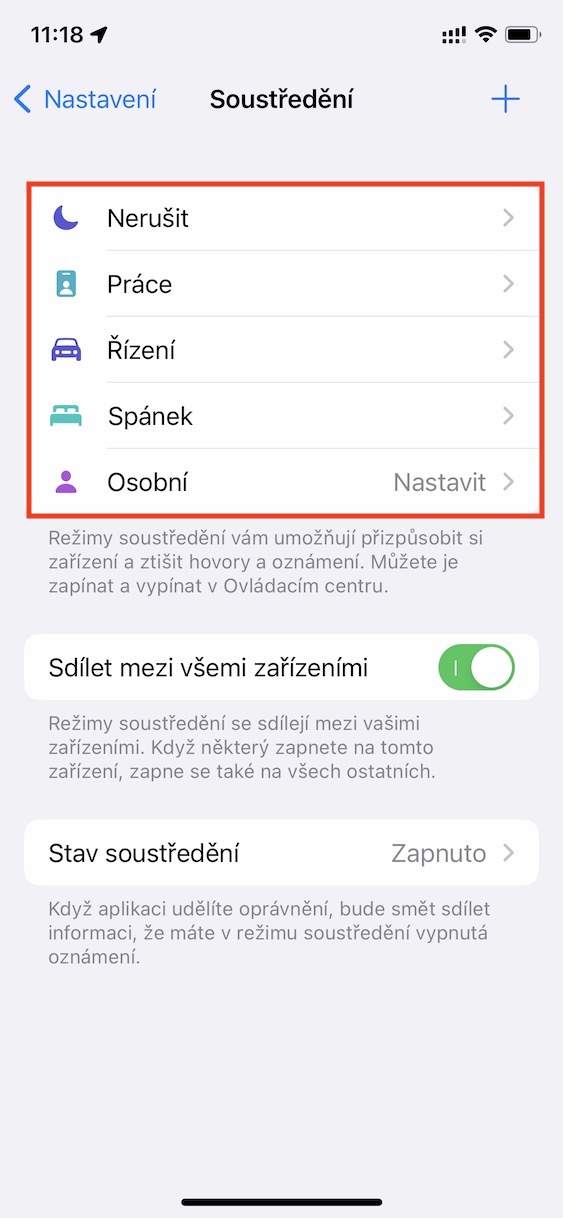
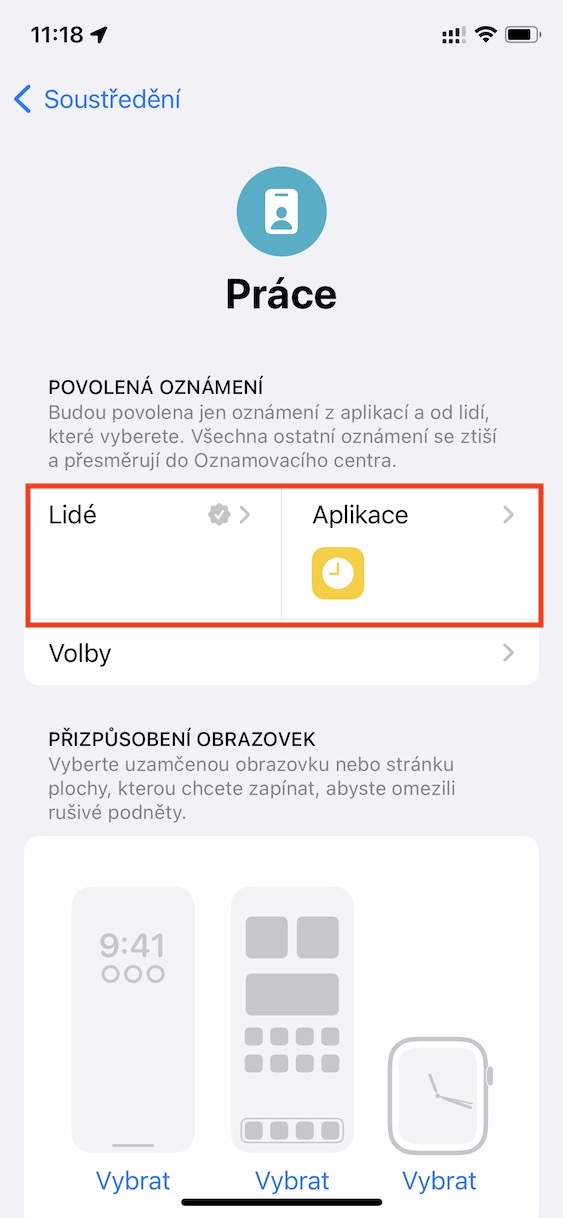
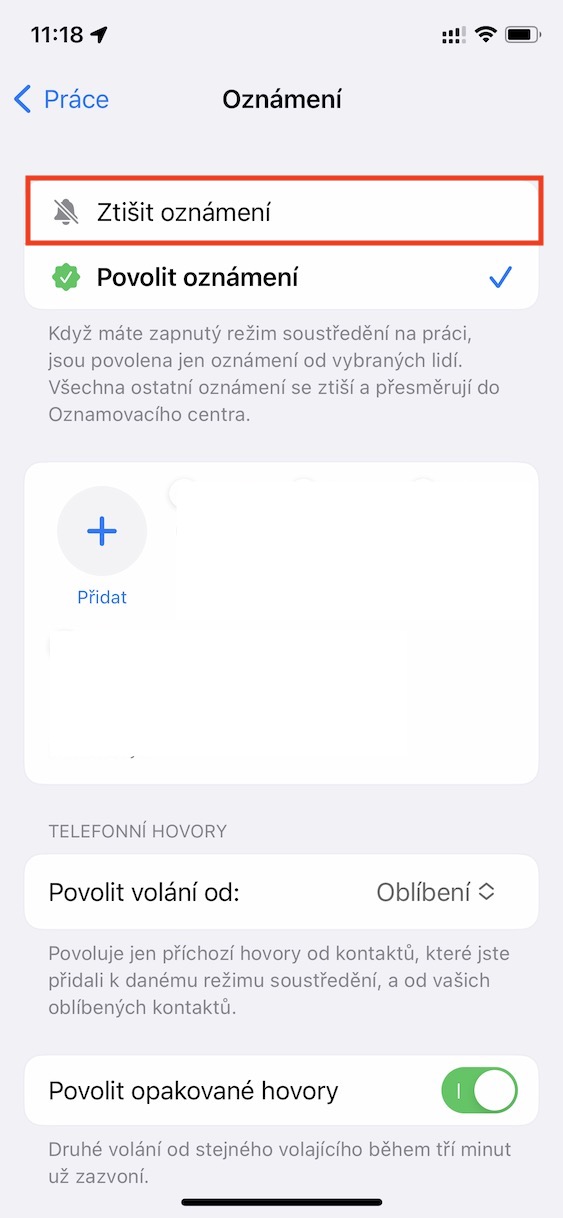
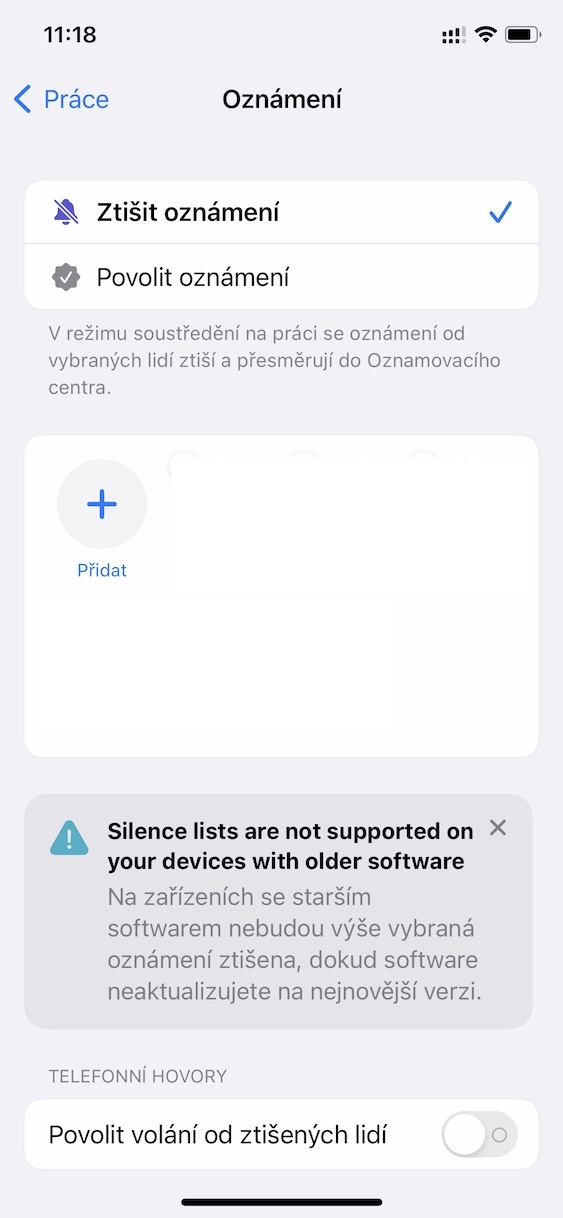
Using the above procedure, it is therefore possible on your iPhone with iOS 16 in focus modes to allow all notifications except for people and apps you choose. This can be useful in several cases, for example if you have a person who often annoys you, or if you need to receive notifications from all apps except a few. It is important to mention that this option is only available on devices with new operating systems. It will not work on older versions.