
When you take a photo on your iPhone in the native Camera app, a short sound is played. This sound is called the shutter sound and, in addition to informing you that a photo has been taken, it also informs others about it so that they know about it and prevent people from taking photos without permission. However, the truth is that in most countries this sound can be easily bypassed by activating silent mode via a switch on the body of the Apple phone. However, there are countries, such as Japan, where the shutter sound cannot be simply turned off, even after activating silent mode.
You might be interested in
As iPhone disable sound when taking a photo
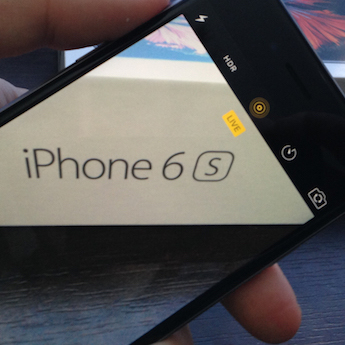
The good news is that the shutter sound can be disabled relatively easily even in these countries where it must be active at all times. This means that if you live in Japan, for example, or if you have a iPhone and the shutter sound annoys you, you can mute the sound. Simply activate the Live Photos feature before taking a photo, which will automatically deactivate the shutter sound. Here's how to activate Live Photos:
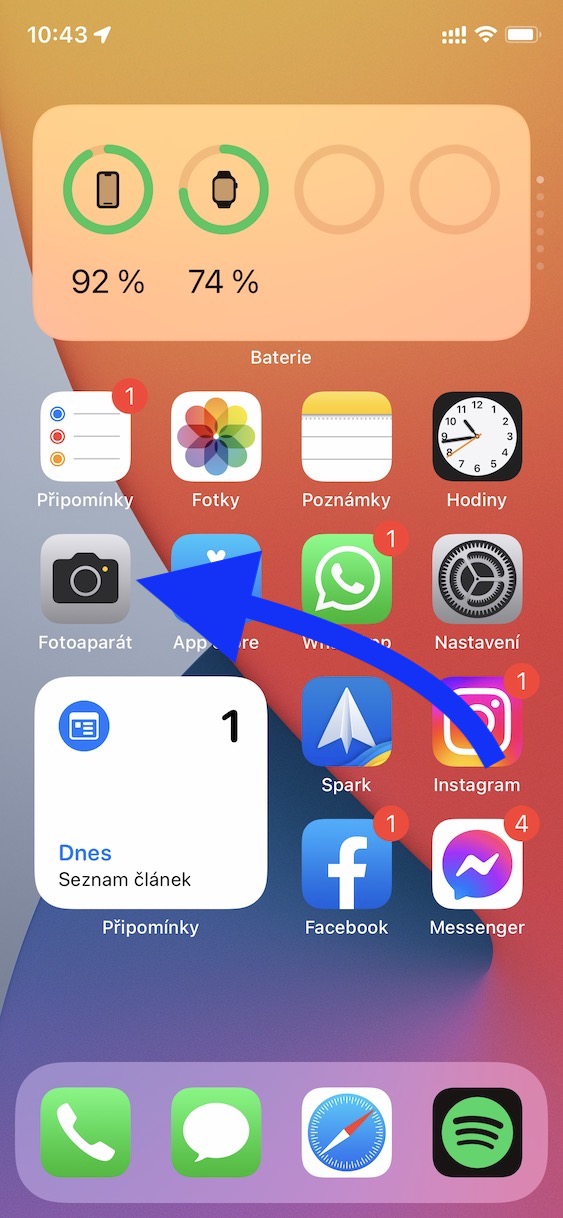
- First, go to the native app on your iPhone Camera.
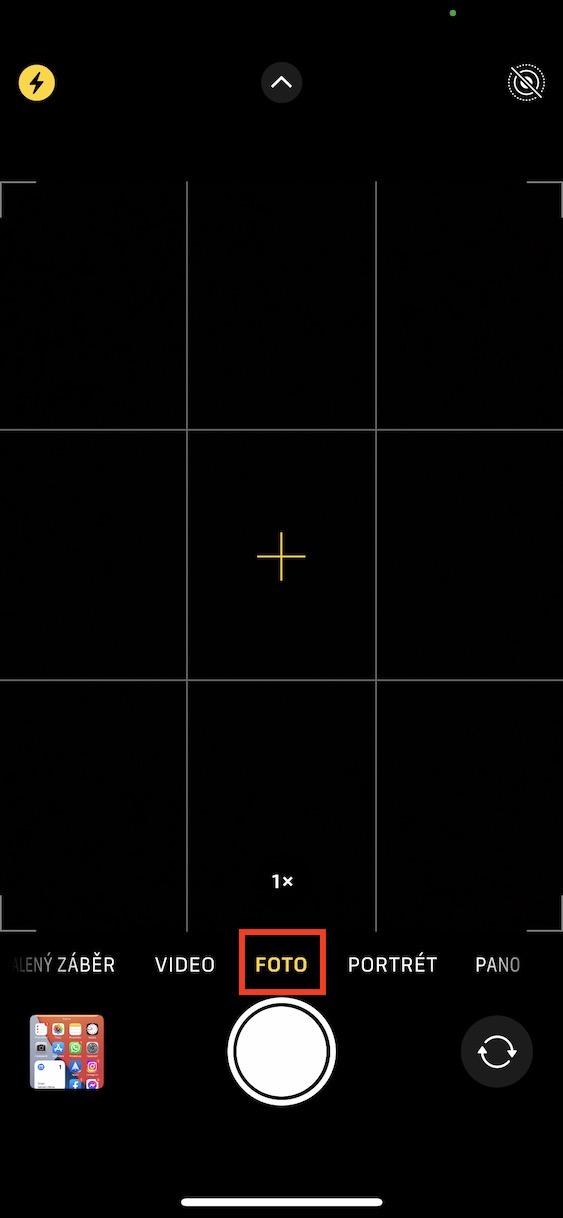
- Once you've done that, switch to the section titled below Photo.
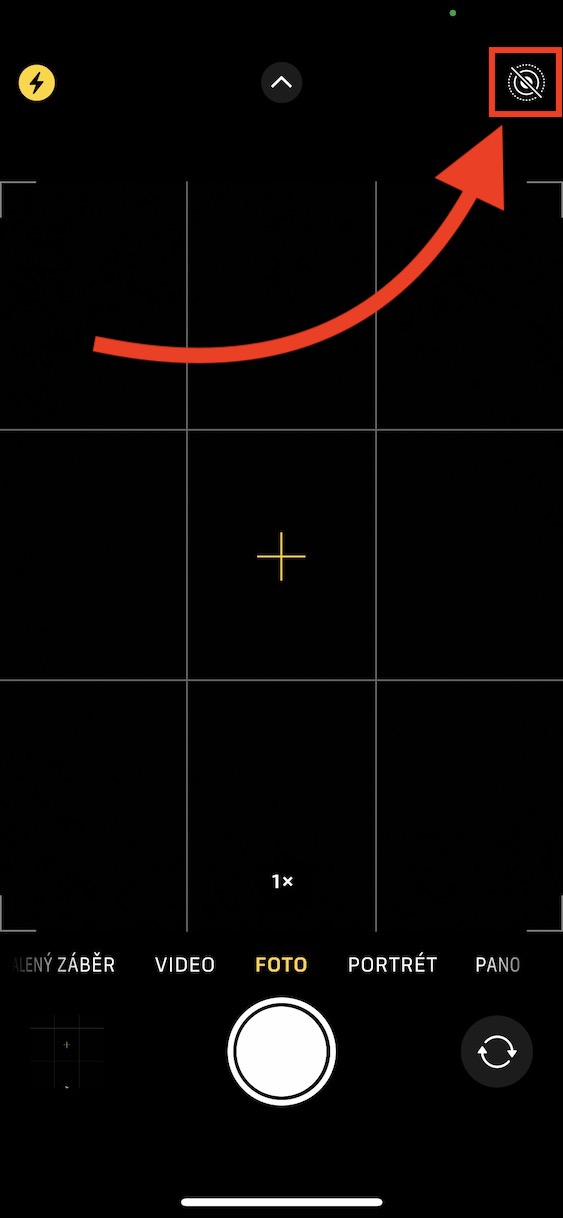
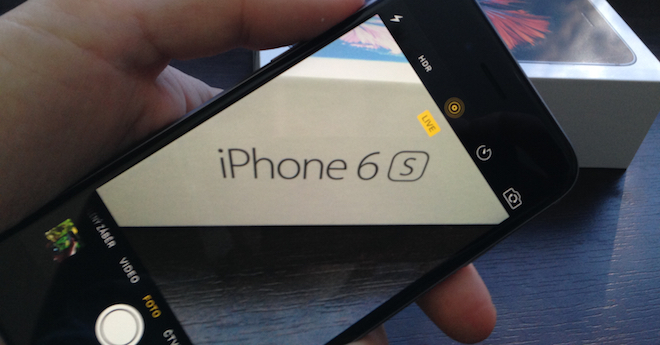
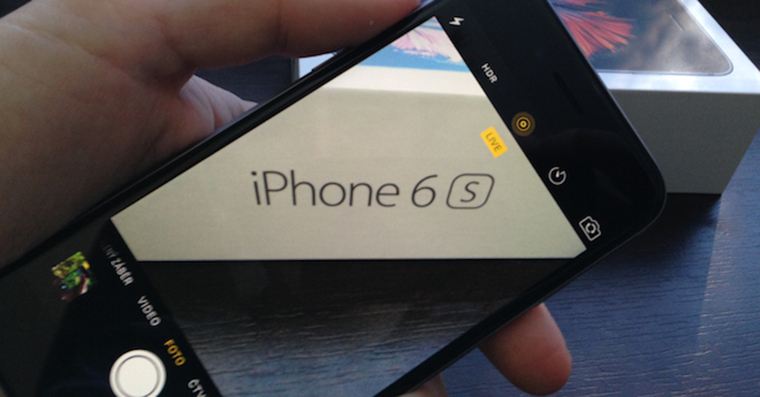
- Then pay attention circles icon in the upper right corner of the screen.
- This icon represents Live Photos, by tapping on her this mode activate.
- You can tell when Live Photos are active yellow icon, not white and crossed out.
- After activating Live Photos, you can start shooting without shutter sounds.
Gallery
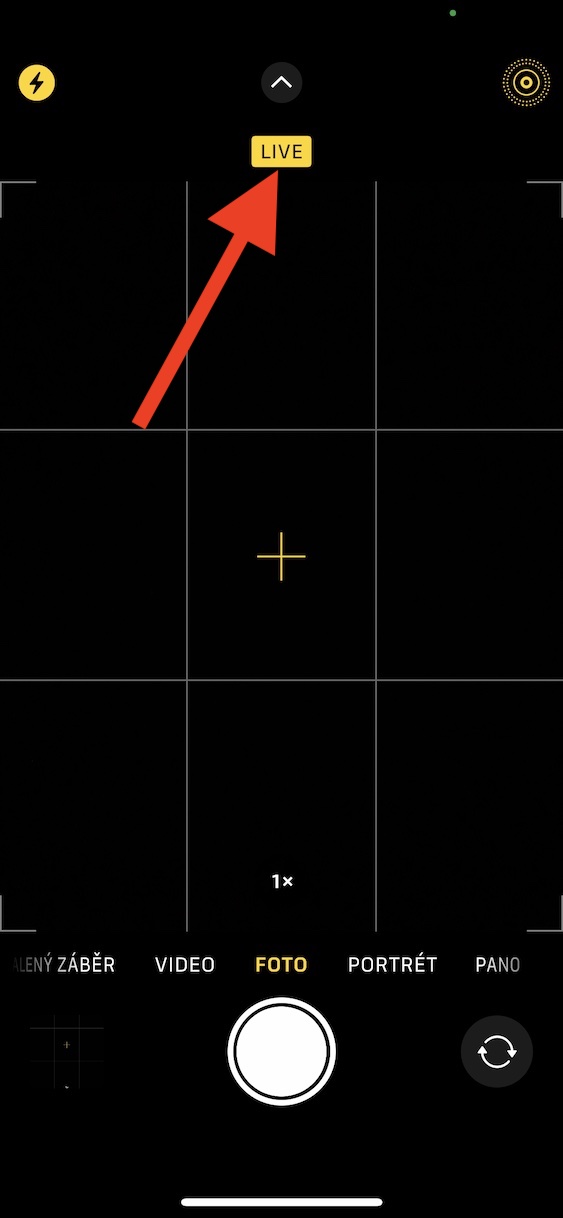
So, using the above procedure, you can disable the shutter sound on your iPhone, even if it is from Japan or other countries where it is necessary to have the shutter sound on all the time when taking pictures. This procedure works for the reason that when Live Photos is activated, a few seconds of video of the moments before and after the shutter release is also recorded when the picture is taken, including sound. If the shutter sound was active while taking Live Photos, it would mean that you would hear it every time you play back those photos in the Photos app, which is obviously unwanted. It should be mentioned that when Live Photos are active, the shutter sound will not be played even if you do not have silent mode active. Simply put, if you have Live Photos turned on, there is no way the shutter sound will be heard.




How do I disable the kindergarten beeping of digits when entering a number on the numeric keypad? At meetings I feel like iOS cocot when it beeps for the whole room... (I'm not asking for advice to activate silent mode, or to turn off the QWERTY keyboard tapping).
If you don't have silent mode in meetings and deal with keyboard sounds, then you feel like a cocot justifiably.
So it really can't be turned off? Looool 😃🫃
I honestly don't understand why it should go outside of silent mode to turn it off?
Is that really true? It's an annoying and embarrassing tone. I really feel like a kindergartener. VoloneI can't set it to a soft beep as an incoming call info, but this is a really funny beep that I can't do anything with unless I want to lose all the tones...stupid and limited.
It works on Samsung, it's a smartphone :-)
So people (especially women and children) beware! If you happen to find yourself in a situation where a bloodthirsty killer breaks in and you hide under the bed, in a closet, or in another place where you want to hide from the threat, it's not like you automatically start dialing 911!!!! First you have to keep in mind that you have to enable silent mode 😃😃😃 Fuck me 😃 at least I have another limited INABILITY to make fun of iSheep :D I sincerely hope this beeping never takes anyone's life 😞