
If you want to watch shows these days, you're most likely going to use streaming services like Netflix or HBO MAX. However, it is necessary to mention that many users simply do not choose from the offer of these streaming services, and the dominance of programs in English can be a problem for some. This means that there are still many individuals who prefer classic TV broadcasting. However, there is a limitation here in that you can only watch it fully on televisions. And it is at this moment that Internet television (IPTV) comes with the name Telly, thanks to which you can watch TV broadcasts anytime and anywhere - both on a Mac in a browser, on an iPhone or even on Apple TVLet's take a closer look at the Telly service in this review.
The basics you should know
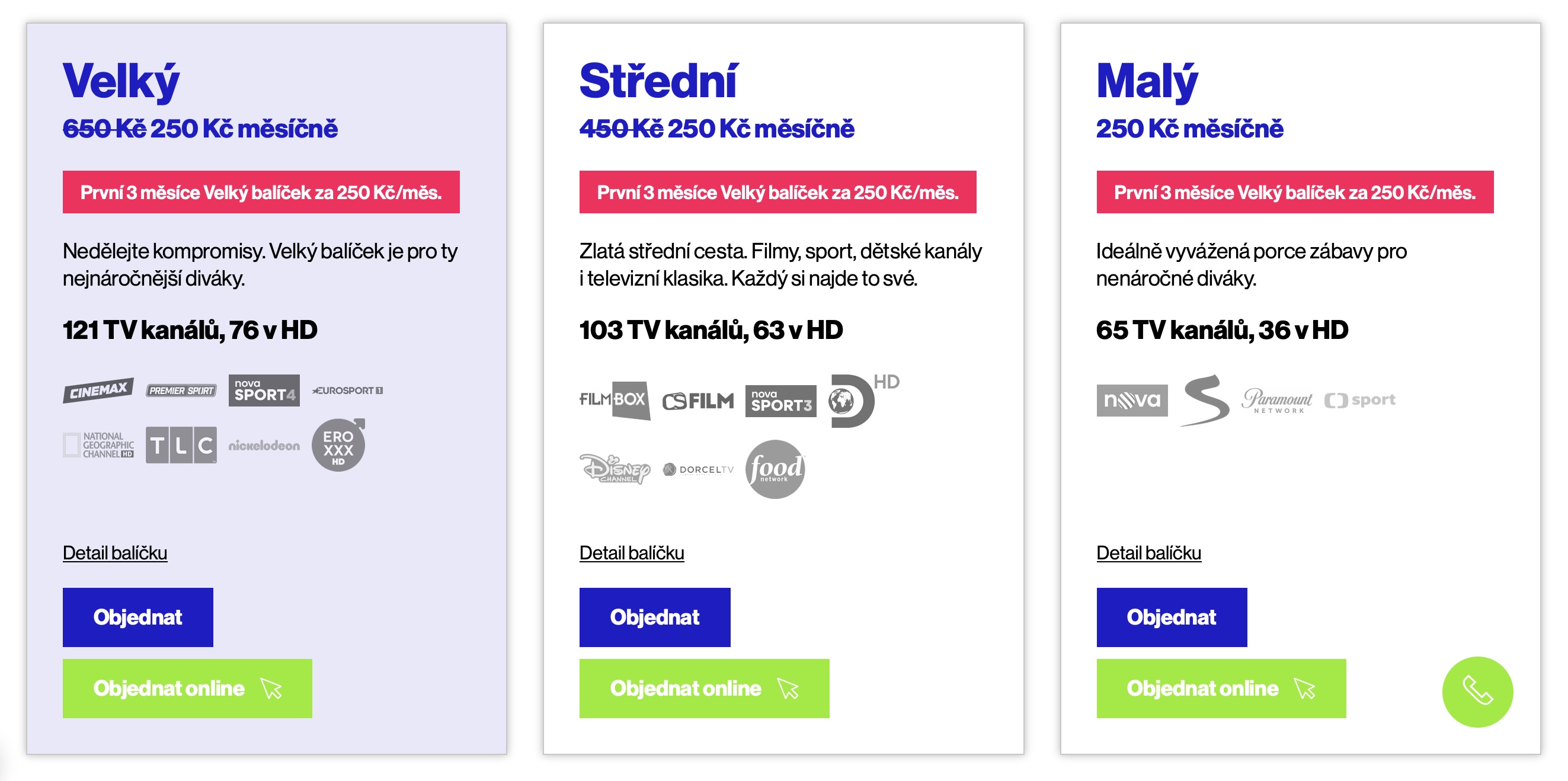
As is the case with practically all of our reviews, we will first look together at the basic information and specifications, which often reveal the most. In the Czech Republic, when buying practically anything, we are always interested in the price first. It is necessary to mention that Telly is available in a total of three basic packages. It is small with 65 channels for 250 crowns per month, medium with 103 channels for 450 crowns per month and large with 121 channels for 650 crowns per month. But it is necessary to mention that at the present moment in progress action, thanks to which you get all the channels from the big package for the price of a small package, i.e. 250 CZK per month, for the first three months. After three months, you can continue with the package you have chosen. In addition to the basic ones, there is also a special sports package available for 250 CZK per month, thanks to which you can watch the Champions League, Premier League, UFC, NFL and more. The last package is HBO 1-3 HD + HBO Max, again for 250 crowns per month.
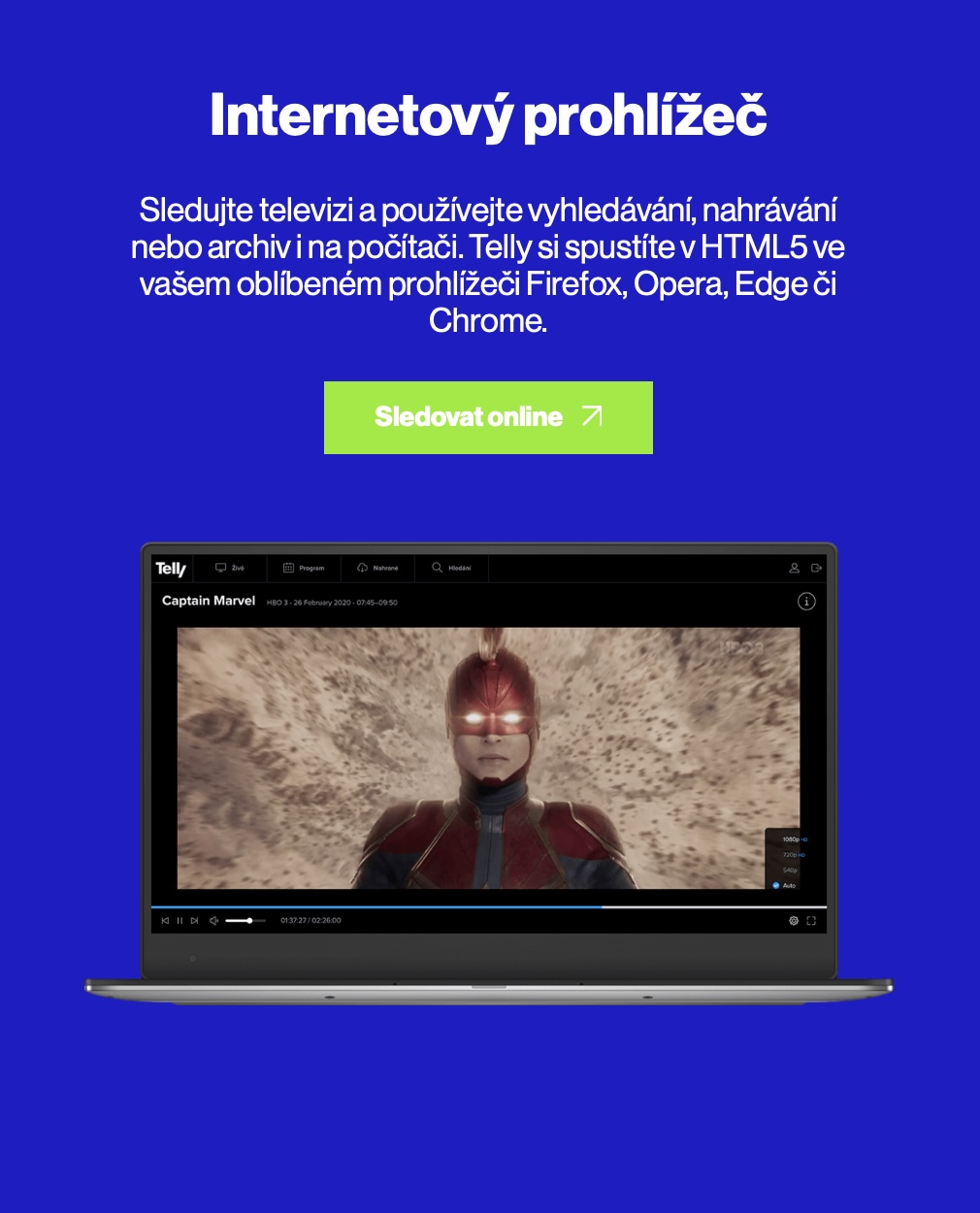
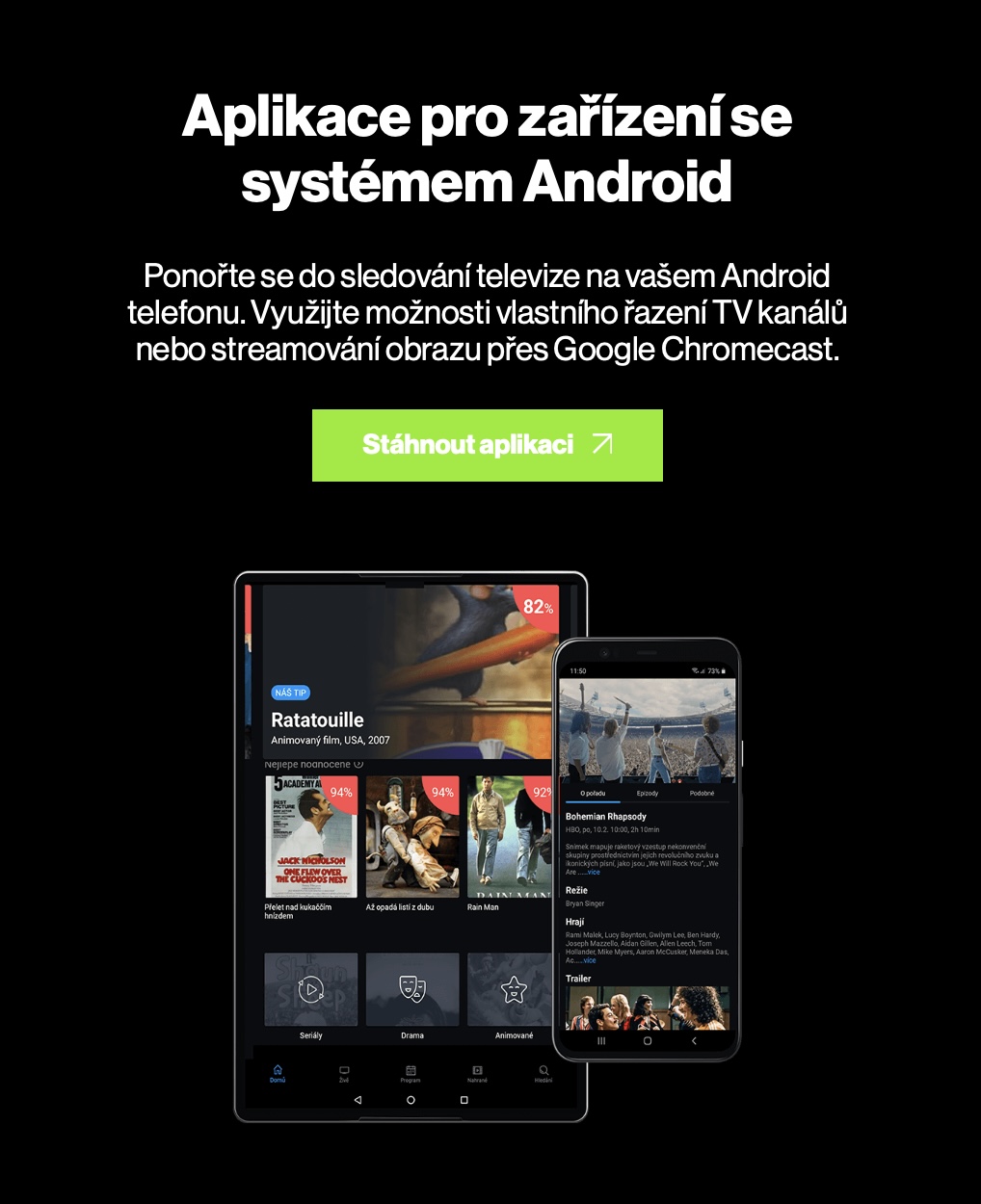
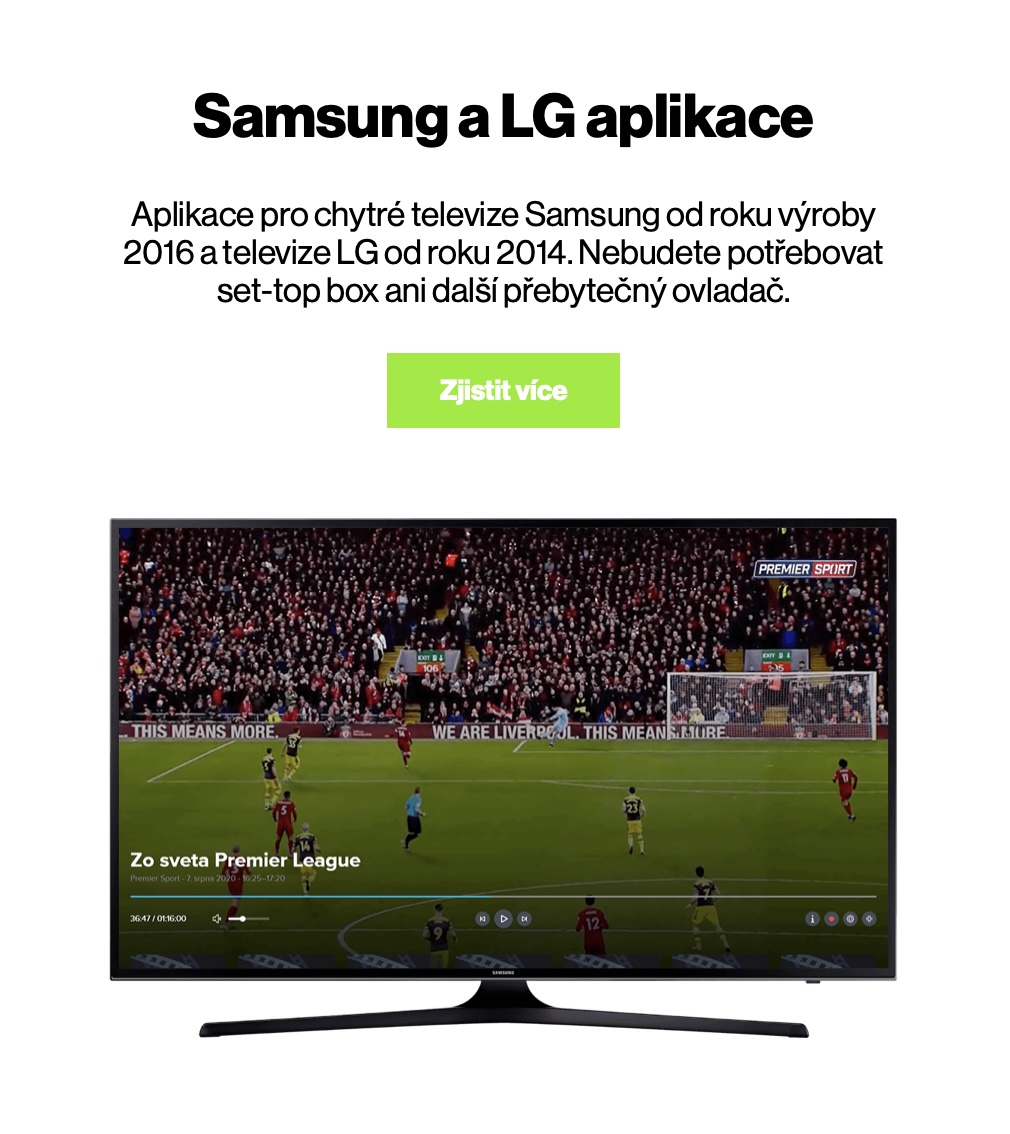
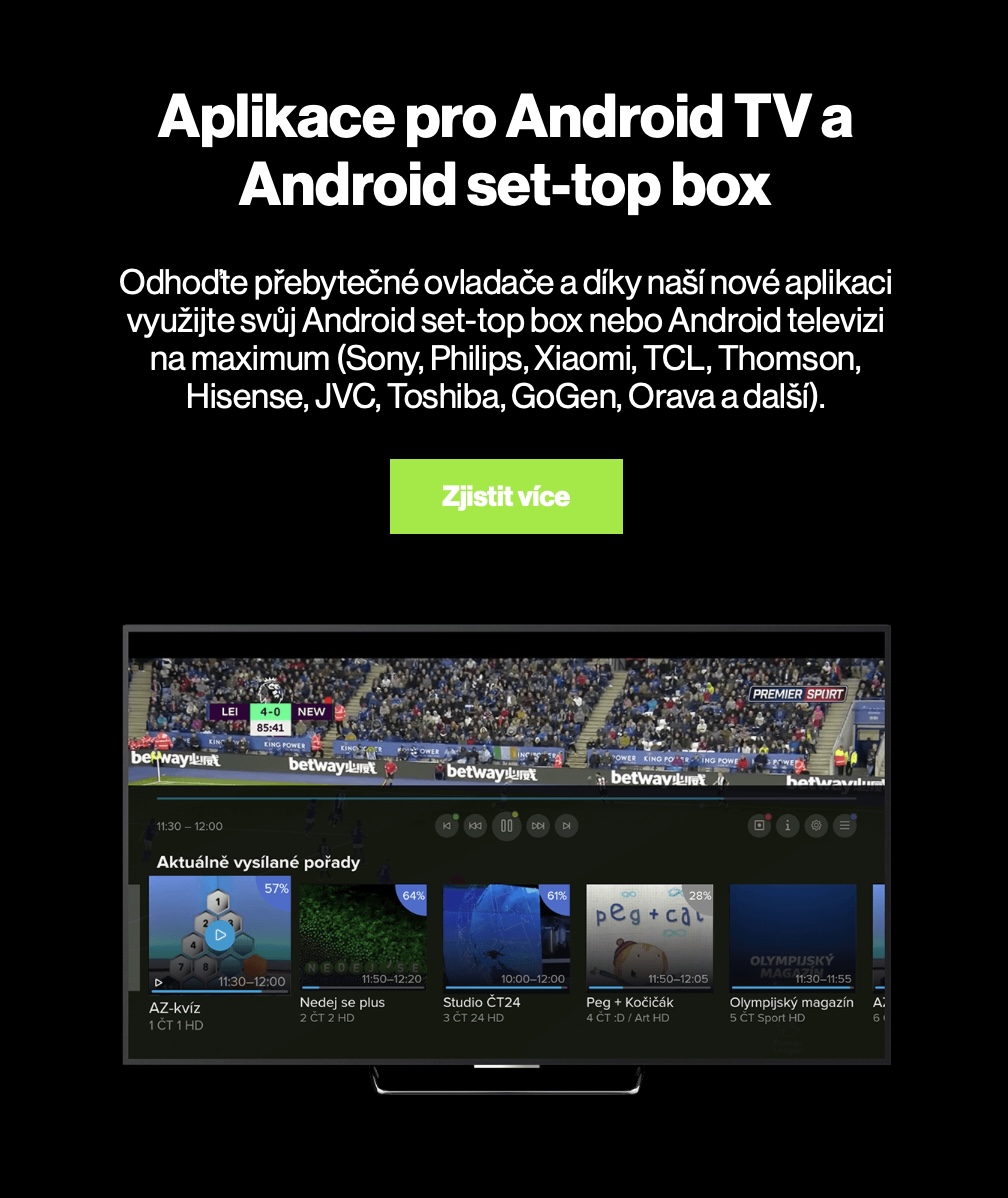
If you decide to subscribe to Telly, you can watch it on up to four different devices at the same time, at no extra charge. And when I say different, I mean practically any. Telly is available in a web browser, of course, but you can also download the Telly app on smart TVs, tablets, and phones.onech, including iPad and iPhone. Also very interesting is the support Apple TV, together with Chromecast and Xbox. As for resolution, most of the programs you tune in to are available in HD resolution. Since Telly can be used on multiple devices, the developers have also worked on connectivity and synchronization. Similar to, for example, with Applu, so with Telly you can start watching a program on one device, and then continue watching on another in the same place. Of course, this service is extremely easy to use, which absolutely everyone, including older people, will get used to.
Supported devices for Telly

Live broadcasts and programs of more than 120 TV stations
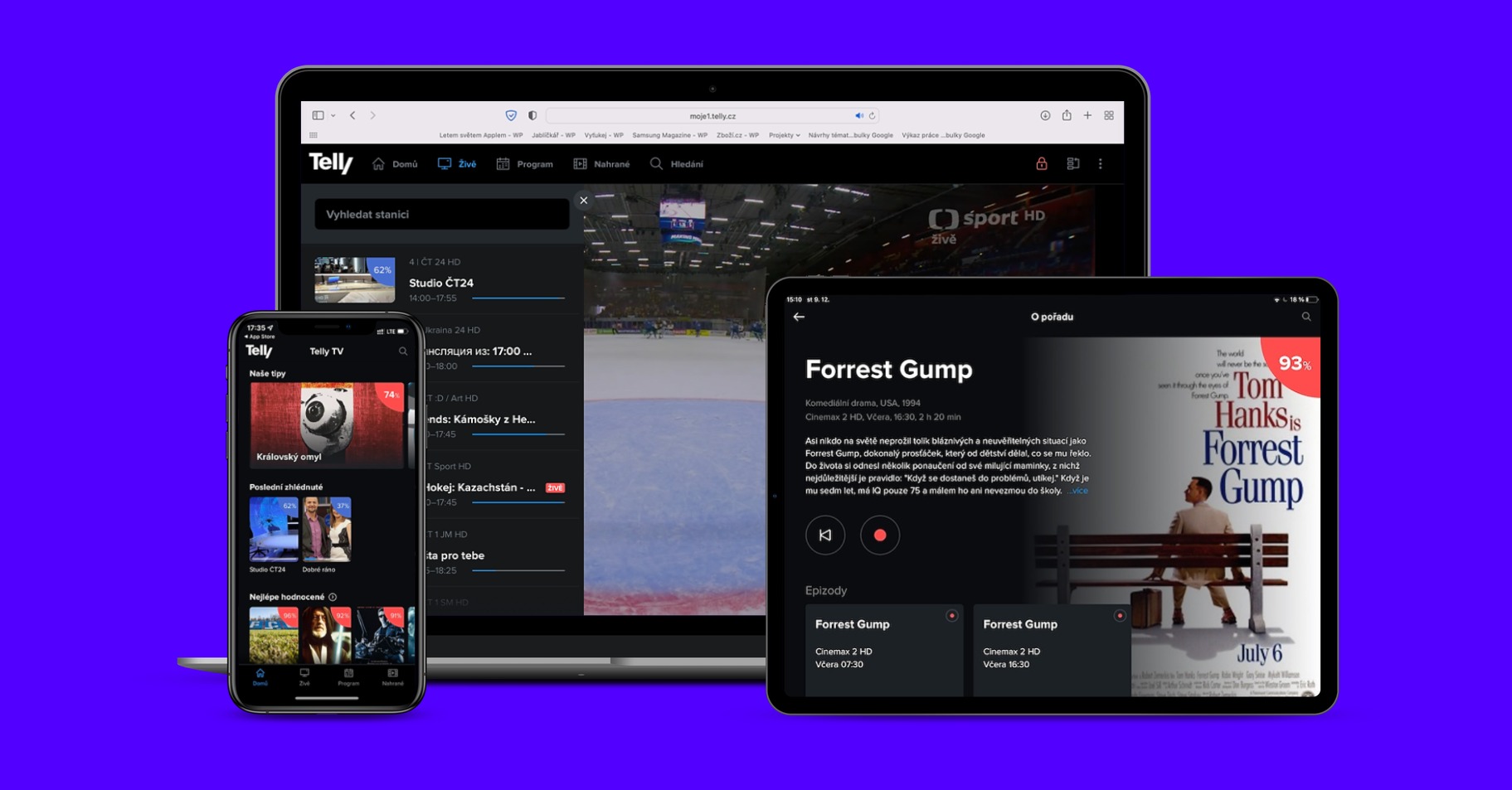
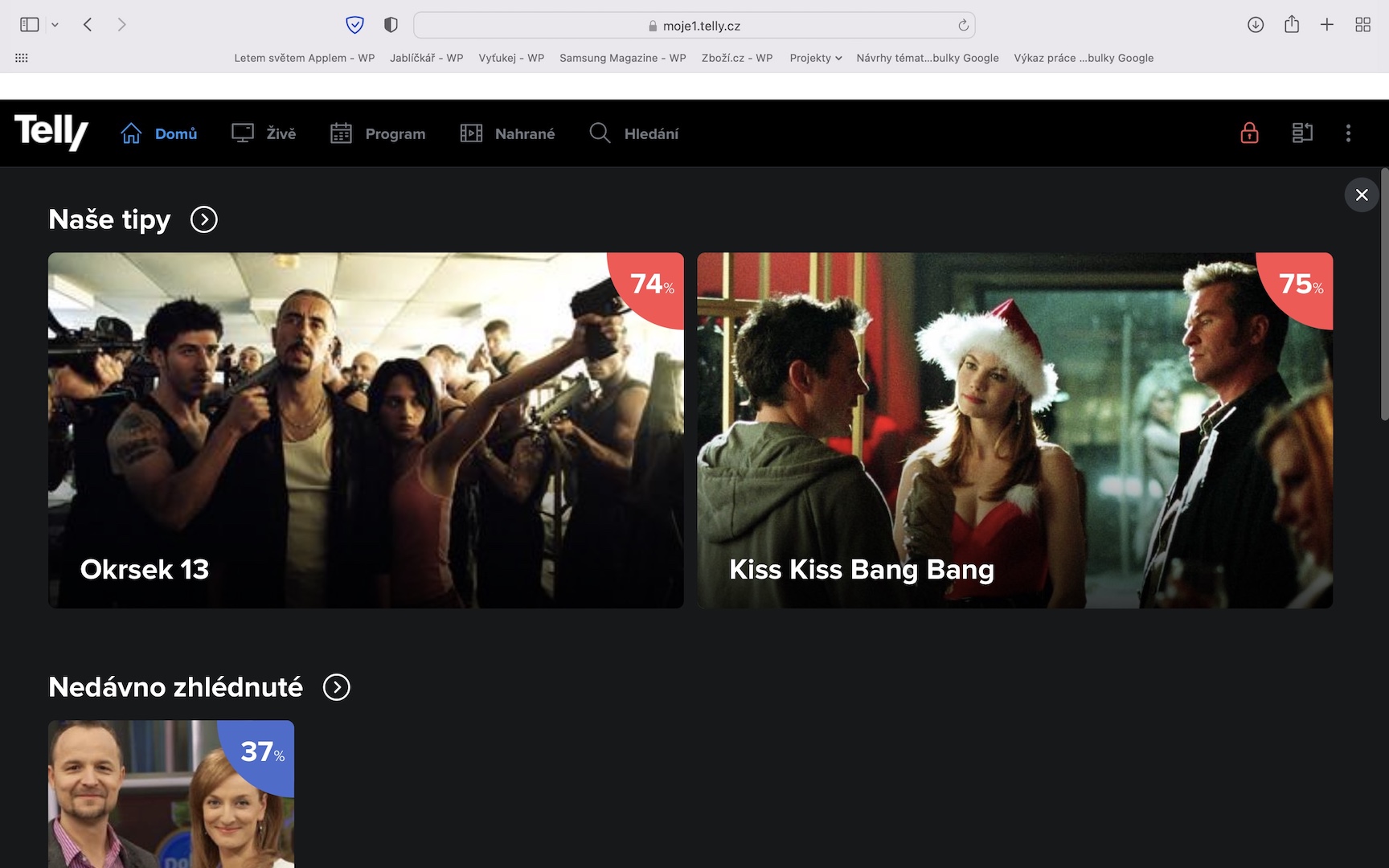
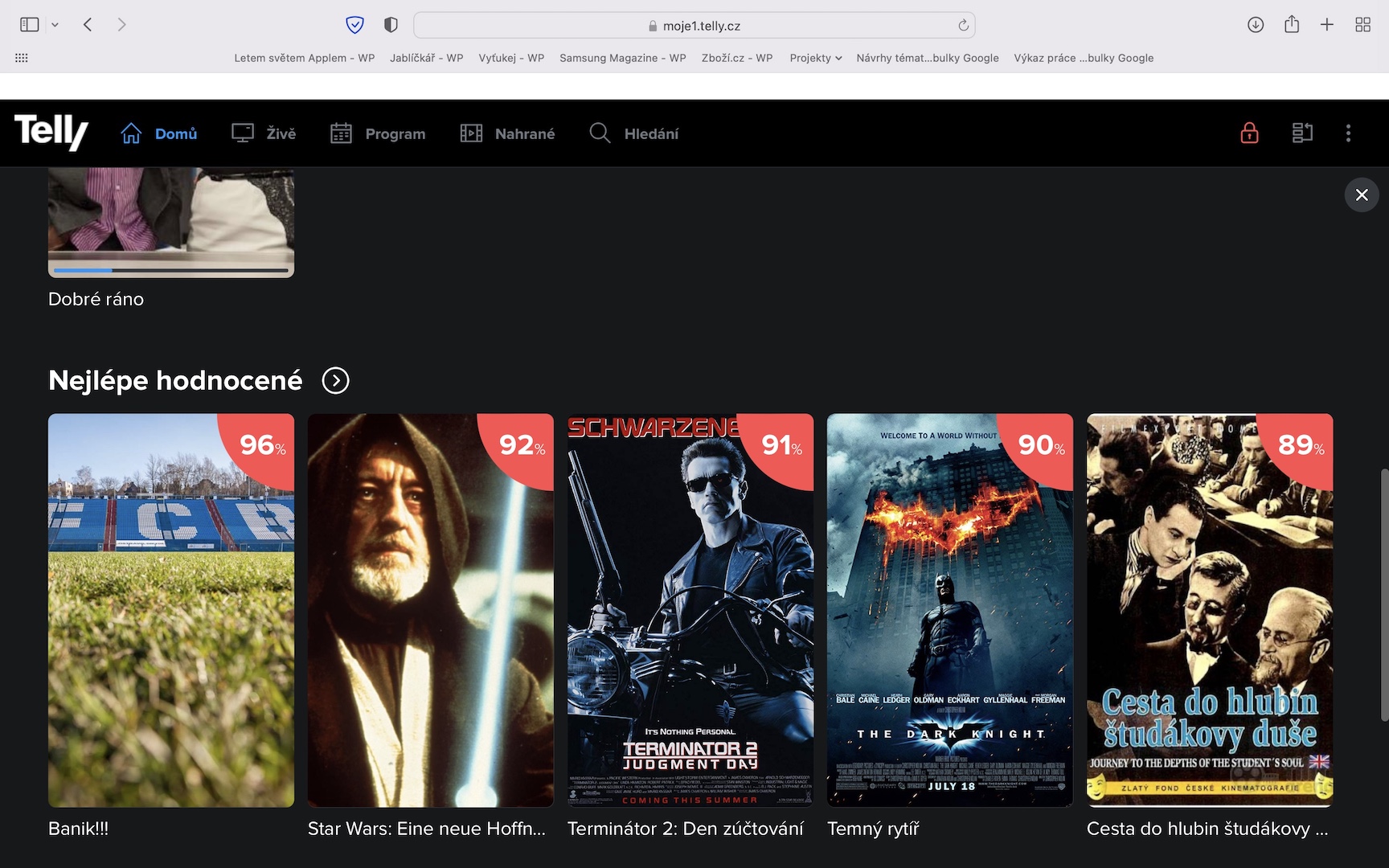
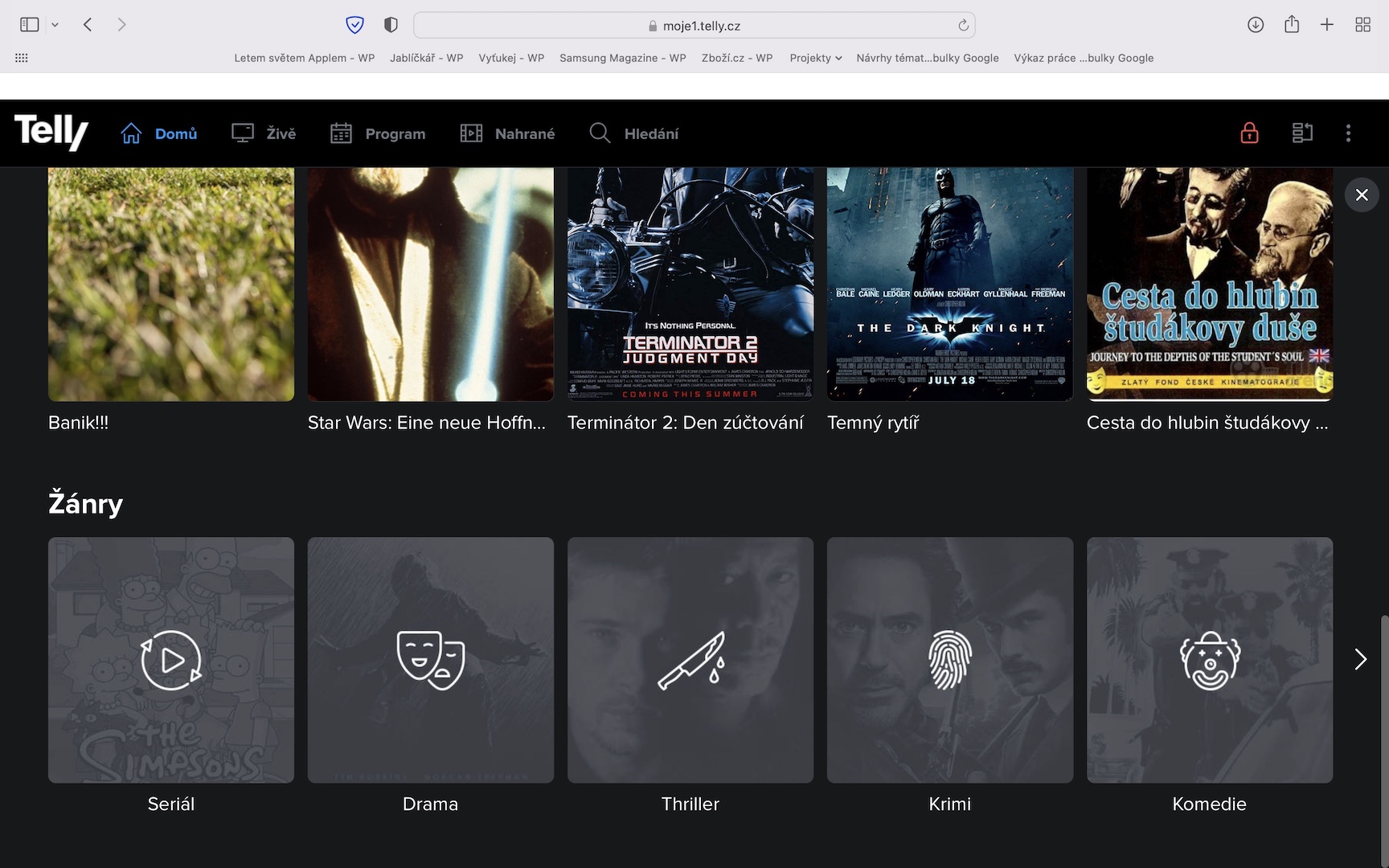
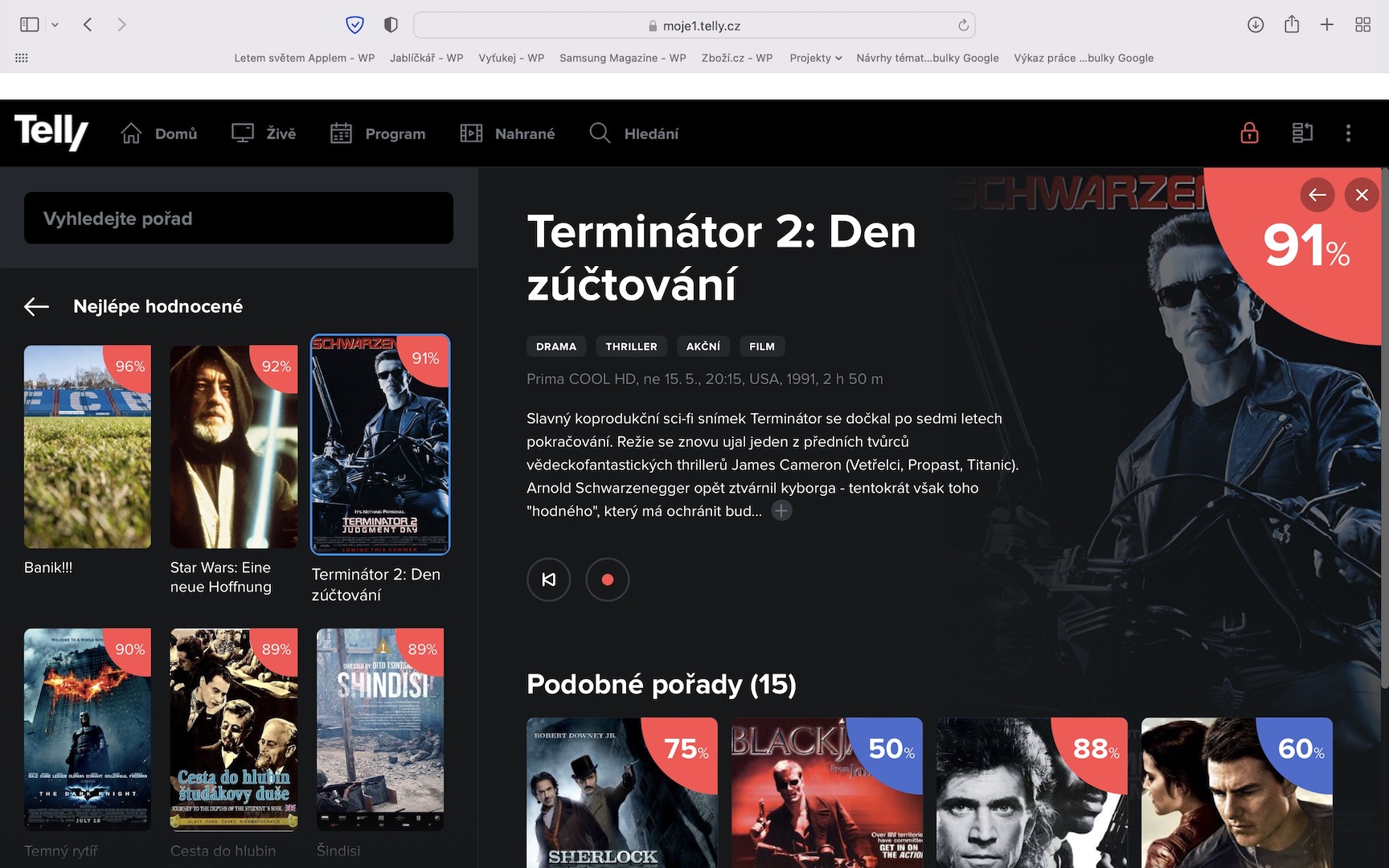
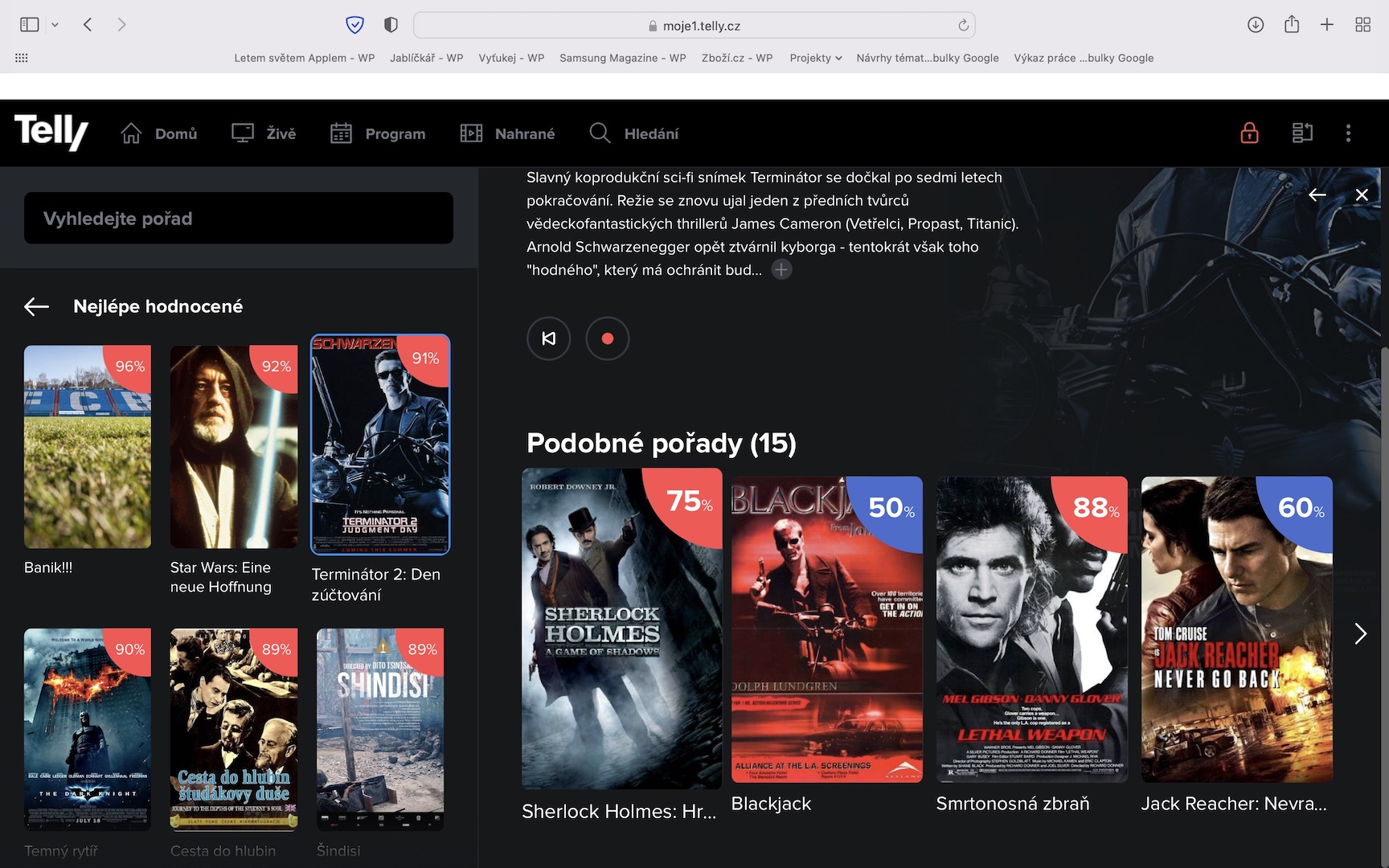
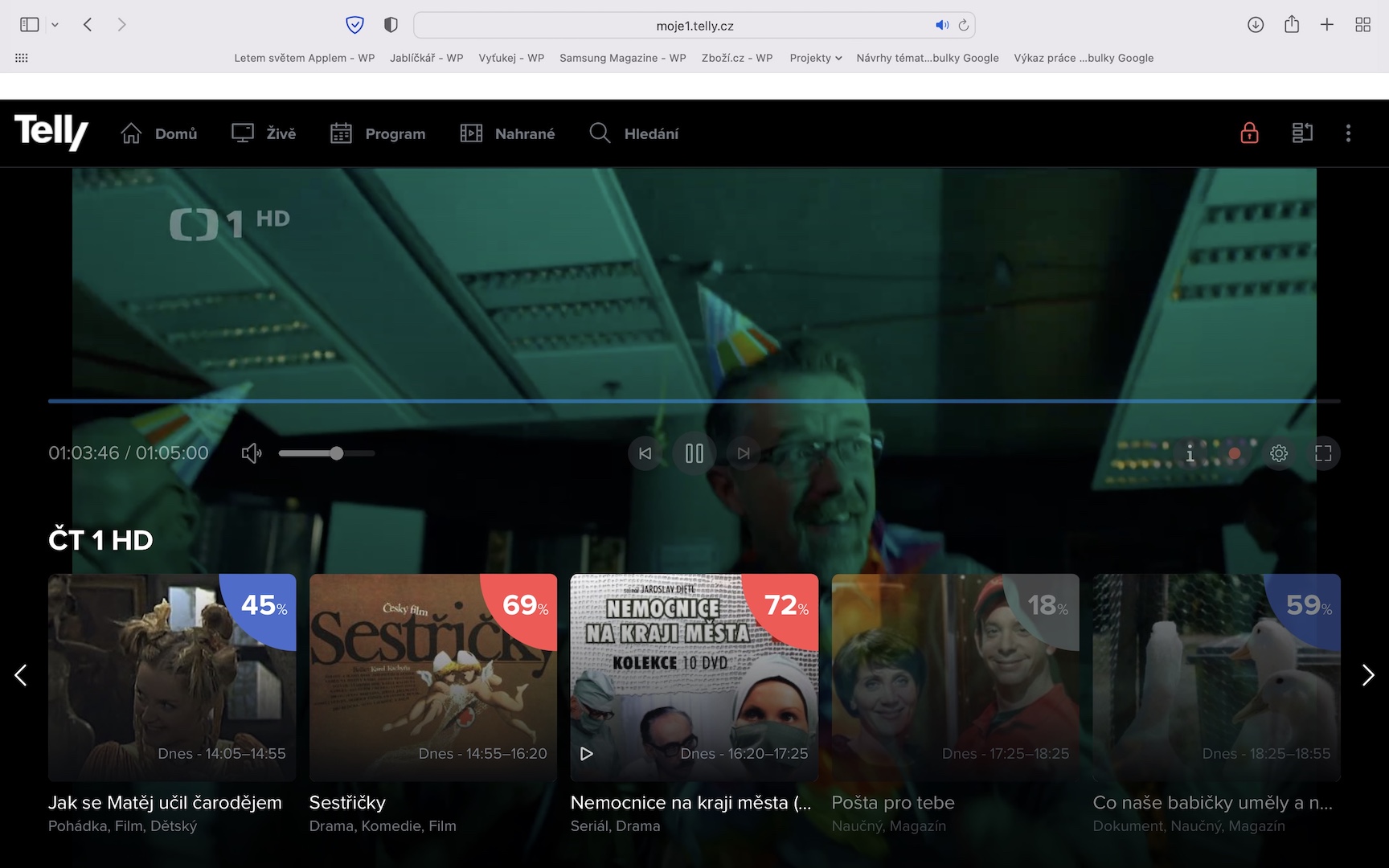
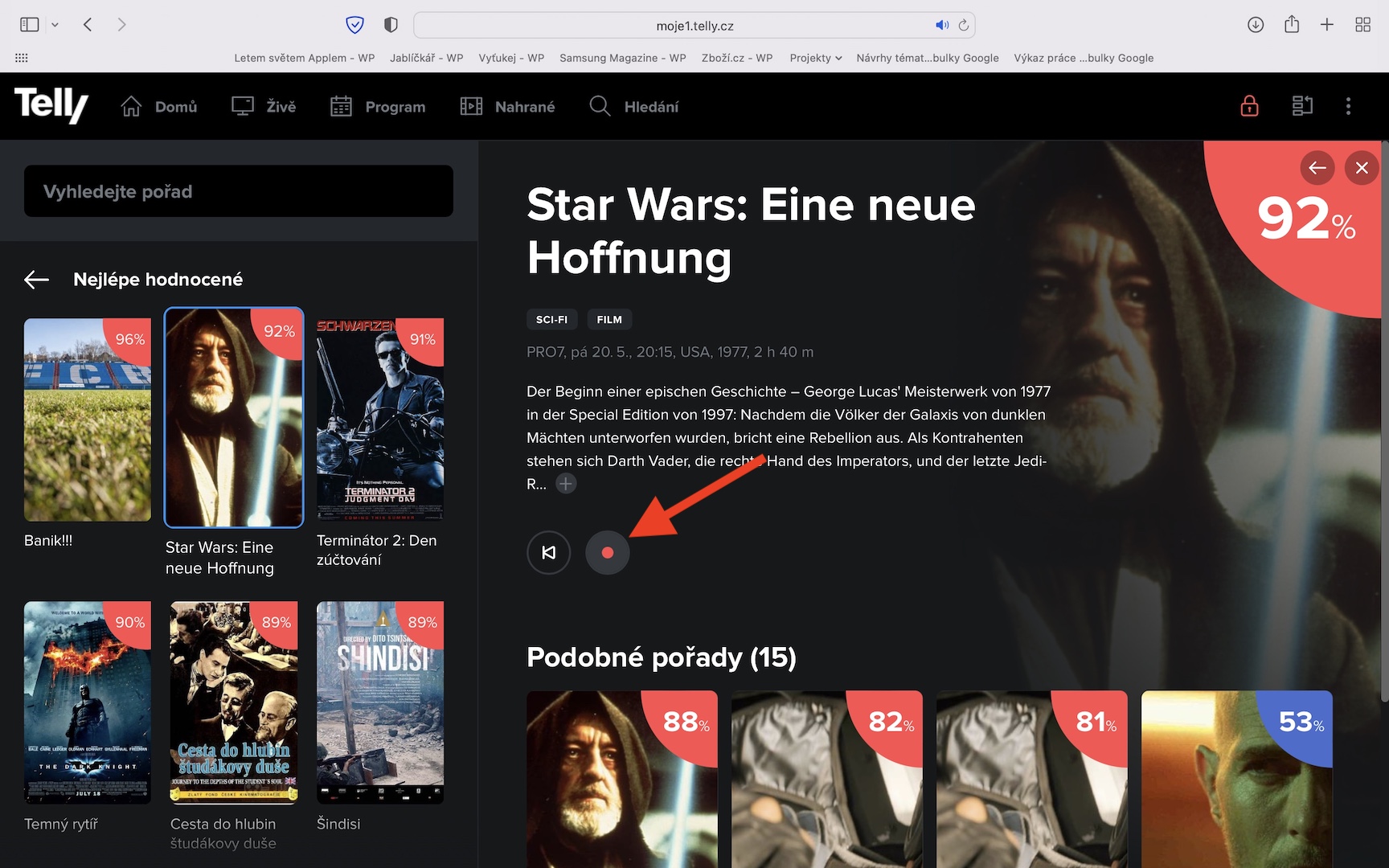
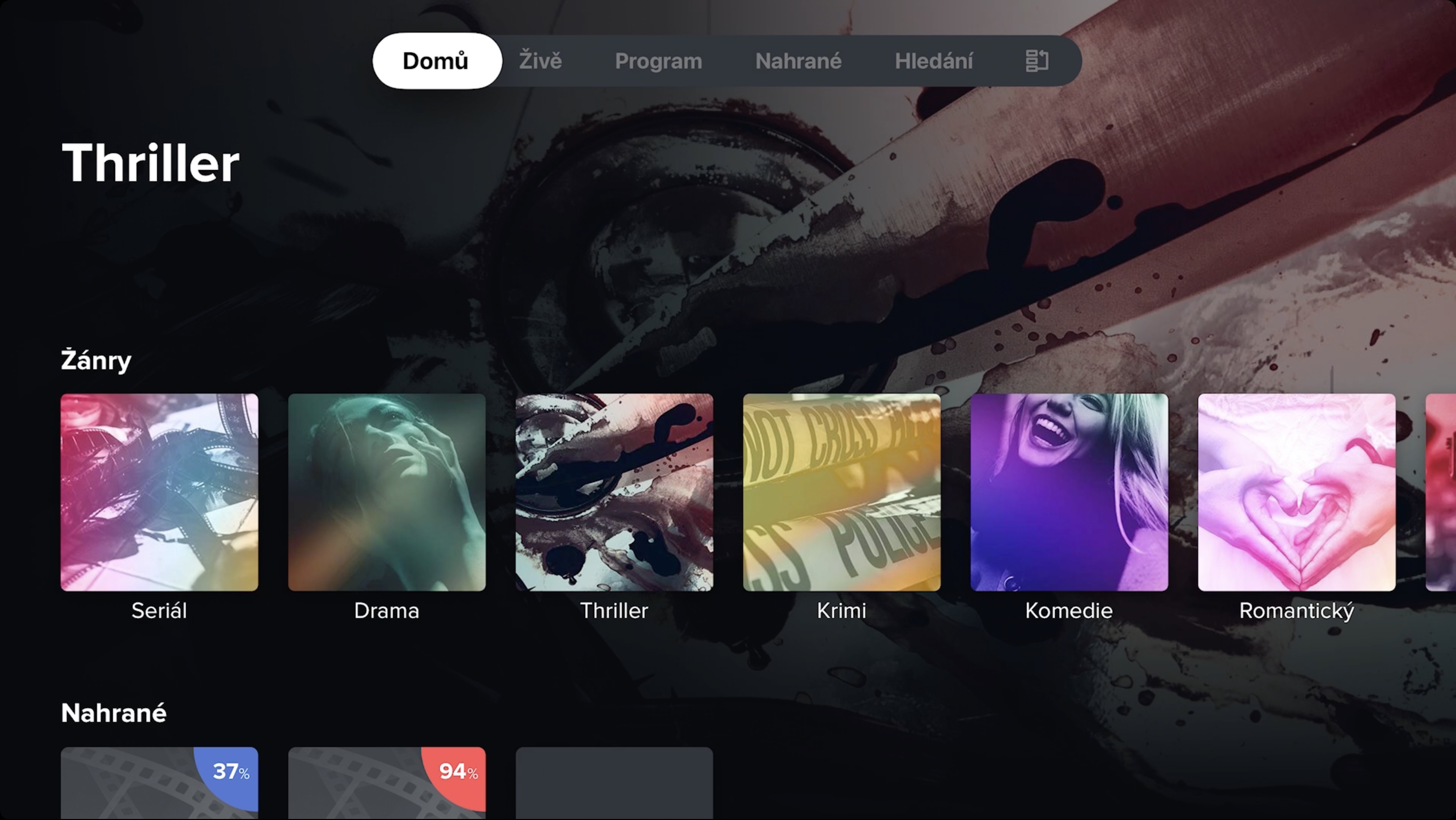
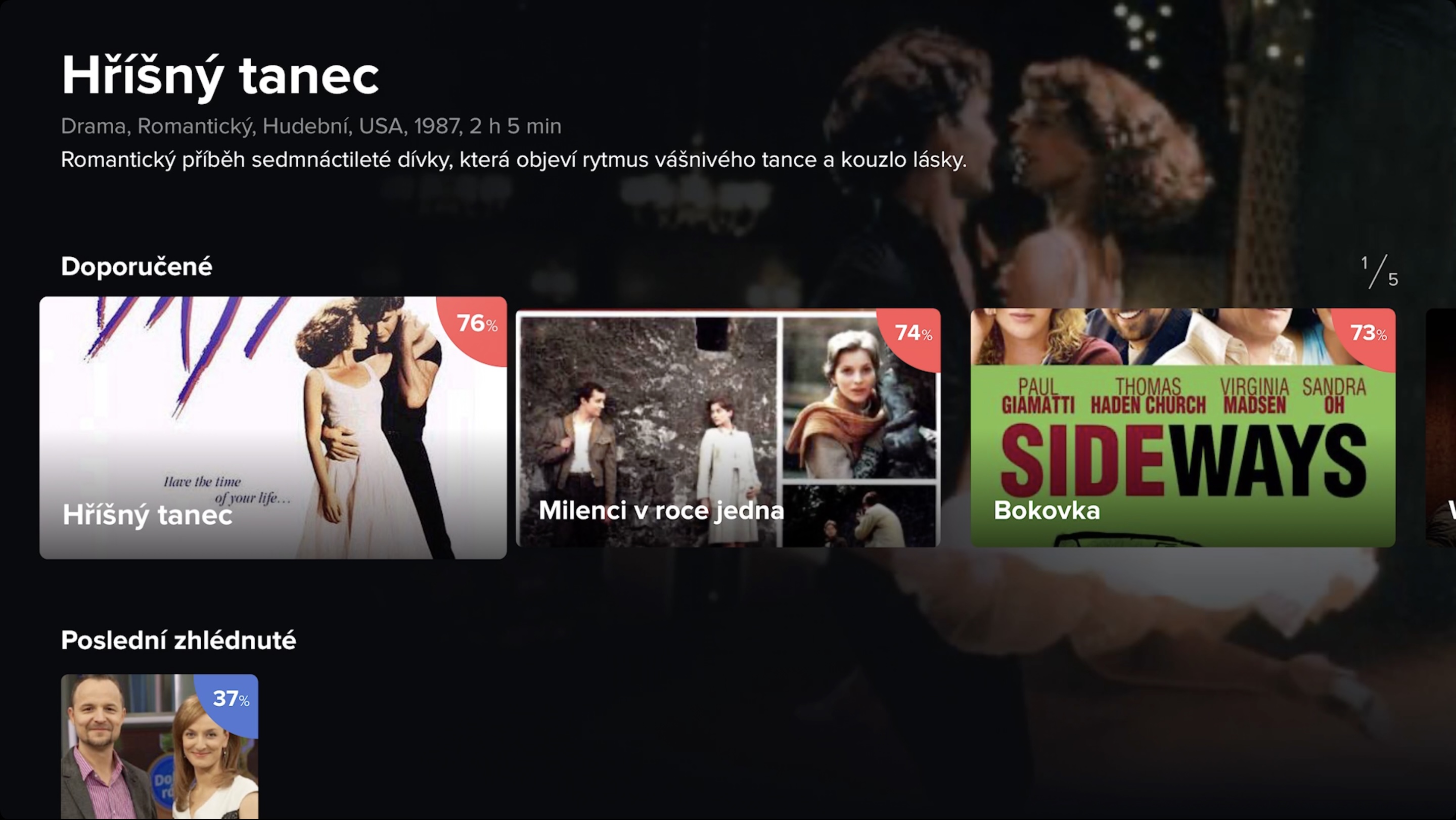
Once you move to the moje.telly.cz website , or after downloading the application on one of the supported devices, you just need to log in to your account. You will then find yourself in the interface of this service, where you can immediately notice the basic menu at the top, which Telly divides into five parts. We will of course go gradually and start with the Home section, where all sorts of interesting programs that the service can recommend to you are displayed. At the same time, you will also find programs that you have watched recently, so that you can return to them at any time. There is also a list of the best-rated programs from the last week, with which you definitely cannot make a mistake. And while we are on the subject of ratings, in the upper right corner of the individual program cards there is a percentage indicating popularity. After clicking on the selected program, you can then see more about it - for example, description, genres, length, similar programs, etc.
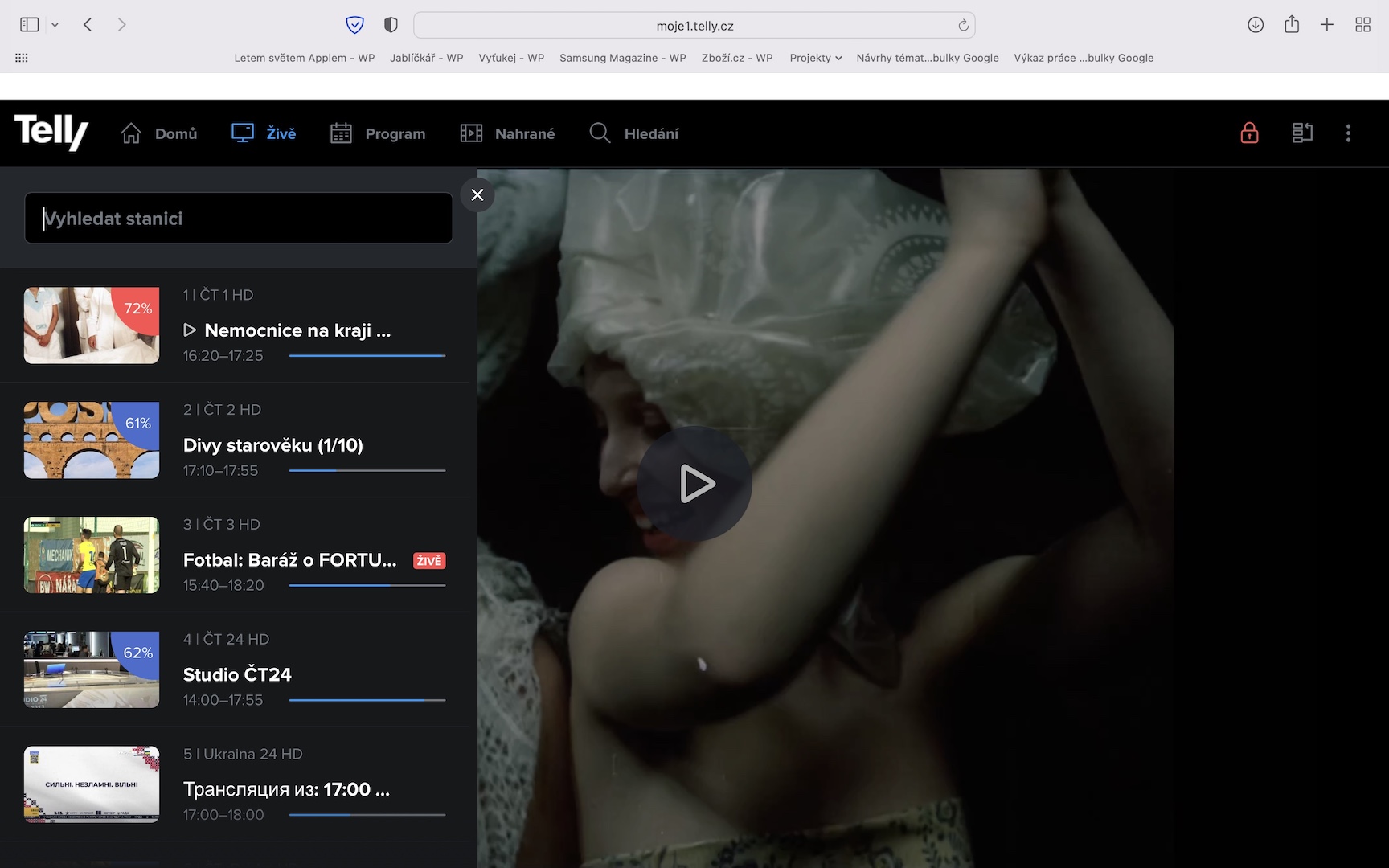
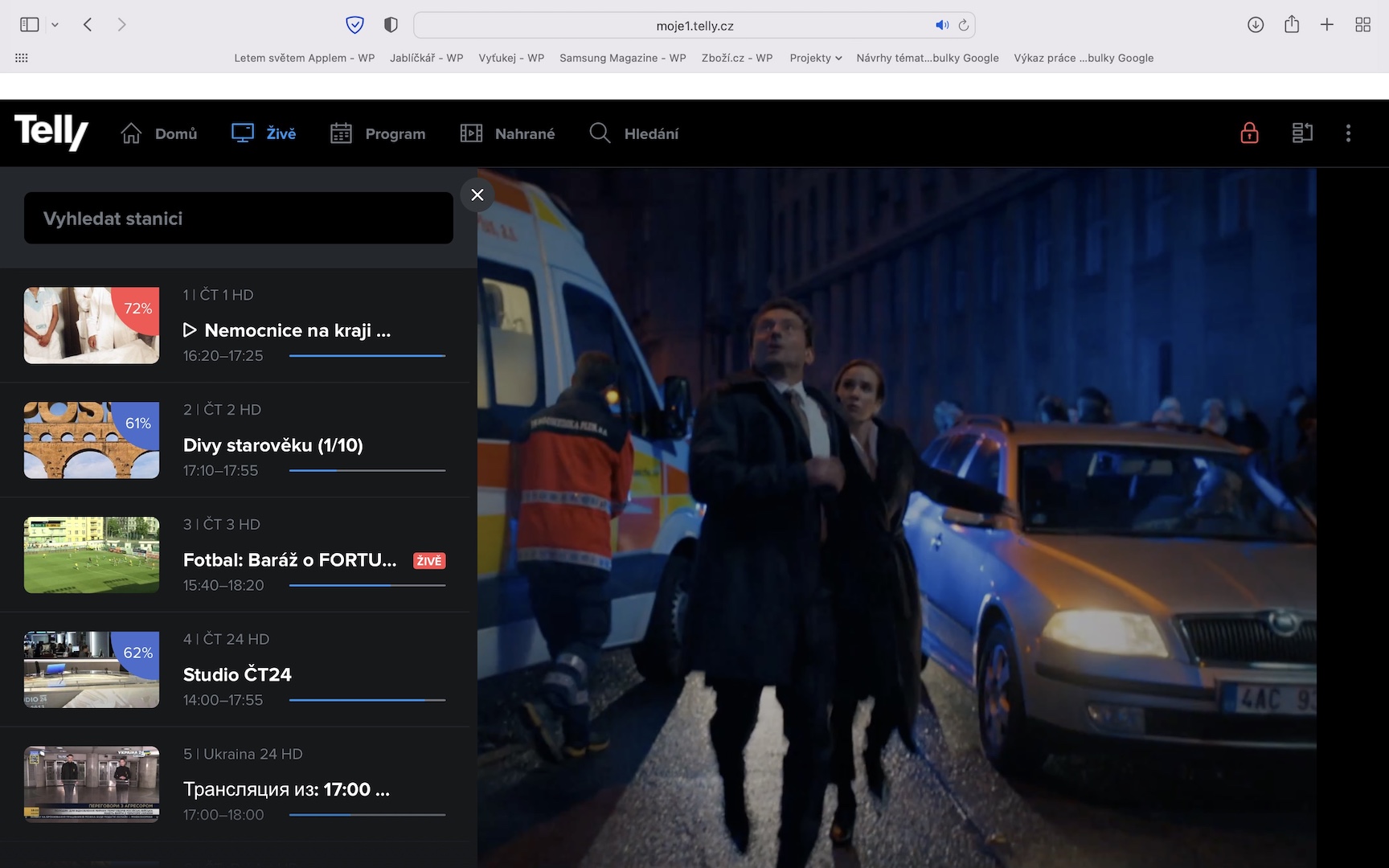
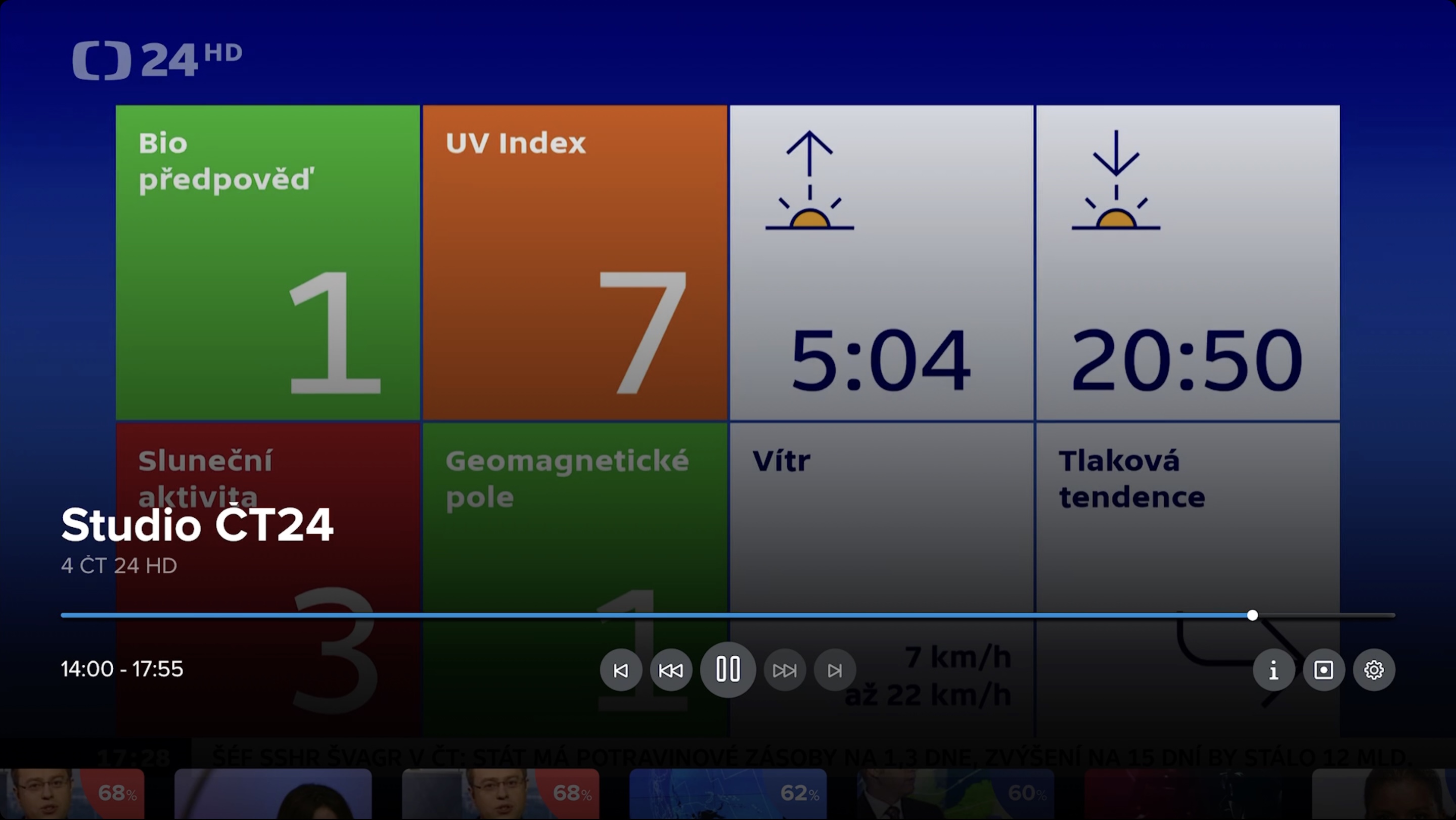
Once you move to the section in the top menu alive you will see a simple interface with all available stations. As I mentioned above, Telly has almost 130 TV stations, among which everyone can choose. For each program, you will see the current program, which you can start with a simple click, or you can view information about it or record it, which we will talk more about later. As for the programs, you can choose from classic, sports, documentary, music, but also erotic ones - it is because of them that Telly also includes a parental lock, which you can customize in the settings. The parental lock can then be (de)activated by clicking on the lock icon in the right part of the menu. The interface of the Home and Live sections is very simple, but if I were to be honest, it is better to use a different browser than the native one to watch Telly on a Mac Safari, which sometimes don't quite understand how to play videos. But that's not a problem with the service itself.
Watch programs up to a week old at any time…
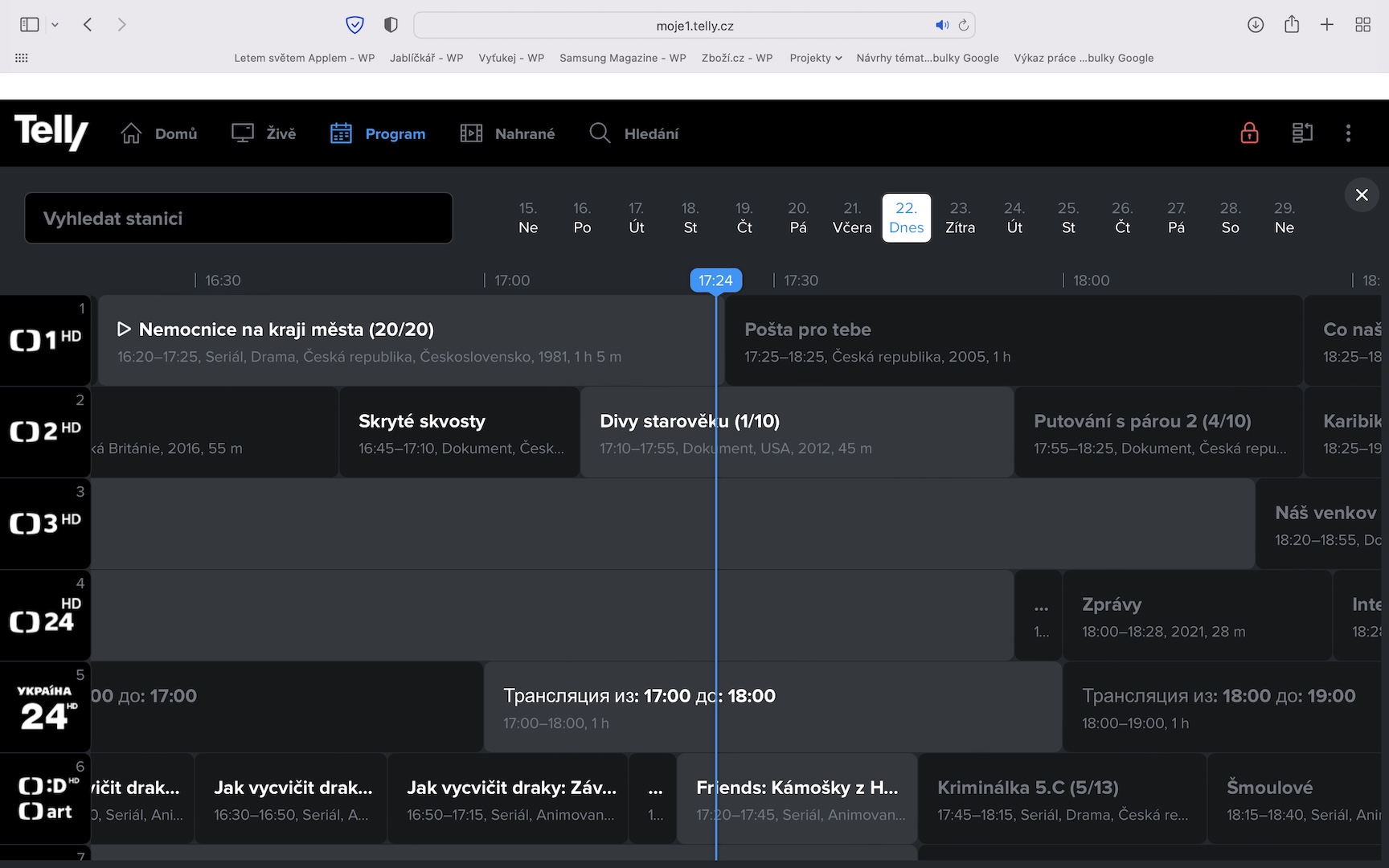
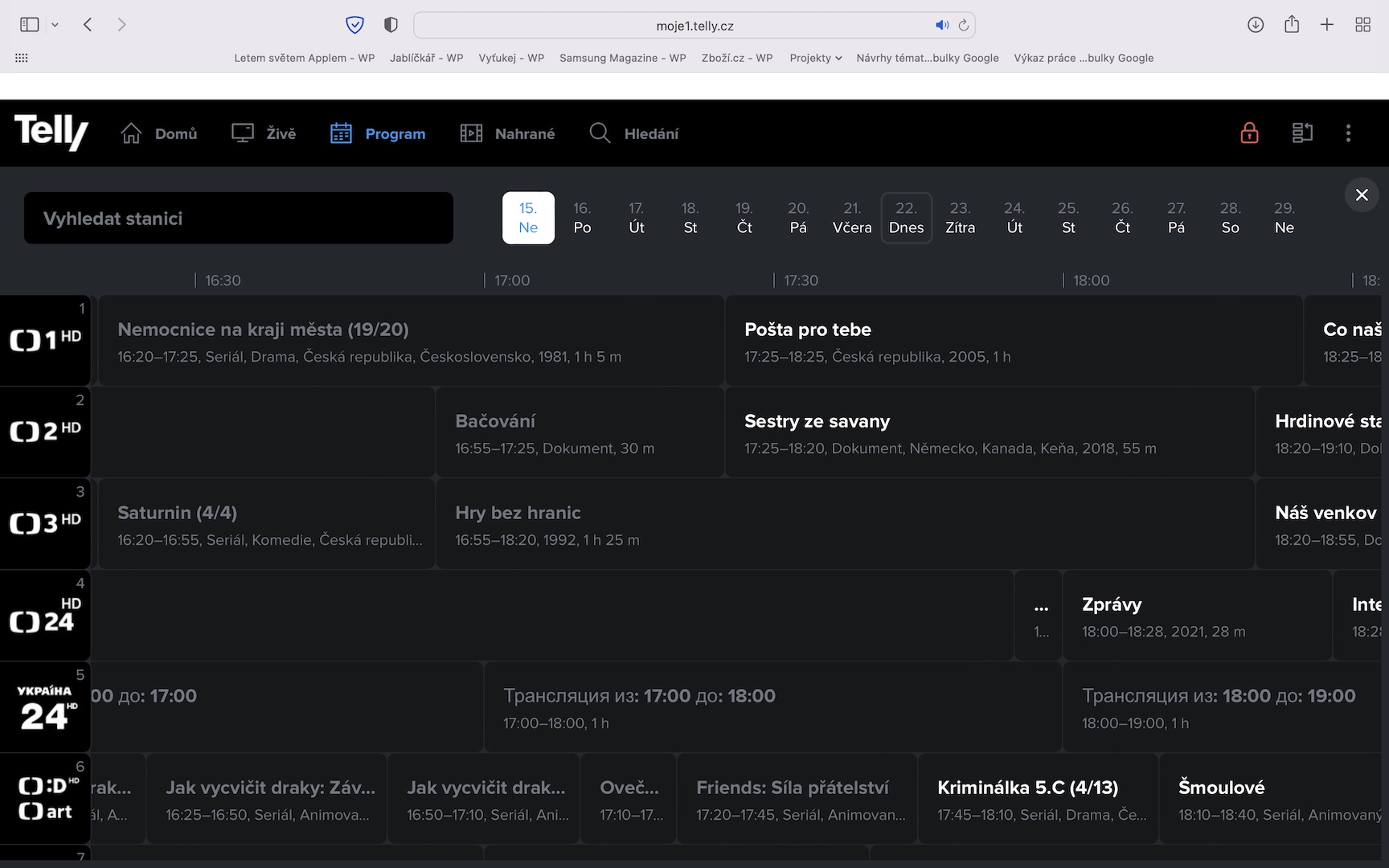
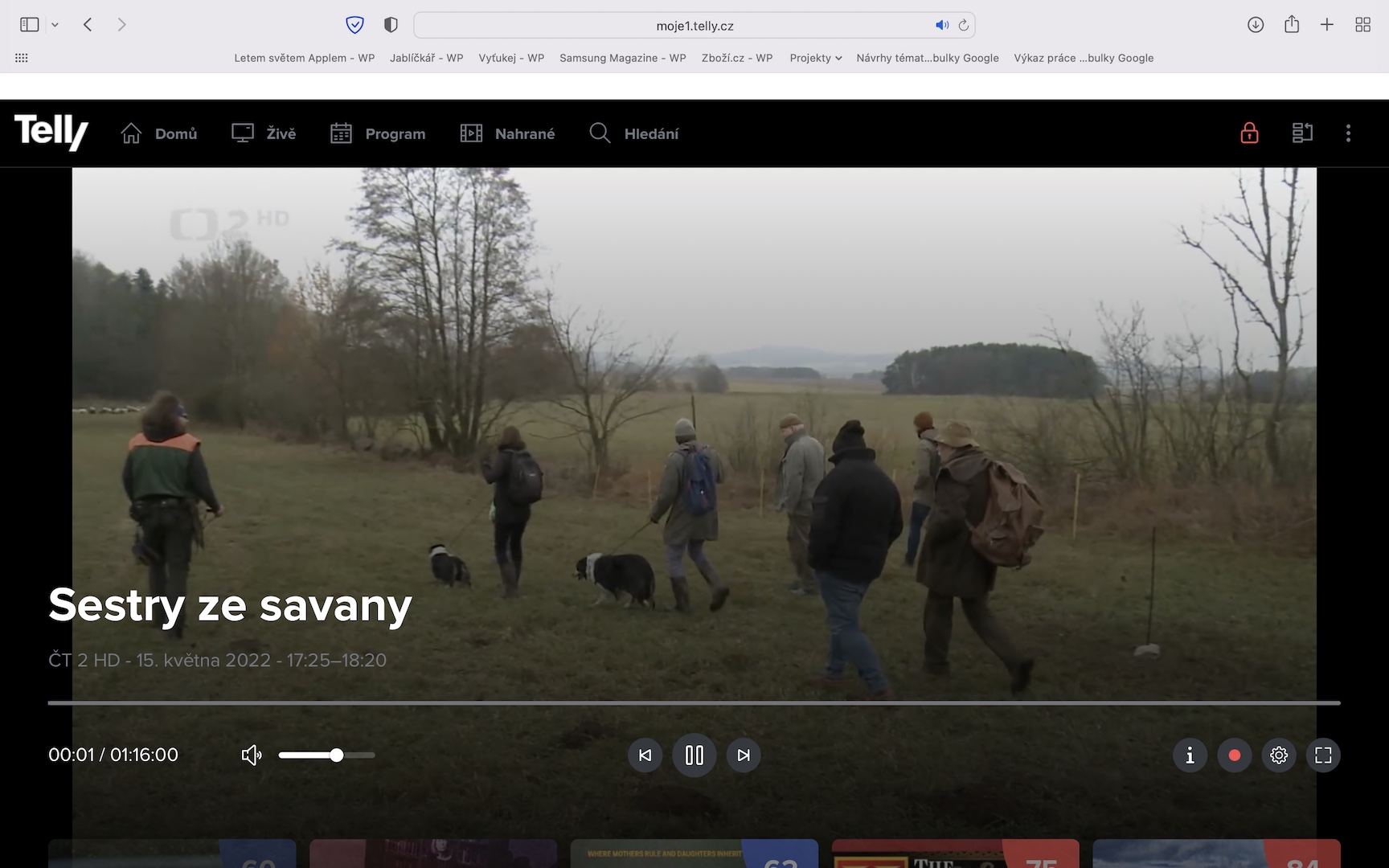
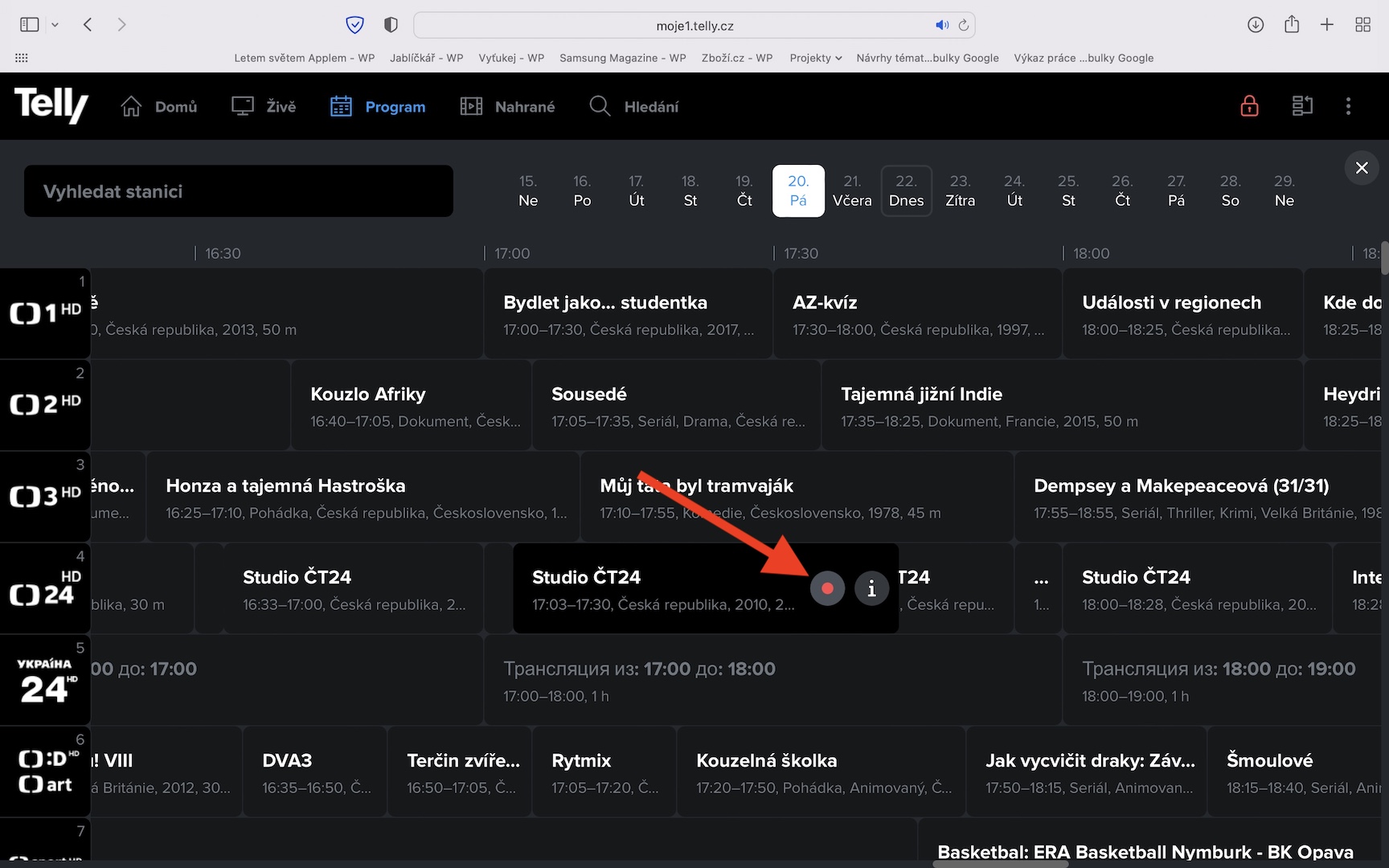
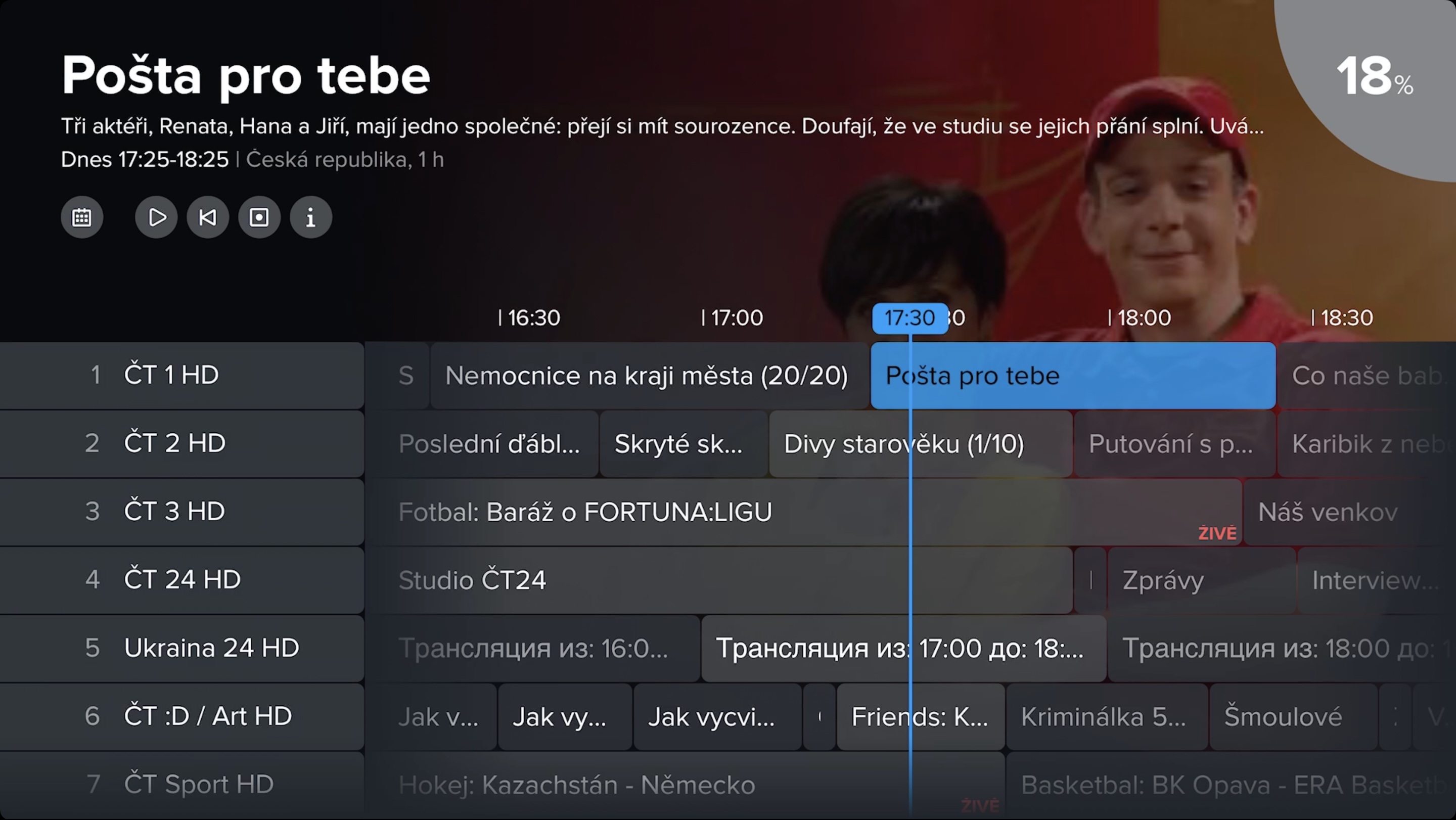
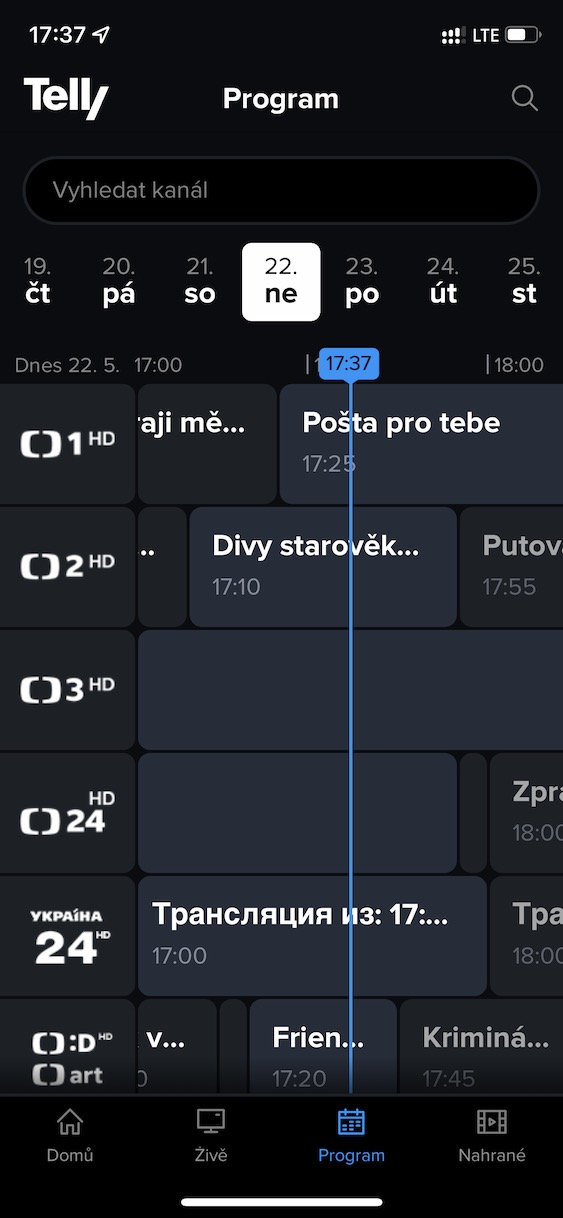
The biggest problem with watching traditional TV is that you have to watch exactly what is served to you. Of course, there are various red buttons and functions that allow you to watch some programs in retrospect, but in any case, within Telly you can play programs that are even a whole week old at any time. So if you want to play an older program that you nestneedle, or if you would like to look at it again, simply go to the section Program. Here, within the timeline, click on the specific day the show aired, then find it and tap to play it immediately. Really simple procedure. However, for some more demanding users, the option of watching shows weekly may not be enough. But even with that, Telly can handle it.
...and save the most important ones for a month
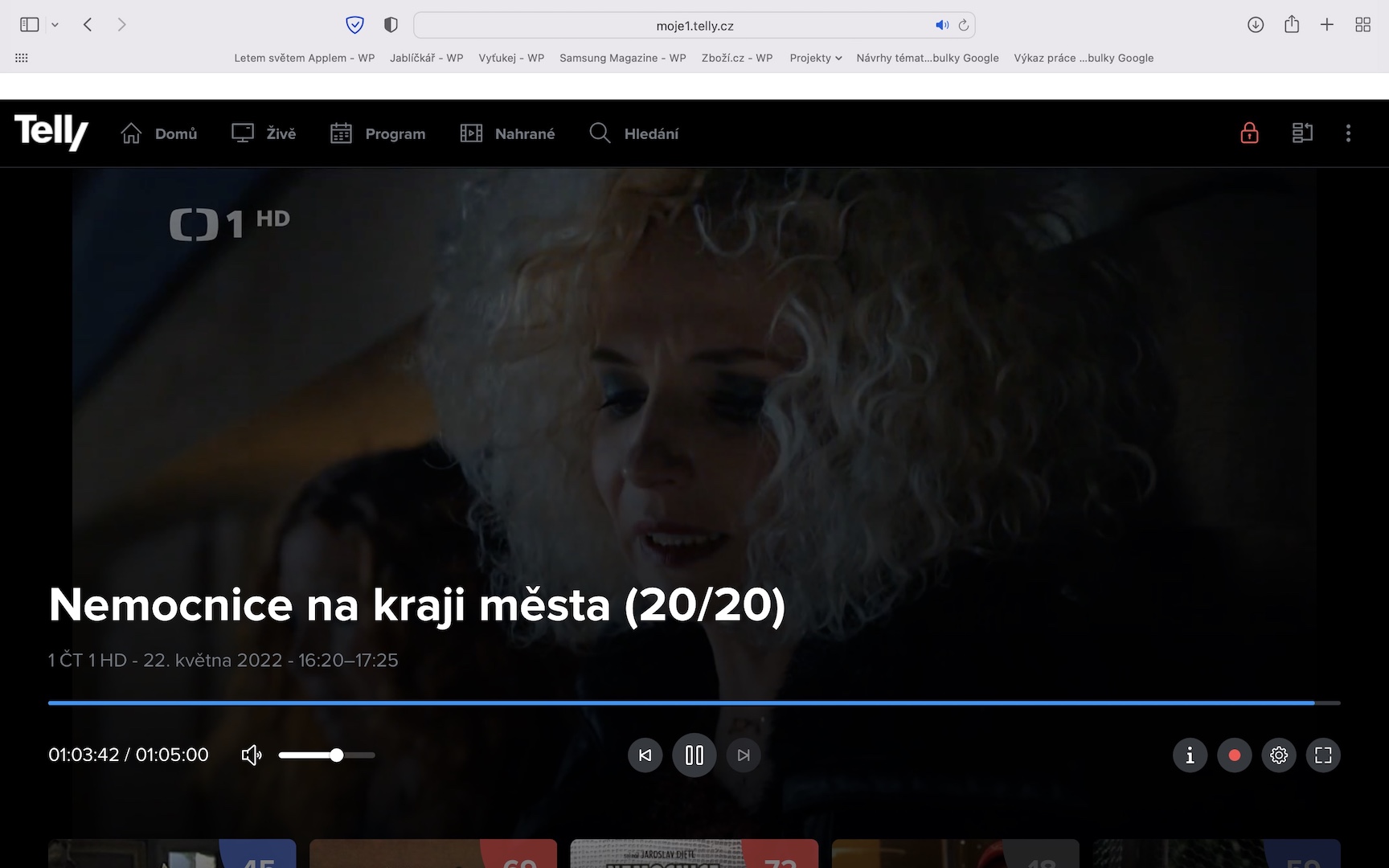
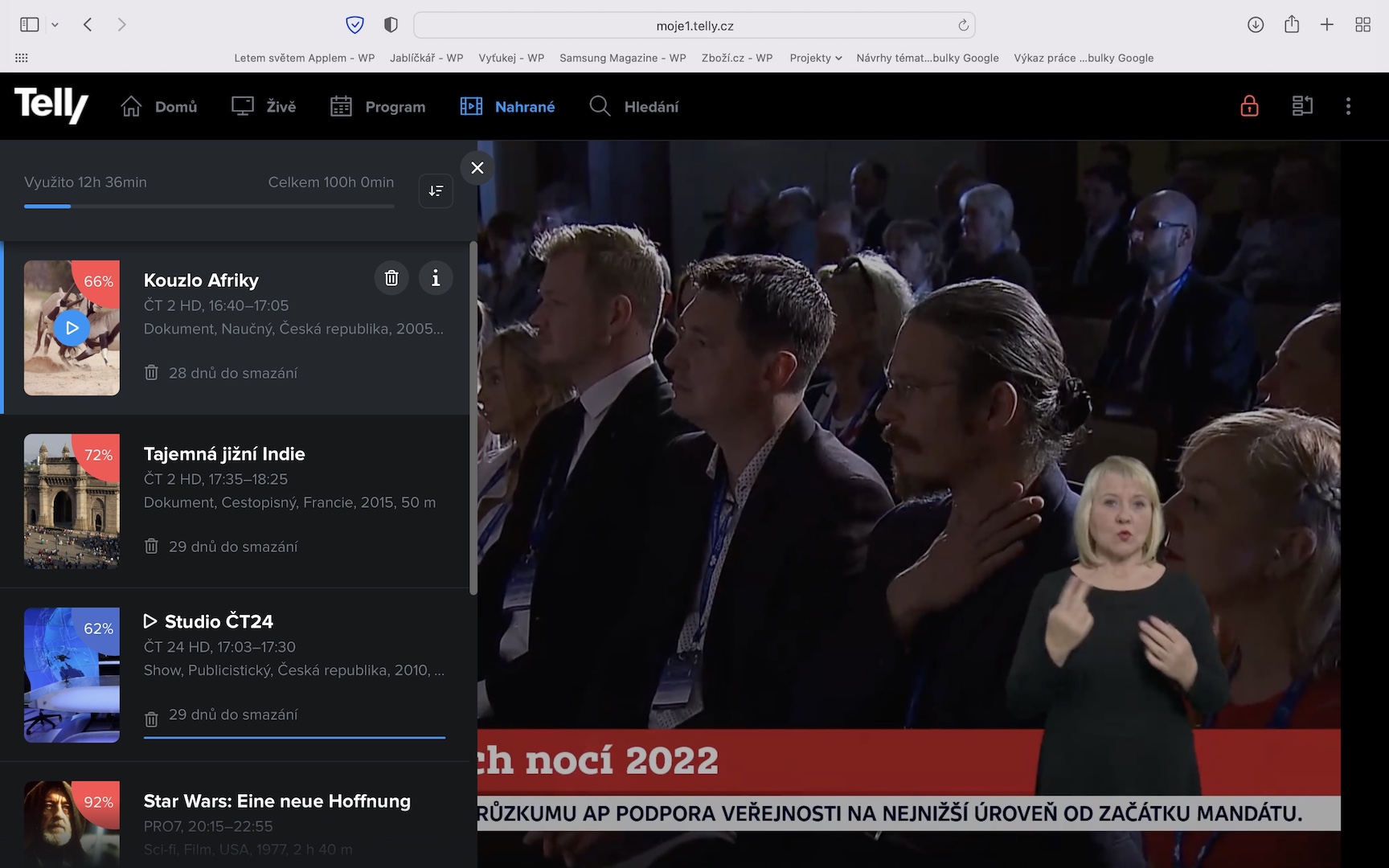
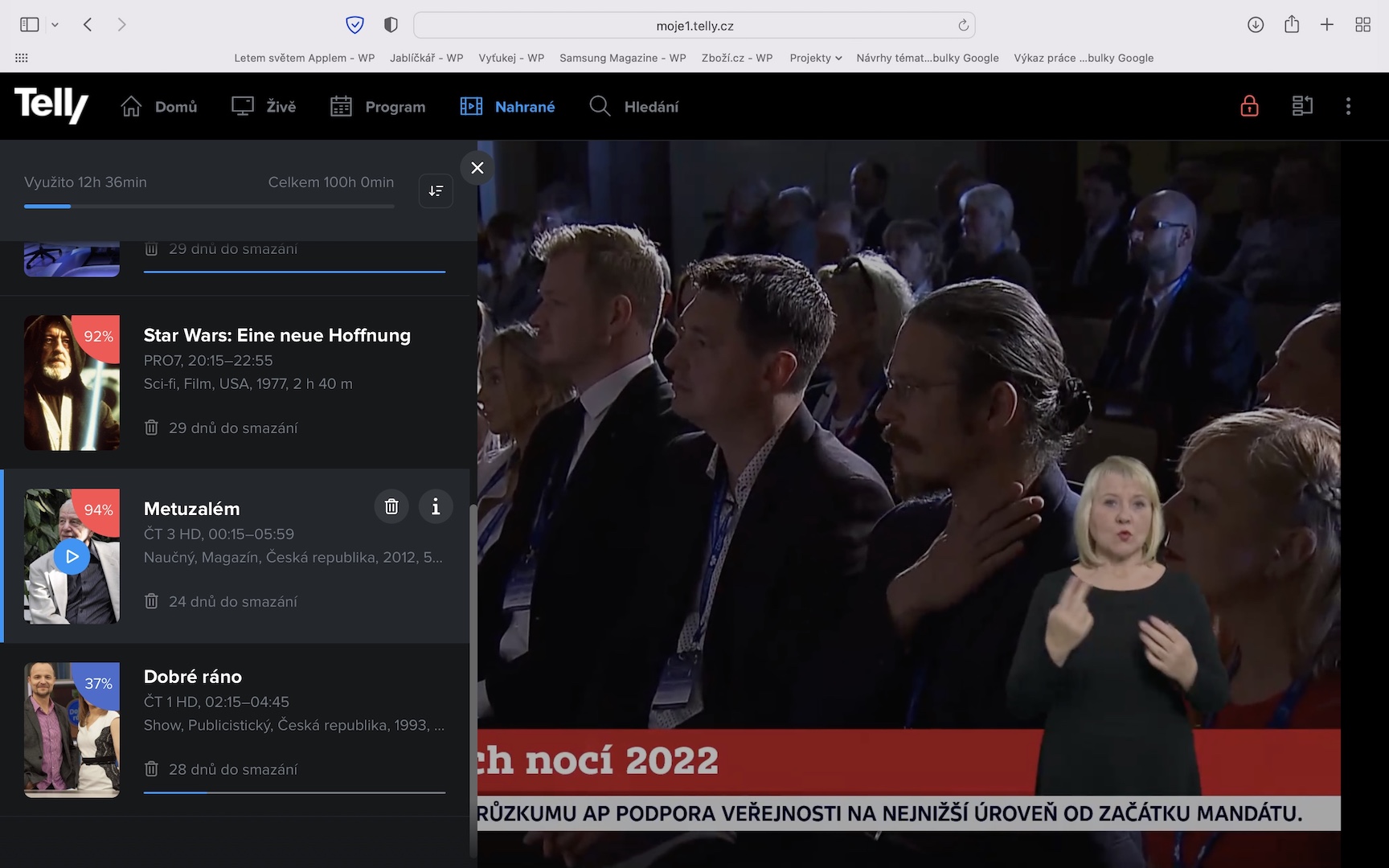
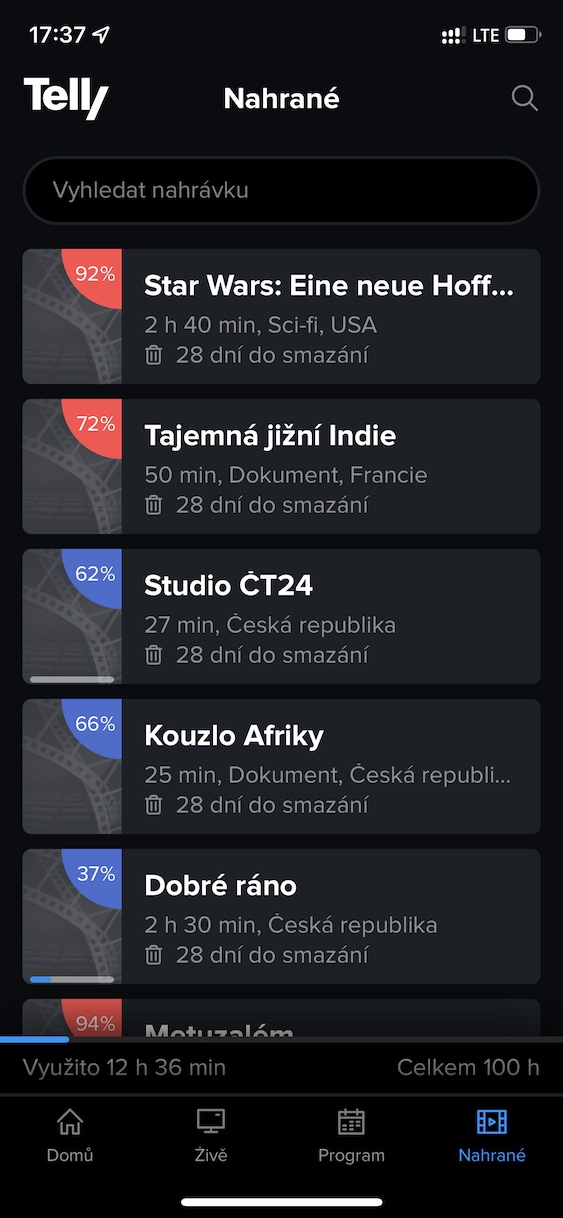
Whenever you click on a program within Telly, or if in some cases you just hover over it with the cursor, you may notice a button with a red dot. As you can already guess, this button is used to record a specific program. Of course, this is not a classic form of recording, where you save the program on a tape. Instead, if you record a show, it will automatically appear in the section On the edge. All programs you record on Telly will remain available to you for one full month, during which you can play them back at any time. MaxAt a minimum, you can have 100 hours of content uploaded at once, which should be enough for most users. And if not, you can always manually delete the shows you no longer need and free up your limit. In Telly, you can evenchat record even those programs that have not yet been broadcast. Just go to the section Program, move forward, and then tap the red dot icon for the show.
Uploading and the Uploaded section
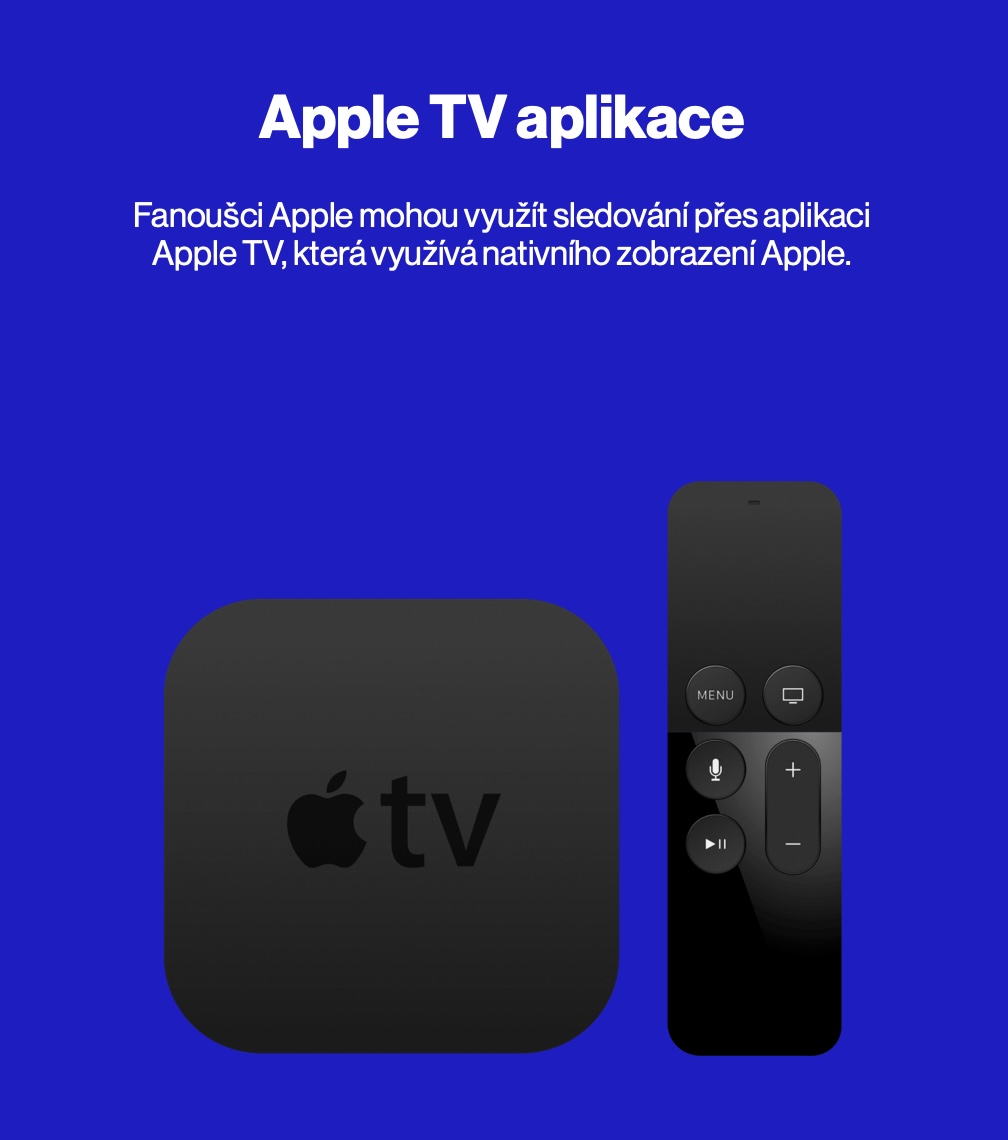
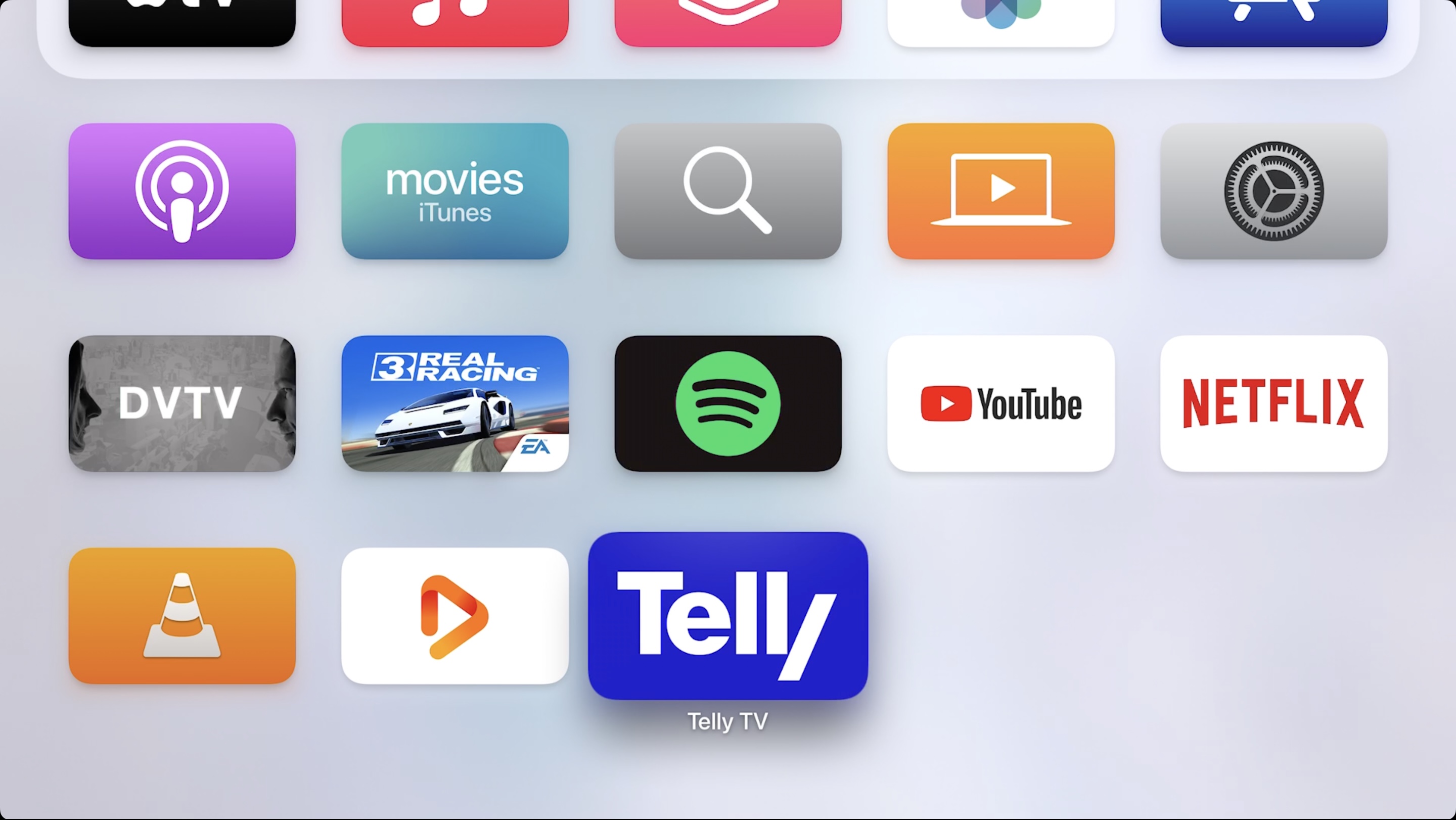
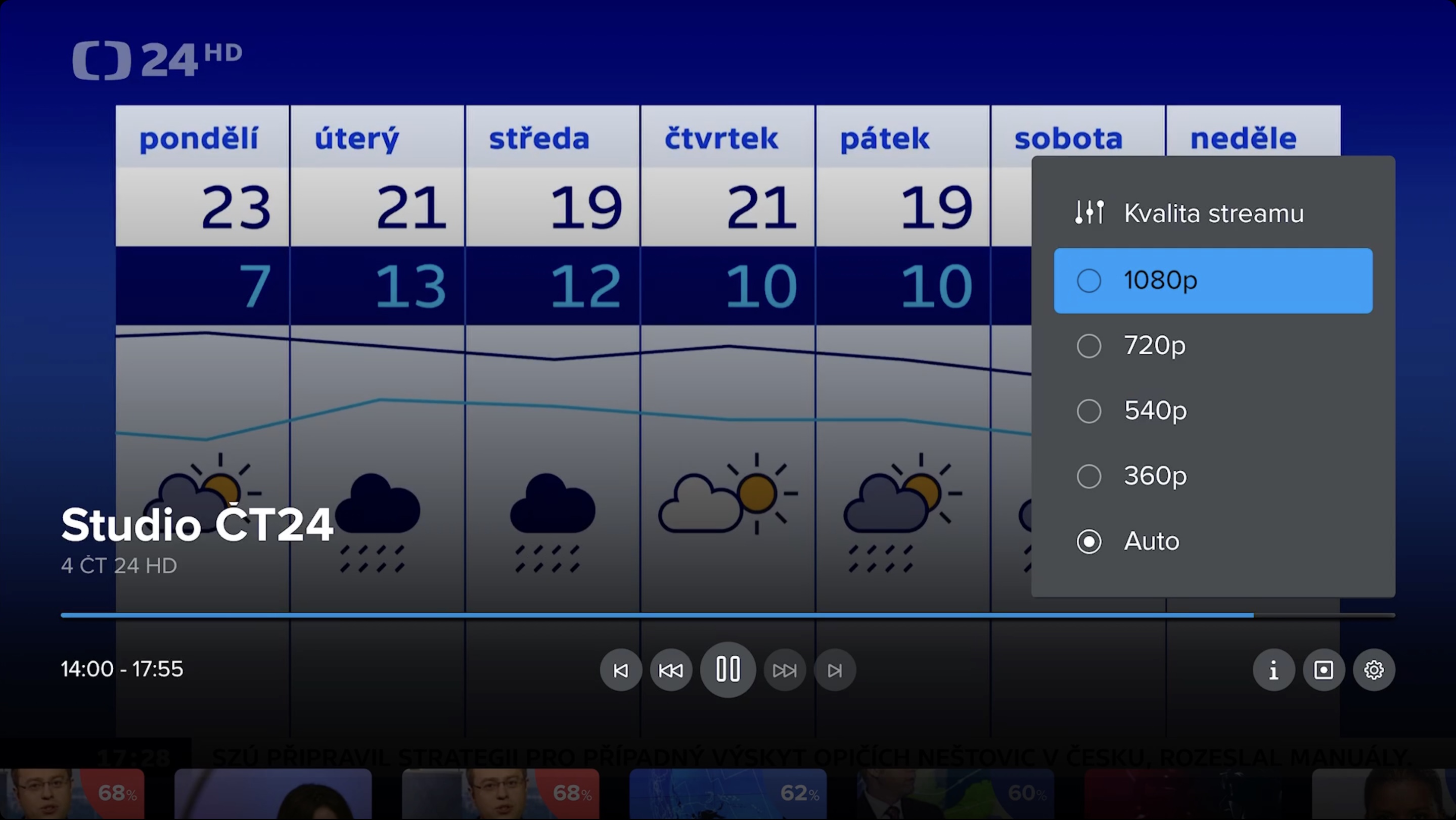
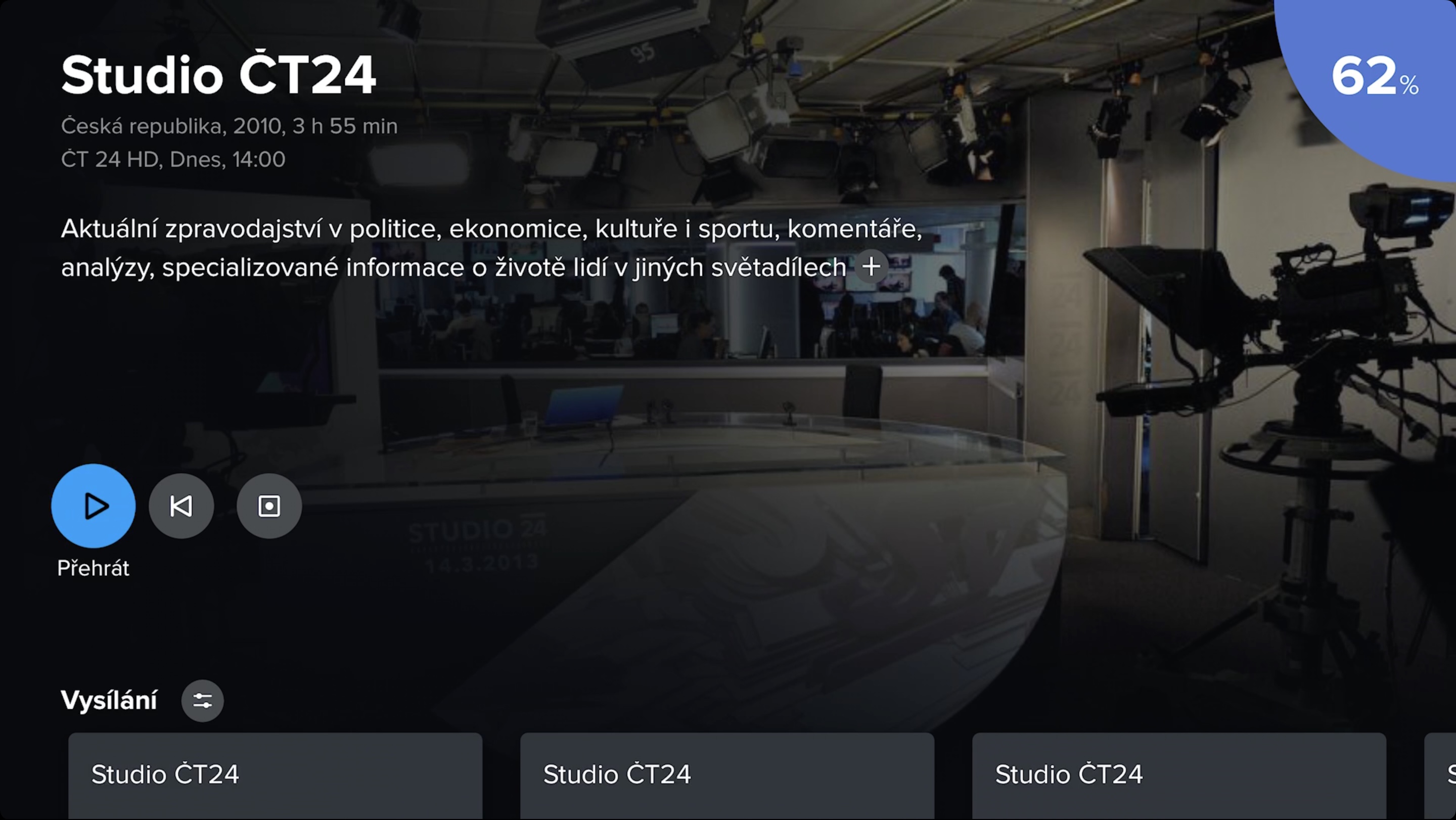
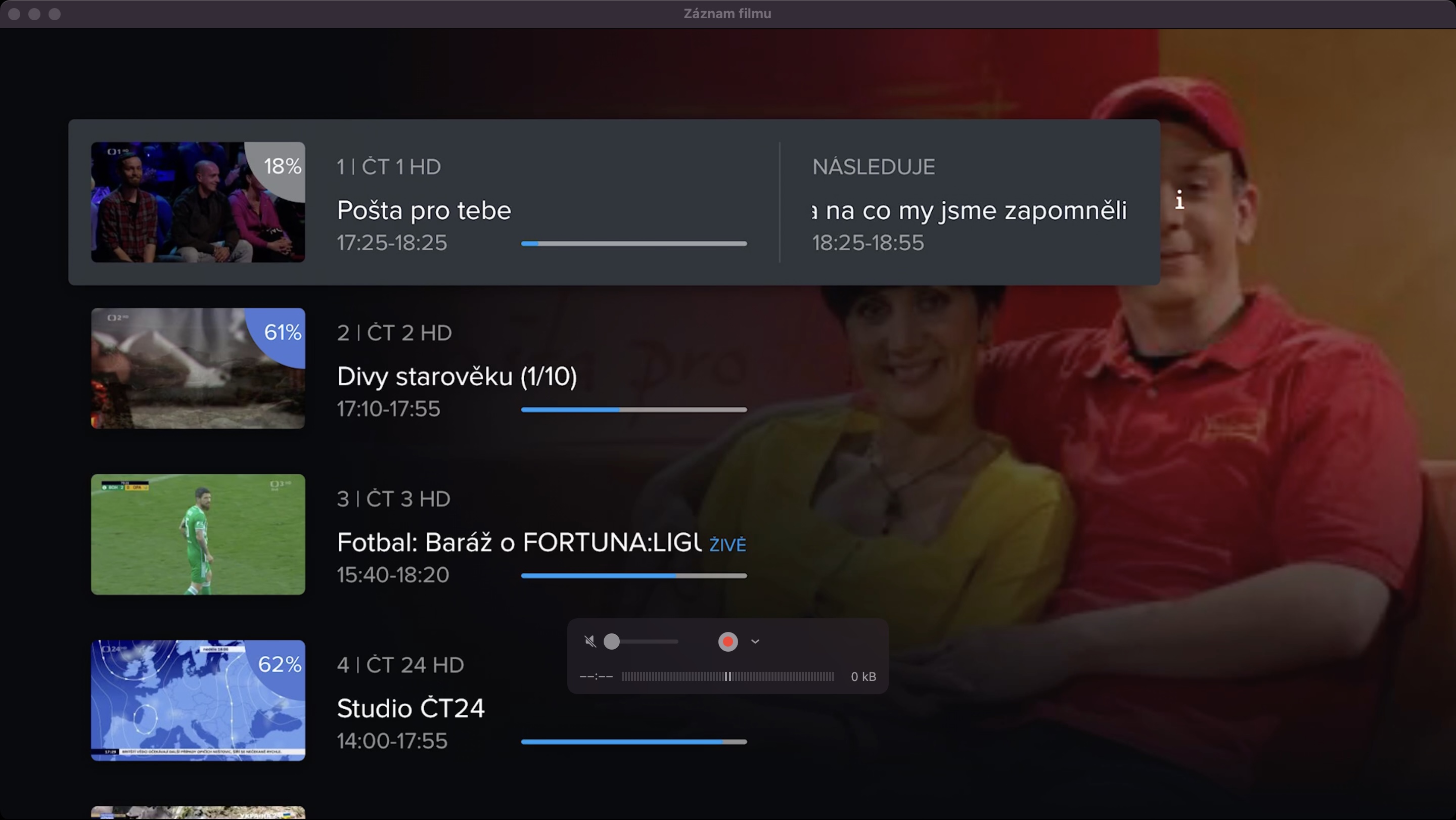
Television broadcast on Apple TV
Above we showed the interface and how Telly works within a web browser. But as I mentioned, you can watch Telly on practically all devices. The fact that the Telly app is available for, for example, iPhone or iPad, can be expected in a way. However, the most surprising thing is the existence of an application for Apple TV, which I personally consider a huge advantage. The point is that Apple TV as such, it cannot play TV broadcasts. This means that you are dependent on streaming services such as Netflix, HBO Max, Prime Video or YouTube. However, using Telly, you can watch TV broadcasts on Apple TV you add. So if Apple TV you use, thanks to Telly you can stop paying for traditional television broadcasting. All you need is an internet connection and you can watch it without having to switch between Apple TV and interface smart tv, which is another super advantage.
Telly for tvOS
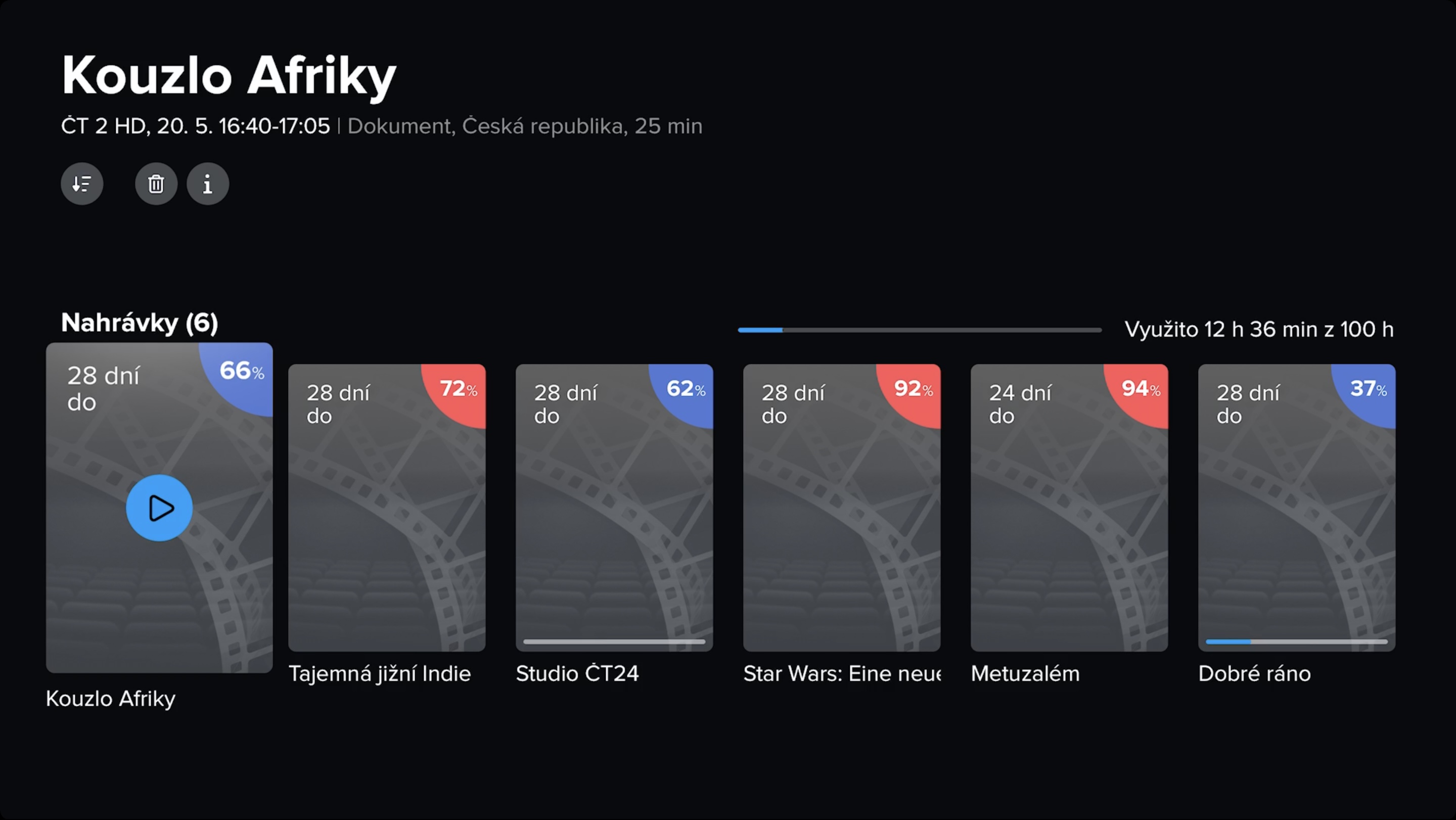
Telly for iPhone and iPads
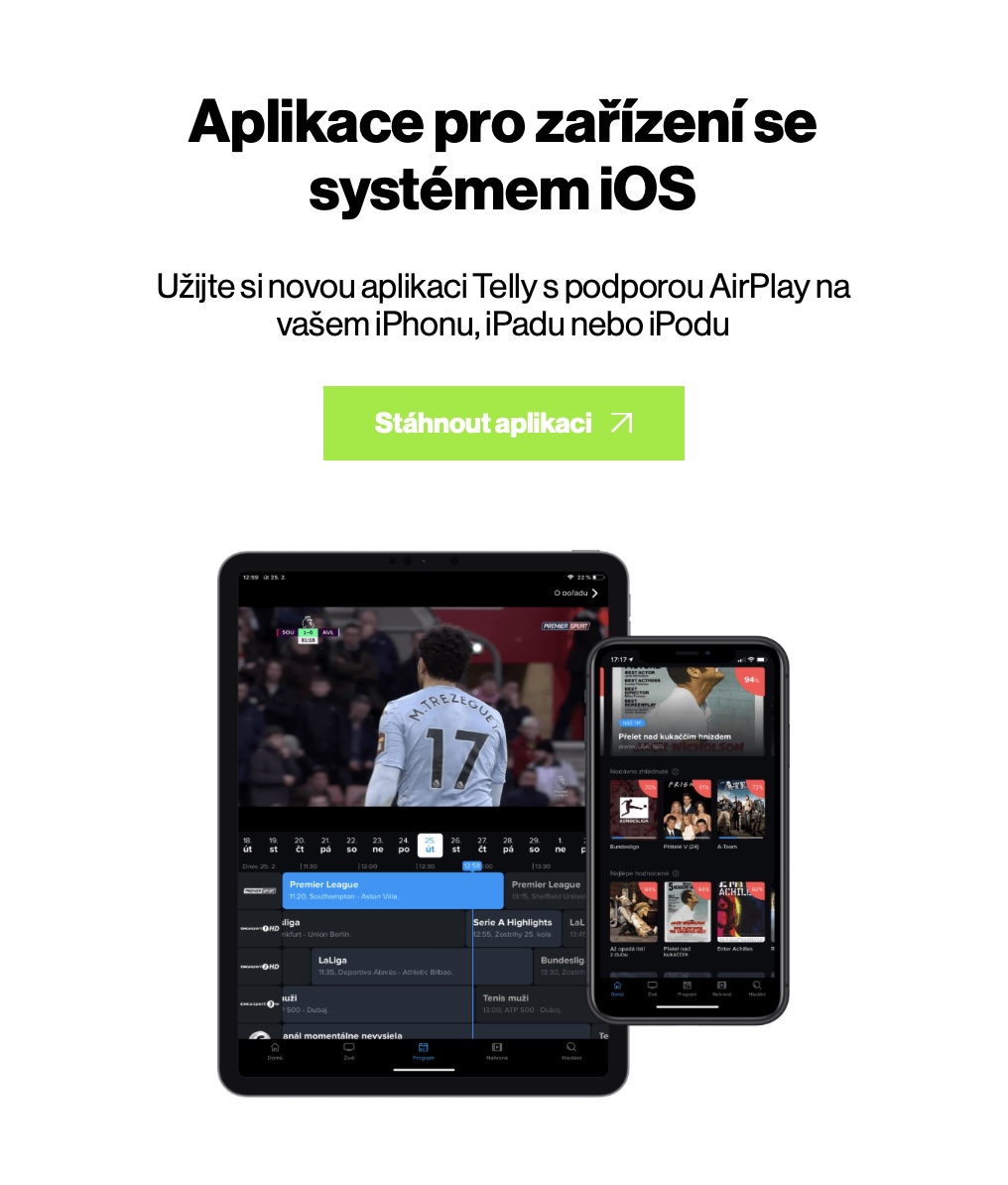
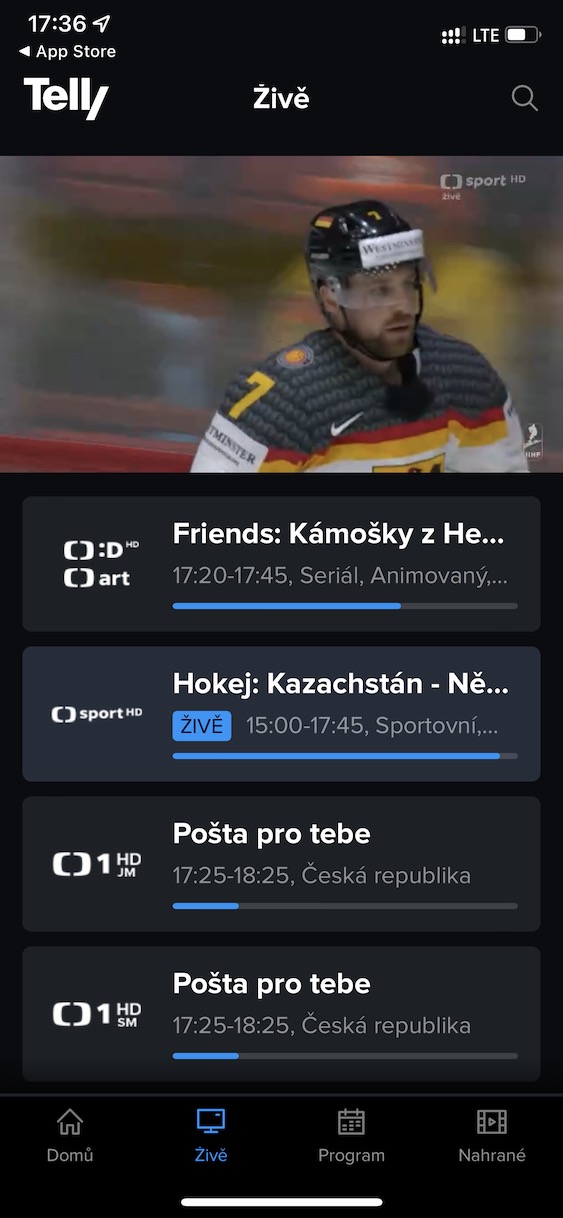
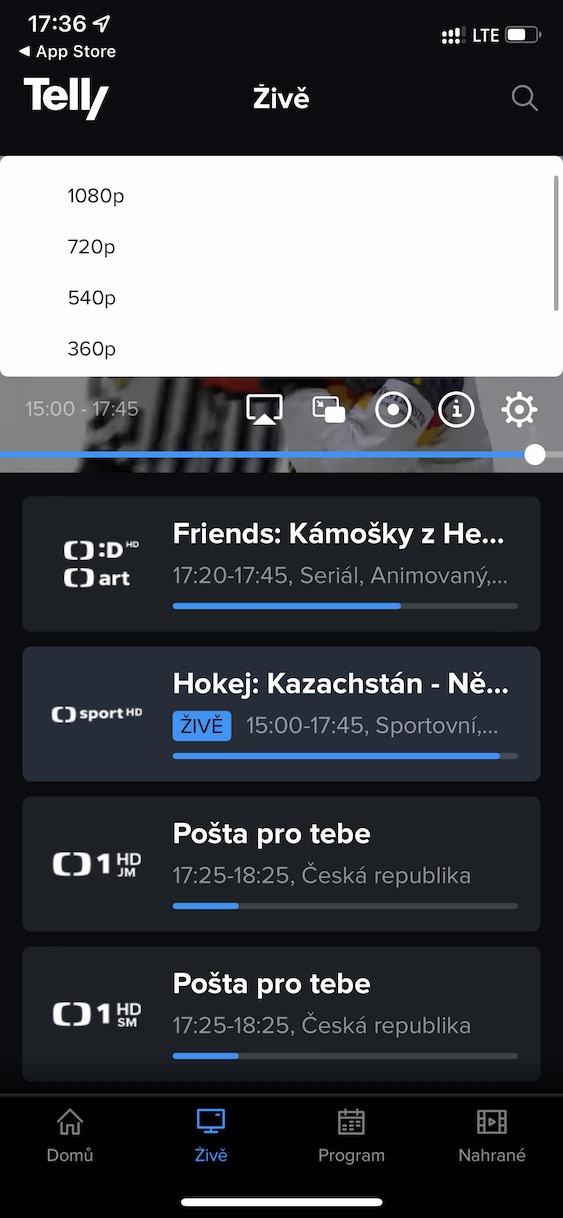
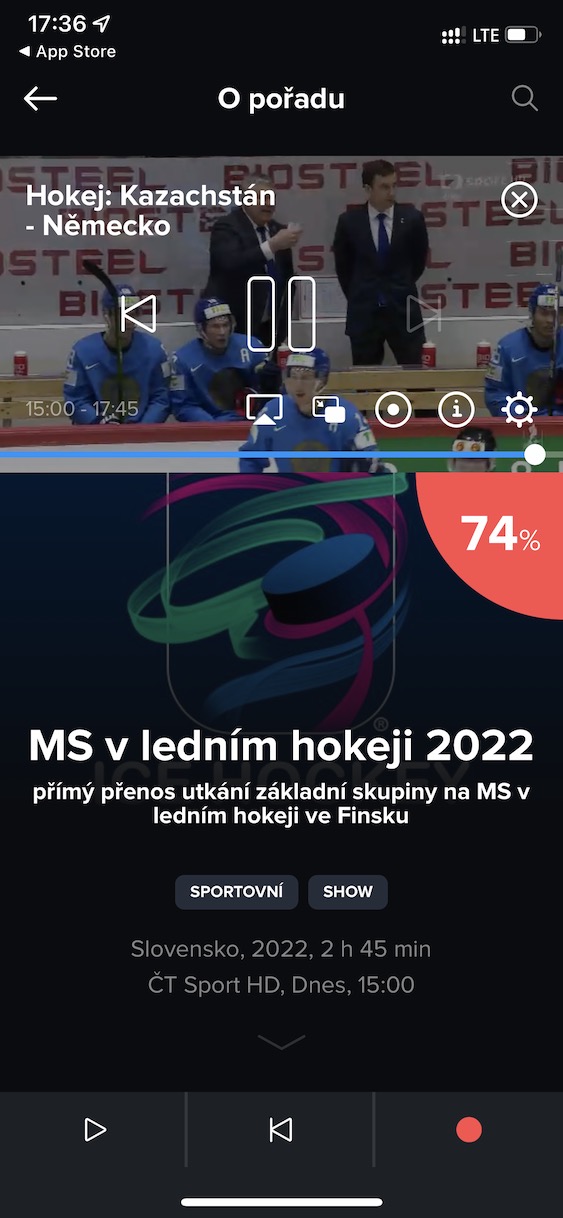
The Telly app is also available for the operating system iOS and iPadOS, i.e. for Apple phones and tablets. Thanks to this, you can watch TV anywhere, and of course, you also get all the above-mentioned features. The interface on all devices is completely unified, so switching between devices will definitely not be a problem. However, to be completely honest, when downloading Telly for tvOS, I had iOS iPadOS is less of a concern, because if you look at the ratings in App Store, you will find that it is not entirely ideal. However, I do not completely understand the low rating, because I have not had any problems with Telly in any case, except for the not entirely ideal functioning in Safari on Mac. It is therefore likely that some older versions of the application were problematic, so do not be confused and do not have prejudices.
Telly for iOS
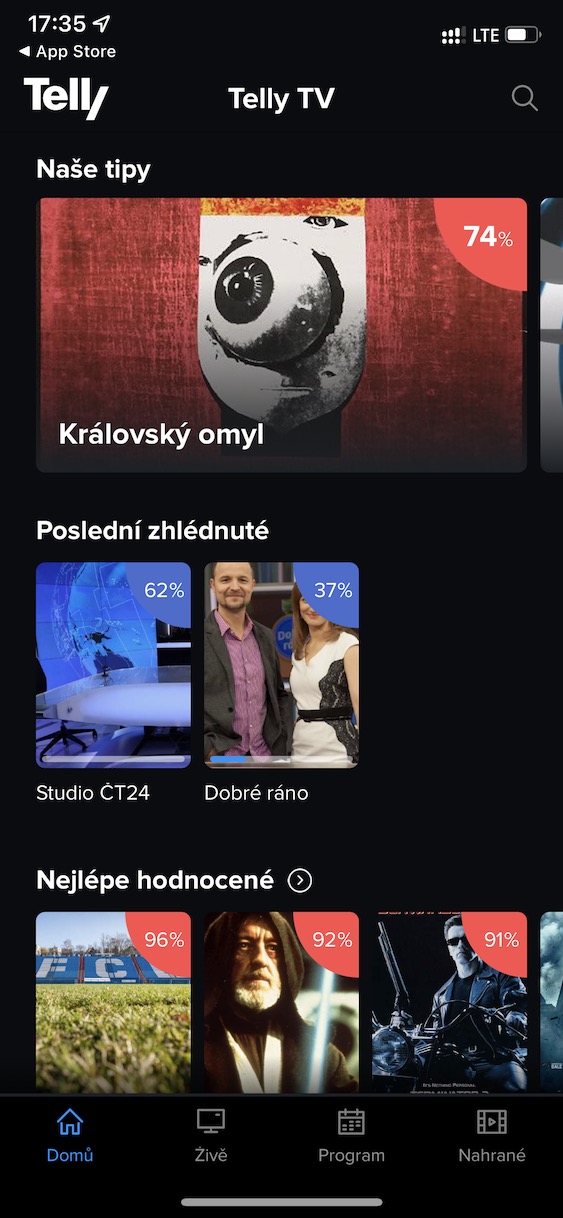
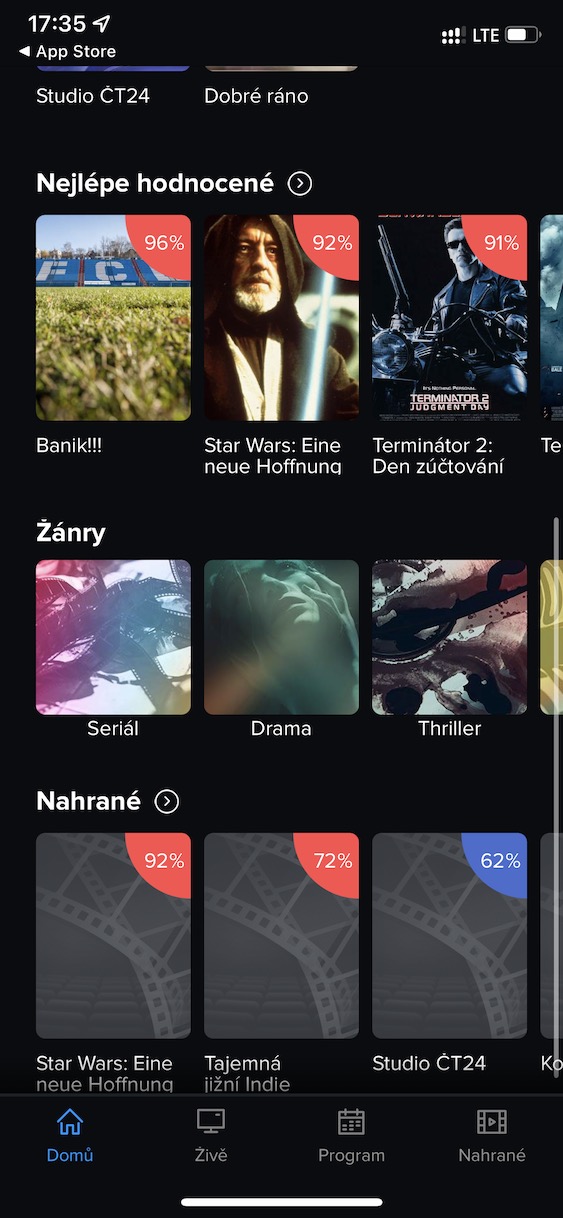
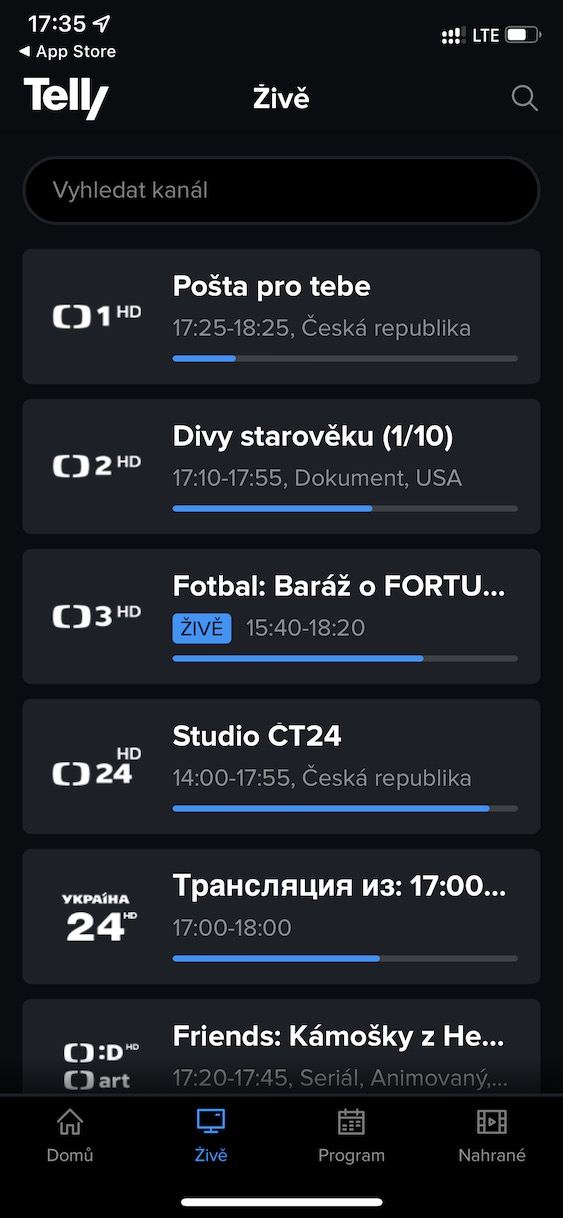
záver
We have reached the very end of the review of the Telly service, which provides Internet television. I personally had the opportunity to use the reviewed service for about two weeks and even though I haven't watched traditional television for a long time, thanks to Telly I decided to give it a second try.anci. I must say that my view of television broadcasting has definitely changed thanks to Telly. What always bothered me the most was that I had to watch shows that a specific station served to me - for that reason I also switched to Netflix and other streaming services, where I can choose shows at my own discretion, and not at the discretion of someone else. In a way, you can say that Telly turns classic television broadcasting into a kind of streaming service, in which you can also choose what you want to watch later. As for the control, I had no problems on any device, everything is very simple and intuitive. So I can definitely recommend Telly for myself and I think that Internet television is the future form of television broadcasting, which, in my opinion, will be canceled sooner or later anyway.


Can someone please compare Telly to Kuki?
Ideally version on Apple TV.
Thank you
Kuki has a much better interface for me and I like that I can change the TV programs myself at any time without any changes to the contract. On the contrary, Telly has some interesting sports content for me (such as the NFL). But Kuki has Formula 1 again, so I pay for Telly for half a year and Kuki for half a year. :-/
At Telly, however, I am terribly upset that I have to give them a complicated notice with a 30-day notice period. With Kuki, I simply click on end service in their account and immediately stop paying. I don't understand how anyone can still work with such an anti-customer payment system like Telly these days.
I would rather be interested, maybe I looked it up, if any of these services like Telly, Watching TV, etc. can send from Apple TV sound through AirPlay to HomePodu? Kuki probably can't do it.
Na Apple TV Yes, but that's probably not what you meant.
Kuki probably doesn't even work via bluetooth, I can't do it from my iPhone in the car.
I specify Apple TV + Homepod mini.
I have the default output from ATV on HomePods in stereo.
The SledovaniTV application sounds cool :-)
Generally after trying more variaI ended up with it, precisely because of the good support compared to other IPTVs Apple TV.