
As iPhone show battery percentage is a term that all new Apple phone users search for. And it's no wonder, since by default the battery percentage on iPhone are not displayed and instead you can only see the battery icon, from which you cannot read the exact battery percentage. The good news is that you can display the battery percentage on iPhone You can activate it and it's definitely not complicated. Old veterans would probably turn this feature on blindly, new users will of course not know the procedure.
You might be interested in
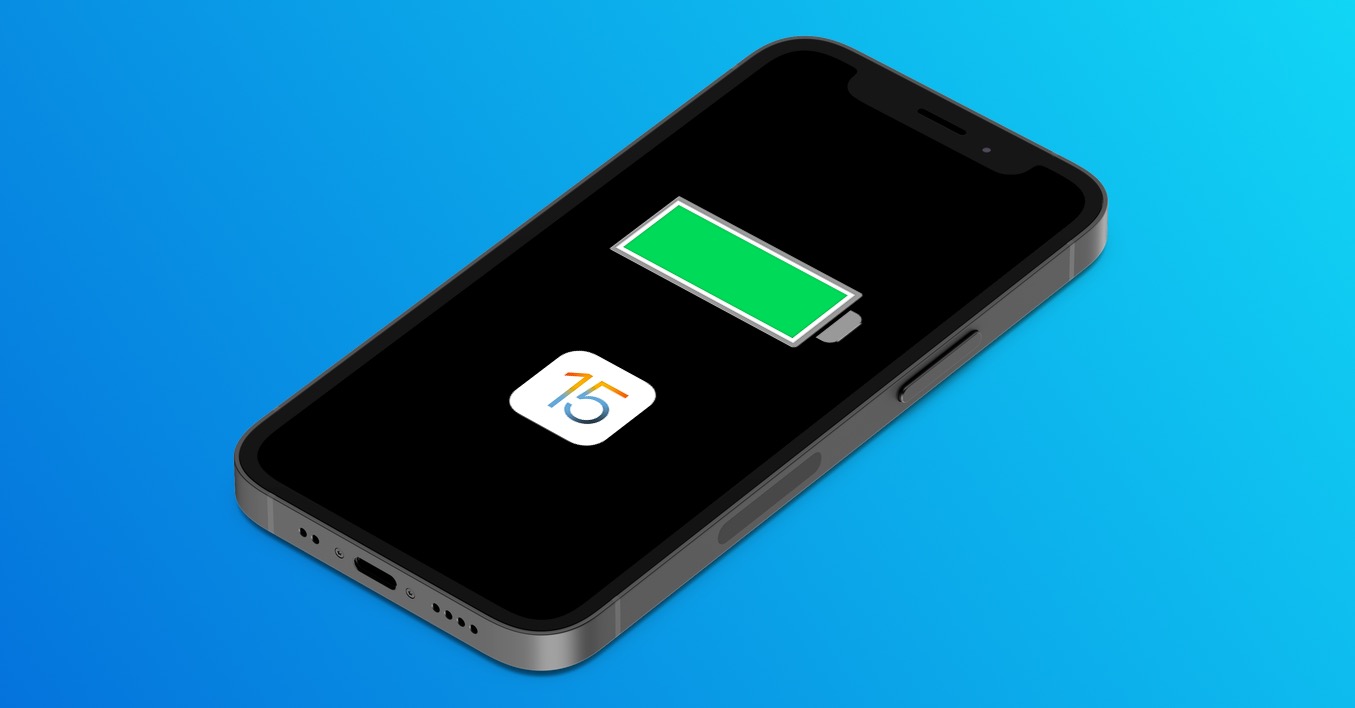
As iPhone show battery percentage
Procents of battery on iPhone you can notchat display at the top of the phone, right next to the battery icon. Unfortunately, you can't set the battery icon to be hidden or the battery percentage to be written into the battery icon, as is the case with Android phones. So if you were to iPhone If you want to view the battery percentage, follow these steps:
- First on iPhone go to the native app Settings.
- Once you do so, go down a bit below.
- Then locate and open the section here Battery.
- nakonecv upper part activate using a switch Battery status.
Procent battery activation
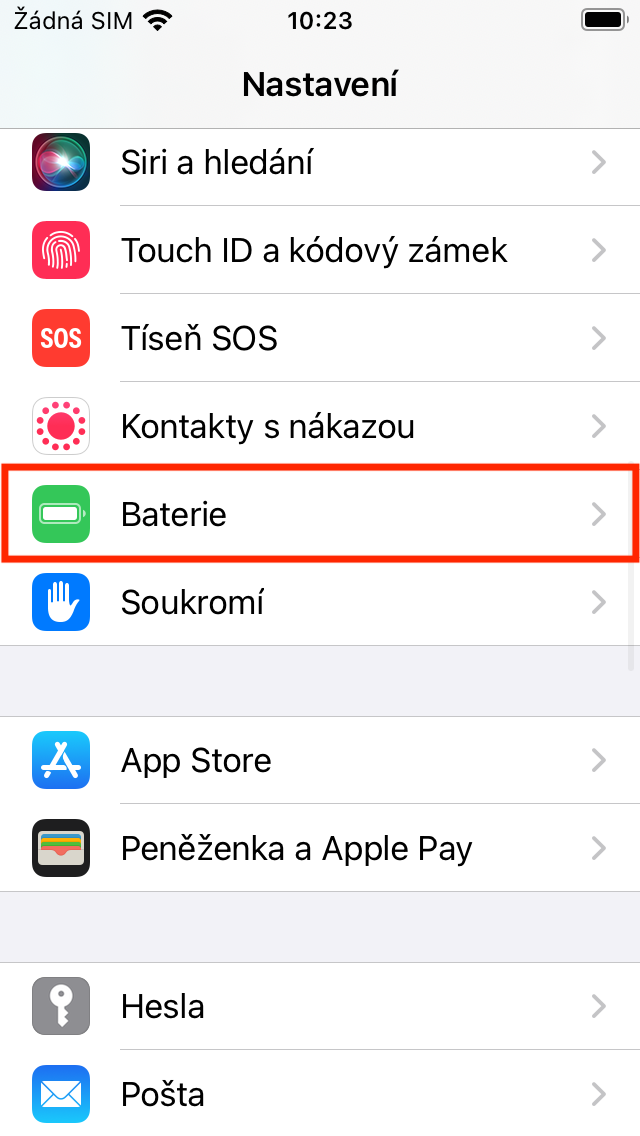
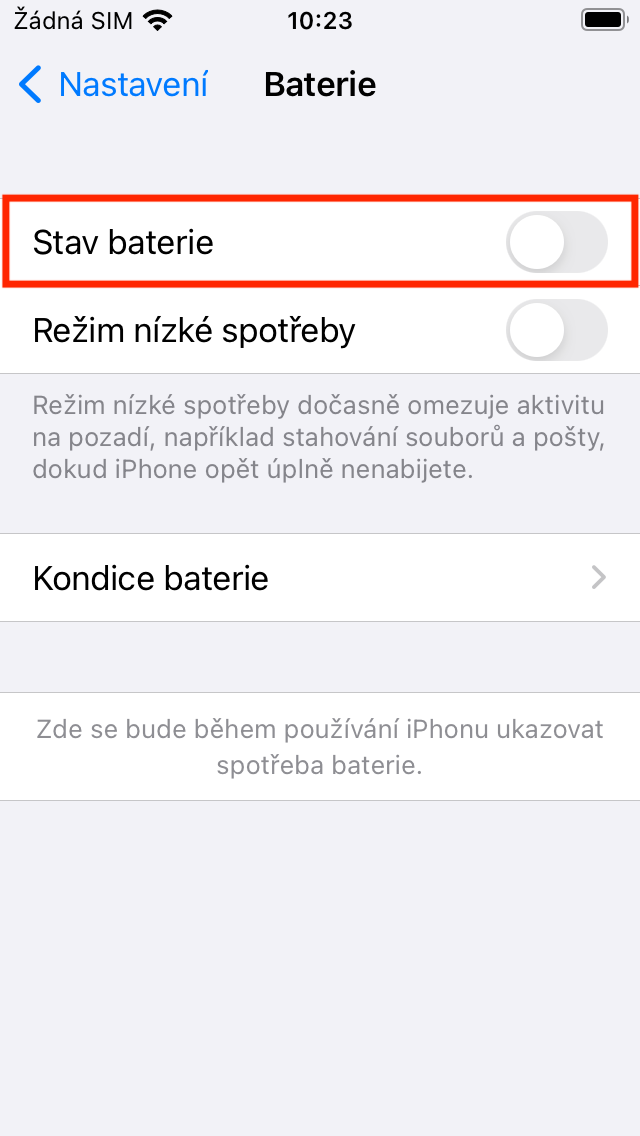
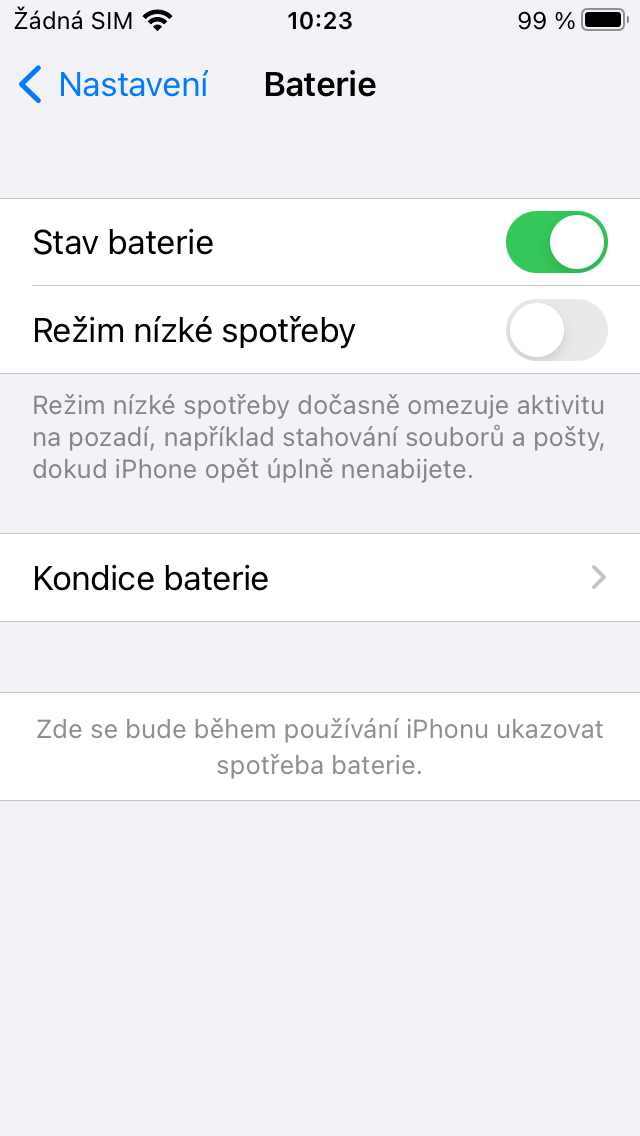
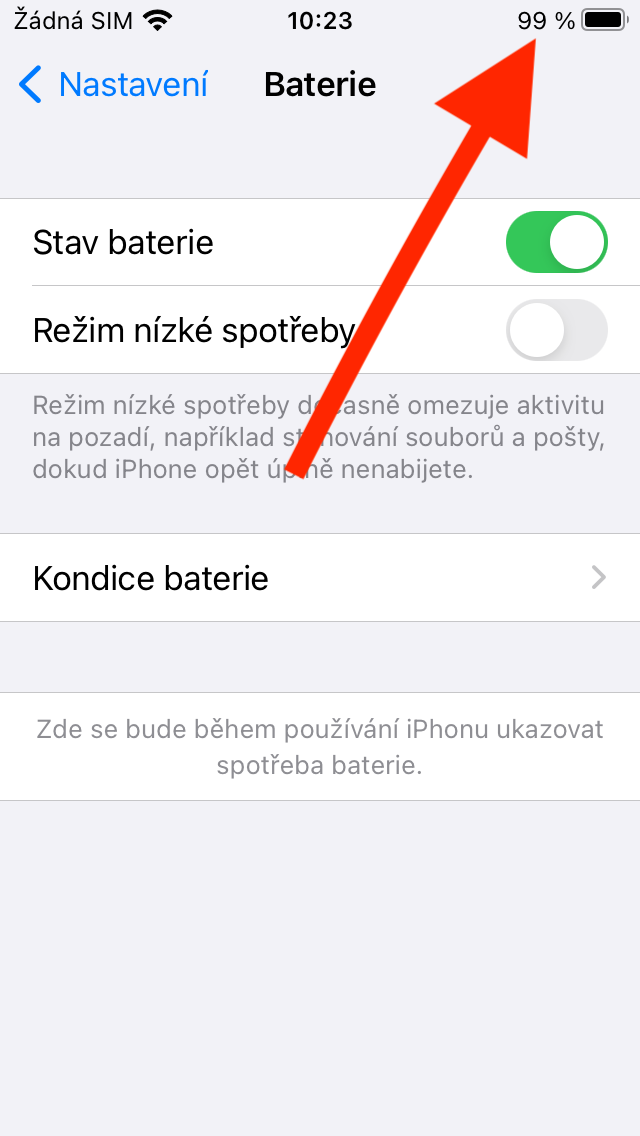
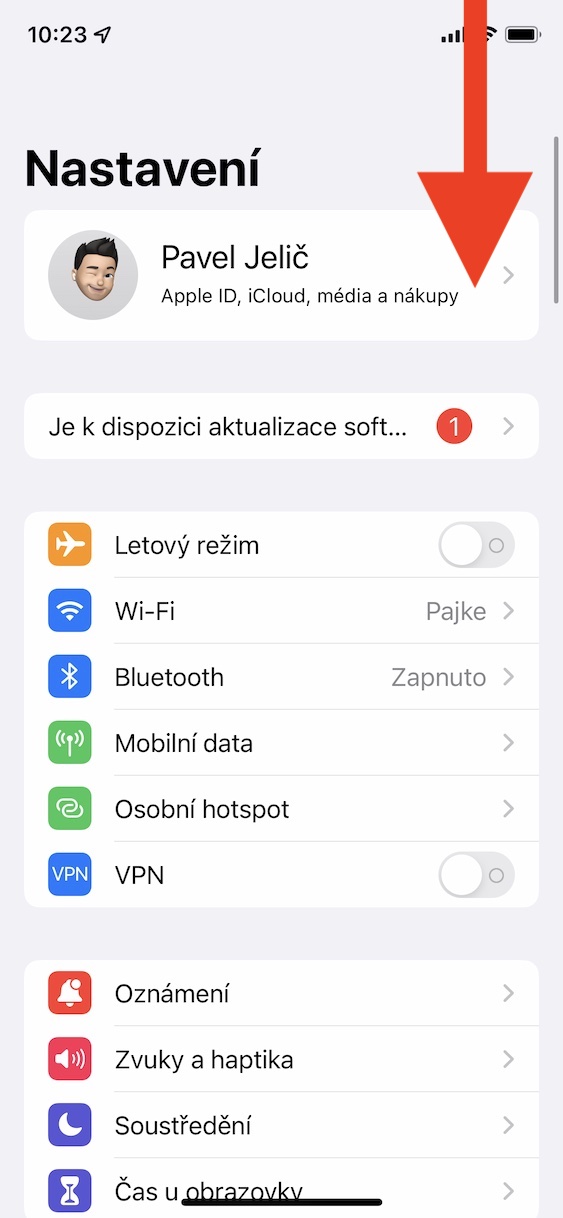
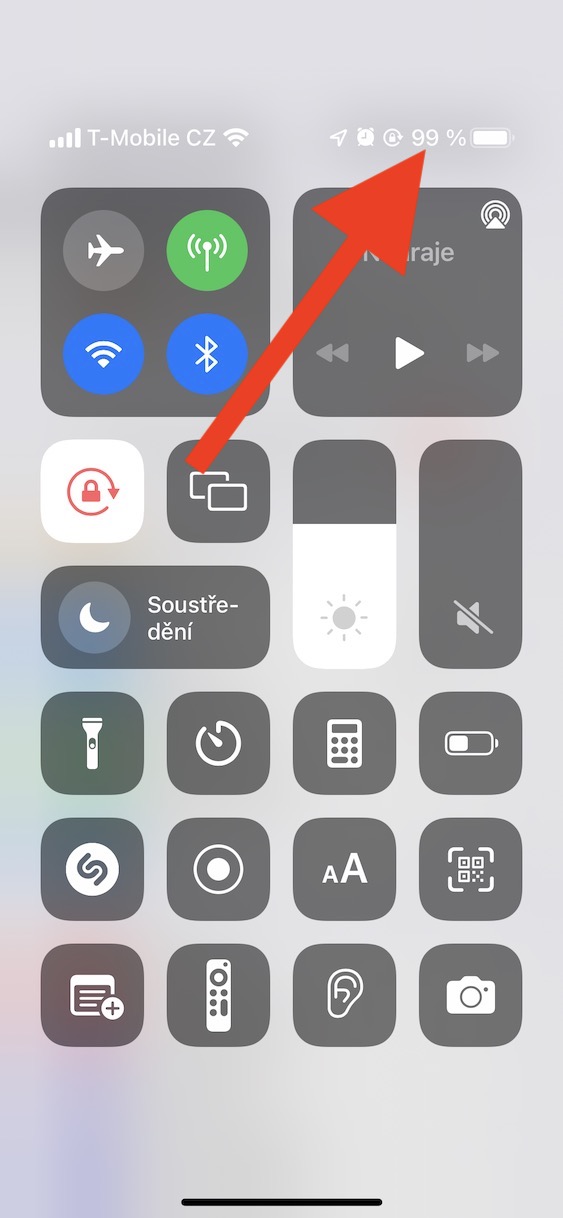
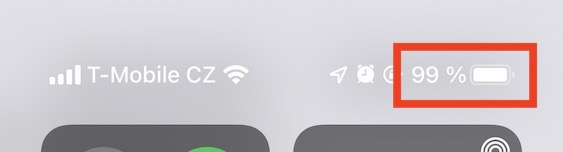
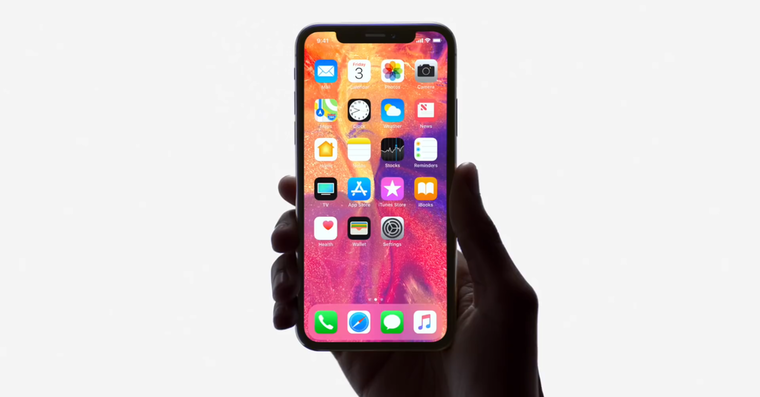
Use the above method to activate the battery percentage display on iPhone in the top row. This procedure can only be used on older iPhonetea Touch ID, where battery percentages are not displayed by default. If you own iPhone X and later with Face ID, the battery percentages are displayed automatically. However, you won't get them in the top bar so that you can see them without having to interact. If you want to iPhone X and later to display the battery percentage, it is necessary open control center, by swiping down from the top right edge of the display. Subsequently, you At the top, the battery percentage will displayIf you activate Low Power Mode, the battery percentage will automatically be displayed even on older devices. iPhonetea Touch ID.
Procents of battery on iPhone s Face ID








Maybe it wouldn't be a bad idea to put a "tutorial" here directly on the main page for both beginners and advanced users. Proa hundred such categorized instructions – what and how? Then 100 people won't ask the same thing over and over again. I see it, for example, on the FB forum "Jablíčkáři", where people ask absolutely stupid things over and over again every day.
We have something like that in mind :) hopefully it will be realized soon
Hello, I don't have this information, only low consumption, condition, and automatic locking in the design
On the phone with Touch ID?
There is nothing like that in 15.3.1 - why are you fooling people?
What phone do you have?
3310
Hello, what specifically do you not have there? I'm very sorry, but your phone if the company Apple does not state untruths, so it has Face ID and in the text of the article you are commenting on there is this sentence: "This procedure can only be used on older iPhonetea Touch ID"where the battery percentage is not displayed by default." you read this because I don't believe you would comment on something you haven't read. So what's wrong with the instructions? Thank you very much for the explanation.
Maybe it would be nice to write in the title that it only works for 4 and older iphoneoh….
After all, in the article it is written how to view the battery percentage even with the latest iPhones.
Especially how a beautiful clickbait image is made, where there is a cutout with a percentage, even if alone apple confirmed that the display of percentages in the status bar is not compatible with the notch :D You really are tabloid morons :D
Clickbait? It's on the preview screenshot control center, which somehow always shows the battery percentage.
Pro I have excavators. iPhone 12 mini (not 3310) with the latest system 15.3.1. and there is nothing like that in the settings. It is automatically (explicitly) directly displayed there.
howg
Hello, what specifically do you not have there? I'm very sorry, but your phone if the company Apple does not state untruths, so it has Face ID and in the text of the article you are commenting on there is this sentence: "This procedure can only be used on older iPhonetea Touch ID"where the battery percentage is not displayed by default." you read this because I don't believe you would comment on something you haven't read. So what's wrong with the instructions? Thank you very much for the explanation.
No offense, buddy, but you didn't read or understand. Pro iPhone with notch (i.e. from iPhone X above, except for SE2020 and SE2022, does not apply, which the author duly stated). So you can't even have it there and therefore logically you don't have it.
Maybe he can do it. ios 15.4… I'm also a little surprised that the author doesn't check it…
I'm very sorry Pepoo, but the author checked everything, only you apparently didn't read everything he wrote... what exactly are you looking for and it's not there? I read this sentence in the manual, right?
This procedure can only be used on older iPhonetea Touch ID, where battery percentages are not displayed by default.
If they removed the flashlight icon when displaying the %, nothing would happen either nesthello.
Exactly, I've never understood why it's there anyway? What else could the percentages be? :D
And how about on Android? Just turn on your phone :-D.
I'm getting xs percent max will only show when charging is connected. Since when connected Apple Watch se the status indicator is combined for all devices so I know mushrooms. I would have to turn off the watch or put it away and go out of range. Anyone who has a phone with faceID and maybe a watch or headphones, probably has no other way to display the percentage than toonewhich. Maybe some abbreviation or widget, but not normally.
So you're another fool 🤦♂️
Don't know how to pull down the control center from the top edge of the screen? :-)
So you geniuses tell us how it is possible that my friend has iPhone X and that option is there and I if I have iPhone 11 so I don't have that option and you write here that it's only possible with Pro model, think a little about what you are writing, thank you.