
You have recently become one of the new owners Apple TV? Then know that its basic use is really very simple and anyone can do it. However, it is certainly worth knowing various tips and tricks that will make using your smart Apple set-top box even more enjoyable, efficient and convenient. So let's introduce them.
Operating system update
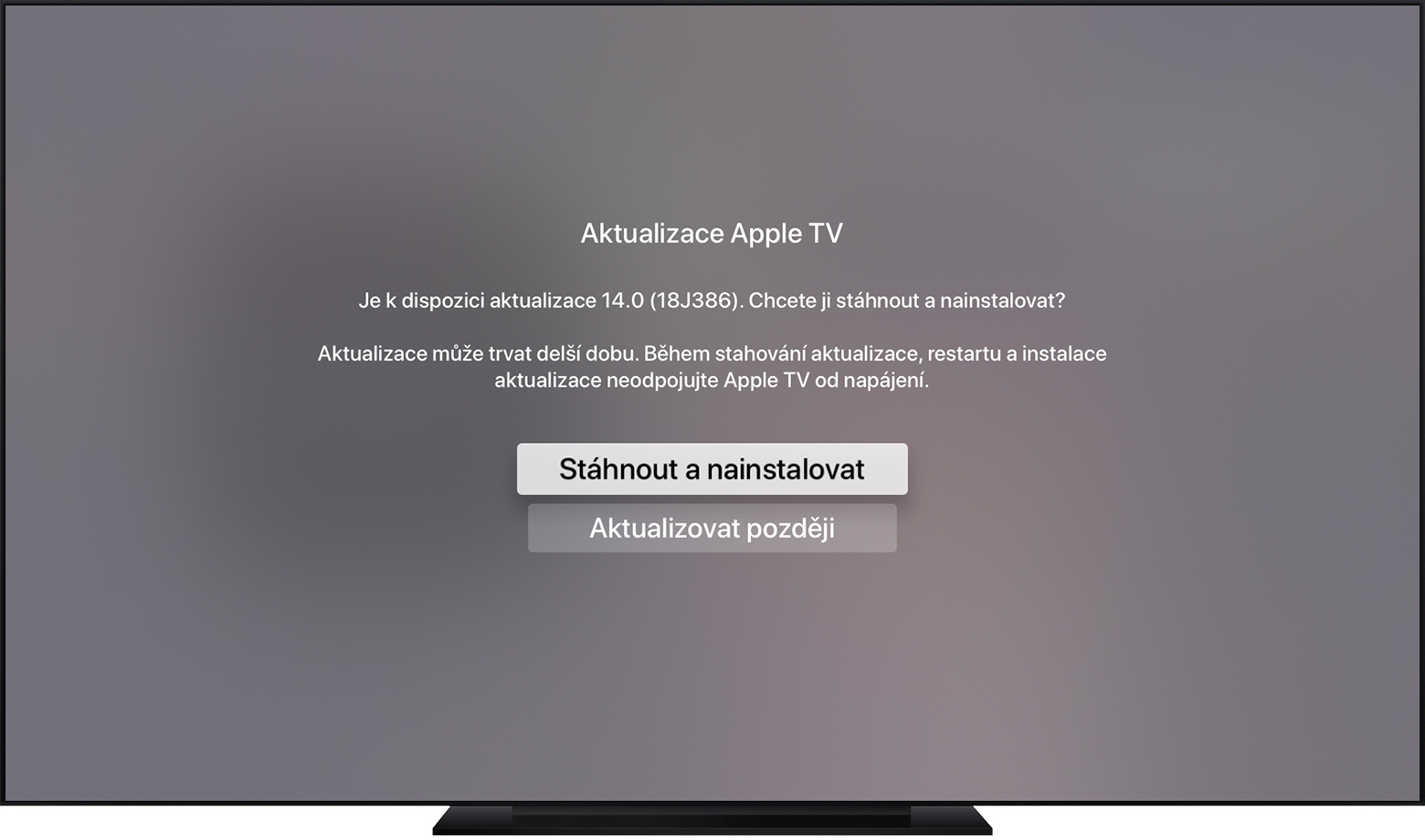
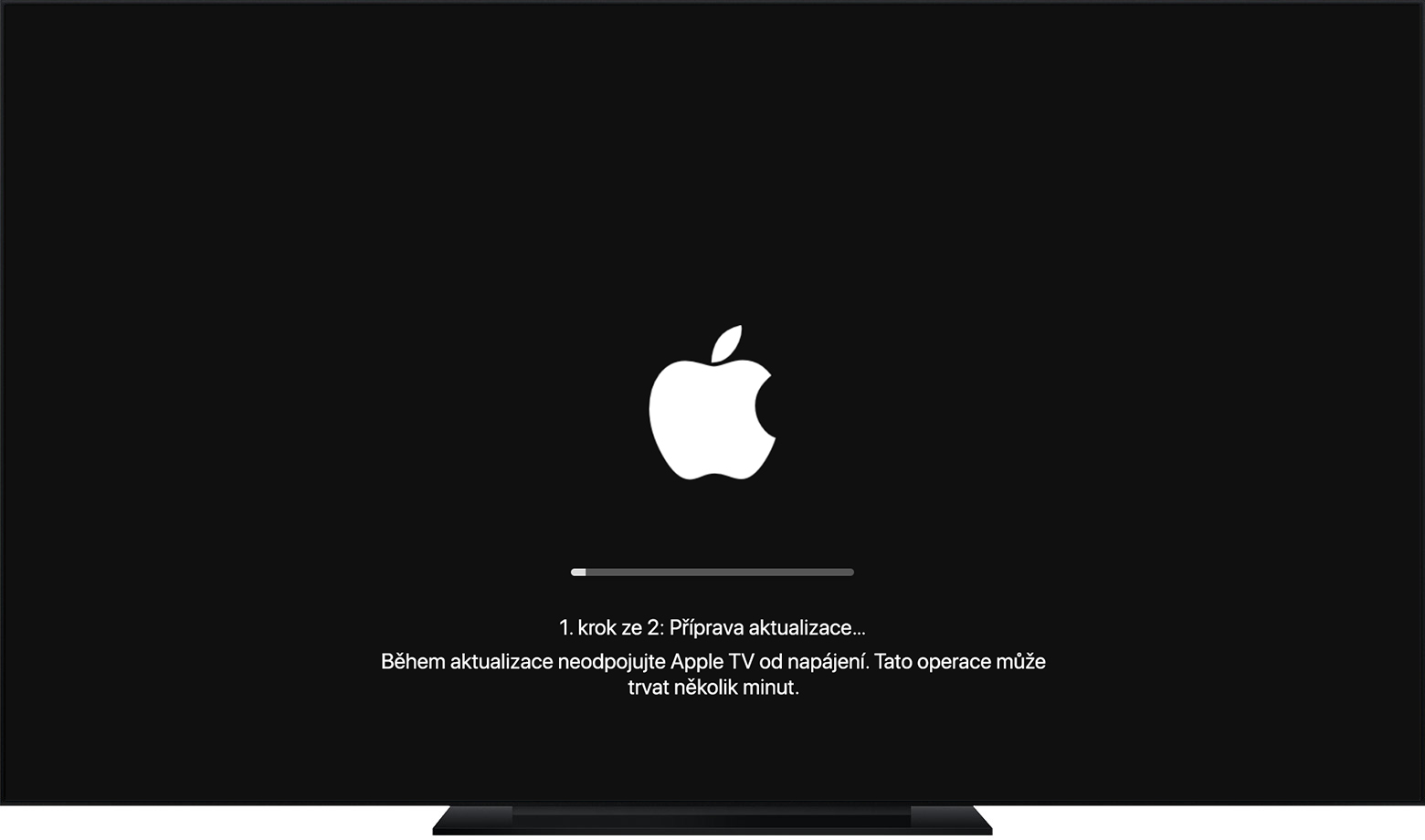
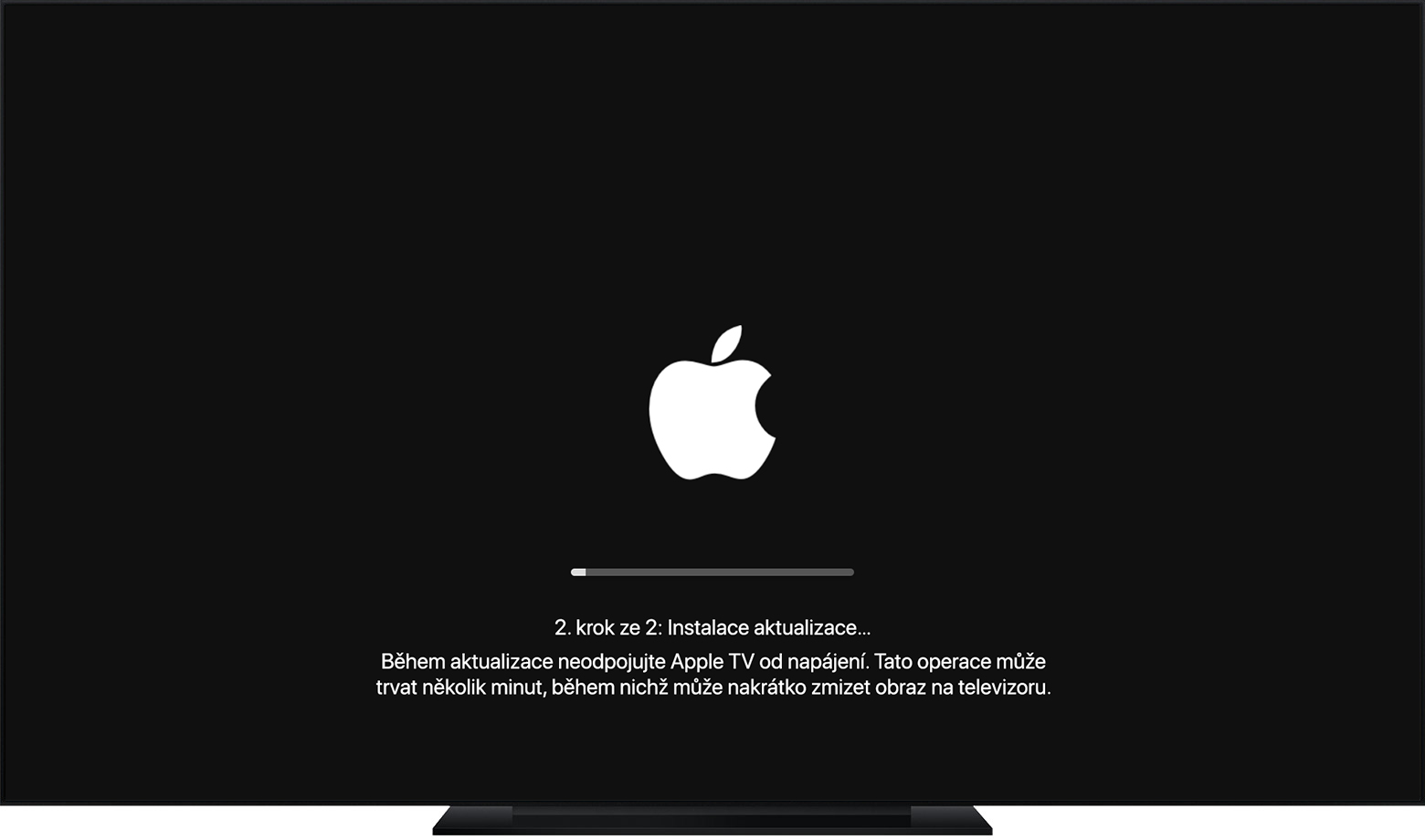
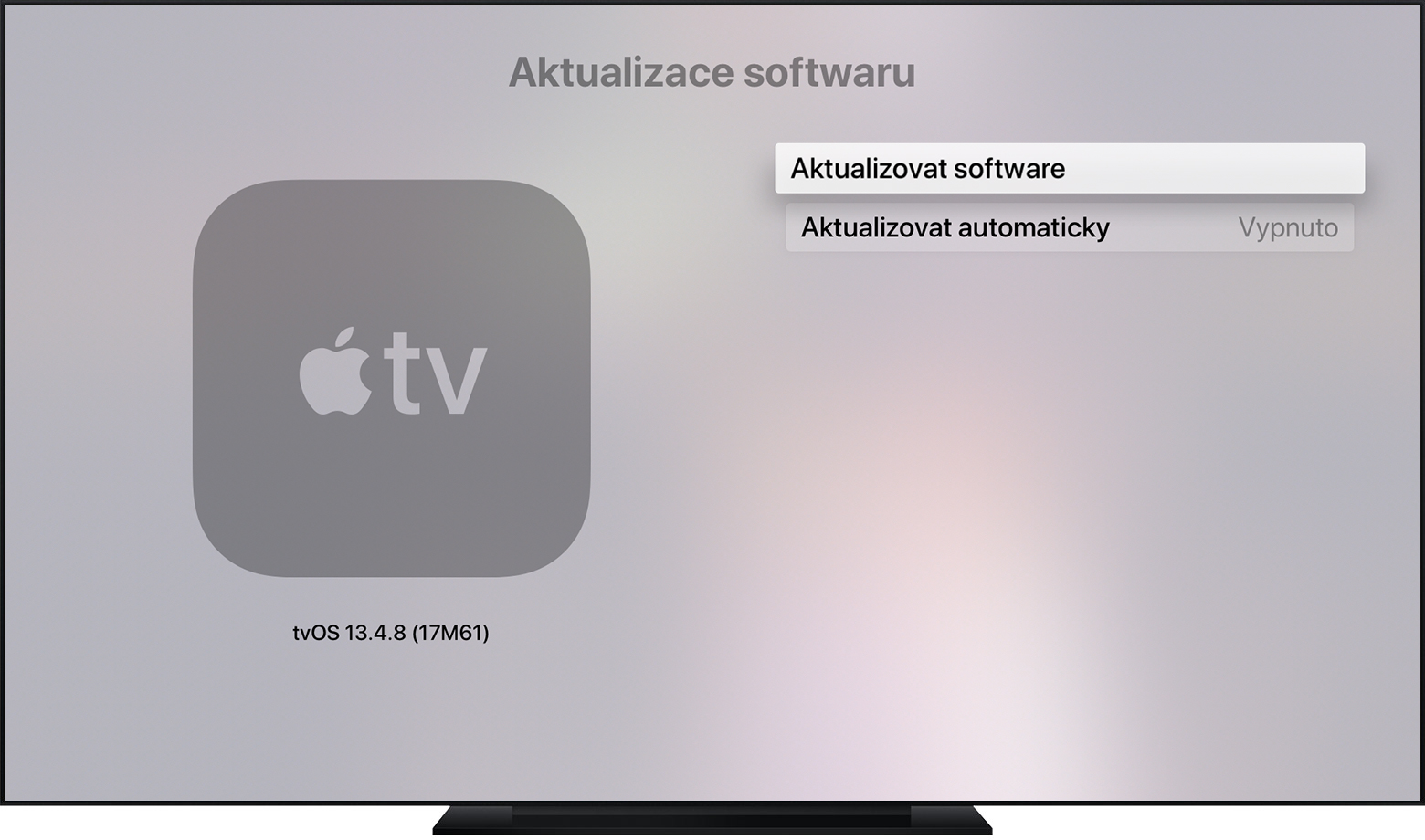
Updating the operating system is a process that you should never neglect on any of your devices, Apple TV without exception. Even if your new Apple TV If you are connecting for the first time, you should make sure that its software is up to date. Run the Apple TV Settings and go to the Update Software section - if a new version of the tvOS operating system is available, install it without delay.
Connecting Bluetooth headphones
Gallery

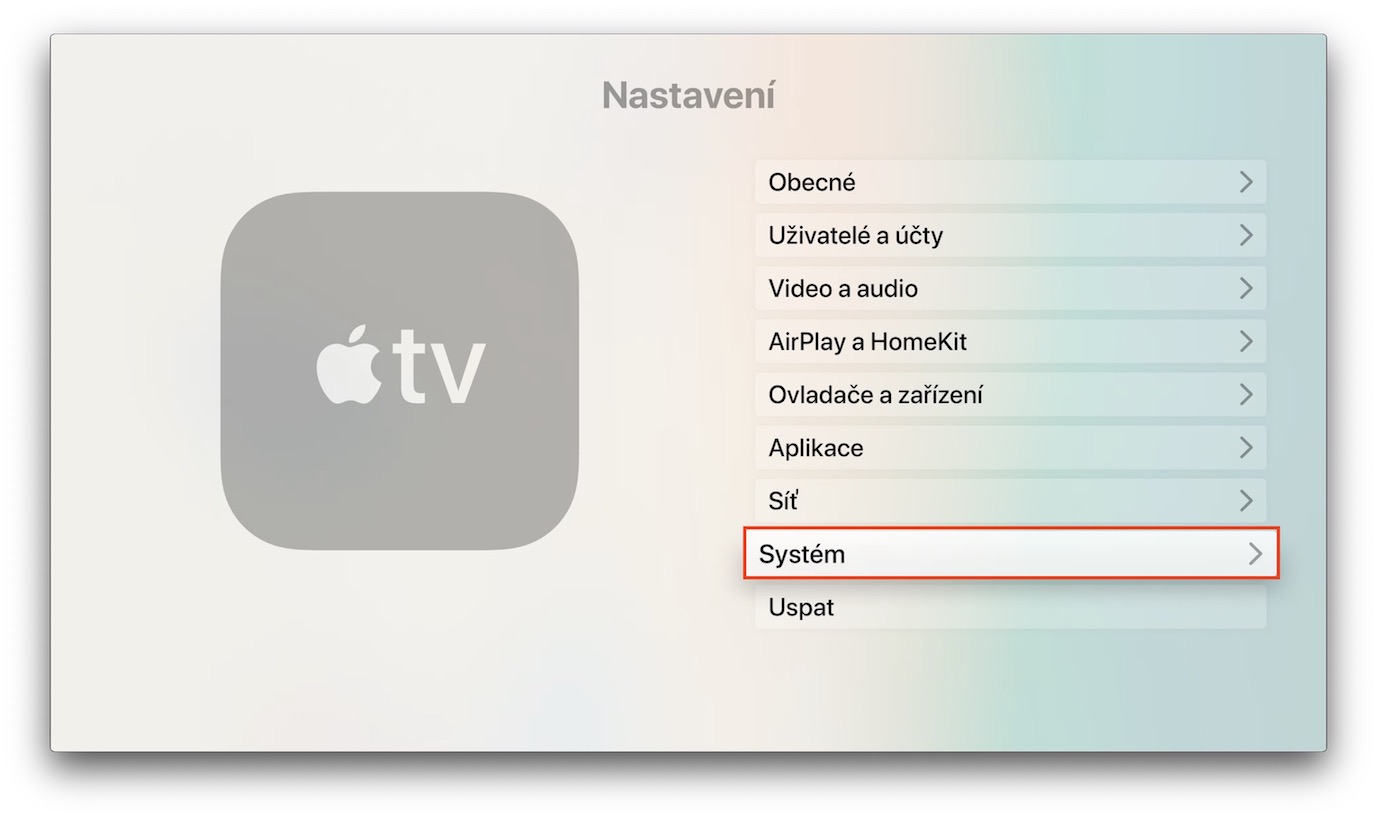
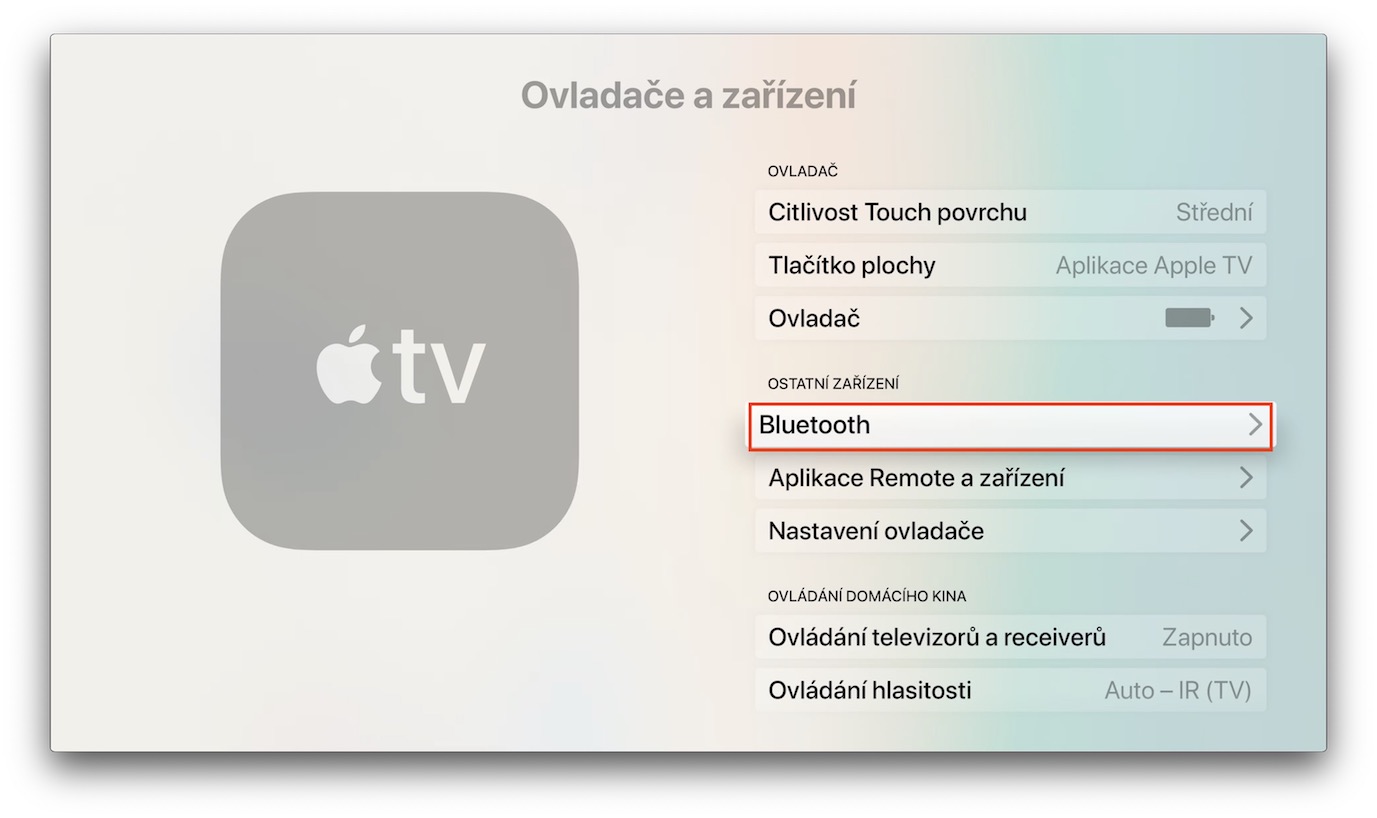

You are getting ready for your new one Apple TV Want to play a game and don't want to disturb your surroundings while playing? You can conveniently connect your Bluetooth headphones to it. How to do it? Launch on Apple TV Settings -> Drivers and devices. Click on Bluetooth, where you should then see the headphones offered - then you just need to pair them. If you want to add them to your Apple TV connect AirPods, just hold the button on the charging box near the device until the indicator light on the box flashes white.
Screen saver selection
Gallery
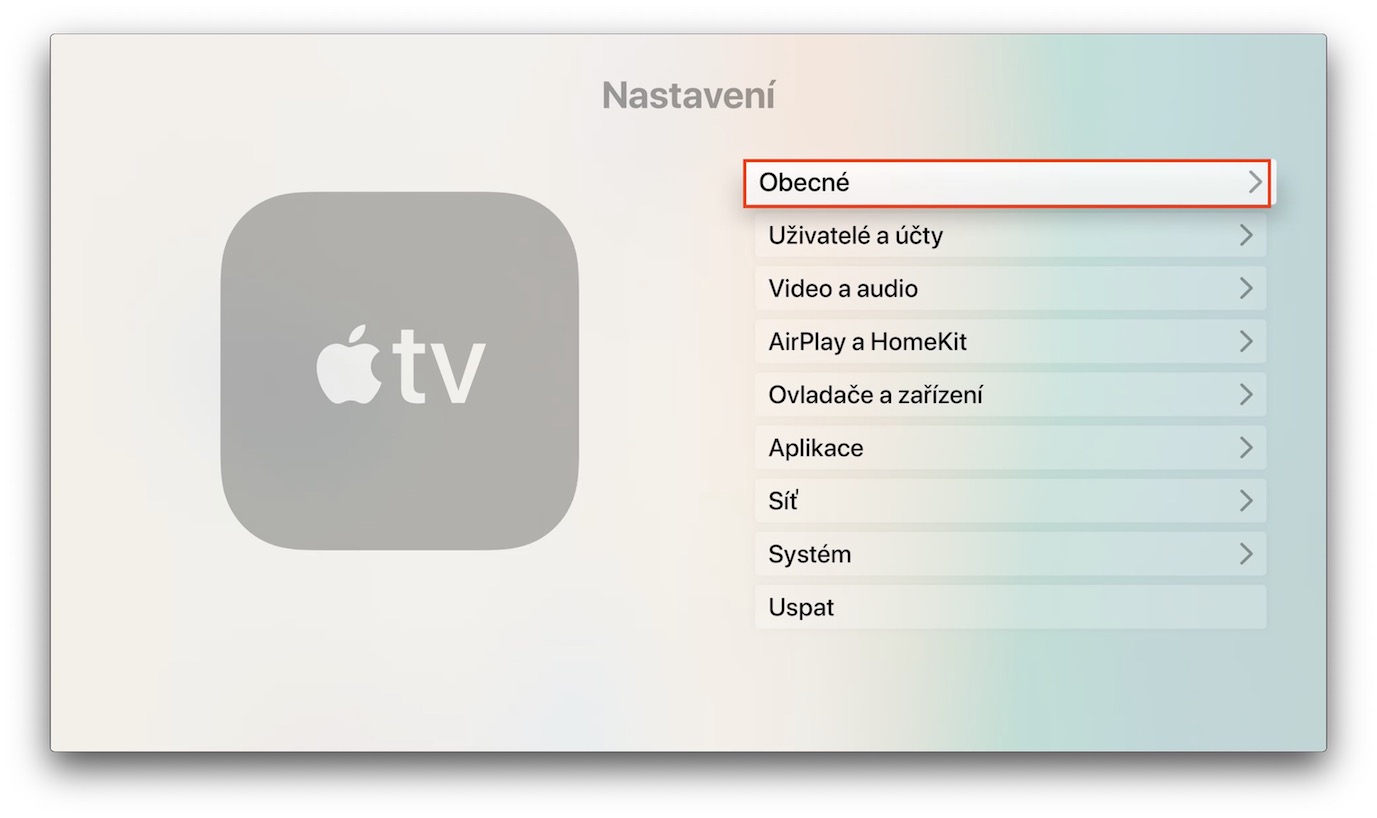
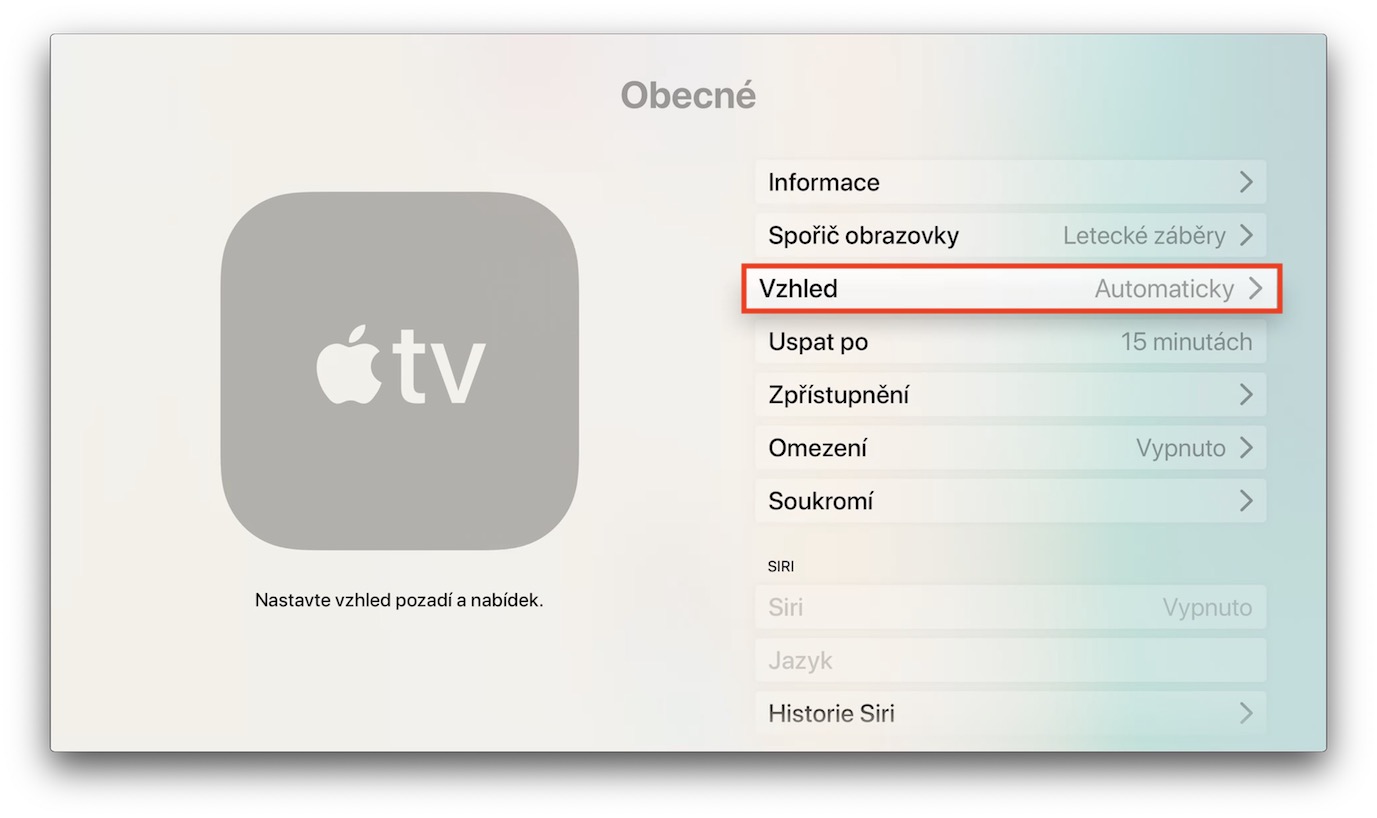
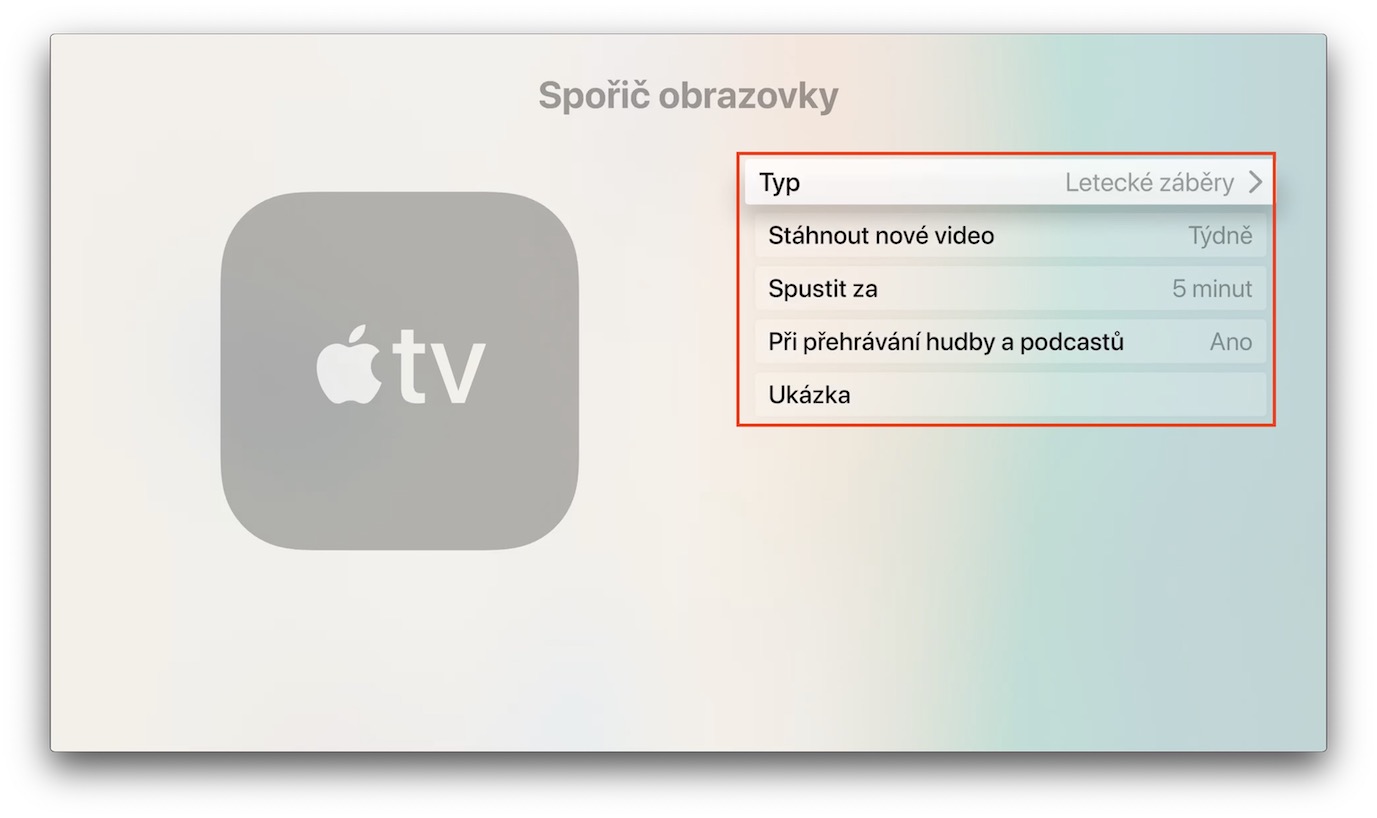
Apple TV offers a collection of impressive screensavers from which you can choose your favorite. Pro change the screen saver again on your Apple TV Head to Settings. Click General -> Screen Saver, where you can conveniently select not only the screen saver itself, but also set other preferences, such as download frequency or the time after which the screen saver should activate.
Control Apple TV over iPhone
Gallery
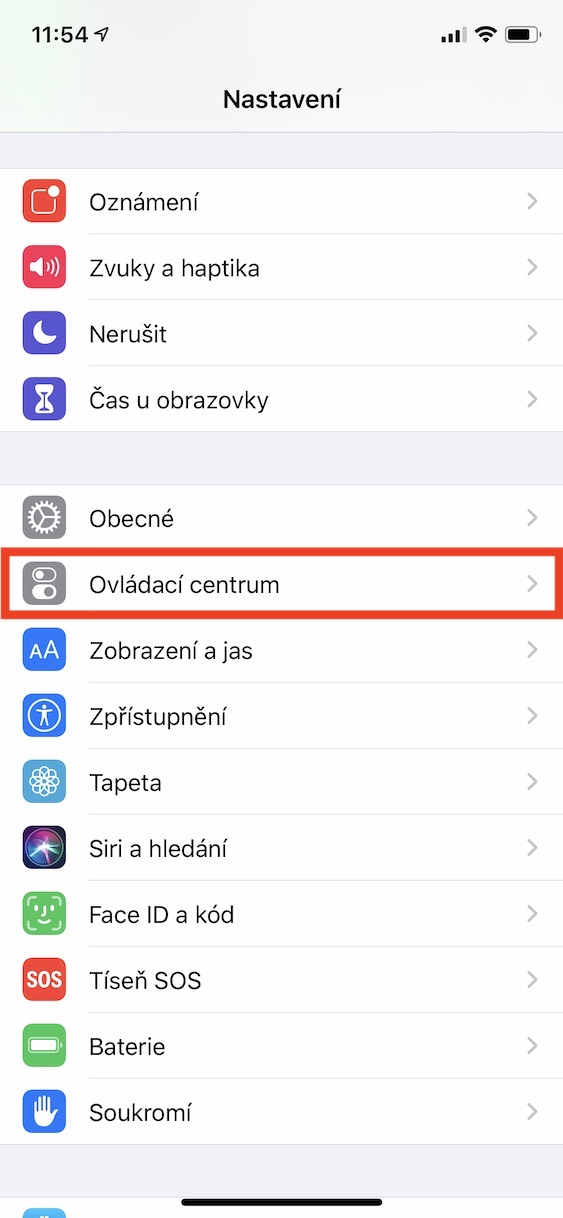
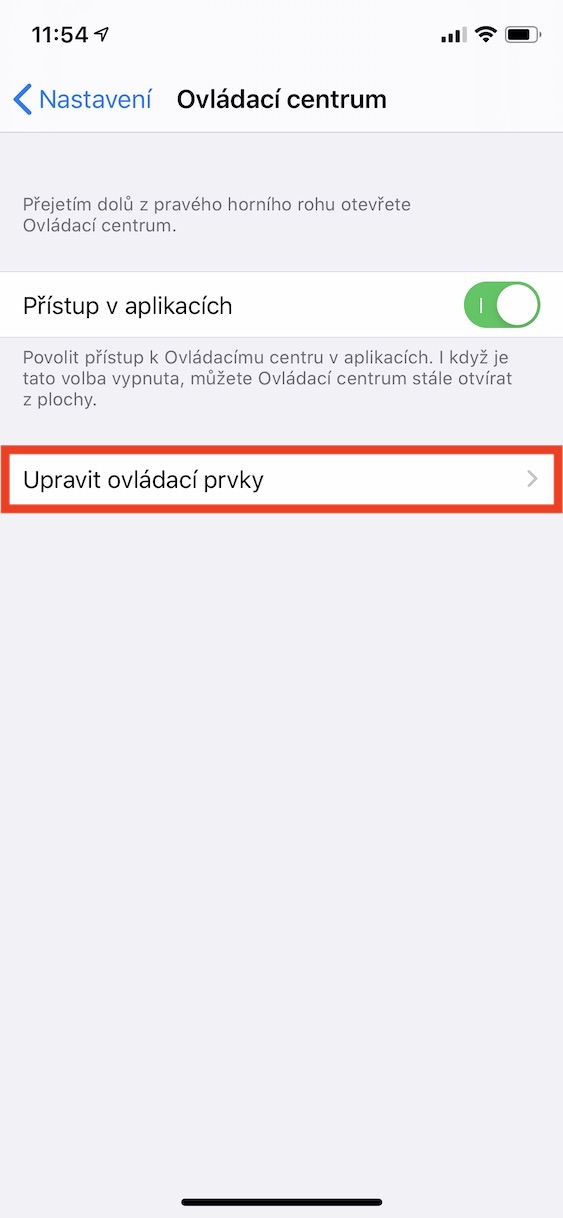
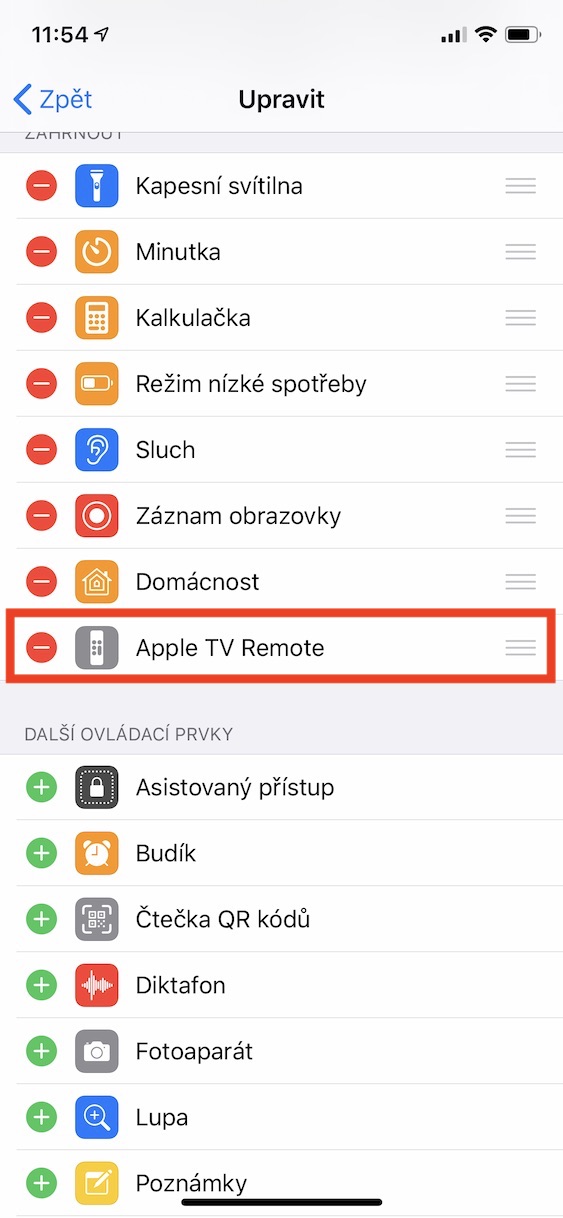
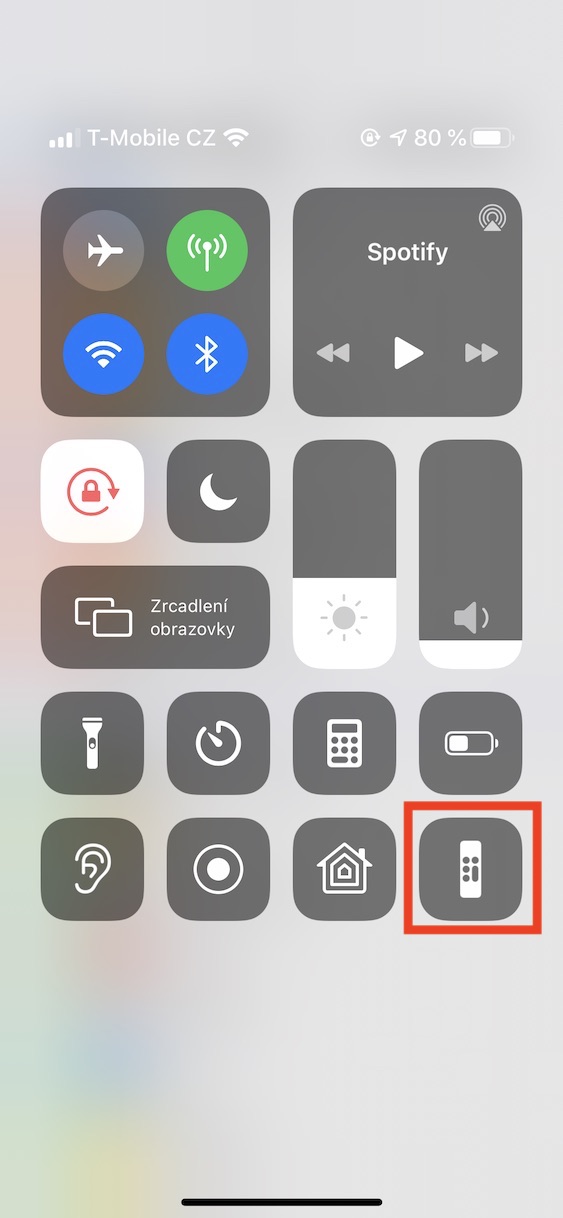
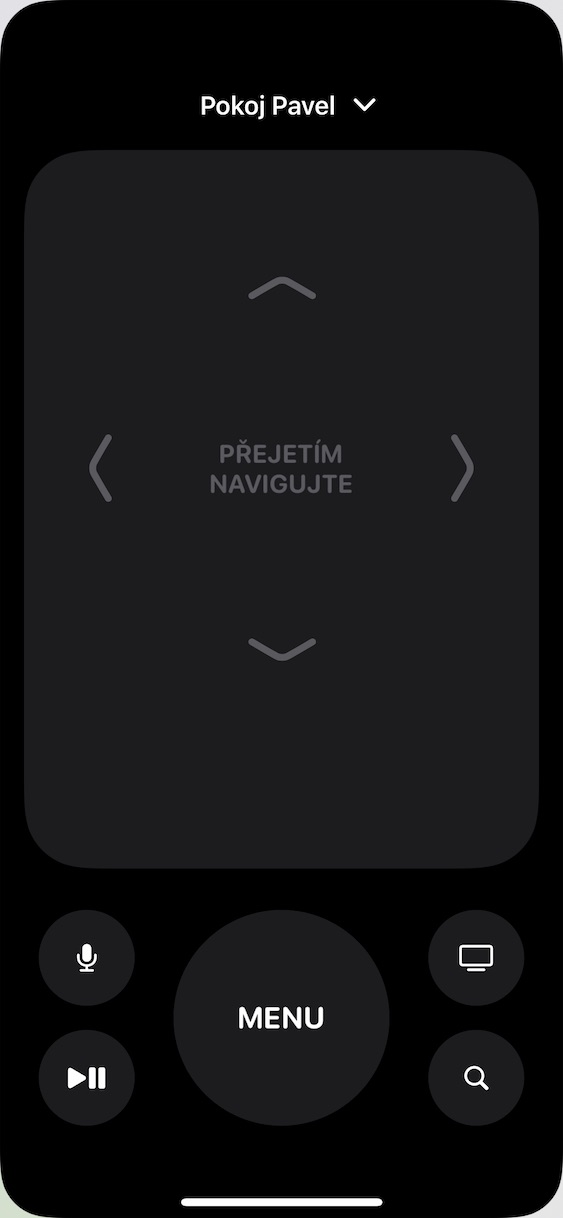
Did you know that to remote control your Apple TV you can also use iPhone? Just go to Settings -> Control Center on your Apple smartphone. Head down to the bottom where you will find the items you want to add to the Control Center. Then all you have to do is select Apple TV Remote, and every time you want to start controlling your Apple TV via iPhone, activate Control Center on your smartphone and tap the controller icon.
Dark mode
Gallery
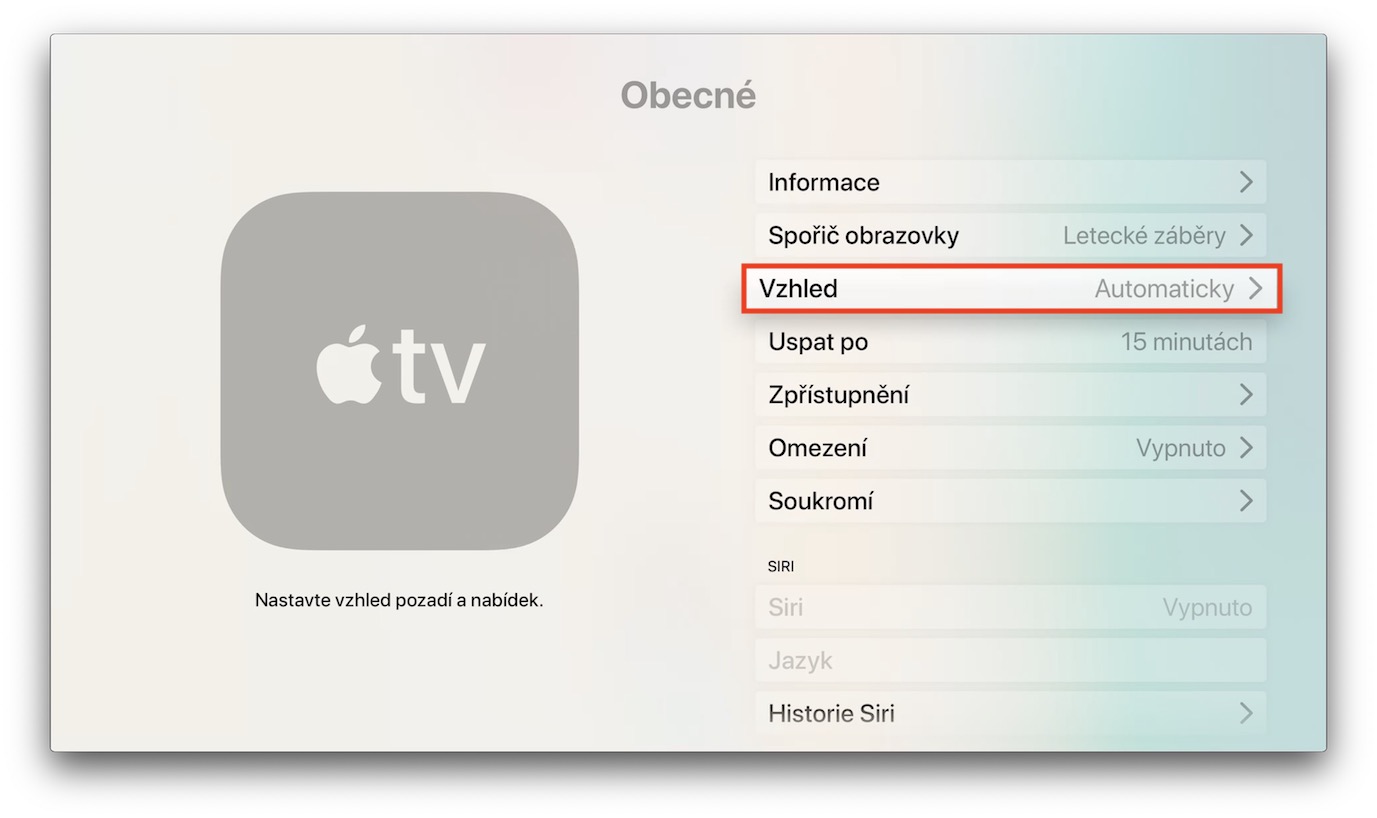
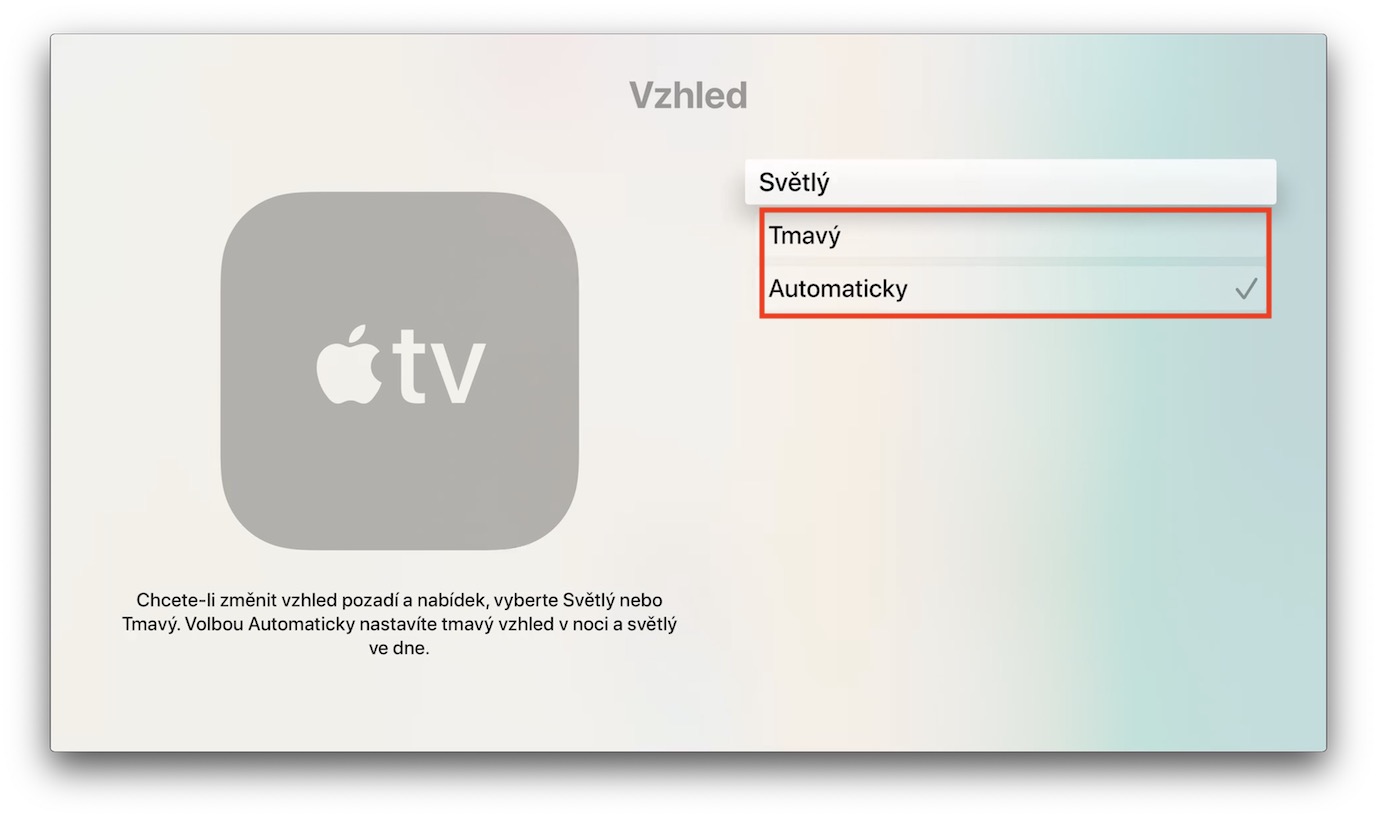
Dark mode on Apple TV You will especially appreciate it if you want to watch it in the evening, when this setting can significantly relieve your eyesight. Pro activating dark mode on Apple TV Go to Settings -> General -> Appearance. Here you can either switch between dark and light mode, or enable automatic changes that will occur depending on the time of day.
Renaming Apple TV
Just like other Apple devices, you can rename yours too Apple TV. How to do it? Launch Settings -> General, where you will head to the About -> Name section. Here you just need to make the appropriate changes and Apple TV simply rename it. Changing the name will be especially useful if you have more than one in your household. Apple TV.
You might be interested in
Connecting a game controller
Gallery
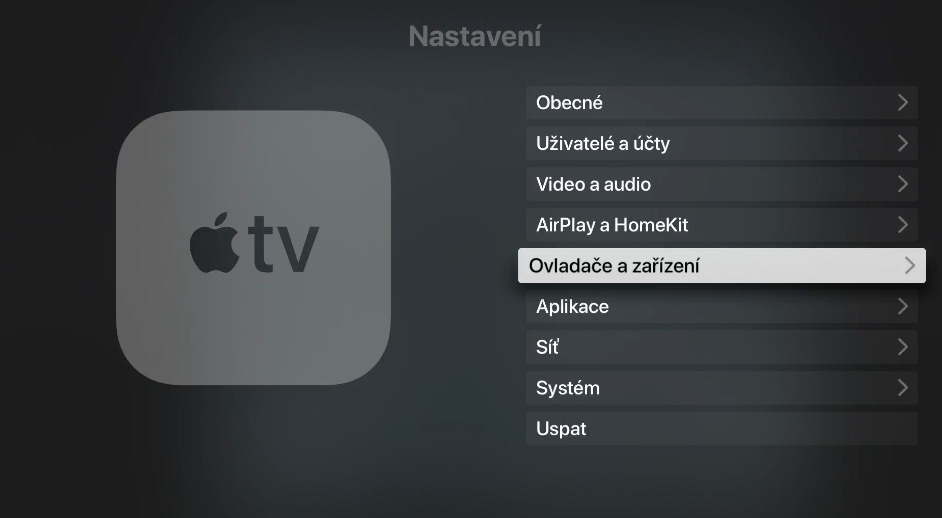
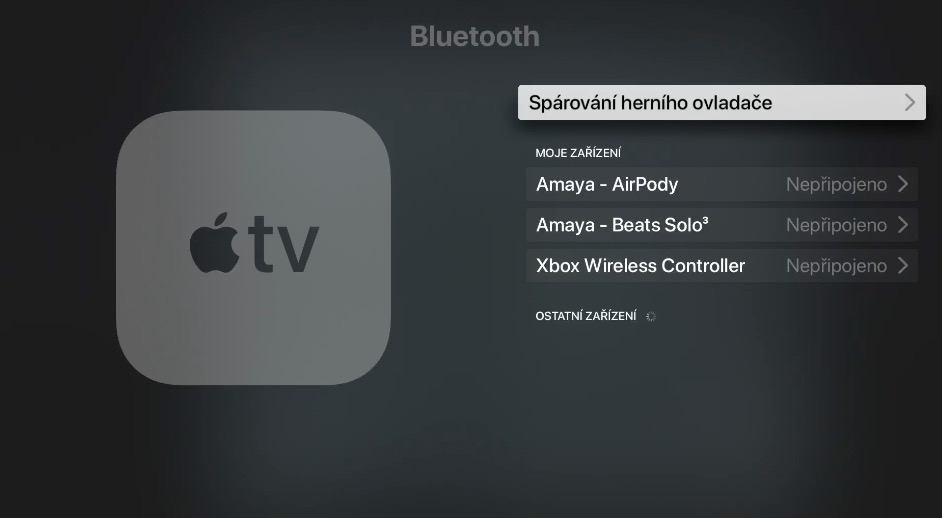
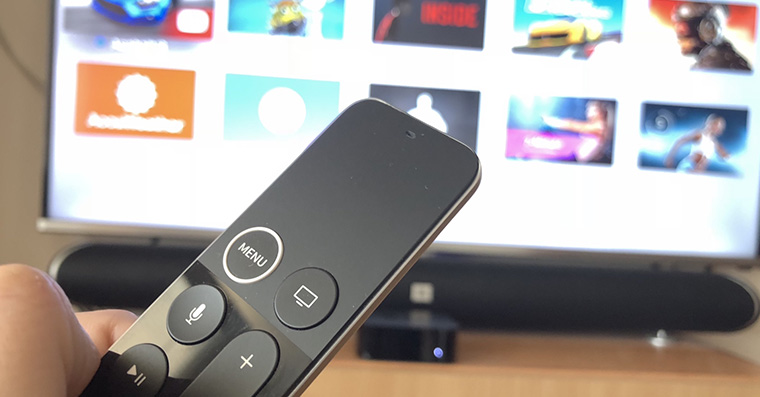
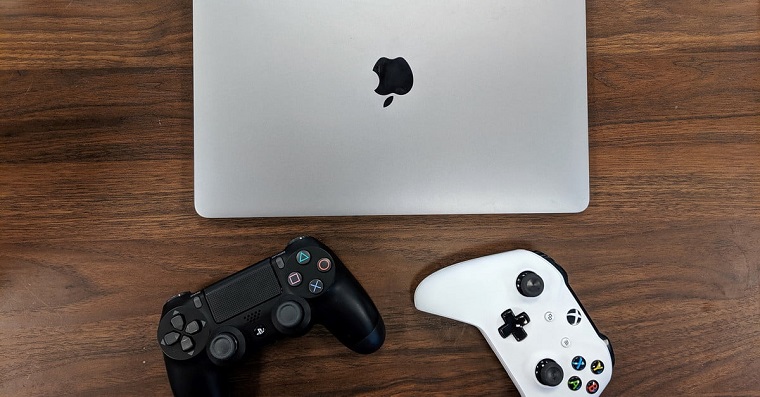

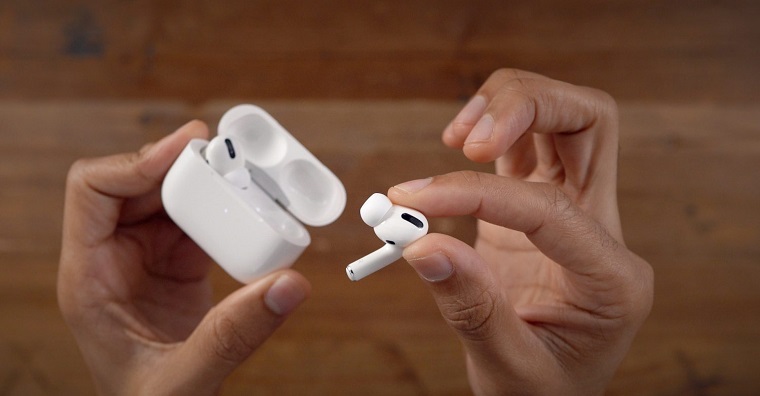

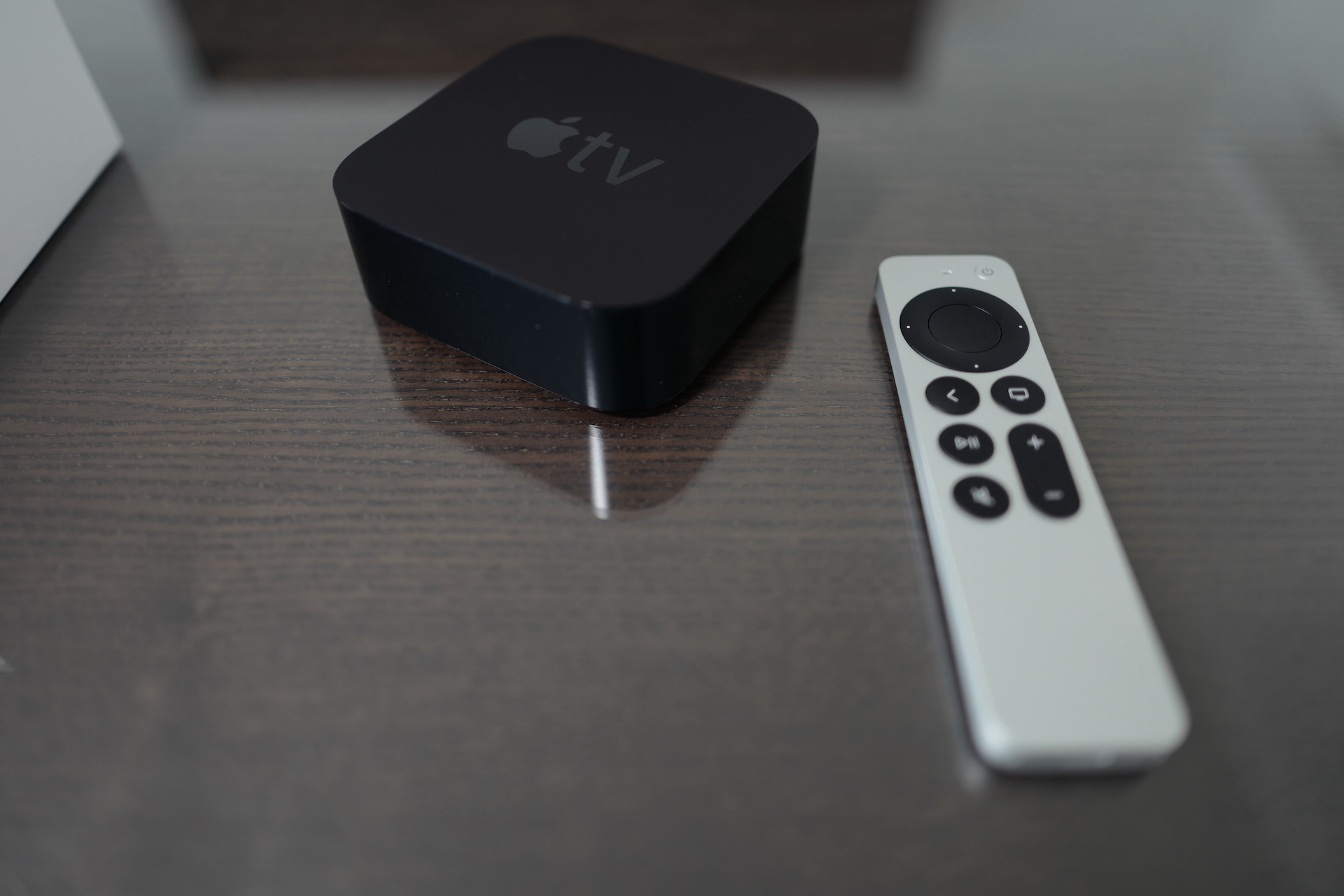
Apple TV is a great device not only for watching movies and series, but also for playing various games, which you can control with one of the compatible controllers. You connect the game controller to your Apple TV by first turning it on and activating Bluetooth on it according to the manufacturer's instructions. Then on Apple TV launch Settings -> Controllers & Devices -> Bluetooth, where you can pair the controller by clicking on its name.
Parent lock
Gallery
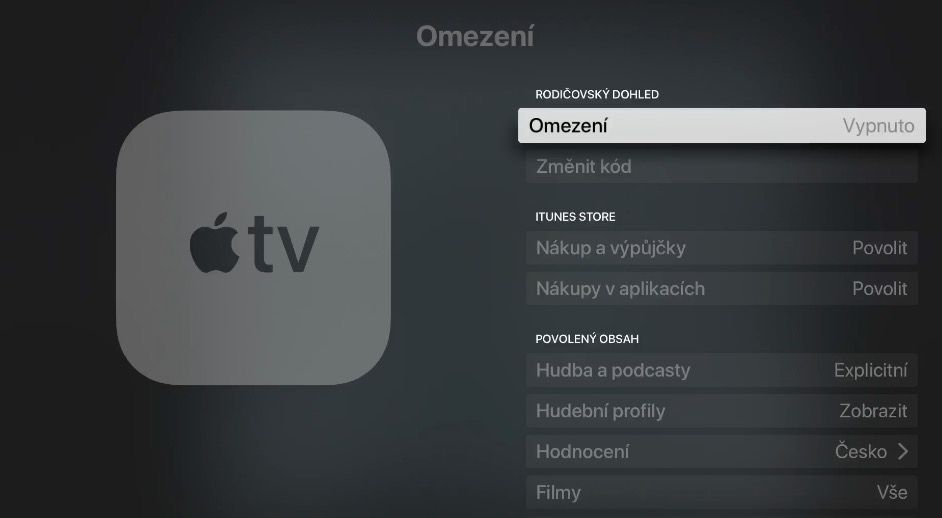
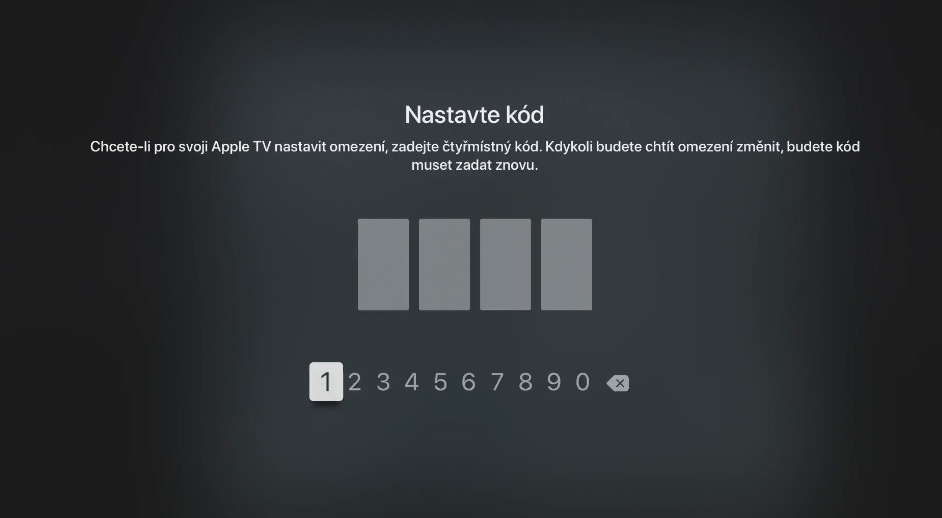
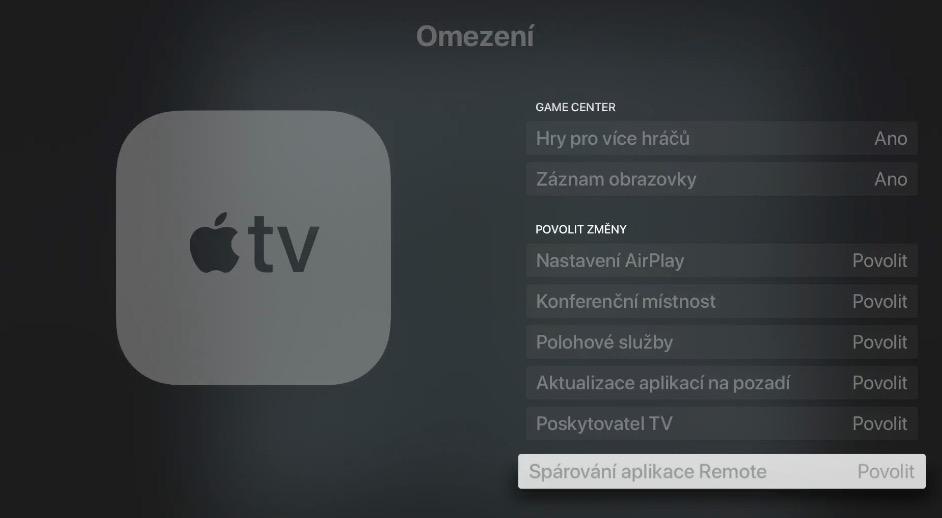
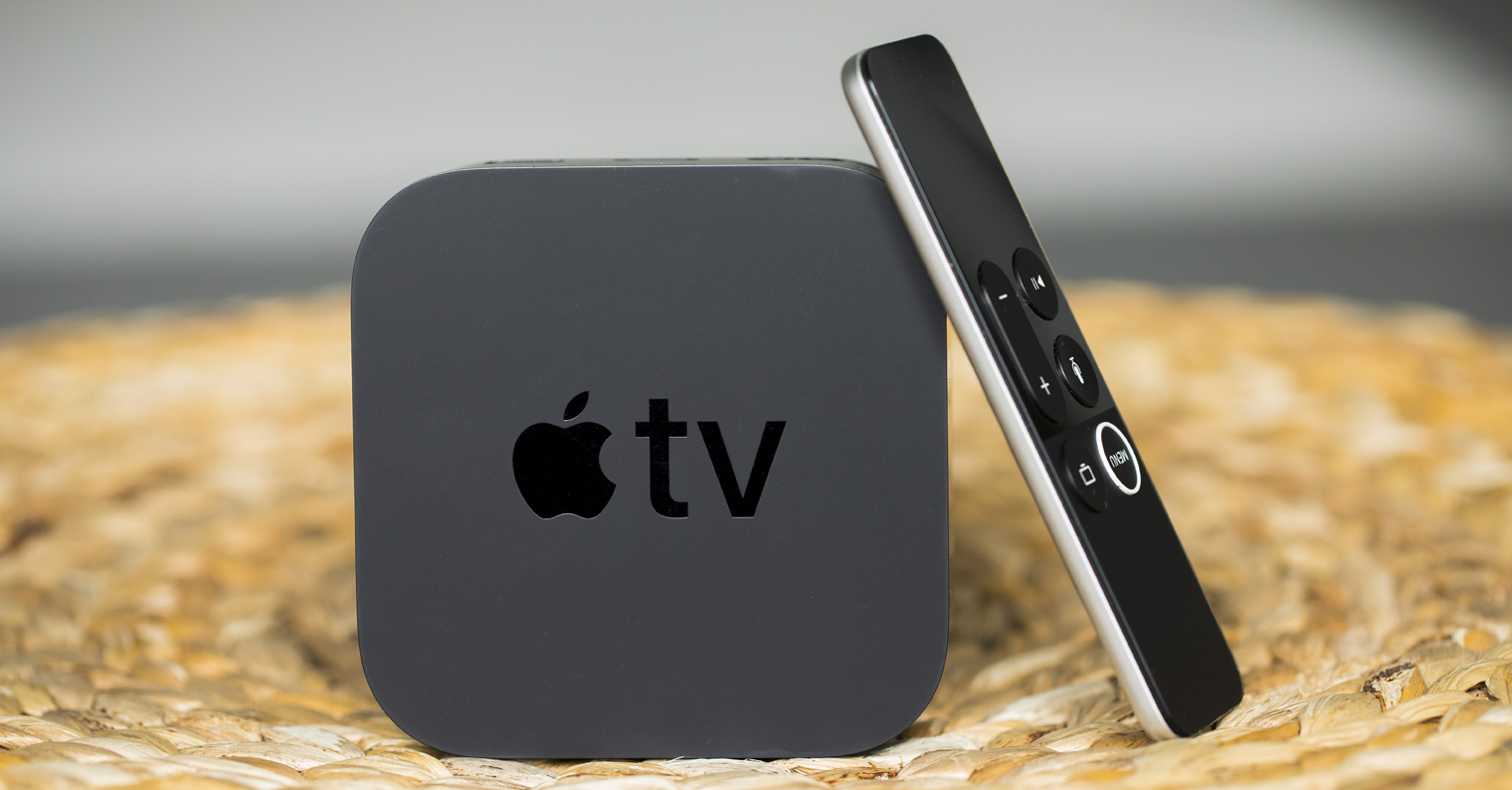
If you have small children at home, it is definitely a good idea to activate na Apple TV parental control, which prevents your children from accessing sensitive and inappropriate content. You can enable parental control on your Apple TV Simply activate it by launching Settings, where in the General section head to Restrictions. In the Restrictions section, you can set a parental lock code, but also set the content you want to allow on the device.
Adjust video quality
Apple TV offers a variety of customization options. These include the ability to customize and set video and audio quality. If you would like to use these options on your Apple TV explore, first launch Settings on it, where you head to the Video section and audioHere you can easily adjust all the necessary parameters.
You might be interested in

Aren't there 9?
Aren't there only 9?
There is still no "turn off after playback" function, or a quick one-time time switch,
Exchange for Nvidia Shield pro.:-)