
Before you start reading the following lines, we would like to draw your attention to the fact that they are primarily dedicated to users who found their first Apple product. They are the ones who will use the advice from this article the most (and probably the only ones).
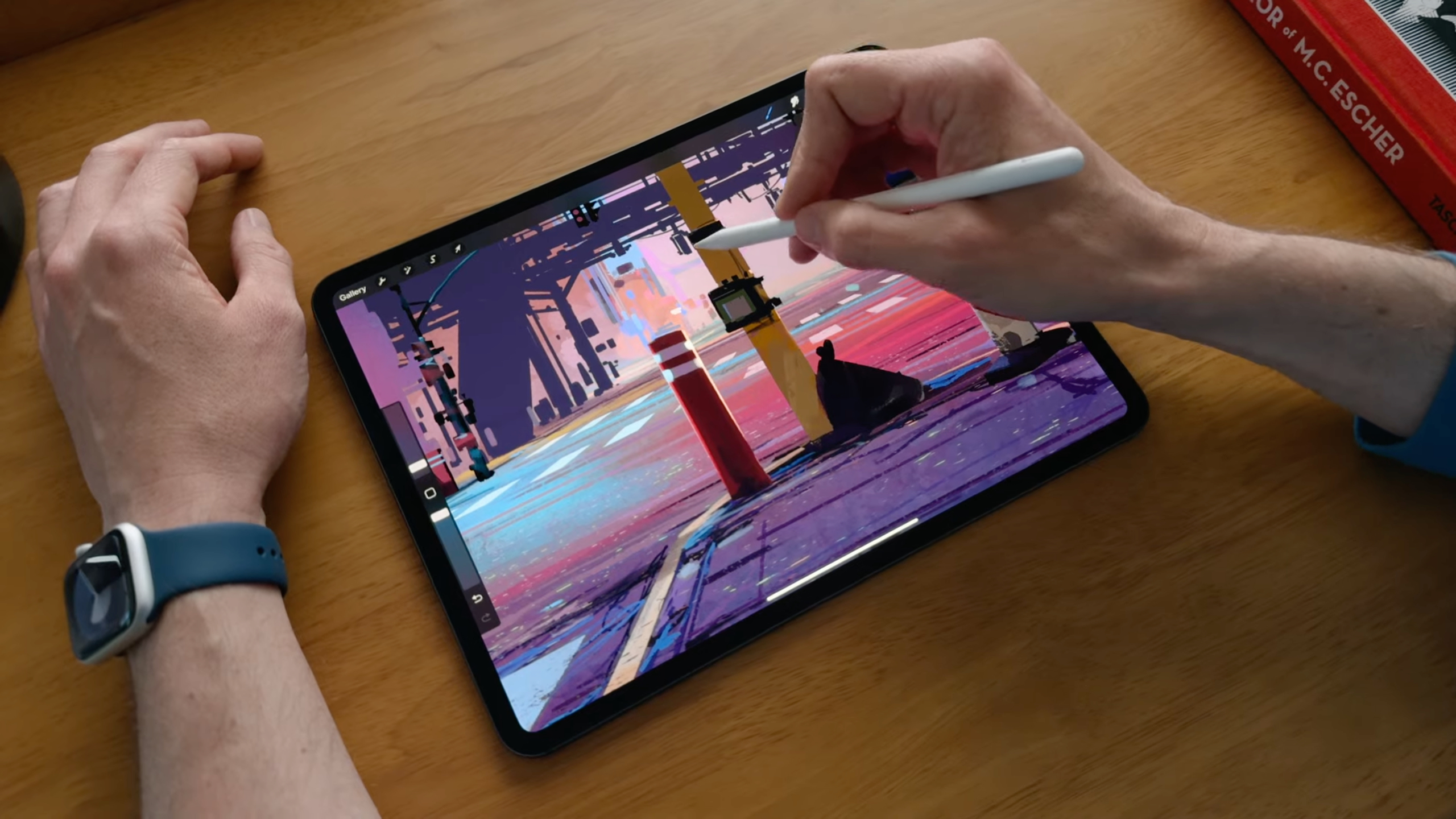
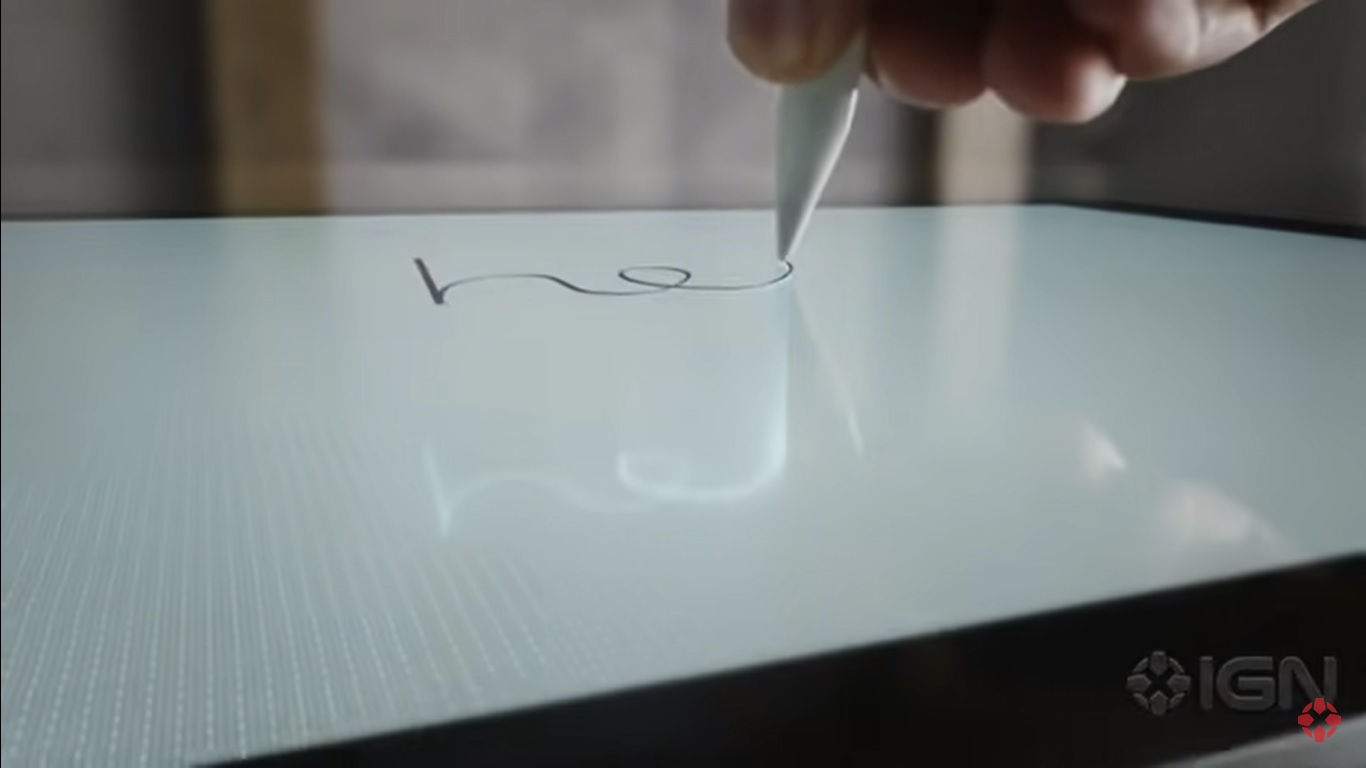
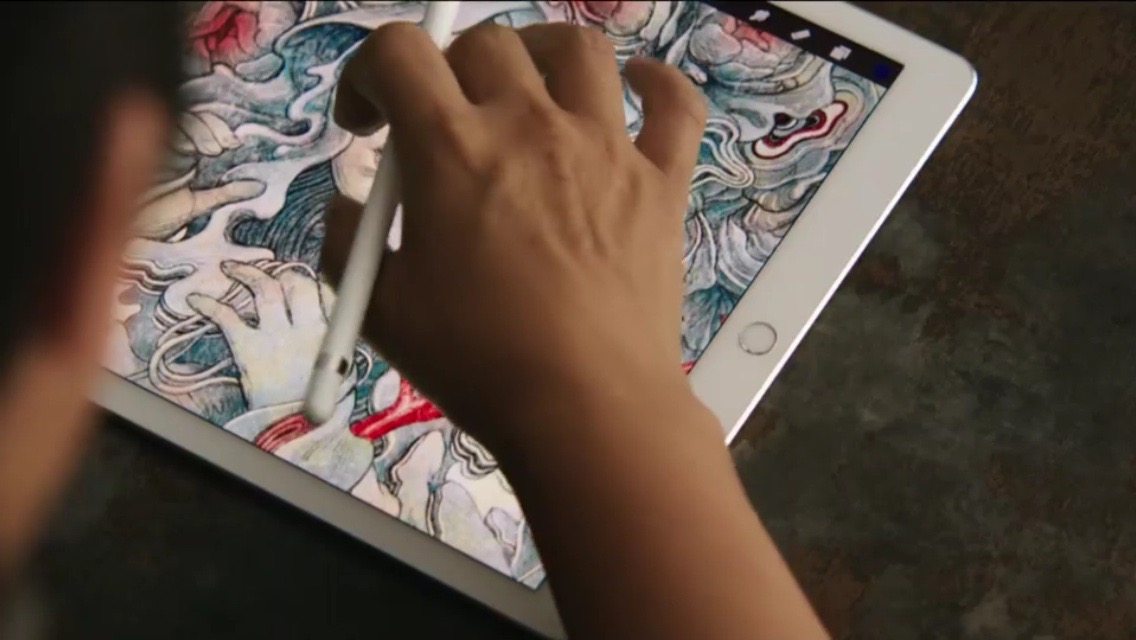
It's early Christmas Eve, which means most of us have already unwrapped our presents. If you've been particularly good this year, Santa may have gifted you with some apple product. If you are a "toy girl" and you like art or just draw in your free time, you may have found under the tree Apple Pencil. This Apple pen for the iPad is not just a stylus. If you have a little patience and sensitivity, you can literally do magic with it over time. But we won't give you a tip for that. In this article, we'll talk about how Apple Pencil pair with your iPad. If you are Apple Pencil have not yet unpacked, open the box, remove the protective film and pull the plastic protrusion on the side. You will then see Apple Pencil, also wrapped in foil.
You might be interested in
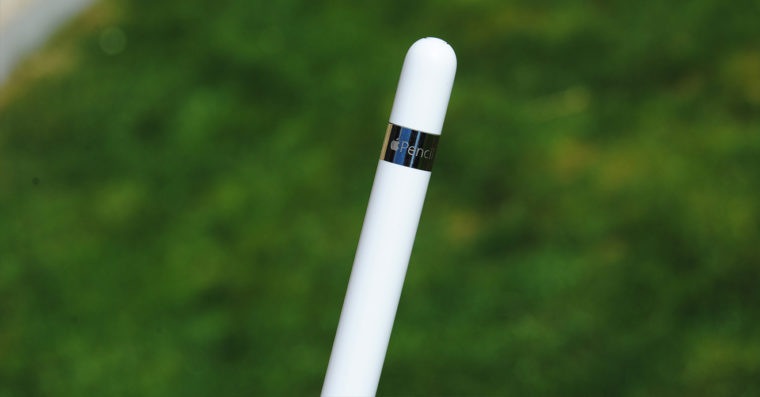
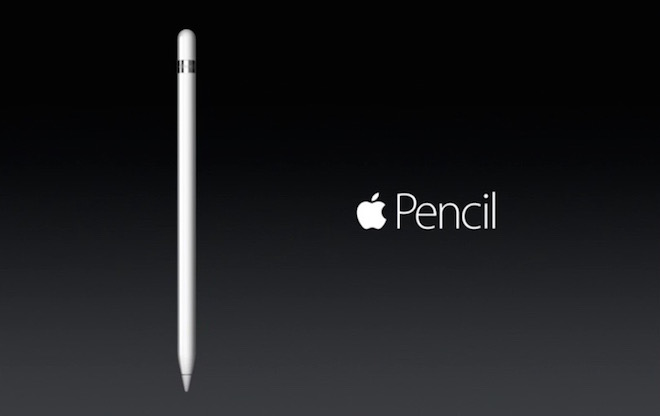
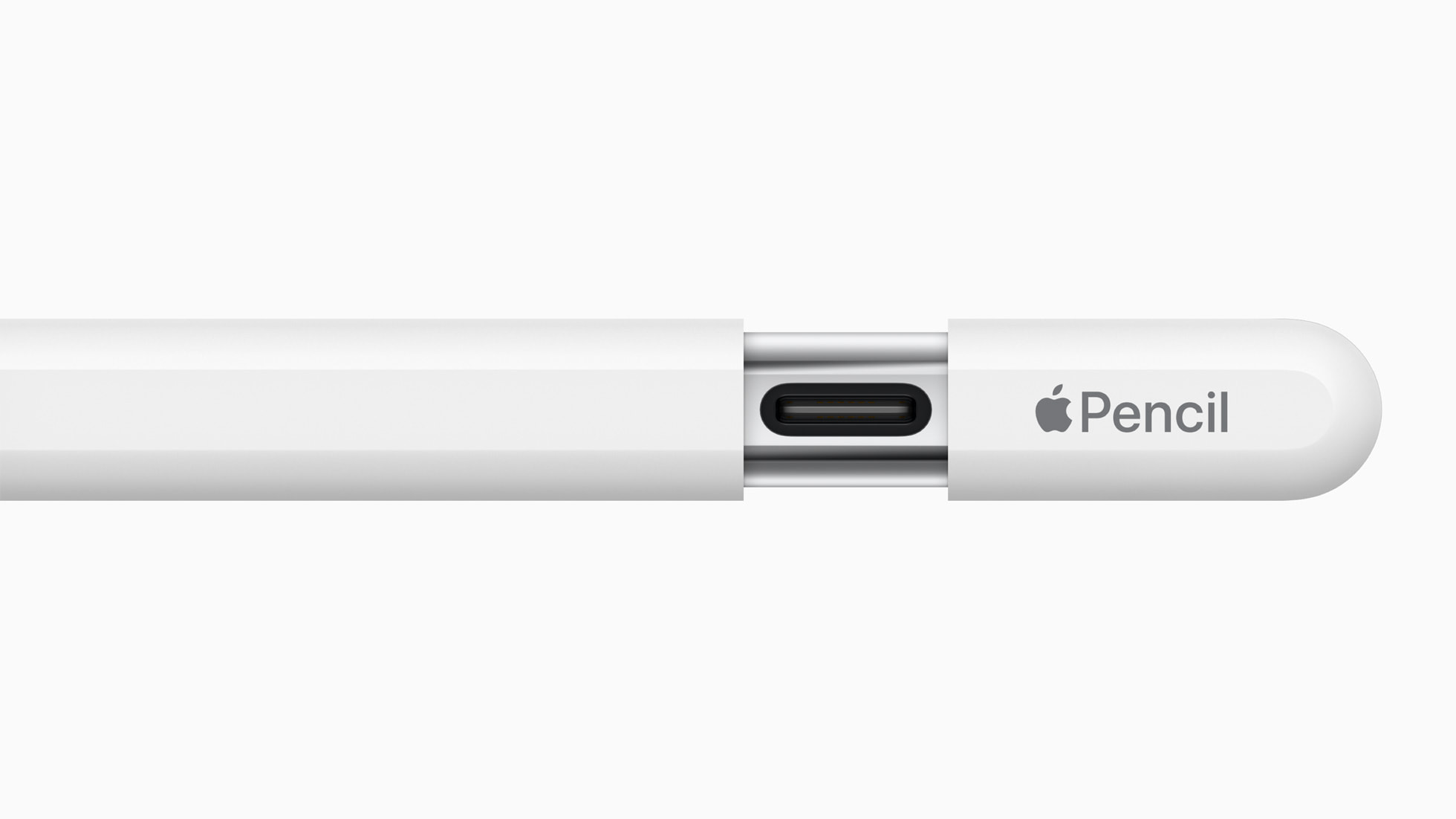
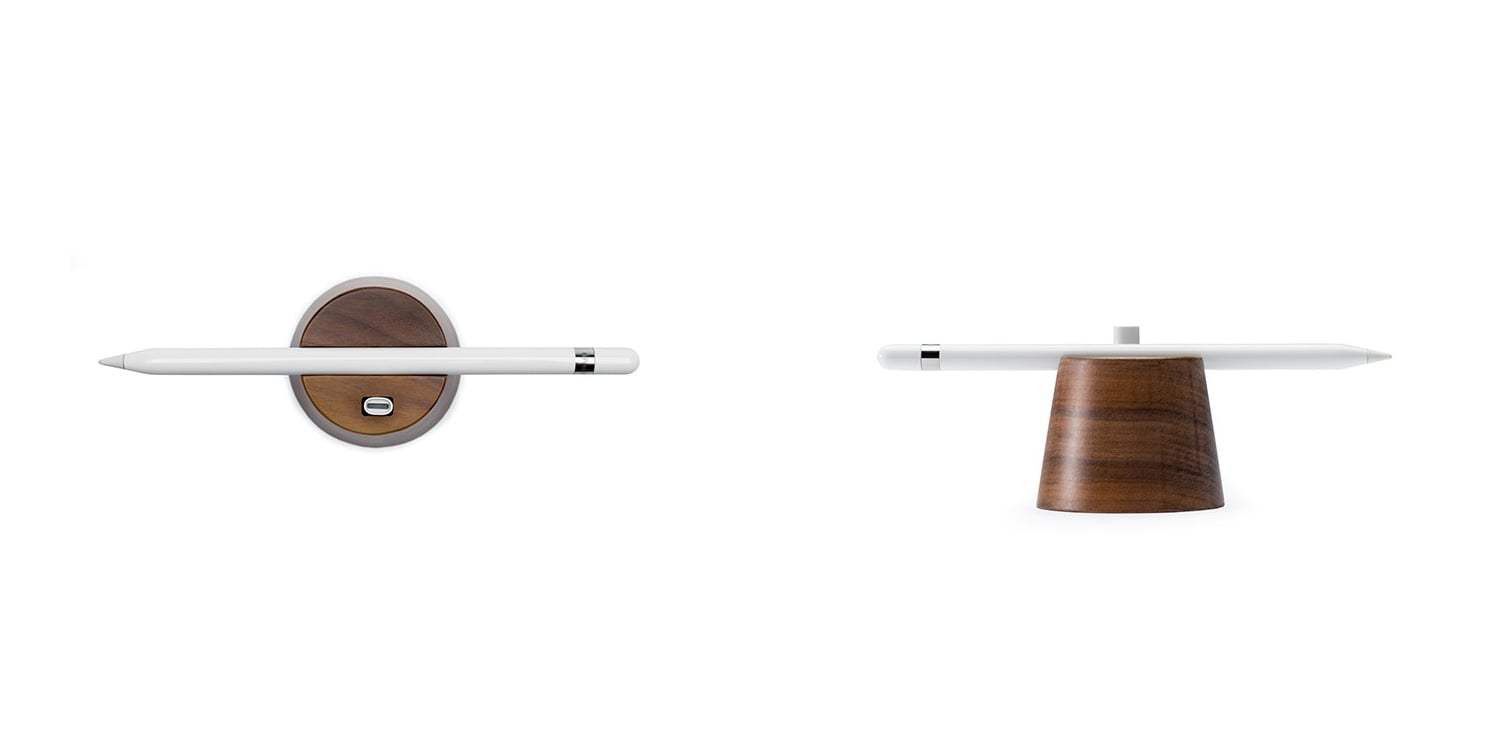
Apple Pencil 1rd generation
Gallery
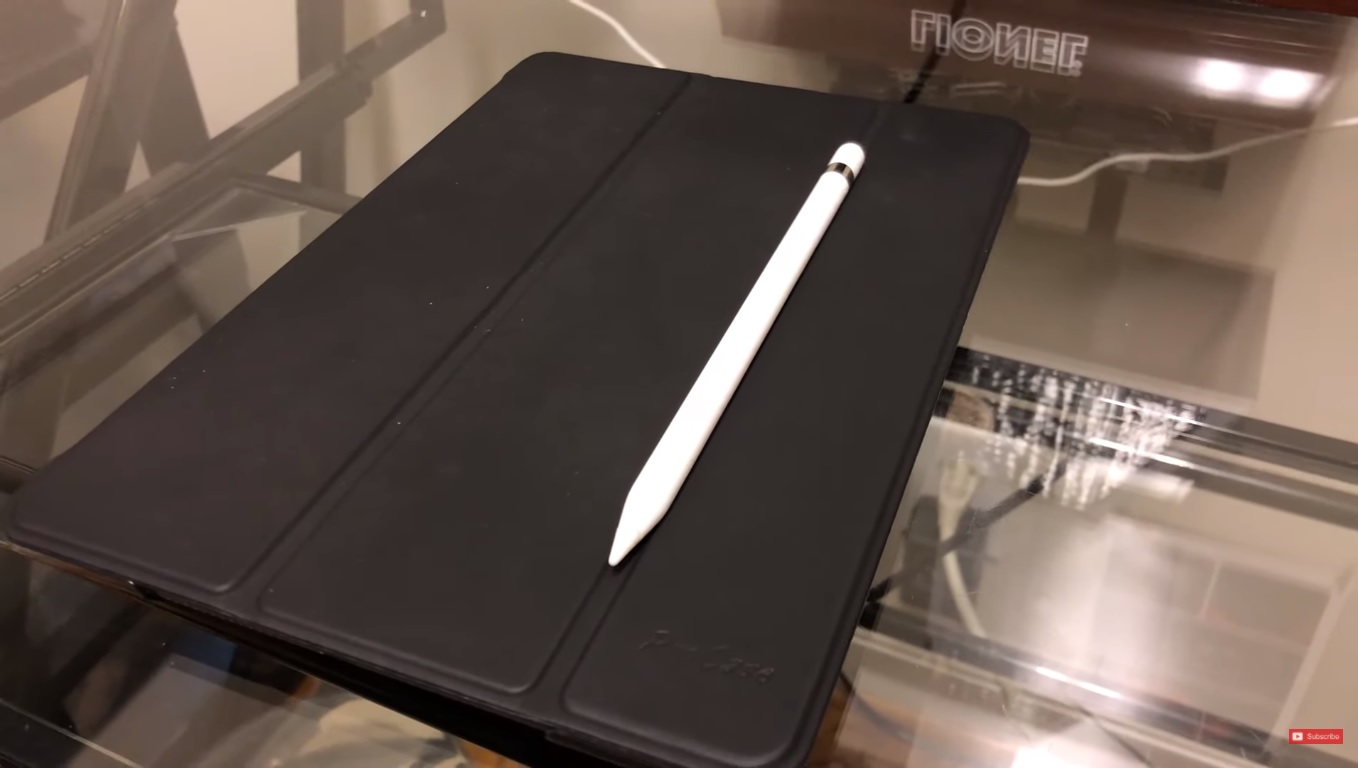
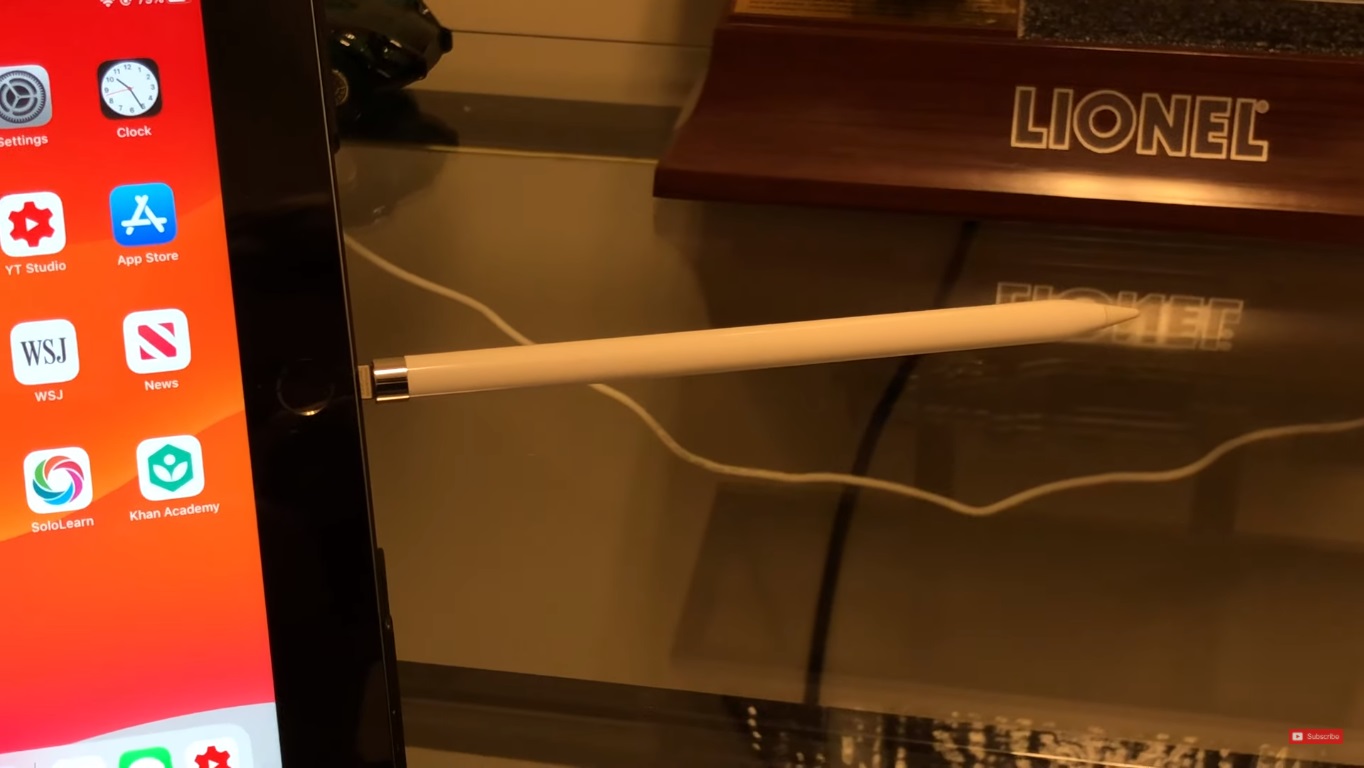
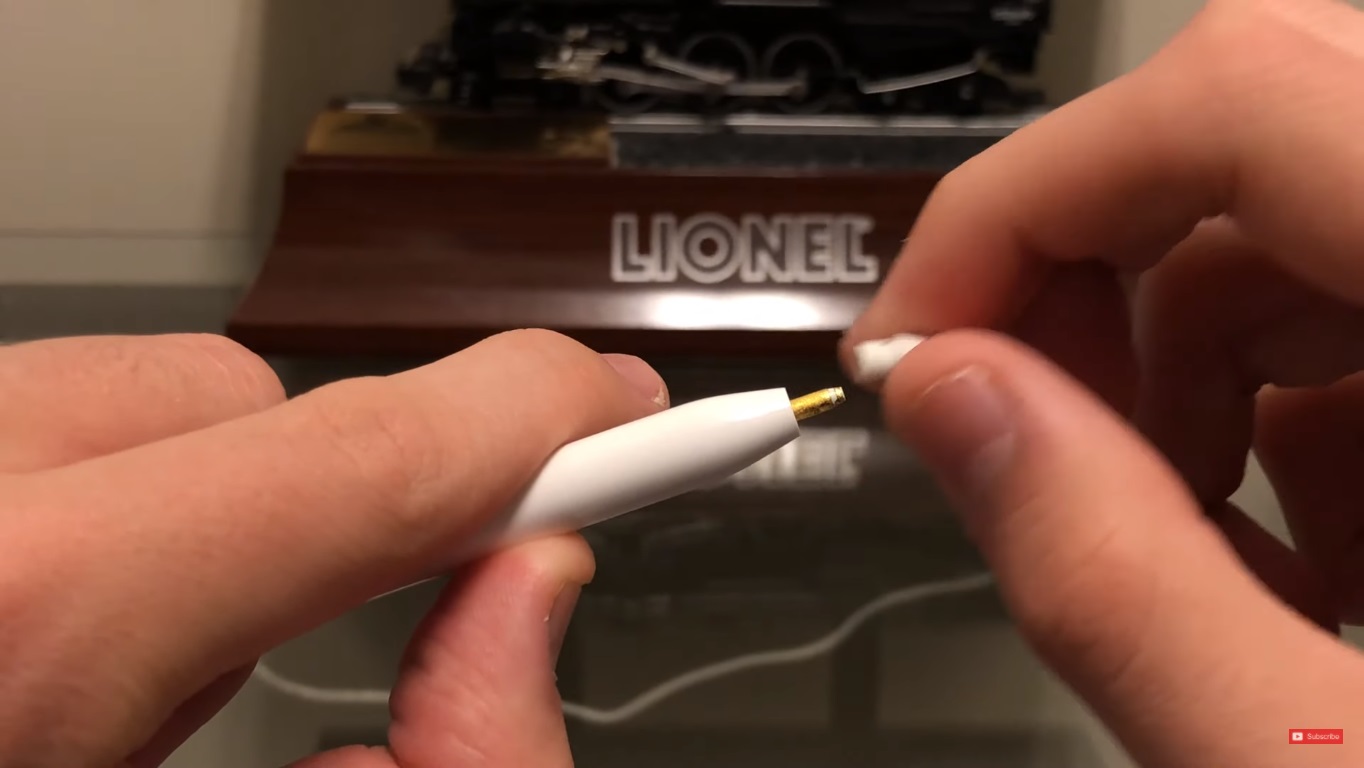
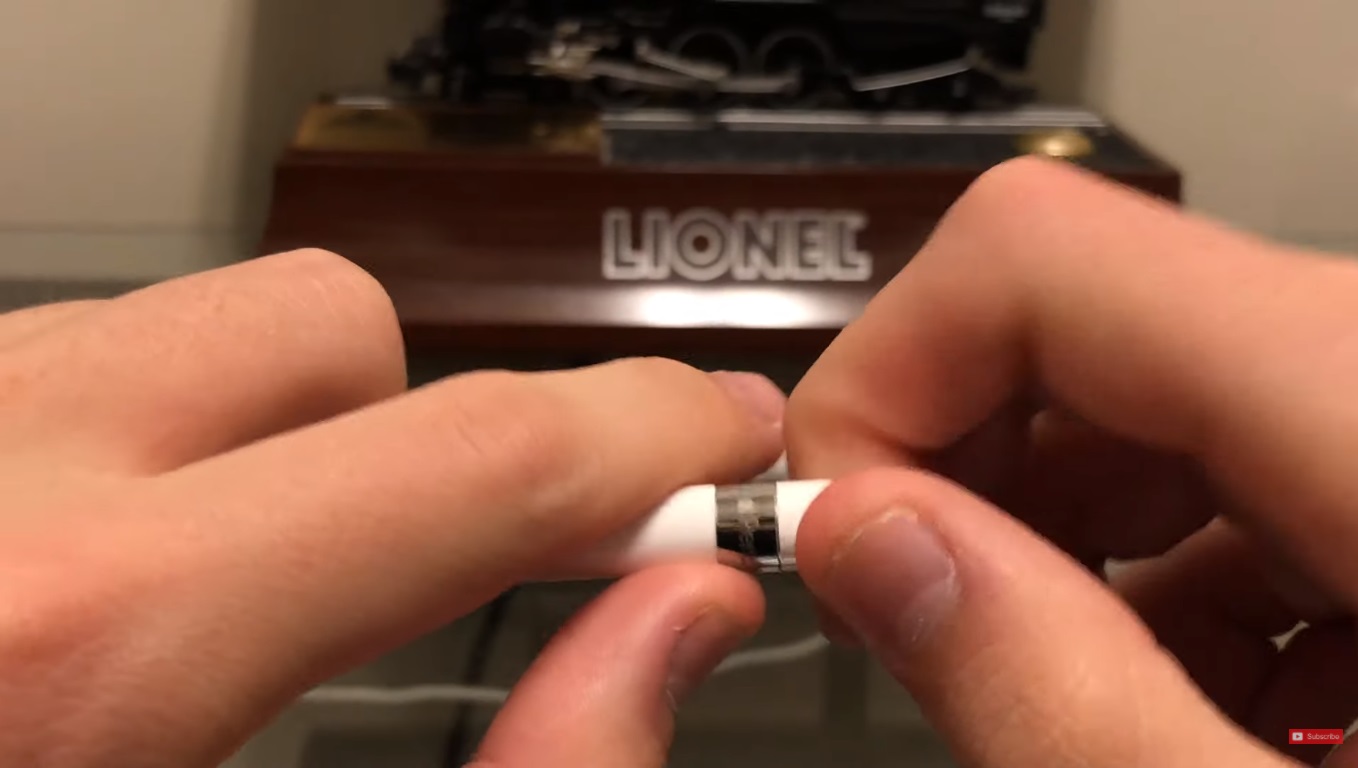
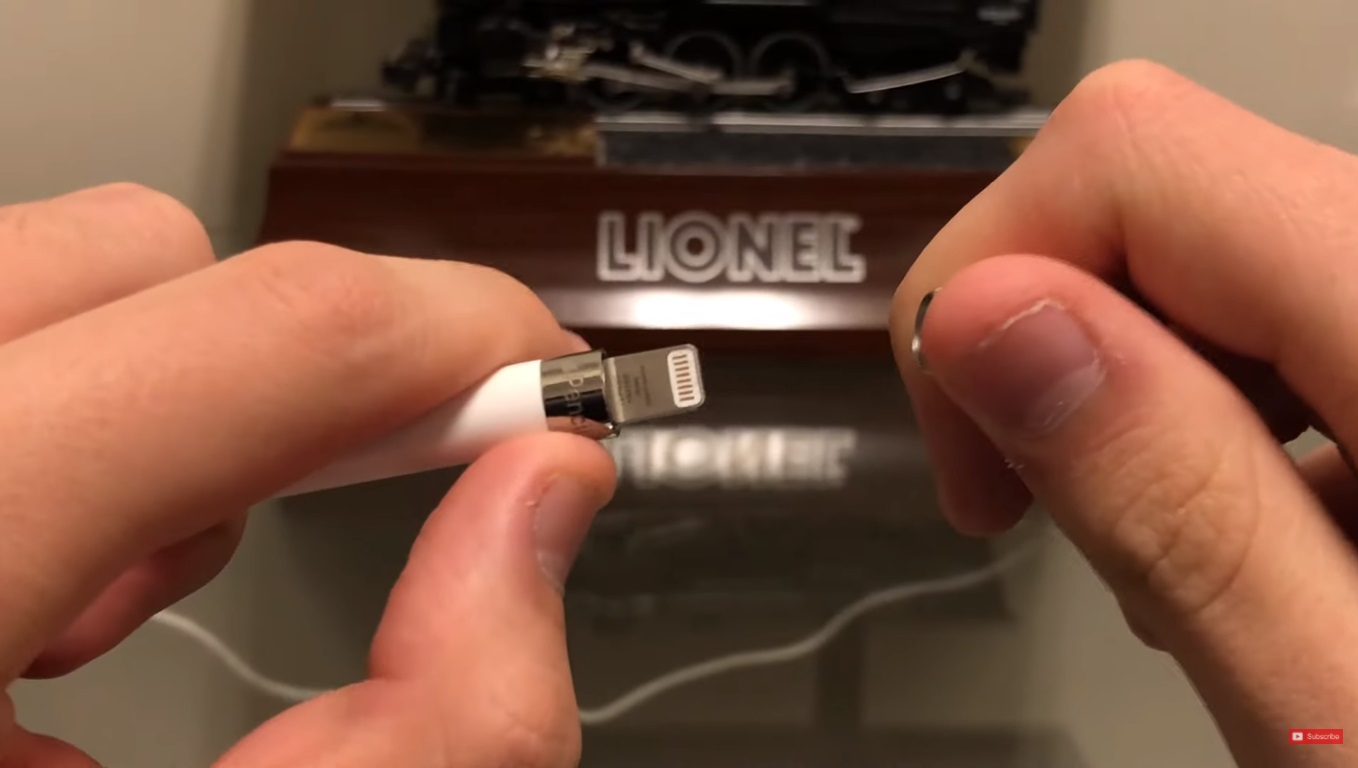
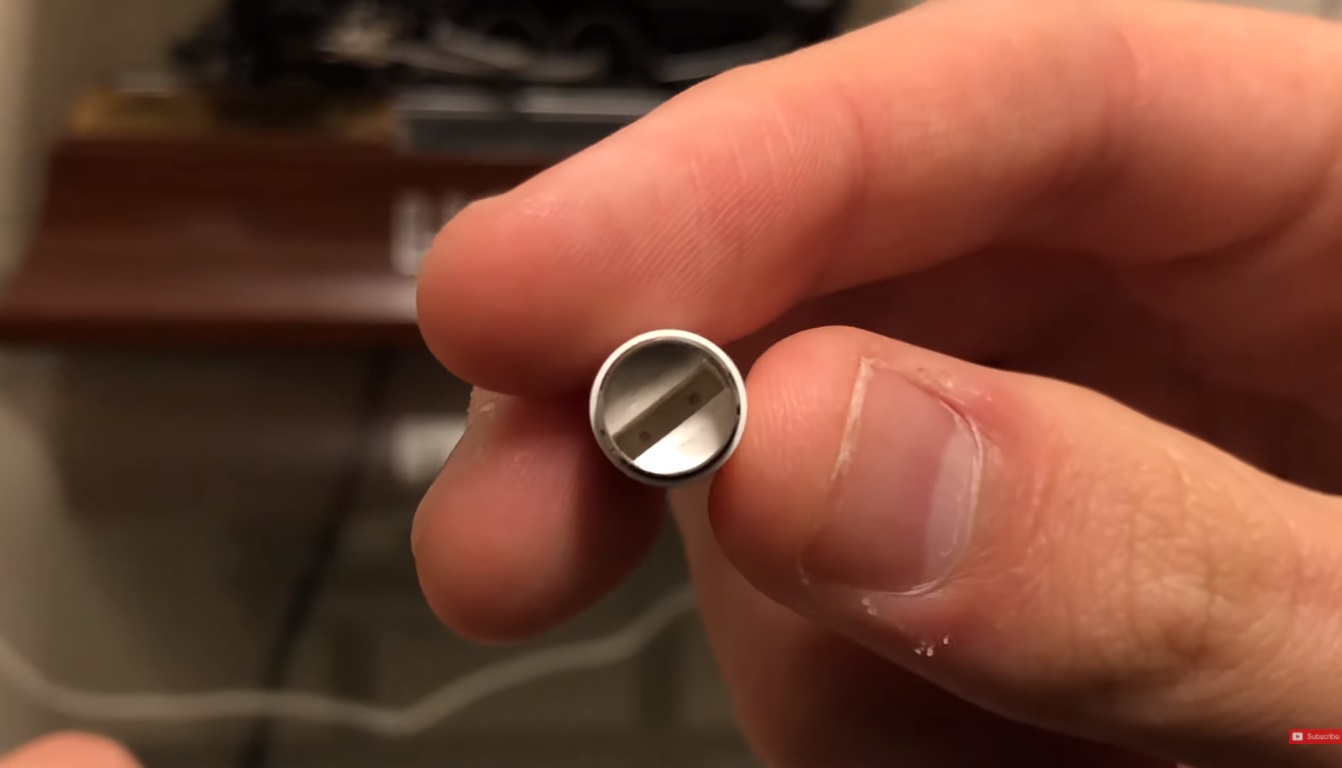
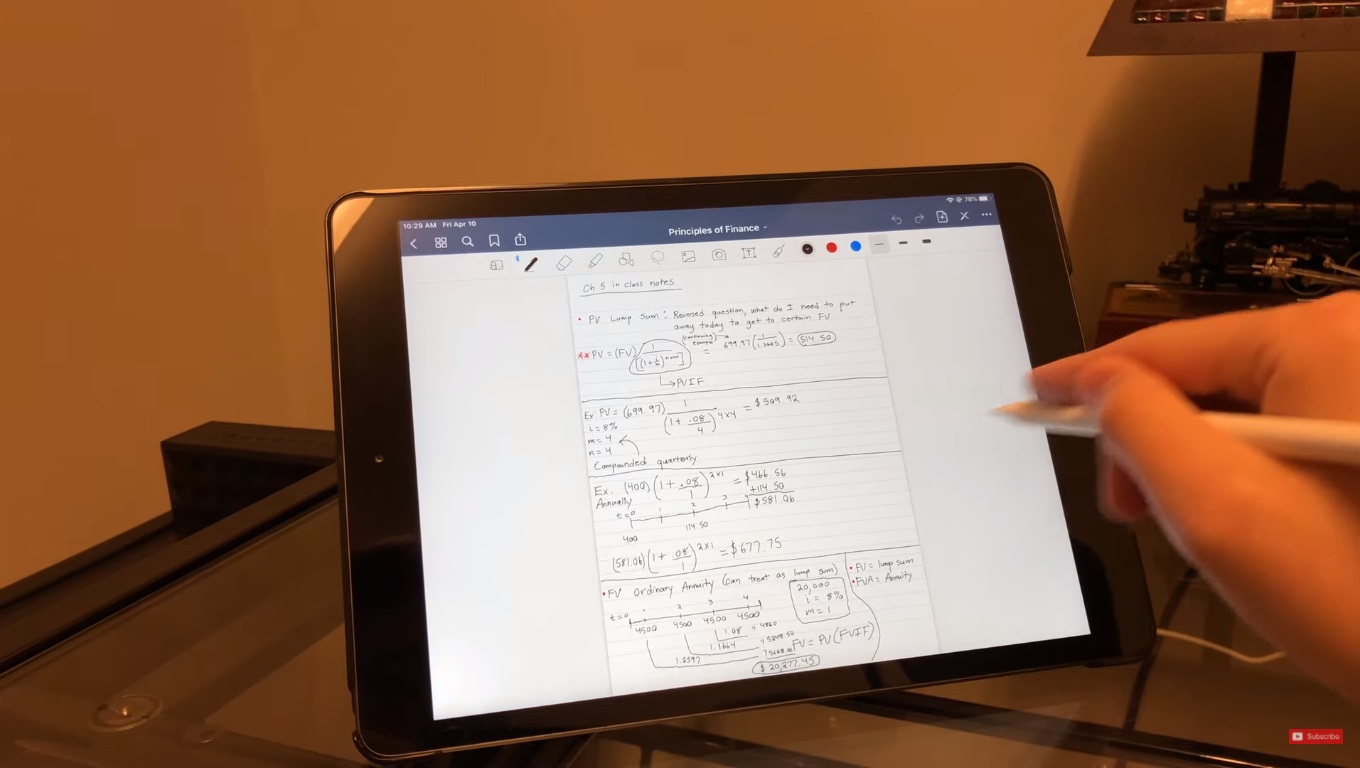
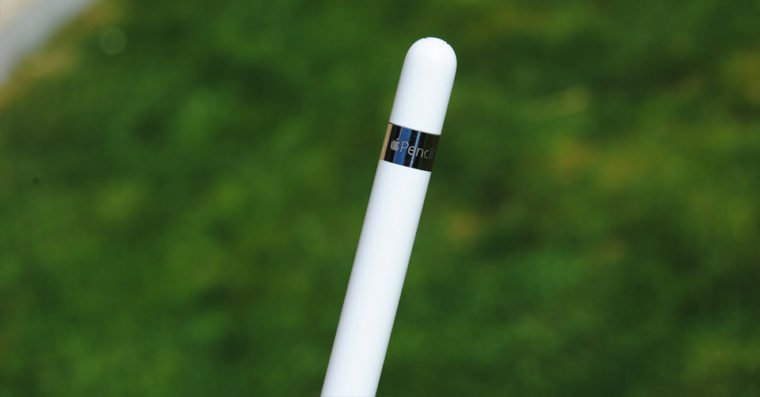
The way to pair your Apple Pencil with your iPad varies based on which generation Santa Claus gave you. Basically, it is necessary to say that pairing Apple products is always a very simple task.onem. In the case of Apple Pencil this is of course no different. With this generation you have to remove the cap on the top of the pen. Once you do, you will discover lightning konewhich you plug into your iPad. A pop-up window will appear shortly, which you can tap to dismiss. The pen is now paired with your iPad. You can end the pairing as soon as you turn on airplane mode, restart your iPad, or pair the pen with another supported device. The accessory can be charged in two ways. Either connect it to your iPad or the adapter. I would definitely not connect it to your iPad. One awkward movement is all it takes and it's bad. Apple Pencil The 1st generation pairs with these models:
- iPad (8th generation)
- iPad mini (5st generation)
- iPad (7th generation)
- iPad (6th generation)
- iPad Air (3st generation)
- 12,9-inch iPad Pro (1st or 2nd generation)
- 10,5-inch iPad Pro
- 9,7-inch iPad Pro
Apple Pencil 2rd generation
Gallery
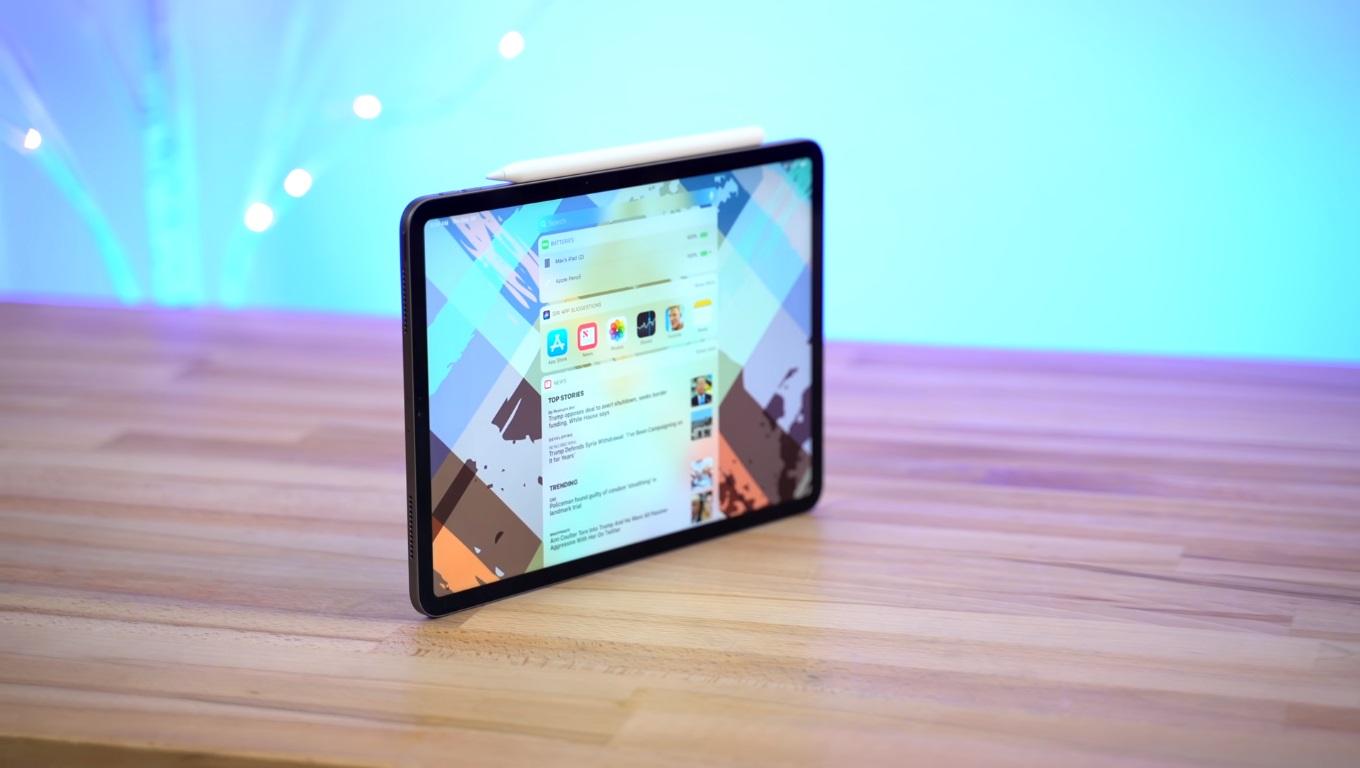
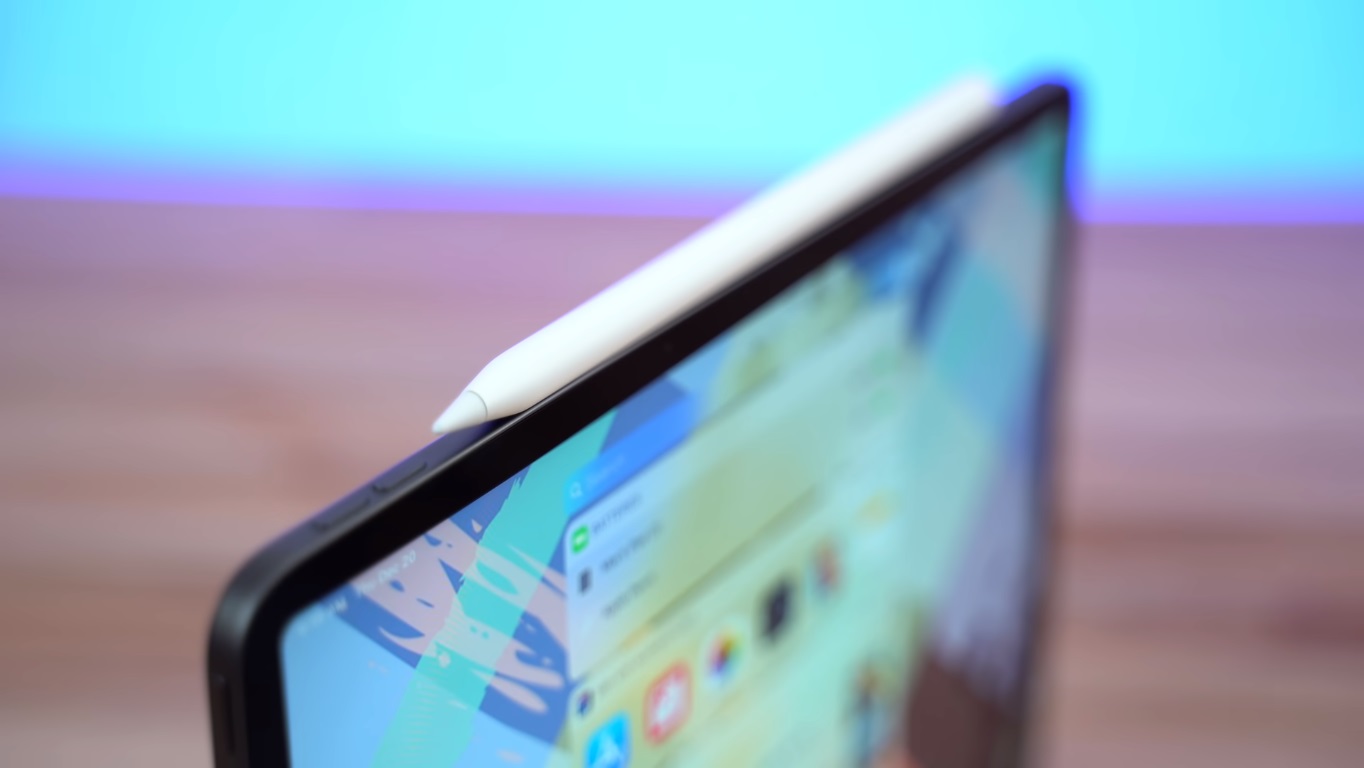
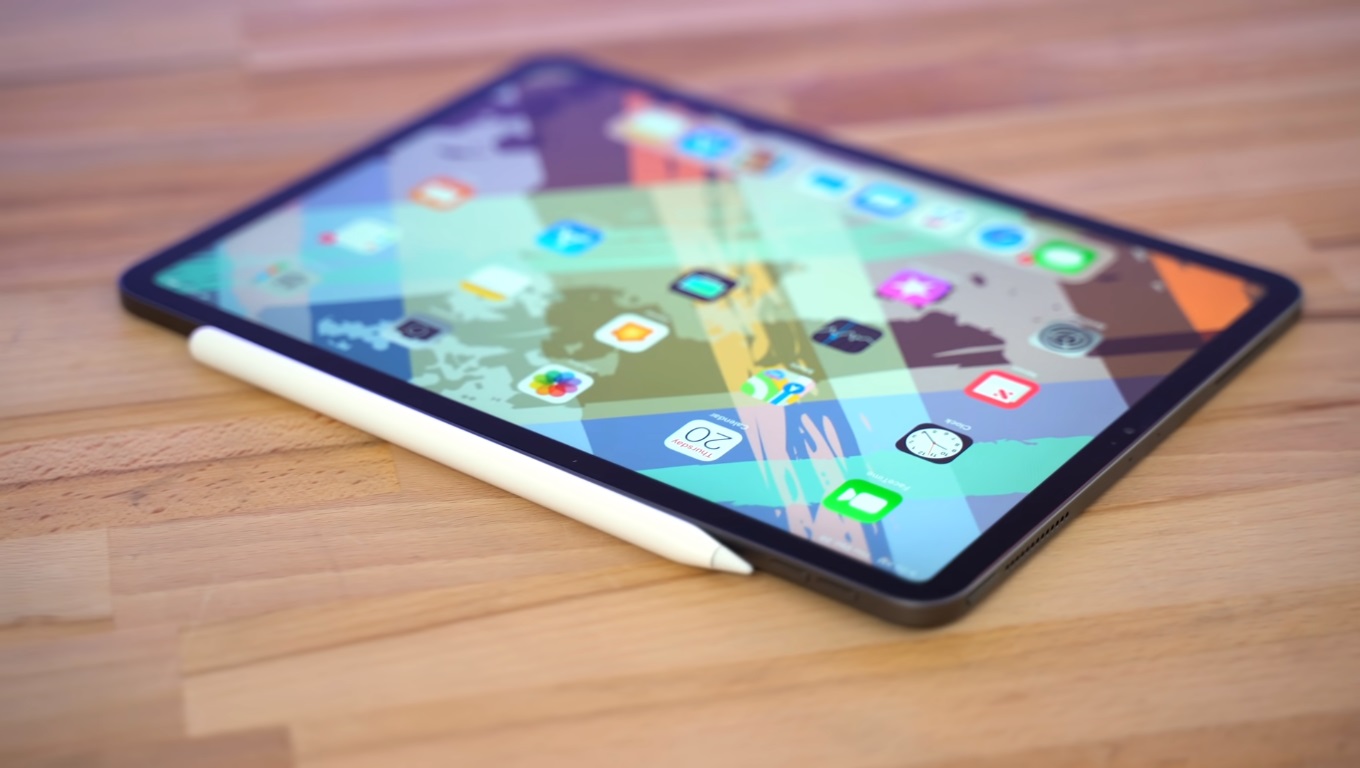
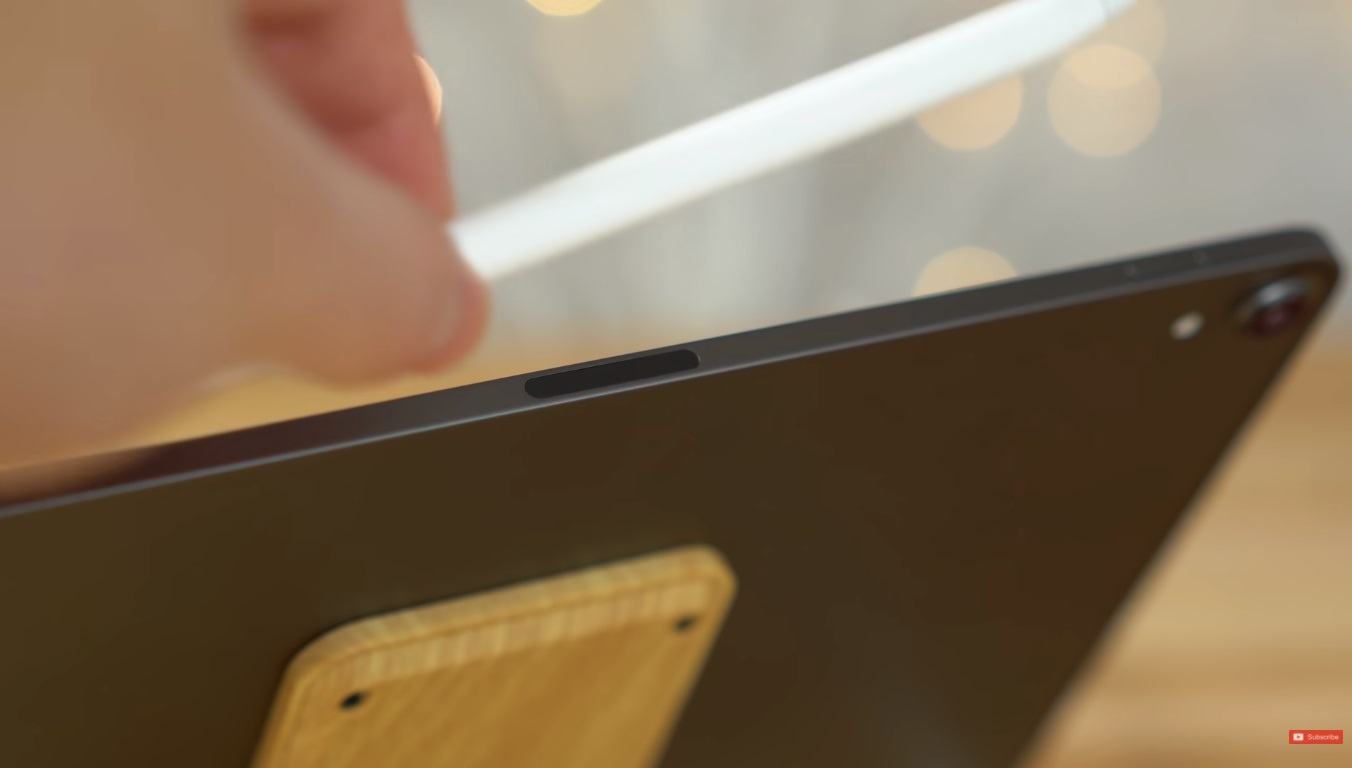
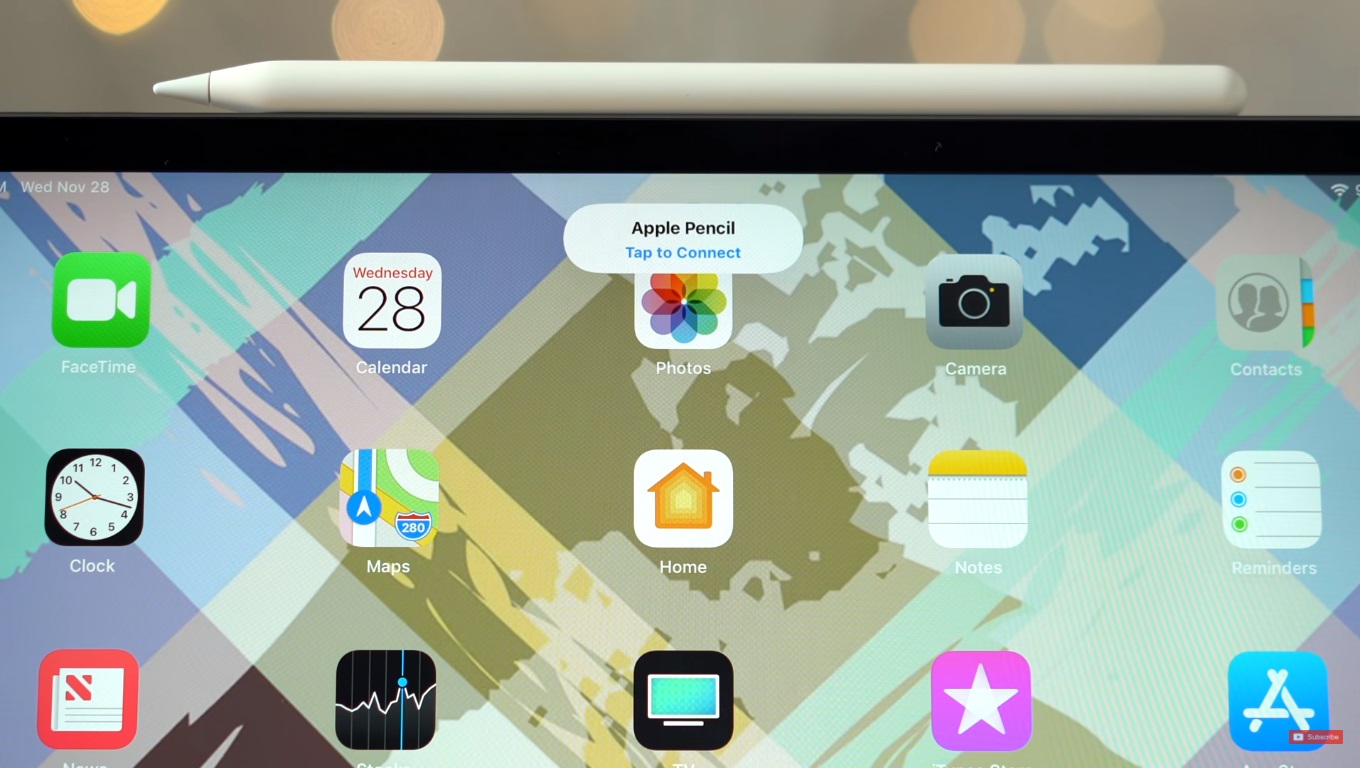
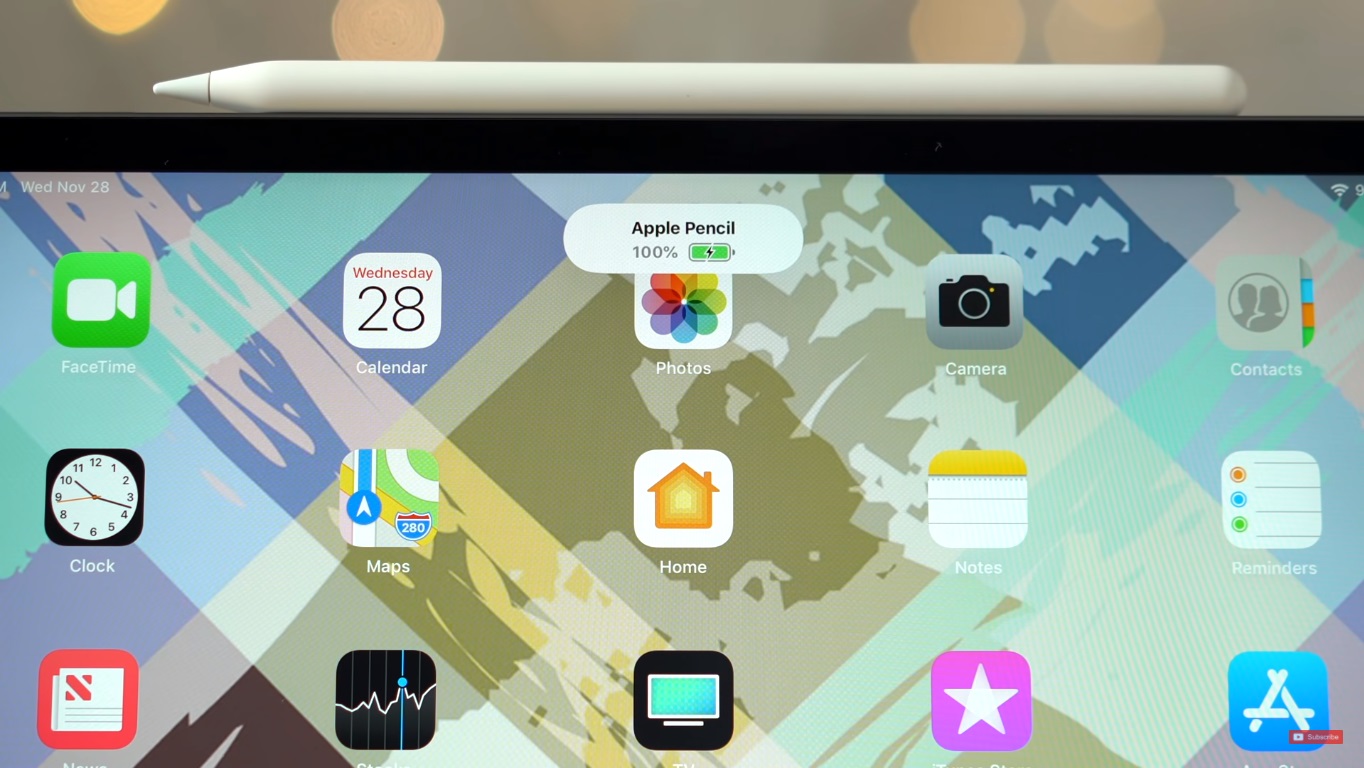
In this case, pairing with the iPad is the easiest, as you just need to place the pen on the magnetic base.oneon the side of the iPad. A pop-up window will appear almost immediately, which you can click to cancel. You can cancel the pairing in the same way as with the first generation. That is, by turning on airplane mode, restarting the iPad, or pairing with another device. Second generation Apple Pencil It also charges more elegantly. Simply attach the pen to the magnetic clip.onewhich iPad. You will see the battery status again in the notification center. Apple Pencil The 2nd generation pairs with these iPads:
- iPad Air (4st generation)
- 12,9-inch iPad Pro (3rd generation) and later
- 11-inch iPad Pro (1rd generation) and later
If for some reason the pen refuses to pair, make sure you have Bluetooth turned on. If the problems persist, restart your iPad and see if it is Apple Pencil sufficiently charged. Hopefully this article helped you and the apple pen will only bring you joy. So happy and cheerful.




Hi, I got it. pencil as your 1st. Apple product. How do I charge it? I have an android phone and I don't know what to do with the pencil.
Thank you
Somehow I don't see the point Apple Pencilif you don't have any Apple device. It's useless to you like this, it won't work, without iOS you can't charge the device. And next time try asking Uncle Google. 🙃
I wanted something from Jesus Apple.
😢 next time i will write ipad
It must be fun with you out there, mate...
Go ahead and use Google on "how to recognize irony"