
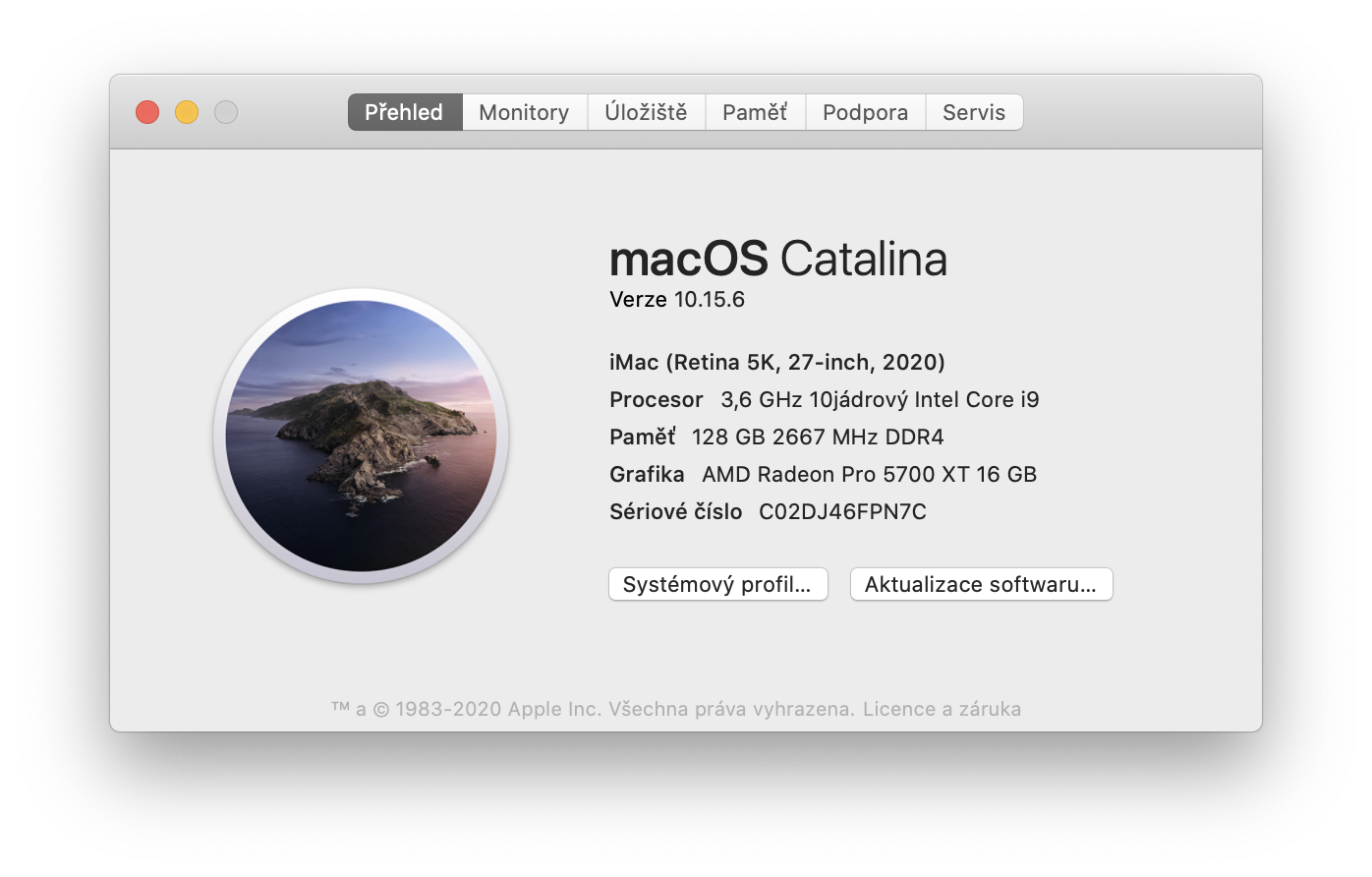
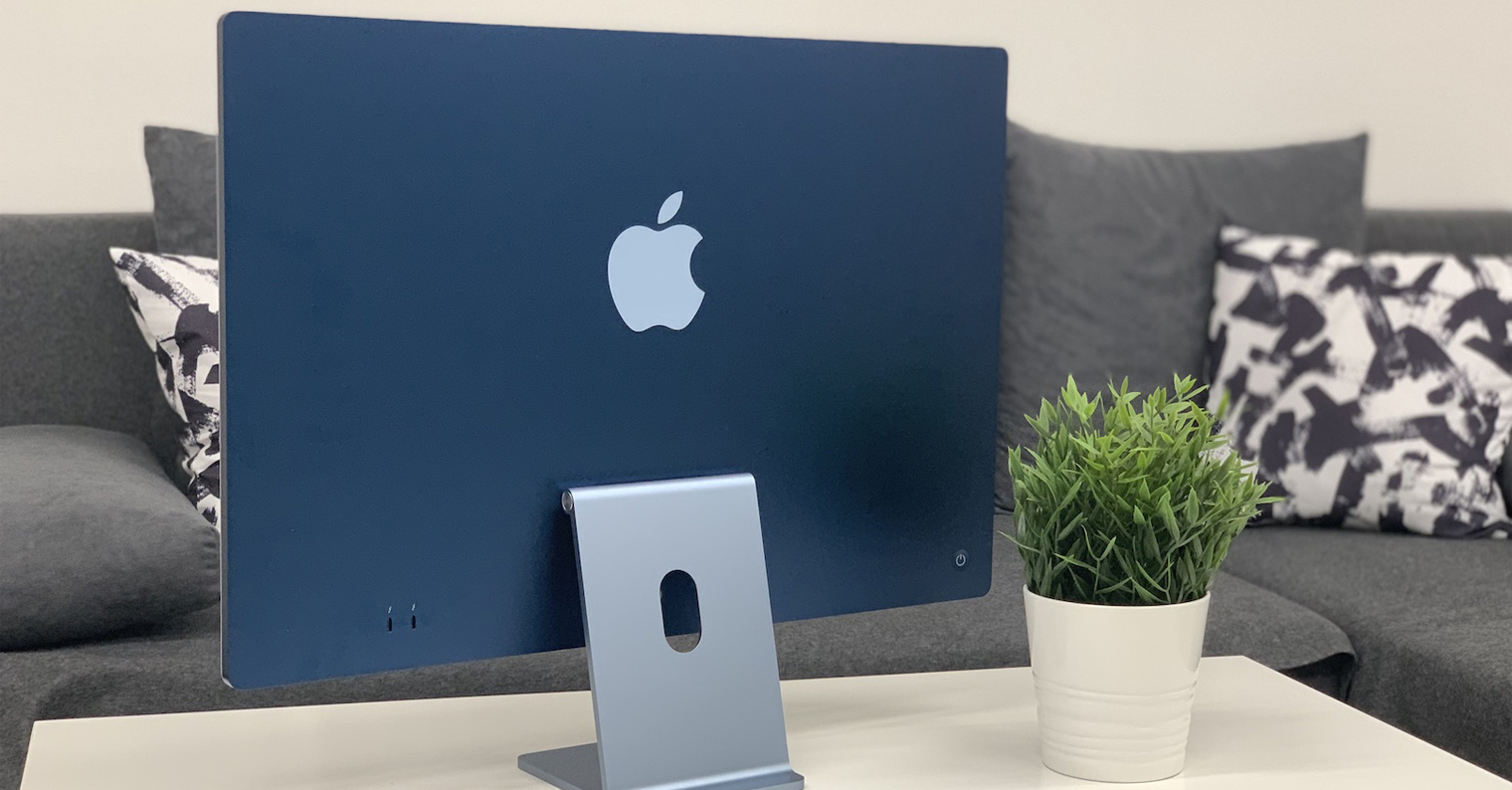
When I configured my new iMac, I intentionally left one item unchanged. RAM from Applu are simply very expensive and if only they were from Applu, then I could kind of understand the reason. However, paying an amount approaching eighty thousand crowns for Samsung RAM seems a bit excessive to me. Fortunately, the new iMac 27″ 5K offers the option of user-replaceable RAM, so you can buy RAM for a completely different price and then install it in your iMac in a few minutes. Thanks to this, I was able to add to my iMac 27″ 5K configuration 3,6GHz 10-core tenth-generation Intel Core i9, Radeon Pro The 5700 XT with 16 GB of GDDR6 memory and 1TB SSD storage added 128 GB of RAM.
Gallery
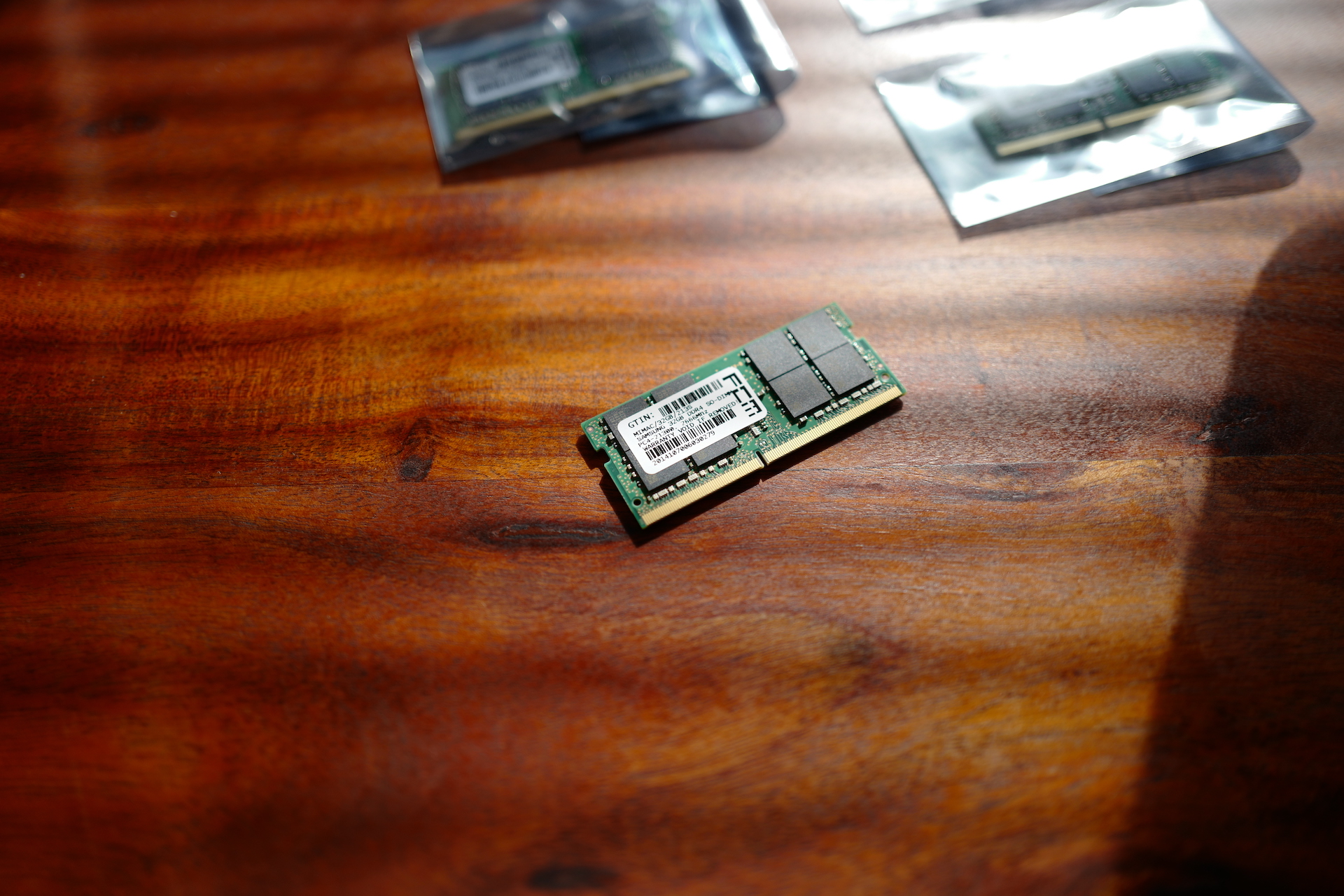
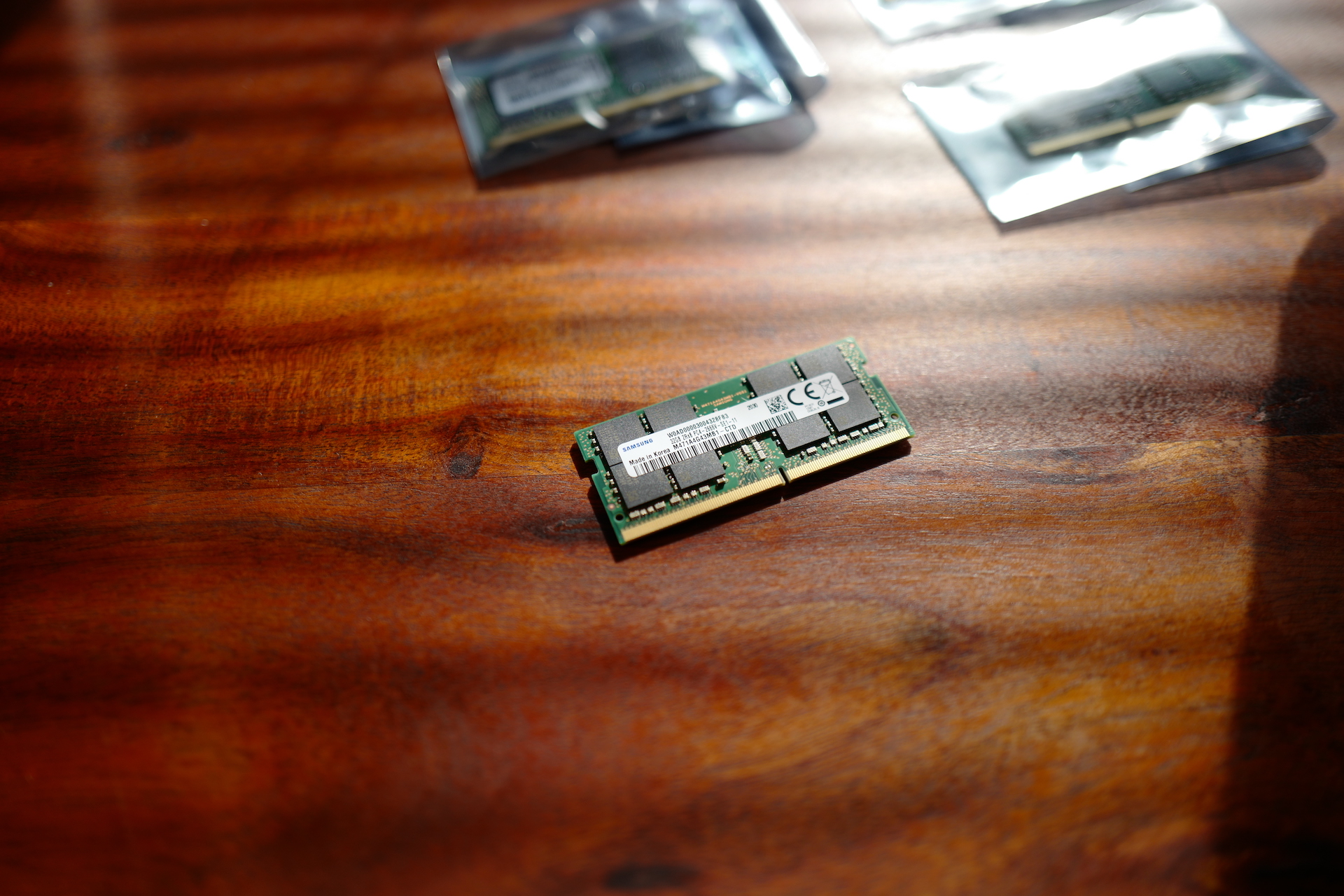
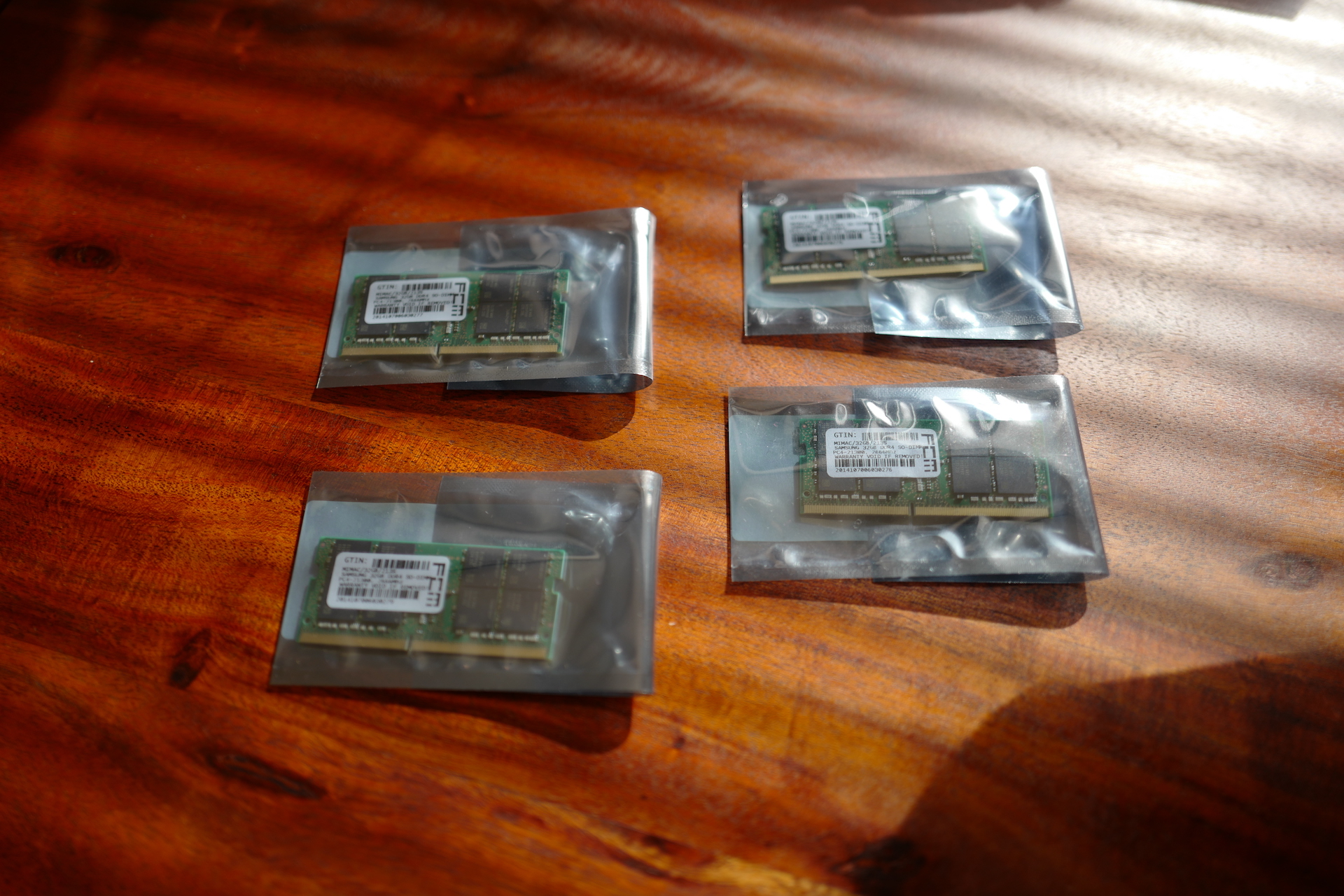
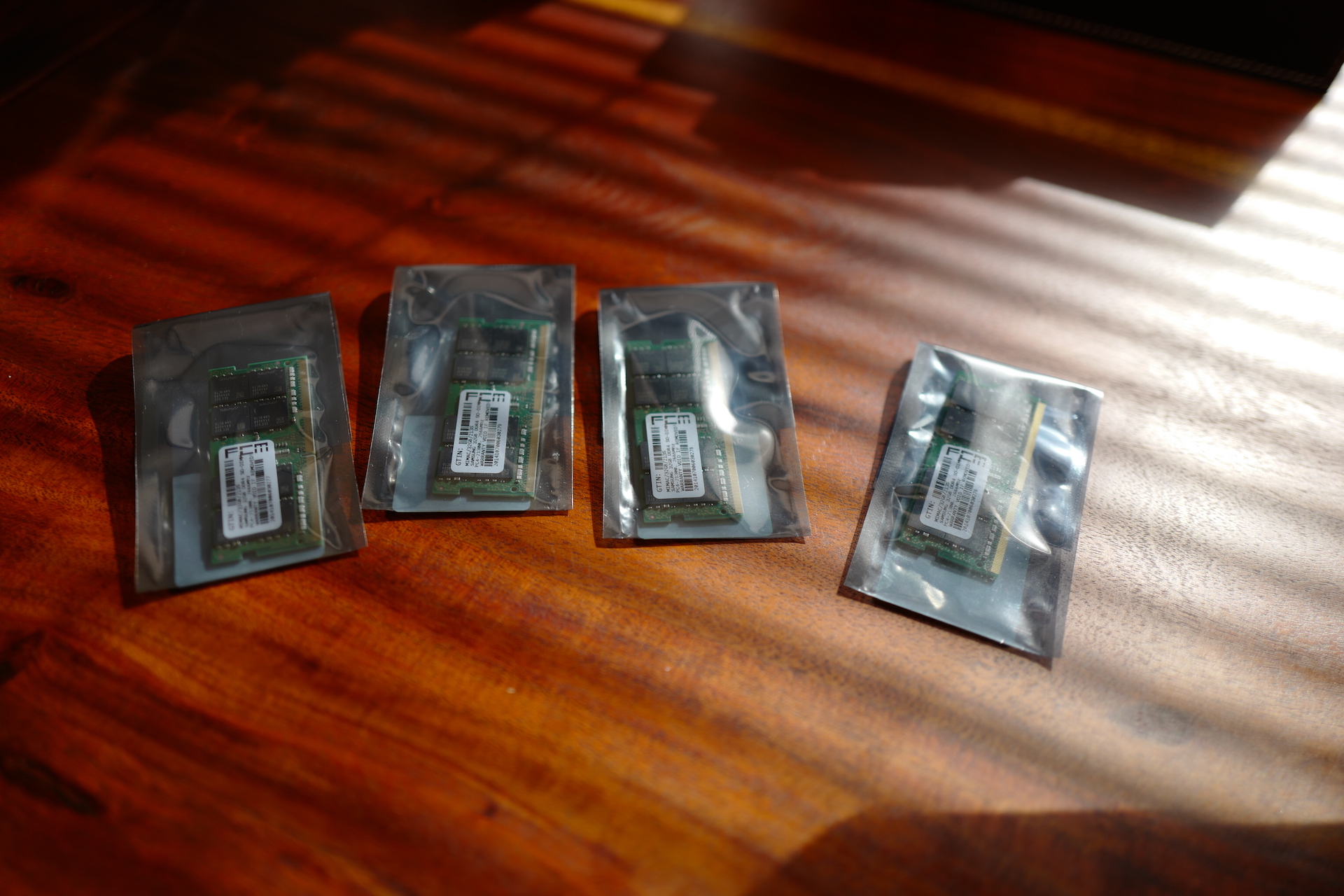
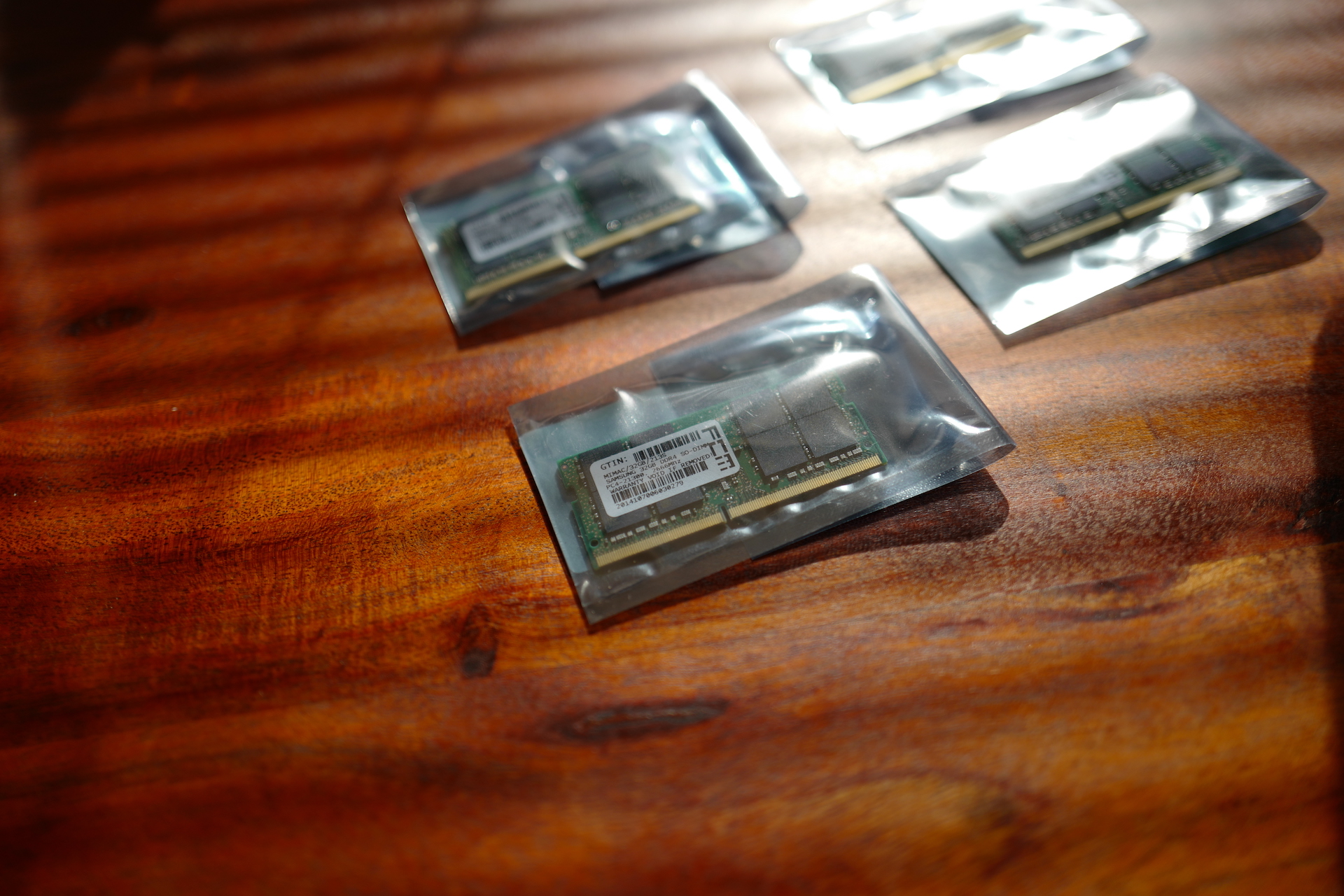
Many people will surely argue that it is not possible to use this much memory in the normal operation of the computer, and even I realize that it is really an extreme amount of memory. But if you can get this memory thanks to the possibility of exchanging it for the same price as it was Apple offers 32GB, then there is not much to think about. Personally, I reached for memories from Samsung, which are of course DDR4 and offer a frequency of 2666Mhz. It is therefore the same memory that you Apple mounts in the iMac if you choose them directly during its configuration. The iMac 27″ 5K offers four slots for operating memory modules, which in my case I will use for four 32GB modules, i.e. a total of 128GB of RAM.
Replacing the RAM itself is very simple. Just turn off the computer, disconnect all the cables from it, and then carefully place it on a table with the display facing down. Of course, it is ideal to cover the table with something that will prevent the display from being scratched. I covered the iMac with the protection it came in and placed it on a duvet that I placed on the table. Thanks to this, I was 100% sure that the display would not be scratched. You can do everything even when the computer is standing still, but it is significantly less convenient. Once you have the iMac lying down, just press the plastic packu, which you will find just above the power supplyoneOnce you close it, the door opens, under which the RAM modules themselves are hidden. They are clicked into sliding slots, which you just press on the sides to gain direct access to the modules.
Gallery
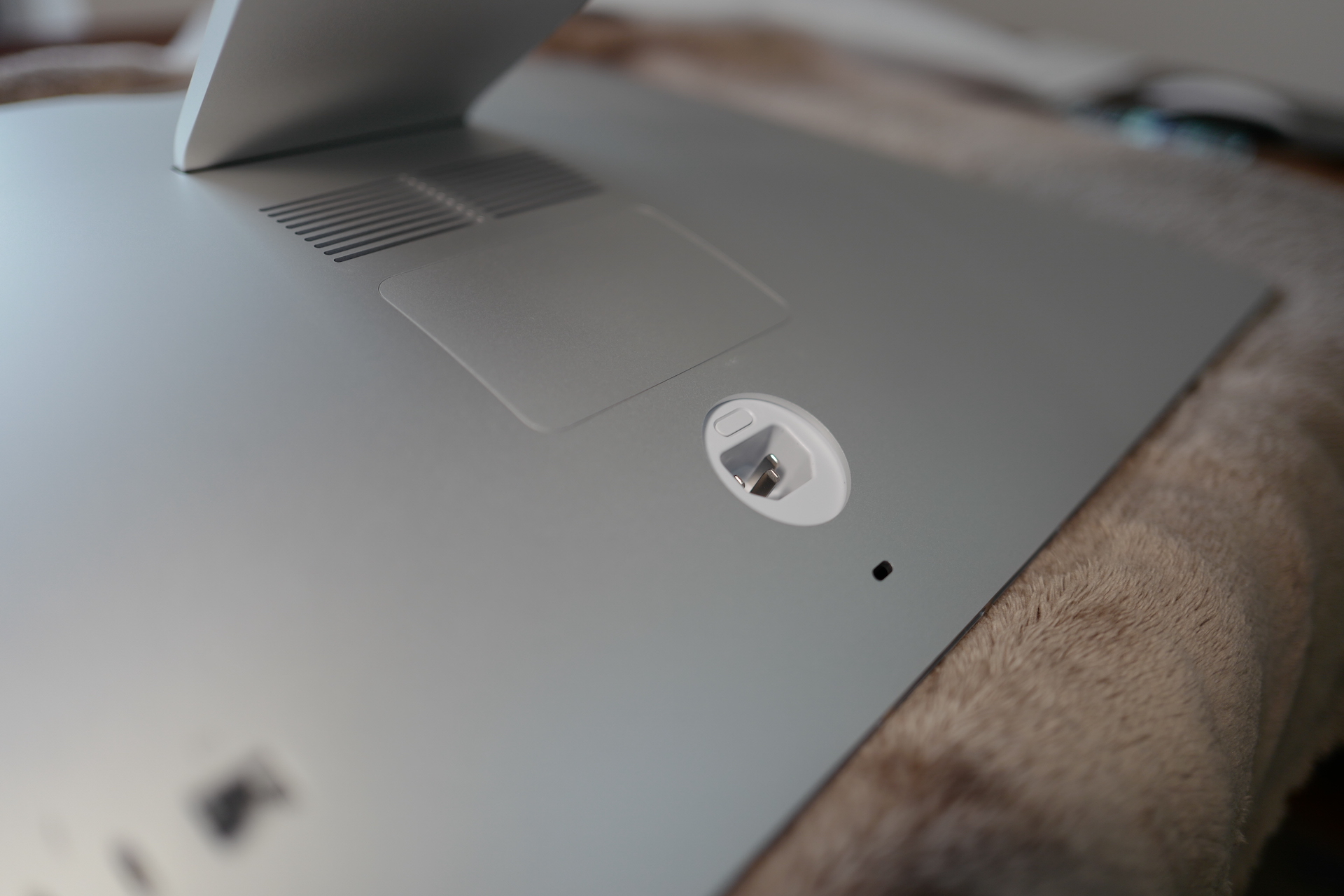
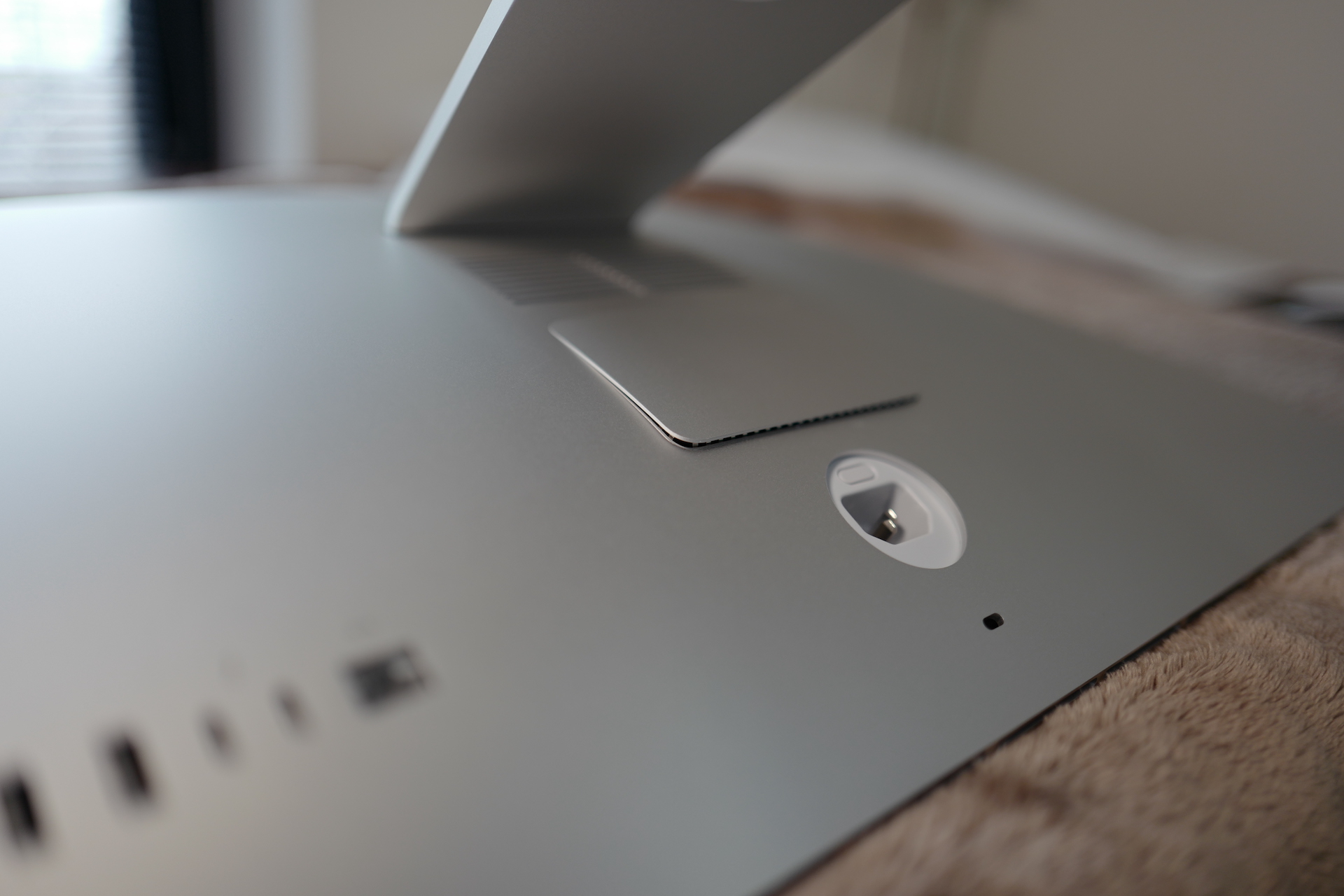
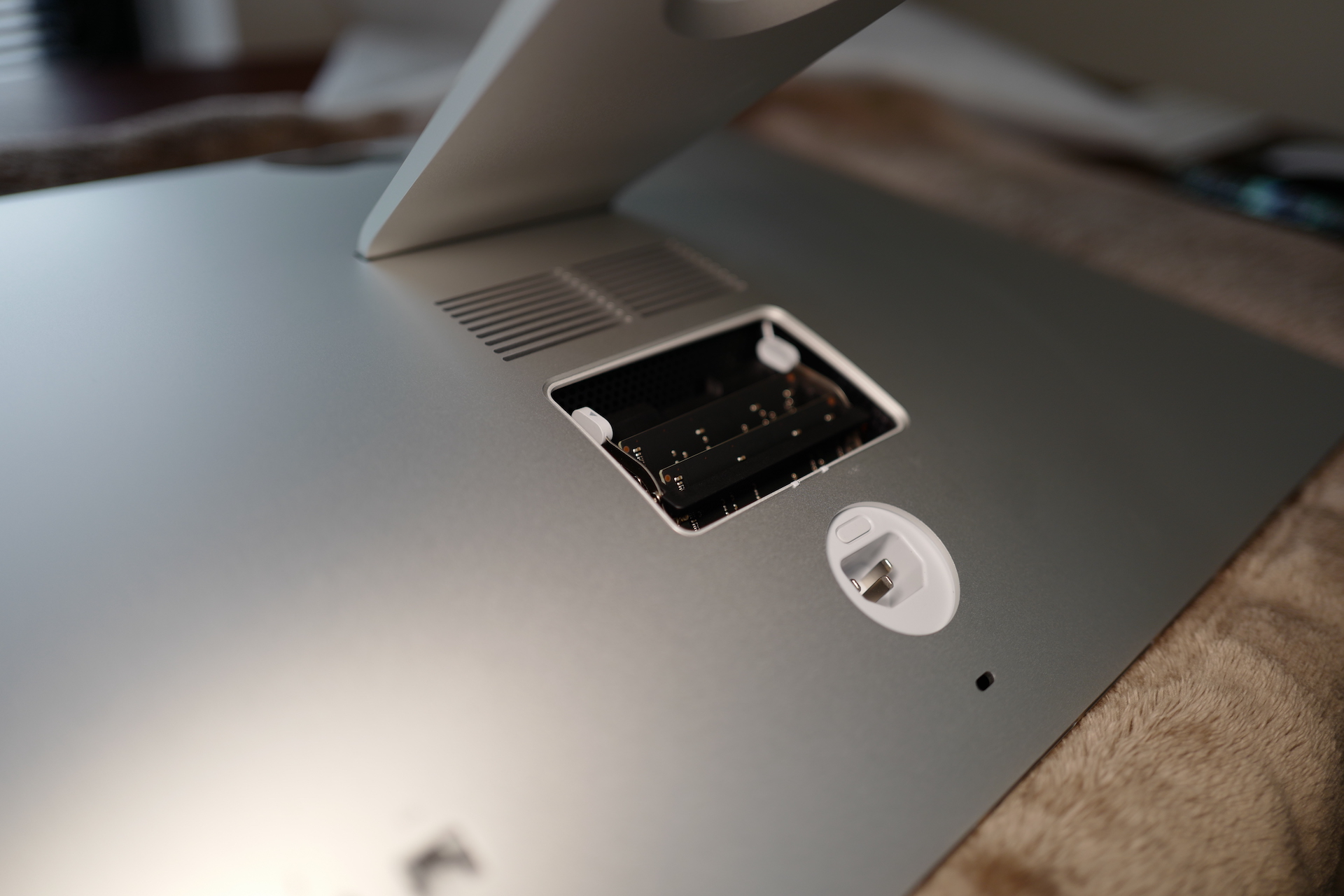
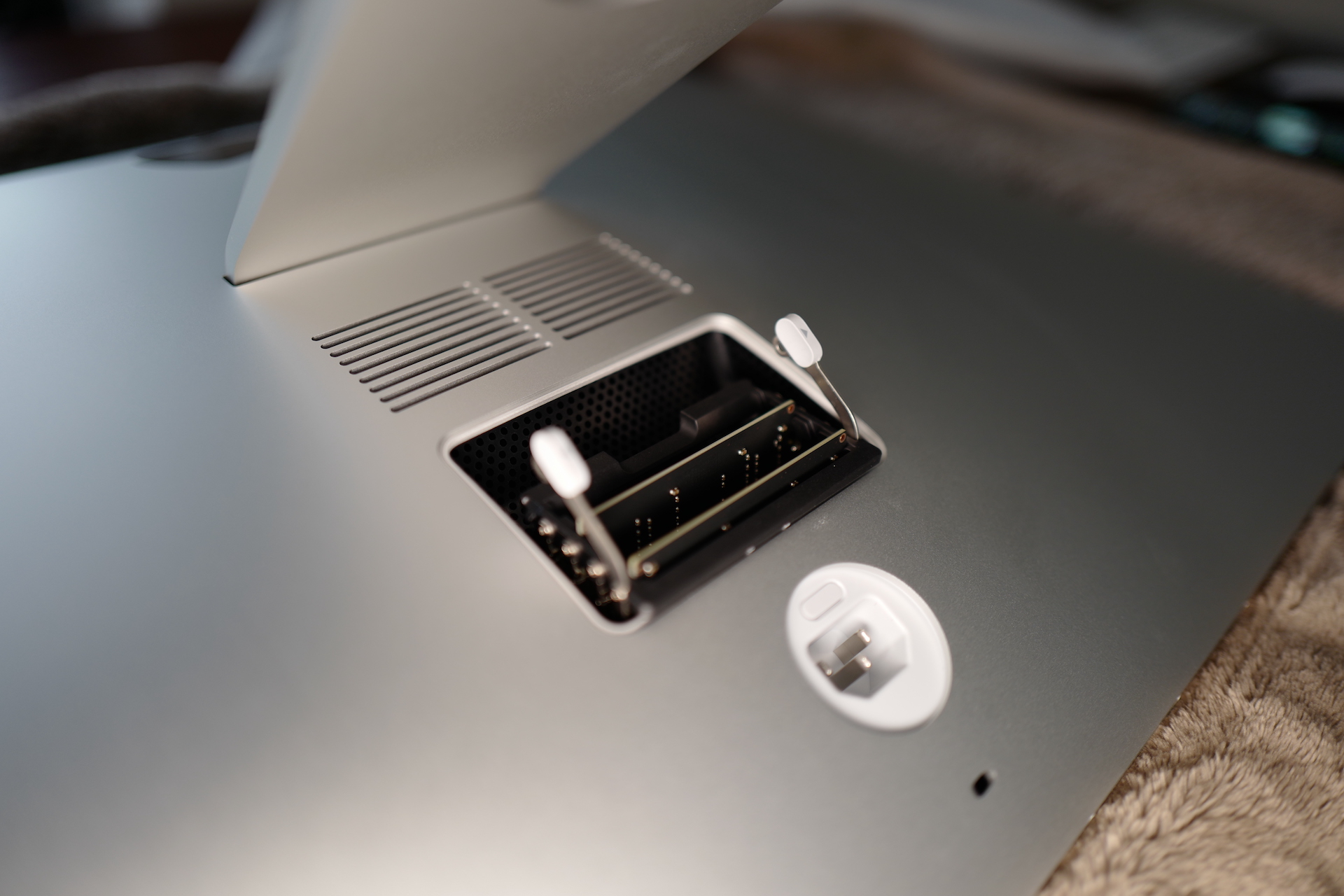
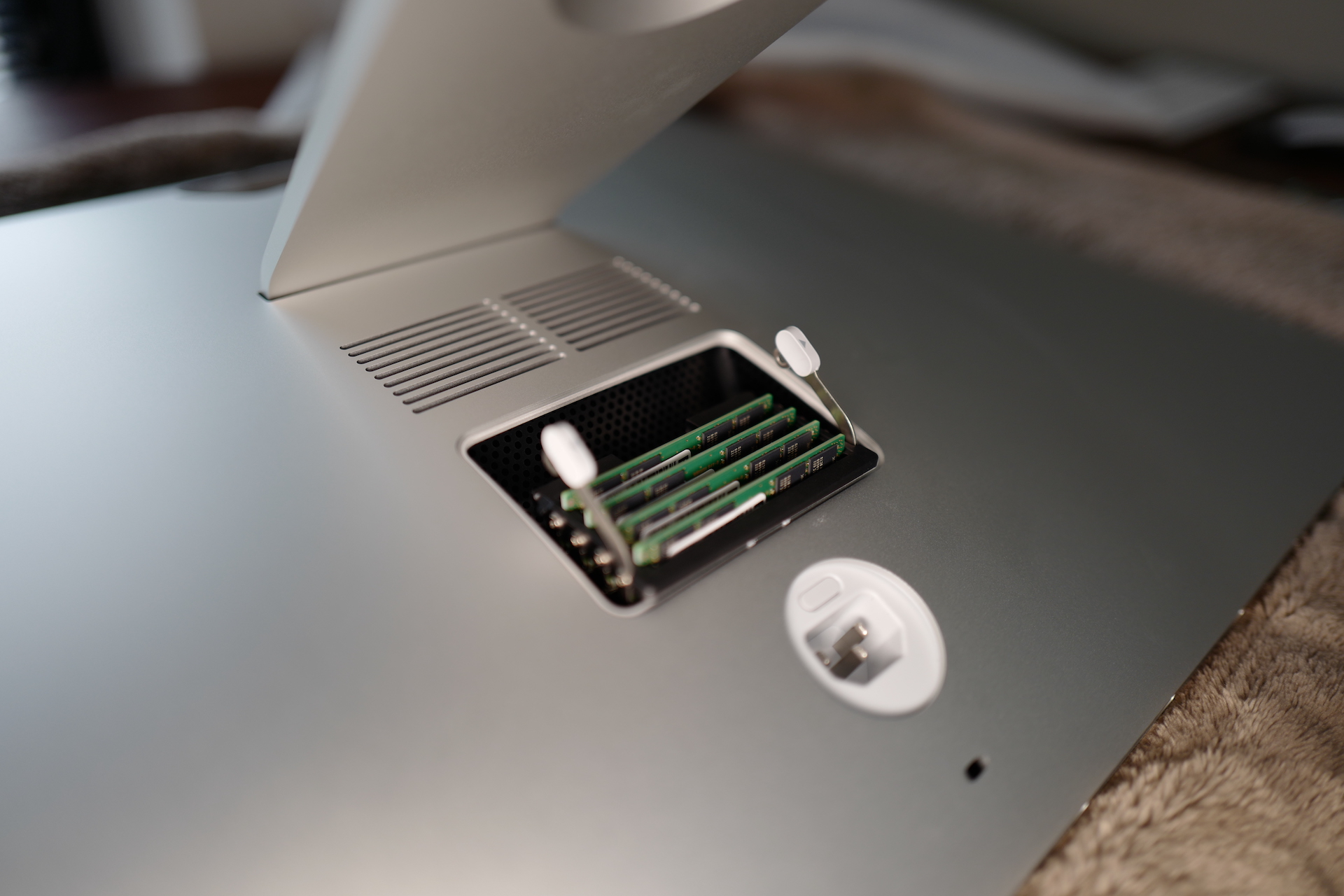
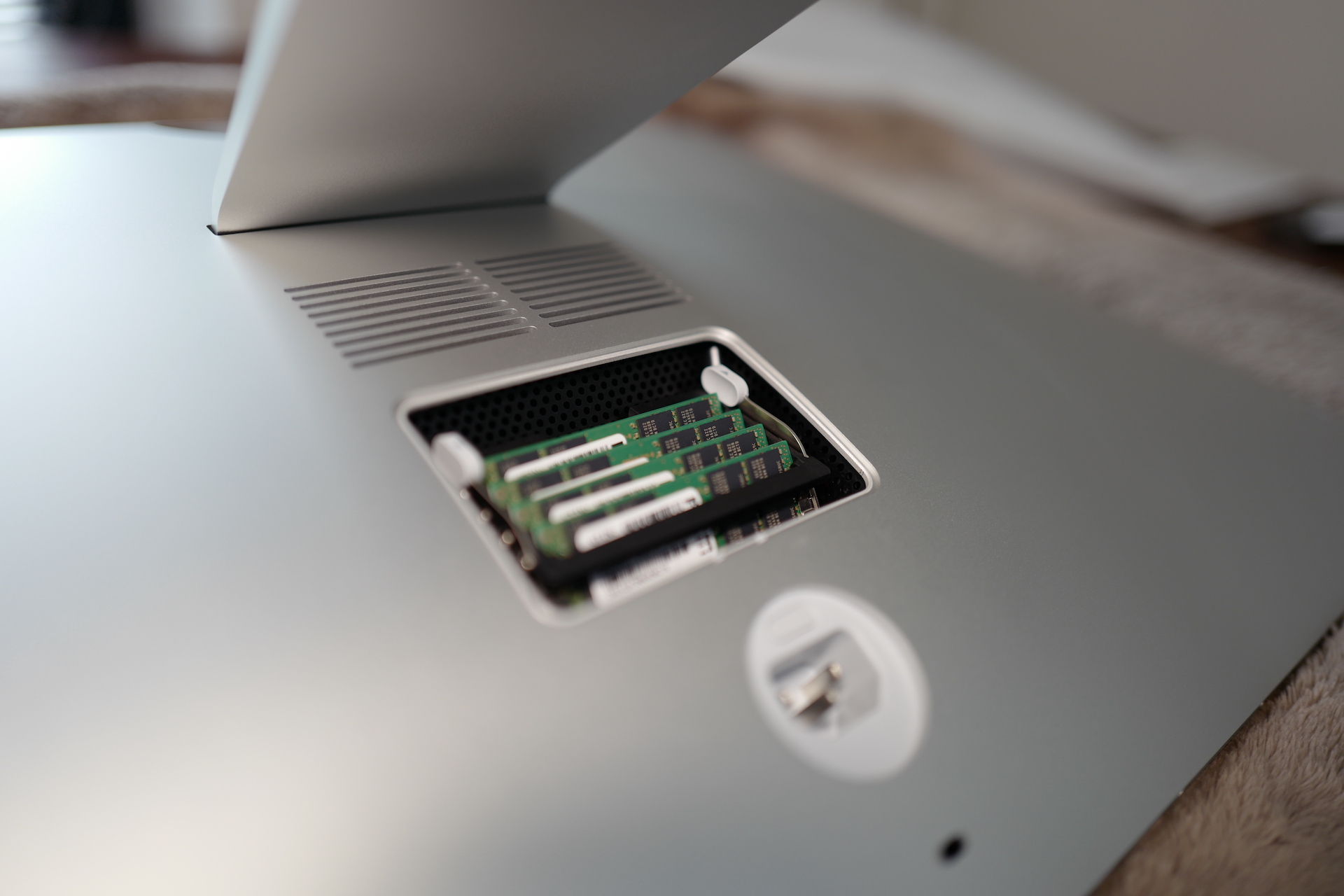
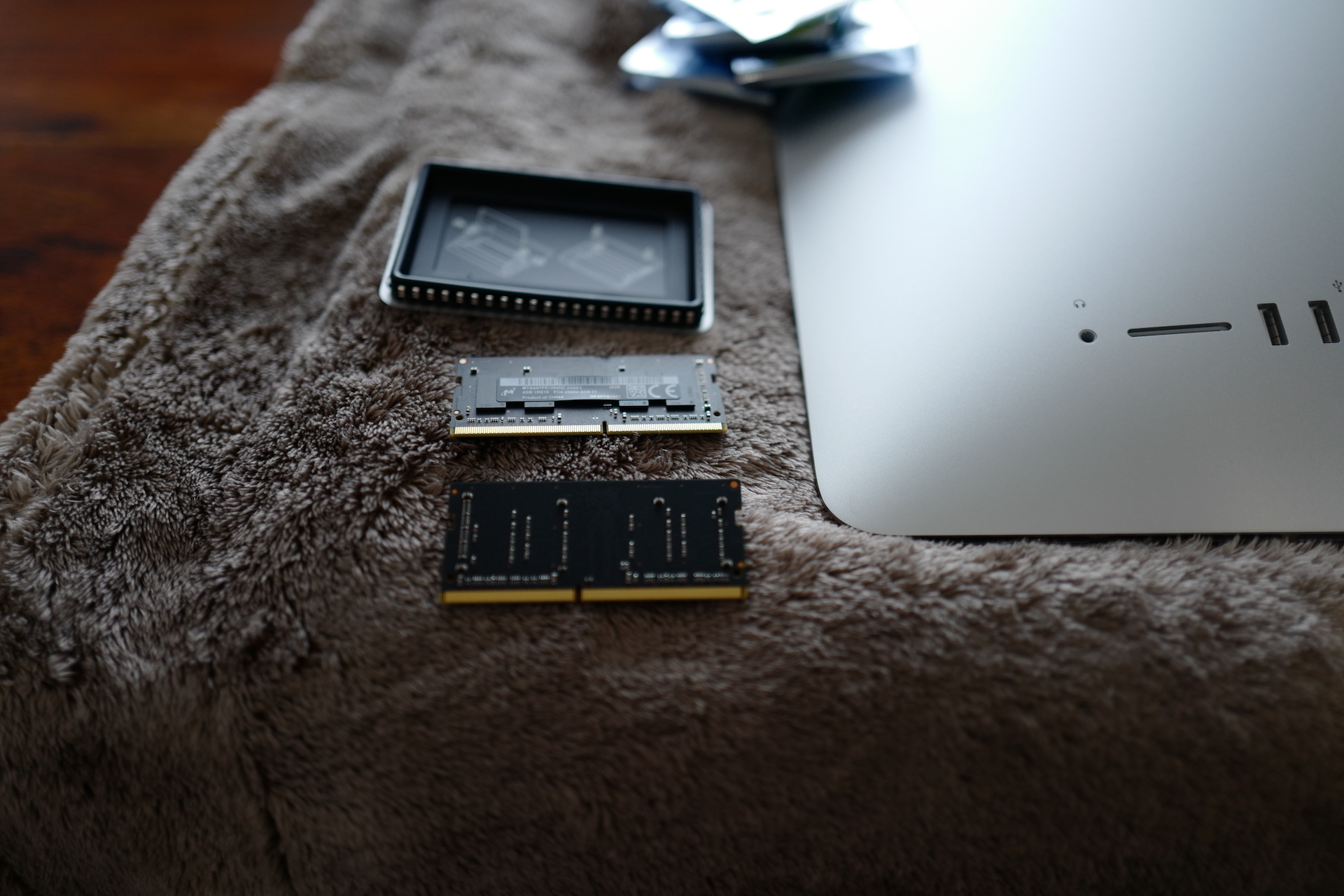
If, like me, you have a configuration with 8GB of RAM, then you will find two modules with 4GB of memory in the iMac. Once you've pulled them out, just insert 4x32GB of RAM into the four slots and snap everything back together. This is an operation that anyone can do at home and there is no need to visit a service center for it, and it only takes a few minutes. As soon as you turn on the computer, you can immediately see if all the modules are working as they should. Just select the logo in the menuBar Apple and then the option About this Mac and then the option Memory. Here you should see 4x 32GB of RAM.
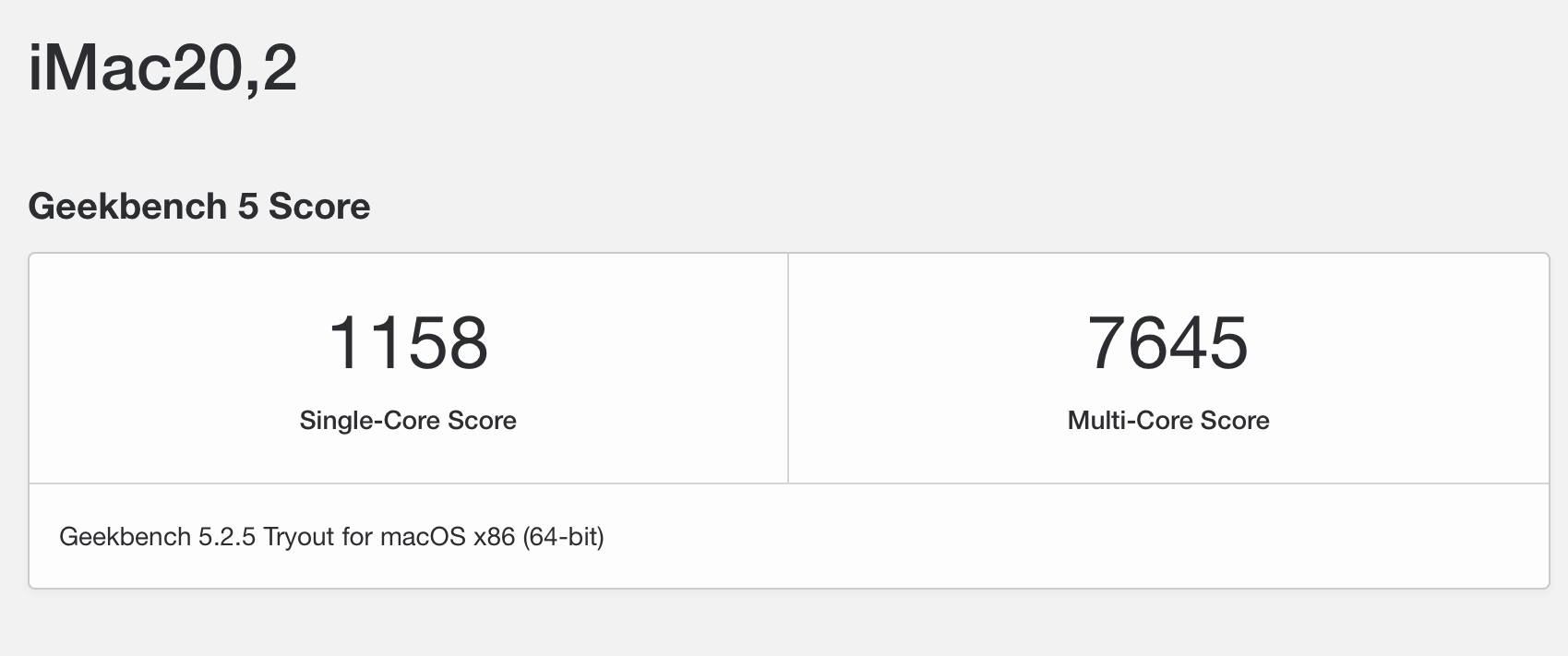
So that we can look at the effect together, I first measured the computer as it ran out, i.e. in the configuration of an iMac 27″ 5K with 3,6GHz 10-core tenth-generation Intel Core i9, Radeon Pro 5700 XT with 16 GB of GDDR6 memory and 1TB SSD and 8GB of RAM. Please note that this is a computer that was only put into basic settings without any data or anything that could affect its performance. This is a brand new, just unpacked iMac. In this configuration with 8GB of RAM, it achieved a score of 7645 points in the Geekbench 5 measurement.
Immediately after the measurement, I turned off the computer, replaced the memory modules, which increased it to 128 GB of RAM, and tested it again immediately after turning it on. The results are therefore not affected by anything, and I performed both tests before I started installing anything on the computer or setting it up to my liking. iMac 27″ 5K with 3,6GHz 10th generation Intel Core i9 10-core, Radeon Pro The 5700 XT with 16GB of GDDR6 memory and a 1TB SSD and 128GB of RAM achieved a score of 9691 points in Geekbench 5.
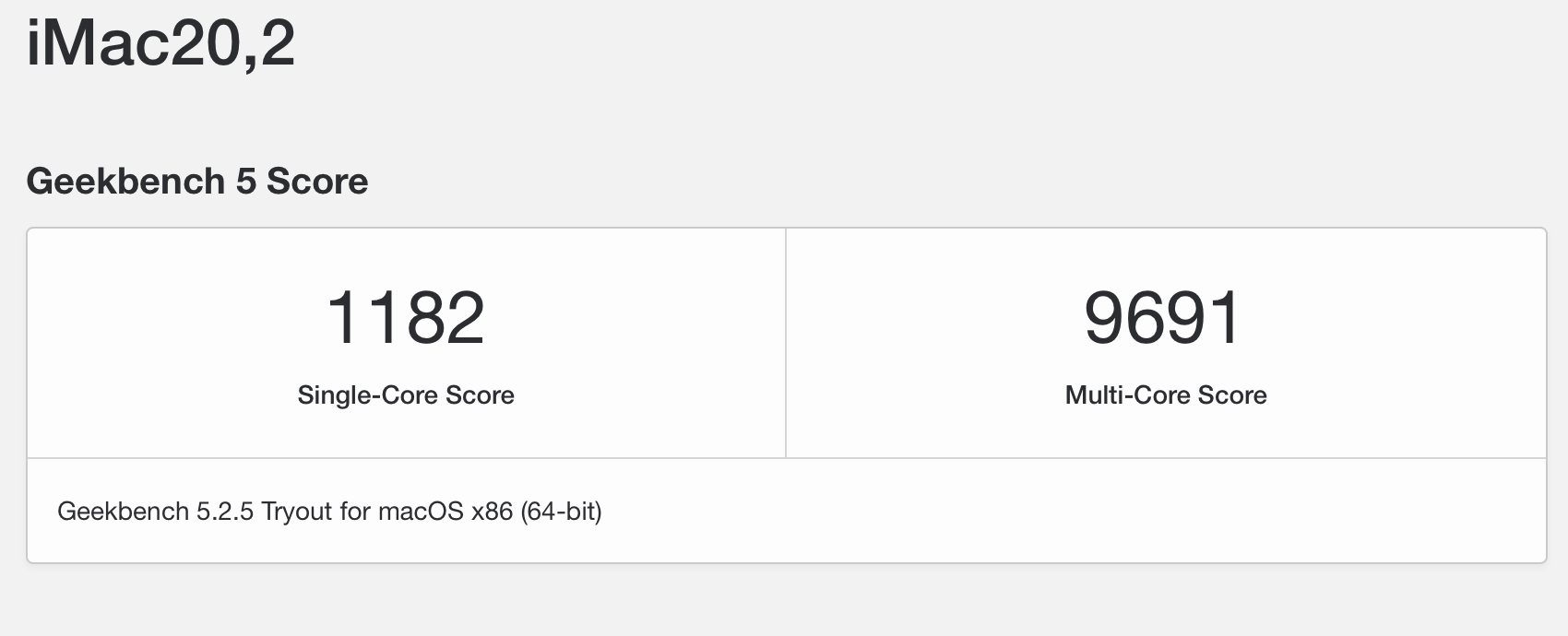
So, as you can see, the difference is really striking. MacOS can use as much memory as you give it, thanks to the fact that it is a UNIX system. The system starts to cache things in the memory, which you then open directly from it, and the computer runs significantly faster thanks to this. Of course, it mainly depends on what applications and files you work with. However, the more space you give MacOS in the operating memory, the more it will use and thus work with the system, files and applications faster.









I completely agree with the author of the article! I bought memory for the 2017 version myself and the difference is really noticeable. I just want to ask about one thing – sometimes my fan starts to “huff” loudly. Nothing helps except turning it off, unplugging it, waiting a moment and turning it back on. This has been happening to me since I bought the iMac, regardless of the RAM size. Could you please advise me how to get rid of this problem permanently?
I would try to look at the activity monitor, this will be a process that heats up the CPU and that's why the fan starts. Sometimes the reset parameter solves this, but first of all I would check what process is running there, what is consuming CPU time...
Oh my God, why? Proc you didn't leave the original data there Apple memoirs? It's always much better to pay extra for quality and ecosystem, it's low-quality like lagdroid and windows pc
Did mommy forget to give me the medicine again today?
jerk
And how much will the four 32GB modules cost? I'll calculate that, I know it won't be multiples, but I would expect a bigger difference than just 2000 points
So I don't really know what 128GB is for, but hey, why not. But I would try a real test in the application and not some synthetic bench, which of course takes into account the amount of memory in the test. I "only" have 32GB, but I have my own specific work and I don't need it anymore. :) Of course, the base 8GB is ridiculous, like miniI'm taking 16GB today.
Exactly as you say, 8GB of ram on a 5k iMac is really a joke. With that kind of memory, the computer is already slow right out of the box...
It's stupid for 21,5". It was really easy to add it to the 2019 ones, but you would have to screw up the entire board plus remove the display. There are two free slots. Not much work. Easy. I added 32GB to my Mac myselfmini, also a bit of a pain. Then I replaced the CPU and when I put it all back together, it was just a shhh
So I don't know... I personally have an iMac 5K Late 2015 with 8GB of RAM. I didn't have a single problem with the post-production of the video. Editing photos in PS or color correction in DaVinci resolve also without problems. I only started to feel a drastic slowdown with the transition to MacOS Mojave during the last year, but what about the work in the above-mentioned spectrum still at a usable level :-)
Adam: Sure, so the question is whether you want to use it at a usable level, or at a level that "doesn't limit you"... I put it in quotes because the limitation is quite relative :) But otherwise, as I wrote, the new 5k iMac 2020 with 8gb ram is despair. If I had an open Chrome, Spotify and I clicked over to Atom, it often crashed, after buying 32GB of RAM, the speed is incredible and completely different... But I'm not saying that everyone has to have it like that :)
Why are small and large memories? 8 GB is fully sufficient for our graphic artist to retouch footage... but he needs MAC OS and a TOP display - which the iMac has... However, more complex simulations are done in the studio, for example in the Houdini software, which swallows up 128 GB of RAM in a short time... is that enough?
I also expanded the base, but only by adding 2×16 gigabytes. So the original 2×4 + 2×16 = 40 gigabytes and that's plenty.
exactly, I also added memories here, but not from apple..
Can someone advise me where to buy good and suitable memory for the iMac please?
Which brand and at which shop should I buy?
8GB (1x 8 GB) / DIMM DDR4 2400 MHz / Non-ECC, Un-registered (un-buffered) / Green / 1.2V
Like these
This article has been here before, right? I wonder what people use the RAM for, as the more RAM the more Addidas :- We use 8GB for DV work (I have an oversized 16GB at home) and it's absolutely enough for everything, Photoshop with a bunch of layers and a big history, rendering, video editing , is absolutely enough. Unless you run some quick software on it, or have a RAMDISK.
"For home use", maybe ok (although I also have my doubts about today's ones), however, those who also have a PC for work will really appreciate this extension. I print photos and if I sent for printing, for example, 500 photos of about 1Tb, I could also wait a few minutes before anything started to happen. So far I have "only" expanded to 24Gb, but even so, the difference is very big ;) ProOne hundred is enough for one person, the other is not. And the author is right. If a person is not completely left-handed, then they don't have to waste it unnecessarily, so the exchange is trivially simple.
Mr. author, you wrote: "they were from Applu, then I would somehow be able to understand the reason". Exactly the diagnosis Apple. That company raised obedient sheep well, exactly as you yourself stated.
when thinking from Applu, does he mean some added value from Applu, not a stupid inscription. You can't add that much to RAM. Although there will be some difference between A DATA and SAMSUNG. In technology and price.