
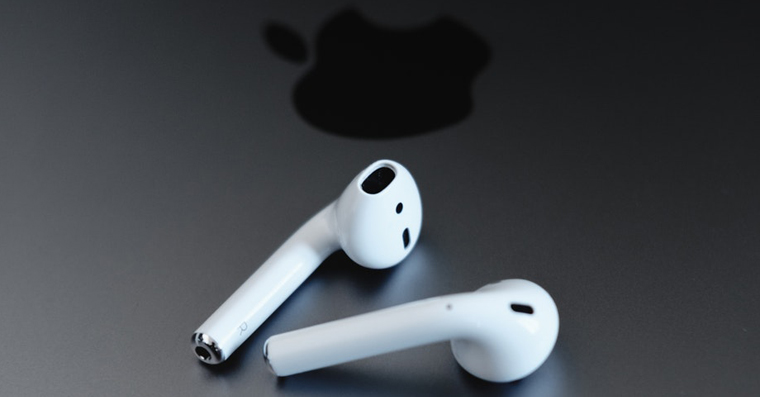
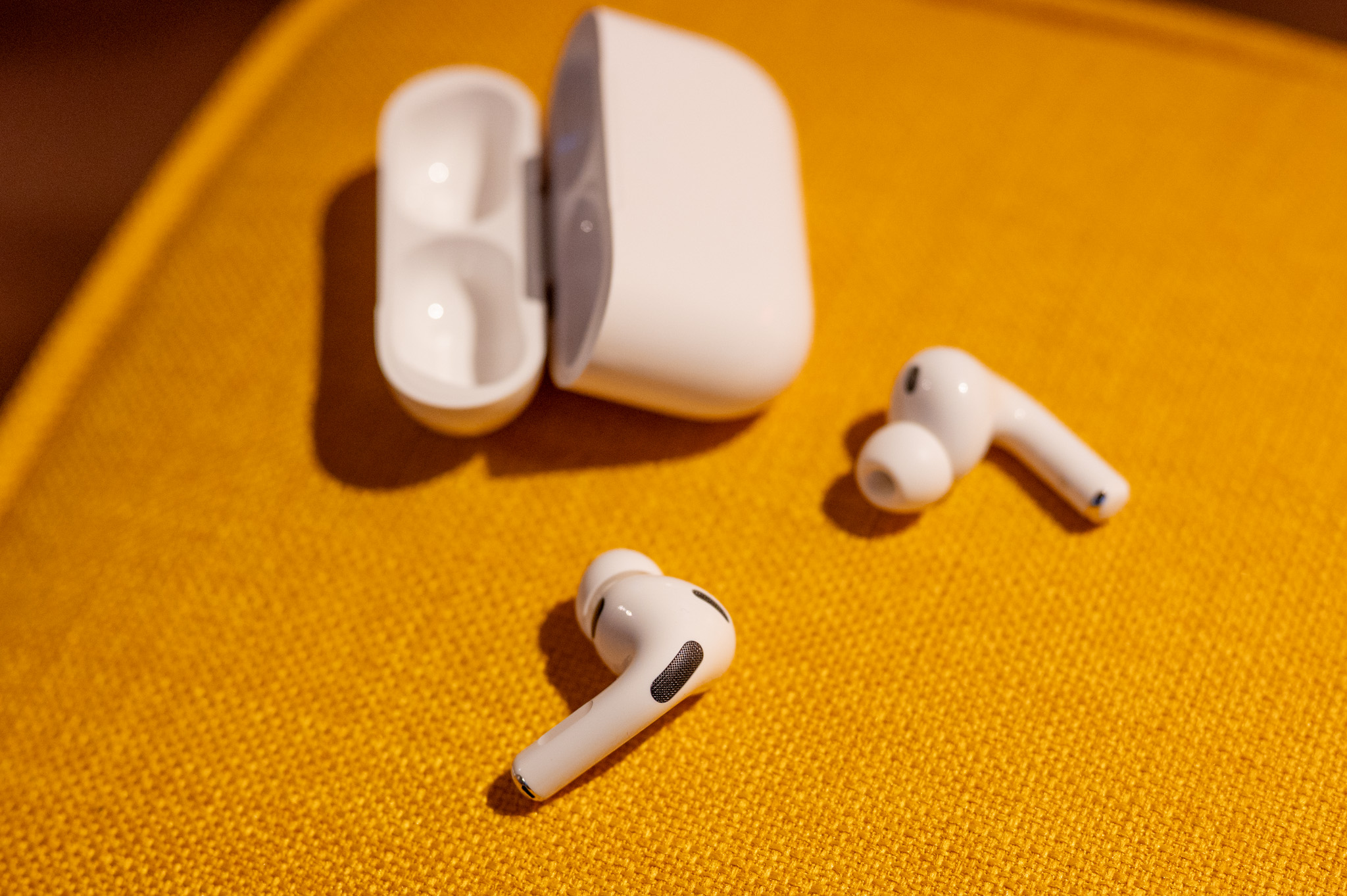
When Apple introduced the first generation of headphones a few years ago AirPods, so it caused a huge boom. After AirPeople were simply going crazy about it and soon these Apple headphones became very popular. It should be noted that together with Apple Watch se ranks among the most popular wearable accessories in the world – and rightly so. AirPods will impress you with all sorts of extra features that you simply won't find in other headphones. They are currently available in the world AirSecond generation Pods and also AirPods ProWith the arrival of iOS 14 then came a great feature that made it possible to AirPods can automatically switch between devices. Let's see how to (de)activate this feature on your iPhone.
You might be interested in
As iPhone set to AirPods were (not) automatically reconnecting
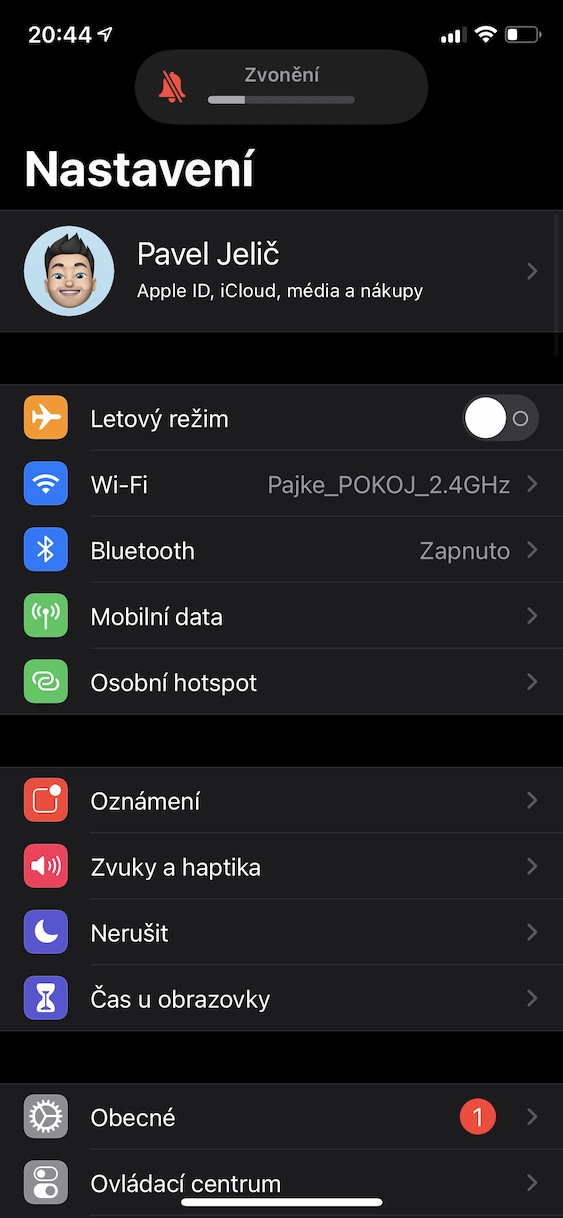
If you want to set your iPhone or iPad to AirPods don't automatically (or not) connect between devices, so it's not that difficult. Just follow the steps below:
- First, it is necessary that you AirPod they pulled out from the case and they put them in ushe
- After insertion, make sure that they are AirPod attached to your iPhone or iPad.
- Now you need to open the native app Settings.
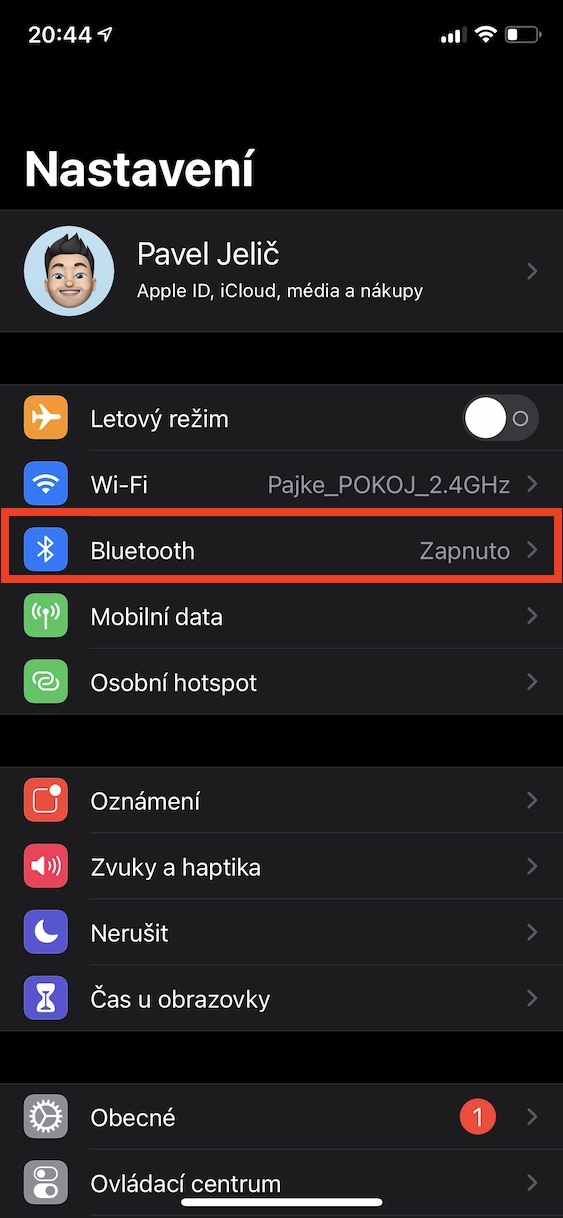
- Once you've done so, locate and tap the box Bluetooth.
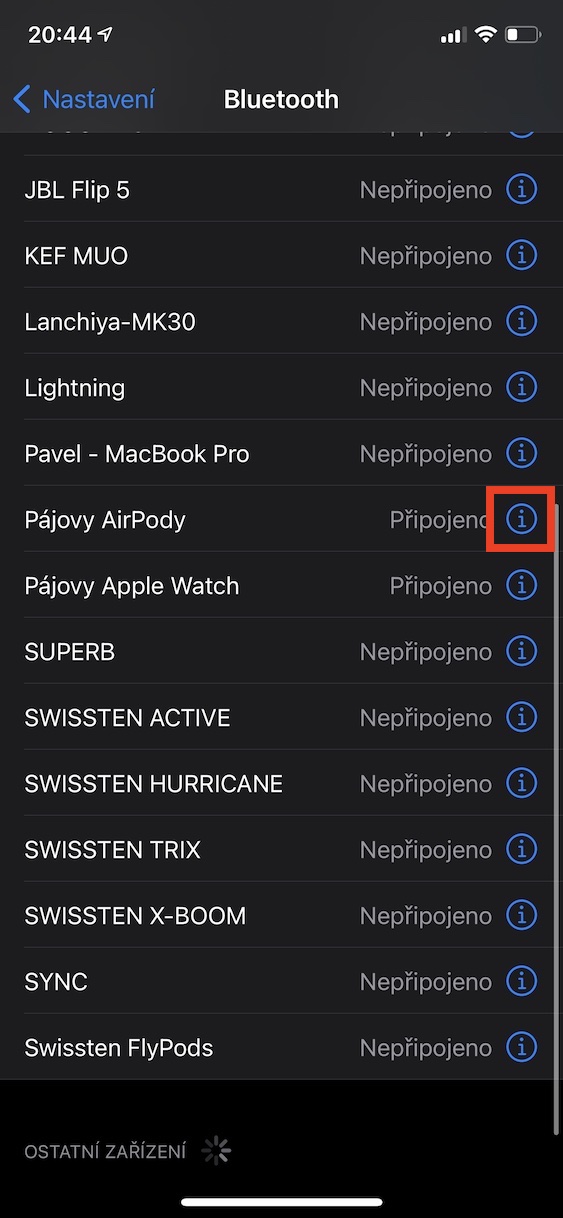
- It will then show all your Bluetooth devices where you can find them yours AirPods.
- At yours AirThen tap on the right side of the screen. icon in the circle as well.
- This will display the preferences associated with AirPods.
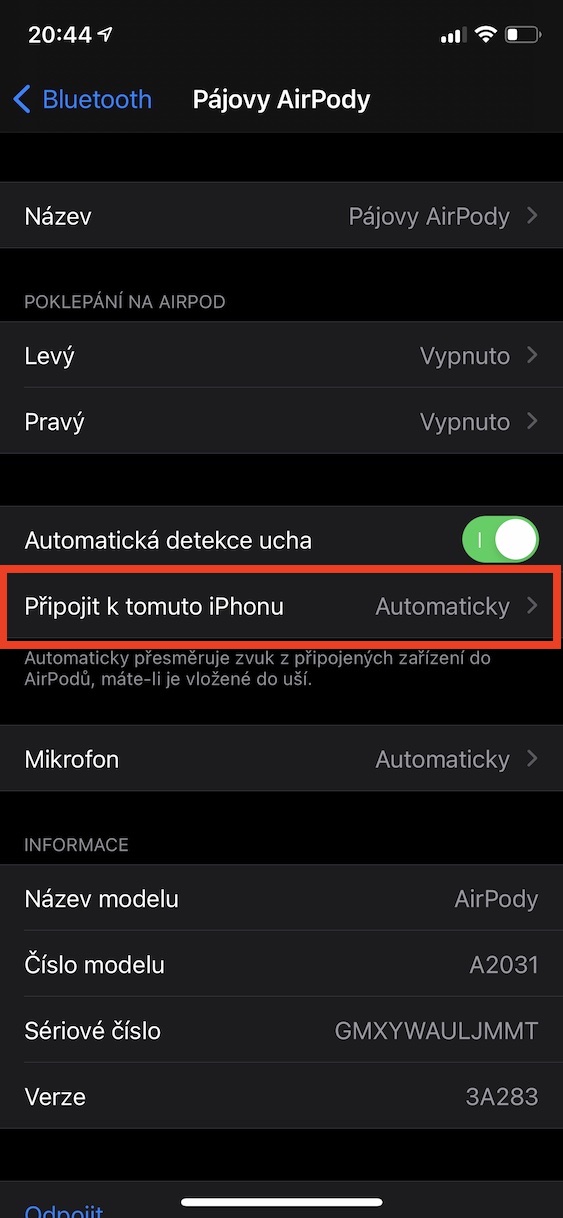
- In these preferences, click the box Connect to this iPhone.
- Then choose either here automatic switching, or switching only when last connected to iPhone.
Gallery

Finally, I would like to point out that this feature is only available for AirSecond generation Pods, at AirPods Pro and some newer Beats headphones. The auto-switching feature, as the name suggests, is used to AirPods could simply switch automatically. This is useful, for example, if you have them connected to MacBookuk while listening to a video and someone calls you. The headphones will then automatically switch to iPhone and you don't have to worry about anything.





why does anyone need it?
my wife and I have the same pair of headphones, which we only use when one of us goes to sports alone, and the automatic connection is the absolute bomb, I don't have to do anything and the headphones always know which iPhone to connect to when I take them for a run
ProThen that stupid message about connected devices pops up airevery time you turn on your mobile phone
aha, so I only notice such a message when it is loaded. Then not anymore (but I don't know, I actually don't look at my phone while running anymore)
That message turns me on extremely 😀