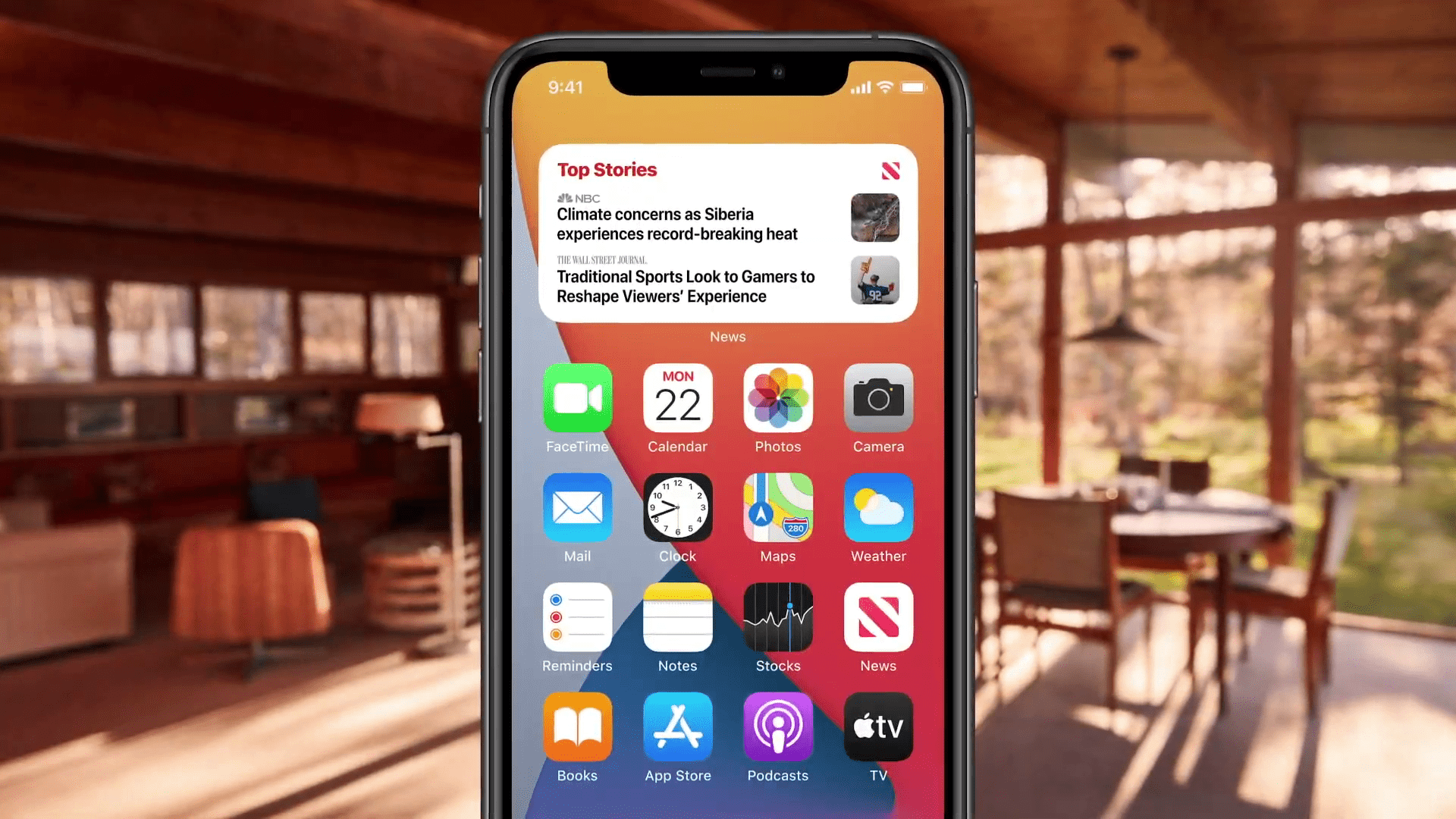
While the new iPhones 12 will be released in a few hours at today's Apple conference, the operating system iOS 14, which will run on the new flagships, has been out for several months, and the public version has been out for several weeks. The operating system is available for all iPhones 6s and later, which means that most users can install it. These users are certainly already enjoying the new features. iOS 14 in full swing. Some of the new features are obvious at first glance, while others you may have discovered through our articles and guides. One of the main new features that came as part of iOS 14, are redesigned and modernized widgety. Yesterday we brought you an article in which you could see the best mediation applications widgetweather, today we'll take a look at the best apps it offers widgety hours. Let's get straight to the point.
clock face
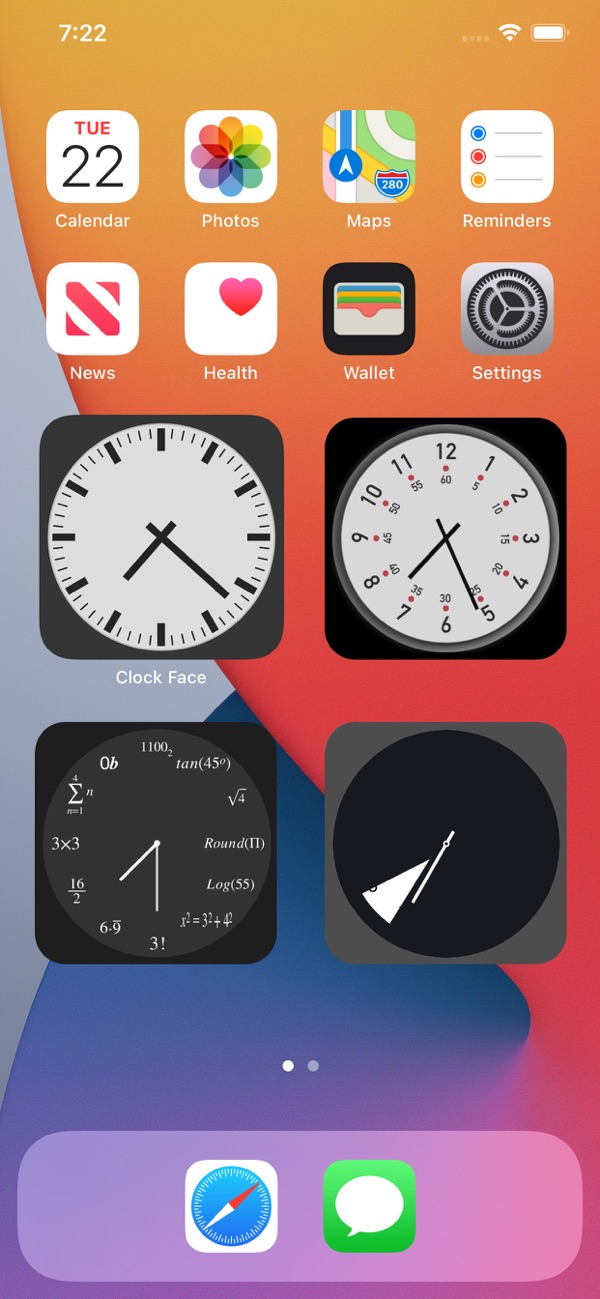
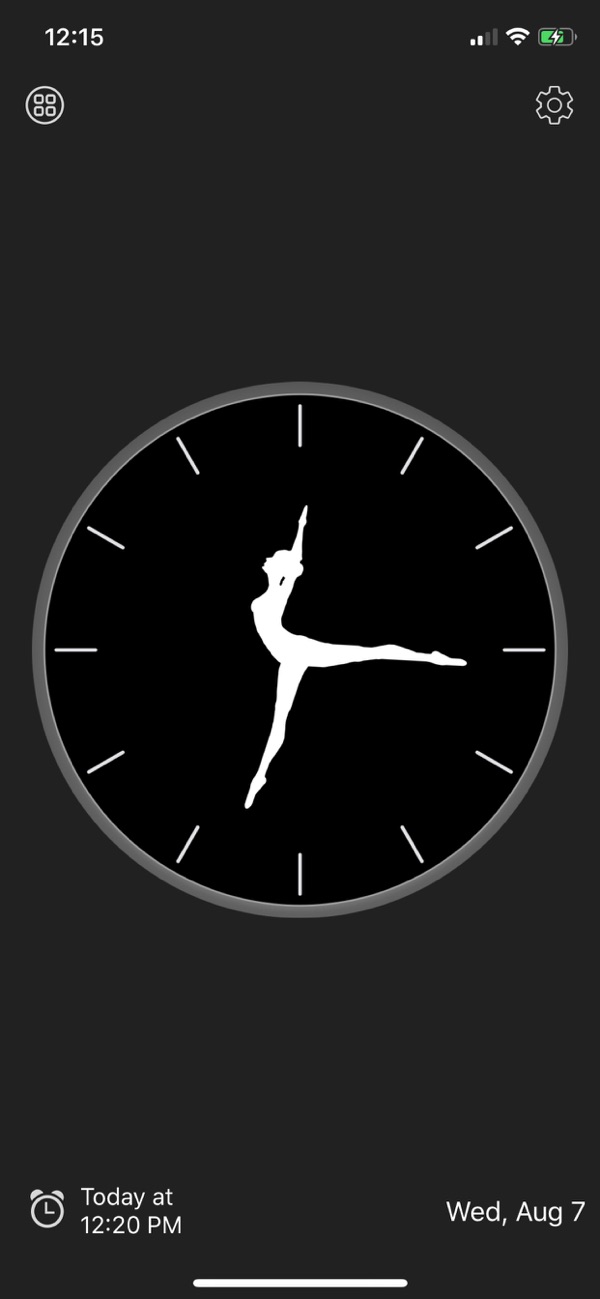
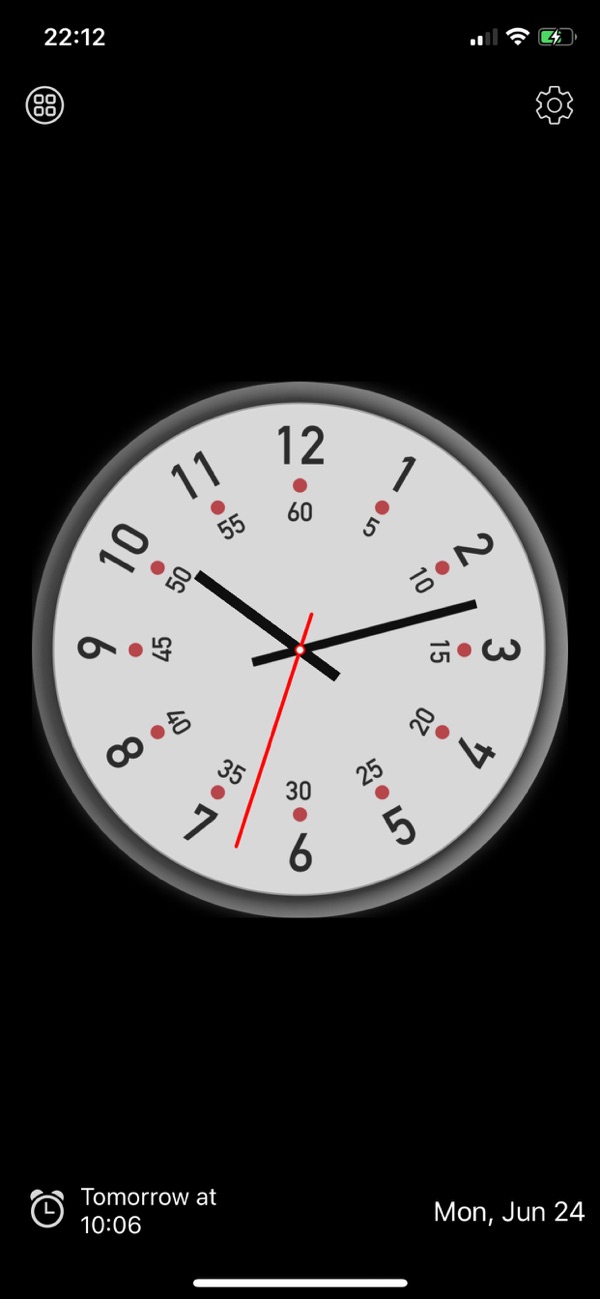
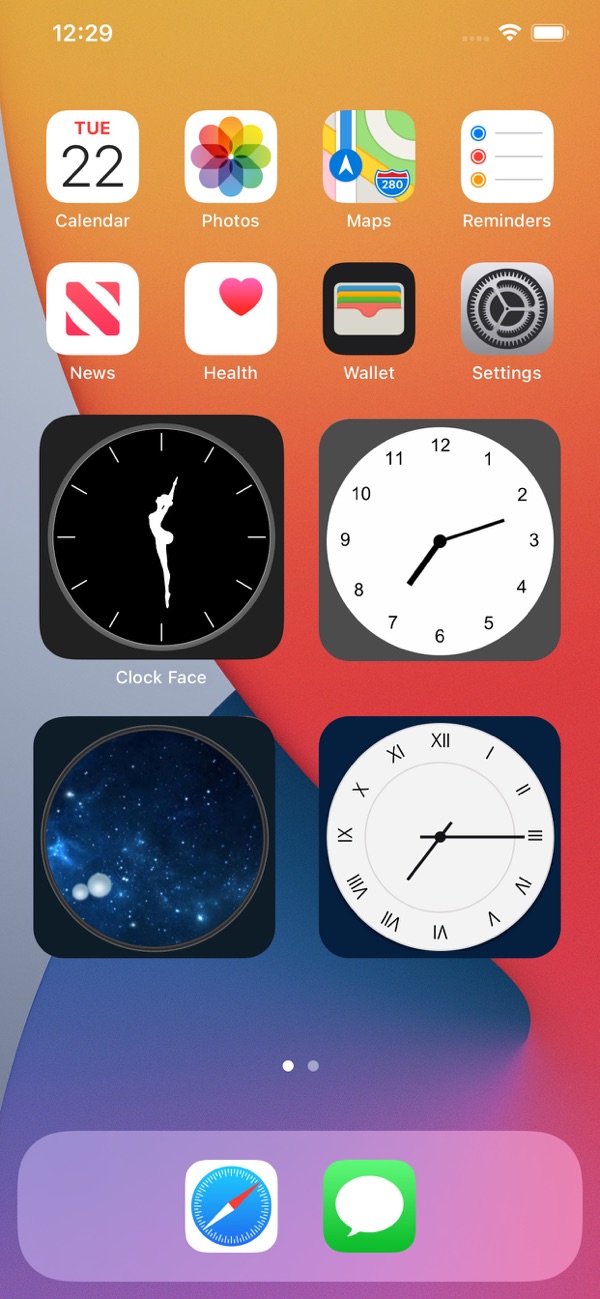
The Clock Face app offers countless different widgethours on your iPhone. These widgetYou can easily edit and create unique widgetthat will suit you one hundred percent. Pro change in appearance widgetYou just need to go to the application, where you can view all the designs that the developer has implemented into the Clock Face - simply put, everyone will find something for themselves here. There are widget with watches for Space lovers or for math enthusiasts. In addition, we can mention Rolex watches and much more. Then you just need to choose your preferred watch in the application. widget, and then you can simply add it to your desktop.
Gallery
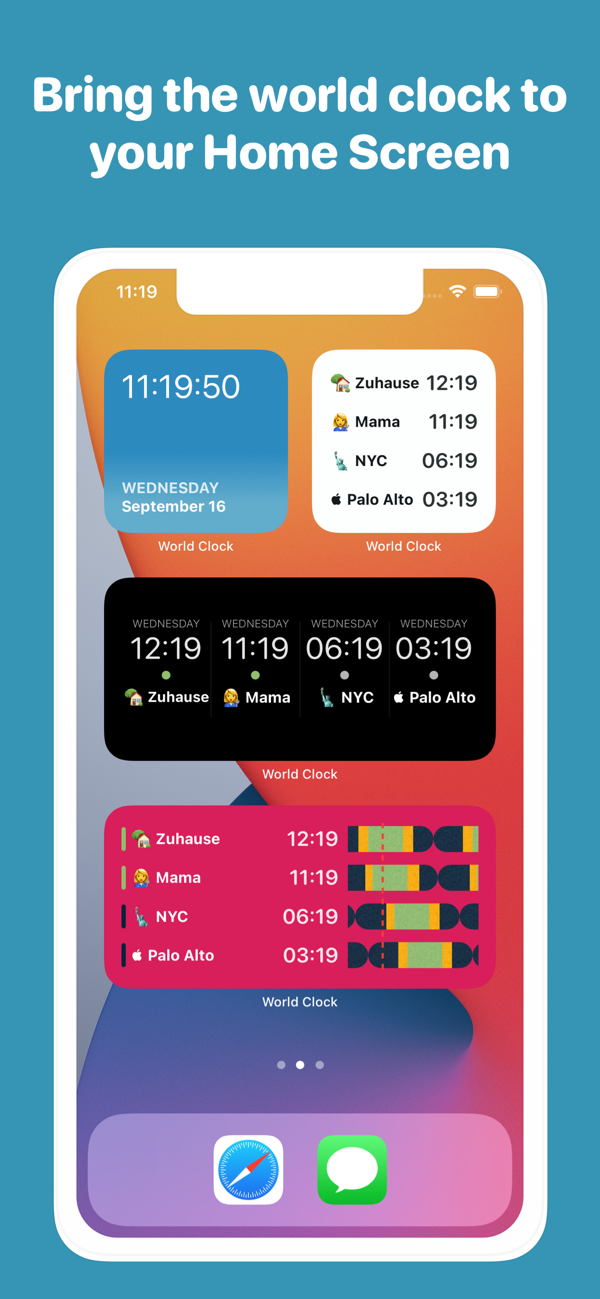
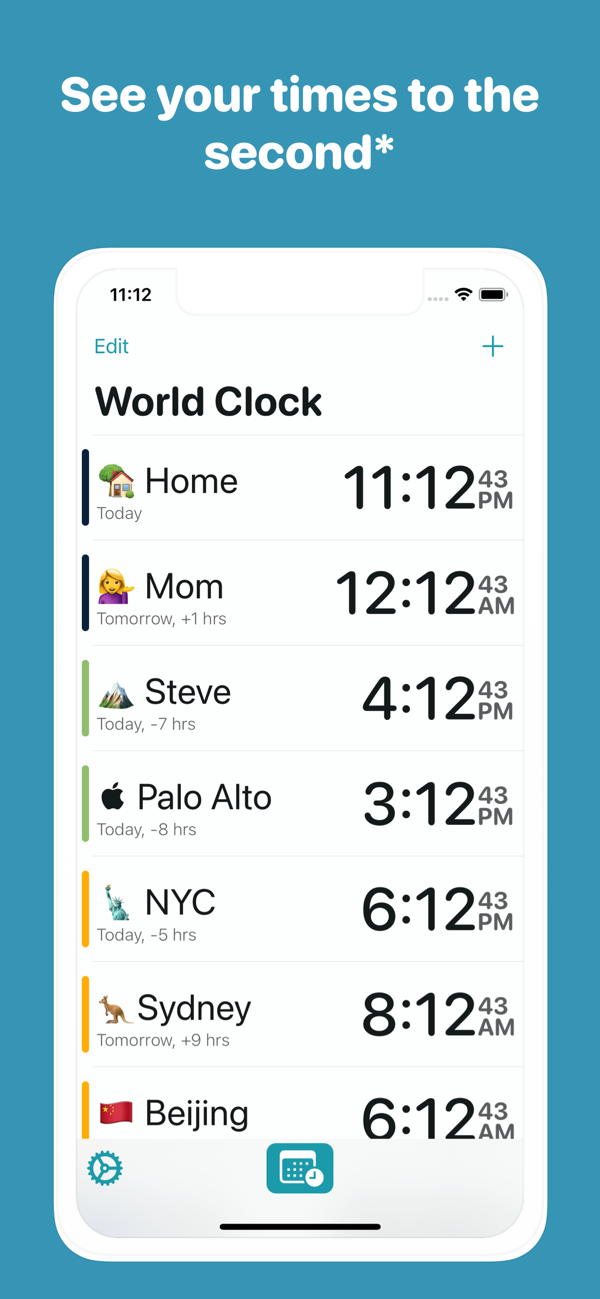
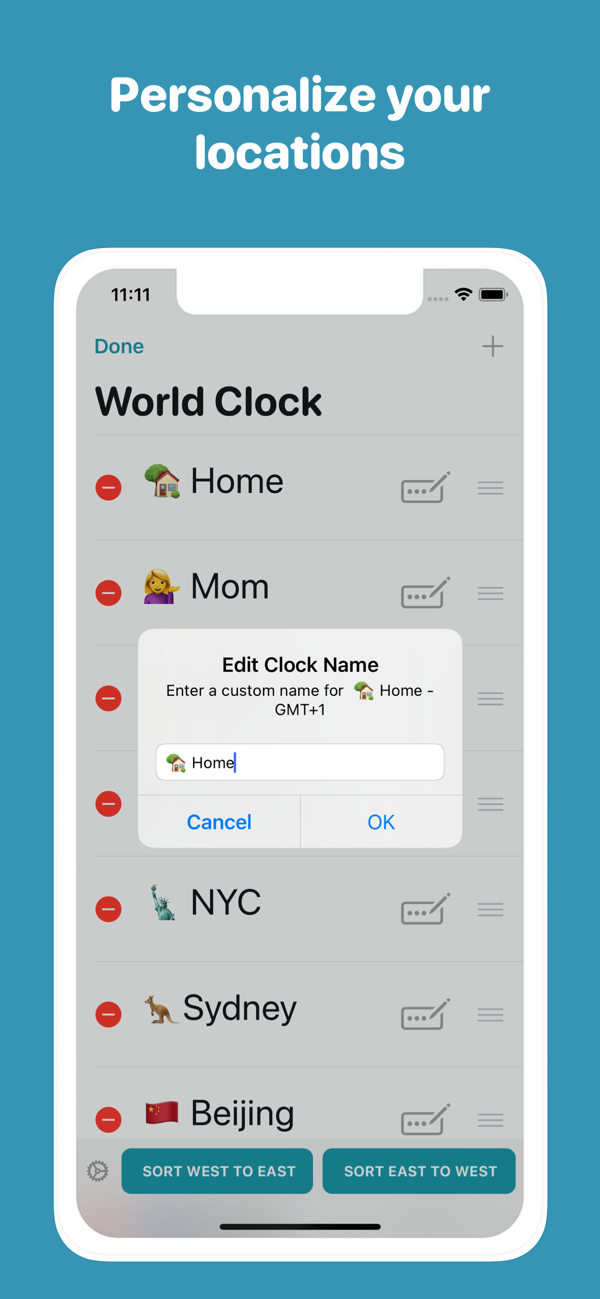
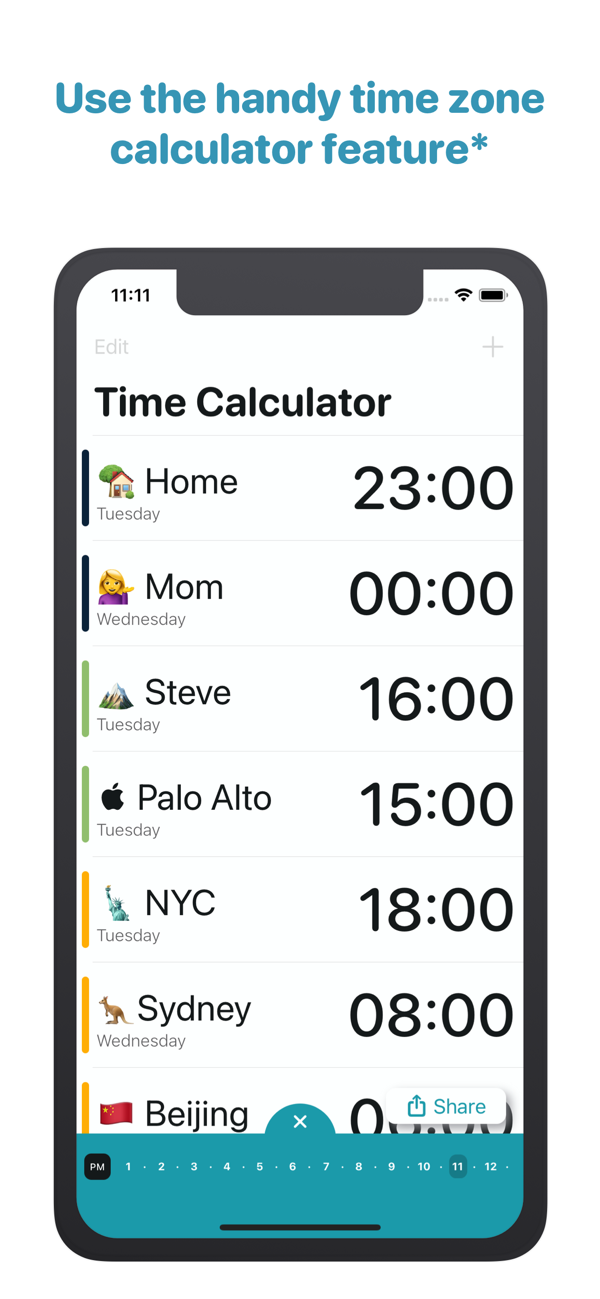
World Clock
The native Clock app, which you can find in iOS and iPadOS 14, offers a world time display, even in the form of widgetHowever, as for the personalization of this widgetu, you won't be completely thrilled. So if you want to display the world time in a cool-looking widgetIf you want a clock that you can customize, you'll love the World Clock app. This app offers three different sizes widgets, along with the possibility of changing the design - for example, there is a dark, light, midnight, turquoise or red look, and it is important to note that every user will find their own. Interesting widget Then there's the one called Timeline, which can perfectly and simply display the phases of the day in different cities around the world.
Gallery
Clock Widget
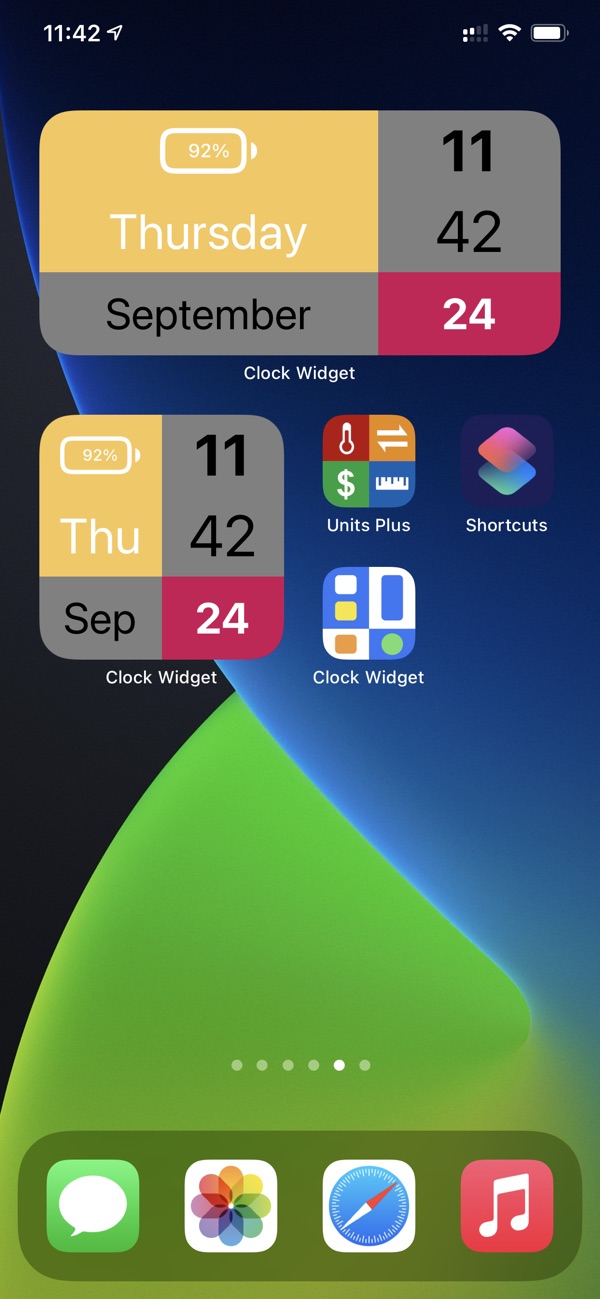
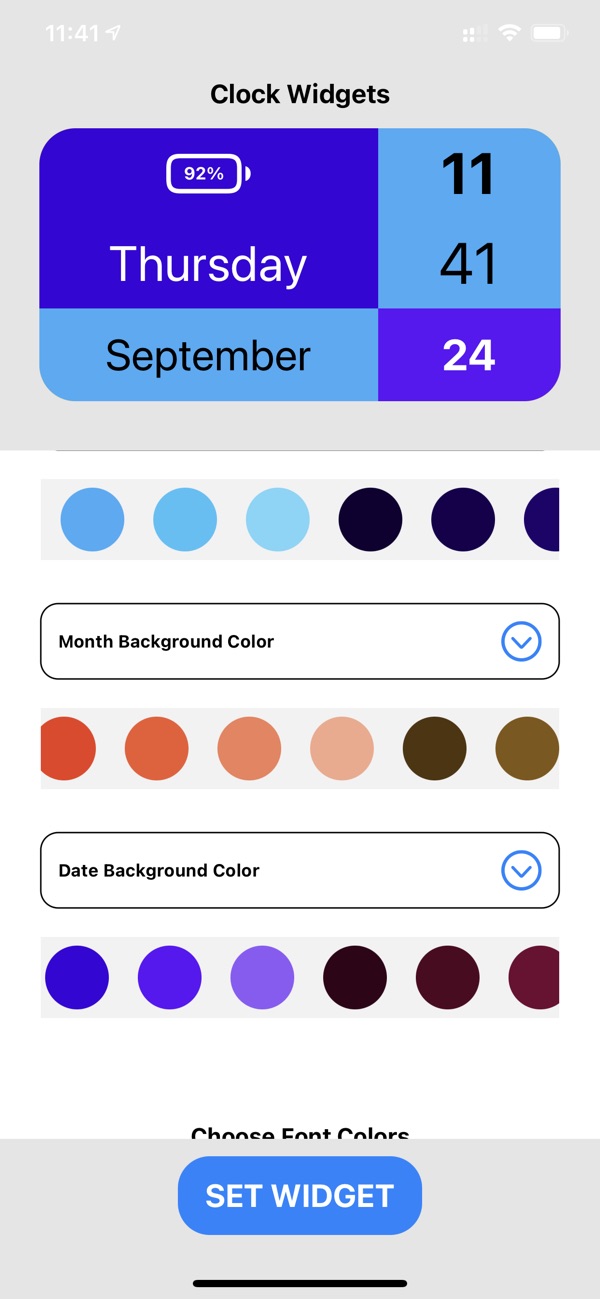
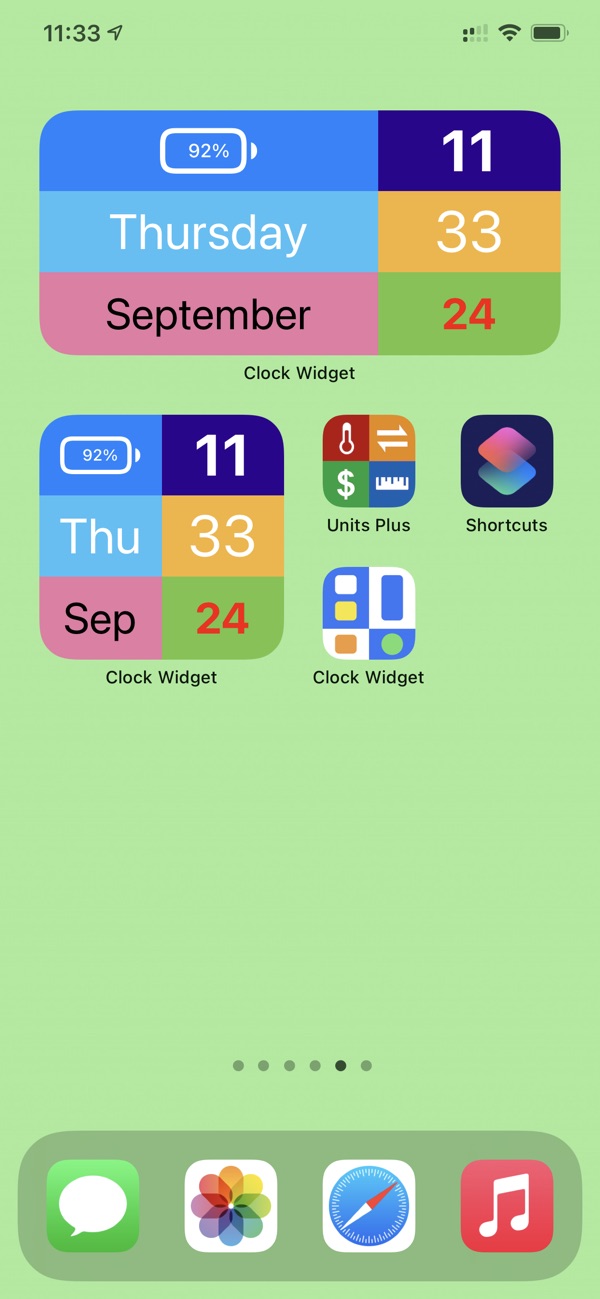
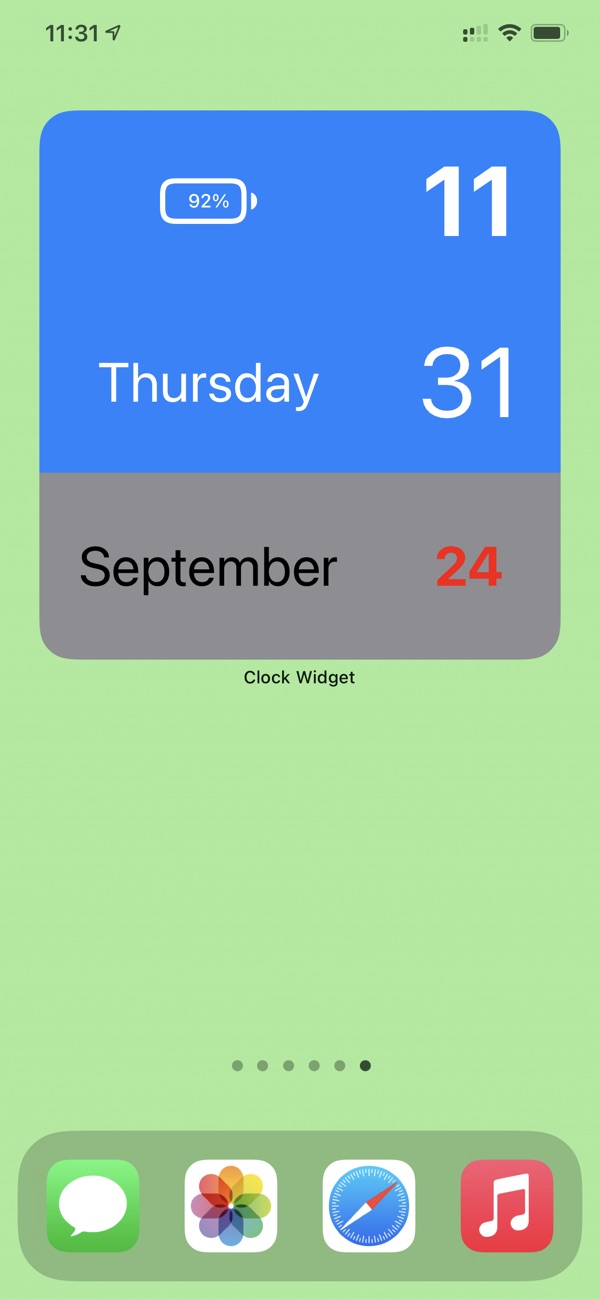
If you decide to install Clock Widget, so don't be afraid that this application, as the name suggests, can only display widget with the clock. Users of this application can widgetu add, for example, information about the battery status, as well as today's day, date and exact time. Changes are then also possible in terms of design - there is an option to change the background color or individual blocks of the application. In addition, you can also change the font color. Clock Widget is a simple application that will be appreciated especially by users looking for minimalistic widget and certain forms of modification.
Gallery
Clock Gallery
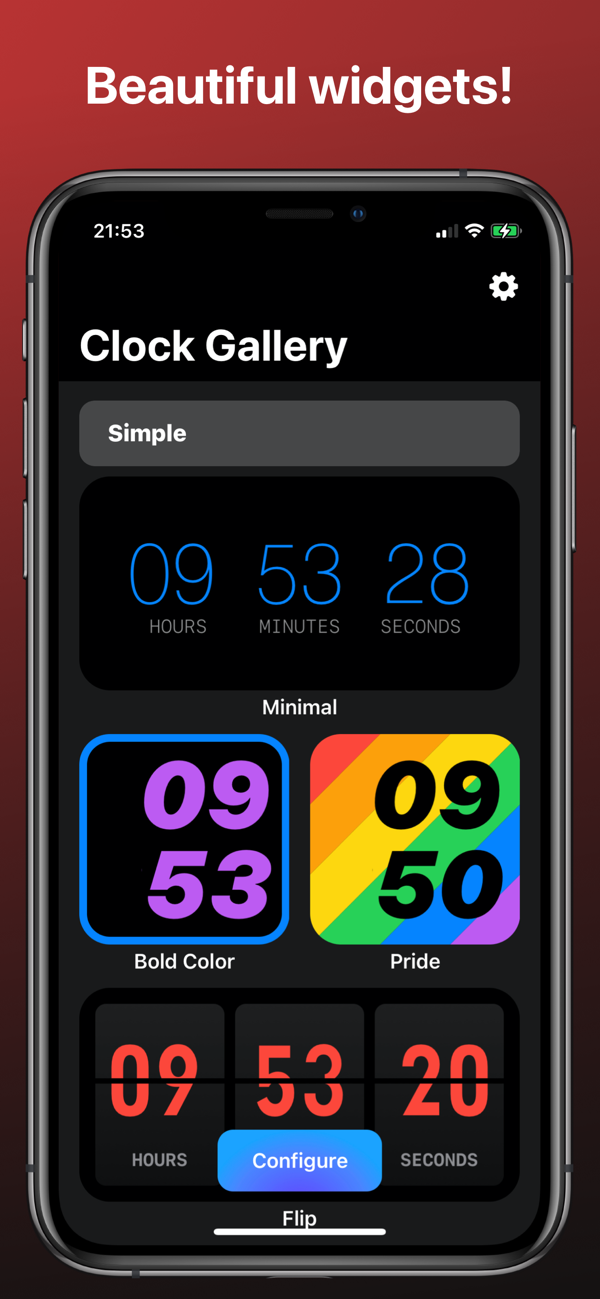
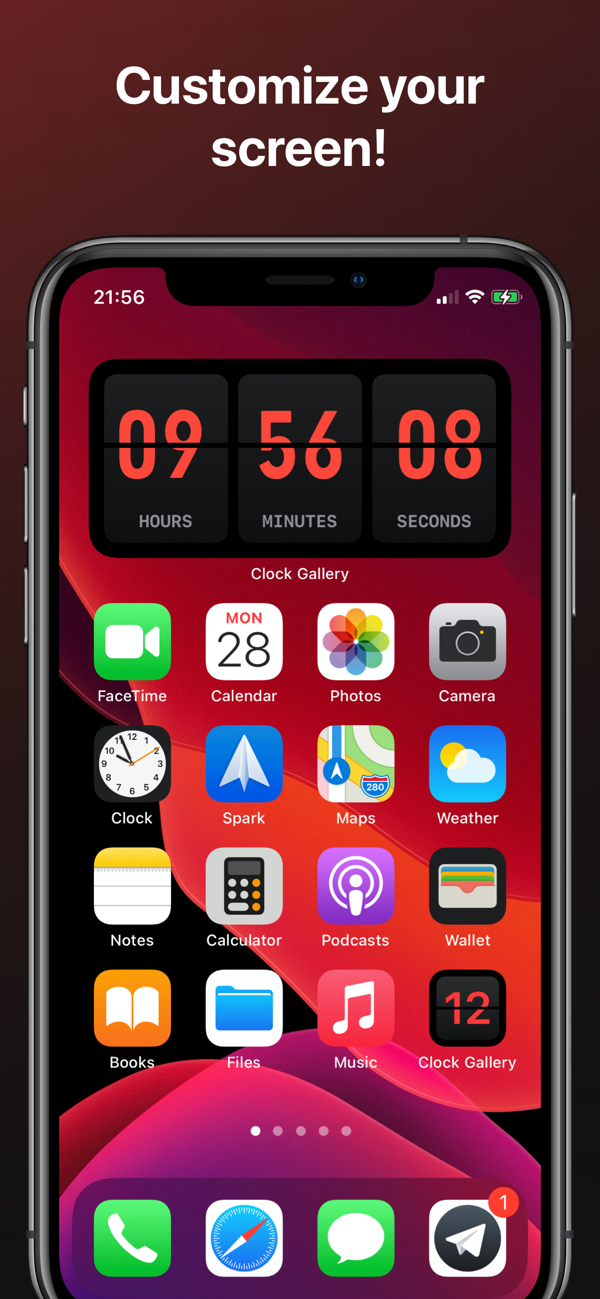
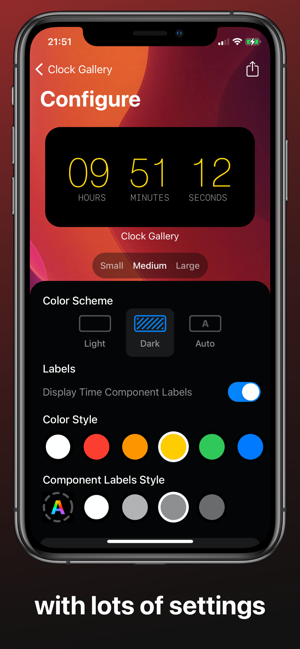
As the name of this application suggests, Clock Gallery offers a large collection widgetto display the clock. The great advantage of this application is that each individual widget you can customize it to your liking. There are countless different clocks available for the Clock Gallery application. widgetclocks – for example, there are retro digital widget, further on widget, or perhaps widget with the flag of a certain country. For these widgetYou can then change the font styles and colors, along with the background color. Clock Gallery is available completely free of charge and you should definitely at least try it out - you'll be surprised by the number of widgets that are available, as well as options for personalization.
Color Widgets
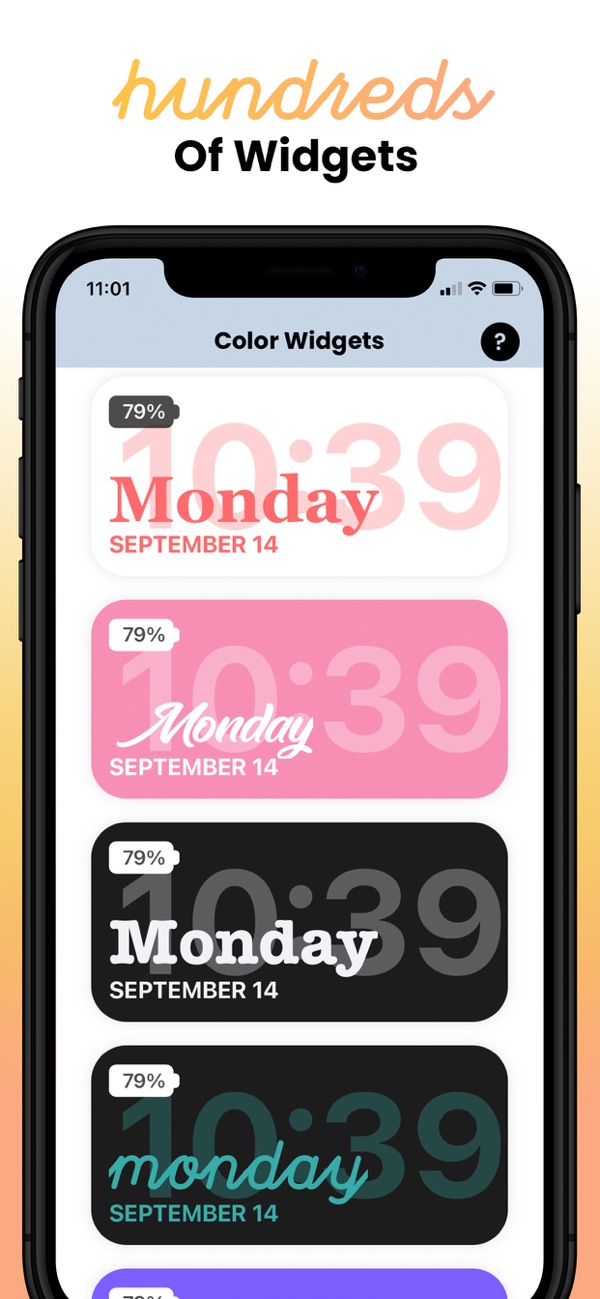
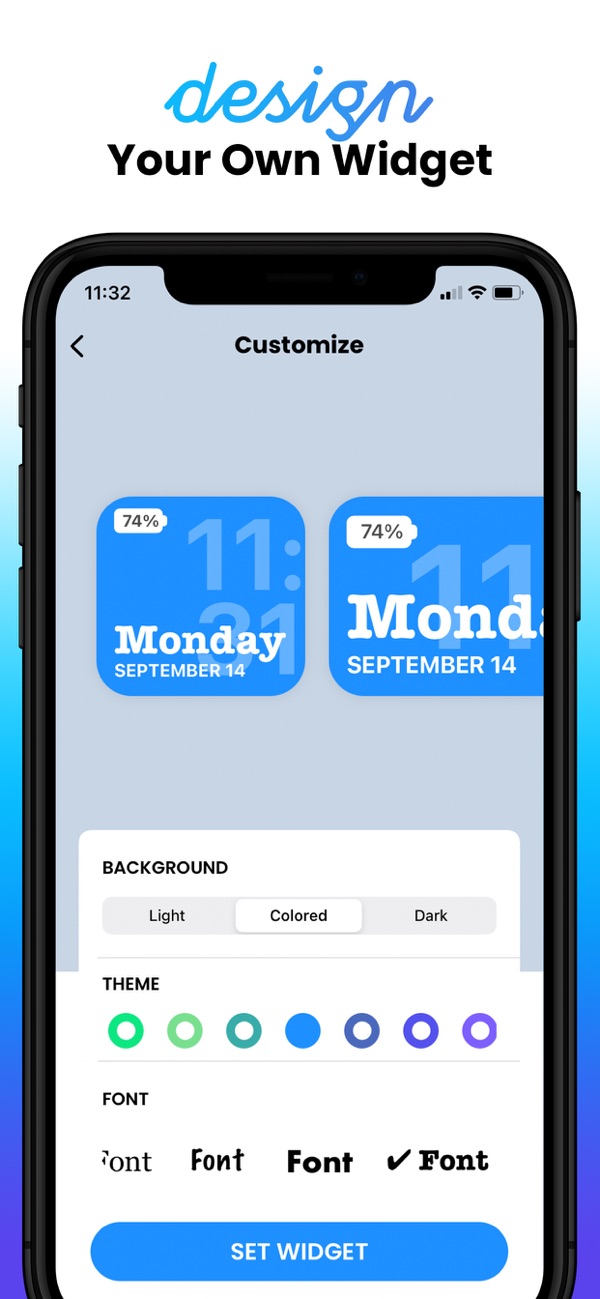
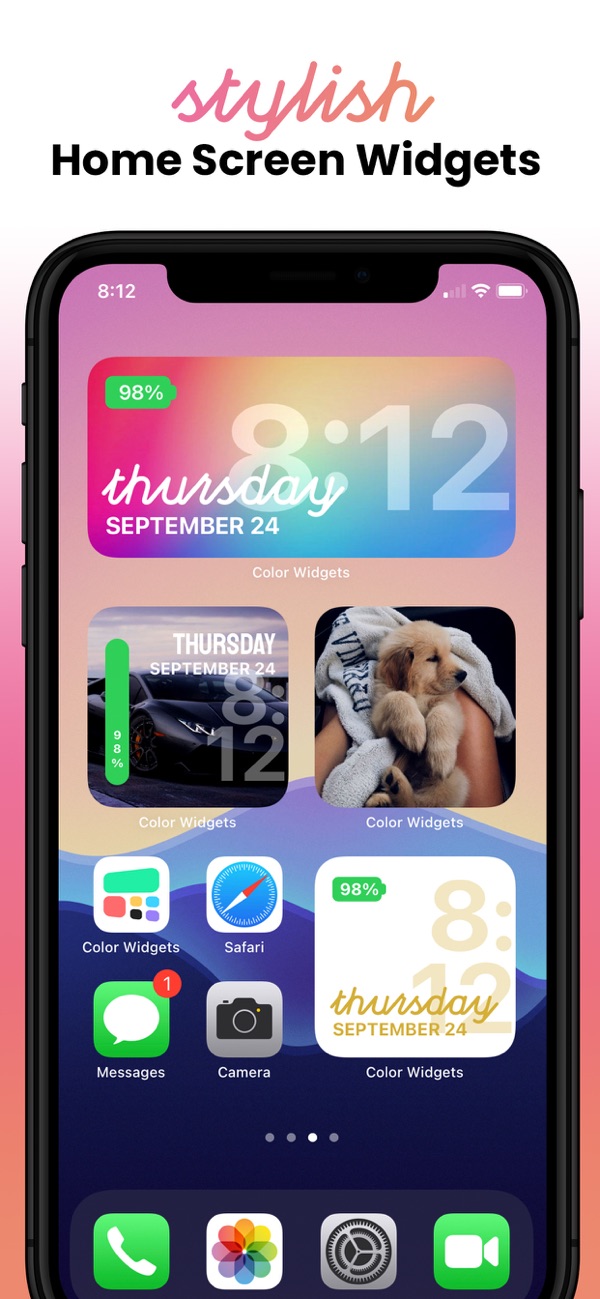
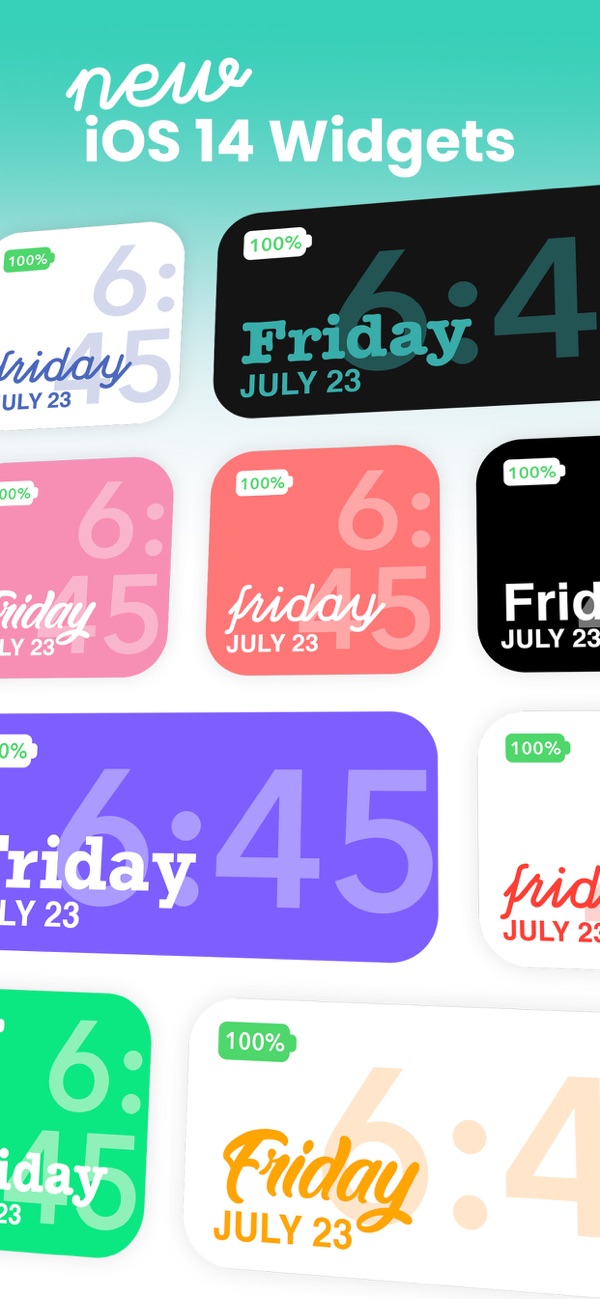
While the Clock Gallery application mentioned above offers pre-made widgety that you can easily edit, the Color application Widgets does it completely differently. If you decide to download this application, you own widget you will be able to create completely from the ground up. Style and individual elements widgetare very similar to the native widgetin the Clock application, part of the personalization is the ability to set a color gradient or background image, or within the Color Widgetyou can "connect" multiple widgets in one. Overall, this application is very minimalistic and you should definitely try it.
Gallery