With the arrival iOS 14, we also received a complete redesign widgetThese are now much more modern and simpler, and you can also add them to your home screen among the applications. Native widgetThere are several available, and the good news is that you can expand their number through third-party applications. If you have placed a widget from the Photos app, so you canchat project random photos. ProThe problem is, however, that you cannot decide for yourself which photos are included in the widgetthey will display, which may not be entirely ideal. In this article, we will look at how to upload photos to widgetto choose.
You might be interested in
As iPhone adjust which photos will be displayed in widgetat Photos
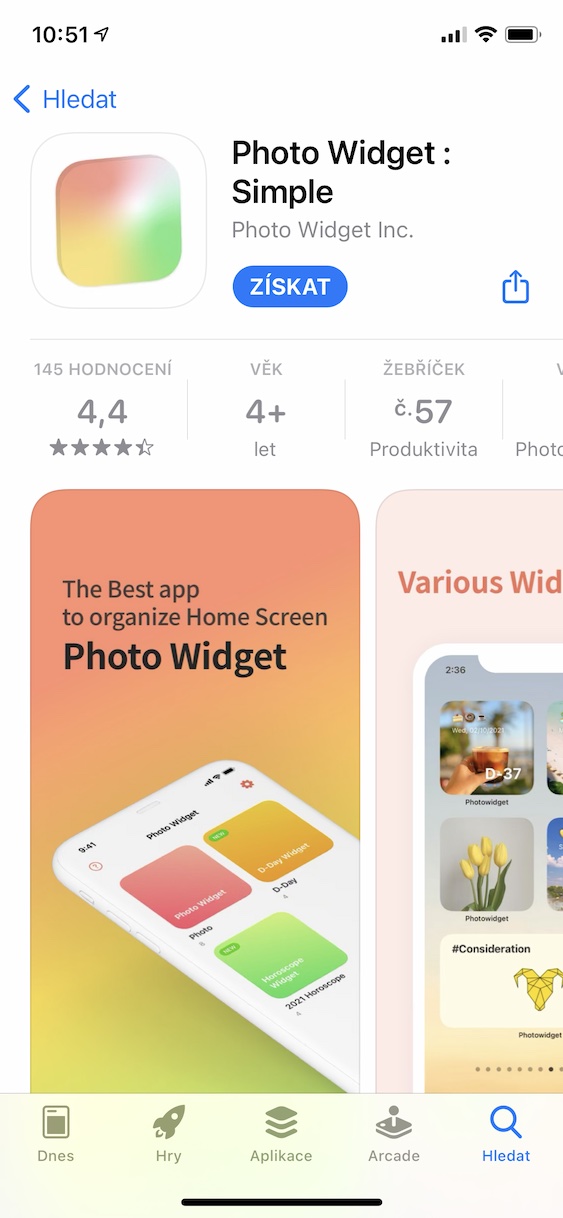
As I mentioned above, there is no native option to adjust the display of photos in widgetin Photos. Fortunately, you can use a third-party application that offers an identical look and feel. widget but you can set which photos will be displayed. So proceed as follows:
- First, it is necessary that you App Hundreds downloaded the free app Picture Widget: Simple.
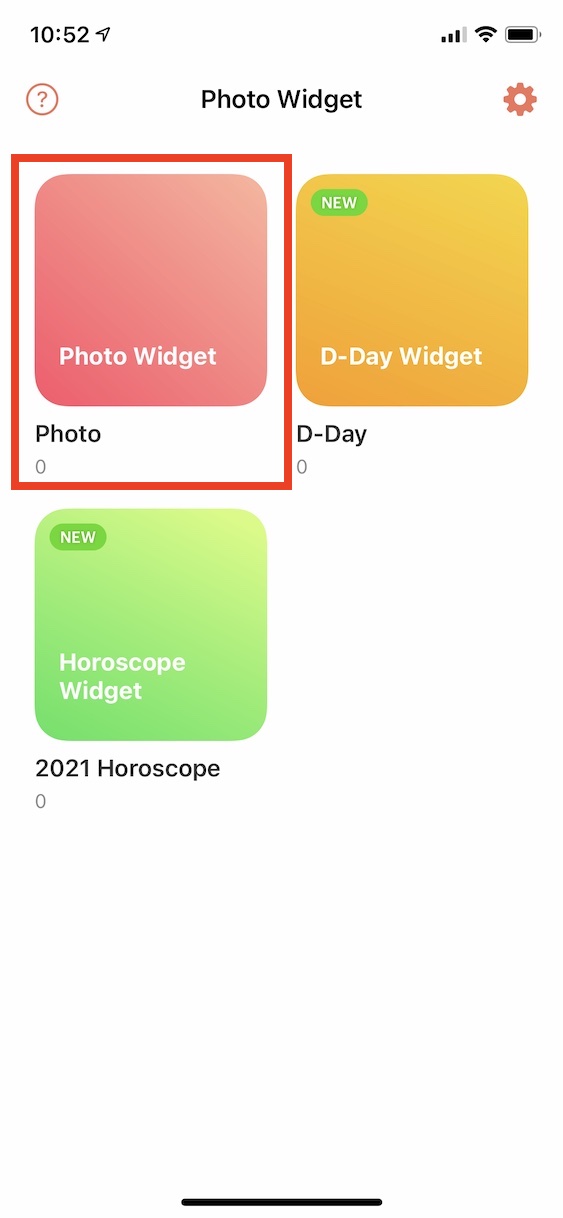
- After downloading, you will find yourself in a simple application interface where you tap on the folder Picture Widget.
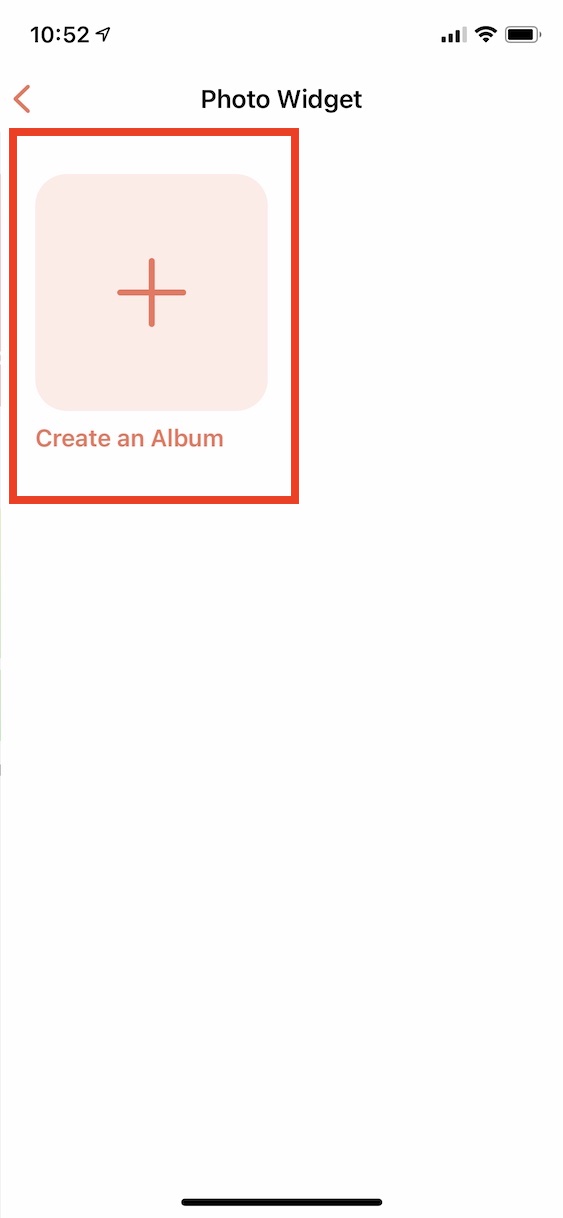
- Then tap on the option here Create an Album s + icon.
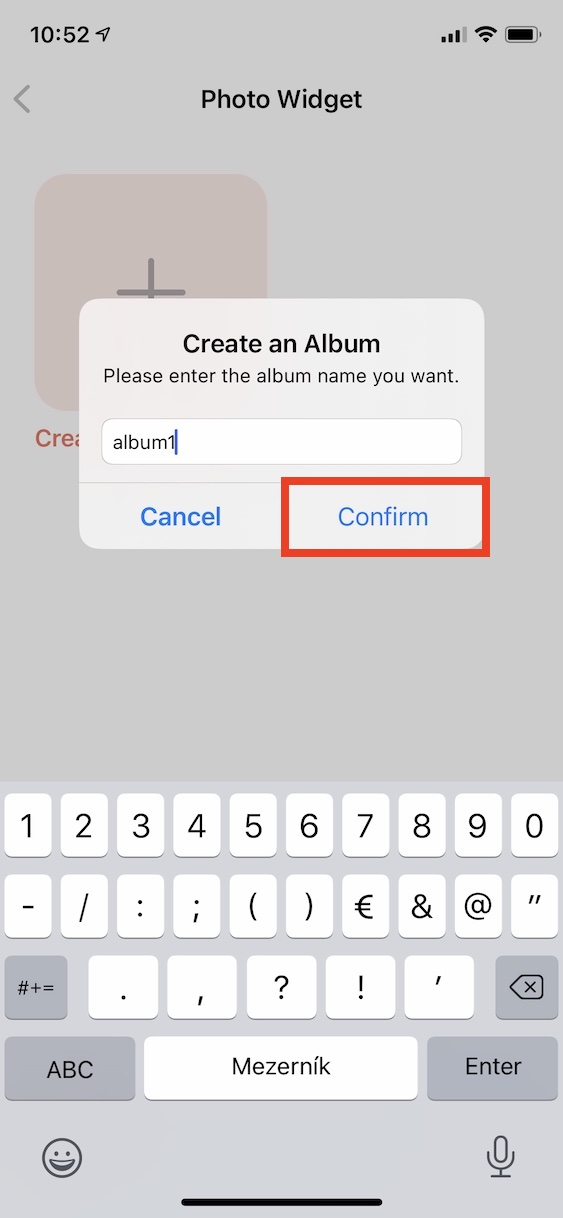
- Come up with a name for your album and tap on confirm. Then it is necessary allow access to photos.
- Once you've done that, tap the button below Load New Photo.
- An interface will now appear in which you can Photos intended for display choose.
- Tap to confirm your selection Add, and then on Complete top right.
- MaxThe maximum number of photos you can takechat to display, is 30.
Gallery
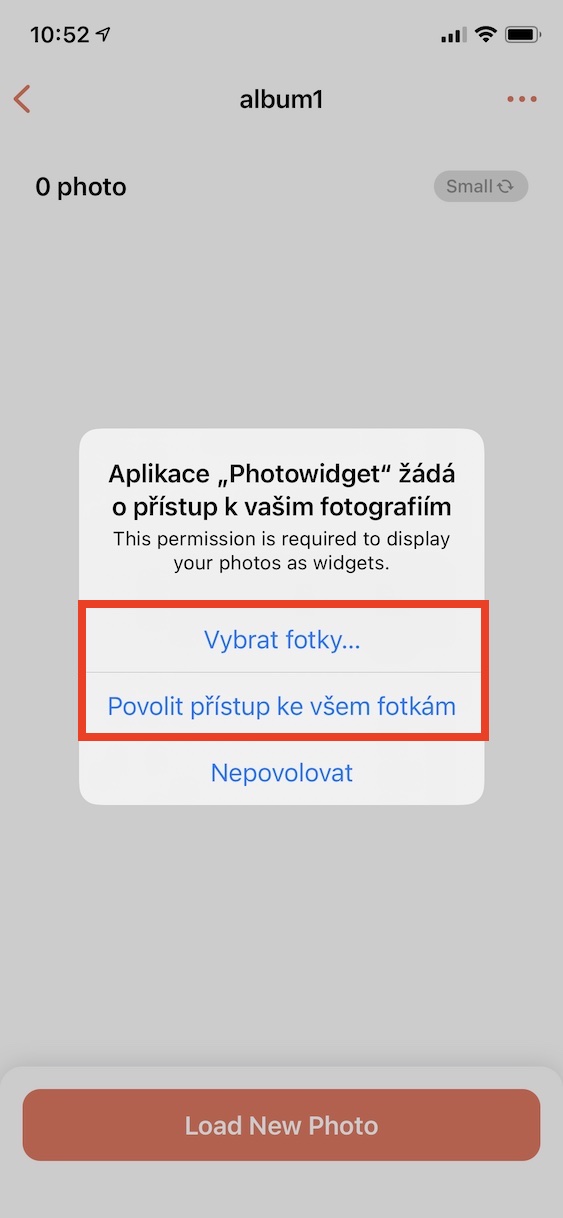
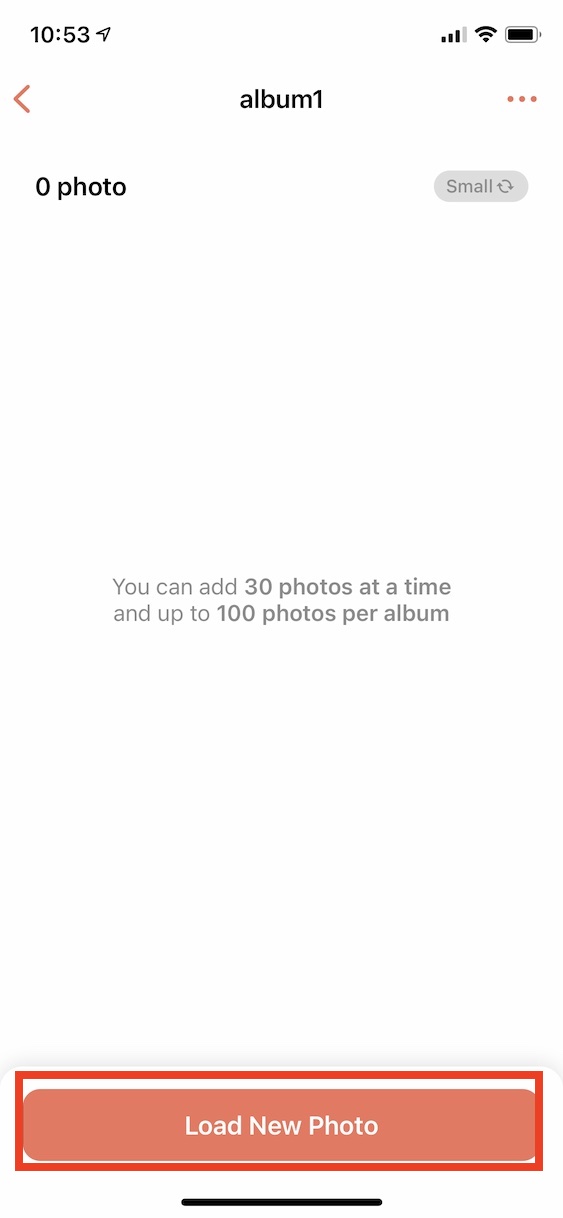
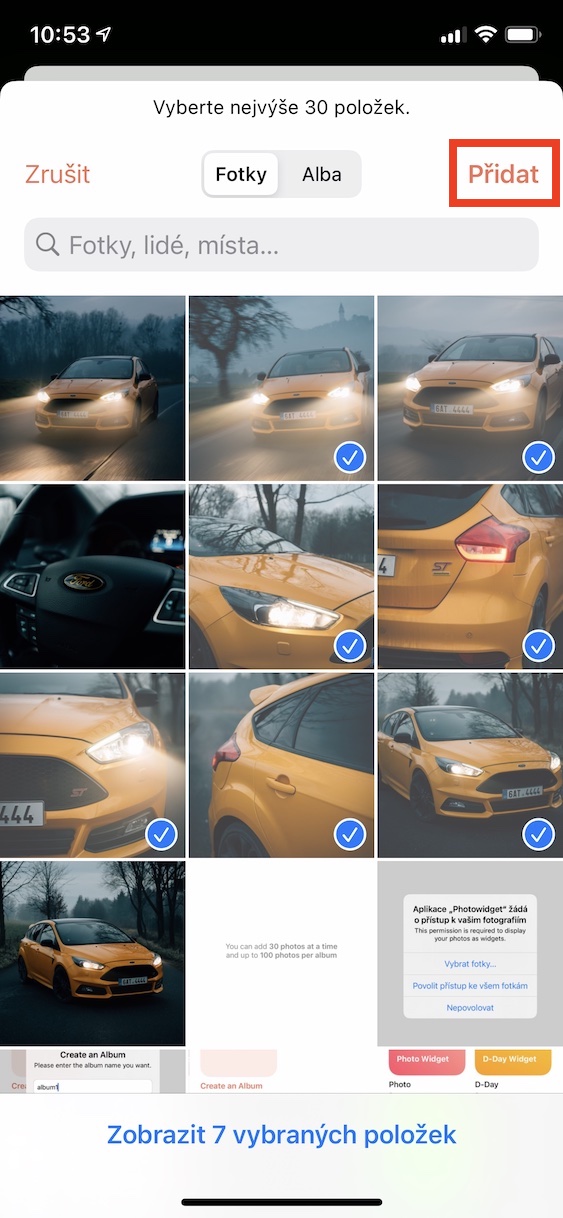
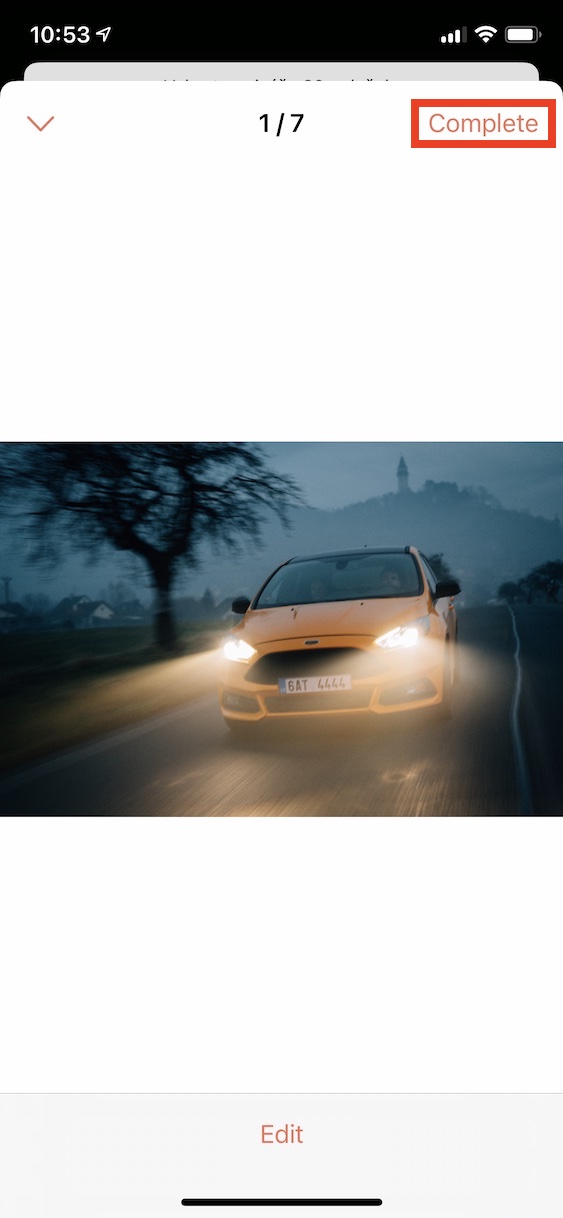
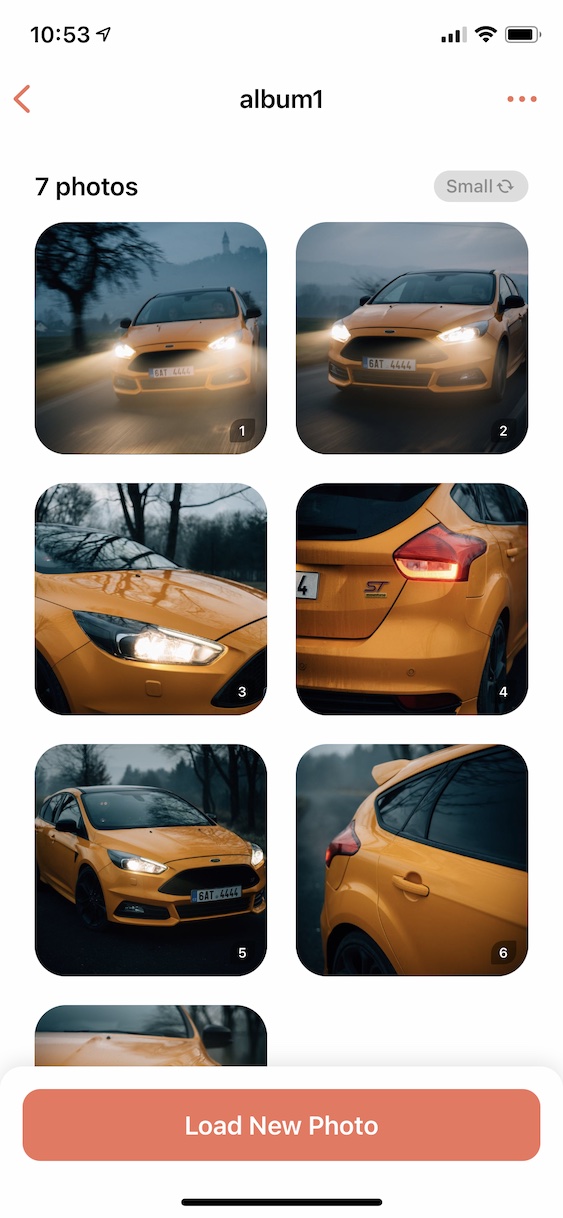
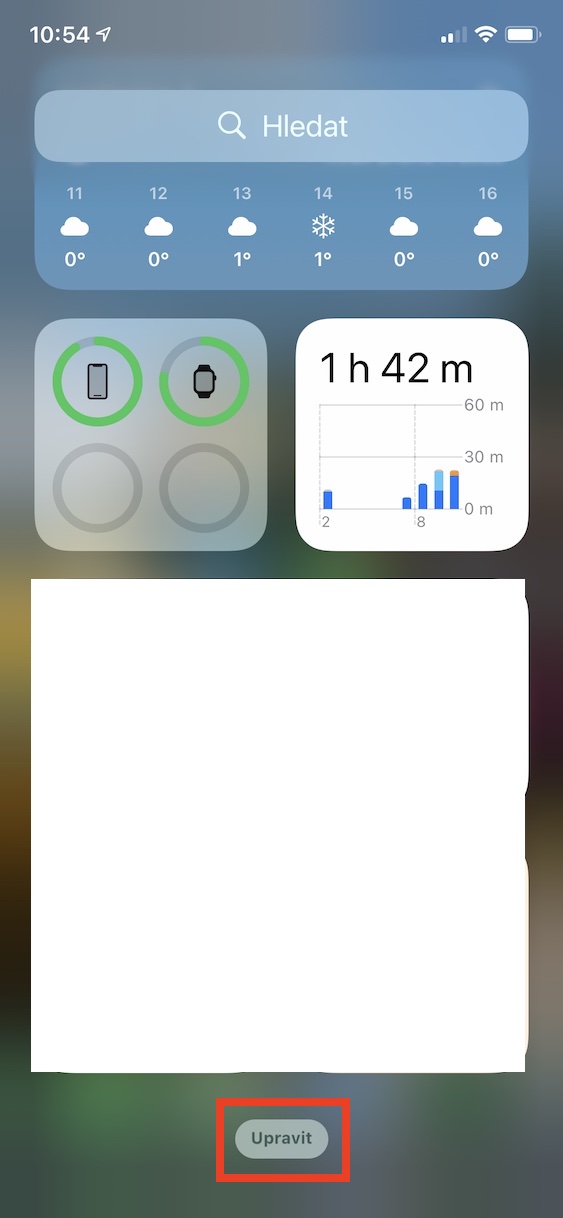
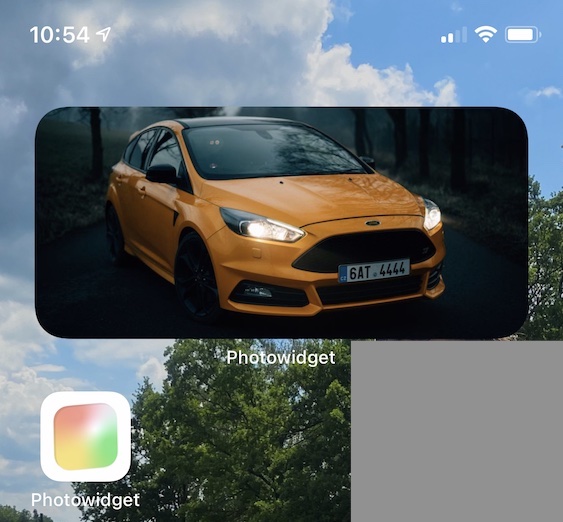
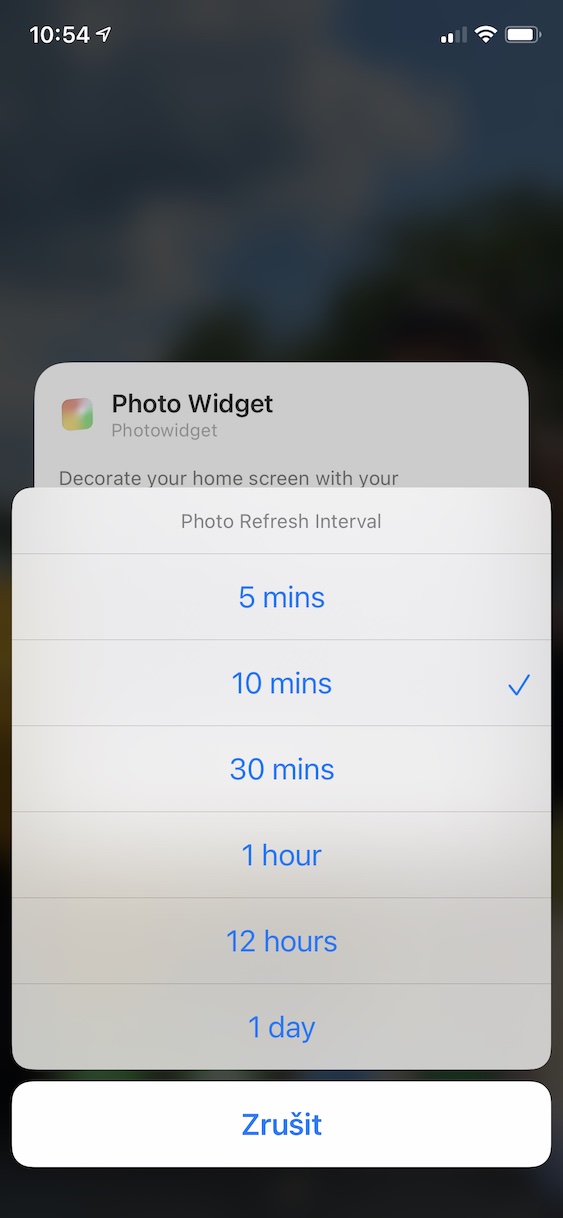
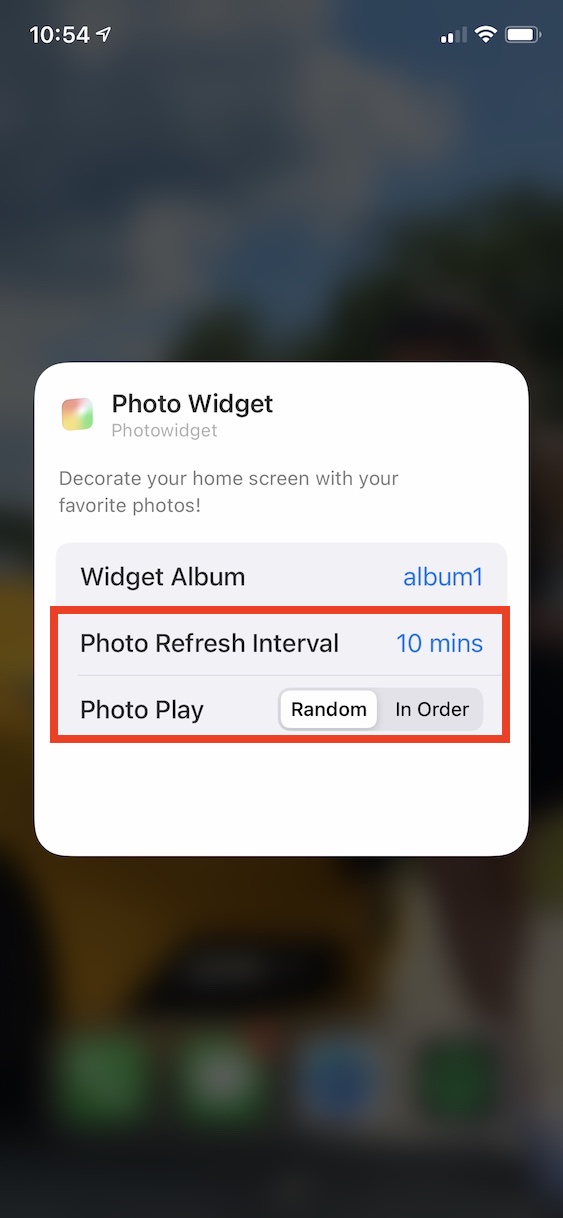
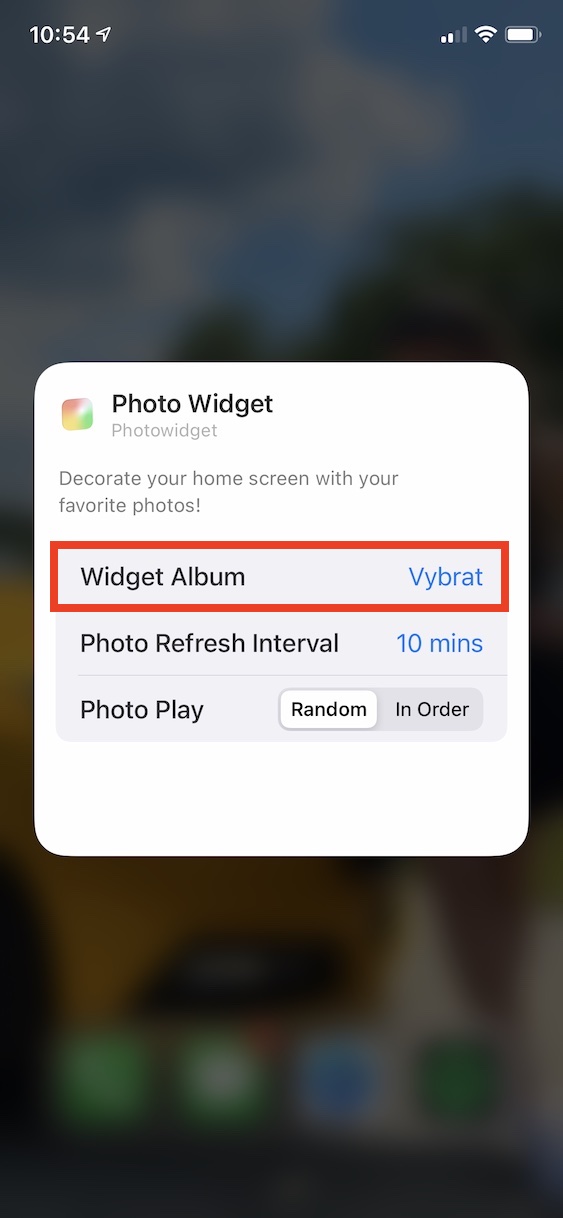
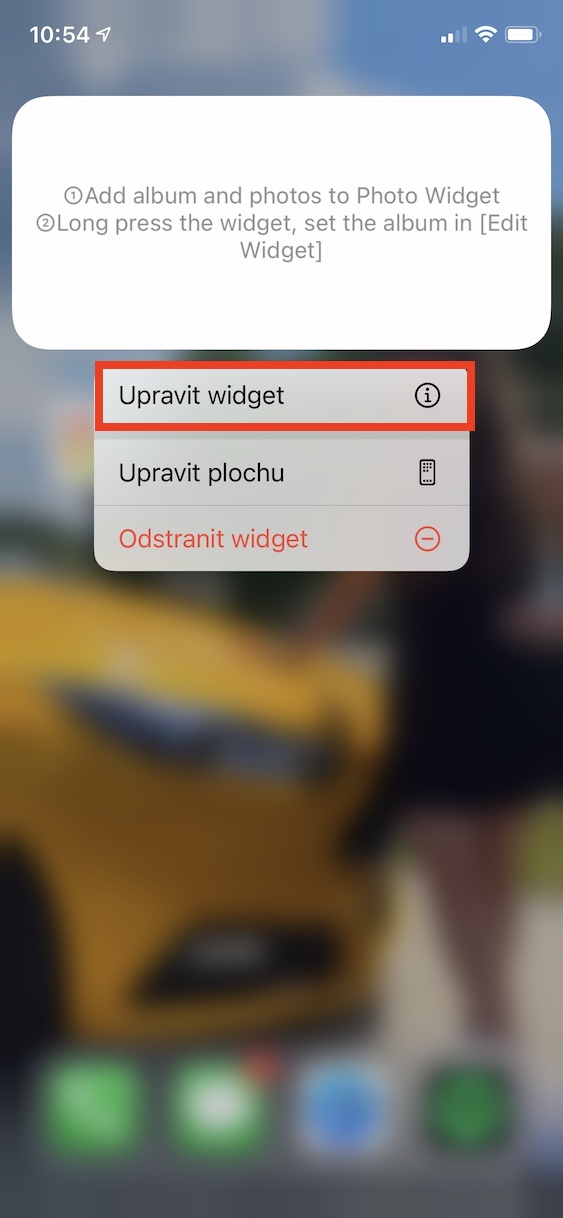
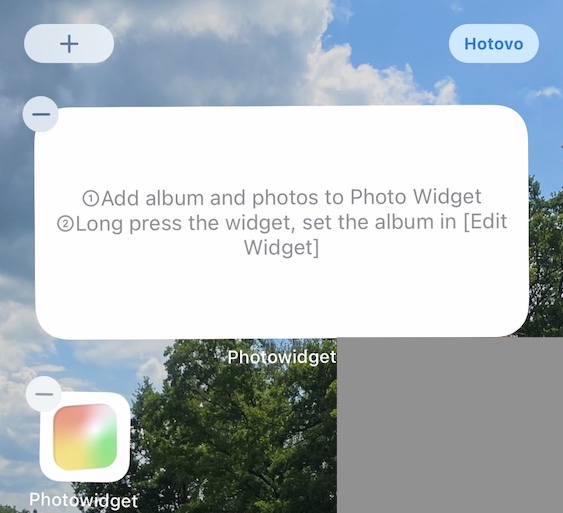
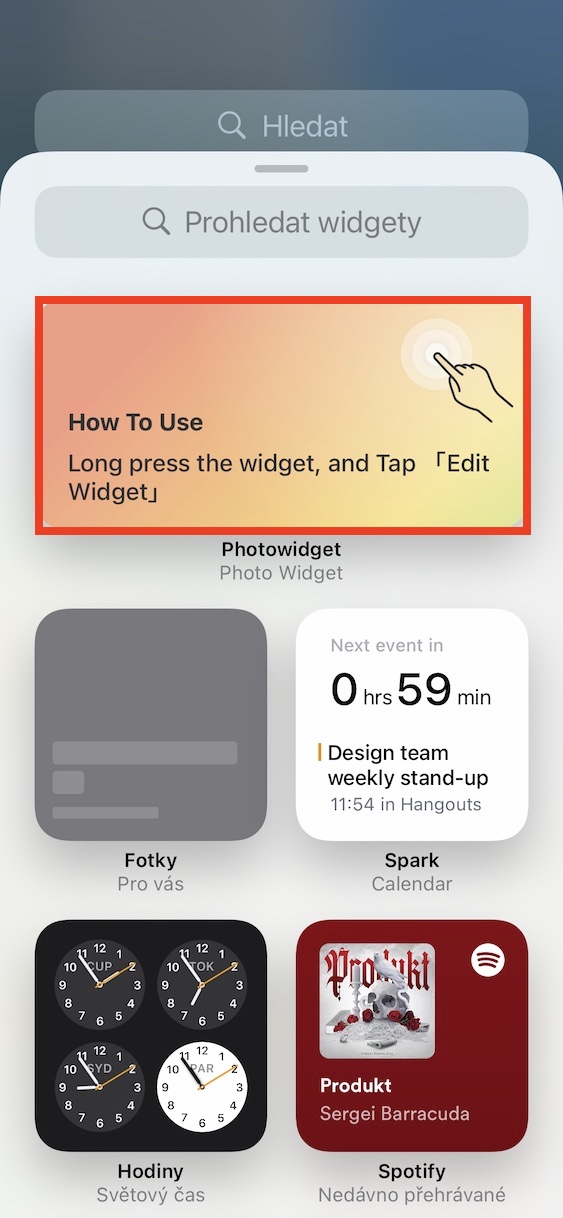
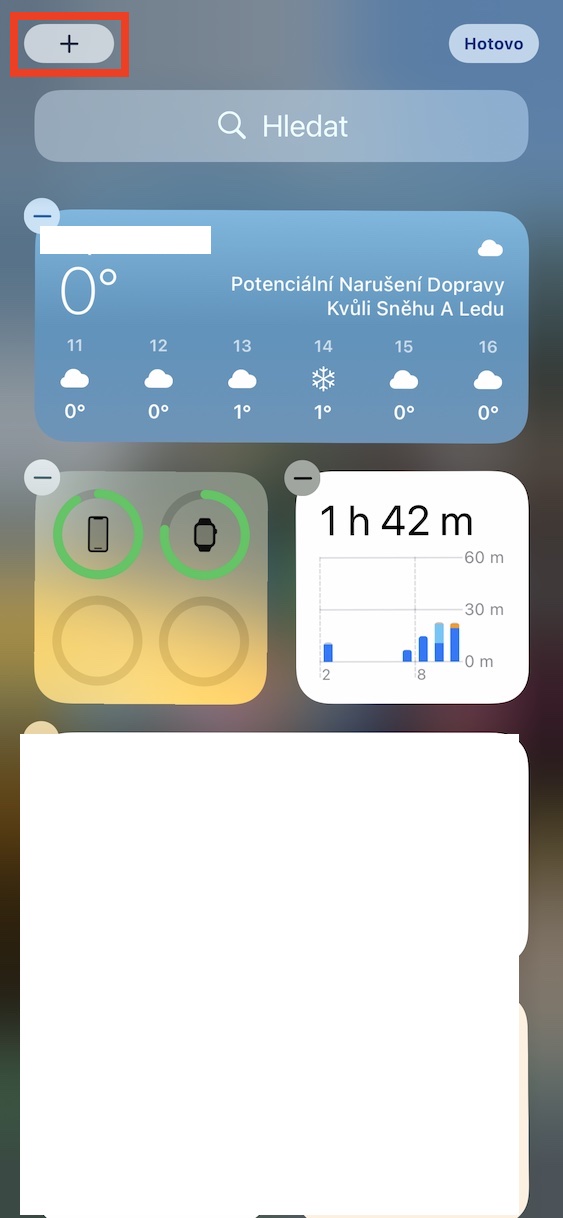
You have successfully created the above method. widget with your own photos. Now all you have to do is widget added. So, on the home screen, swipe to left screen with widgety and get off all the way down where tap on Edit. Then search here using the search engine widget Picturewidget and click on it. Now take your pick size widgetu, move it to the screen and exit edit mode. Nakonec is enough for you to add widgetu held a finger and then chose an option Adjust widget. Click the option Widget Album and select the album to display, besides you can also set change time photographs and imaging v order whether randomly. Of course, you can create more albums, and you can also add more widgetto the desktop.
Gallery