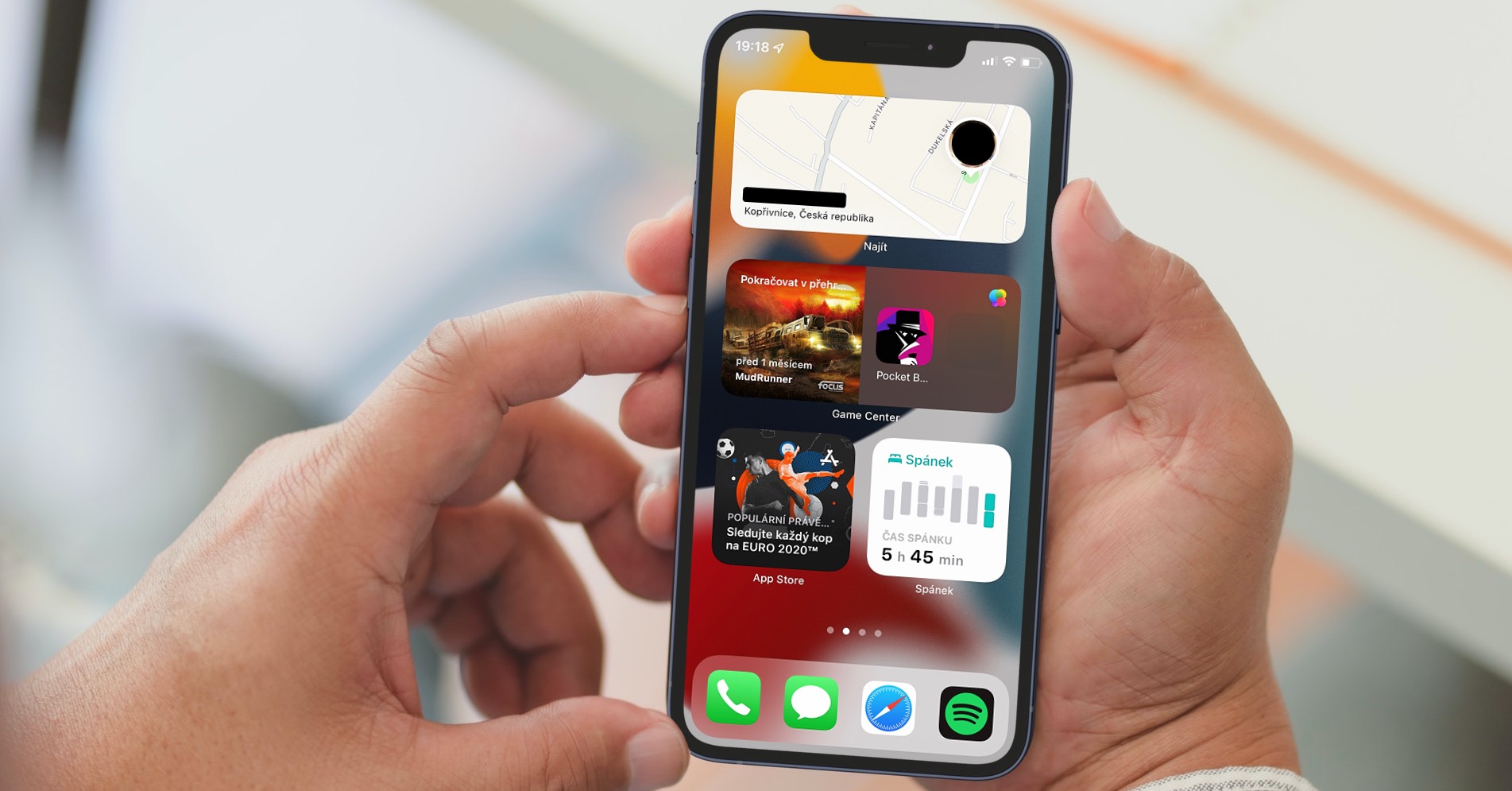
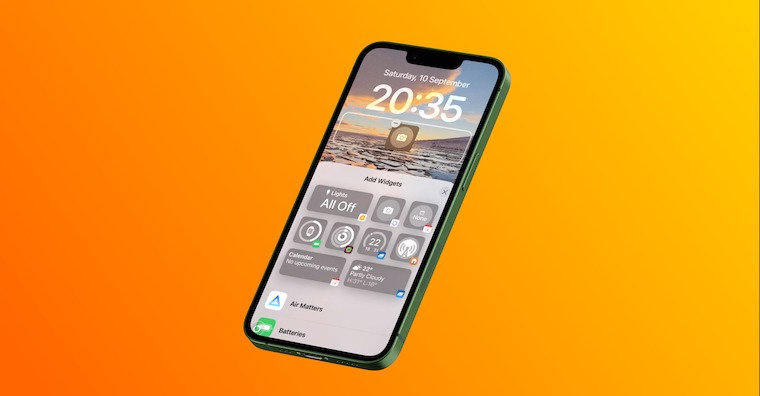
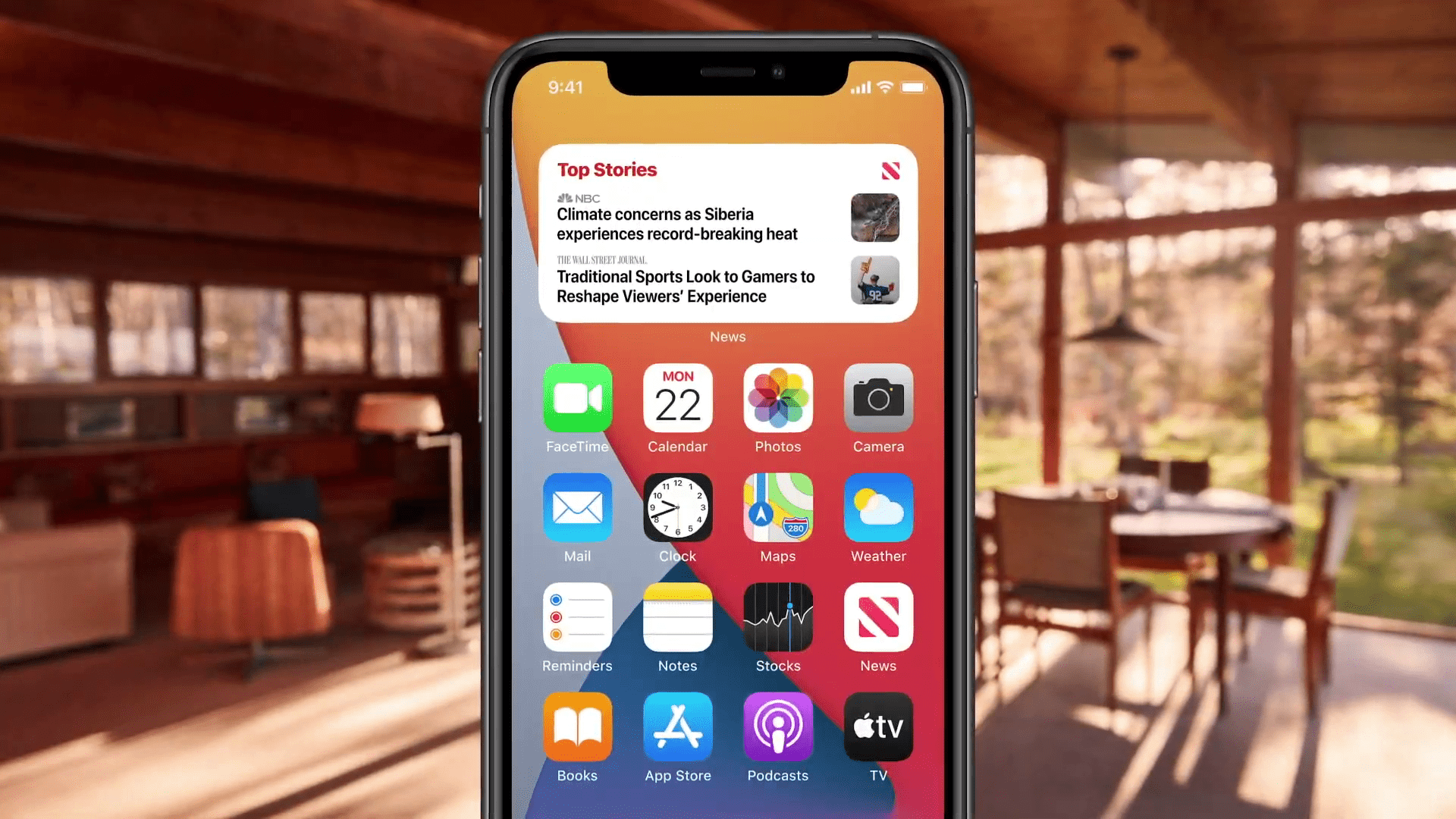
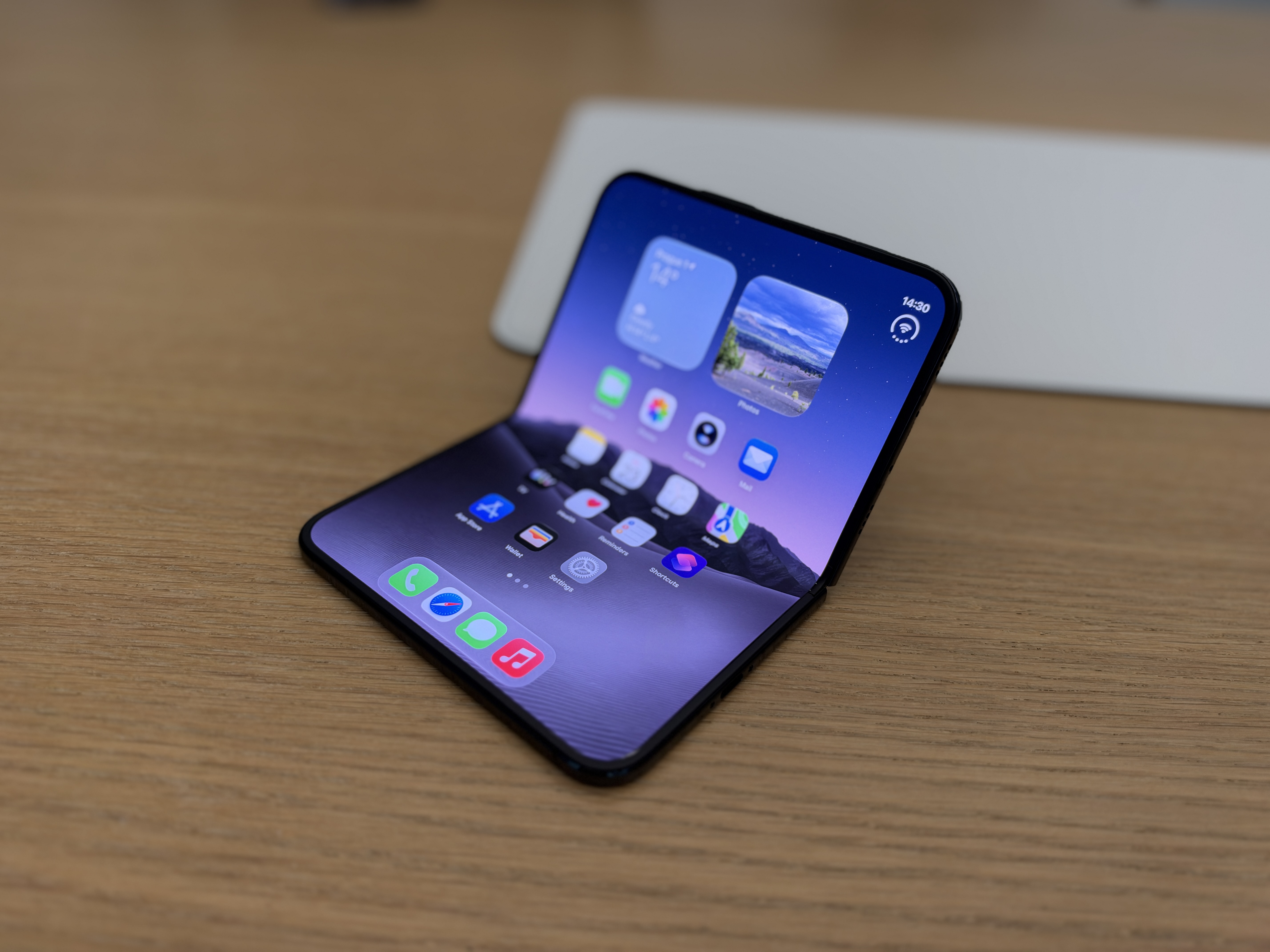
Apple introduced the operating system almost two years ago iOS 14, which came with countless new features. Many of them were seen mainly on the home screen. For example, there was a complete redesign here widgets, along with adding an app library for apps you don't use as often. Some widgetYou can customize the icons you add to your desktop - in this article, we'll take a look at 5 such options that you might not have known about.
You might be interested in
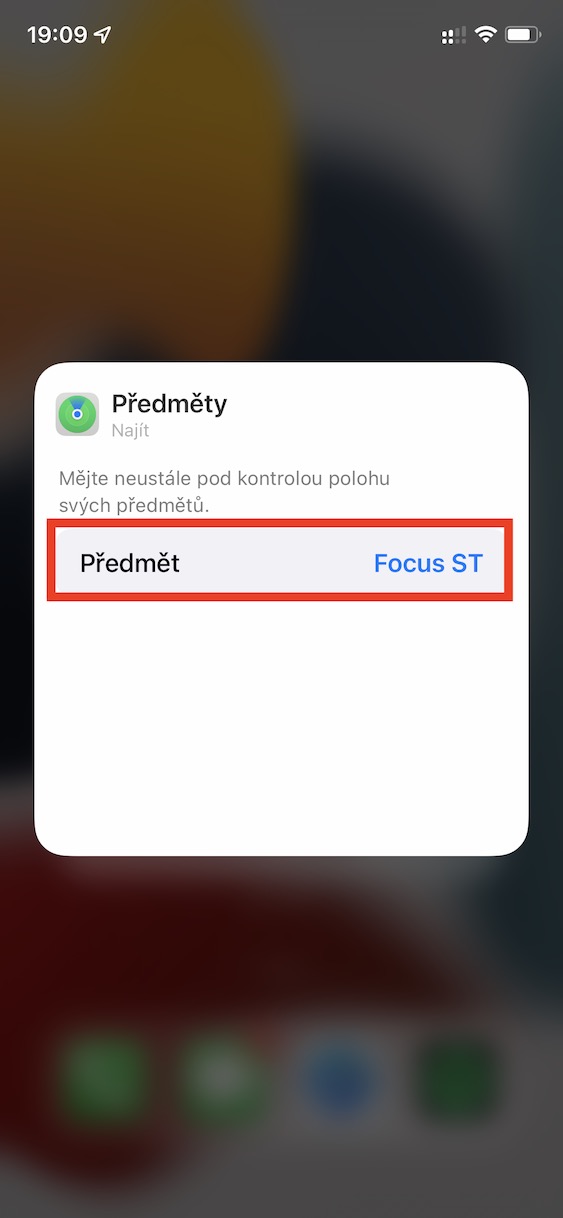
Tracked subject or user
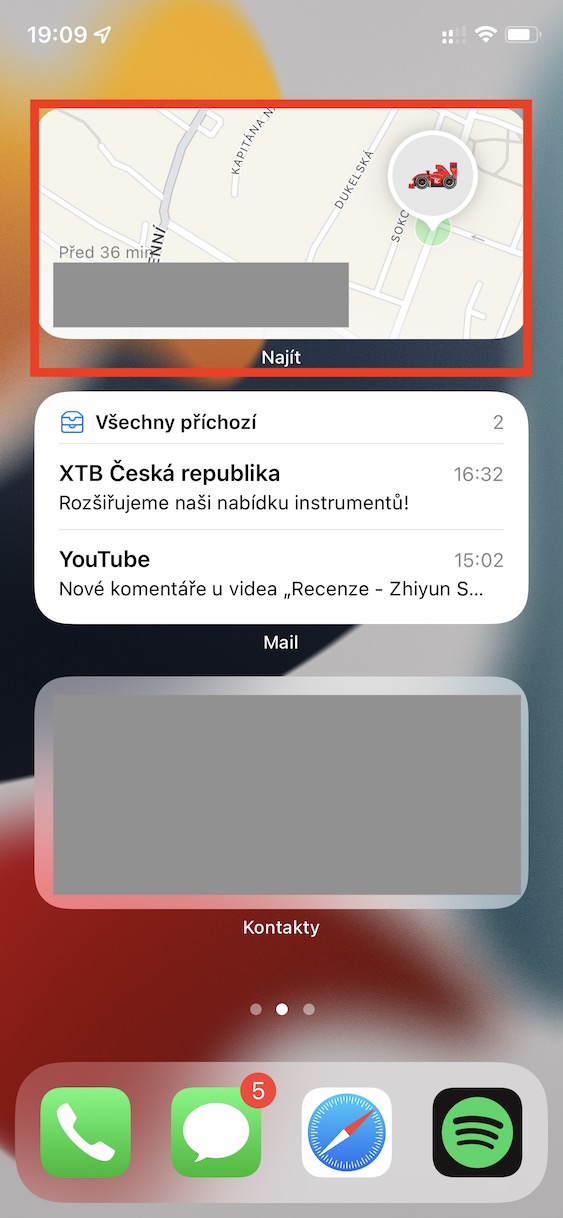
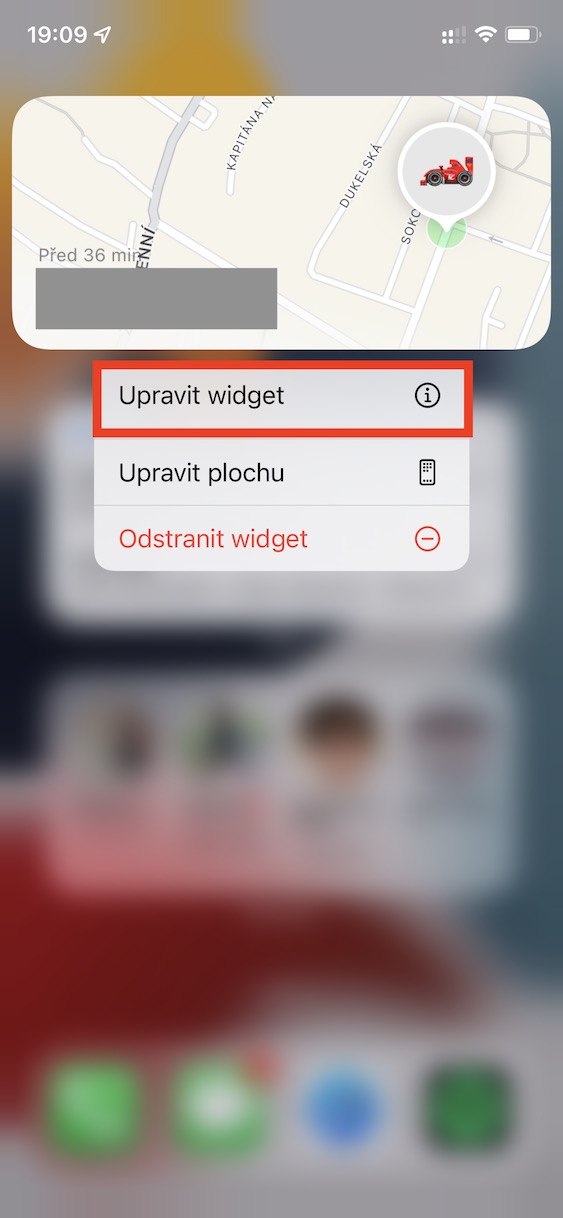
If you would like to track the location of an item or user on the home page, you can add widget from the Find app. But when this widget you are adding, you will not be asked which subject or which user you want to add to the widgetto display. Pro making a change to widgetu hold your finger and select an option Adjust widget, where you just have to click Subject or Lide a choose what to display.
Gallery

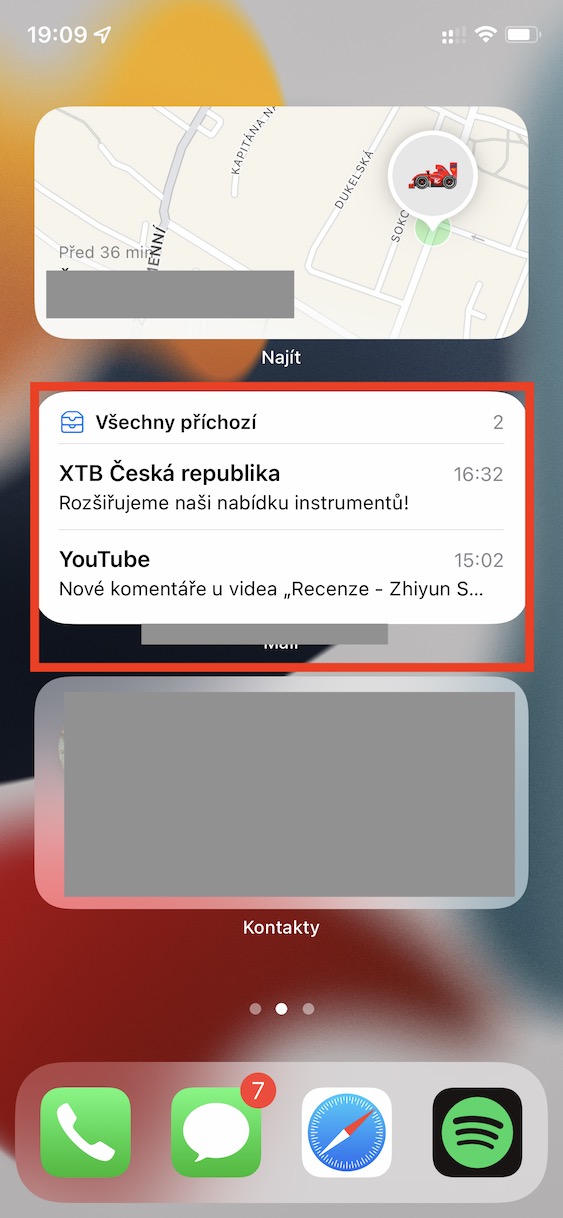
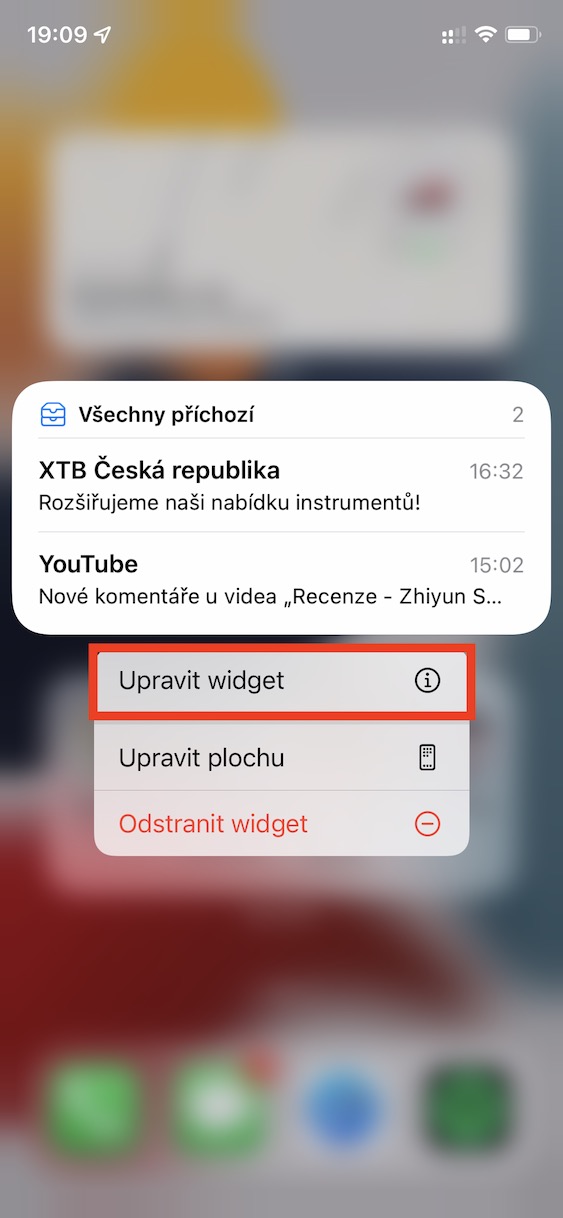
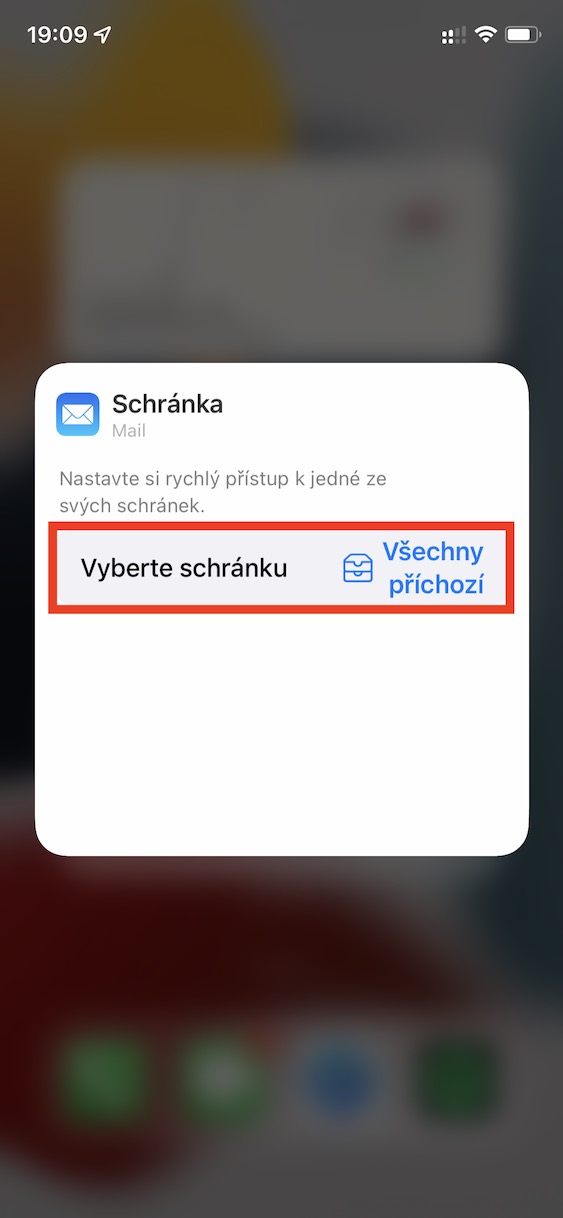
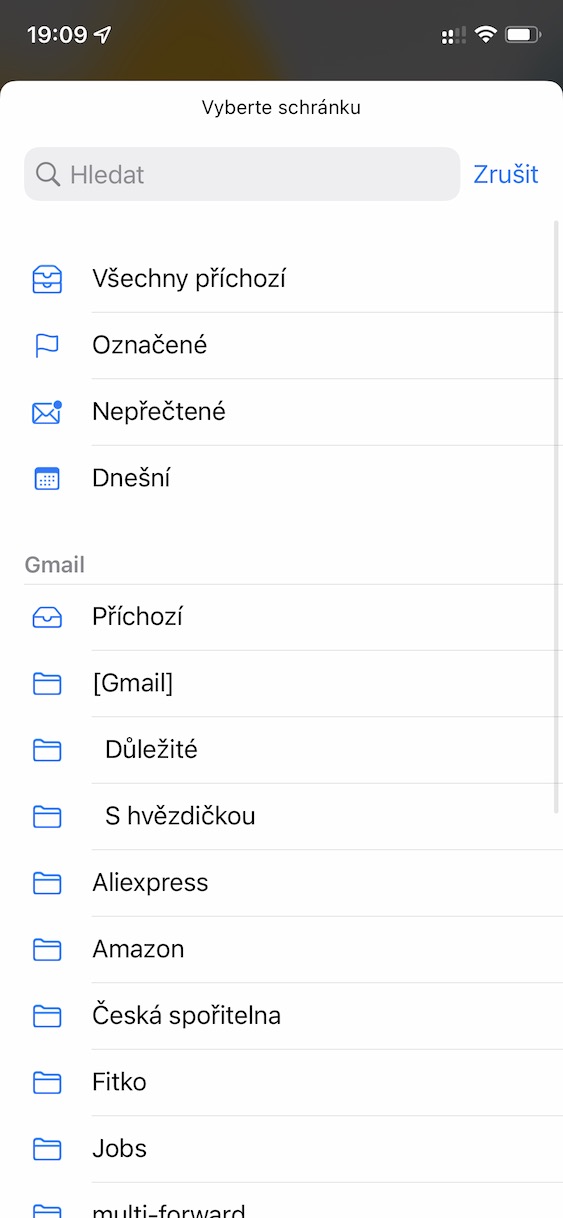
E-mail box selection
Part of virtually all systems from Applu is a native email manager called Mail. Many users find this application to be quite sufficient, so they enjoy using it. The good news is that for a simple overview of incoming emails, you can use widget from this application. If you use multiple email accounts, for example personal and work, you might be interested in how you can widgetu select. Just click on it hold finger choose Adjust widget and then you select mailbox.
Gallery
Change order of favorite contacts
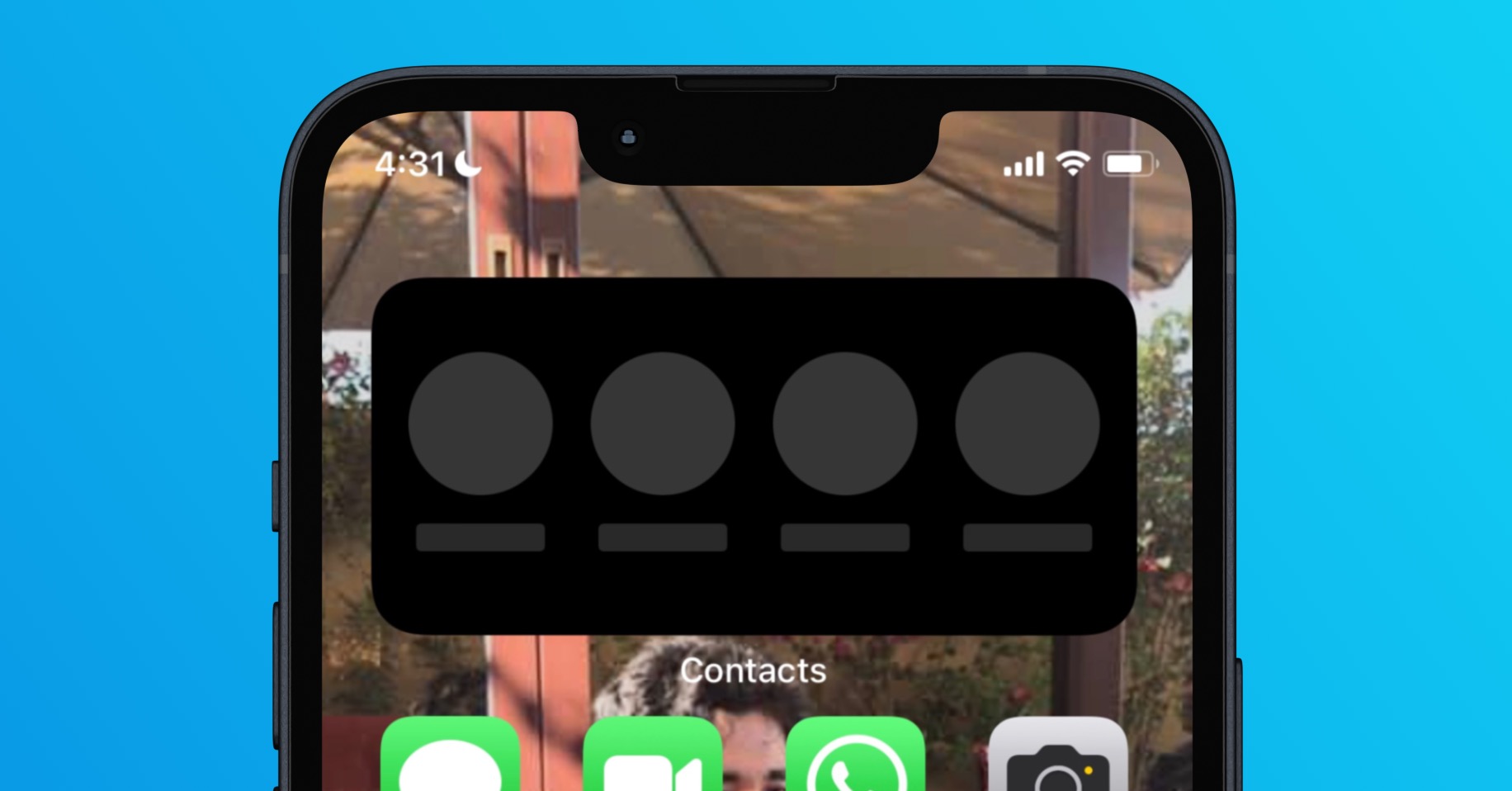
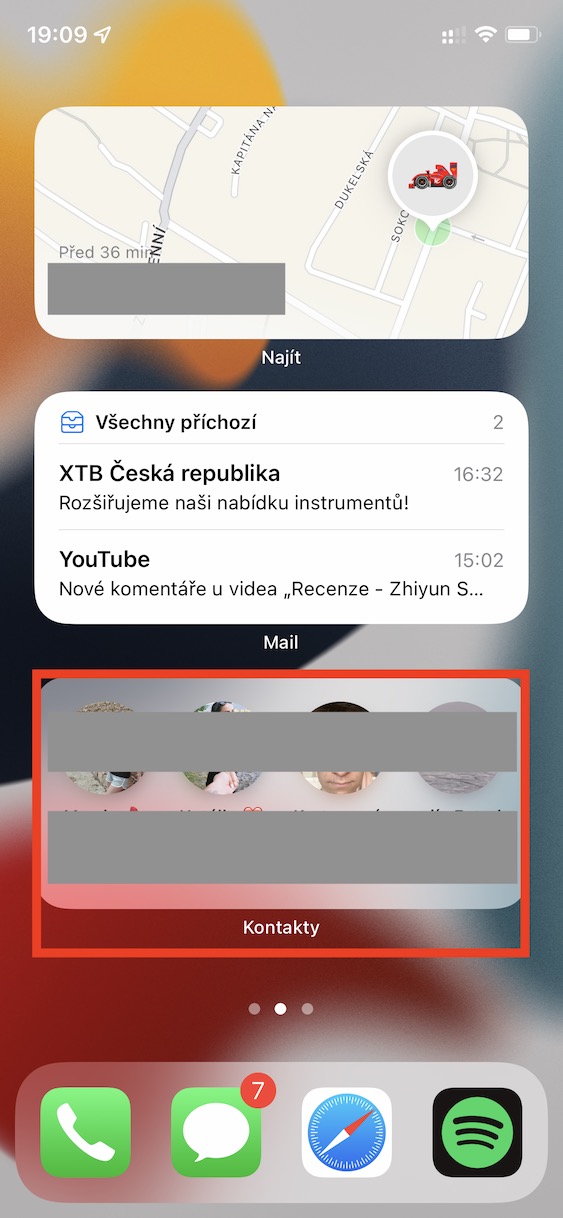
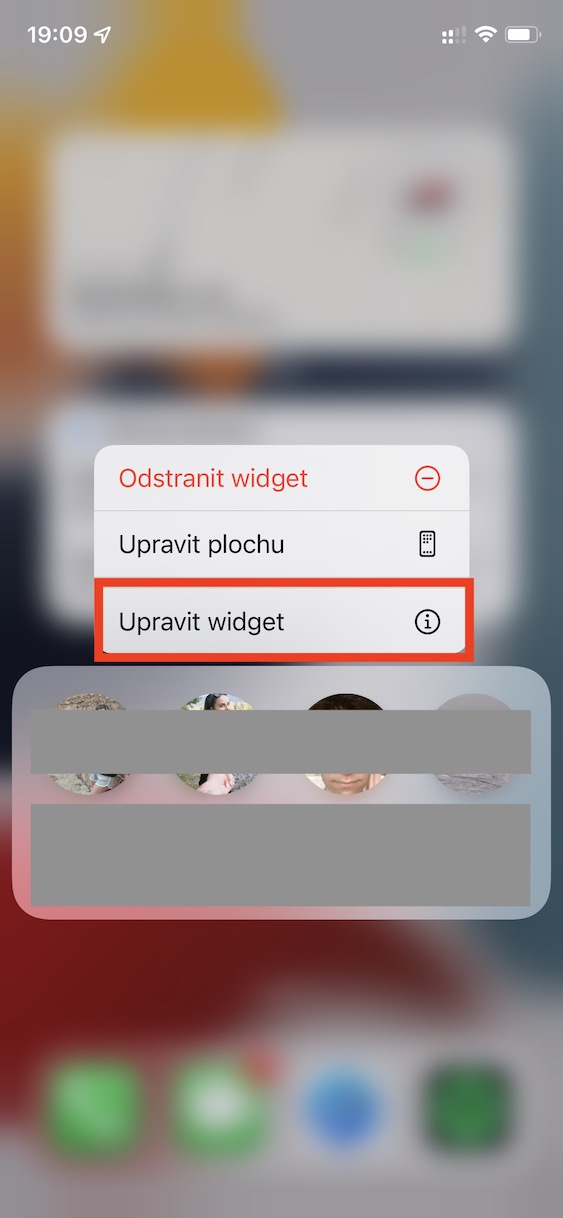
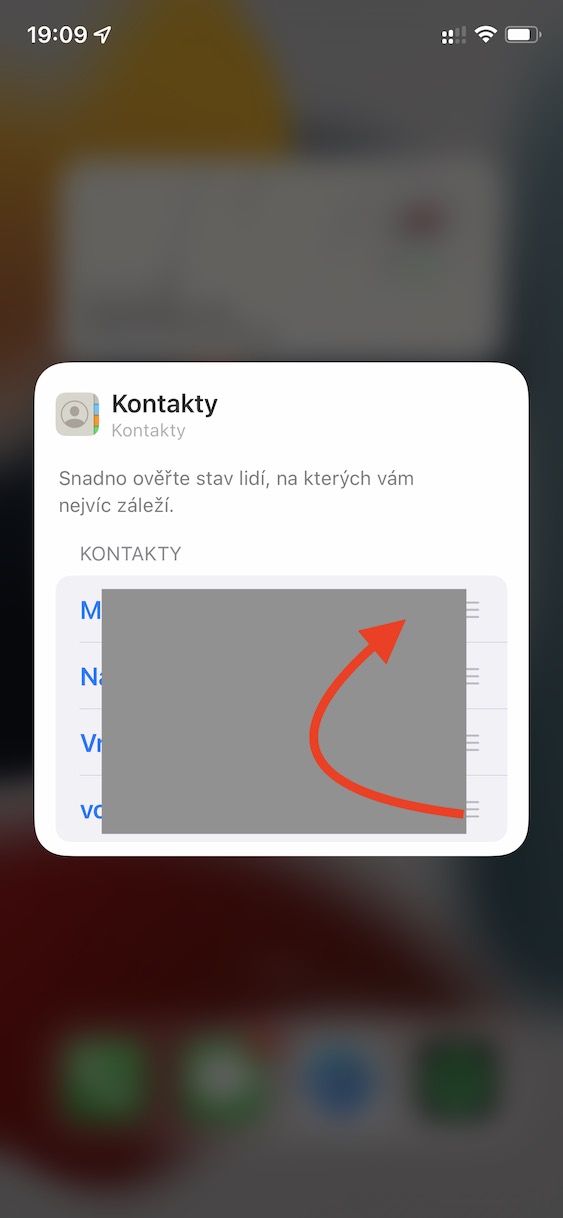
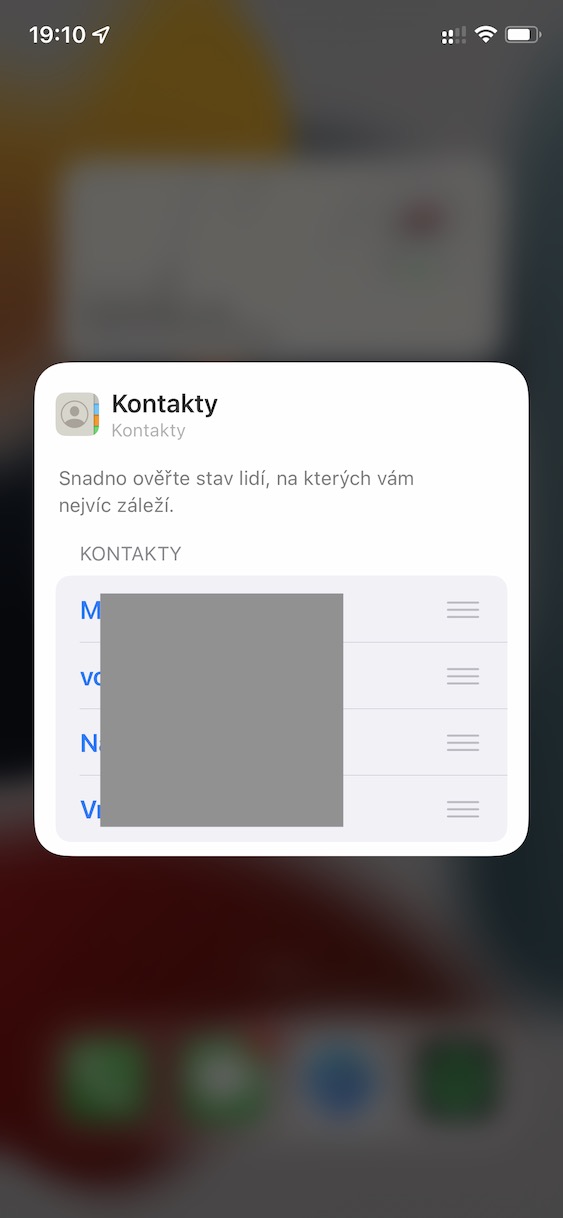
When Apple came with iOS 14, so many users complained that it was removed widgetwith your favorite contacts that you could quickly dial or message. The Californian giant took this user complaint to heart and later came up with widgetem Contacts, which works very similarly and offers a few additional features. In this widgetFavorite contacts are displayed, but did you know that you can change their order? Just tap widgetu hold finger then tap on Adjust widget and individual fingers swap contacts as needed.
Gallery
Location for weather
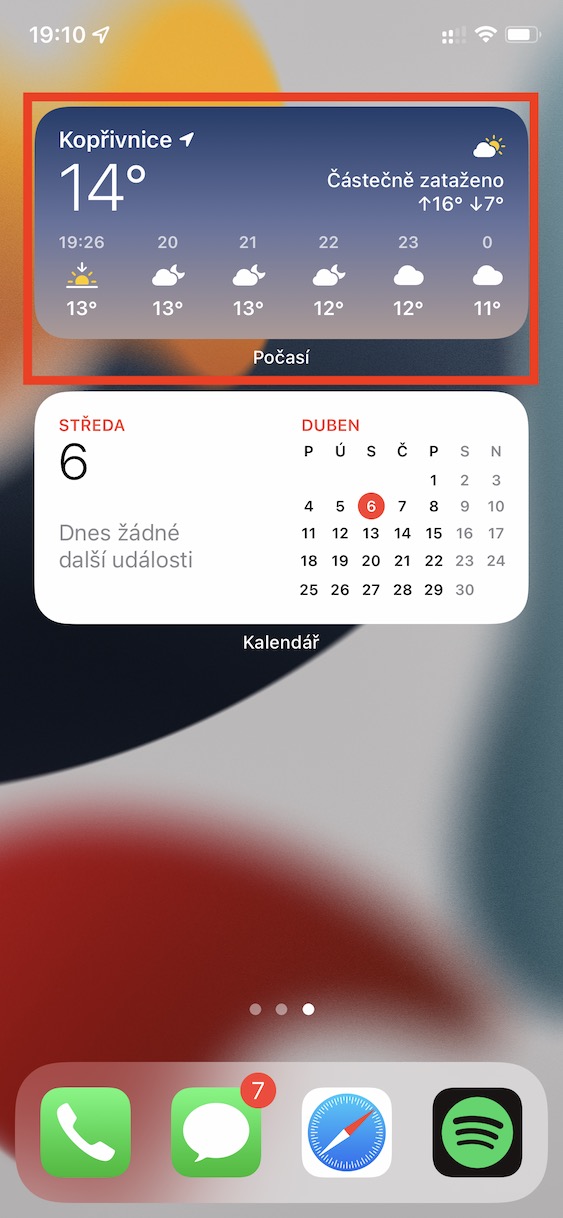
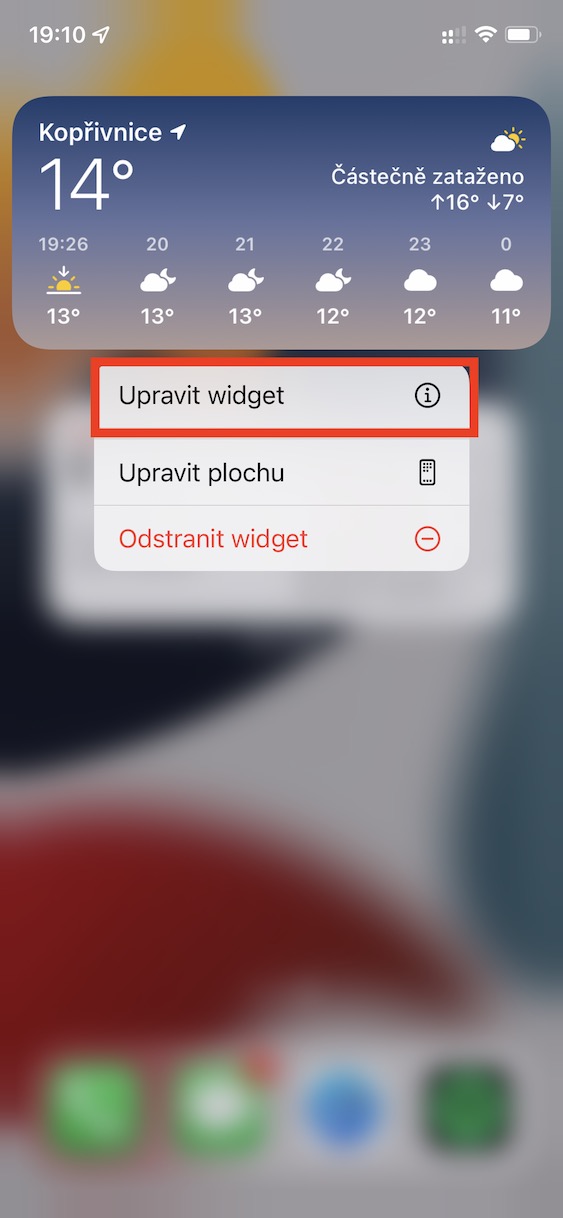
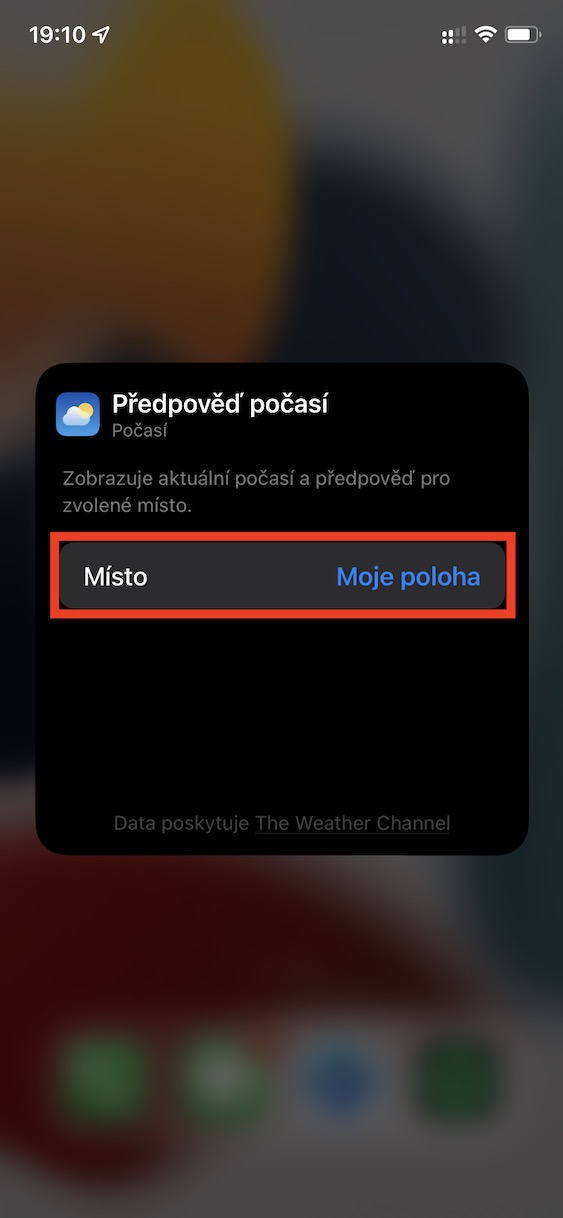
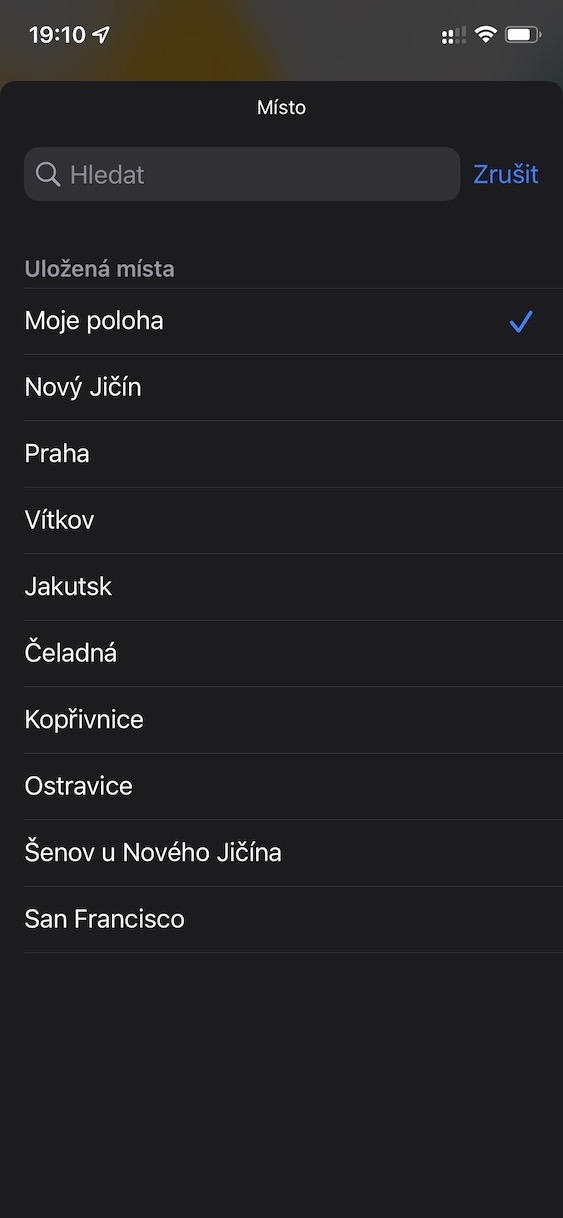
Almost all of us want to know the weather – when we go to work in the morning, we simply want to know whether we should wear a short T-shirt and shorts, or long pants and a sweatshirt. To keep track of the weather, you can add a weather widget to your desktop. widget from the Weather app. However, by default, it displays the weather based on your current location. If you would like to set a specific city for which you want to monitor the weather, tap widgetu hold your finger and select Adjust widget. After that, it's enough simply choose a place.
Gallery
Selection of displayed calendars
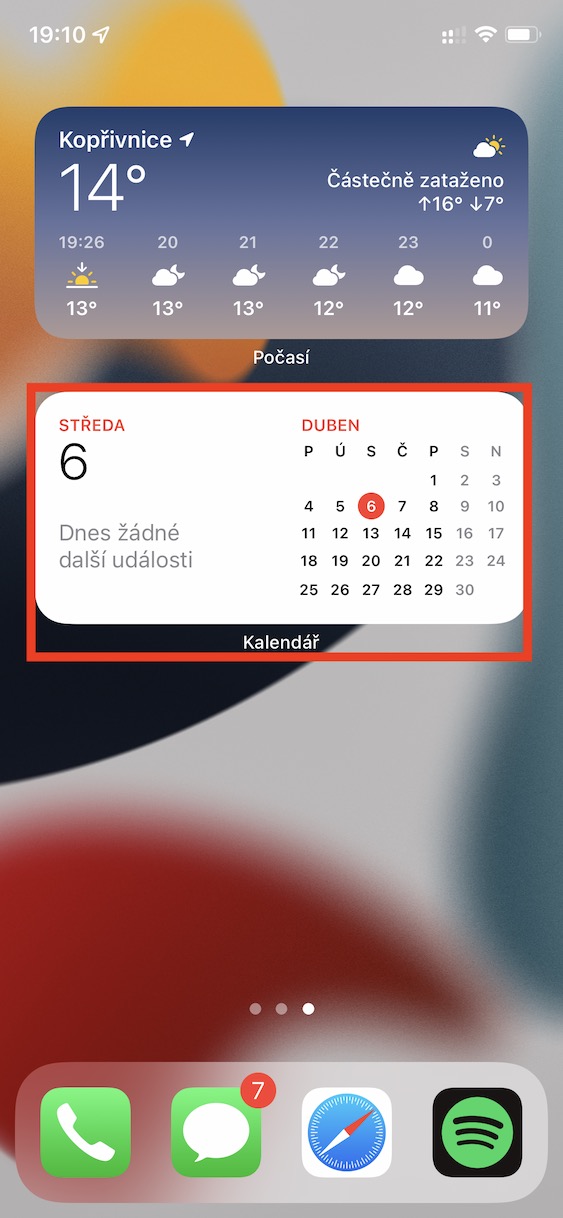
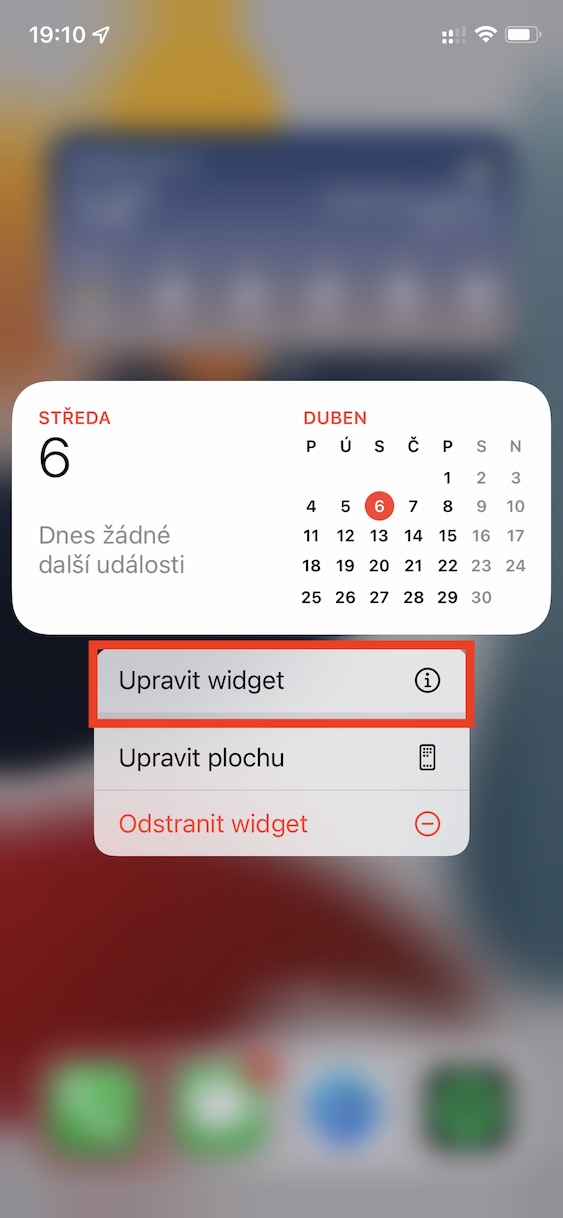
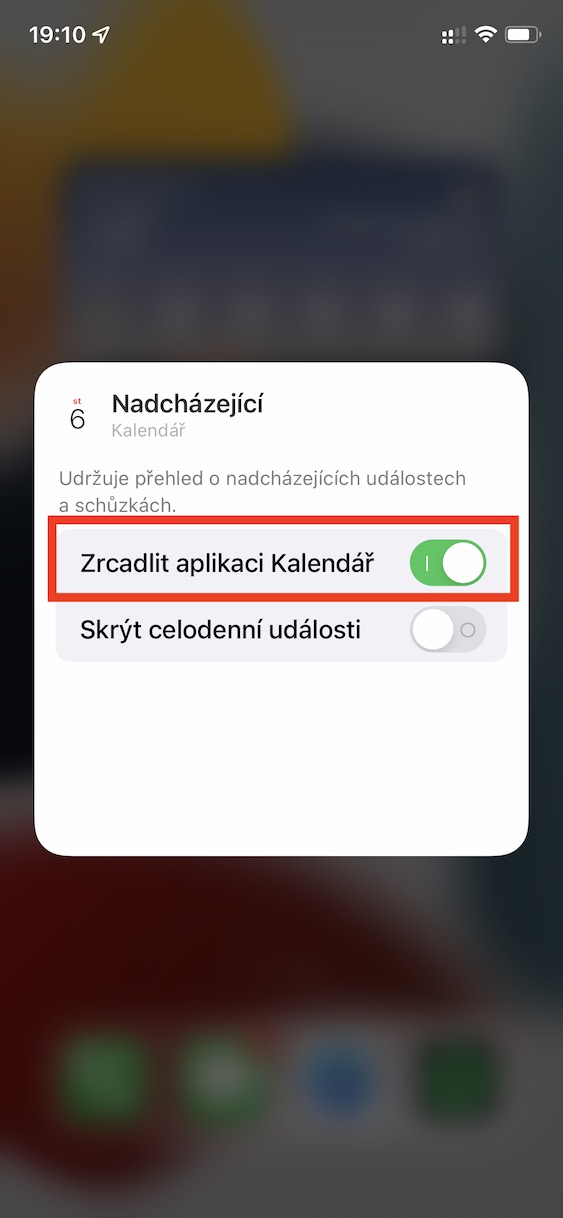
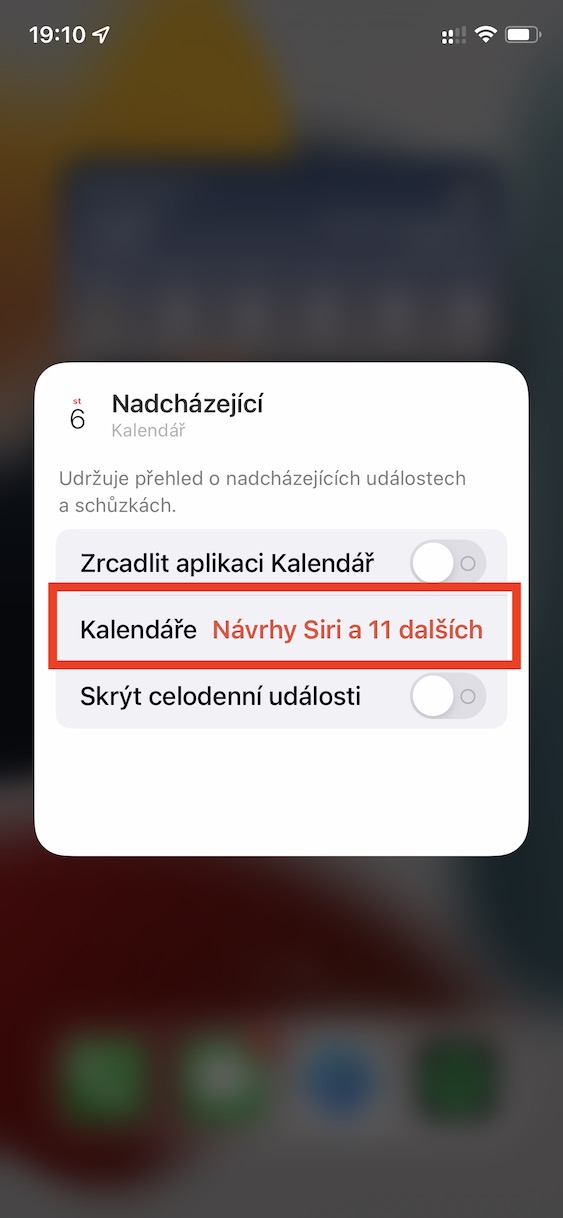
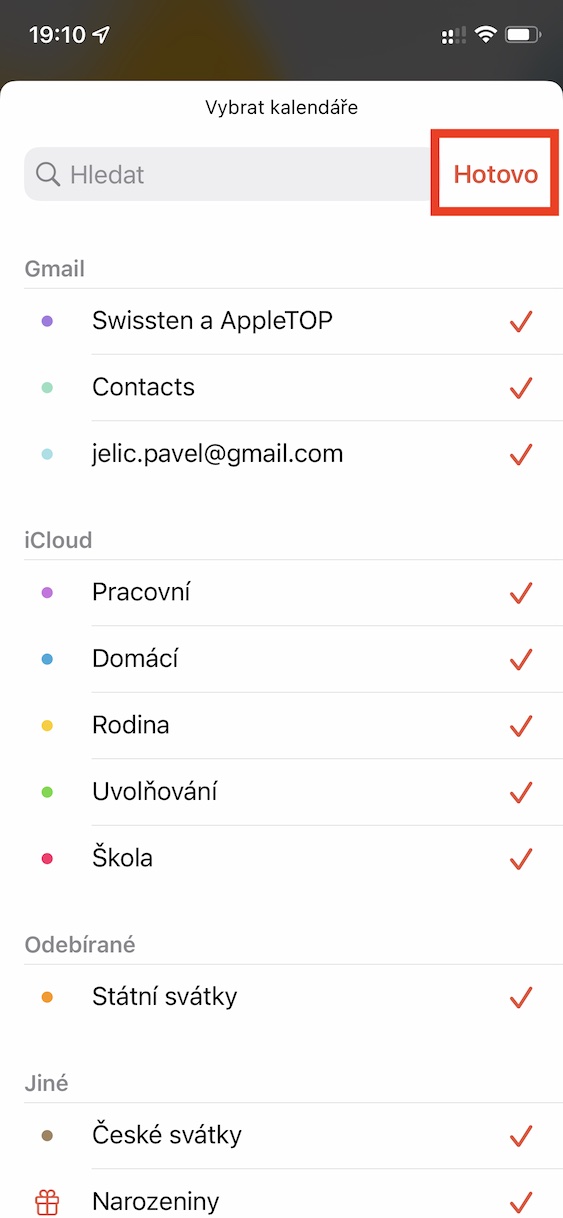
Another native application from AppThe one that users really use a lot is Calendar. It is part of iOS and other apple systems is really sophisticated, but on the other hand it is still simple and simply ideal. Within this application you can use several calendars, for example home, work, family, etc. If you would like to manually choose which calendars to be in widgetto display, so on it hold your finger and select Adjust widget. Then disable Mirror the Calendar app, and then click the box below calendars, where make a selection. nakonec press Done top right.
Gallery