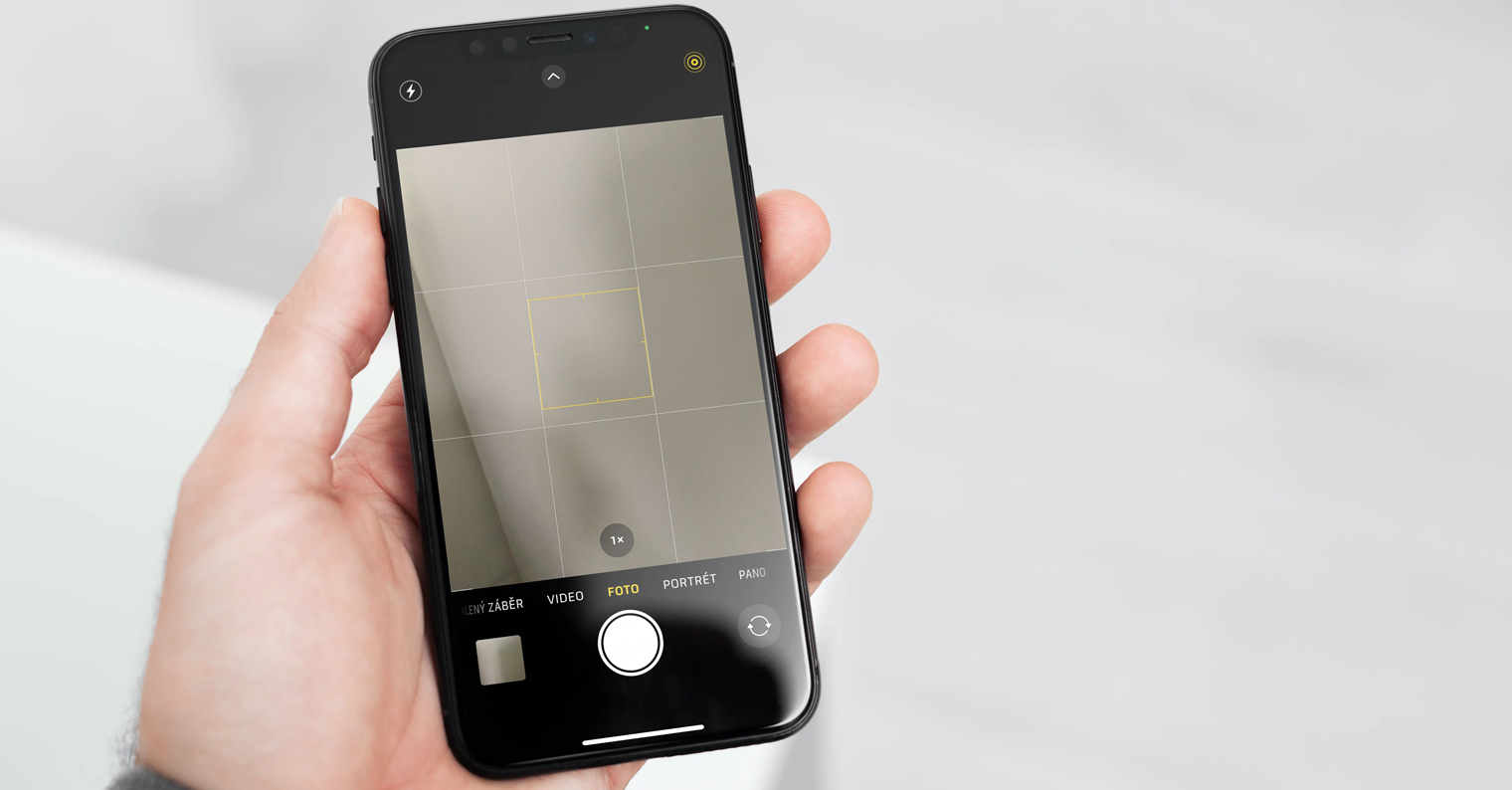
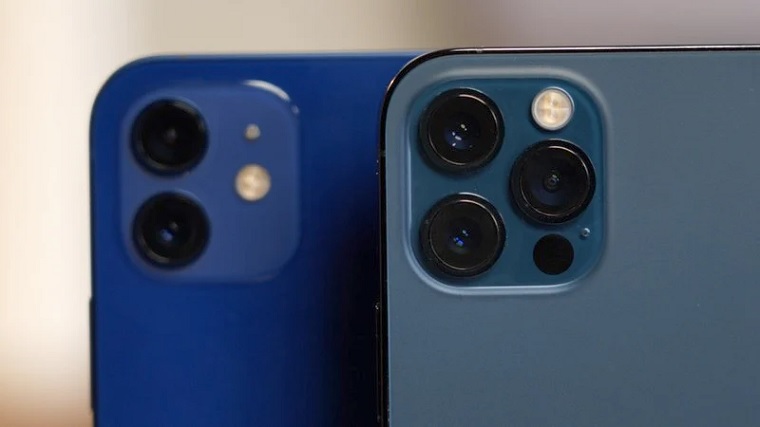
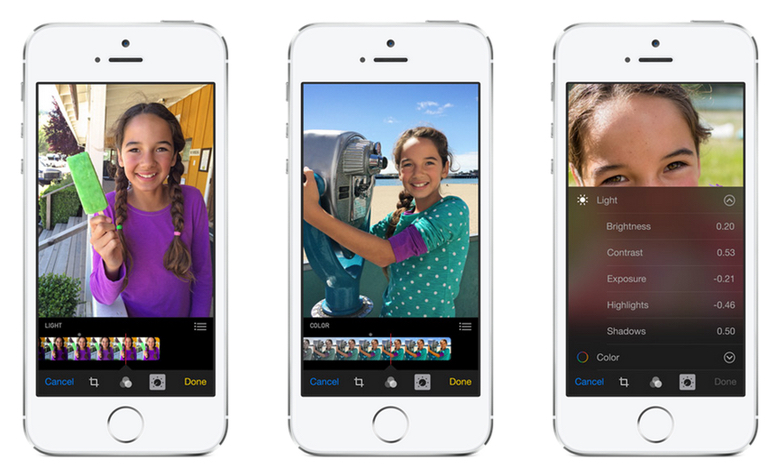
Nowadays already iPhone and phones in general are not just for making calls. Currently, the world's biggest tech giants are competing to see who will have the best camera on their flagship. I Apple went in the same direction, but what good is a great camera if your photography app simply doesn't deliver the quality you need? It really took longer than Apple reworked its native application for taking photos, i.e. Camera. But we're not here today to look at a redesigned camera. In today's tutorial, we will look at how you can set it so that the settings are not lost after exiting the Camera application, i.e. so that the Camera does not automatically switch to the "default state".
You might be interested in
As iPhone set the Camera to retain its settings after exiting
Within the settings of your iPhone or iPad, you can set several categories that should or should not be retained after you exit Camera. If you also want to set these categories to be retained, proceed as follows:
- Open the native app on your iPhone or iPad Settings.
- Once you've done that, go down a bit until you come to the section titled Camera, which you click.
- In this settings section, you need to click on the box Keep settings.
- Once you click on this box, several will appear categories, which are you keeping the settings you can to set. It should be noted that these options are different for each device. In the case of iPhone XS these are the following options:
- Camera mode – the camera mode will be preserved (for example Photo, Video, etc.).
- Creative controls – the last used filter, aspect ratio, lighting, etc. will be preserved.
- Exposure adjustments – the exposure setting is preserved.
- Live Photo – instead of Live Photos automatically activating after exiting, their settings are preserved.
Gallery
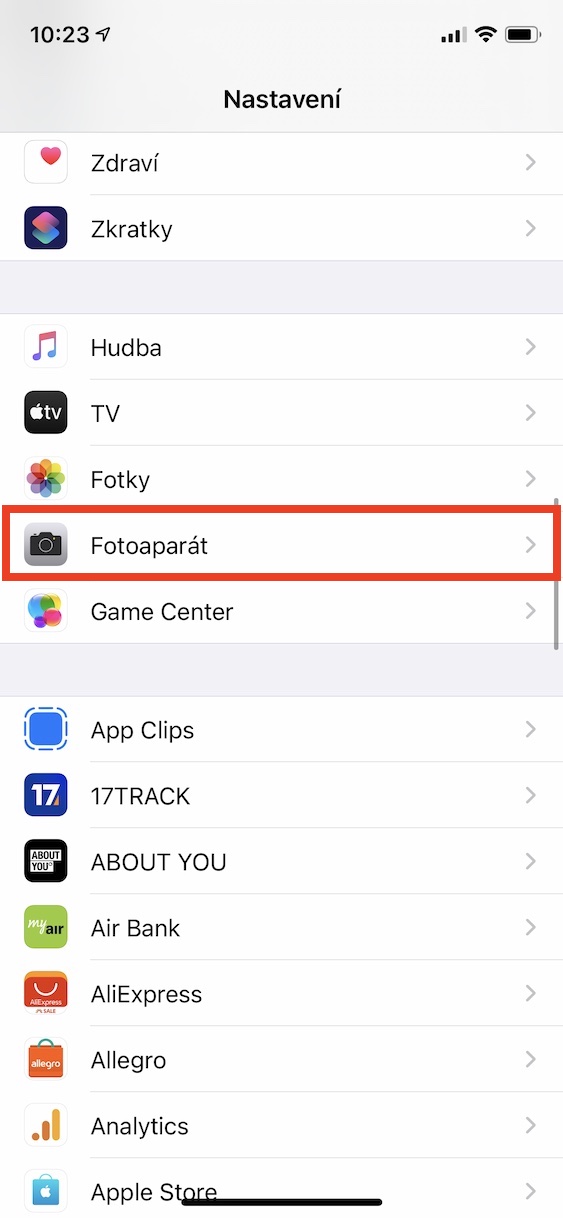
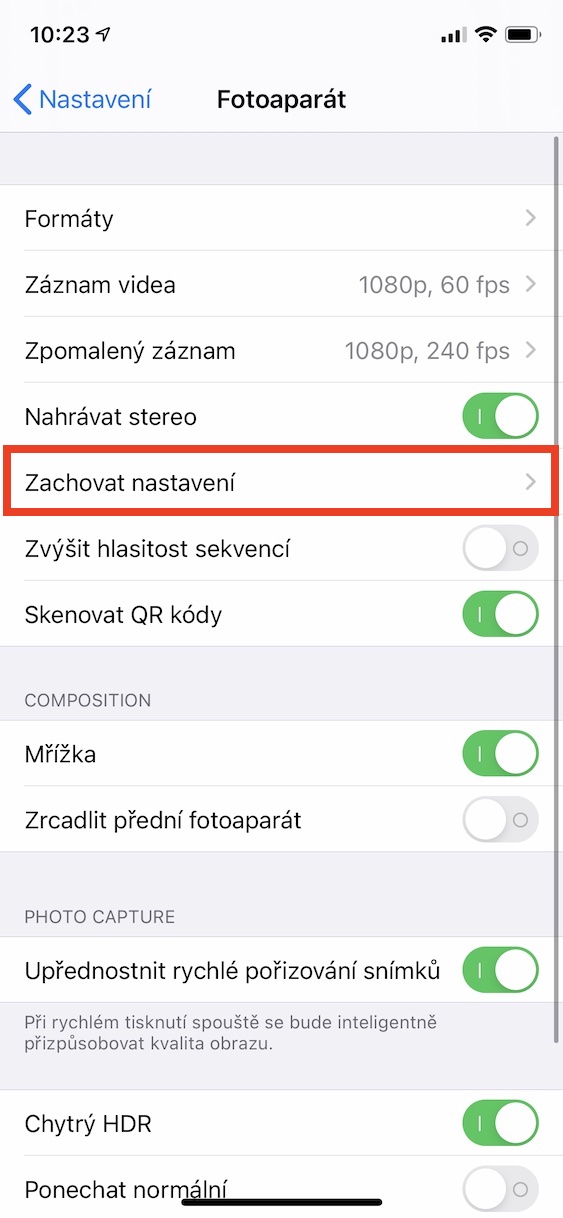
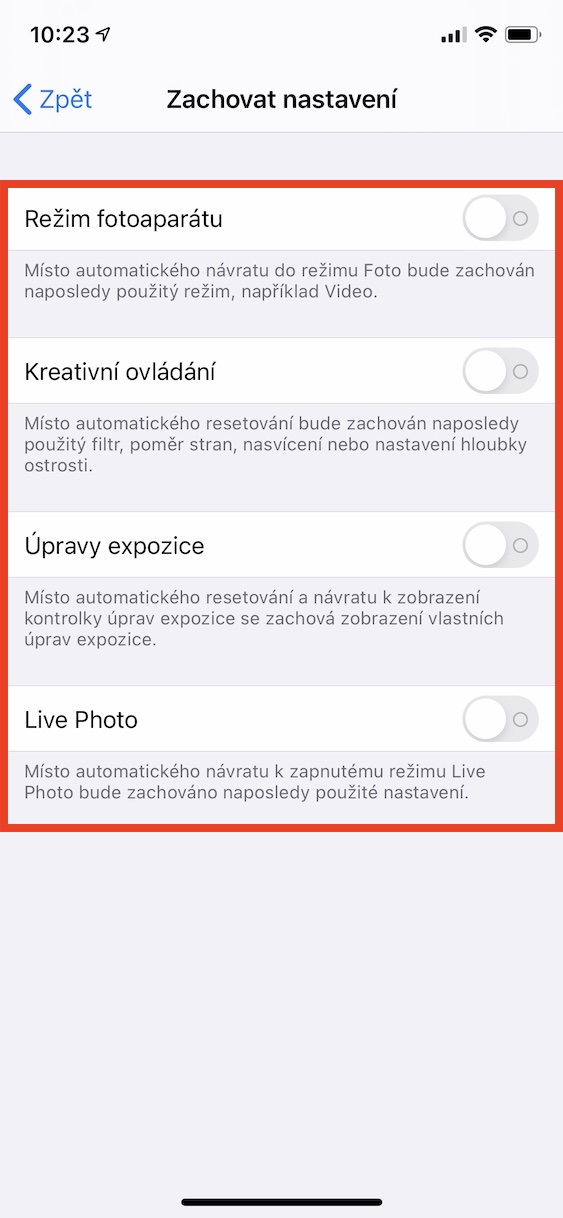
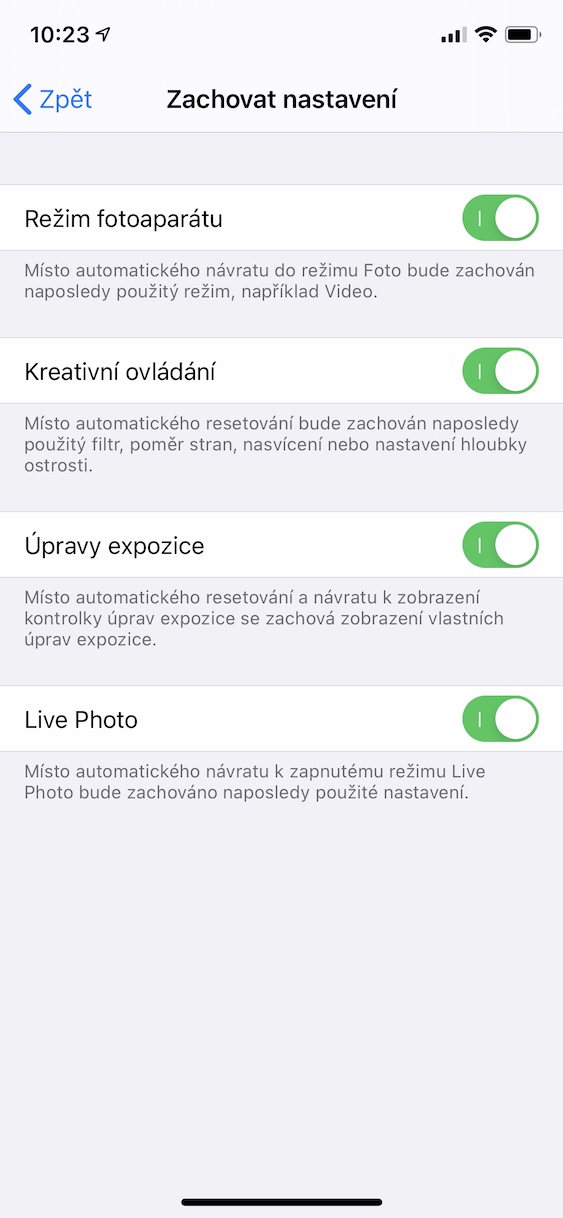
If you want to set one of these categories so that it retains its settings when you leave the Camera, you must switch the switch for it to the active position. So, for example, if you activate the preservation of settings for the Camera mode option, you can be sure that after exiting the Camera will not switch to Photo mode, but will remain in the mode it was in before exiting.