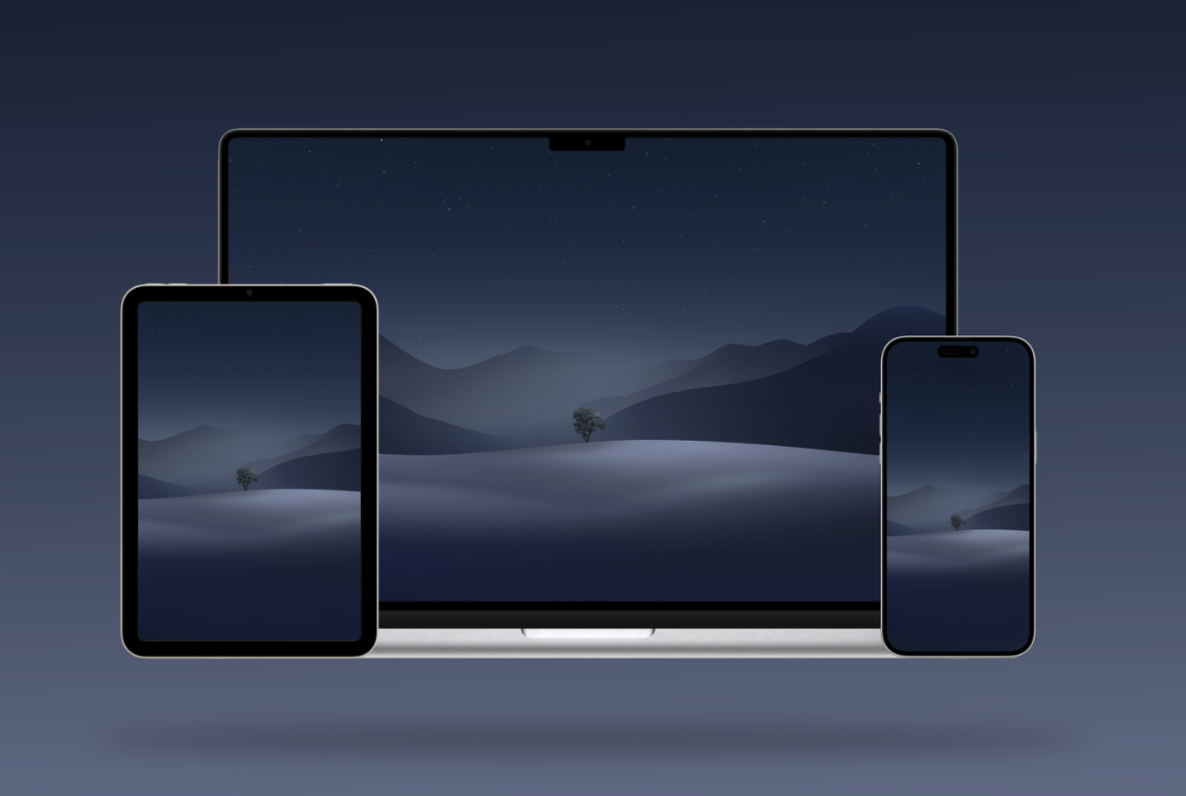
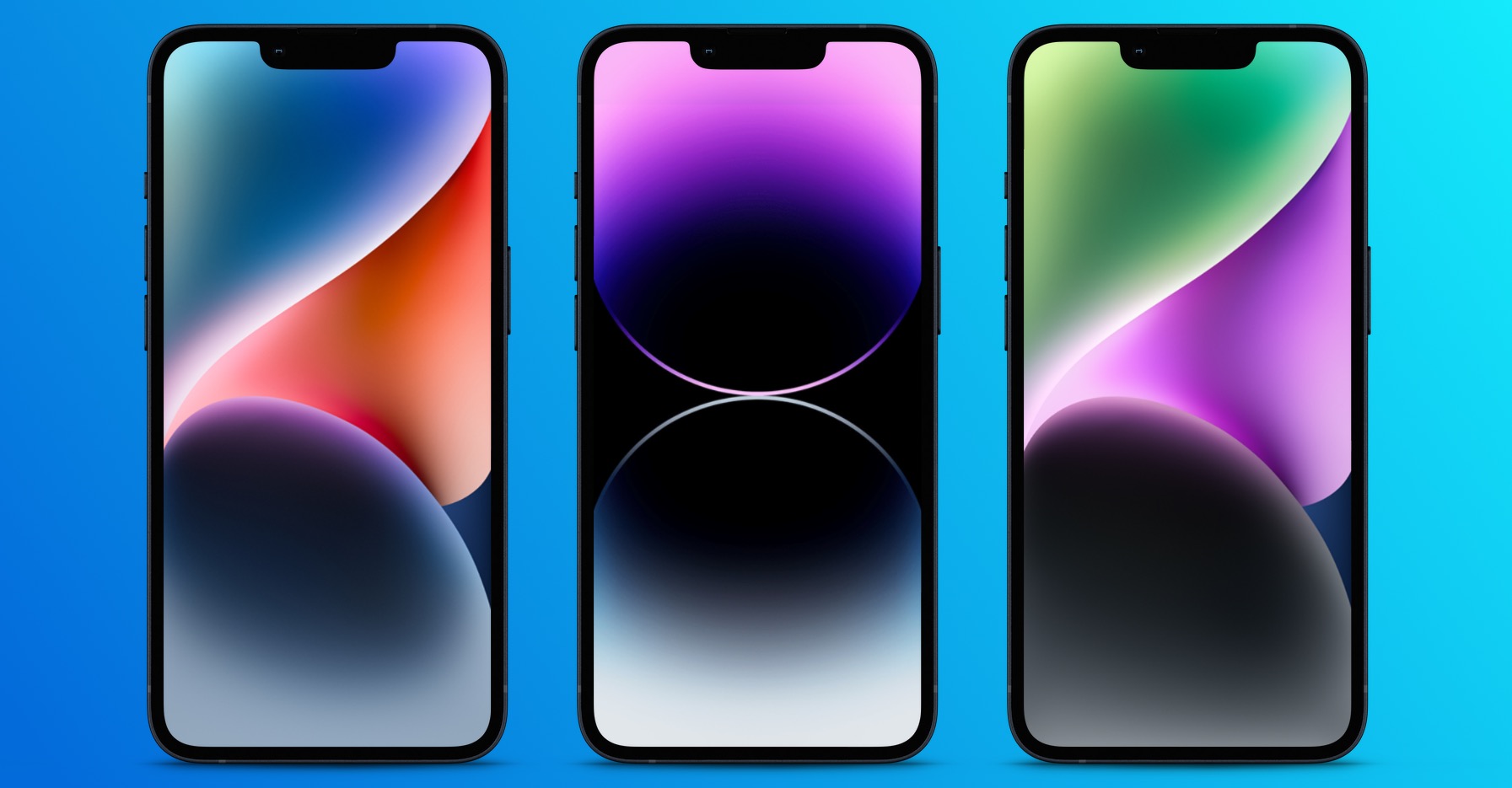
This is the umpteenth time I've been on the internet, or rather on internet forums focused on the company Apple, noticed a question about darkening the wallpaper on the iPhone or iPad. According to users, in certain situations, the wallpaper on the home screen or on the lock screen simply darkens. Many users think that this is a bug in the operating system. However, it should be noted that in this case the opposite is true. This is a feature iOS, which can fortunately be easily turned off. If you want to learn how, keep reading.
You might be interested in
What to do if the wallpaper is peeling iPhone darkens
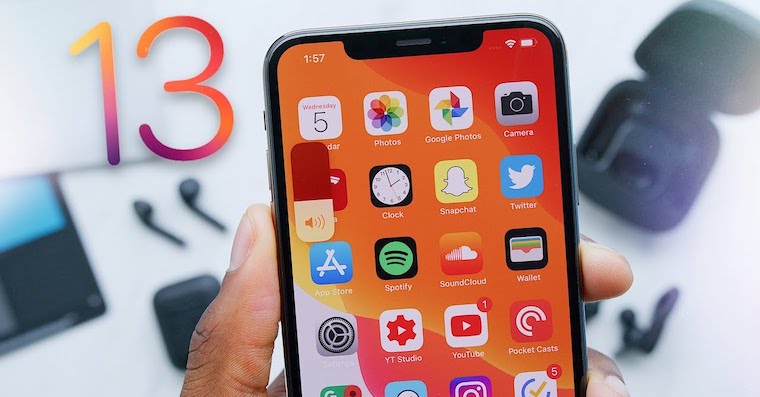
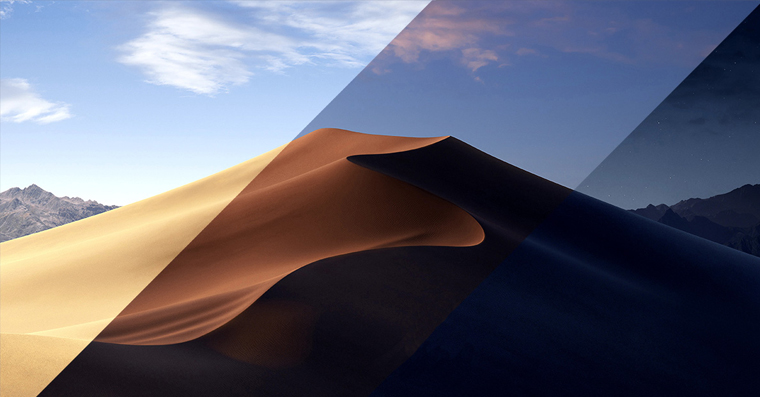
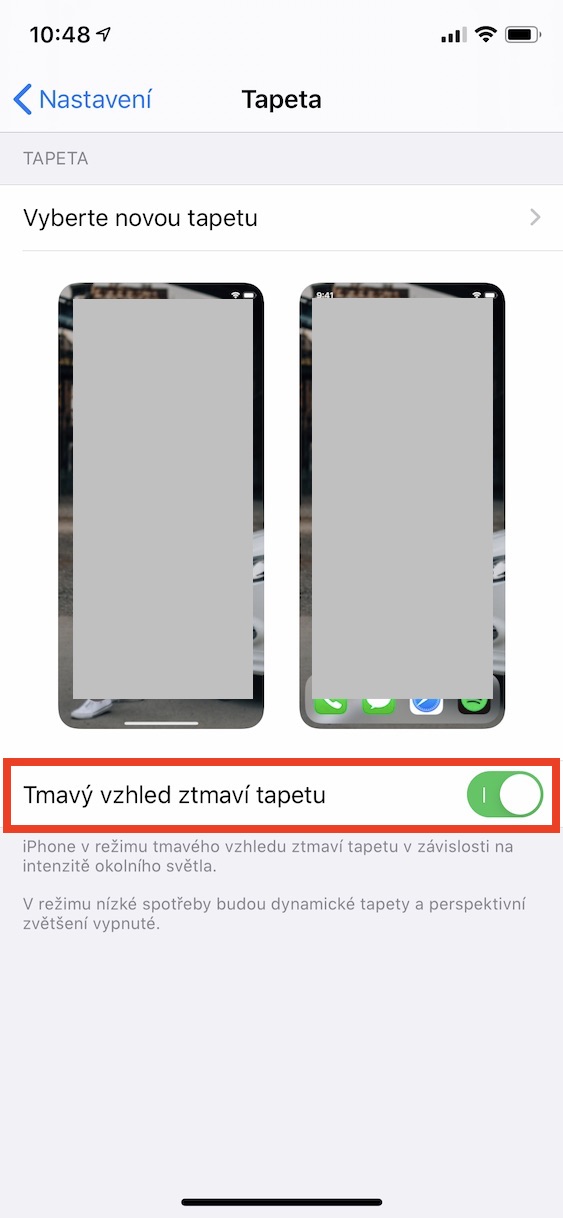
As part of the update iOS 13 we followed the example of macOS 10.14 Mojaveonein iPhoneand iPads have received a dark mode, or Dark Mode if you prefer. In addition to the fact that dark mode can transform the entire system into dark colors, the wallpaper also automatically darkens, depending on the intensity of the ambient light. As I mentioned in the introduction, this is not a bug, but a desired feature that is intended to both save battery and correspond more with dark mode. If you want to disable automatic wallpaper darkening when dark mode is active, follow these steps:
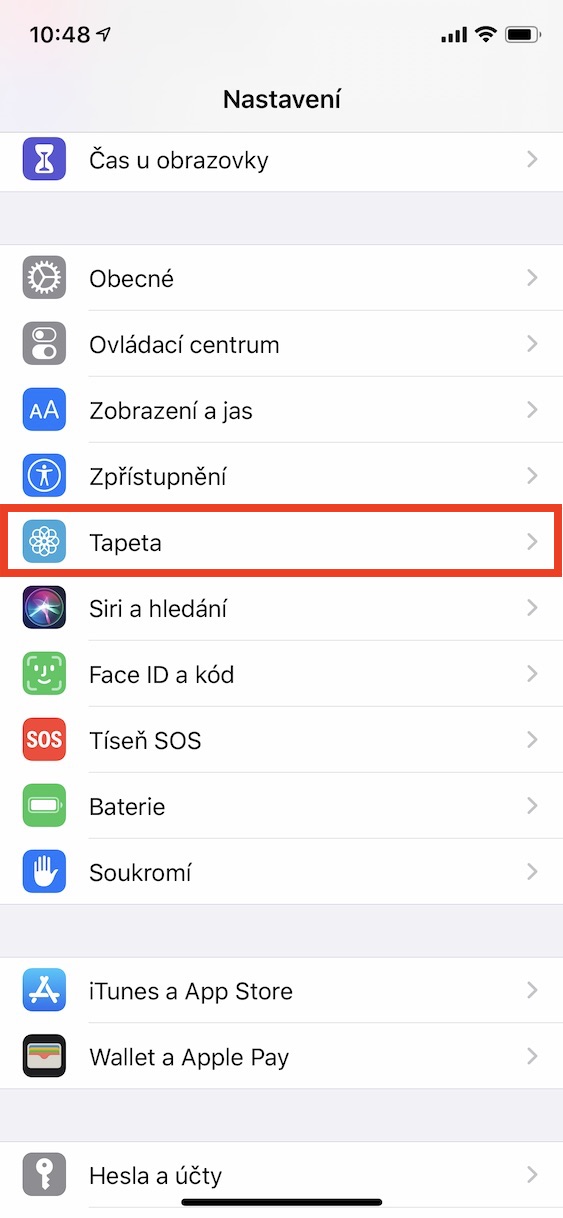
- On your iPhone or iPad, tap the native app on the home screen Settings.
- Scroll down a bit in the menu until you find the box Wallpaper, which you click
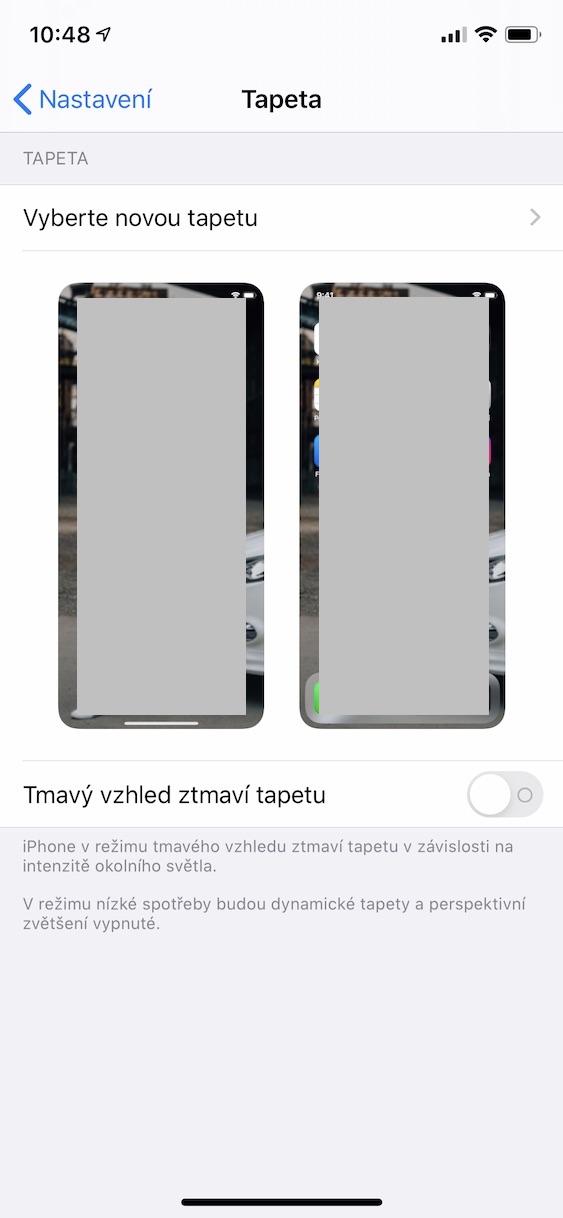
- Here deactivate function The dark skin darkens the wallpaper
So if you've ever had your iPhone or iPad's wallpaper go dark, now you know why and how to disable it. In the Wallpaper section, you can also choose and change the wallpaper that appears on your home or lock screen. In iOS 13 we saw a redesign of the environment for setting a new wallpaper - it is now much simpler and more modern.