
This year's Easter will definitely not be as cheerful and free as last year's. The holidays are complicated by the coronavirus pandemic, which has led governments around the world to recommend staying home instead of caroling this year. Because of this, we will probably only be able to enjoy the traditional carol singing with family members who live in the same household. However, that is certainly not a bad thing, because miniEven the smallest carolers will be sure to be put at ease by their mother, grandmother, great-grandmother, aunt or sister. So let's take a look at five tips to help you take the best possible photos of your caroling.
You might be interested in

Preparation or cleaning of storage
Gallery
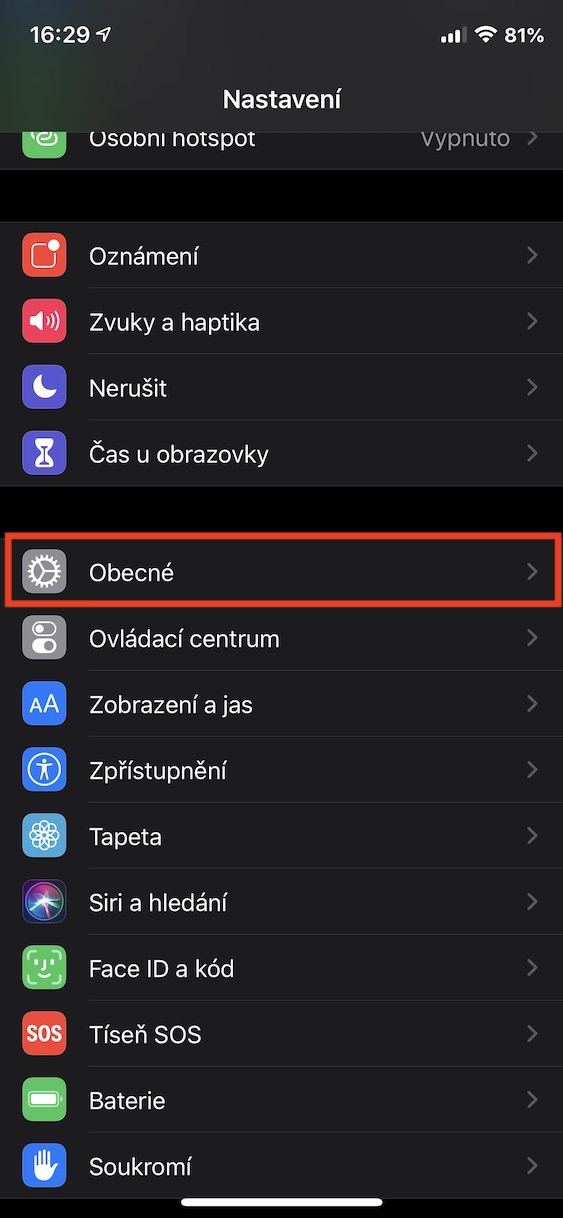
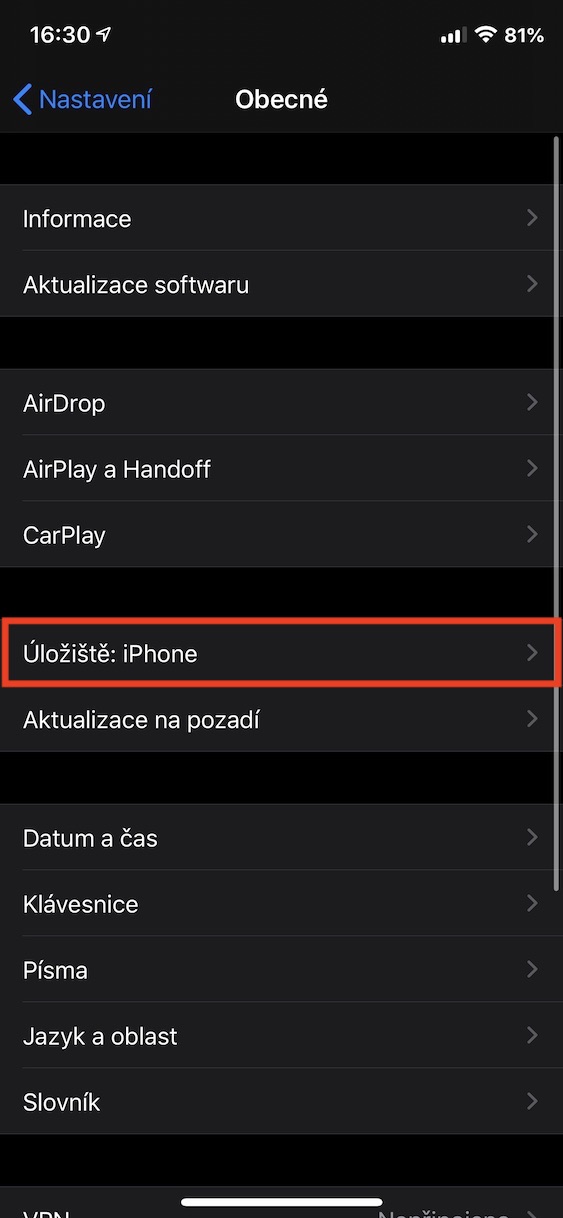
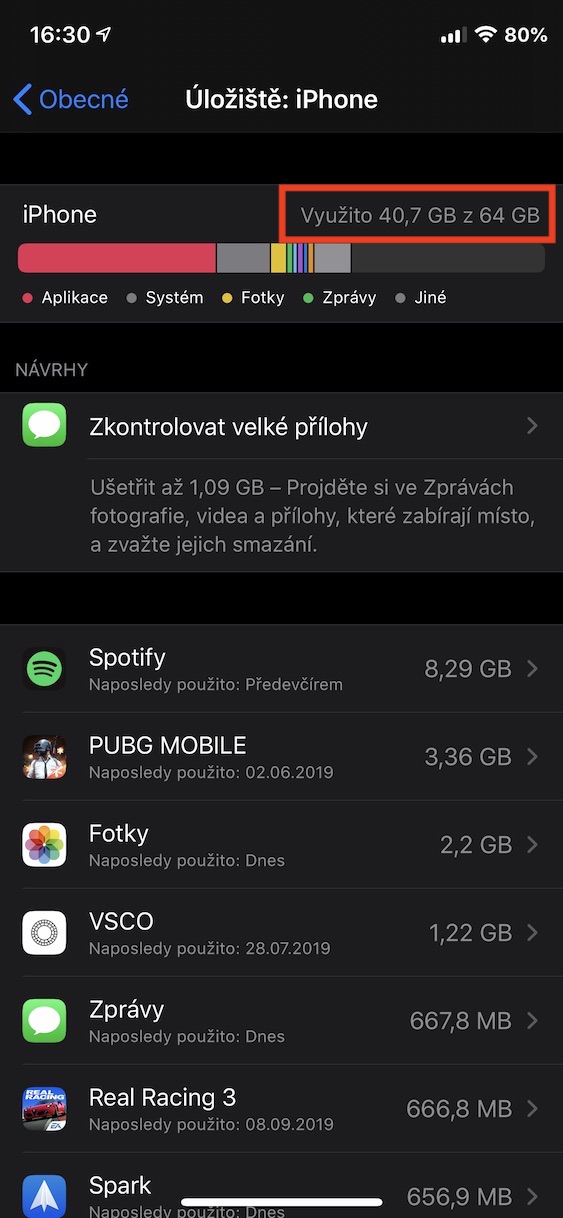
Before you go caroling, you should check that you have enough storage space on your device. You definitely don't want to end up in a situation where you take the first few photos and then have to iPhone reported that it has no more space to store them. You can easily find out how much free storage space you have by going to the native Settings app on your iPhone. Then click on the option In general, where you then open the section Storage: iPhone. Once all the information and categories are loaded, you can see how much free space available to you and, if applicable, which applications are taking up the most space.
A tripod is not needed
In most cases, it is recommended to use a tripod to take photos, but in this case it is kind of unnecessary, because you will be taking most of the photos while moving anyway. So only when taking pictures iPhone support with the other hand and try not to move too much. Newer iPhones also have image stabilization, which will certainly help you.
Light is most important
One of the most important aspects of photography is light. If you try to take a good picture in dim light or in complete darkness, you will definitely fail. The latest flagships from AppAlthough they already have a night mode, it definitely cannot improve the photo to the good form it would be in good lighting conditions. In dark conditions, the flash will definitely not help you either, so you can deactivate it right away. So when taking photos in motion, you will need perfect light source - at the best case natural as sunshine, if it gets darker, you can use artificial lighting - but don't expect the quality to be goddamn great.
You might be interested in

Finding a good place
When taking photos of caroling, you should also find a good location. First, choose a location with good light, and secondly, avoid a location where you will have a window in the background in every shot. It is also important not to be too close to a moving object or person when taking photos. So, always keep your distance and take photos of the entire scene from a greater distance, not close up. Under no circumstances should you use digital zoom on your iPhone! This can ruin the quality of the photo, and what's more, you can easily zoom in on the photo directly in the Photos app after taking it.
A sequence of photos
Gallery
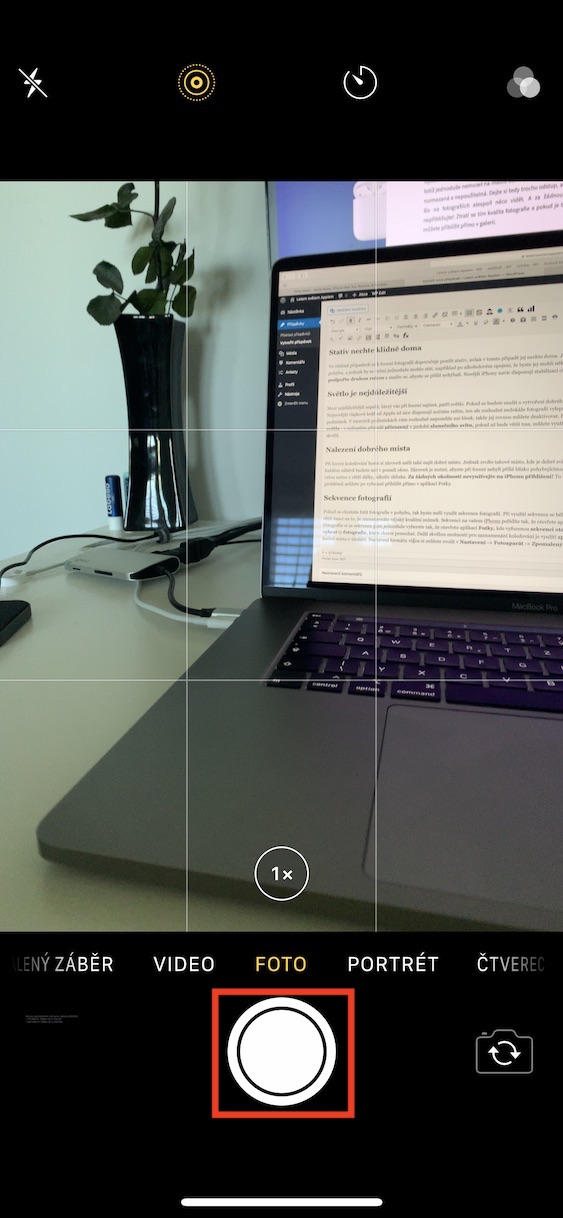
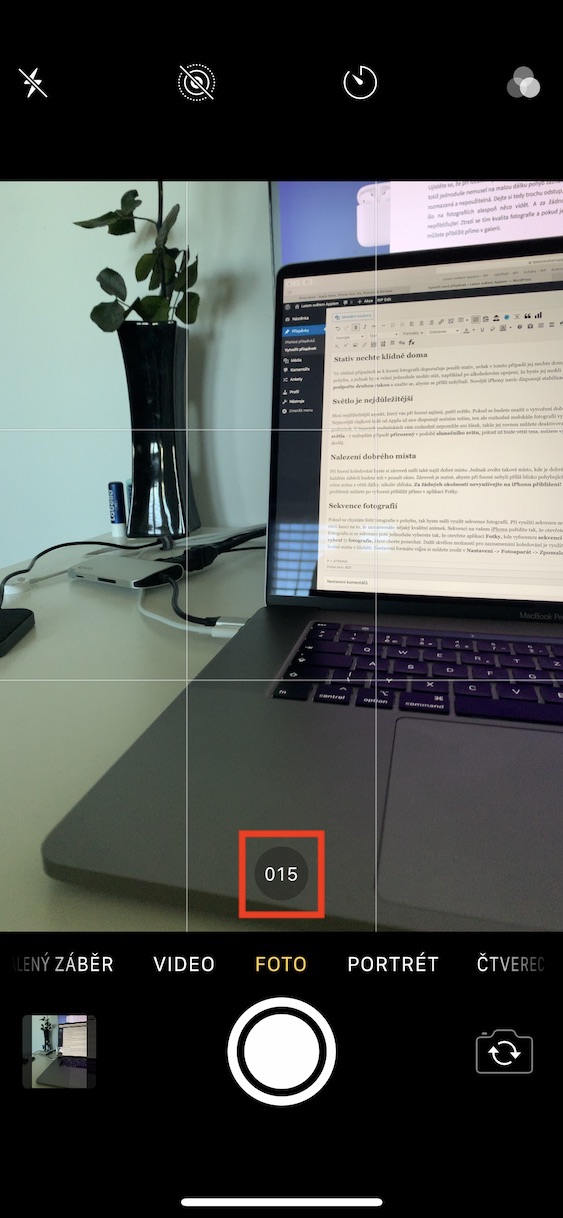
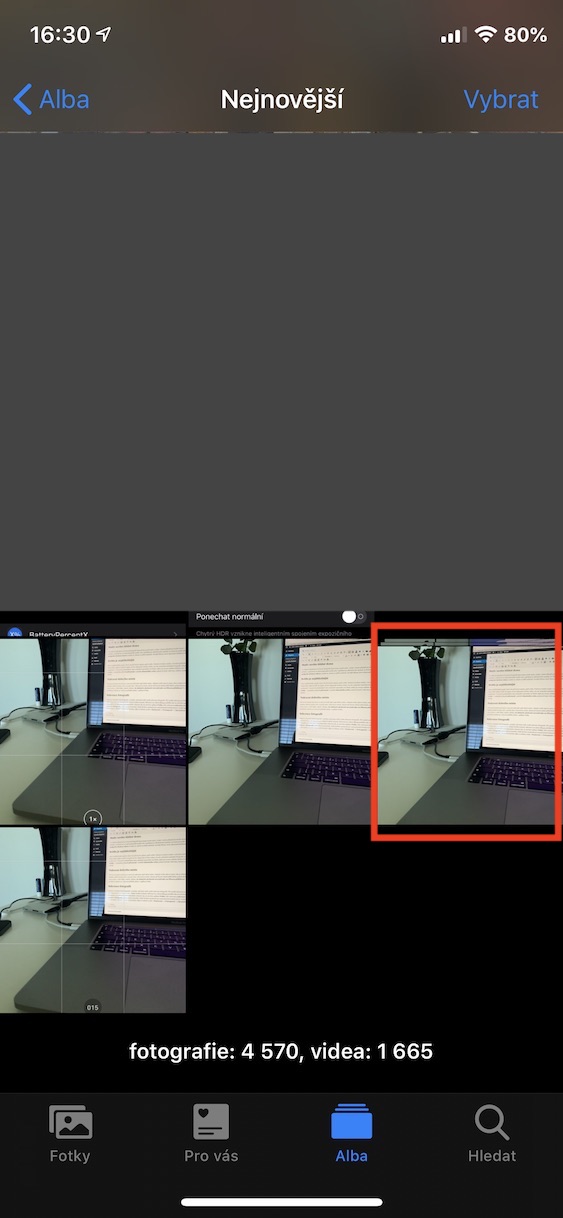
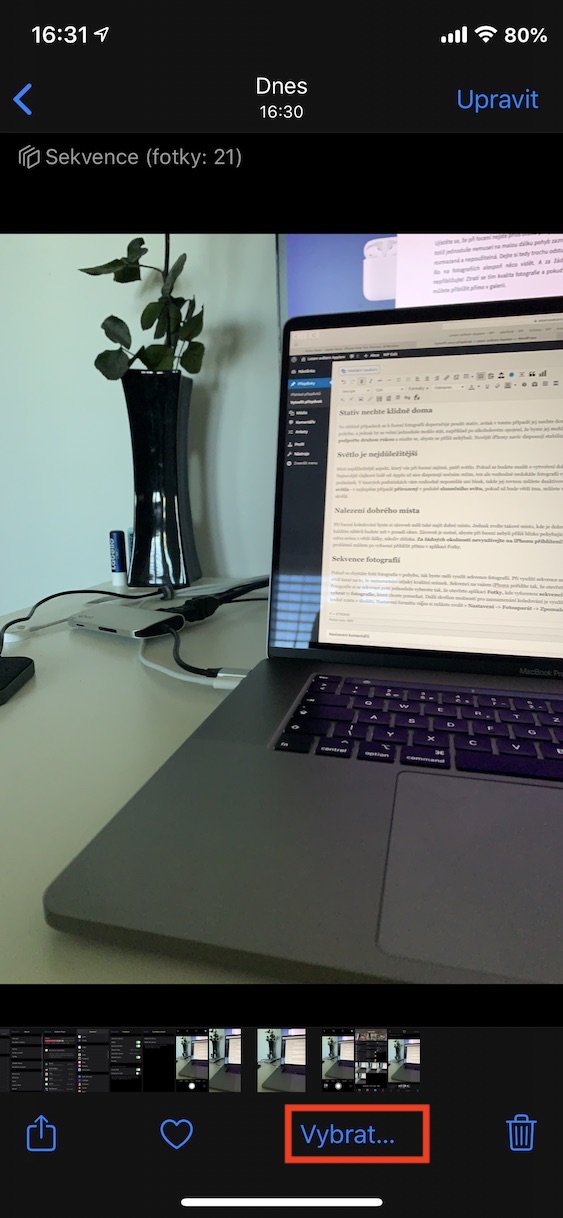
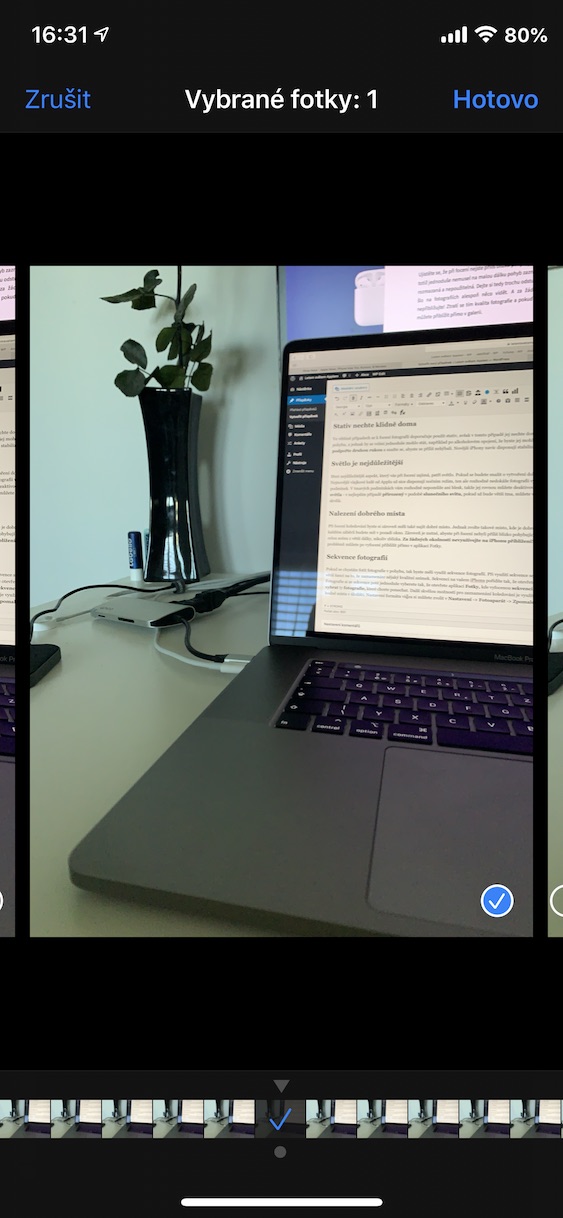
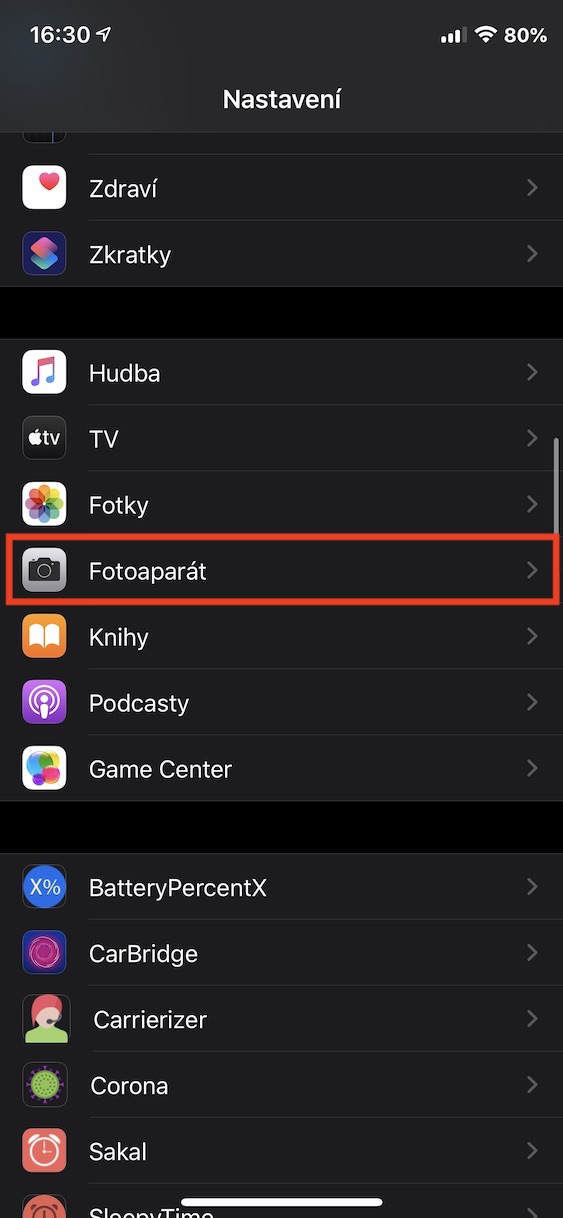
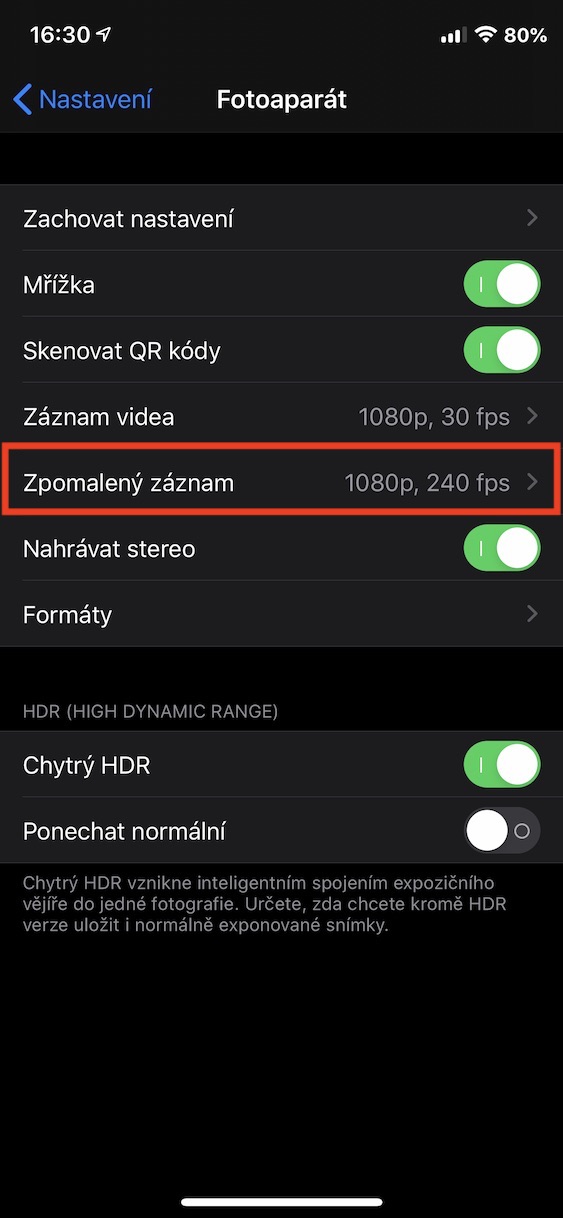

If you are going to take photos in motion, you should use a photo sequence. Using a sequence will take several photos within a few seconds, giving you a much greater chance ofancand to record a quality image. To capture a sequence on your iPhone, open the app Camera, and then you hold your finger on the shutter button. You then simply select photos from the sequence by opening the app Photos, where they take pictures open the sequence. Then just click the button Choose in the bottom menu and select ty photo, which you want toonechatAnother great option for recording caroling is to use slow motion. However, slow motion can take up a lot of storage space. You can choose the video format settings in Settings -> Camera -> Slow motion recording.
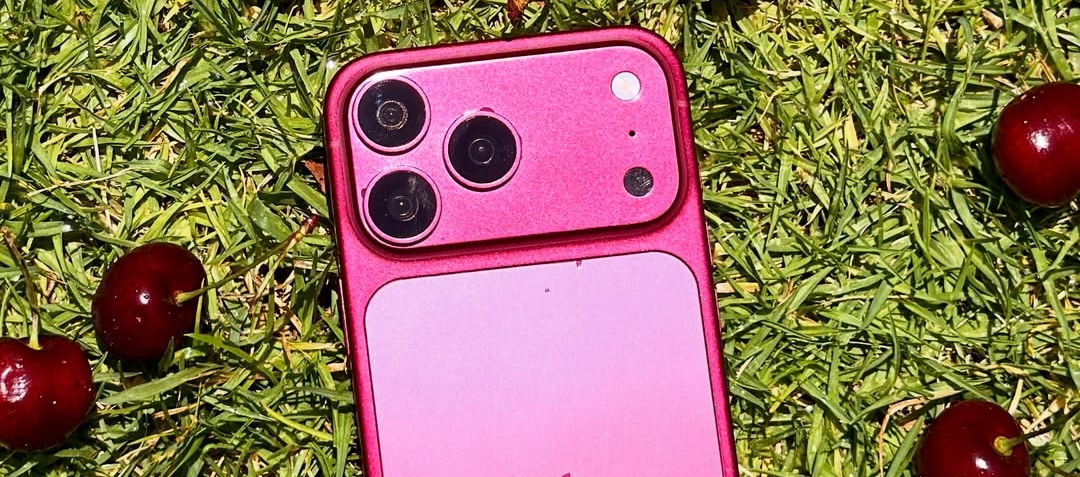
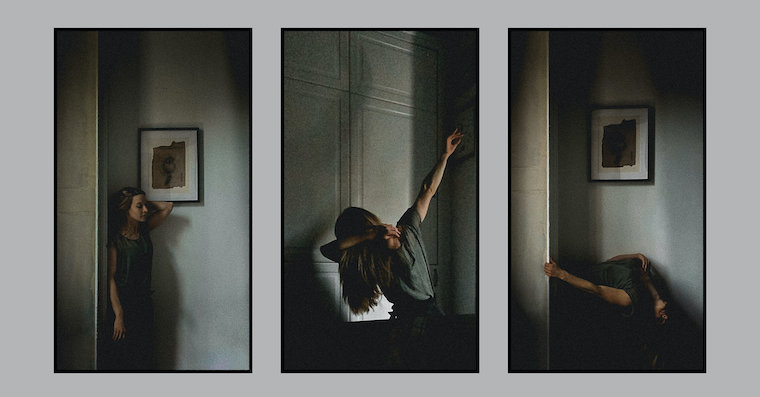







The article is primarily aimed at parents who want to take pictures of their children while they are caroling (after all, considering the current situation, it was probably not possible to build it any other way :( ). And you can somehow build a good source of light, for example in the form of a window.