
Unfortunately, iPhones aren't perfect devices either. From time to time, some devices may start to lag and then randomly shut down. In some cases, it may be a simple software problem, while in other cases, a faulty hardware component may be to blame. Below are 5 tips to help you when your iPhone it keeps randomly turning off.
You might be interested in
Hard reboot
Gallery
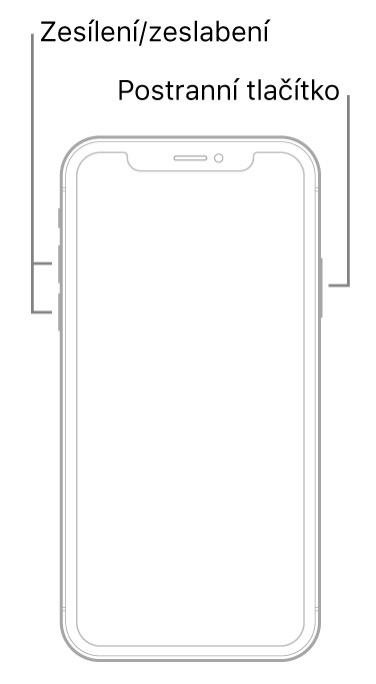
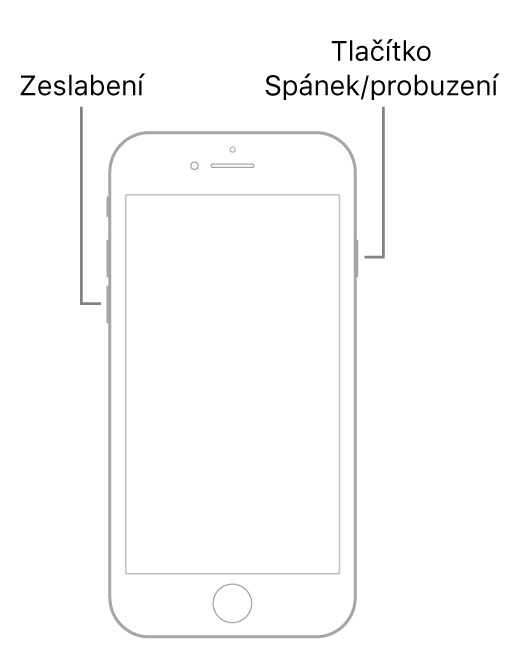
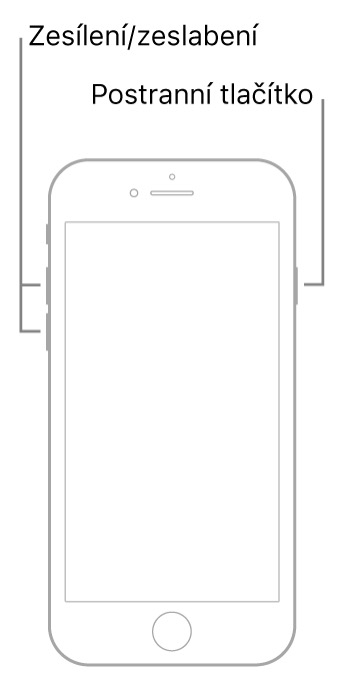
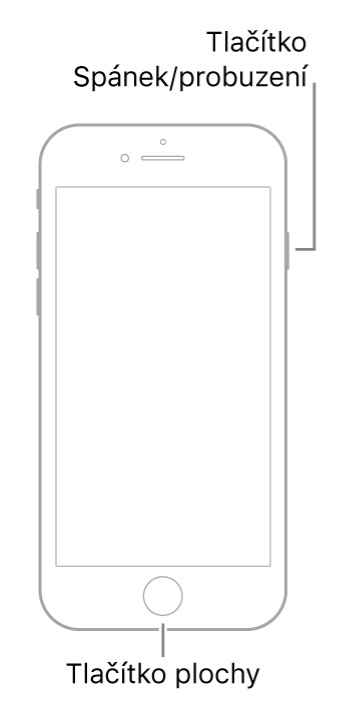
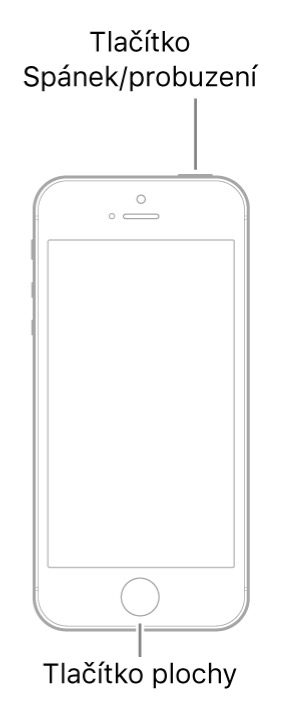
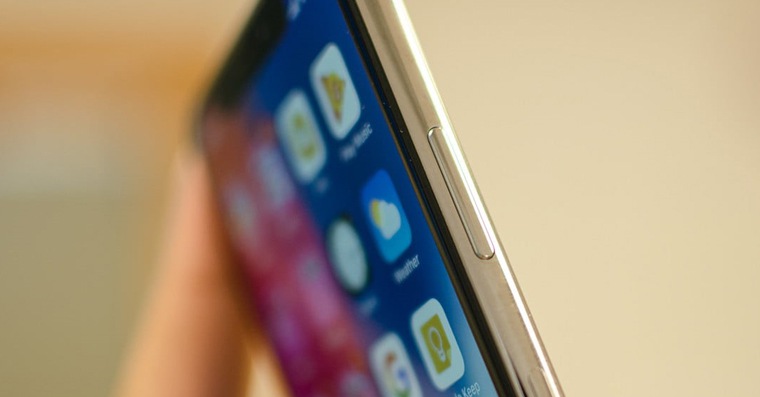
Most people restart their iPhones by holding down the power button and then swiping their finger across the slider. However, this only turns the device off and then back on. In some cases, a hard restart can help, which is done slightly differently. If you want to iPhone 8 and later hard reboot, so press and release the volume up and down buttons in quick succession and thenonec hold the side button, until it restarts. For iPhone 7, you do the procedure as follows you hold the side (top) button. For iPhone 6s and older thereafter hold down the desktop button and the top (side) button at the same time. Together with him afterwards hold down the volume down button. Hold the buttons until the iPhone won't restart.
Update applications

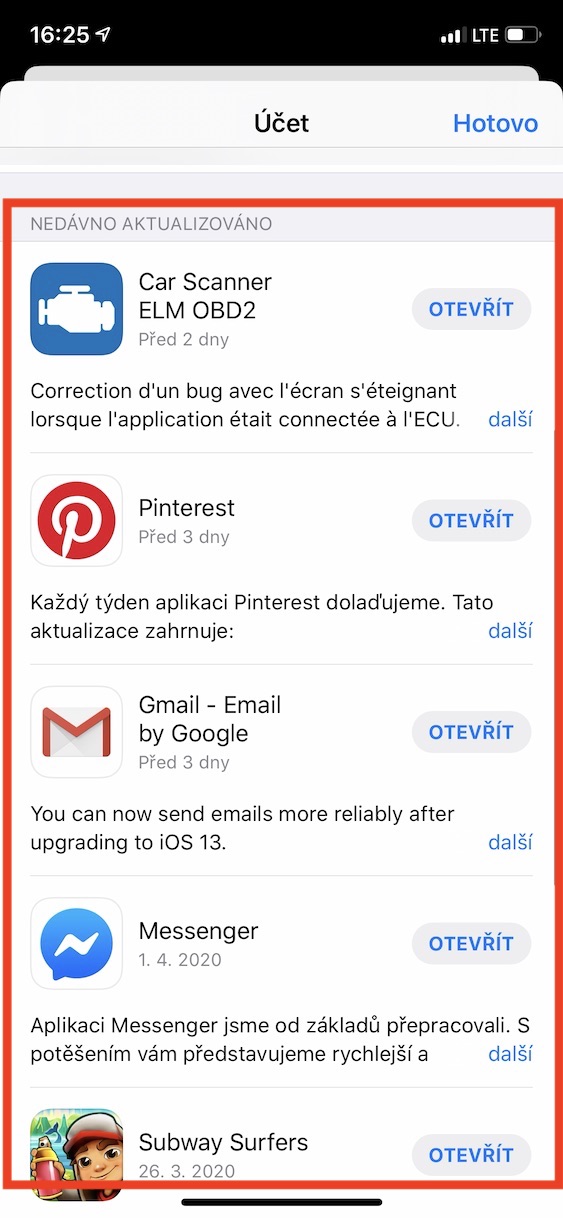
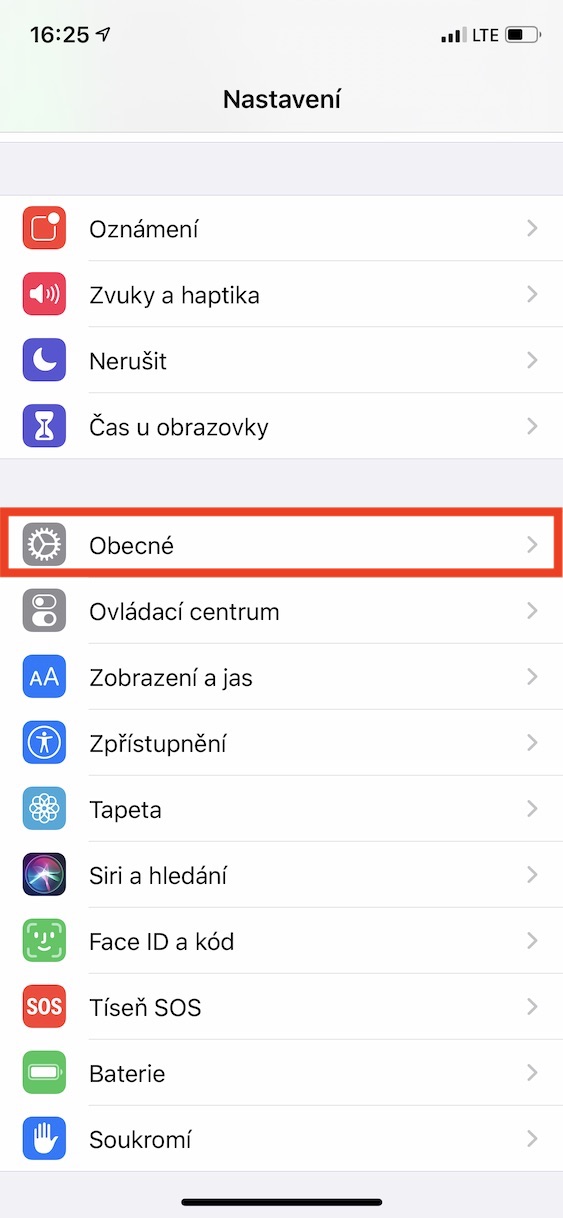
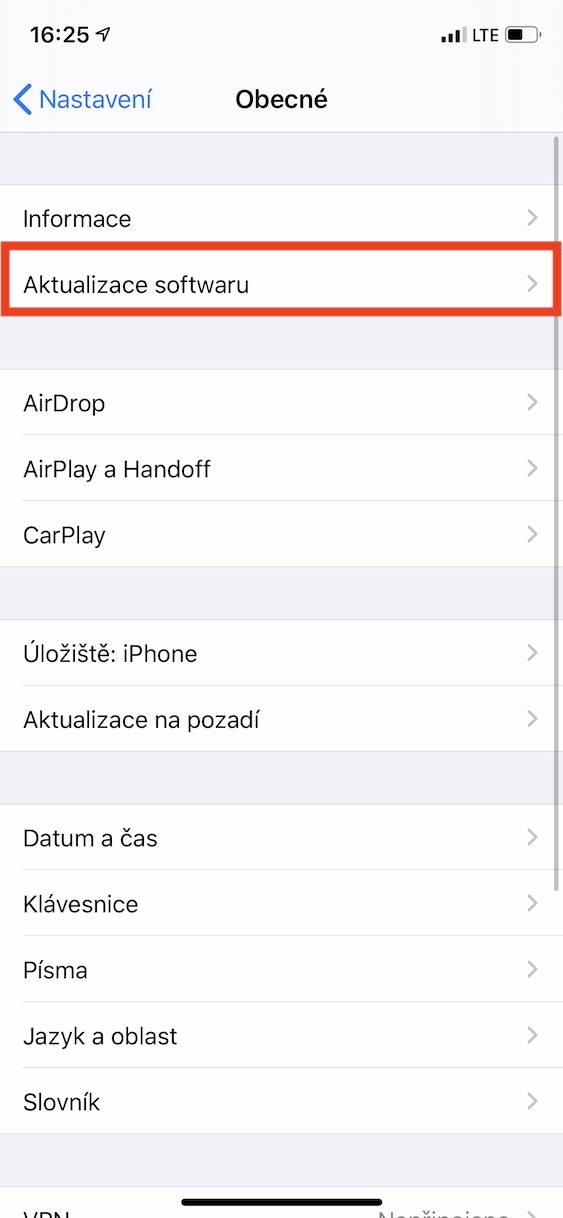
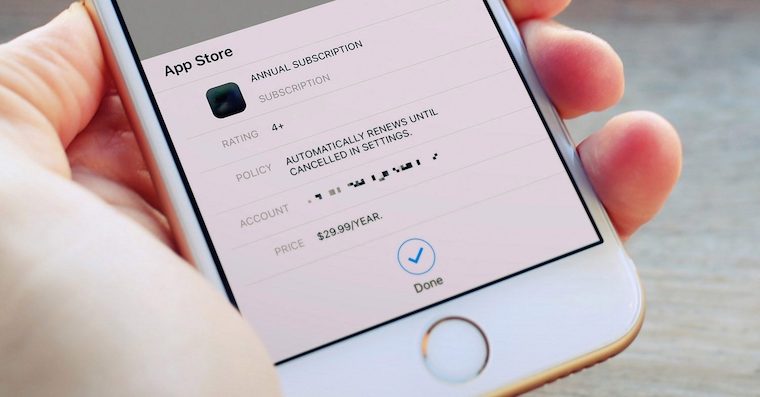
Even though it happens very often nestUnfortunately, a poorly designed app running in the background can also be the reason your iPhone keeps shutting down. So if you're having trouble with your iPhone shutting down and you've already tried a hard restart, go to App Store and by using icons in the upper right part screen to see if updates are available for your installed apps. If so, it is update. If not, then go to Settings -> General -> Software Update and check if it is not available at least update system. If there is, then of course do it.
Battery life
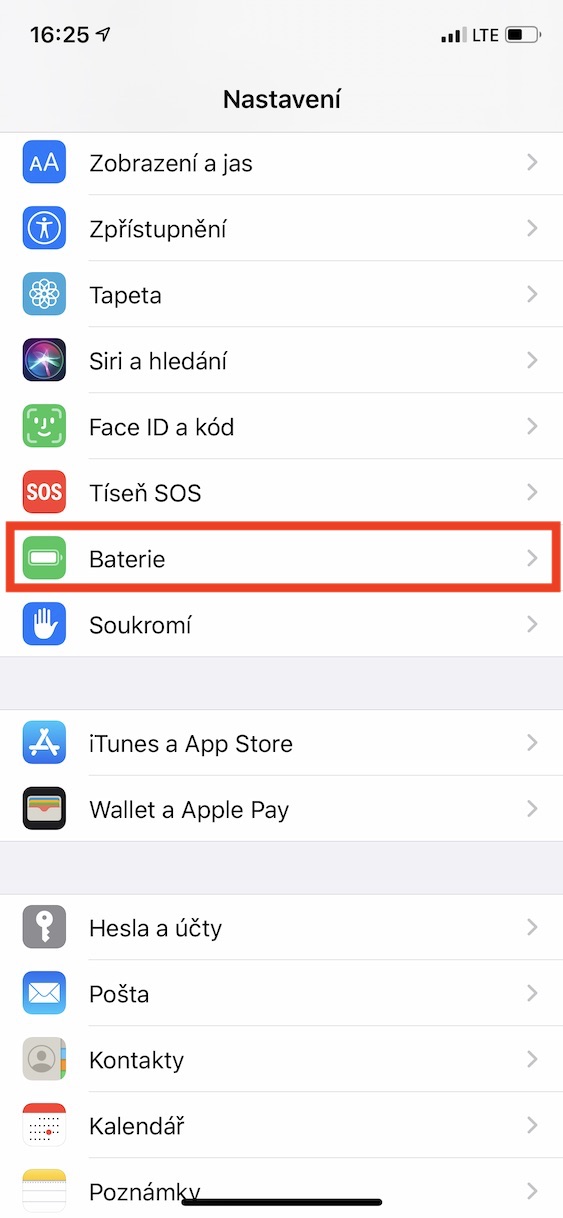
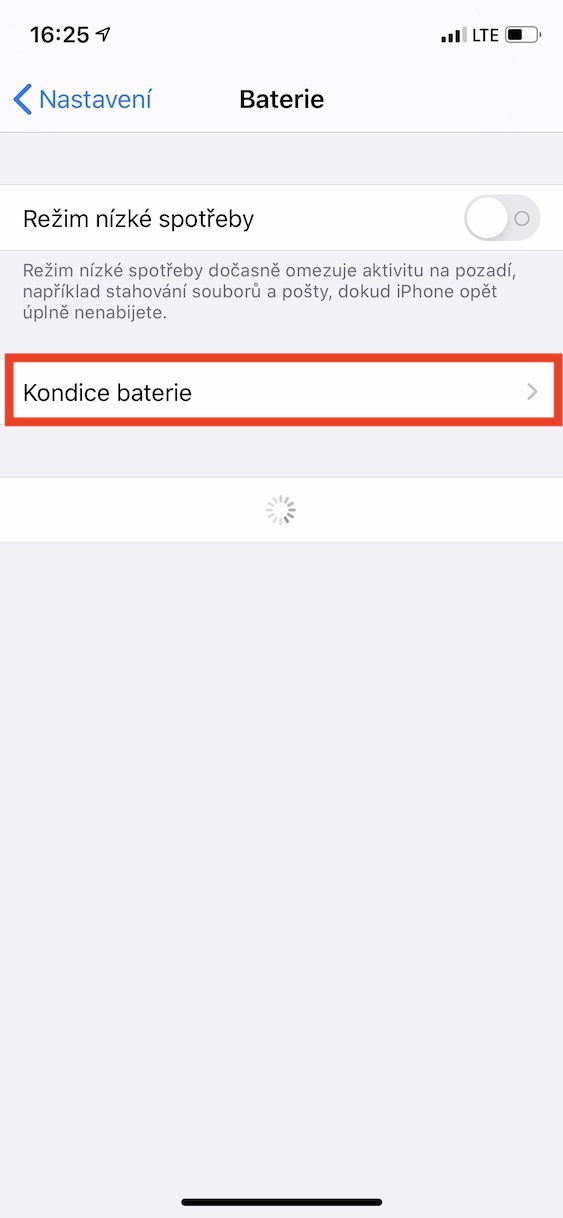
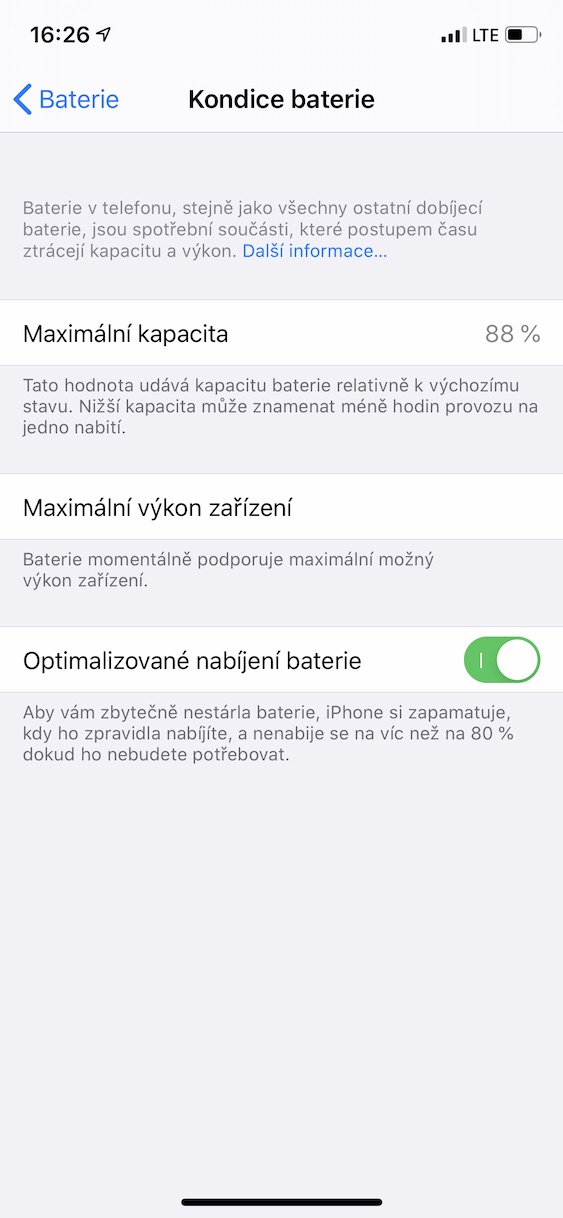
Personally, I'm with the constantly turning off iPhoneI've encountered this several times, and almost every time the error was a faulty battery. So first go to the native app Settings where to get off below and click the option Battery. Once you've done that, unclick the box Battery health. If in line Maximal capacity shows an option Service, So, if your iPhone keeps turning off, it could be a bad battery. In this case, you should take your device to a service center immediately and notchat to exchange Battery.
Reset settings
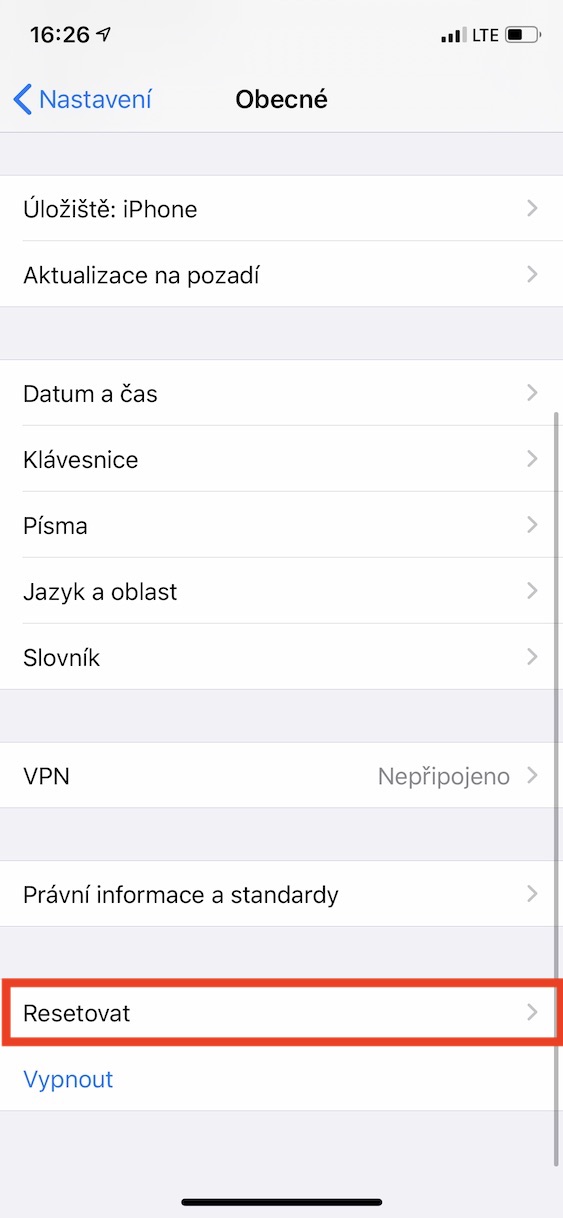
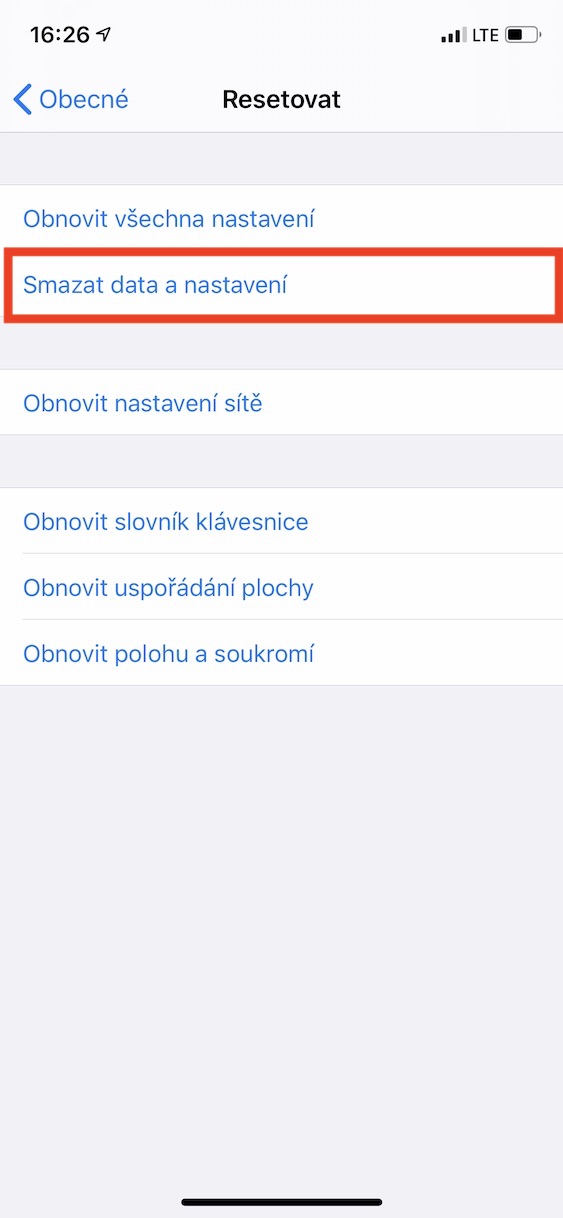
If replacing the battery didn't help and your device still turns off, the problem may be in the system. In this case, you can try resetting the entire device to factory settings. To do this, go to Settings on your iPhone, where you can open the General section. Then scroll down and tap Reset. From the options offered, select Erase Data and Settings . This will erase all data from your device and reset the settings - so if you want to keep your data, back it up first. Once you erase your data and settings, there's no going back.
Hardware error
If your device started to turn off after you dropped it in water or on the ground, for example, there is a high probability that some part of the hardware has been damaged. In this case, unfortunately, nothing else will help you except repair. You will have to take the device to one of the service centers and notchat repair it yourself. However, keep in mind that such a repair can often cost more than a whole new device. ProConsider whether it would be better to buy a completely new one instead of repairing it. iPhone.







It is better to wait to buy a "cheaper" new iPhone iphone 9 than some several-year-old lager
Throw him against the wall.
Probably like that, or consider another brand of phone.
Throw him out the window
Iphone… Such a symbol of reliability… How come such things happen to him? :))
I often struggled with these problems on Androids up to version 6. It's funny that while competing devices are constantly improving, Iphone it takes the opposite route.