Data loss is one of the biggest nightmares for computer or phone users. If you don't back up your data regularly, you can lose all your data irretrievably after a partition is destroyed or accidentally deleted. Before you bury your hard drive for good, there are many different programs that can recover data from destroyed or deleted partitions. In most cases, these are unreliable programs that are only there to extract money from you in an emergency. But then there are programs whose main task is to really help you - and one of such programs is Remo Partition Recovery.
You might be interested in
What can Remo Partition Recovery do?
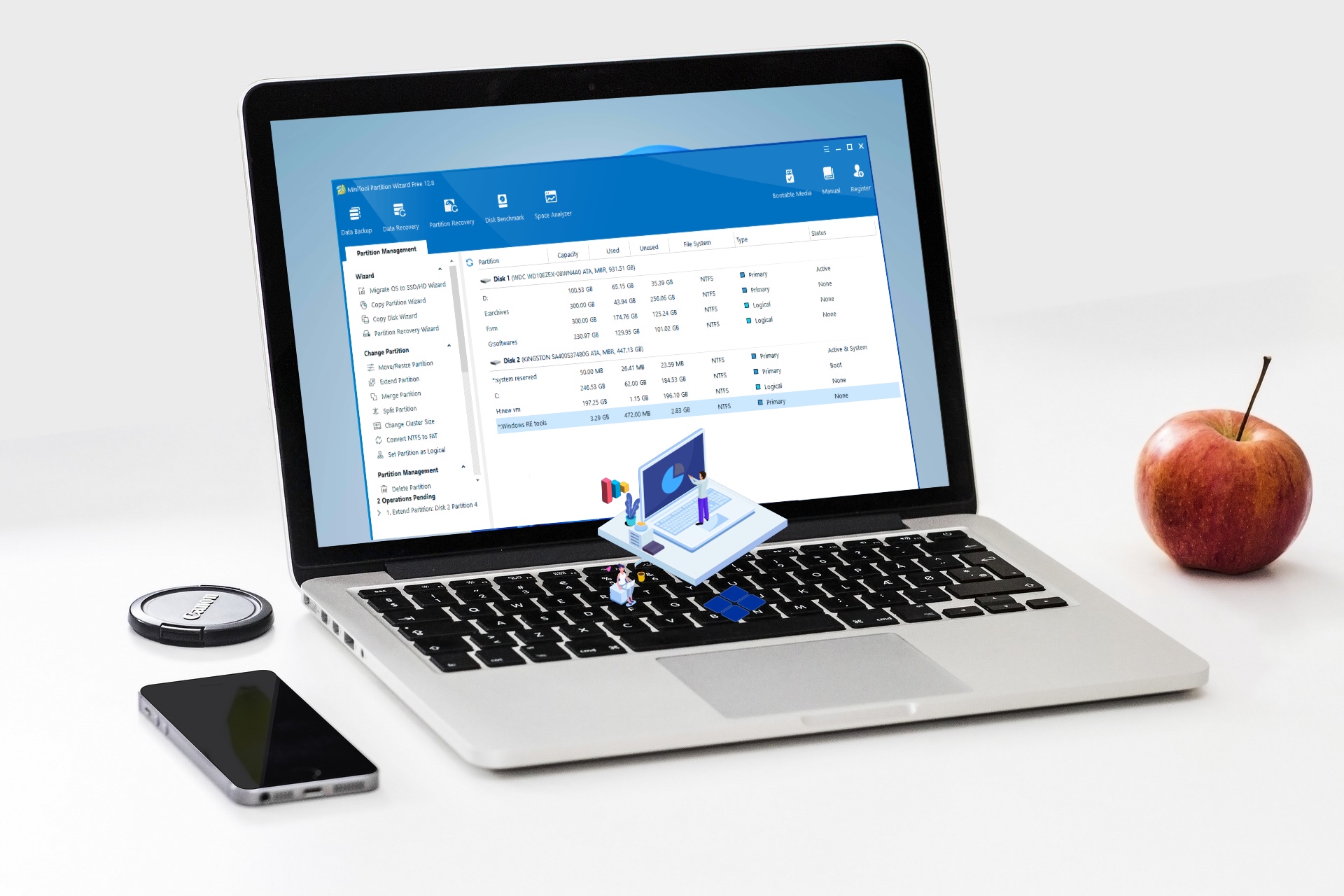
As I mentioned in the introduction to this article, and as you can also guess from the name of the program, Remo Partition Recovery takes care of recovering data from partitions on your disks. Remo Partition Recovery can therefore help you if you have accidentally deleted or somehow destroyed an entire partition on your disk. You can most often recognize a damaged or deleted disk partition by the fact that it appears on your computer in the so-called RAW format. When you click on it to browse files, instead of data, you will see a warning that the disk needs to be formatted. At the same time, Remo Partition Recovery is used to recover files from disks with bad sectors.
You might now be wondering what file formats Remo Partition Recovery can work with. These include NTFS, FAT 16, FAT 32, ExFAT, HFS, HFSX, along with RAID arrays (RAID 0, RAID 1, RAID 5). As for the device, in this case you can use practically any device that works with the above-mentioned file systems for recovery - it can be a classic disk, or a USB flash drive, memory card and other storage.
ProShould you choose this software?
Remo Partition Recovery is not the only application from Remo. This company has countless other programs available that you can use not only to recover lost or destroyed files. You may have already noticed several different reviews of Remo solutions in our magazine. I can say from my own experience that Remo programs are very simple and intuitive to use. Most similar programs are often unable to handle larger files, which of course is not the case with Remo Partition Recovery (and other software solutions from Remo). Therefore, any regular computer user who has suddenly lost their data can work with Remo Partition Recovery.
How to recover data from a destroyed or deleted partition
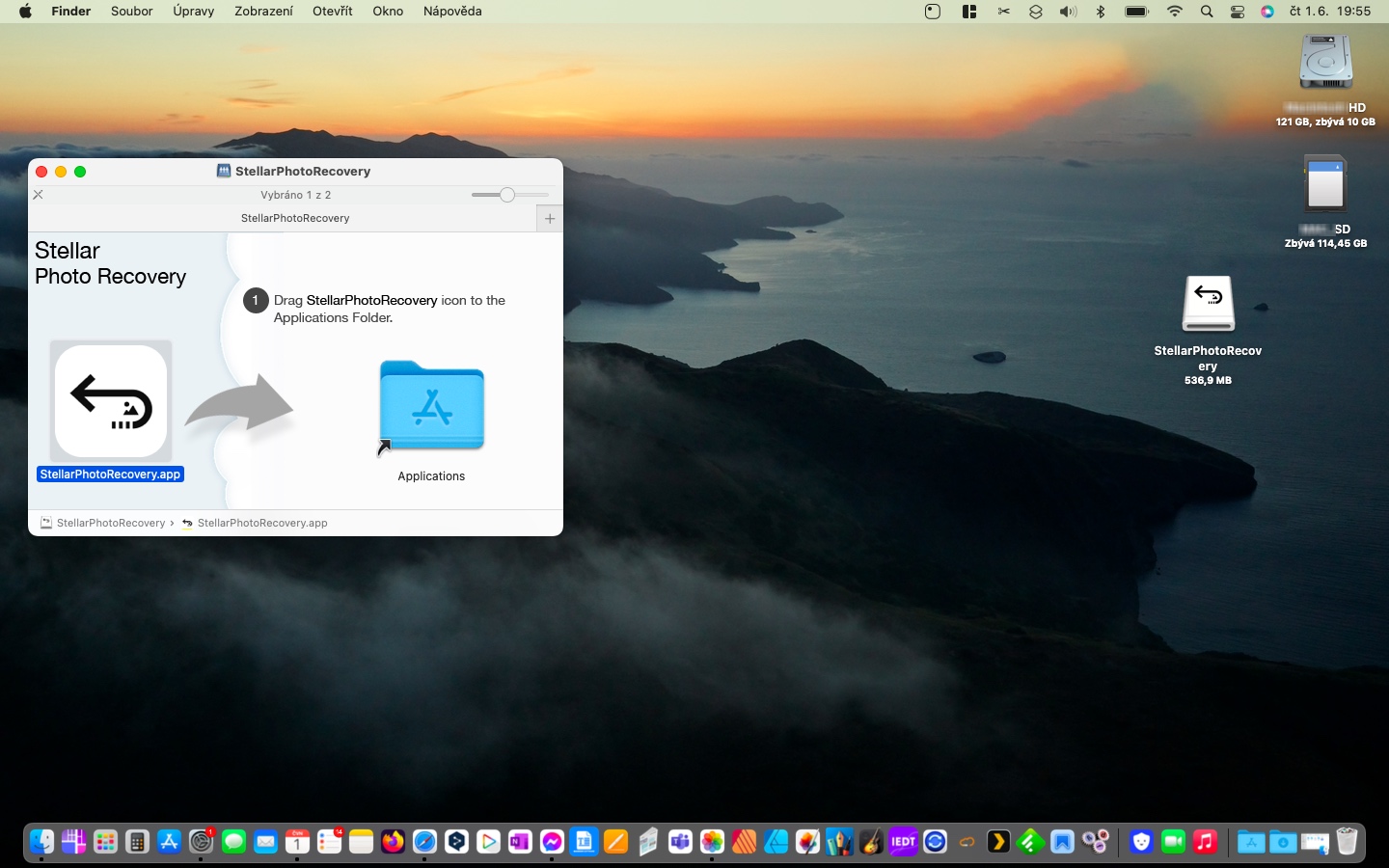
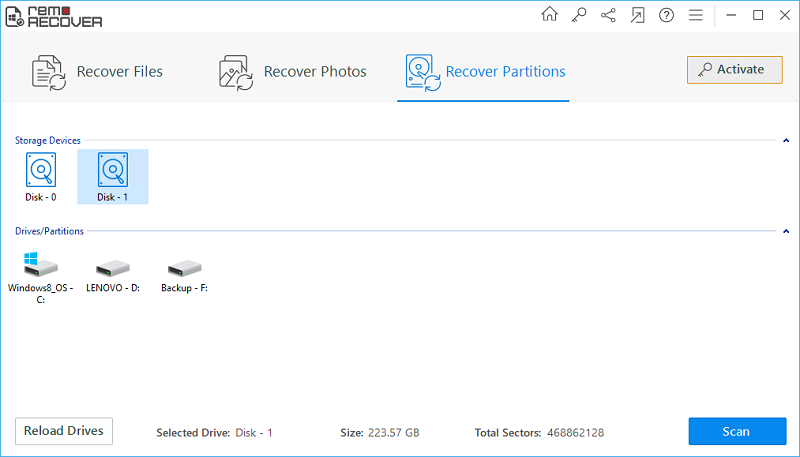
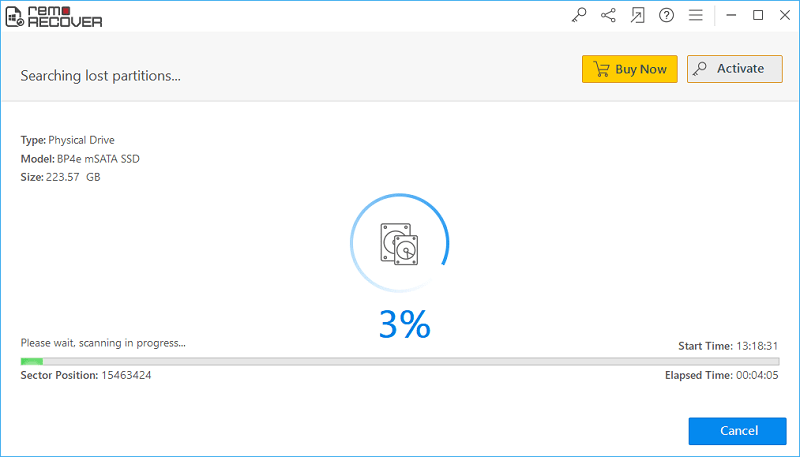
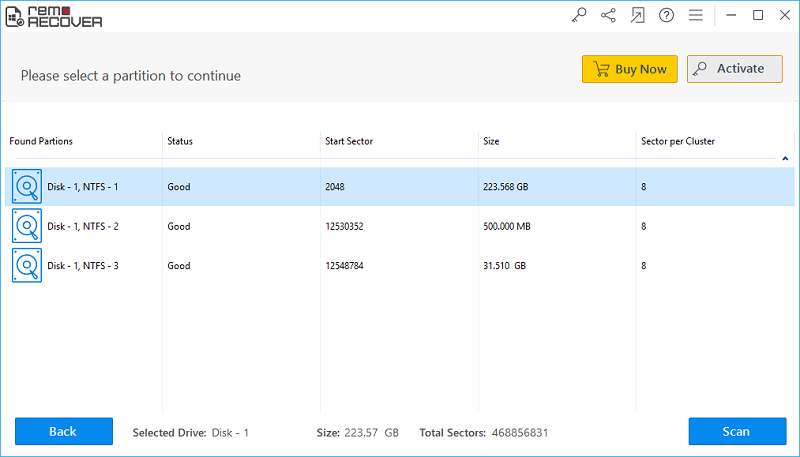
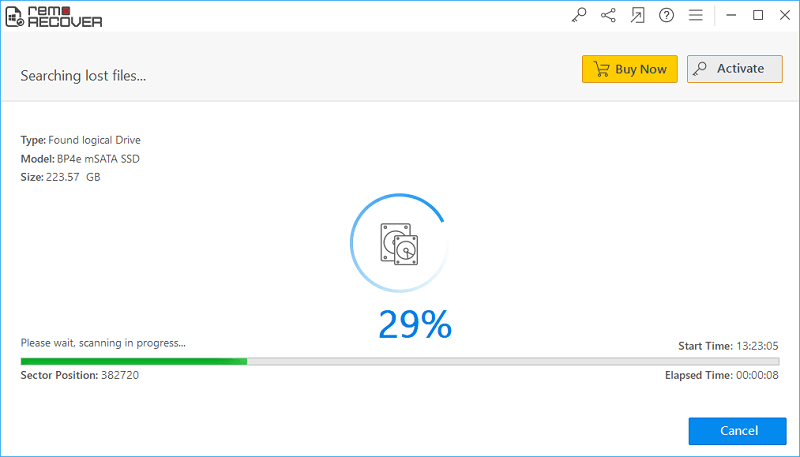
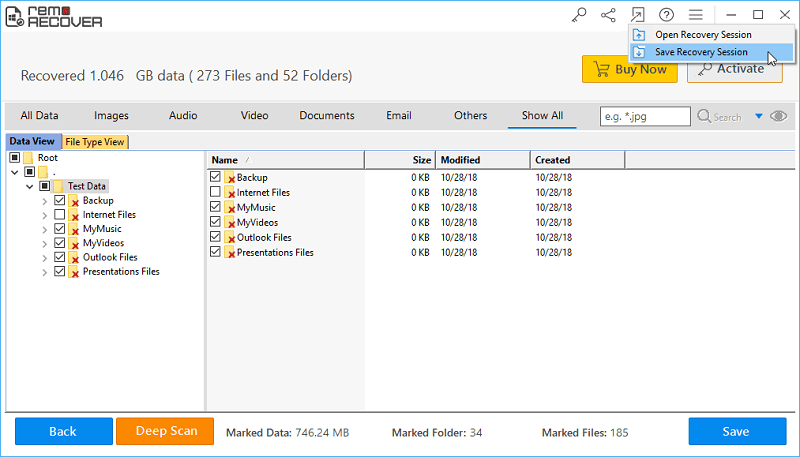
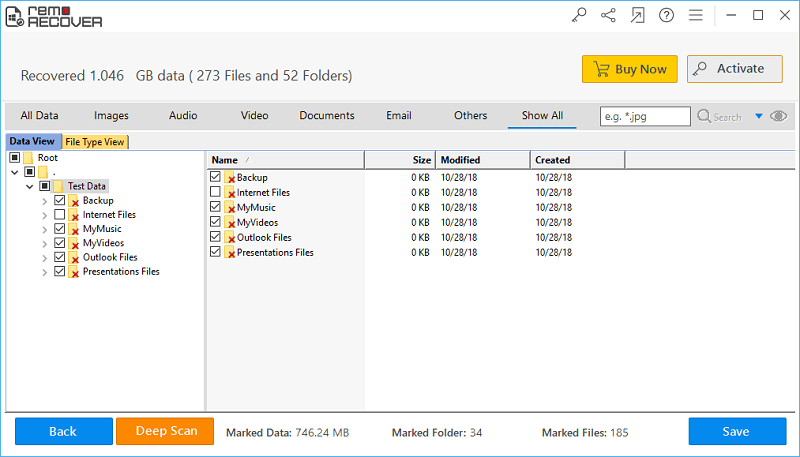
If you want to use Remo Recovery Partition to recover data from a destroyed or deleted partition, the procedure is very simple. After installing Remo Partition Recovery, just run the program and then choose the drive from which you want to recover the lost partition. Once you've done that, tap the Scan button in the bottom right corner. Remo Partition Recovery then it will start scanning the disk you selected. Once the scan is finished, just select the disk partition you want to recover.chat restore. Then you just have to wait again until the lost or damaged files are found. The time it takes to search for files depends on how big your partition is and how many files were on it. Once the file search is complete, all of them will be displayed clearly in the window. You can then choose which ones you want to restore and which ones you don't. If you haven't found your file, you can also use the so-called Deep Scan. It takes much longer than a classic scan, but in most cases you will find practically all the data that you wouldn't find normally.
Gallery
How does Remo Partition Recovery work?
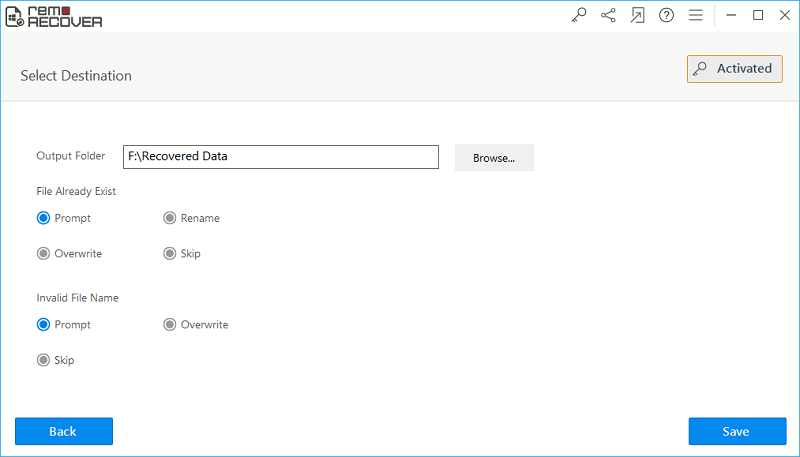
Remo Partition Recovery can dive deep into a disk where files on a specific partition have been lost or corrupted. Thanks to its read-only feature, Remo Partition Recovery can recover every file it finds in the original form it was found in. However, you should keep in mind that you should recover each file you are trying to recover to a completely different disk or partition. Pro If you try to restore to the same partition, the file you are looking for could be overwritten by a new file, which would result in permanent loss. If the file is not completely destroyed and overwritten, Remo Partition Recovery can recover it – either using a classic scan or a so-called Deep Scan.
Summary
If files from a specific partition on your computer have been destroyed or lost, they may not be available to everyone.onec. Once you register this fact, you should stop immediately onen partition use and install the Remo Partition Recovery program - on another disk, or perhaps on a flash drive. After installation, try to follow the above procedure for data recovery. With Remo Partition Recovery, you can recover even seemingly destroyed or lost files, without the slightest problem, simply and quickly.