
About devices from AppIt is generally said that they are very reliable. In a way, this is of course true, but it certainly does not mean that they are completely flawless. Sometimes you may find yourself in a situation where your iPhone, or any other device, simply goes crazy and stops working as it should. In that case, of course, you can use Finder or iTunes to try to repair the device, but unfortunately, data loss occurs automatically. This is of course a problem for most users, because no one wants to lose their data for good. So it was the turn of third-party application developers who could create a program to repair the iPhone without losing any data. For example, the developers of the application managed to do this TunesKit iOS System Recovery, which we will look at in this review.

What is TunesKit? iOS Can System Recovery do it?
Before we show you the application itself, we should tell you what TunesKit actually is. iOS System Recovery can do it. As you could already see from the title and introduction of this article, as well as from the name of the program, it can easily, quickly and intuitively solve practically any problem that may arise on your iPhone. Among the most common problems that users have to solve are undoubtedly stuck on device startup, which either do not disappear at all, or appear again after restarting the device. This problem is called a so-called bootloop, which in translation means getting caught in a system loading loop. In addition to this, users also often deal with device stuck in recovery or DFU mode, or have to deal with reboots or system freezes.
TunesKit can solve all these problems iOS System Recovery to resolve:
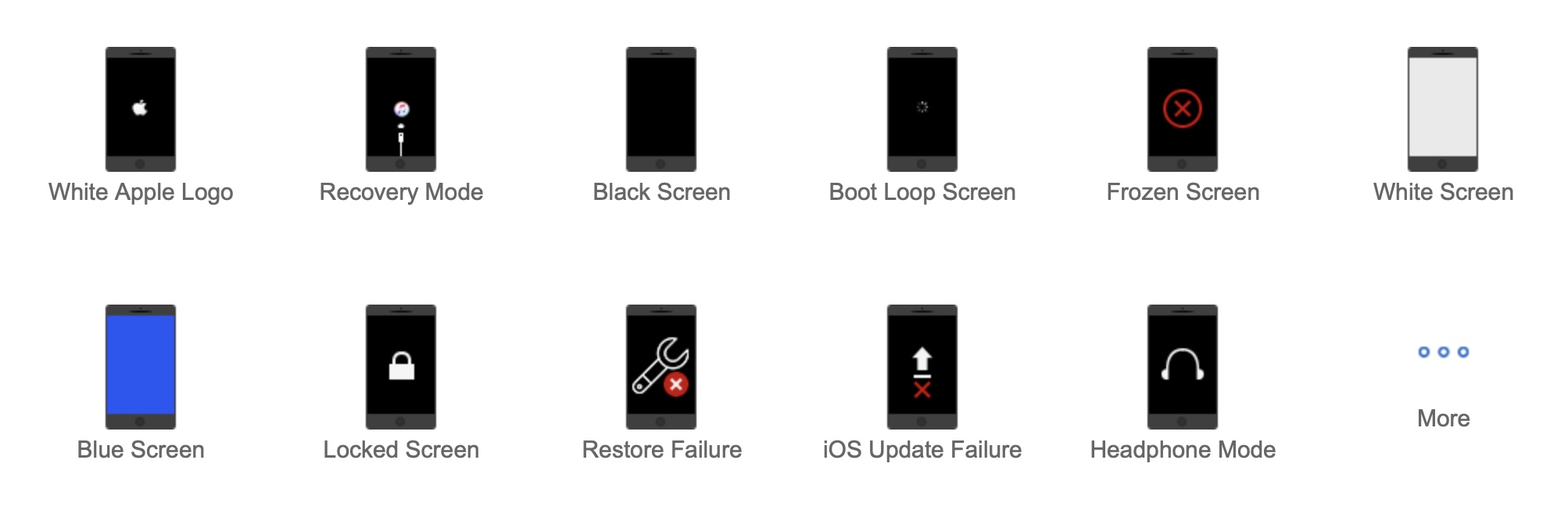
All sorts of problems that arise in iOS, and therefore on the apple phone, can discover, there are really countless. Thanks to reviewed applications from developers from TunesKit However, you can be 100% sure that you will be able to solve them, and it will be extremely simple – we will of course talk more about the entire iPhone repair process below. Before we dive into this part of the review, it is important to mention that TunesKit iOS System Recovery is compatible with absolutely all iPhones, including the latest 13 series (Pro), and also with iPads. It is worth mentioning that this program can also help you with tvOS, so if you own Apple TV and it happens that it somehow goes wrong, you can TunesKit iOS System Recovery can also be used in this case. It can be said that this is the only application you may need to repair Apple devices.
Two recovery modes iOS
Standard and Adv modesanced


If you find yourself in a situation where there is a problem with your iPhone and you decide to solve it through TunesKit iOS System Recovery, so you can be sure that this program will do everything to ensure that you do not lose any data. Pro To clarify, there are two modes available within the reviewed application during repair that you can use. The first mode is standard mode, which you will use most often, as there is no data loss with it. It should be mentioned that in this mode you can solve practically all problems that may arise. The second mode advanced mode can be considered more drastic, since its use will completely reset the device, including deleting data. But as I mentioned, you don't have to worry about anything - in most cases, the first mentioned mode will help you, which has a really high success rate. In order to be forced to use the second mentioned mode, your Apple phone willoneThere must be something very wrong.
Repair iOS in three steps
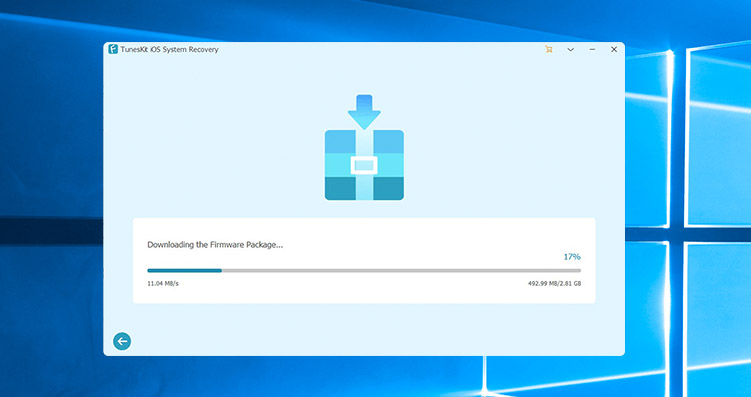
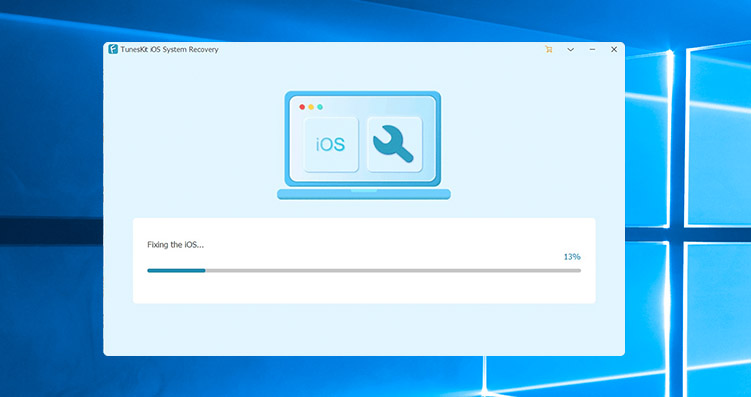
Above we talked more about the two available system recovery modes. iOS within the TunesKit application iOS System Recovery. Now you might be interested in what the entire recovery process actually looks like. The entire process can be summarized in three steps, if we don't count connecting the device to the computer and launching the application. Then all you have to do in the application is have selected recovery mode, which you want to use. Subsequently, there will be download the firmware package for your iPhone. Once all the necessary files are downloaded, the operating system recovery process will begin iOSAfter the repair is complete, you will be able to iPhone use it as before the error appeared. The whole process is very simple and takes only a few minutes, of course depending on your internet connection. If you would like to see complete procedures for fixing various problems on your iPhone using TunesKit iOS System Recovery, just click on this link.
Repair iOS with TunesKit iOS System Recovery

How to fix stuck on startup iPhone?
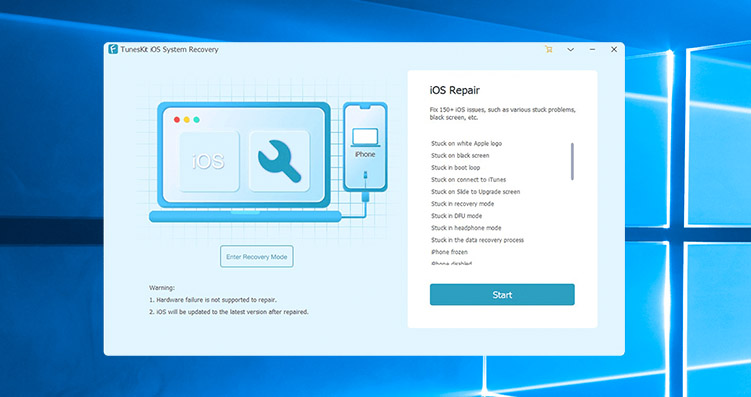
To show off TunesKit iOS System Recovery in practice, so let's take a look together, how to fix stuck on startup iPhone. Of course, you can perform classic procedures such as a forced restart, etc. before that, but quite honestly – in most situations this will not help you and you will need to resort to another solution. If you are unsuccessful iPhone se to fix a stuck using conventional methods, first connect to your computer via Lightning cable. Once you do so, open installed application TunesKit iOS System Recovery. After starting the program, the connected iPhone will be recognized, then click on the button in the lower right corner under the list of possible errors Start, and then select standard mode, which is a repair mode with no data loss. On the next screen, then check if the application correctly recognized your device – if yes, press Download, This will start downloading the firmware for your iPhone. Once the download is complete, it will automatically start the repair process itself, which may take several minutes. If the repair is successful, you can iPhone start using it, and if not, you will need to use repair mode advanced mode, which is already losing data from the device. You should use this mode when all else fails and it is the last resort. If Adv does not helpanced mode, then there is most likely a problem with the device's hardware.
TunesKit iOS System Recovery can do even more
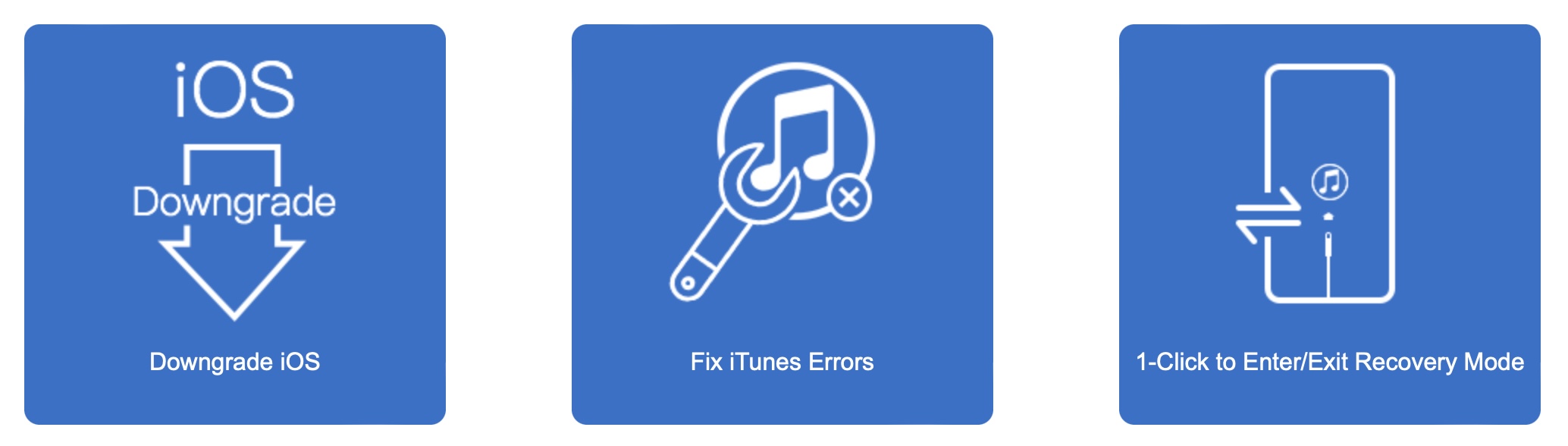
TunesKit app reviewed iOS System Recovery is therefore primarily intended to allow you to repair your broken system. iPhoneHowever, I must not forget that this application also includes several other tools that can definitely come in handy. When purchasing TunesKit iOS System Recovery is not an application designed for just one thing, but a multi-faceted application, where you would often have to pay for other functions from competing companies. Other features of TunesKit include iOS System Recovery includes, for example, the option to perform downgrade iOS on your iPhone, which means installing an older version of the system iOSThere are also functions for fixing errors within iTunes or Finderu and then you can also use the function, i.e. the button, thanks to which you can quickly enter device recovery mode, or on the contrary, leave it and notchat iPhone classic start.
záver
So if you find yourself in a situation where it's not working for you or someone you know... iPhone, or if you want to be prepared for possible errors in the future, I think the application is TunesKit iOS System Recovery designed just for you. This program is really extremely easy to use and anyone can handle it – the entire repair process is just three steps and a few mouse clicks. TunesKit iOS Specifically, System Recovery can do things like: fix stuck on screen iPhone, or problems with random reboots or sudden white, black or blue screen displays. From my own experience when I used TunesKit iOS I have already used System Recovery on two malfunctioning iPhones, and I can recommend this program to you with a clear head.
TunesKit iOS System Recovery is available for free download, but you have to pay for it to work properly. Specifically, this application costs $29.95 per month or $39.95 per year, and if you want a lifetime license for one price, prepare $49.95. It is worth mentioning that there are currently special discounts running that will allow you to get TunesKit iOS System Recovery up to 50% cheaper. Special program packages are also available at a discounted price.




It can be enlarged beautifully :).
I will be happy to enlarge the ad over the entire screen, thank you.