
In connection with the current situation regarding the novel coronavirus pandemic, many people have essentially been obliged to work from home. Pro For many of them, this may be a fundamental change and an unaccustomed experience – people who usually work in aancFor many people, their homes are associated with comfort and relaxation, and therefore it can be very difficult to get used to an efficient and productive work regime in a home environment without causing stress. procrastination, disproportionately long completion of individual tasks and the resulting frustration. In today's article, we will bring you several tips to help you home office you can improve.
You might be interested in

True toancelary
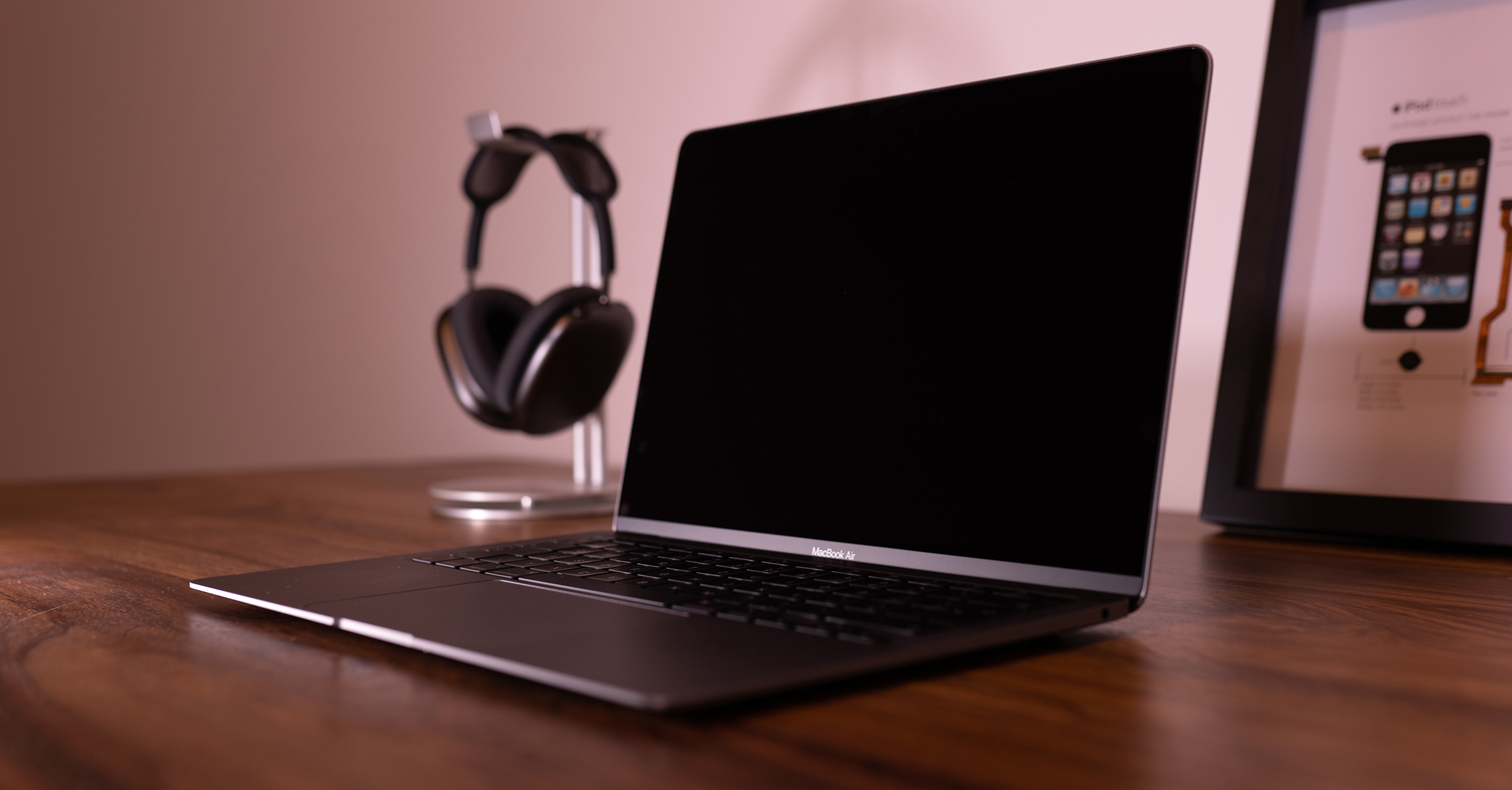
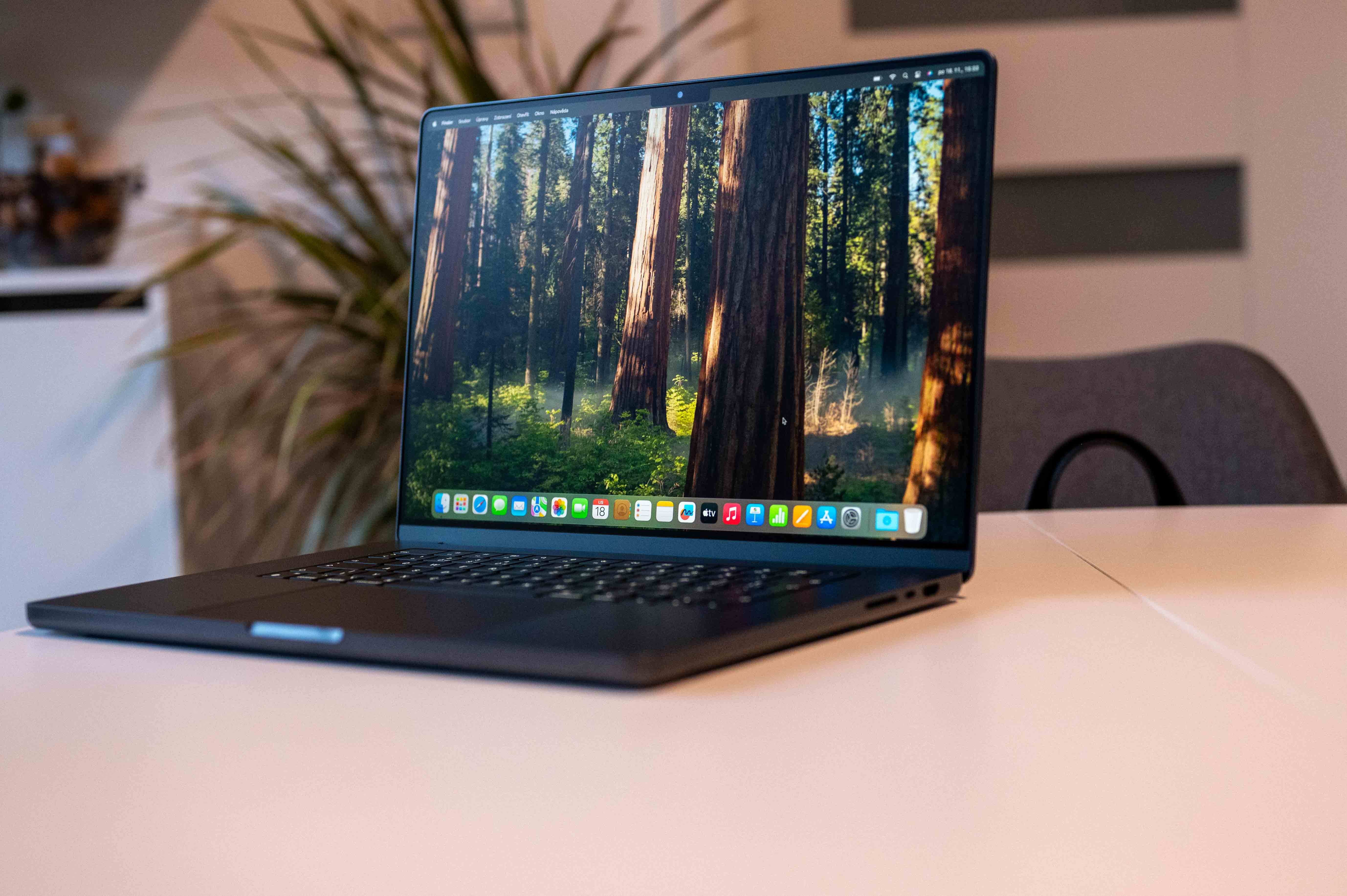
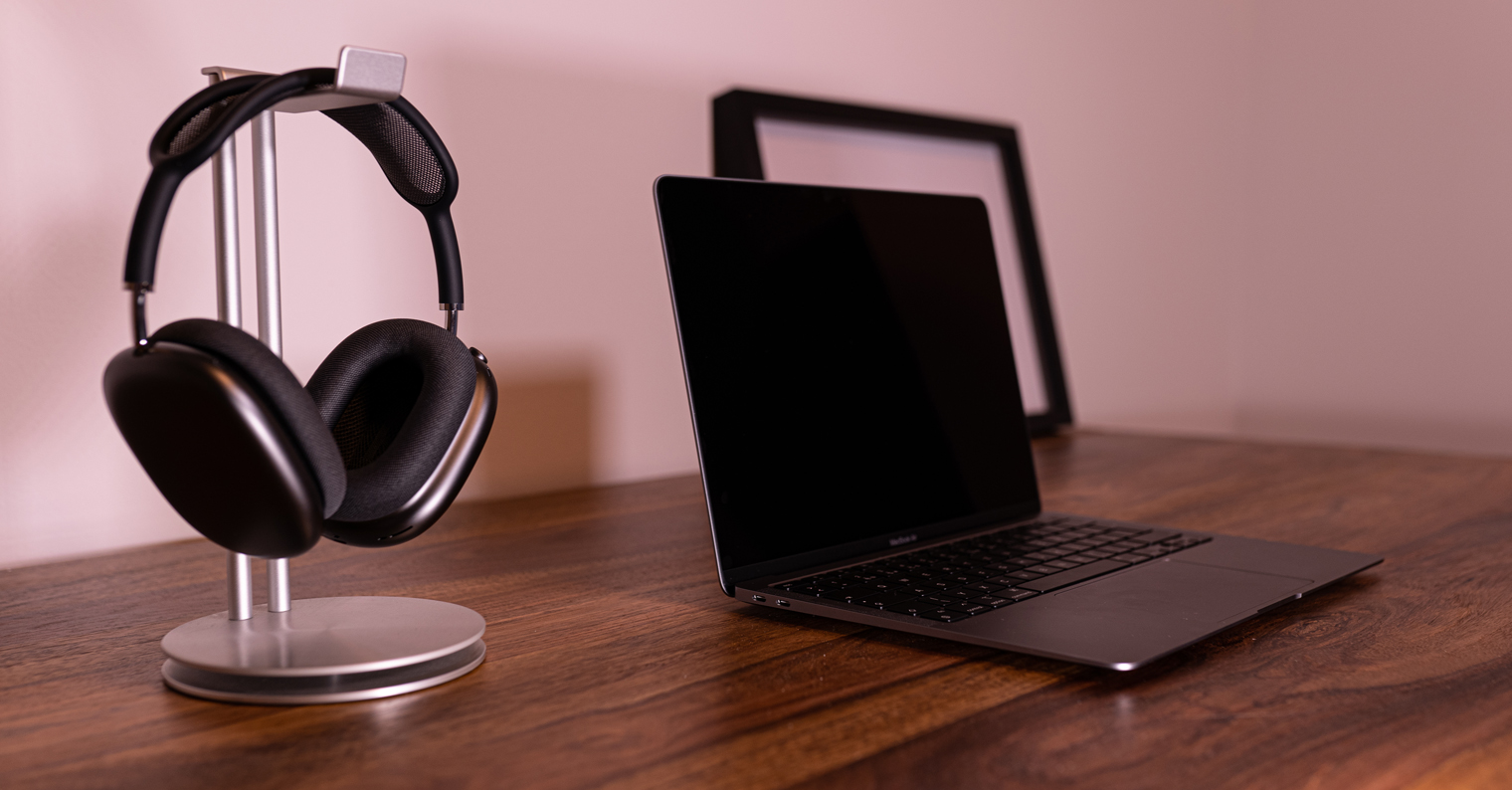
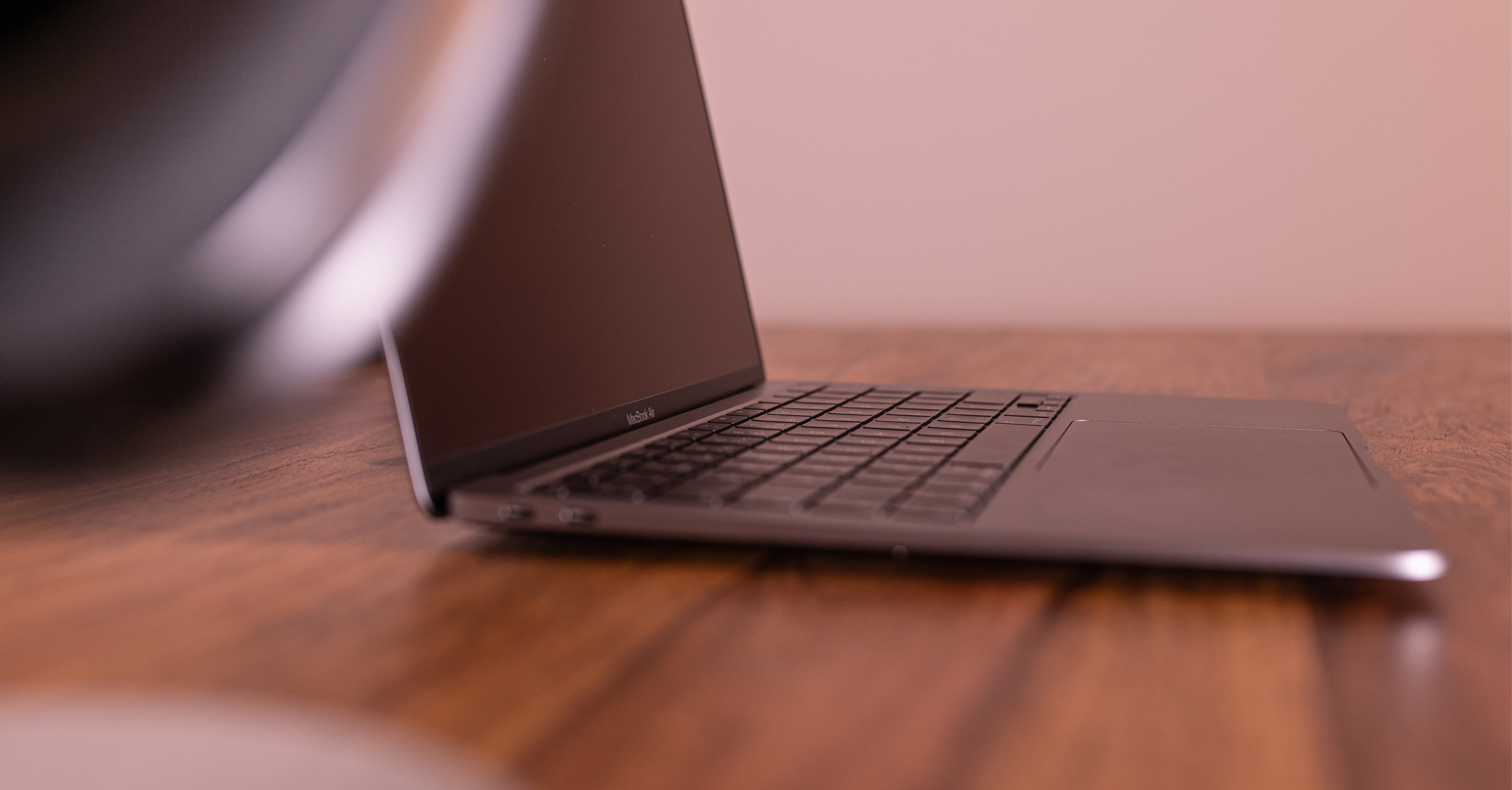
If possible, set aside a space at home that will be used only for work. Ideally, it should be a separate room, but a corner in the living room, dining room, kitchen, or bedroom will also work great (the bedroom should, however, be the last resort - for healthy sleep, it is important that you stay in the bedroom exclusively for the purpose of sleeping or "bed" activities). Keep your desk as clean and tidy as possible, and have everything you need for your work at hand - boards, folders, papers, books, writing utensils, and possibly a printer and other equipment. Your goal should be to create a makeshift deskancan environment that will motivate you to work, and that will lack any elements that could distract you and take you away from concentration. Don't underestimate the importance of choosing the right chair, which will provide your back with the best support and comfort during work. If you are comfortable alternating sitting and standing work, you may consider using it table with adjustable height. Another and less expensive alternative to working while standing can be the purchase of various laptop stands.
Interval work
Gallery
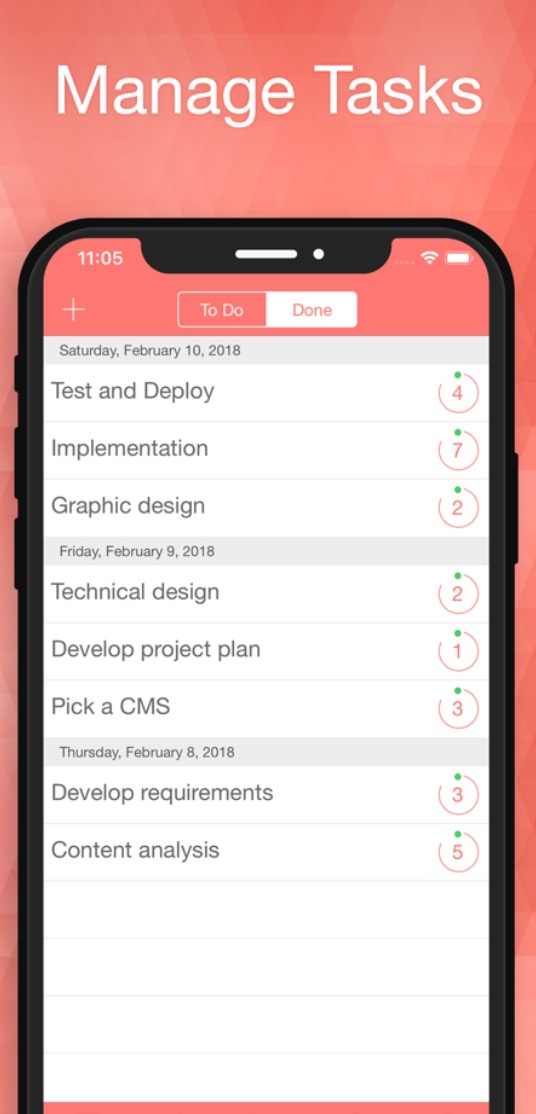
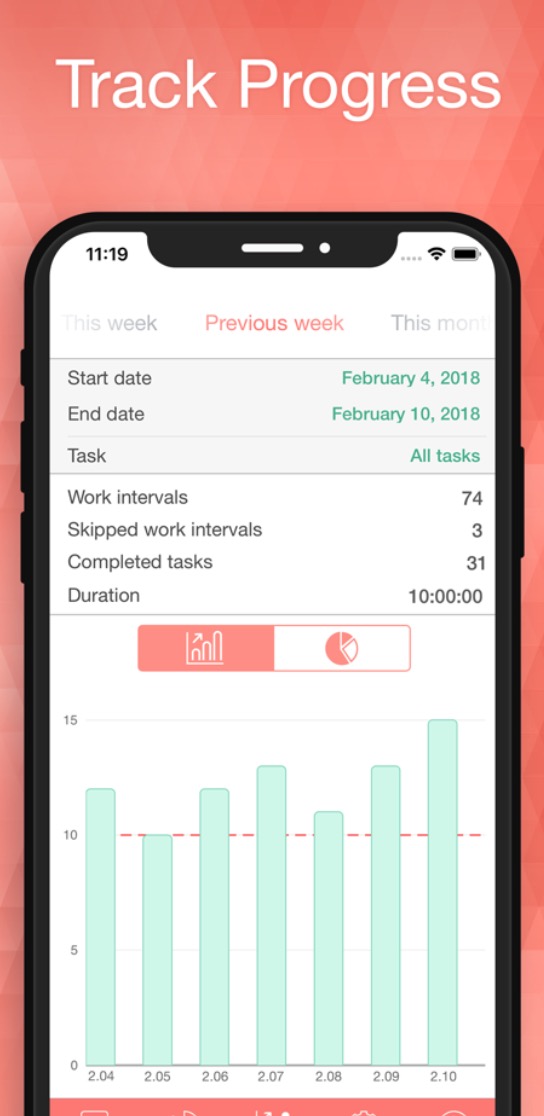
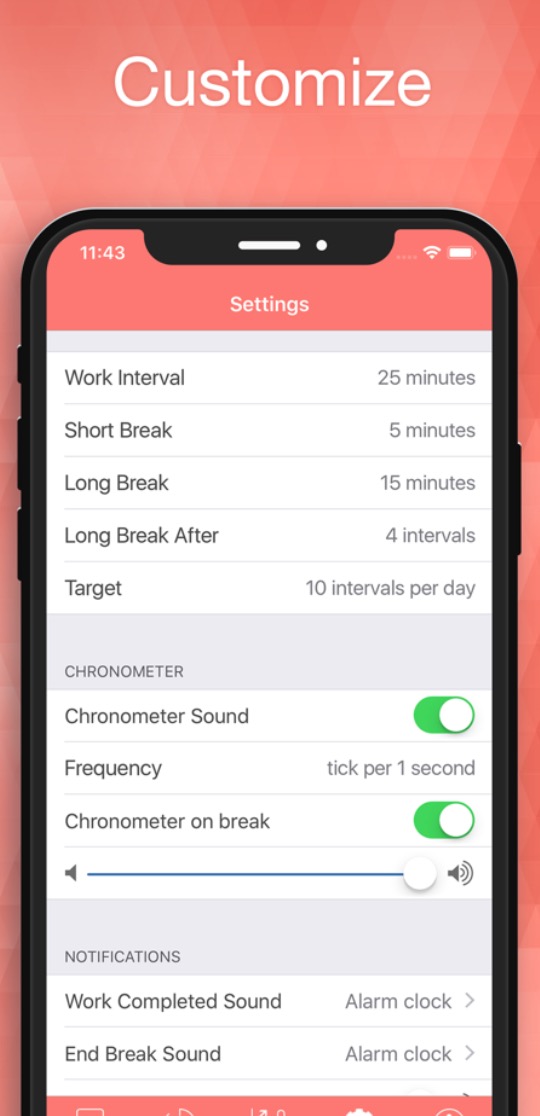
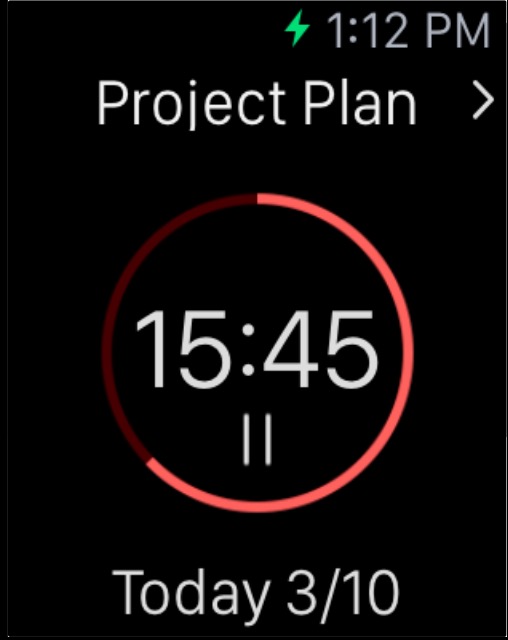
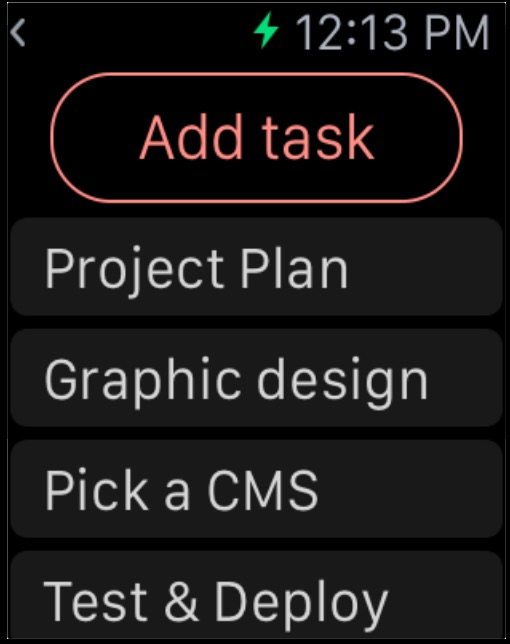
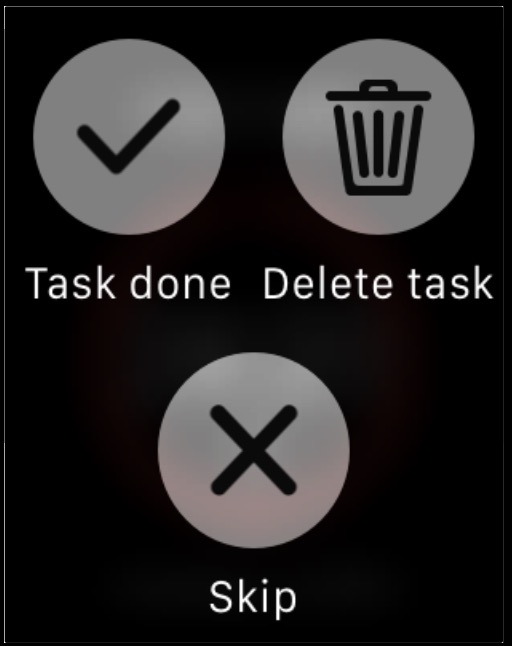
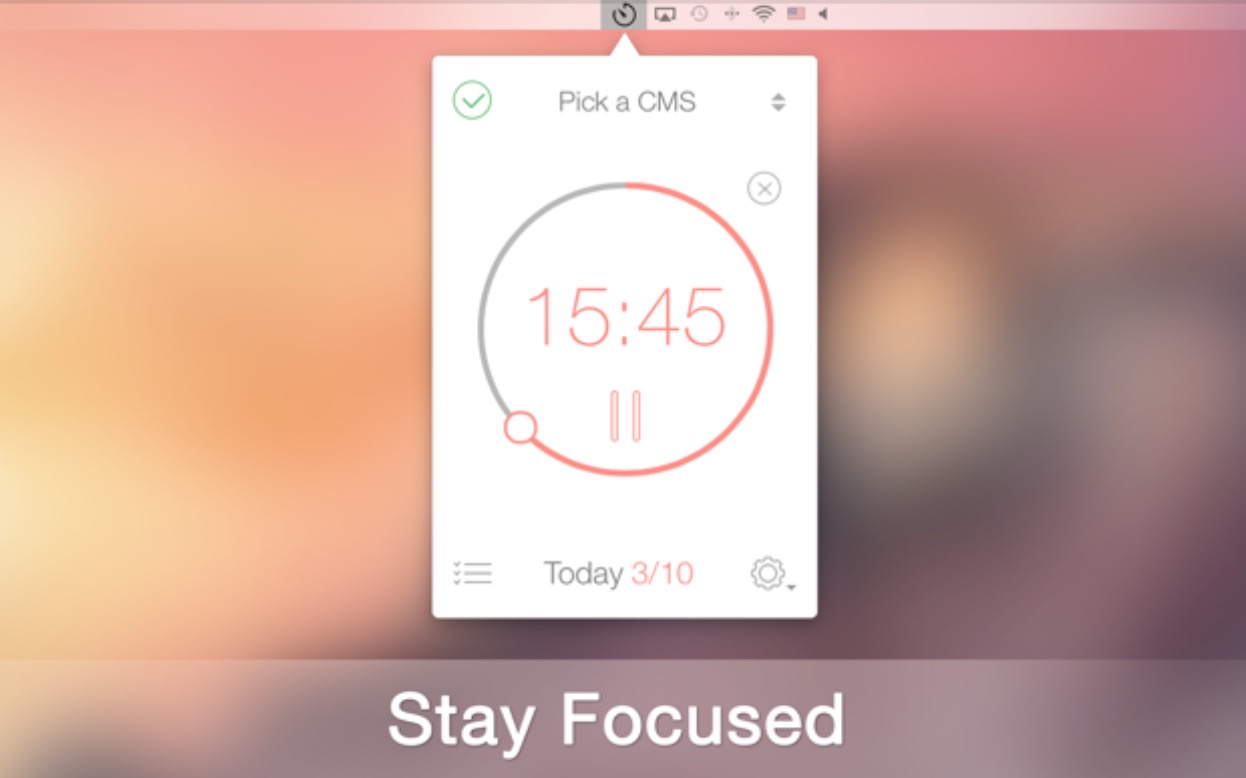
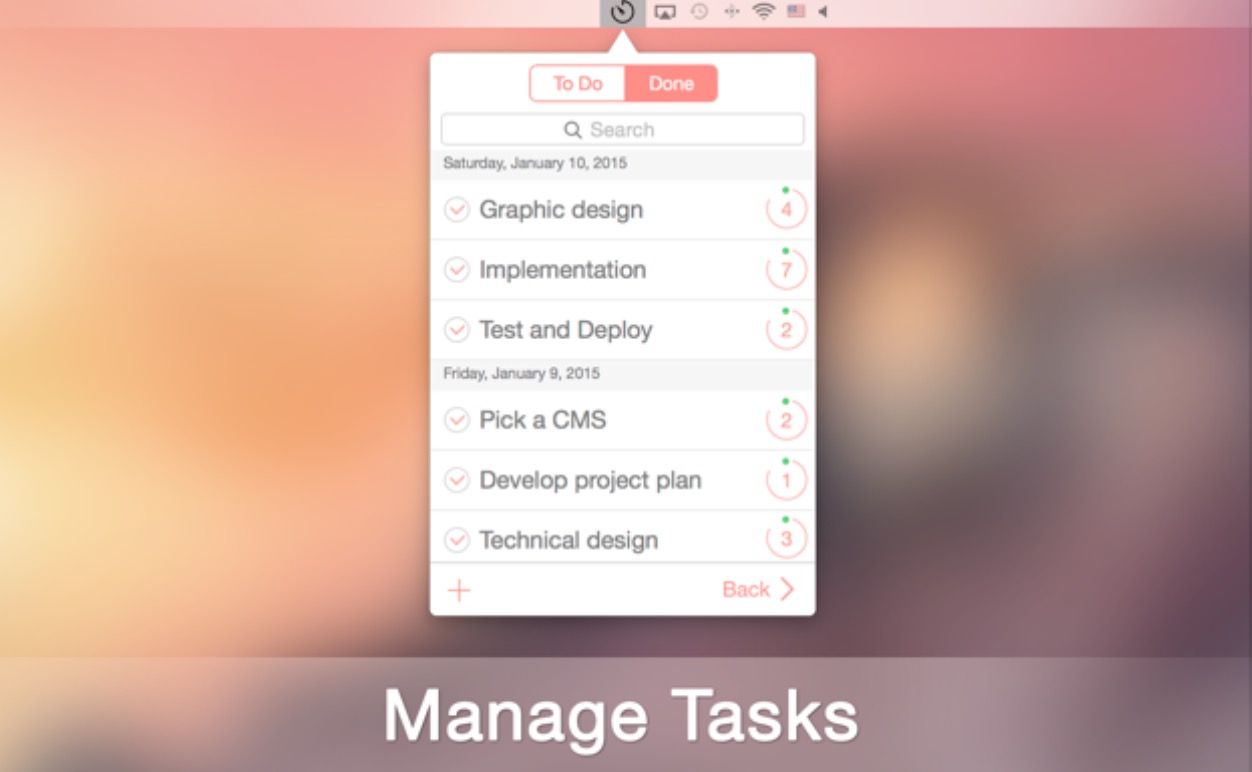
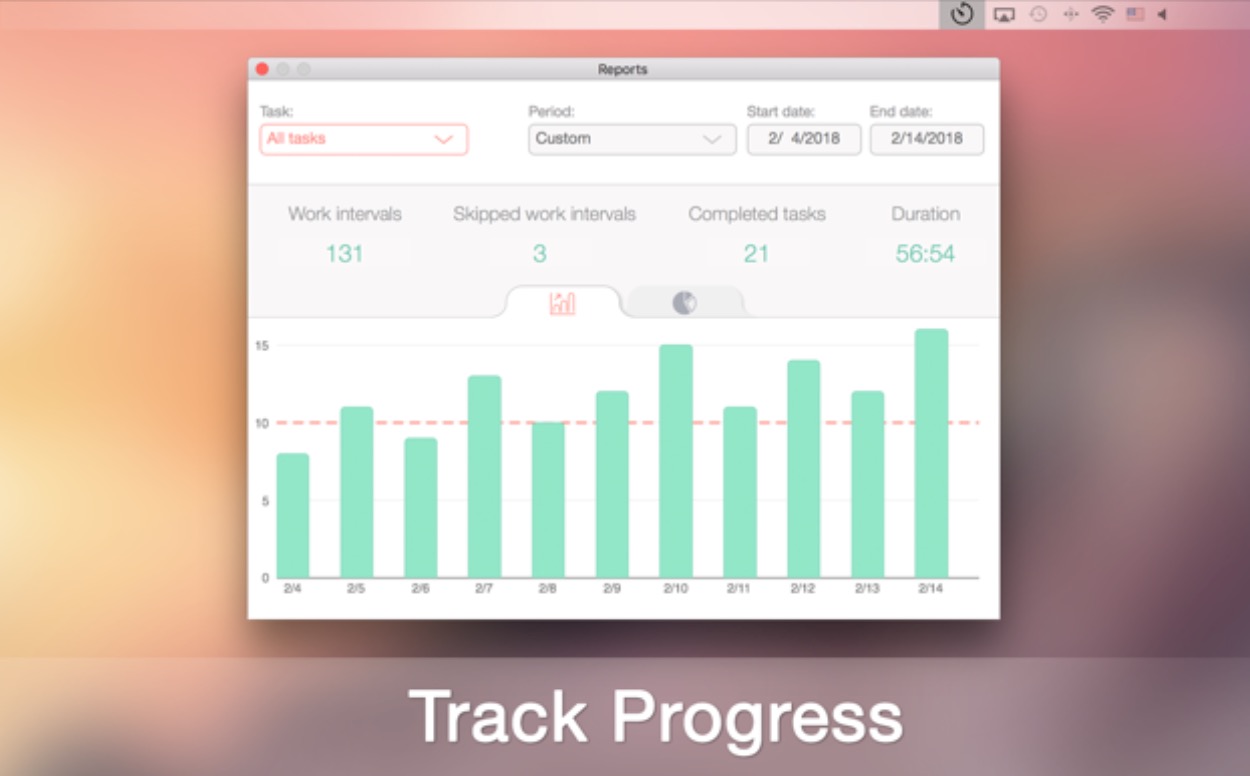
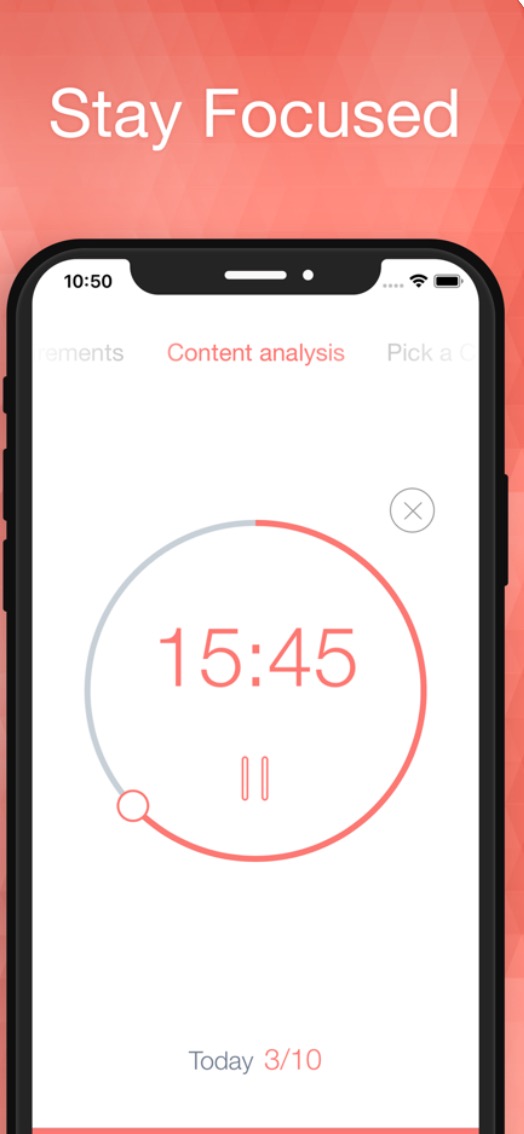
You have probably noticed that you can only focus on your work for a certain amount of time. This fact can be used for real efficiency and productivity at work – you can set a certain interval (for many people, twenty-five minutes is fine) during which you will devote yourself exclusively to work (without simultaneously watching videos on YouTube, series on Netflix, checking social networks or writing to friends on the phone). These intervals can be alternated with breaks of five to ten minutes, during which you can devote yourself to rest, entertainment, communication with loved ones or perhaps household chores. After a certain number of twenty-five-minute “work blocks”, a longer break should follow. So that you do not have to hypnotize yourself for hours while working, there are a number of tools that measure these intervals for you. Personally, the BeFocused application has proven to be the most effective for me. It is in App The store is completely free to download and allows you to not only set the aforementioned intervals, but you can also set individual tasks that you can check off after completing them.
- The BeFocused app for iPhone, iPad and Apple Watch download for free here.
- You can download BeFocused for Mac for free here.
Breaks are really just as important as the time you have to spend working. Try to devote yourself exclusively to work during working hours, and on the contrary, switch off completely during breaks and, if possible, not even think about work. Don't forget to spend enough time in the fresh air or exercise - I personally found it useful to set to Apple Watch alerts for every full hour. Every time the watch alerts you, you can get up, take a walk, stretch, or maybe exercise for seven minutes.
Don't get distracted
Related
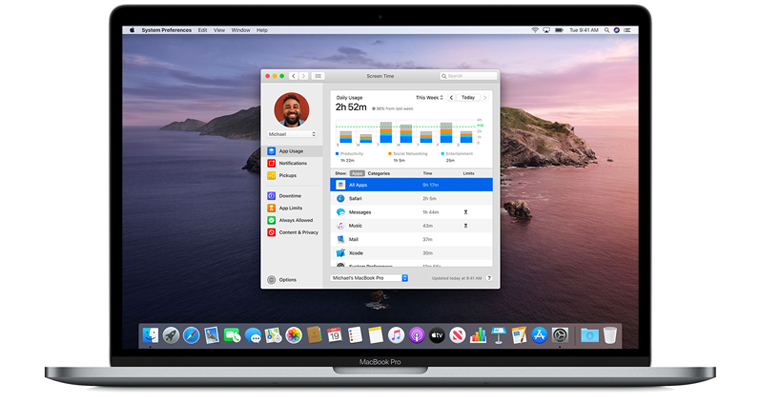
Pro It's easy to just ban someone Facebook, Instagram, Twitter, news sites and other sites that could delay or distract him from work. But most mortals simply have a natural tendency to procrastination and when working on themselves, they need a "policeman" in the form of various software assistants. You will be perfectly served by a free, variaScreen Time is a powerful and efficient tool that comes with all recent versions of macOS. If you're not sure exactly how to use Screen Time, be sure to read our articlesin which we address this topic. Pro There are also many other tools that can temporarily block sites that could distract you - for example, the application Self Control, Cold Turkey or maybe Focus Me.
Calm down
Gallery
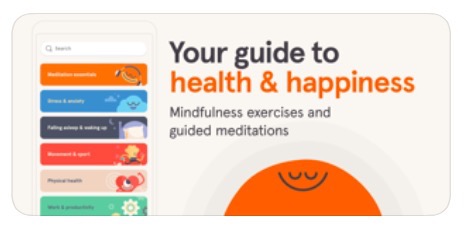
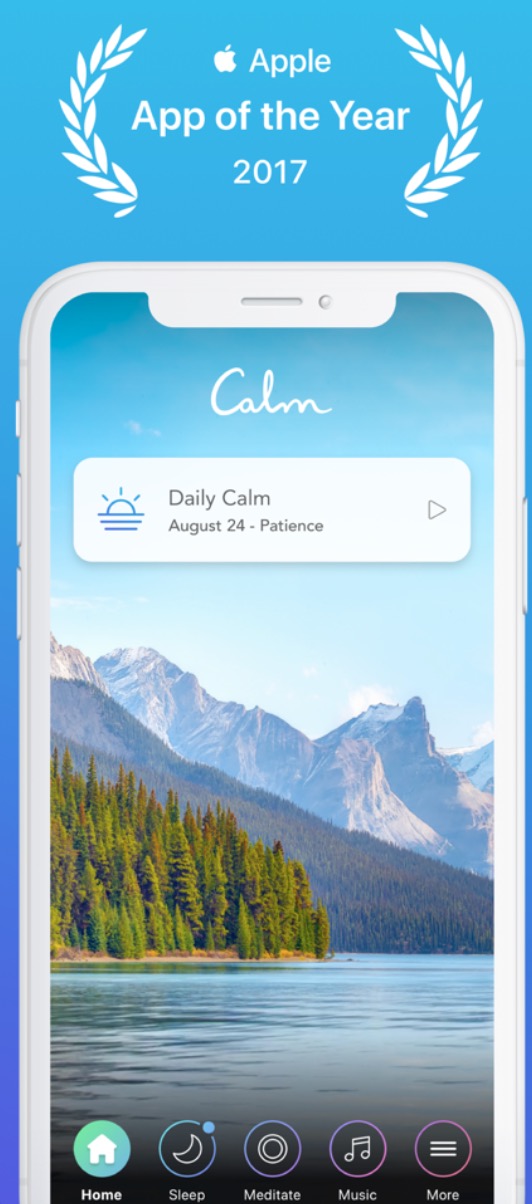
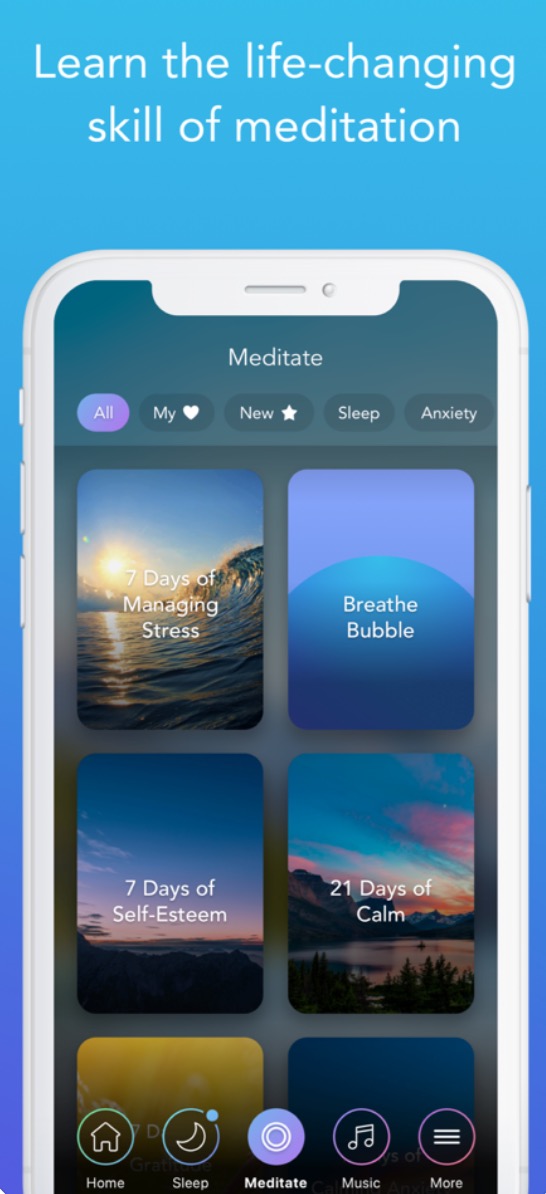
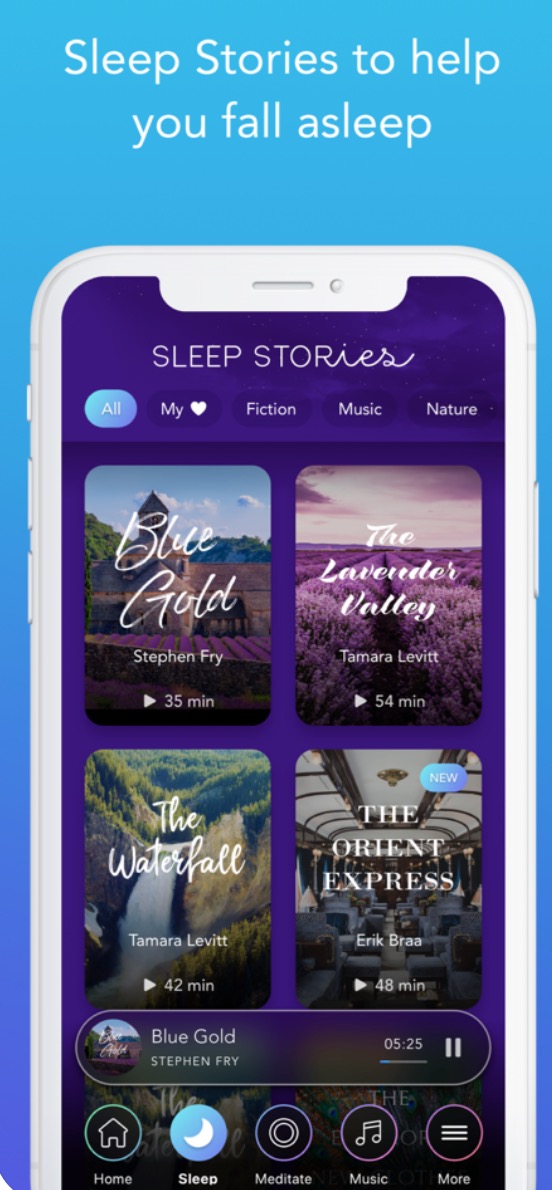
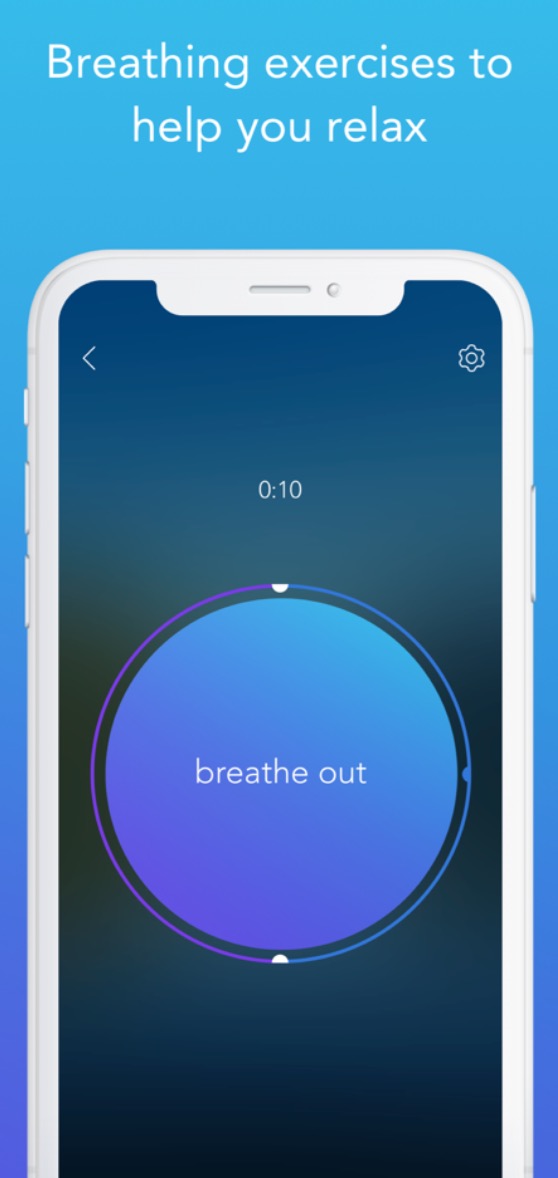

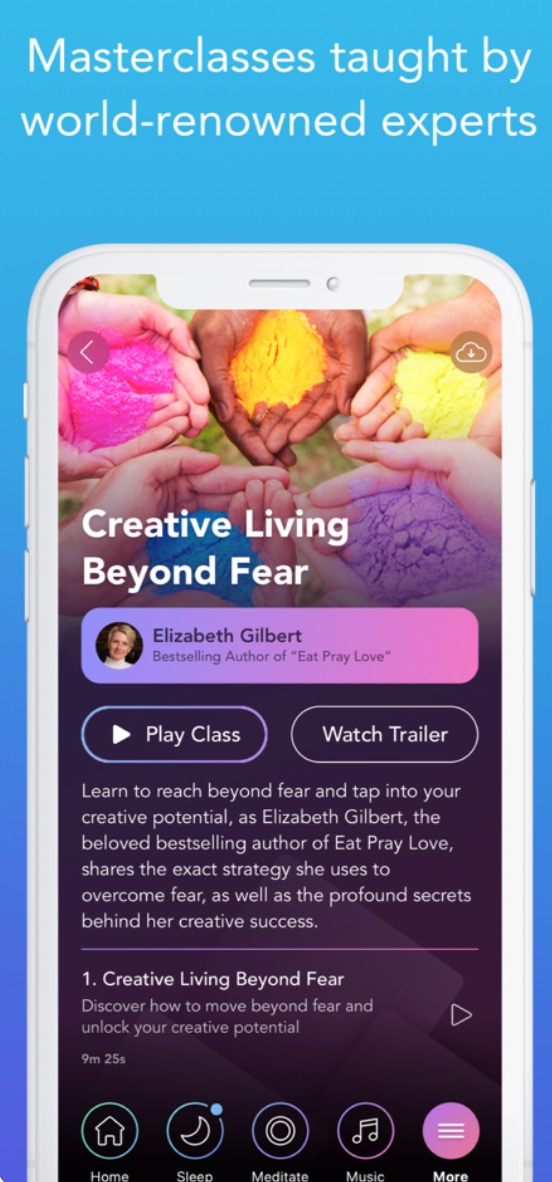
The current situation is, without a doubt, quite stressful. Many of us are worried about our future, whether in terms of health, work and income. Stress is not the best thing – it can have a negative effect on your body weight, immunity, performance and overall mood. Today's society is generally very rushed and many of us simply do not know how to rest properly. Try to give yourself a break.ancand various applications that will help you relax, relieve stress, and thus improve your mood, sleep, and productivity. I consider the Headspace and Calm applications to be the best tools for these purposes, but they are paid tools (or subscription-based tools). An ideal free variantu presents Insight Timer. Don't be afraid of relaxation and meditation - you don't have to worry that after five minutes of deep breathing and focusing on the present moment, you will become a Buddhist monk. The principles of meditation and mindfulness are also included in their daily routine by many prominent figures in the technology industry. You can start with a five-minute breathing exercise and gradually work your way up - over time you will definitely see how much relaxation can positively affect the quality of your life.
- You can download the Headspace app for free here.
- You can download the Calm app for free here.
- You can download Insight Timer for free here.
Editing of the server LsA wishes all its readers to endure the current difficult situation with a cool head, peace and good health. Like you, we believe that everything will calm down in the near future. We will do our best to maximum so that we can constantly bring you a sufficient supply of useful and entertaining articles.






Not everyone is lucky enough to work "with their heads" or write articles for LSA (that is, if one could write articles). SUPER article, but for the most part probably useless. How many people are workers, excuse me, today they are ostentatiously called "production operators", saleswomen, waiters, etc. and they cannot work from home.