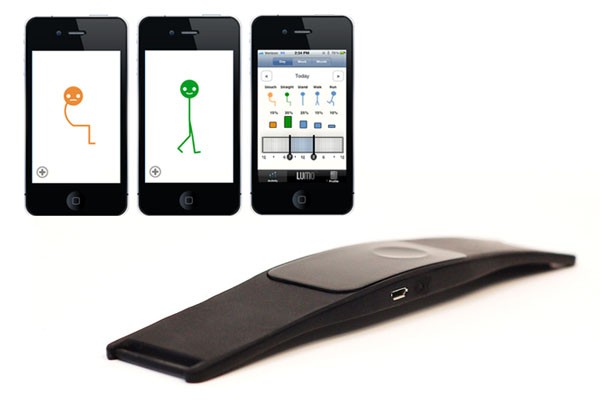
Working on a Mac is an unavoidable part of everyday life for many of us today. However, long hours spent in front of a screen can have a negative impact on our health, with back, neck and shoulder pain being the most common problems. Fortunately, there are several effective ways to prevent these problems, not only by setting up the right work environment, but also by taking regular exercise breaks and practicing ergonomic habits.
The first and most important step is to move regularly. Even if you sit at a desk for several hours, it is not good to be in one position for too long. Short breaks to stretch, walk or change positions can significantly relieve tension in the body and improve blood circulation. It is recommended to get up and move at least every 30 minutes. Various applications that remind you to stretch or do a short physical activity will also help you. Regular movement during the workday will not only relieve pain, but also positively affect your productivity and concentration.
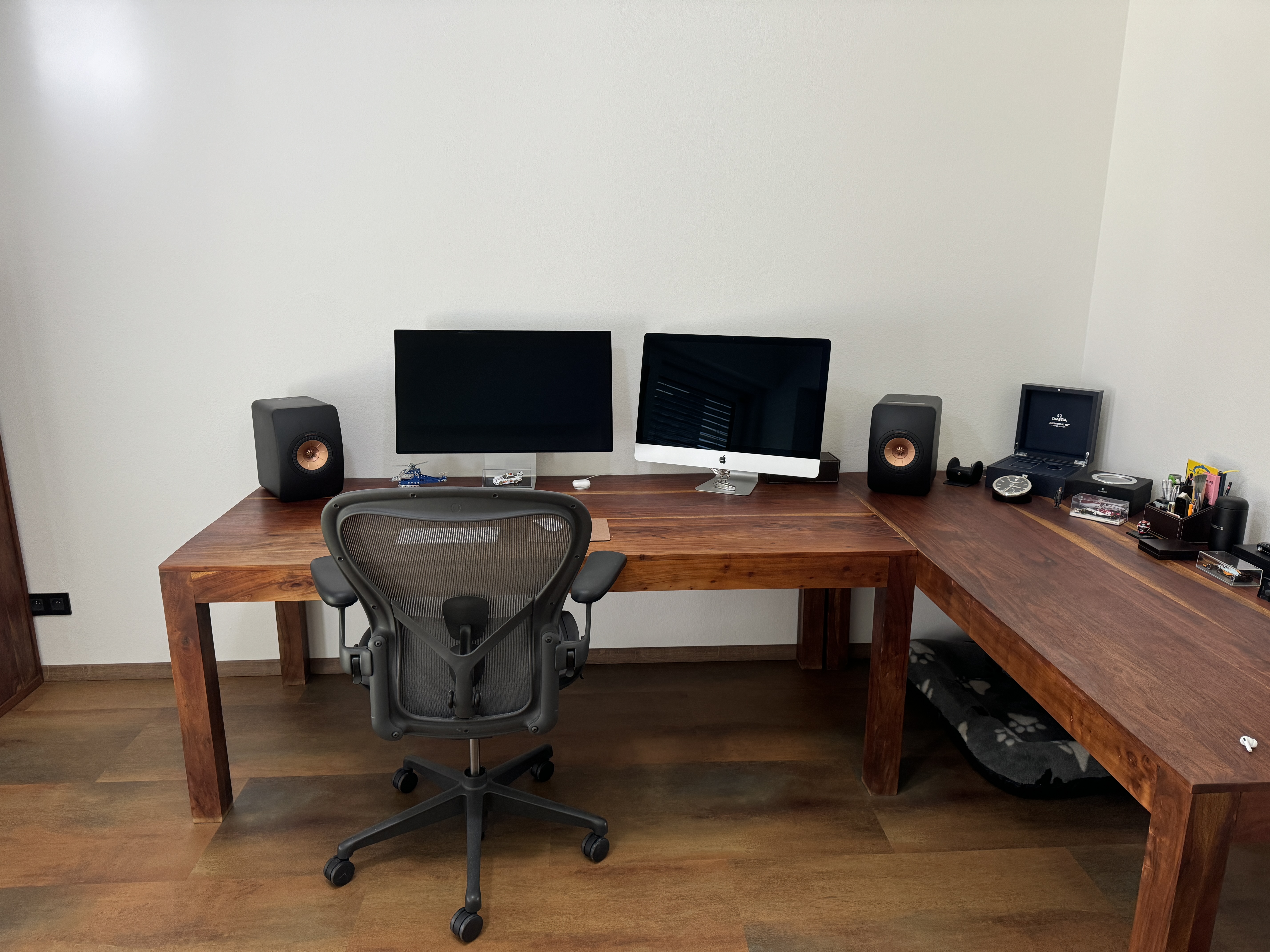
Another key part of preventing back pain is setting up your workspace properly. First and foremost, your monitor should be at eye level so that you don't have to constantly tilt your head up or down. The ideal height is so that the top of the screen is at eye level, which miniIt reduces tension in the neck and eyes. Equally important is the adjustment of the chair. Ergonomic chair A chair with a backrest that supports the natural curve of your spine is essential for good posture. Sit back in your chair and make sure your thighs are horizontal and your feet are flat on the floor. Some chairs allow you to adjust the backrest to provide better support for your lower back. It is also a good idea to have a footrest to ensure proper foot placement and support for your entire body.
Pay special attention to your keyboard and mouse. They should be positioned so that your elbows are at a right angle and your shoulders are relaxed. If your keyboard is too low or high, it can lead to shoulder and neck strain. Many people also often neglect how they hold their wrists while typing when working on a computer. It is important to avoid over-bending your wrists, which can lead to pain and long-term problems such as carpal tunnel syndrome.
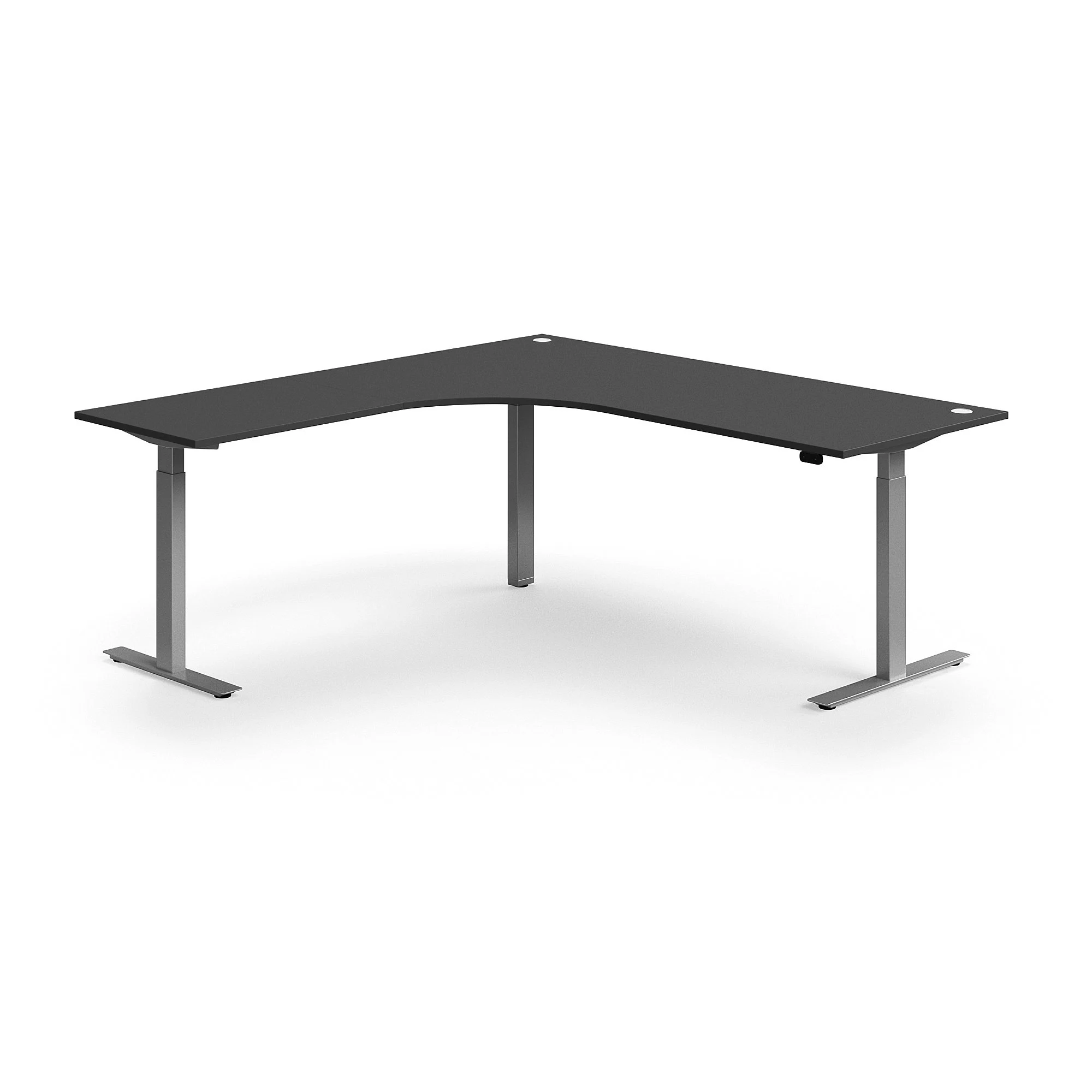
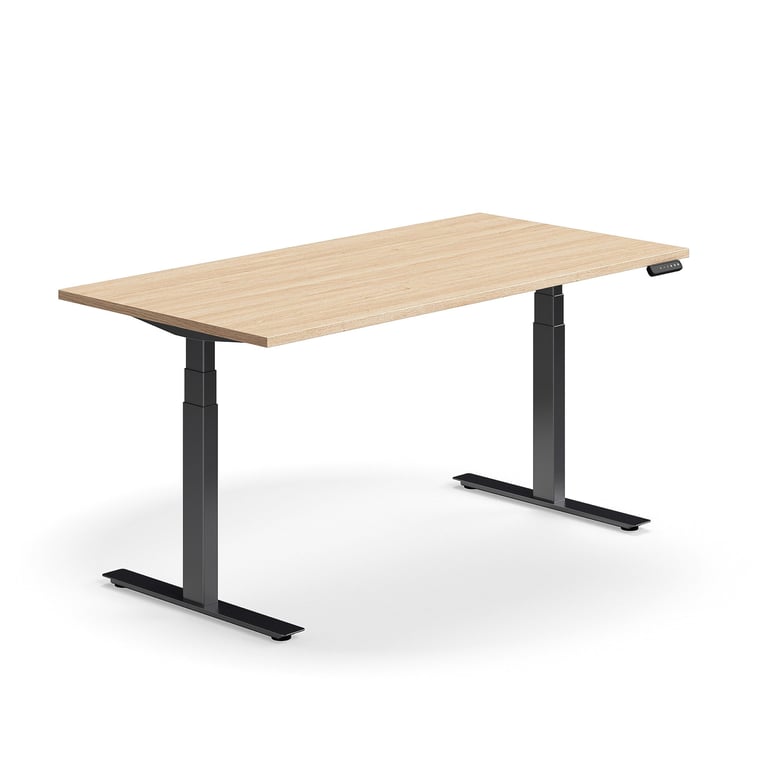
Another great way to prevent back pain is to change positions. Recently, height-adjustable desks have become very popular , allowing you to switch between sitting and standing. This simple step can significantly relieve your spine and improve your overall well-being. Changing positions not only relieves pressure on your spine, but also promotes blood circulation and prevents overall stiffness in the body.
Gallery

In addition to ergonomically setting up your workspace, regular movement and active sitting are also recommended. Some modern chairs and devices support active sitting, which helps maintain the correct position of the spine even when sitting for long periods. If you spend a lot of time writing or reading, you should also pay attention to your typing technique. Try to maintain proper hand and wrist posture, which will prevent pain in the wrist and forearm.
In theoneThe bottom line is that preventing back pain while working on a Mac (or any other computer) is not difficult. It is enough to change positions regularly, use ergonomic aids and take short breaks to move. However, if the pain persists or worsens, it is worth seeking professional help. A physical therapist can advise you on how to adjust your workspace and teach you techniques that will relieve pain and promote the health of your spine. A healthy back is the basis for comfort and efficiency at work.