
Waze has become increasingly popular among drivers in recent years. This is primarily because drivers using Waze form a community where they can alert each other of police patrols, roadblocks, detours and other travel-related information. Let's take a look at 5 hidden tricks in Waze that you probably didn't even know about.
You might be interested in
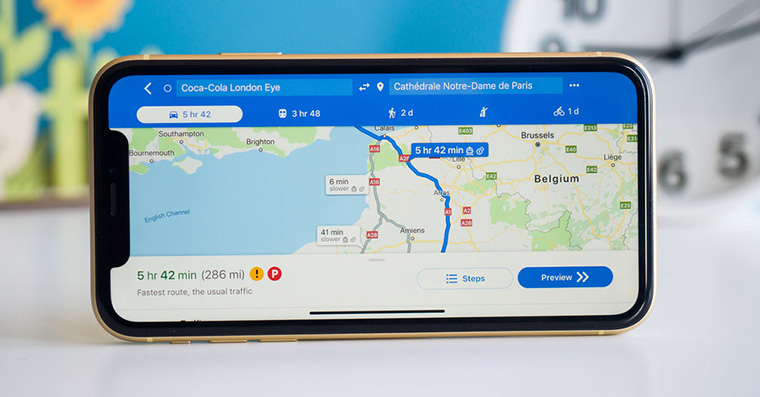
Message on the map
Gallery
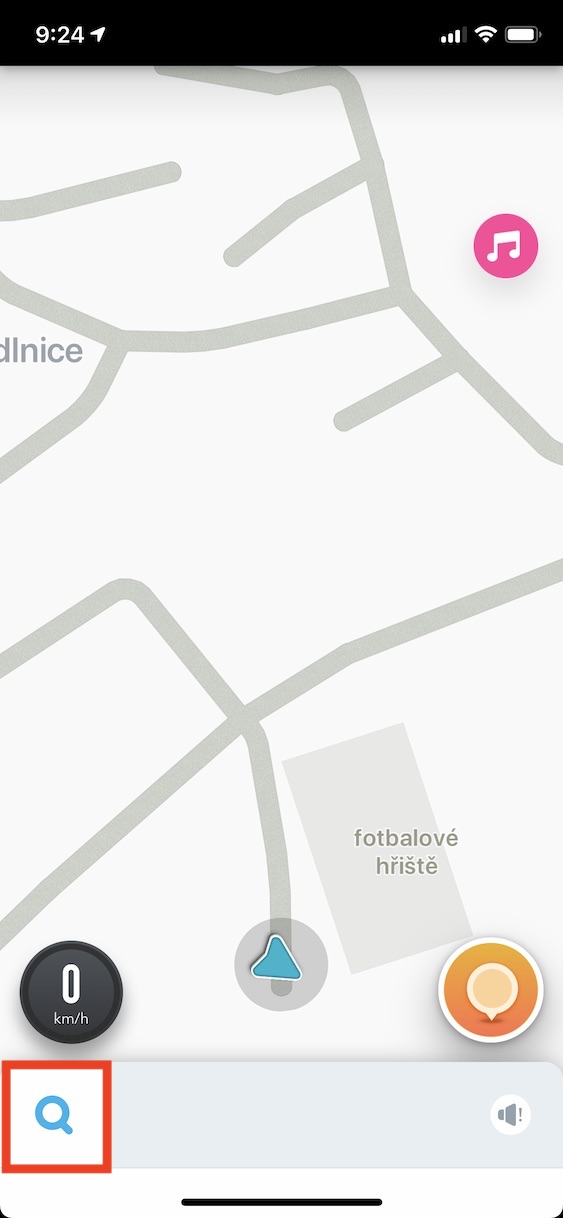
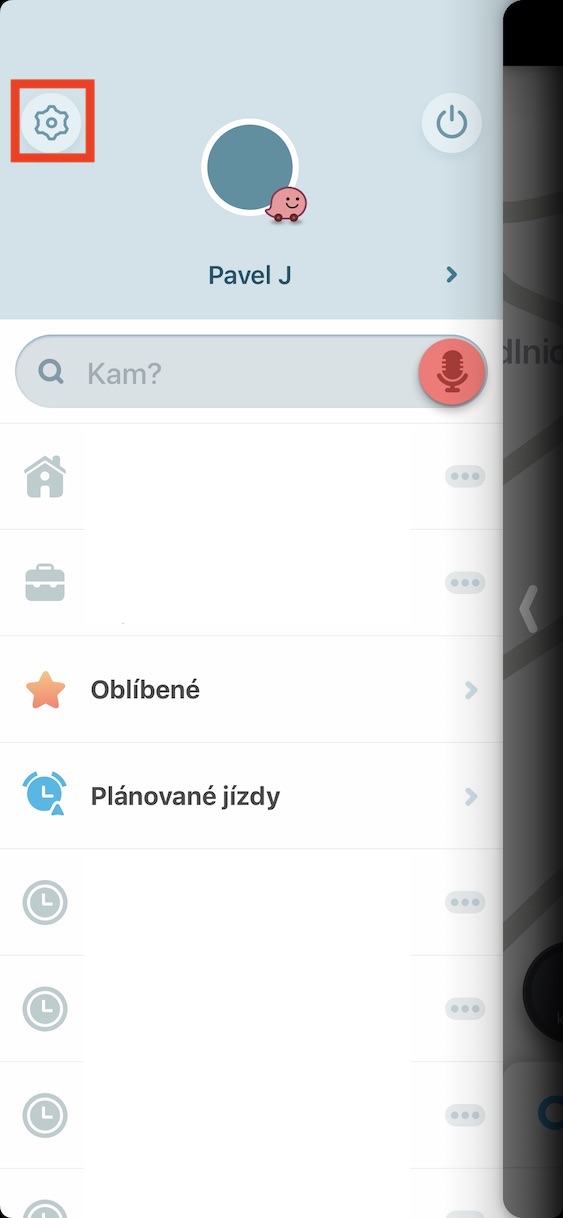
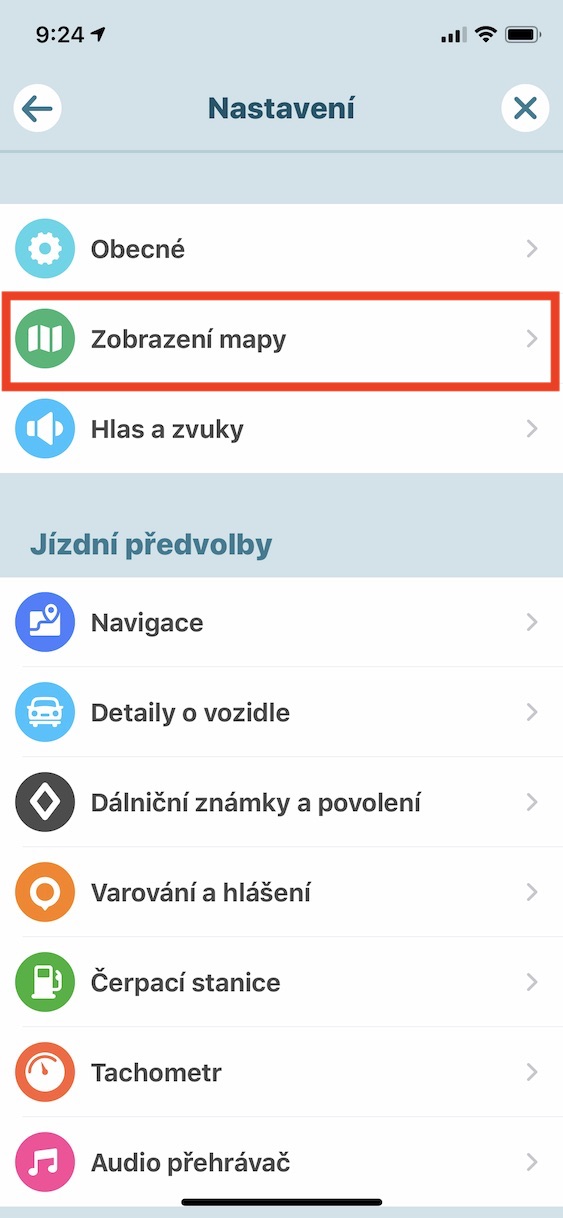
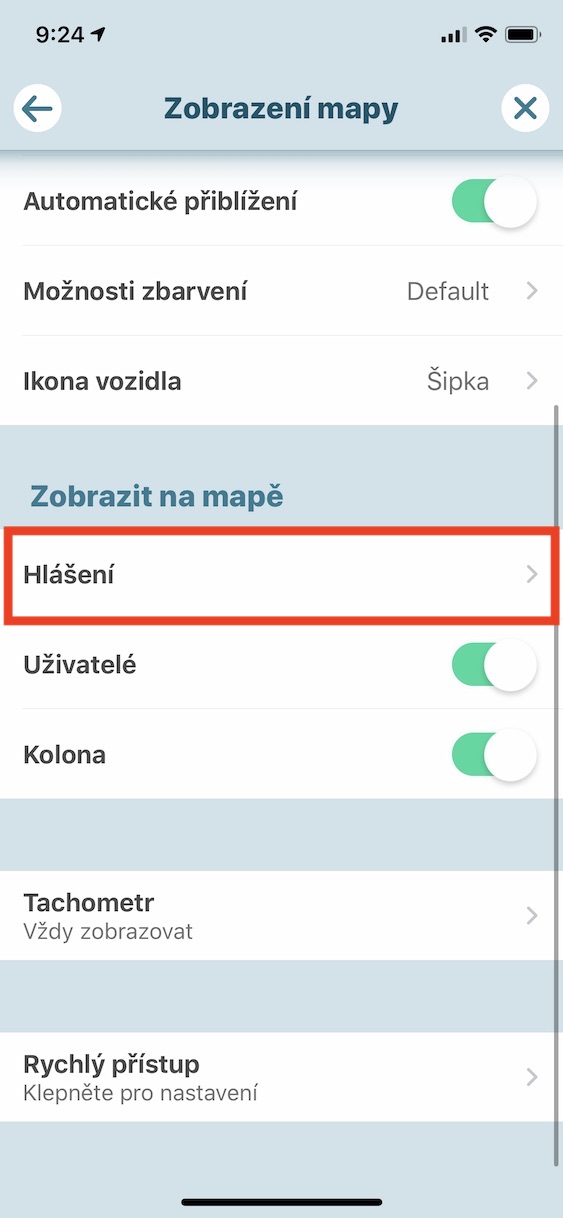
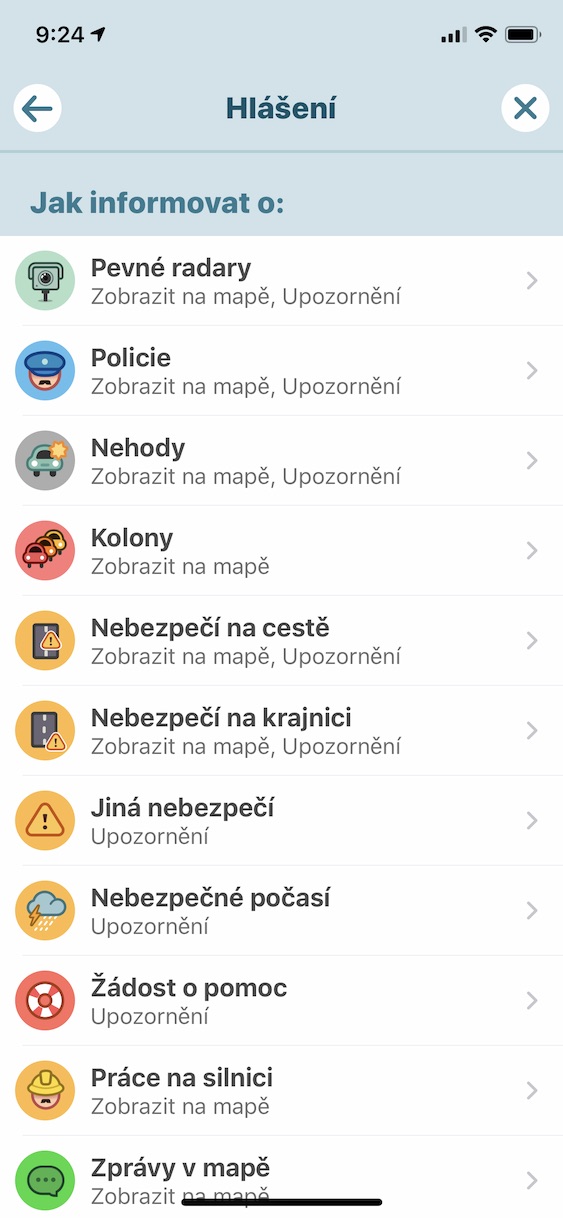
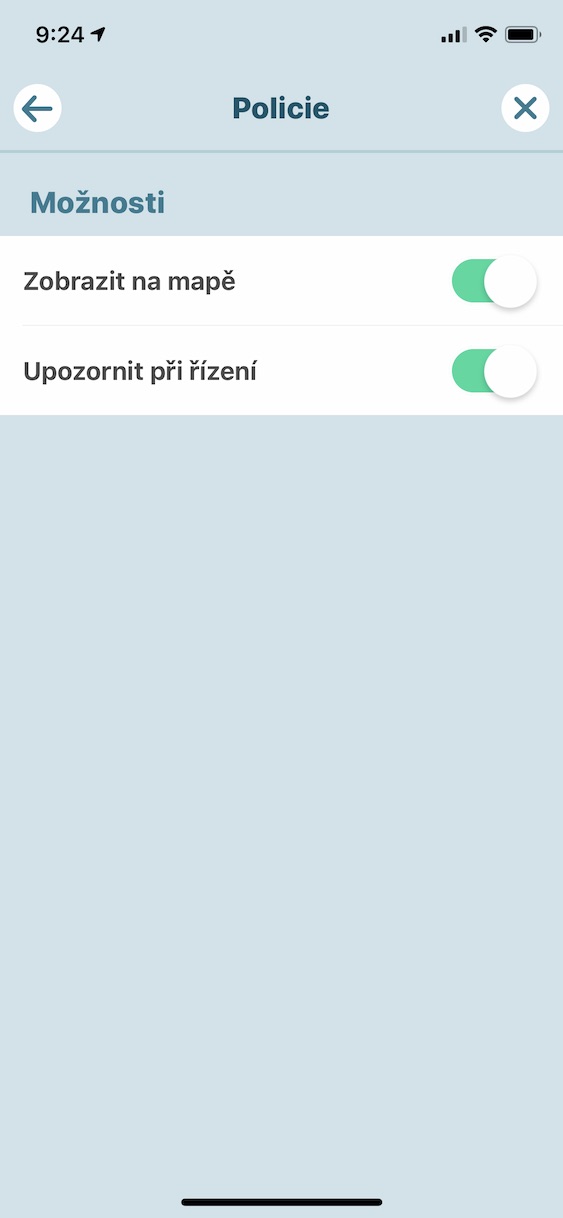
Each of us may be interested in different notifications while driving. Some people like it when the app notifies them of a dangerous pothole both on the map and by voice, while others might want to set this setting for a reported police patrol. You can customize all of these settings by tapping the magnifying glass icon in the lower left corner of the Waze app , and then tapping the settings icon in the upper left part of the menu . Here, just click on the Display and maps option , where you move to the Notifications section in the Show on map section . In these preferences, you can already set how Waze will inform you about various situations on your route. The Show on map option is used to display an icon on the map, and activating Driving alerts will then inform you about the situation by voice notification.
Highway stamp
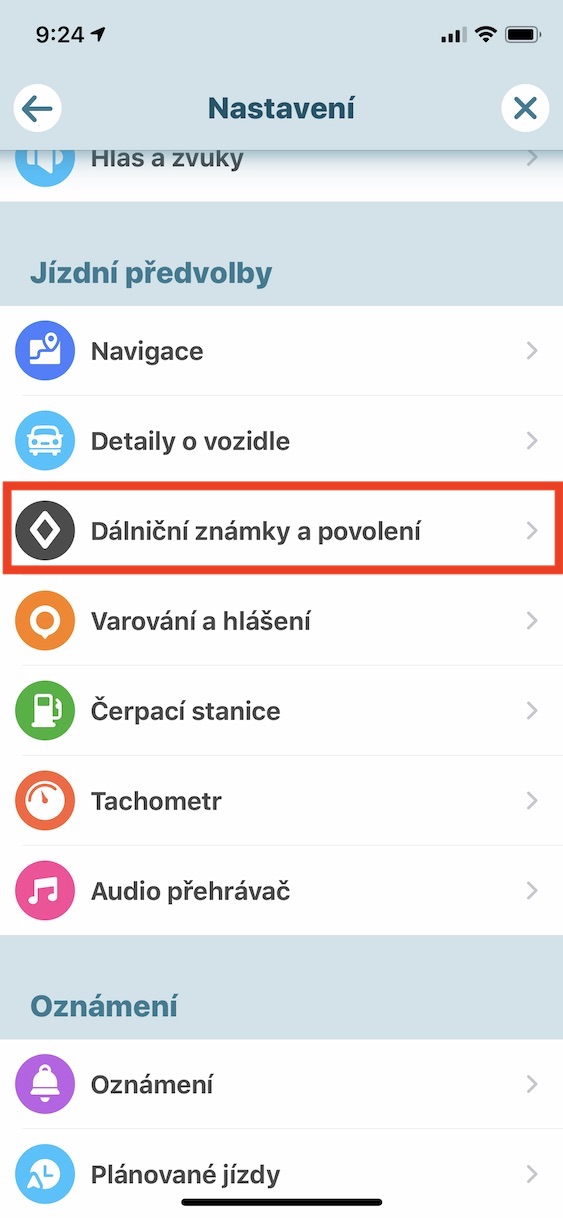
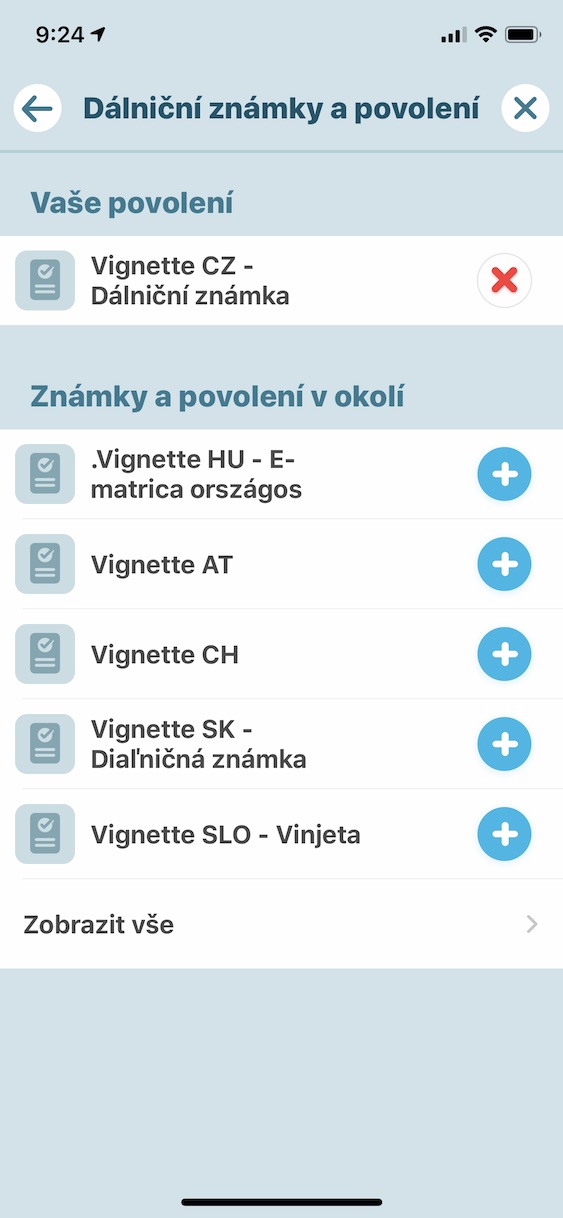
In order for Waze to always choose the best route for you, it needs to know whether you have a vignette or not. It is definitely not pleasant to have to drive through various villages if you have a vignette, and on the other hand, it is also not pleasant to drive on the highway and risk a fine if you do not have a vignette. In the Waze application, you can easily manage all your vignettes, including foreign ones, of course. Pro To set or remove vignettes, click in the bottom left of Waze magnifying glass icon, and then tap in the upper left corner gear icon. All you have to do here is select an option Highway signs and permits, where grades are enough add, whether remove.
Audio player
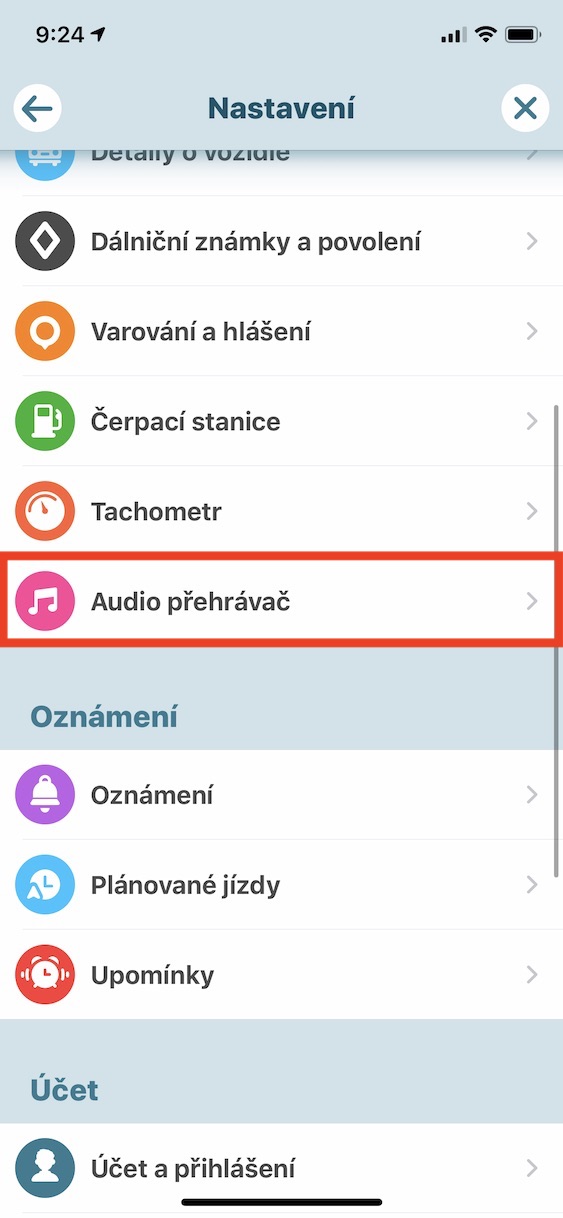
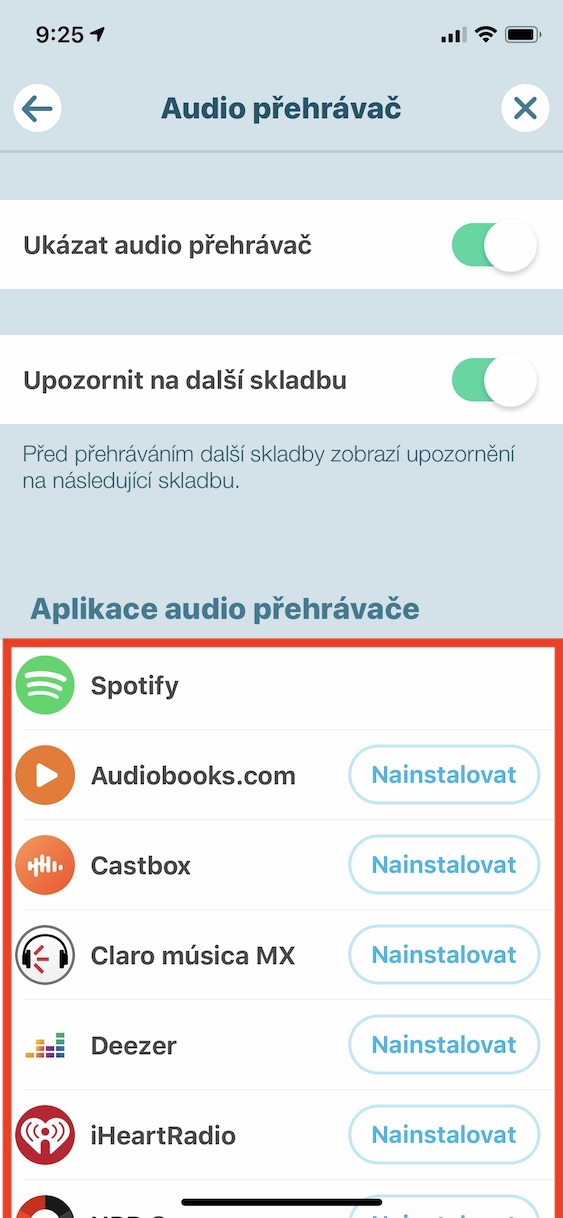
Many drivers can't imagine their car journey without their favorite music. To make it easier to switch tracks and always have an overview of what song is playing, you can connect a music app to Waze. The most popular app to connect with Waze is Spotify. Pro Settings audio player, just tap on the bottom left of the screen in the Waze app magnifying glass icon, and then at the top left on settings icon. Then go down in the menu below and open the section Audio player. Here you are below you can view the apps that are available and optionally link them to the Waze app. Users and supporters Apple Music Unfortunately, they are out of luck, as the Apple Music service is not available.
Notification settings
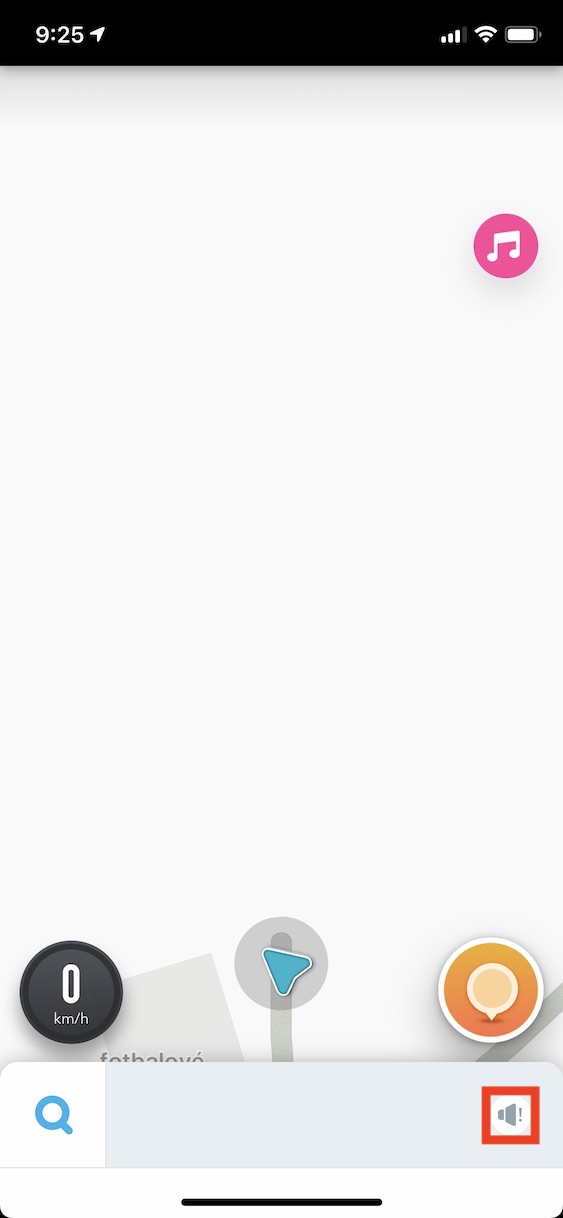
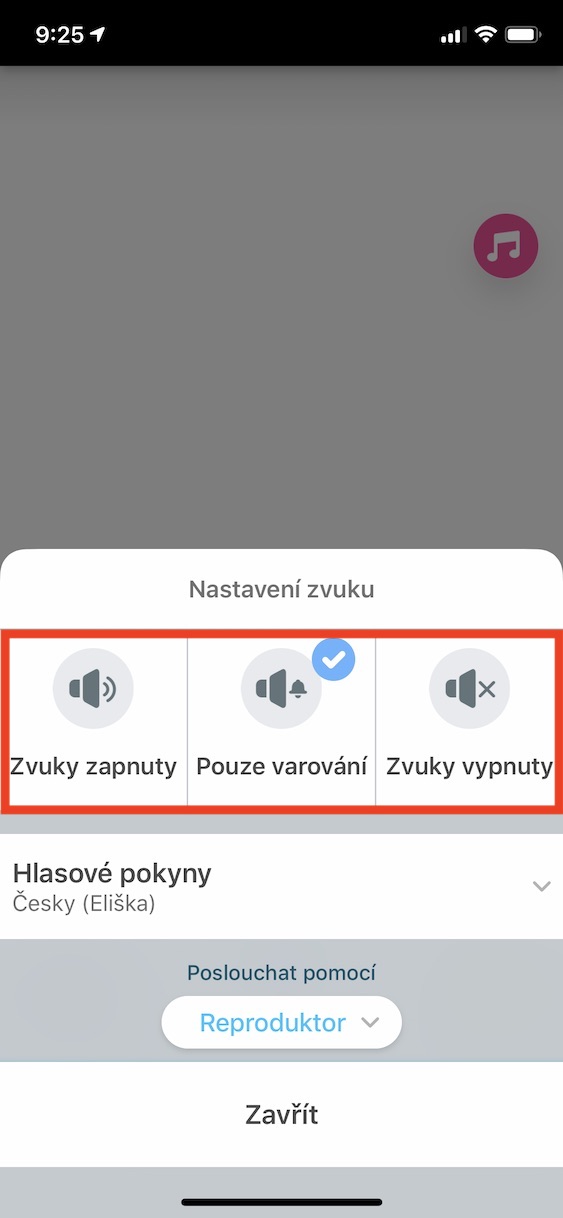
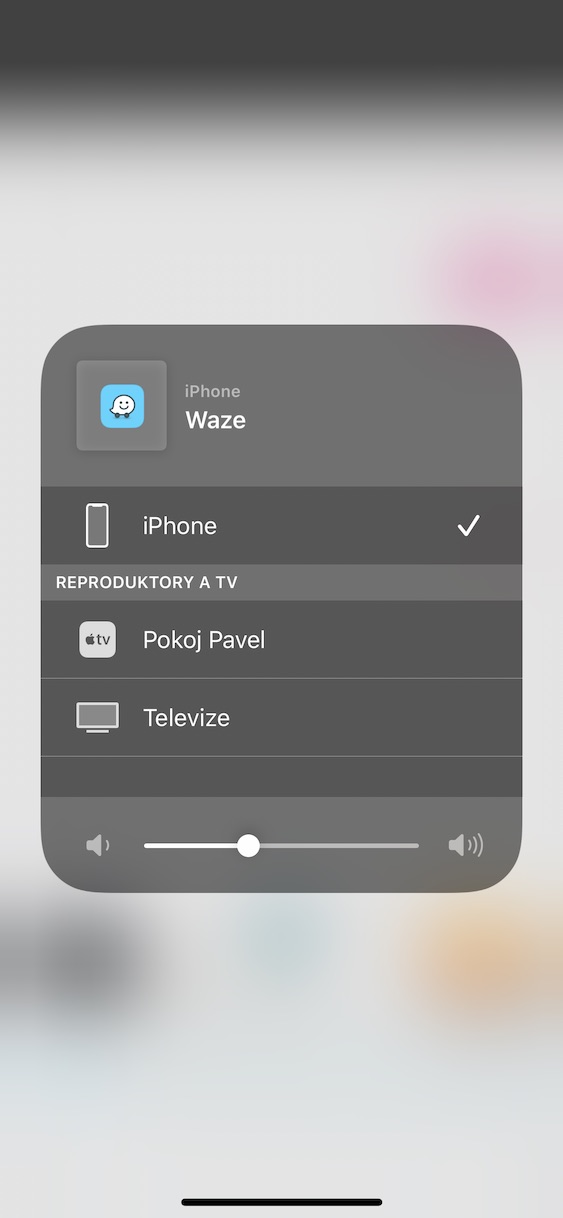
If you have Waze running in the background for your trip, you definitely don't want the navigation voice to inform you about every turn, straight line, and curve. If you want to quickly choose what Waze will inform you about while you're driving, you can. Just locate the small speaker icon in the lower right corner of the screen on the Waze home screen. If you tap this option, you can choose from three sound settings. If you select Sounds On , Waze will inform you about everything, if Warnings Only is activated , you will only be informed about warnings by voice. And if you don't want to be disturbed at all, you can turn Sounds Off . Below, you can also set the voice of the instructions and the device from which the instructions will be projected.
Profile settings
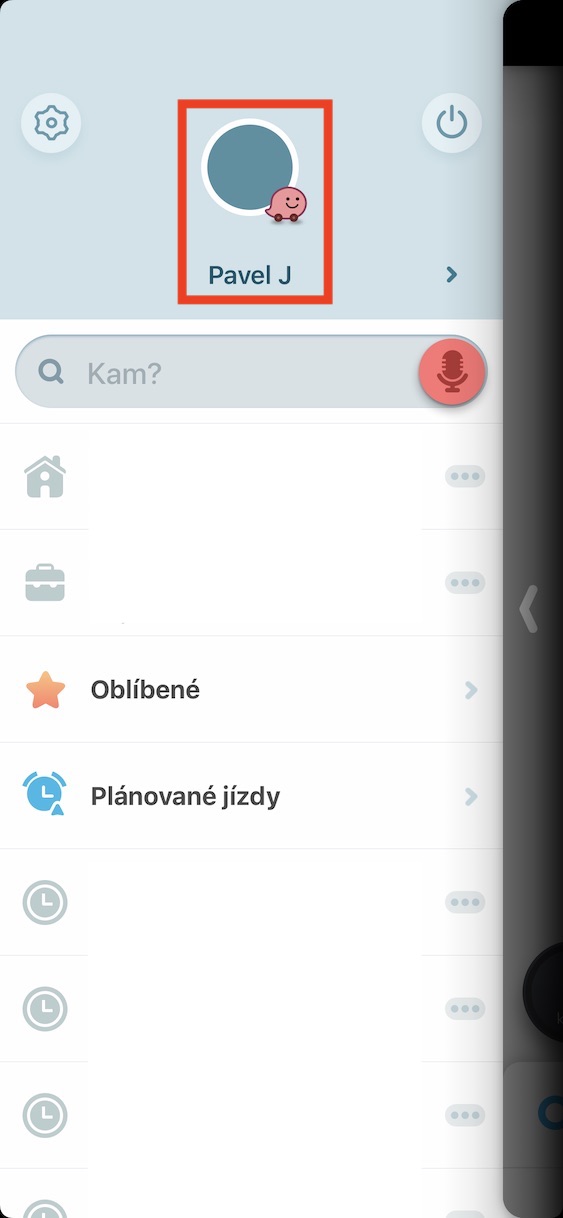
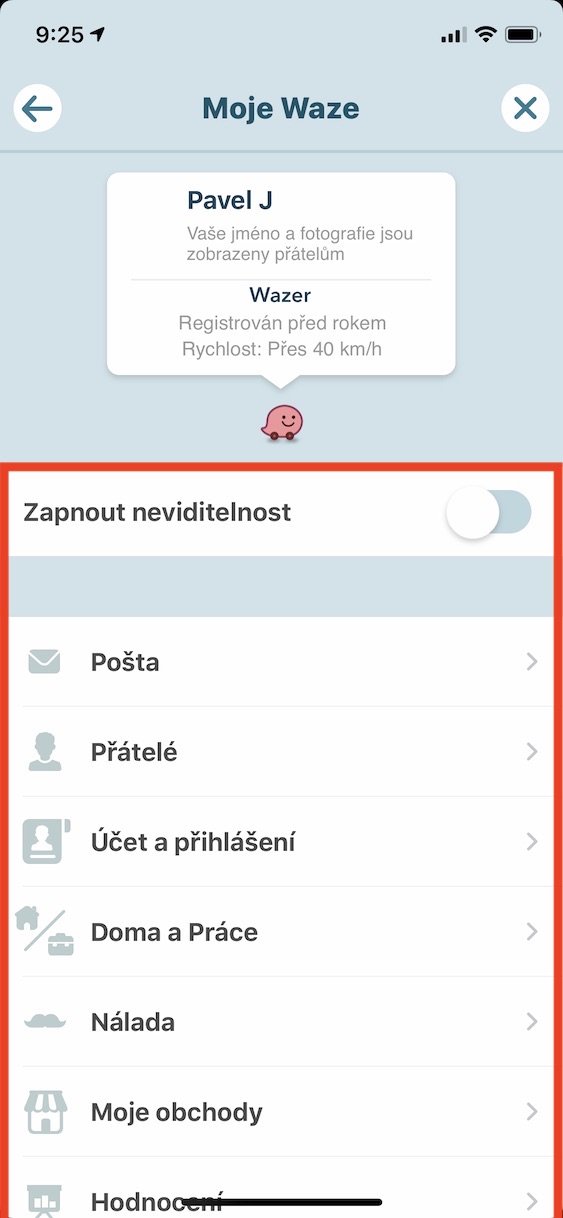
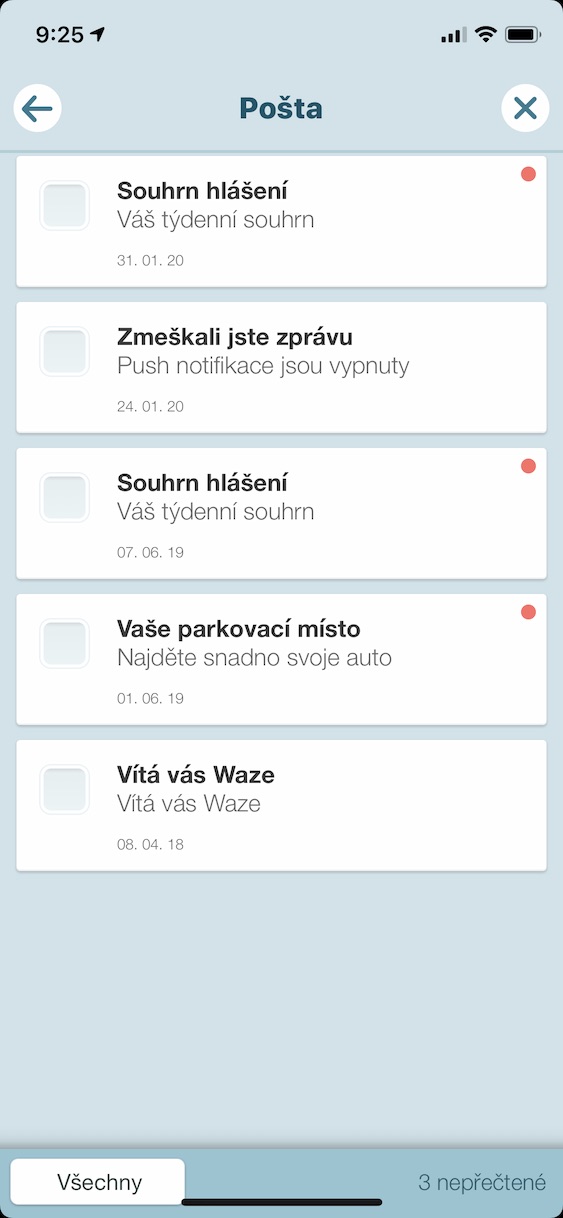
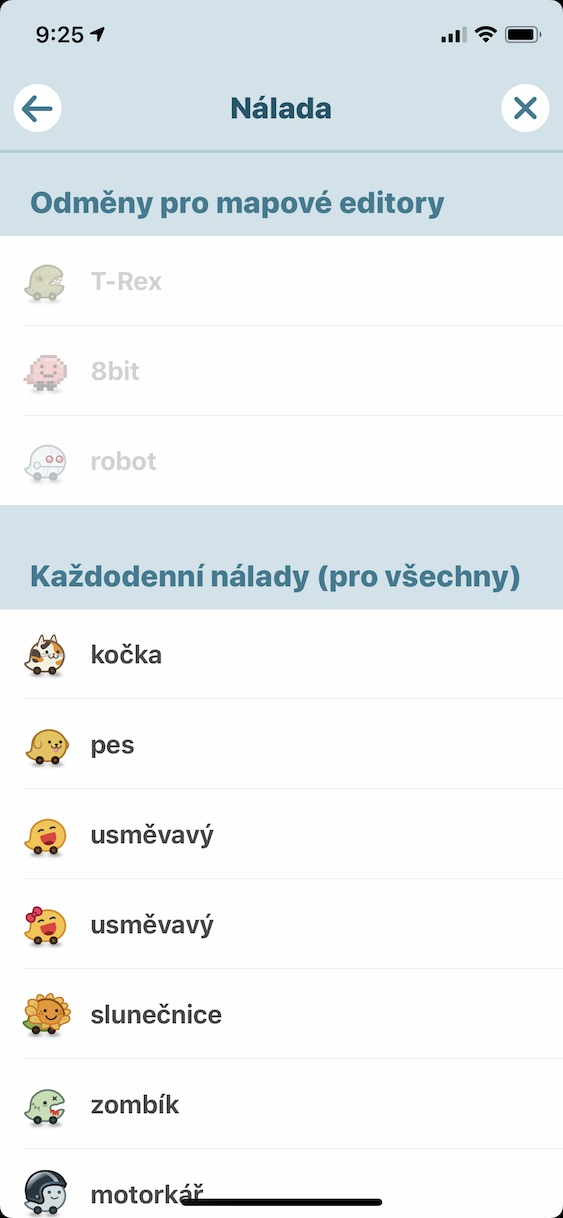
As I mentioned in the introduction, Waze is based on its community - simply put, it is a "social network". Here you can also set how other Waze users will see you. If you want to change your icon on the map, change your home or work address, view your friends, or read your mail, follow these steps. In the lower left part of the Waze application, tap the magnifying glass icon . Then, in the upper part of the menu, tap your profile icon , which will take you to the My Waze settings. Here, for example, you can activate invisibility, when other Waze users will not see you on the map, you can read your mail, view your friends, change your mood (i.e. the icon that other users will see on the map), add favorite stores , etc.



You can now connect to Youtube. Music – great!!! Thanks for this article
ProAny hidden tricks?
It's normally available in the settings.
those traffic signs are a great thing.
often in navigation there is no option to set that in my country go on the highway and when I cross the border go off the highway.
this is solved perfectly
And now write down those hidden tricks.
Are these supposed to be the hidden tricks? Anyone who uses waze already knows this. You obviously have nothing to write about, so you write about "hidden tricks" of various applications. Find something that not everyone knows!
The new era of spoiled millennials can't even use a phone anymoreonem common functions and settings are "hidden tricks" for them
How can I use some hidden trick to make the voice from Waze only be transmitted to my iPhone speaker and not via BT to the car radio? In the settings iPhone I'm banned from using BT for Waze, but it always uses it anyway.
In settings, select “voice and sounds” then “play sound through” and here select “play through phone speaker”. It works without a problem
in his time, he depicted waze friends from facebookand the points obtained were compared. They turned it off about 2 years ago. can it be turned on somewhere?
Waze was great, but with each new version it gets worse - the last one is already quite scary, there are ads on the left, various nonsensical warnings from below - there are so many windows in front of the intersection that you can't see where I'm going at all - which is the case with navigation quite a significant problem. I'm counting two or three more updates and I'm done with waze for good...
is it possible to add all "Highway Signs and Permits" in waza "with one click" so that I don't have to add them all with a separate click? Thank you