Content from Apple TV+ can only be watched using apps from Apple devices or on smart TVs where apps can be installed Apple TVHowever, if you don't mind following the app's environment, you'll enjoy Apple TV+ no problem even on Windows, Android and other platforms. All you need is a web browser.
You might be interested in

if Apple didn't make his streaming service available Apple TV+ absolutely all users, he would probably only harm himself. If you pay for Netflix, for example, you certainly know that there is no computer application that would mediate this service. Everything happens through a web browser, from which you can start Netflix absolutely anywhere. It has the same solution Apple. Apple TV+ can therefore be easily watched via a web browser. As a result, you can use the TV application itself on iPhone, iPad and Mac, but on other devices, platforms or operating systems where this application is not available, you must use a web browser.
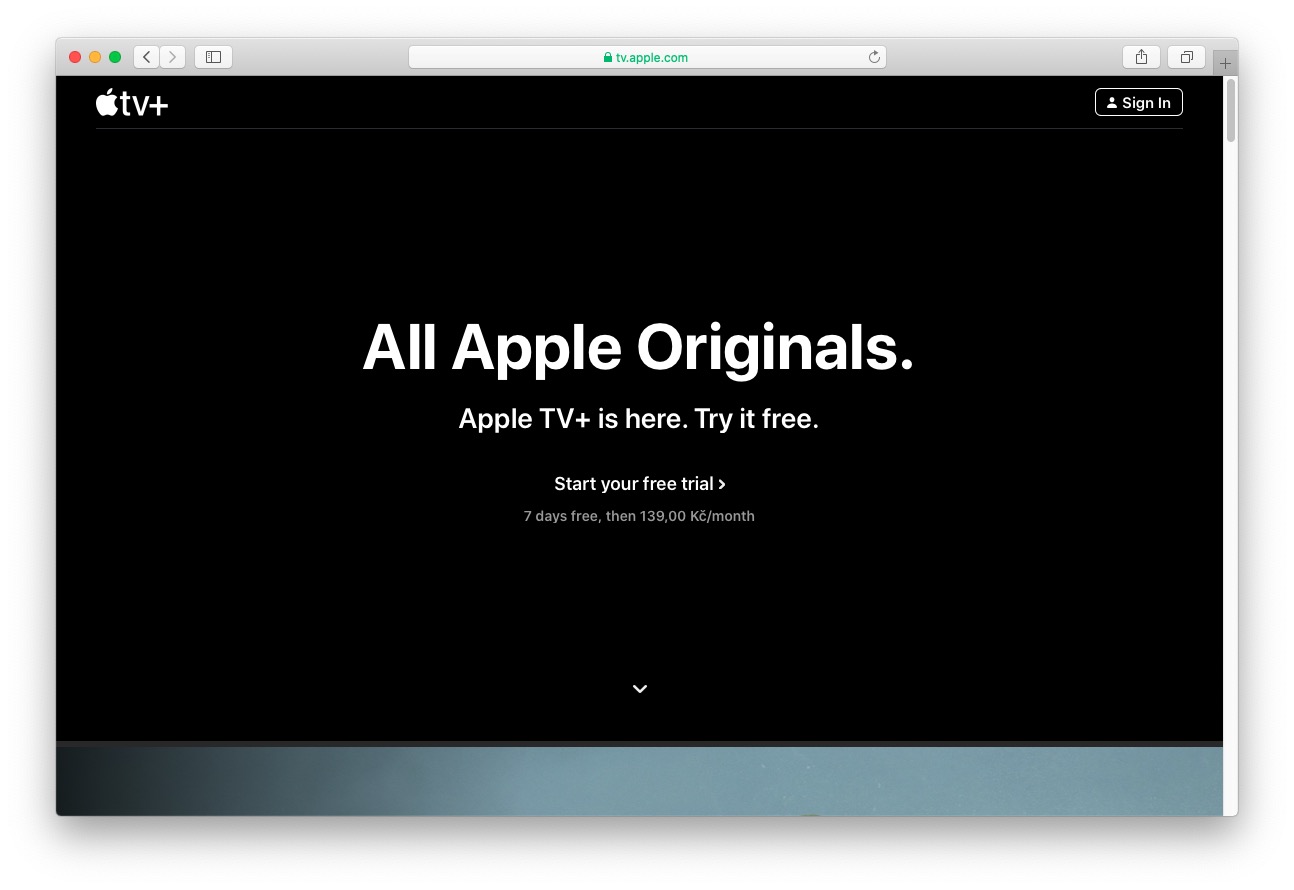
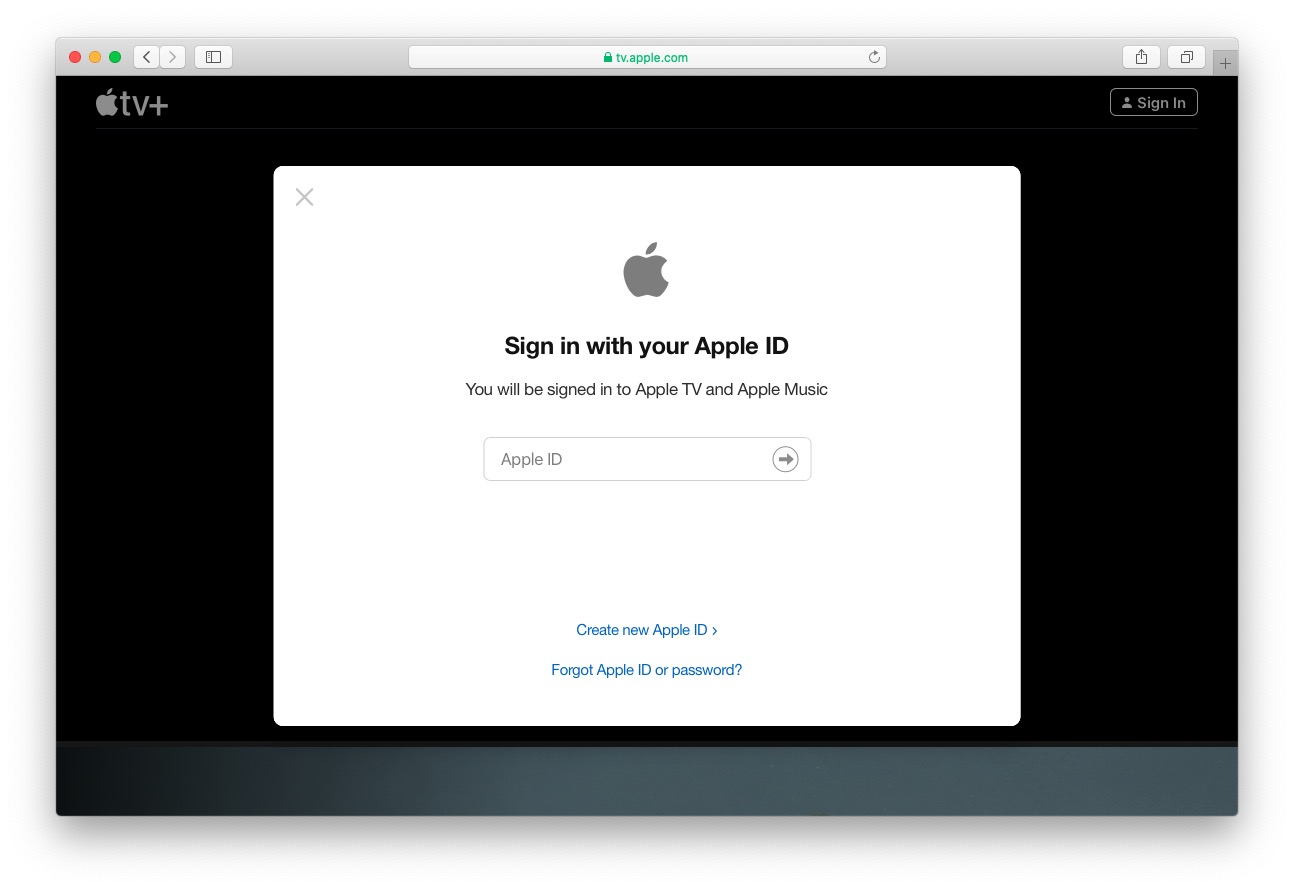
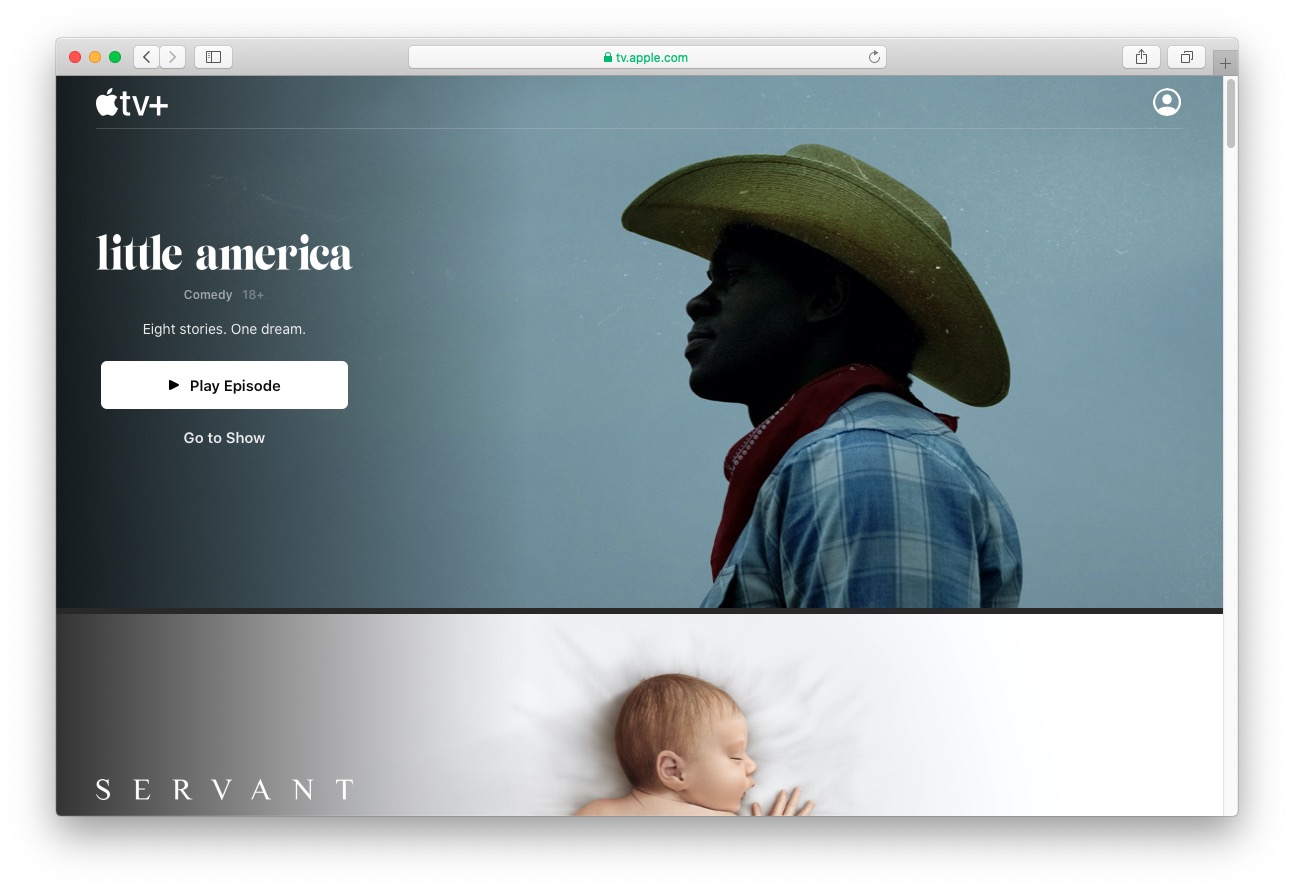
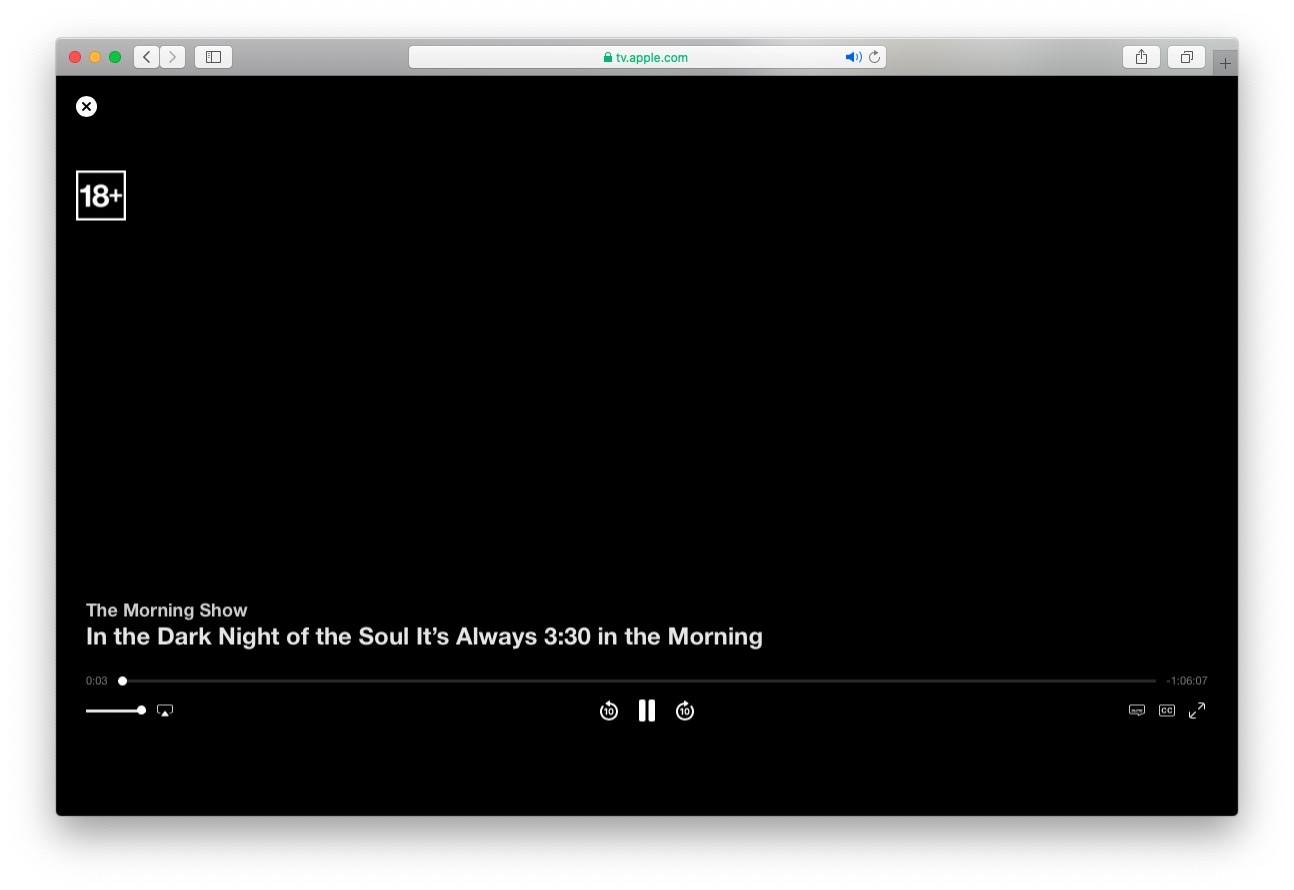
One drawback, however, is the interface Apple TV+ in the web browser has – is in English. Pro However, for most users, this is probably not an obstacle, as practically everyone can speak English these days. After you go to the pages web interface Apple TV+, you must log in using your Apple ID, where you have subscribed to the service. After logging in, you can start watching your favorite series and movies. There is also your account settings, where you can change your information. Apple ID (name, payment method, billing address, etc.), and you can also set parental controls.