
A few days ago we saw the official release of macOS 10.15 Catalina to the general public. According to the latest information, it seems that certain groups of users are having problems with this new operating system. Yesterday we informed you that the Apple does not recommend that musicians and DJs update to its new macOS. ProHowever, problems also occur among users who work with Adobe programs, such as Photoshop or Lightroom. What are these problems and how can you prevent them?
You might be interested in

Photoshop
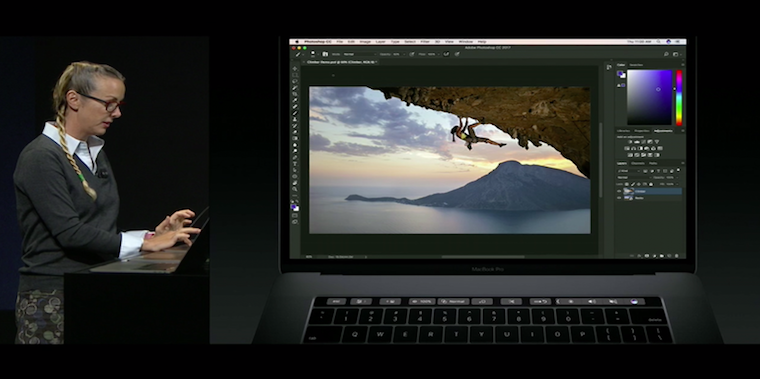
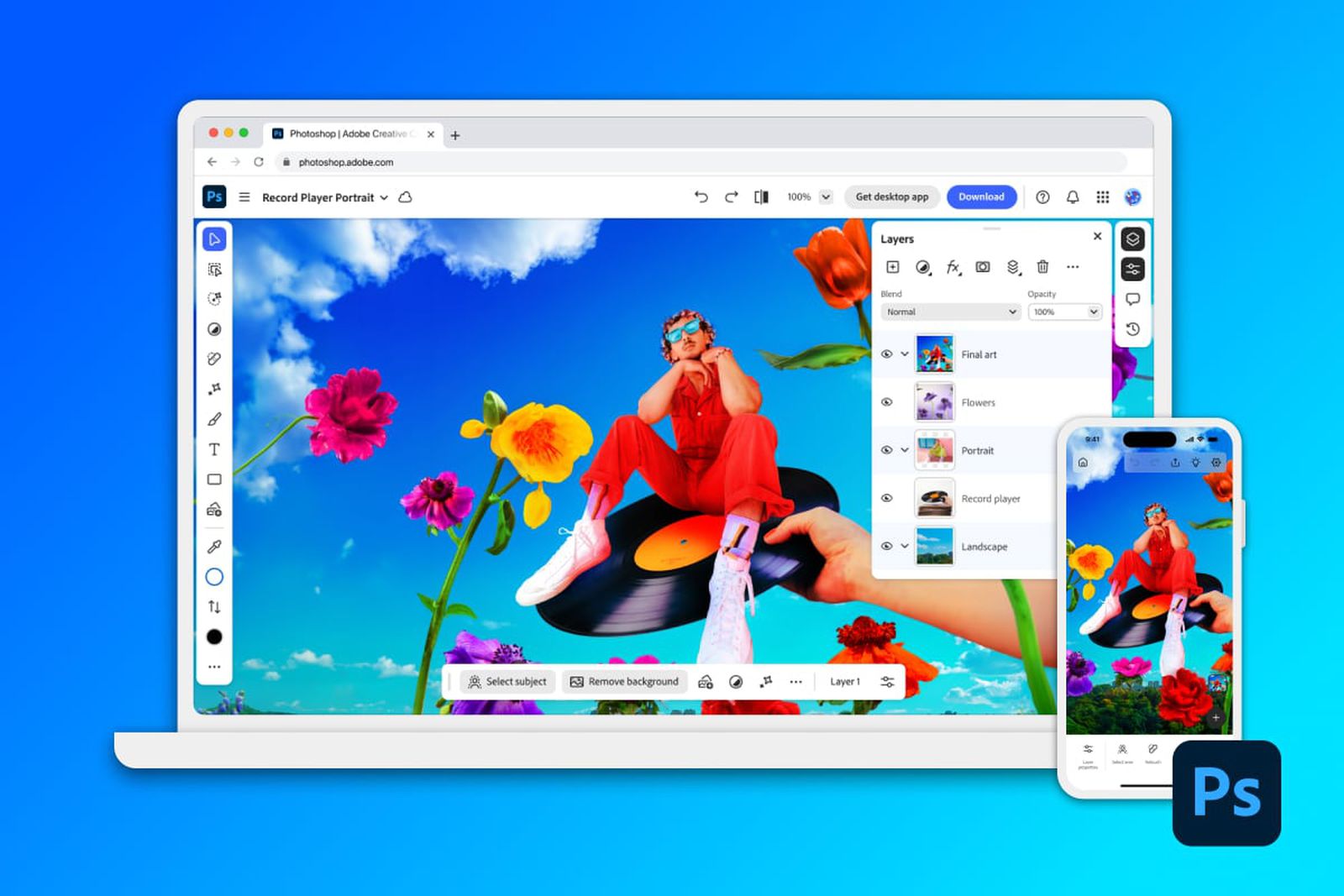
According to the specifications, the latest version of Adobe Photoshop 20.0.6 is fully compatible with macOS 10.15 Catalina. Even so, there are a few compatibility issues with this popular photo and, in some cases, video editing program. If you use Photoshop for simple photo editing, then these problems will not bother you at all. However, more advanced users may experience the opposite. You may encounter a problem, for example, in a situation where you decide to export a photo and change its format using the menu. However, the photo will not simply be saved in the new format. So if you want to save a photo that was originally in PNG format and now want to save it in JPEG format, you have to manually change the extension from .png to .jpeg.

ProThere are also plugins that work within Photoshop. If you are using a plugin and had it active before installing Catalina, you probably won't run into this problem. It will be worse if you want to install a plugin within macOS 10.15 Catalina. In some cases, when installing a plugin on the new macOS, an error message appears "the plugin could not be installed because its integrity could not be verified". Fortunately, however, Adobe has made it available to its users instruction, which allows them to bypass this error message.
Other issues include the non-functionality of ExtendScript Tookit, which was replaced by ExtendScript Debugger 1.1.0 in macOS 10.15 Catalina. Len ProFile Creator also doesn't work on Catalina, as it's only built for 32-bit systems. However, Adobe has said it's working on a fix, and a 64-bit version should be available soon.
You might be interested in
Lightroom
Lightroom Classic 8.4.1, like Photoshop, should fully support macOS 10.15 Catalina. Unfortunately, we are also seeing compatibility issues here. ProProblems may be experienced by Nikon camera users who take photos in Tether mode, i.e. when the camera is connected to a computer and the photos appear directly on it. Fortunately, the solution to this problem is quite simple – just start Tether mode after your camera is turned on and ready. As with Photoshop, Lightroom does not work with Len Profile Creator.





It's easy to see how Adobe can handle it... how much time did it take to prepare? I threw Lightroom out of the shed the moment they switched to a subscription model.
When they switched to a subscription model, I stayed with Lightroom 6. I didn't really need to upgrade to a newer version. Since this version will no longer work on future versions of macOS, I have no choice but to migrate back to Win. Lightroom and photo editing are much more important. The same applies to other software we work with. Software for about 1000 USD now needs a 500 USD upgrade just because it's 32bit. Proa whole bunch of working SW for both home and business use needs an upgrade and sometimes there is not even an adequate replacement. Not everyone can do it and has to migrate to another operating system or notchat macOS Mojave.
I only use lightroom, anyway, I have no problem
Since when is Photoshop used to edit videos?
Yeah..this is giving me the whole Catalina beta. They had plenty of time to fix it.
A little OT, but it disappeared after updating to Catalina Dock…does anyone know what that means? :/
Hi, I have a question. I have Photoshop CC 2019 installed on MacBook Pro and it worked fine for 3 years and suddenly it won't start. or rather, instead of opening, a large black table opens with the words Adobe Photoshop CC 2019 has unexpectedly quit.
Don't know what it is? with the fact that I have the latest 12.0.1 os installed.
thank you for the info.
K.