
Nowadays, almost everyone has an Instagram, and in some cases it is not only people, but also Instagram accounts with cars or dogs, for example. You may have noticed that some Instagram accounts have their account name written in a different font than the default one that Instagram offers. If you thought until now that these are users who have a "special account" or other privileges, then you are wrong. You can also change the font style of your profile very easily. So let's see how to do it together.
You might be interested in

How to change the font style of your profile title on Instagram
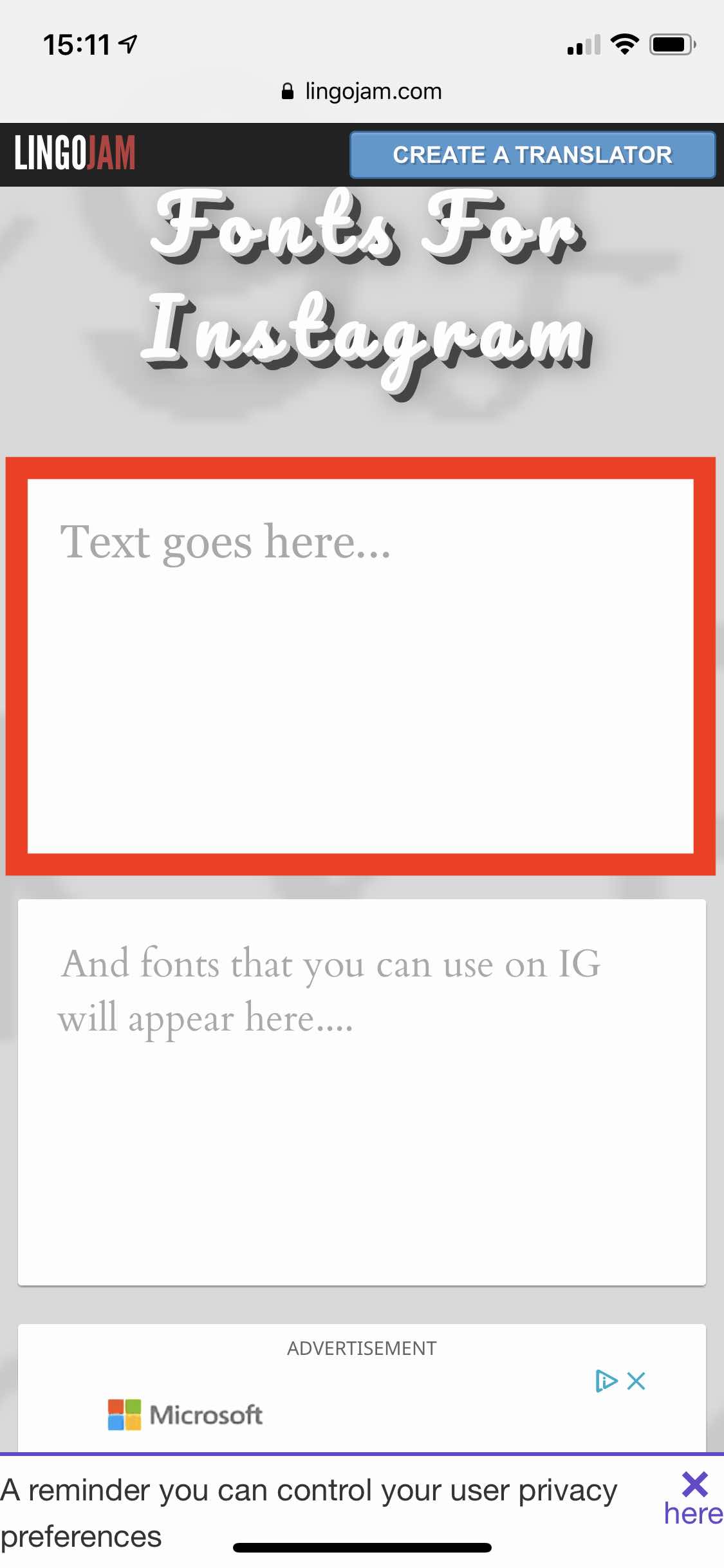
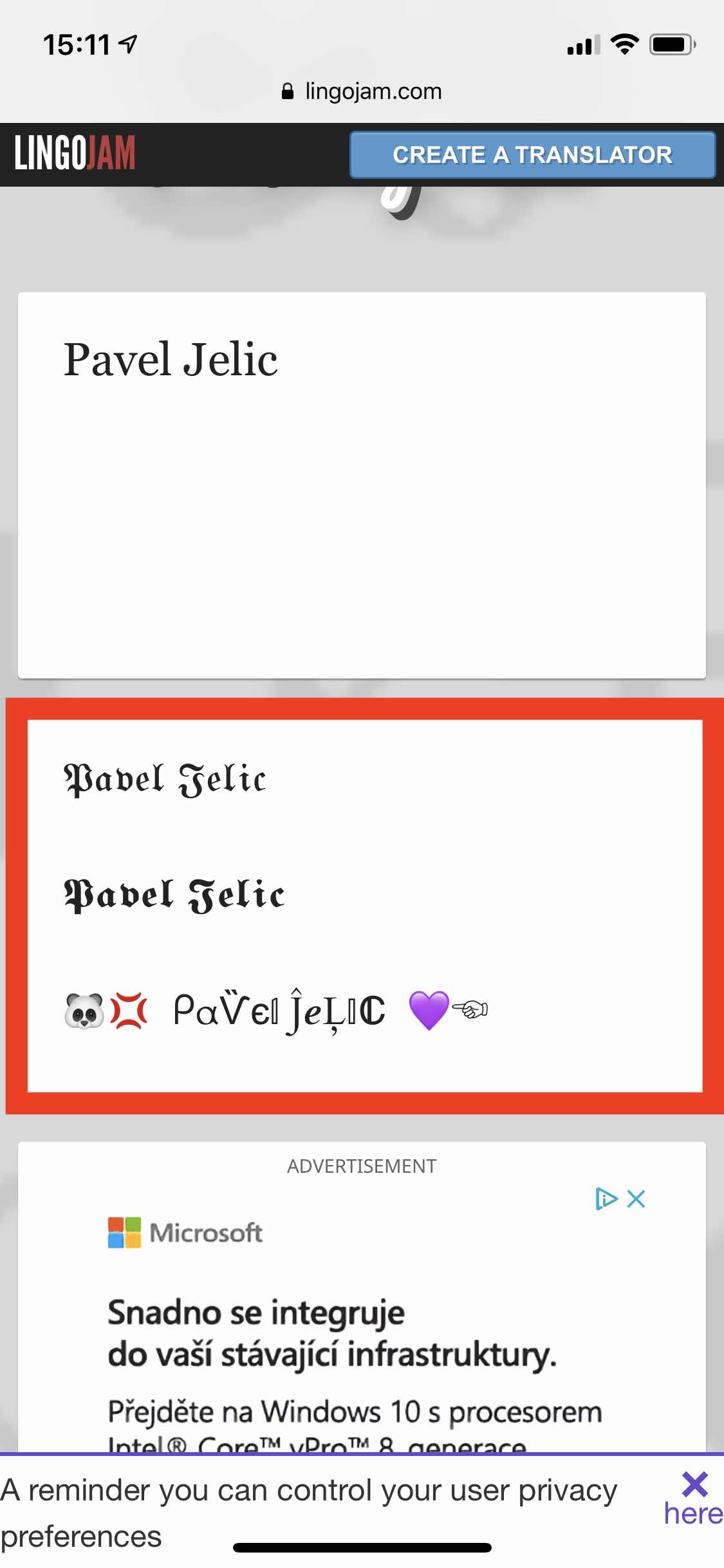
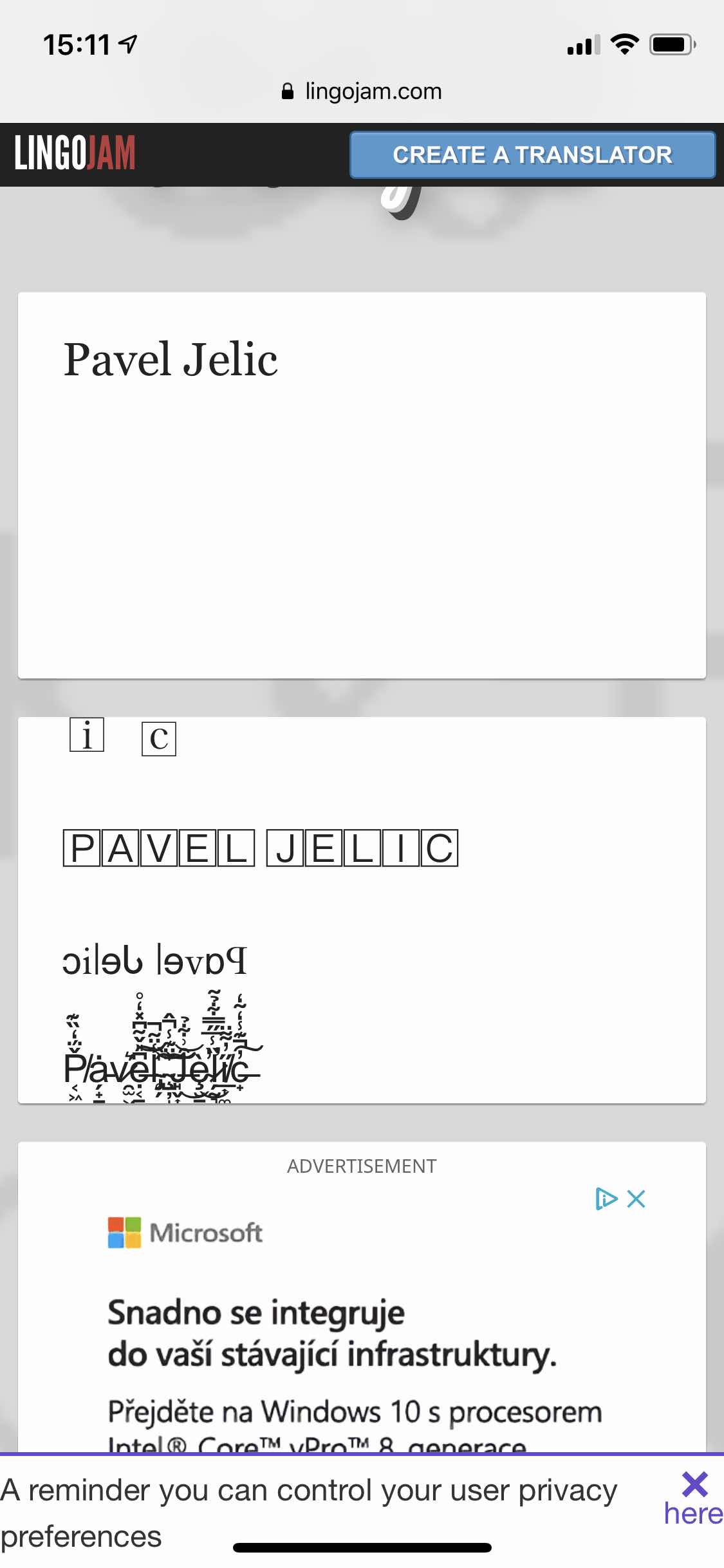
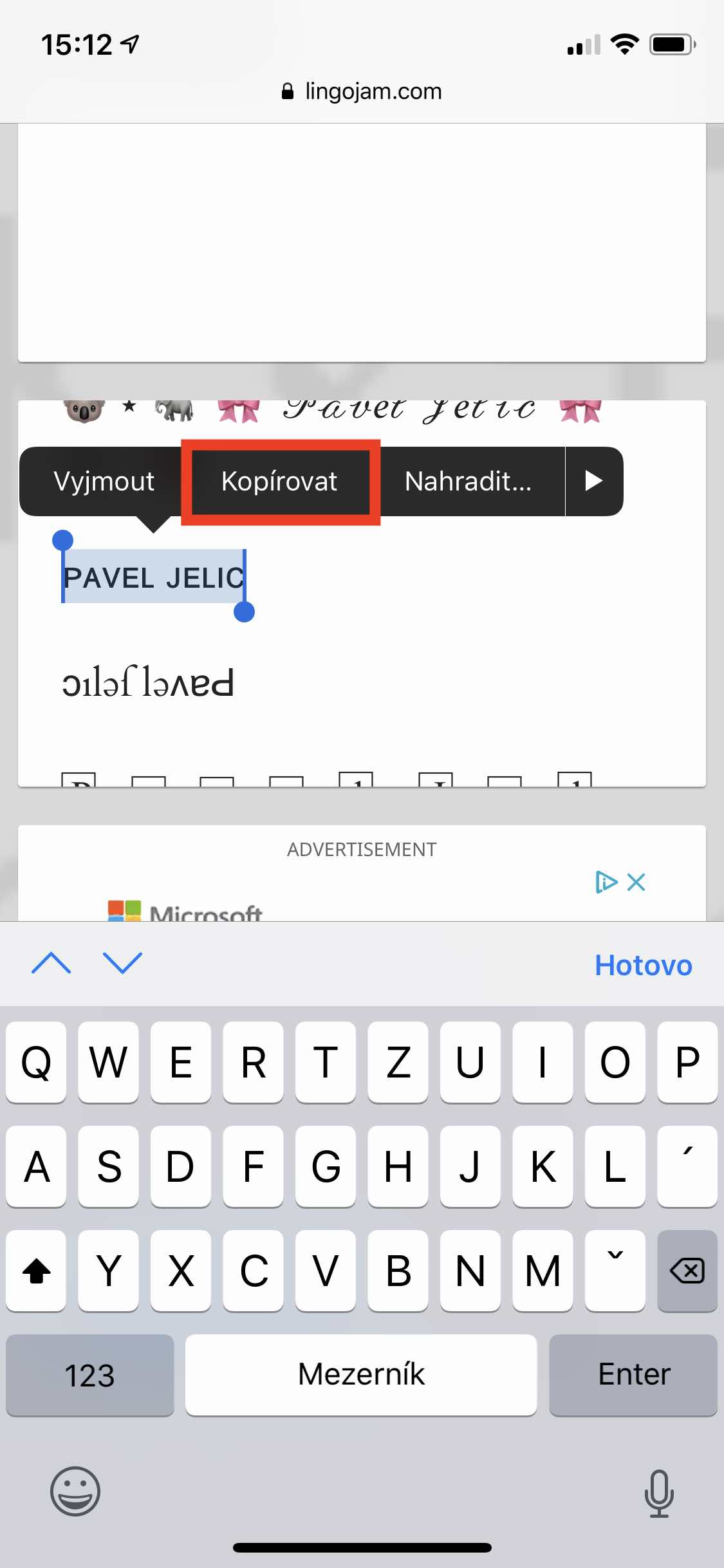
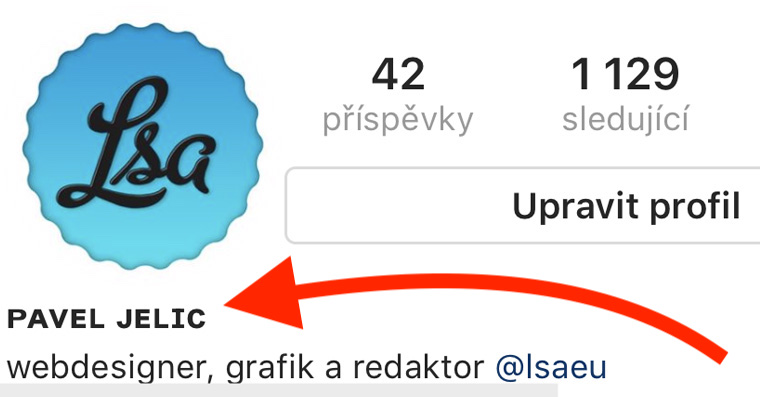
The procedure is really very simple. All you need to do is on your iOS device, i.e. on an iPhone or iPad, open the page lingojam – you can do so using this link. After that, all you have to do is type the text you want to display in other fonts into the text field Text goes here… I personally chose the name of my account, so I'll type "Pavel Jelič". The second text field below will then display all font styles, which you can use on Instagram. Once you like a font, just use it highlight and copy. Then move to application Instagram, go to your profile and click the button Edit profile. Here, all you have to do is fill in the box Name insert text, which you copied and confirm the entire action with the button Done in the top-right corner.
Gallery




In conclusion, I would like to make a small warning - note that most texts do not support diacritics, i.e. punctuation. So if you have a letter with a hook or a comma in your name, you will have to settle for its classic version. Of course, you can use all the font styles that are available, for example, in your bio or photo captions.











Anna Džurníková
12.12 < 33
Lilly Mižigarová