
No, this is not a typo in the article title, but an experience worth sharing. As part of the complaint, my used year was exchanged iPhone 8 for a brand new one. Of course, I received the same phone with the same capacity as part of the complaint and as part of the service they also transferred my backup from the old phone to the new one. The backup was made via iTunes, which in practice means that after turning on the new phone you have 1:1 everything you had on the old one, including the open panels in Safari, recent calls, and so on. When you back up via iTunes, a copy of your phone is actually created 100 %, so-called one to one.
As soon as I turned on the new phone for the first time, I immediately noticed a difference that almost took my breath away. Although it is an identical device with the same data content and everything we had in the original phone, the new one is significantly faster. The haptic response is more noticeable, and on the first call, I had to turn the volume down to half, so that the caller did not yell at me from the speakerphone, as in the case of the original phone. Even though I cleaned the speaker regularly, it is clear to me that the new one is simply new and the volume is much higher, but what I don't understand is the response of the haptic motor and especially the speed of the entire device as such.
You might be interested in
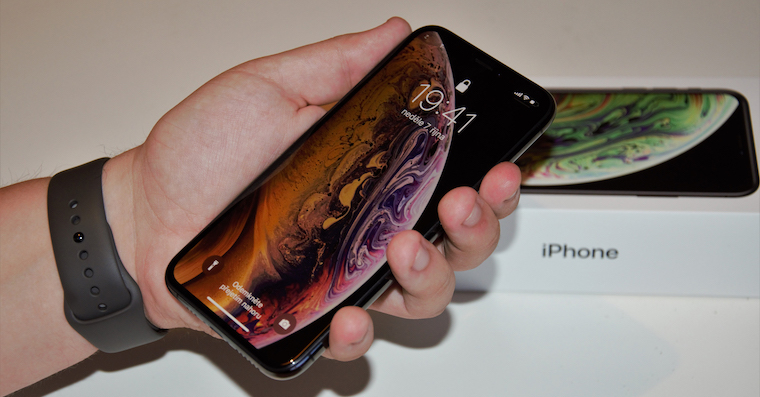
The phone is really much faster, especially when launching applications, multitasking and switching, and the so-called instant response has also been accelerated, in which applications that do not require long loading times, such as messages, mail or phone, are launched really immediately. I would like to point out that the battery level was still 100% on the original phone and did not drop according to iOS to limit its performance due to the battery. I also restarted the phone from time to time with a so-called hard restart to delete all temporary files. On the original phone it ran iOS 12.1.1., just like on the new one.
Gallery


Fortunately, you don't have to have a problem with your phone and pray that it will be replaced with a new one at the service center. Everything can be solved at home and your phone will be returned to its original condition. Especially with devices that you have been using for many months, everything will be really noticeable and you will feel like you are holding a newer model in your hands. All you need to do is back up your phone either via iTunes or, if you feel that it contains some software errors, preferably via iCloud and then it you switch to DFU mode. Now you will install a clean install of the latest version after connecting to iTunes iOS and then restore the backup after installation. The phone will contain all the data as before the system reinstallation, but it will be noticeably faster.

Pretty sad that a phone worth 20 thousand is crap after a year and even sadder how they have fappA mouthful of leaves that don't get stuck. ;)
The saddest thing is that people like you have to go to these sites and rejoice in someone else's "misfortune", which in this case awaits every phone, even after a long time at Applu, or after a shorter time with Android, it awaits everyone, and with every phone, if you compare it even after 3 months of use with a new one, the new one will still be faster, even though the difference may be really small, and this applies to all platforms. Moreover, the person in question mentioned faster responses to various actions in the article, and not that the phone was hacked and the like, as people like to dig up.
Huge nestsix, next time you need to think with your head and choose a quality product, not an overhyped lowend for 20 thousand, where you pay half for the brand. I think there are worse things.
That's interesting, my Samsung still works like new after more than a year. Is that the shorter time? Where did they do it in AppIs there a mistake?
Thinking with your head means choosing android? The one who is angry in the head will choose it. I have no doubts about it.
Yeah, you haven't written yet how you would pay even 40 thousand for a shitphone, because it's the best and it earns itself.
The sad thing is that you are a person who is stupid and only sees your own truth.
No matter what you buy, there is always a product that has a defect, and the more it is sold, the higher the probability of a defect.
But you probably don't understand! Or you are such a limited fool that you don't even understand!
So now you gave it to me, enjoy an HD display for 24 thousand and other bullshit.
blindness towards applu didn't even let you understand the article, which actually says that you can very easily get a new phone from a slowed down iPhone after a year of use, I wonder if something similar is possible with Android
No, it's not possible with Android, the slowness is reflected in the circuit in the processor and a factory reset and a complete reinstall won't help. You can flush that shit down the toilet and the whole barrack will still lag.
I am interested in how it works when it is necessary to have the most up-to-date version of the OS and the related problem that a backup taken on a phone with a higher version of Android cannot be restored on a phone with a lower version of Android or that not all applications allow the backup and restoration of all settings and data. etc etc
If you would rather admit that you don't have or can't make money instead of crying and gossiping, iPhone money🤝
M esim = month.
... and he would do well
I had a similar problem. iOS It's not what it used to be. It was removed by installing the new iOSIf you feel that you are iPhone slows down, run AntuTu and if your score is lower than you should have, the procedure mentioned in the article may help.
Jesus, please don't whine.. as for Android, you better shut up.. your bullshit and stuff is one thing after another... I didn't care about any of it. Iphone perhaps recently Iphone 5 had a few problems with my grandmother 😭 but I've had about 40 iPhones in my life because I sold them from abroad for a while and not one of them bothered me as much as any Samsung that my colleagues had at work... and Xiaomi or whatever it's called... they weren't even capable of making a stupid complaint. The fact that it's now IOS worse than it used to be, so it's sad, but I still haven't encountered any crashes.. maybe the application crashes IOS 9 .. and that someone advertises a phone from Apple doesn't mean it's a 20K shop... I'd rather pay 40K for something that looks nice than for plastic stars on android insides 🛠
Yeah, give 40 thousand, perfect for something with HD display with ppi from 2010. ;)
Well, especially since you know what you have the ppi for. Mostly it has terrible colors, brightness, and angles, but the main thing is that it's cheaper, right?
An example is Huawei, which even on flagship mobile phones does not reach the quality of the iP6, but mainly because it has a terribly important ppi, which more than half of the people don't even notice anyway.
Yes, I really don't have the problems on the Android flagships for the shitty HD display from the iPhone 6. And now about the hood. I like how apple makers can construct self-delusion out of their overpriced and backward hardware devices, it's actually better ;)
plastic stars, you killed it xD I see you got stuck 10 years ago.
Go ahead and sell your iPhones, let's have an objective discussion. Apple there is really nothing "more" than other manufacturers, go look at the other top flags
– processing as good (often even better than) iphone )
– the speed of the environment is the same (it has long been no longer true that Android is stuck and appthere are no crashes or restarts required)
– the performance is already sufficient today and there is no need to rush further (unless VR really starts, which I don't think will happen in the foreseeable future)
When you weigh the pros and cons objectively and aren't trapped in the ecosystem applu, then there is no single reason to continue buying apple for such a price. Unfortunately, it no longer offers anything compared to the competition (which is often at half the price) - it rather limits it.
* Of course, if you are from the poorer kind of people and you need to brag that you have 40k for a mobile phone, you will probably never understand it.
Normal people prefer to go on vacation - spend nice moments with friends (and leave the phone in their pocket, because they live in the present)
Have a nice day Honzo.
Alesi: Well written 😉 and touching… I don't know which of us got stuck 10 years ago, but if you take the fact that I'm able to buy something for 40K that can make my day easier and even support me as nonsense, then yes, I probably don't understand you 😉 I realize that the market is going up… I realize that when you go to the garage like me every morning and start a Skoda or Mercedes, and there might be a Ferrari standing next to it, ask yourself the same question: rather than spending 6 million for a Ferrari, I'll buy 3 Mercedes… what came of it? That not everyone like you saves all year for a vacation and buys a cheaper phone on the back of a vacation in Egypt... I buy an expensive phone that makes my day easier and drags other electronics and earns me money for that vacation too 🙂 I just dug around because I don't like the Czech mentality of whining... how it doesn't work and that... that's why half of the people are where they are.. the fact that I made extra money with phones a few years ago is another matter.. better than sitting on my ass and watching Alza when Xiaomi gets cheaper so I can buy it.. I don't want to discourage people who have older or ordinary phones.. not everyone is lucky or withancI could have a better job and have more money or I have other priorities and my phone is only for making calls.. I could end up on the street too, but please don't be a jerk and tell me I'm bragging 😉 I'm just reacting to people who are obviously making fun of me Apple products on the pages dedicated Apple products... I also don't go to android product pages and write nonsense about how the Samsung Note is like a board for cutting bread... 😉
Have a nice day Ales
So much nonsense and no argument.
John 👍🏻
Exactly, I am the same case, everything in the fichi company has been going on for 25 years Apple and I'm satisfied. I just don't understand why people who are bored and talk nonsense keep coming here. Android is for geeks who want peace and 100% statelessness they go a different way, that's just how it is and Apple he will get paid for it as written above, he will get paid for it Bentley for which he can have 20 octaves (example). Not everyone wants an octave. This is the merit of the matter, so hopefully some more intelligent individuals will understand it and I will go to my android forum and not solve their dogmas here with the conviction that android is the best. HOW
What is incomprehensible about that? Most components wear evenly. Or the file should. So when I get a new one, e.g. shock absorbers or new tires, I can recognize them immediately. Or. various parts are subject to improvement during production, without the customer knowing about it. With the iP, it was necessary to strengthen the body of the phone when it was found that it was bending.
Nothing new, I keep doing it😂
The one who had the opportunity to compare phones with Android and Iphone he knows his stuff... I've been defending the iPhone for years but I wouldn't change it... And you, the mind-bending calves, try it first and then hate it...
I have a different experience than the one writing the article...
They gave me a new 6s. A brand new phone in a box. Really a piece of junk. But the LCD is crooked compared to the two-year-old one and you can't stick a nice tempered glass on it. I've come to terms with that. But what about the battery? The old phone only had 83%. The new one had 100% but after half a year the phone started to discharge and the battery was in a mess at 96% so what can I say….
ProIt's all China ;-)! It's better to use than android. I'm not talking about the price. Let everyone buy what they need.
"Iphone se "it never slows down, fucking Androids are slower after a year"
Funny; it slowed down for me in 2010 iPhone 3G when I put iOS 4; in 205 I iPhone 6 slowed down when I put into it iOS 9; iPhone 7 slowed down for me when I gave iOS 11; X became faster after installing 12 and now after 12.1 it is where it should be iOS 11; 2-3 year old iPhones are slowed down on purpose; I worked as an APR, I know my stuff
Go ahead, I'm fine. iPhone It slowed down. It was noticeable between some upgrades.
nakoneIt got so bad that just starting the camera took 5 to 10 seconds.
Like you me appThe list crap went away very quickly. It's ridiculously overpriced, which doesn't mean I don't mind the price, but that I didn't find it in it as a user
iOS It never lags ;)
Well, he met me. iPhone often. Now with Android after six months still fine.
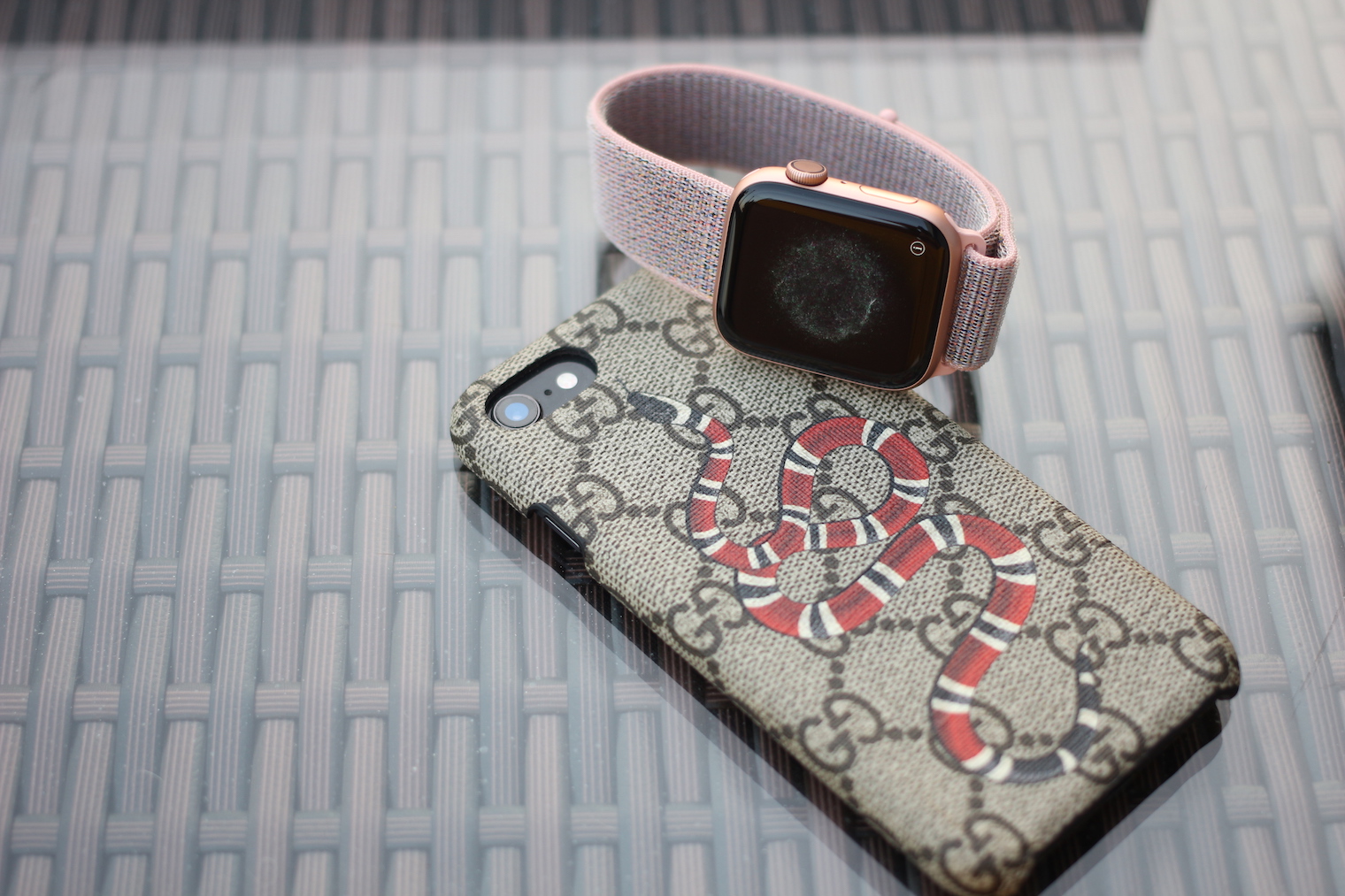
Don't forget to show that you have a Gucci cover. Romanoh ;-)
Okay!!! There are some like that here RomanWell, it's getting so bad that a lot of people I know don't feel like reading here anymore because of the stupidity of some individuals...
The article is either absolute nonsense; or the user had some defective piece; or the user apparently writes about Galaxy S8 and confuse it with iPhone 8. It is also possible that the user was in such a "delirium" from the reset that he saw delusions and heard grass growing.
I already have my fifth. iPhone and I don't notice any slowdown. After a year I replaced iPhone X for Xs and also no visible differences in fluency and speed. Wife has a 3 year old iPhone 6S (not as big a fan as I am) – where some changes could be expected .. and it still works the same. When we had Samsungs, it was a disaster – but with iPhones the situation is still stable.
That's right, articles about hunger in Africa are also nonsense! I went to look in the fridge and it's full.
Boy, only the psychiatric department will help you with your "update". ;-)
I used the same logic as you, but I understand that you can't realize it ;)
Well, according to me a 1 to 1 copy would be a bit copy and in that case it would also copy the errors that might have been there. But it's more like a normal backup, where all settings, application data, etc. will be preserved.
If you make an image on any machine where the error was, it will most likely stay there. If it's just a deposit, then it's different there...
Oh, and for the haters, how iOS, so Android – come to your senses!!!
Thanks for the good advice, even though my 8 is doing great after a year.
I would write that every device that is produced will have 1 in 1000 (100.000) some minor problem, e.g. jamming, etc. ProIt's about quality, but the specific piece just doesn't have to be 100% etc. in the case of equipment where suppliers produce 10s of millions of components.
Let's face it, you didn't get a new one iPhone but newly refurbished, it is also mentioned in the protocol only in very small letters. And if you don't believe it, call an authorized service center and they will be happy to explain it to you.