
If you own any iPhone with the addition of Plus after its name, or if you own iPhone X, you will definitely become smarter. The displays of these phones are really quite large and few people can reach the other side of the display with their thumb to be able to write without any problems. The biggest problem may be for women, as most women really do not have long enough fingers to reach the other side of the display on classic models, let alone Plus models. Fortunately, even for this issue Apple thought and to iOS 11 added a great feature called One-Handed-Keyboard.
This feature works by shrinking the keyboard slightly and moving it to the left or right side of the display depending on which hand you are currently holding the phone in. Activating this feature is very easy and it is definitely not found anywhere in the settings. I bet you have already used the activation icon at least once one-handed keyboard you've seen, you just haven't activated it. So let's see how to activate it one-handed keyboard to perform.
You might be interested in

How to activate the keyboard for one-handed typing
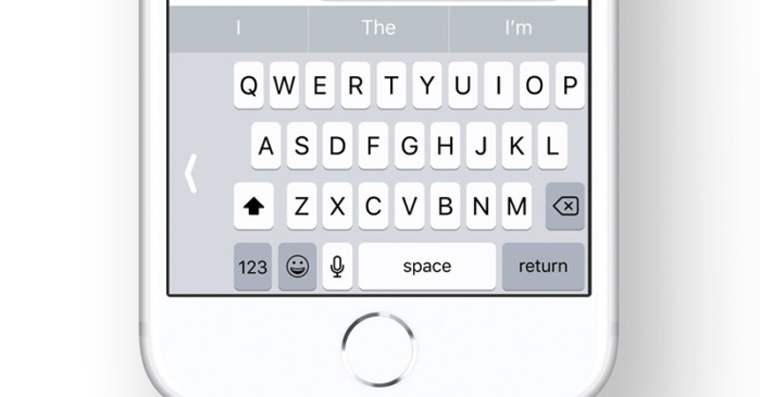
First, we need to be where we want to write something – that means, for example, the Messages app, WhatsApp, Messenger and others. Now all you have to do is press and hold the icon in the keyboard area emoticon (if you use multiple keyboards, an emoticon will appear instead of the icon globus). After that, we simply swipe to one of the keyboard alignment options (see gallery). If you select the keyboard icon left, the keyboard will collapse to the left side and conversely. If you want to get back to the classic keyboard, just press an arrow, which is located next to the reduced keyboard.
Gallery


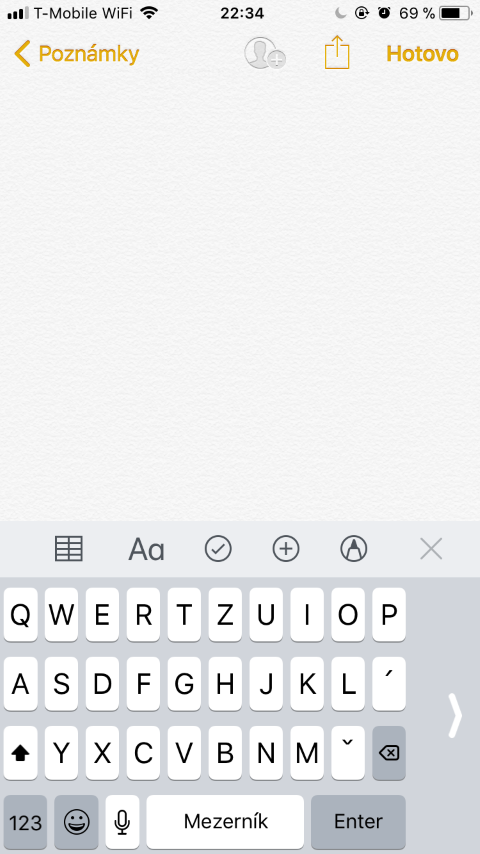
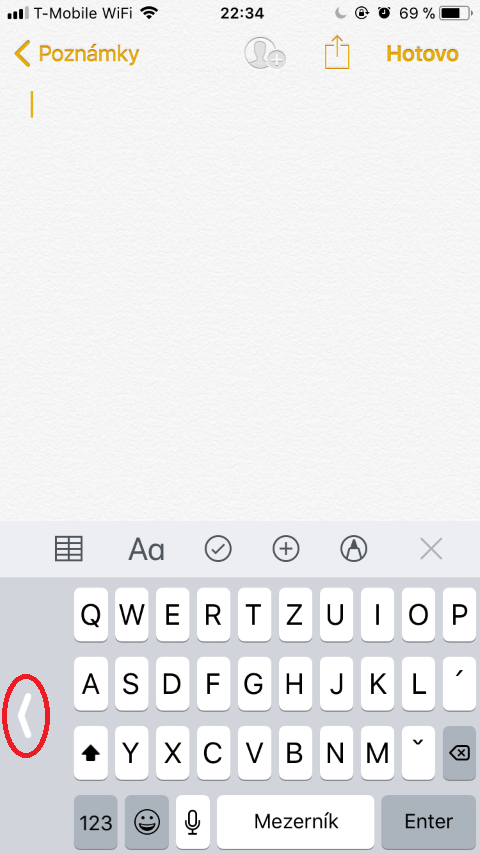
As I wrote above, this trick will be appreciated mainly by women. But I bet that men also have a lot of fun with Plus. iPhonech keyboard problem, and therefore the option could be one-handed keyboards are also suitable for them. So if you decide to type with one finger and don't want to use two hands, I recommend you at least try a one-handed keyboard.


For me, the native keyboard is unusable, I really miss the comma and period in the basic layout, and minismall in landscape mode would fit there as long as the MIC button. it is of no use to me.
what are you using
Totally agree, the stock keyboard is terrible. Both the missing comma (I'm one of those who, even in SMS, e-mails, etc., observe hooks, commas, punctuation) and I also dislike the whispering in the form of the little bubble above the word. If he doesn't offer the right shape the first time, he just delays. I personally have Switfkey. I also have a few reservations about it, but compared to the basic one, it is usable for me.
Hello Honzo, if you are using Switfkey keyboard, please advise how to write ü (overspelled u) in Huawei mobile Thank you Jindra.