
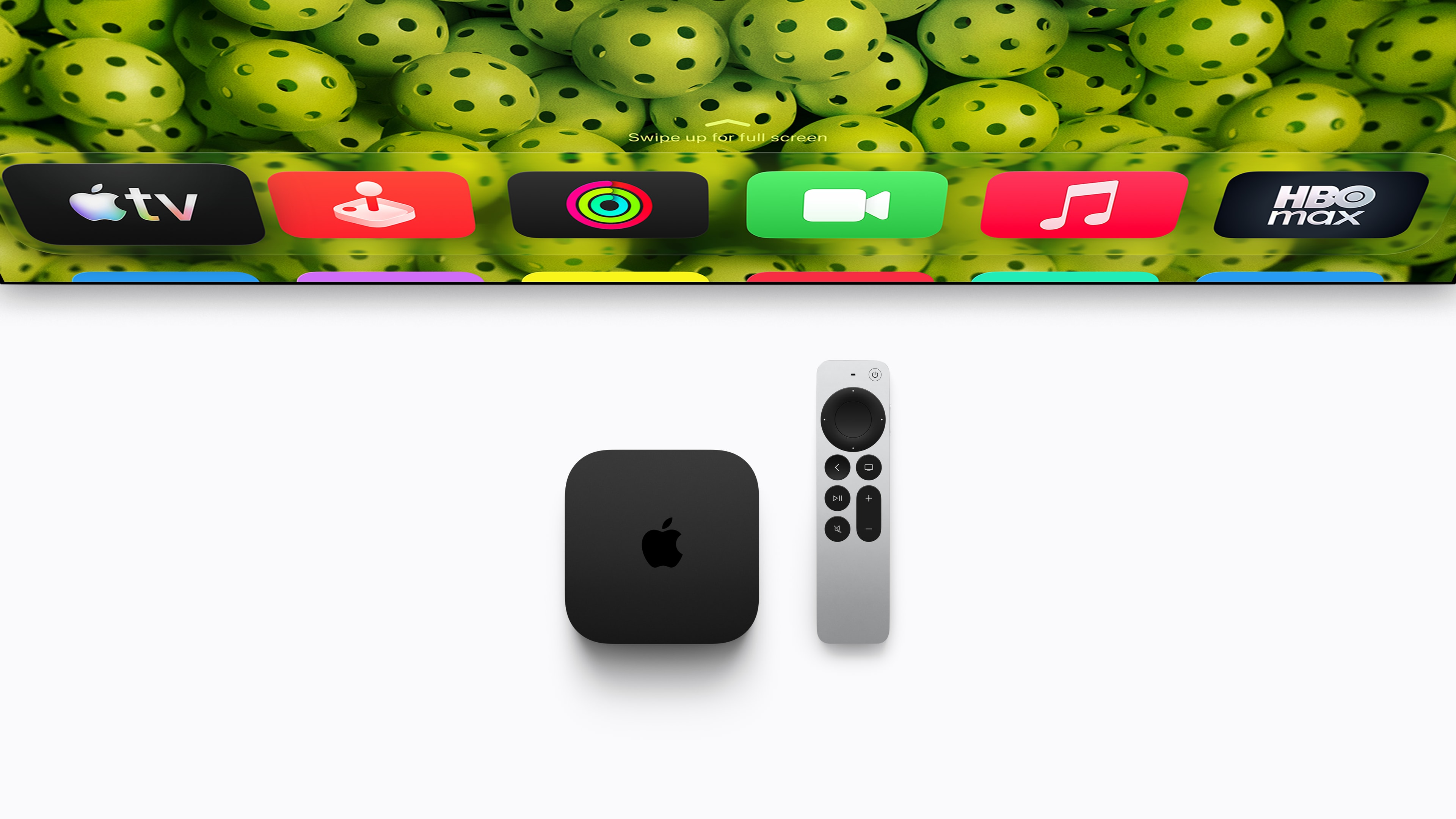
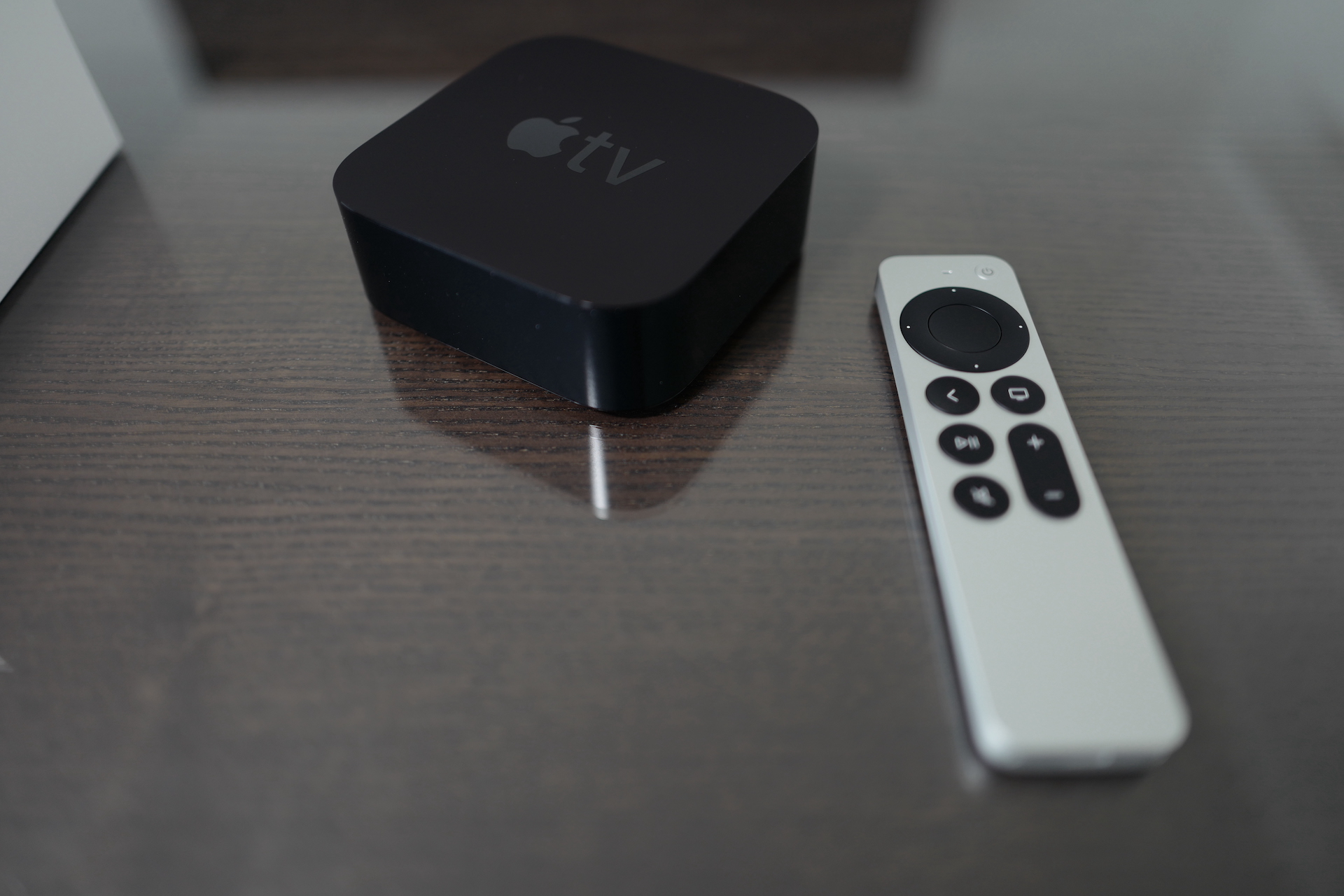
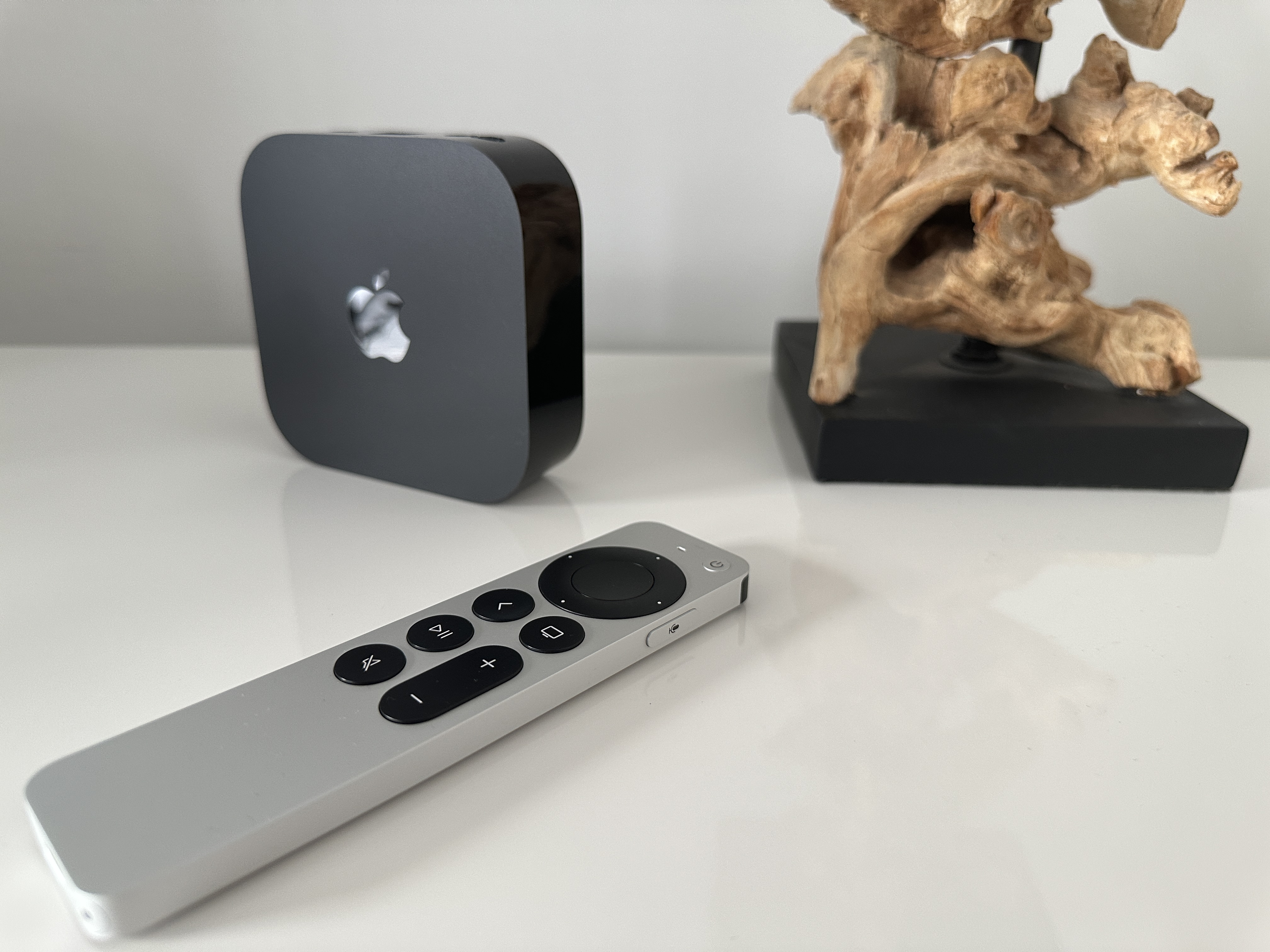
A newly introduced controller Siri Remote really has something to surprise. How I feel during use Apple TV noticed, with the controller you can control not only your Apple TV, but you can also use it to turn on/off the TV and, most importantly, you can control the volume - of the TV or even the sound system itself that you have connected to your TV. But you have to fulfill two conditions - first: you have to have it connected to your TV Apple TV. Second: your TV or audio the system must support the HDMI-CEC standard. The vast majority of modern TVs already support it, so it is not surprising that you will control your 42-inch Samsung with a remote from Applu. The icing on the cake is that you don't necessarily have to have Bluetooth speakers to control the sound: Apple The remote has IR.
Well, while Smart TVs and other modern products with support for the HDMI-CEC standard have the ability to control the sound immediately, for older products with an infrared receiver, you have to activate the volume control option in the settings of your Apple TV. To do so, you must open settings, then go to the section Drivers and Devices and enter the settings Volume control. Just select an option here Set up a new device… and follow the instructions on the screen. So, press the volume up button on the original remote from your home theater/TV. Aim at Apple TV, which also has an infrared port. Most importantly, stick to what's on your screen. If you hold the volume down or other button, then your controller will Siri Remote behave strangely. Now you can just rename the controller as needed and you're done.
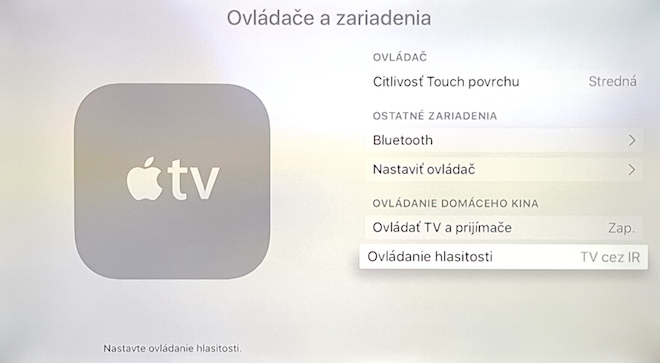

*via AppleInsider
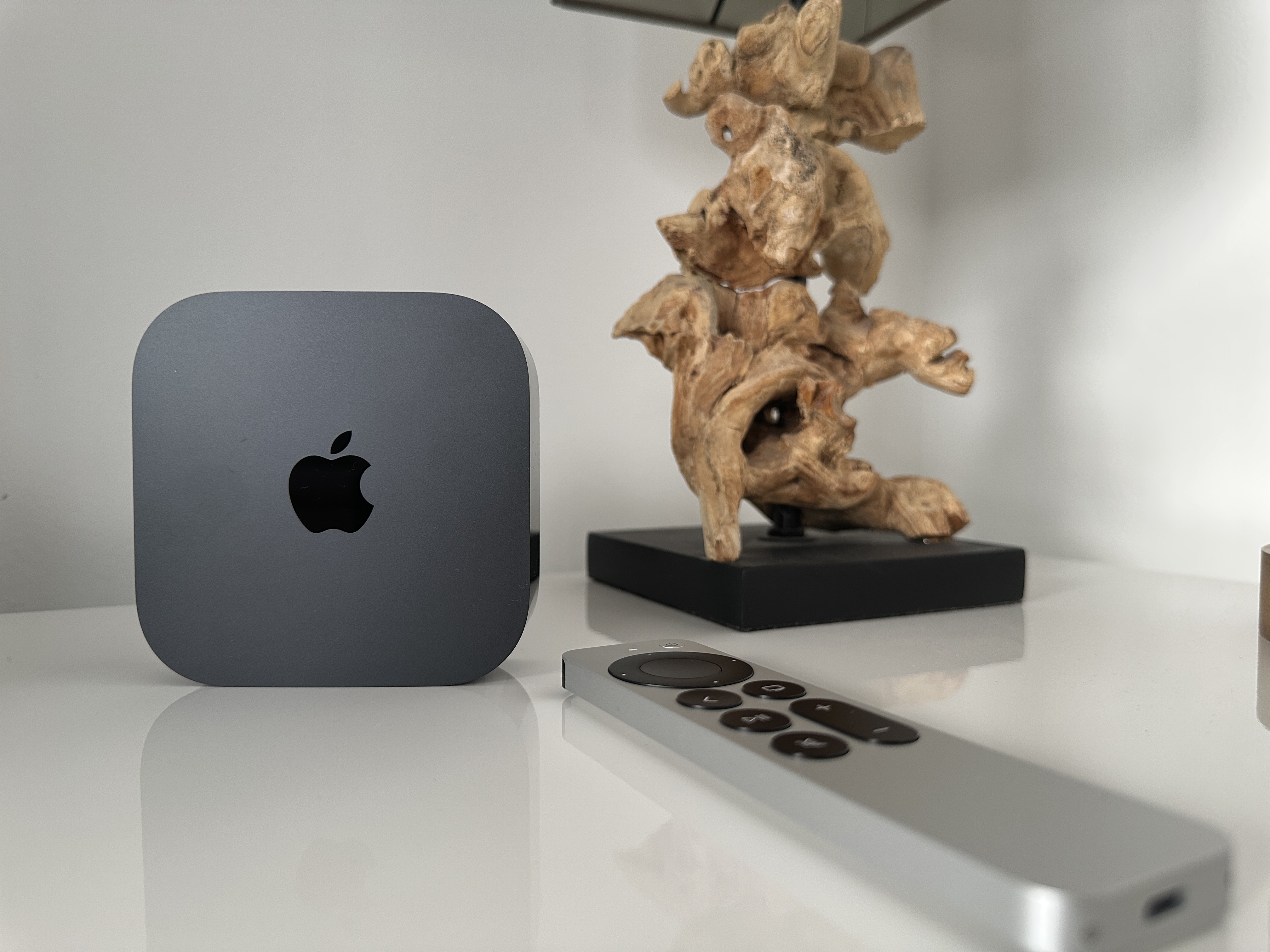

Jaro: can you please test if your controller makes a consistent click sound across the entire touchpad area? I'm just wondering if I caught a defective streak. In the middle I would describe the sound as a plastic "click" and on the edges as a "metal click" :) Thanks
Otherwise Apple TV is great. It's just a shame that Plex and Simplex (maybe not yet) don't have native subtitle support. When it comes to transcoding subtitles into video, the DS214play NAS has it all. nestoh :(
I tried free appas for LocalCast, it will probably play everything over the network, including subtitles, but the appearance of the application interface is not so great :)
Let's see what VLC will show…
ugh, it makes the same sound
Spring: the same as in my case, or the same as the one he has? :)
If Infuse 3 comes, then no Plex or anything will be needed. On the phoneone/tablet plays a movie stored on my Synology NAS without any video server going there. Support for subtitles is also not a problem.
+ Infuse 3 has DTS support and therefore sa nestIt's not the VLC thing that there is no sound with many movies.
Jirin: the same sound across the board
Spring: thanks
Kangura: I'm looking forward to Infuse, I hope they have a UI on the level of Plex. Anyway, ATV hasonereally huge potential.
I just thought, is there any possibility to connect an external drive to the TV after properly unlocking it?
Zgercik: Over the net. There are routers on the market that have a USB port and you can connect a flash drive or a disk to them... so for example, you can solve it this way so that you don't have to buy a NAS. However, NAS is a good option…
Well, I don't know, I think a popcornhour type playback won't replace it. No mention of 24p output or dts ma or dd true hd passthrough anywhere. It will be fine on netflix or hbo go etc. I noticed from nova apple tv It can also be controlled with the old remote. I haven't gotten used to the new one yet.
I have Infuse on ATV2 via atv-flashblack and thanks to timecaps, I can watch movies and series. But the infusion was sent there only thanks to the jailbreak, I'm quite surprised that the normal one apple allow it. If it works as I have it now on atv2, I will go to atv4.
I don't see, I don't see....I bought a new atv today and I'm quite embarrassed.
At first I wondered what took so long. appI insisted that this base model was introduced... I can't think of anything so revolutionary, except for the only reason to wait until the older model is sold out...
After turning it on, I had some not-so-pleasant moments waiting for me. The remote did what it wanted. Its movement was basically uncontrollable, only the confirmation button on the touchpad worked, and mostly all communication between the controller and atb was a game of chance and luck.
During the transition, it often happened that the TV display went completely black and after some time it turned on mostly on other items in the menu than it should....restore,restarting and updating the system is completely unnecessary.
Communication from apple care more or less wasted time, the first Saxon refused to talk to me...said that a certain infamous Sliačka was supposed to solve everything and that by doing so he was violating the terms and conditions appHe wasn't interested in 90 days of phone support.
Second nestThe officer on the line was at least a little bit knowledgeable, but I would say I had more knowledge than him...
iTunes store This is a tragedy... nothing useful anymore... unfortunately, even the apps from the US store don't work even when you switch region and language. What used to work on the old ATV is either gone or doesn't work even if it worked on the old ATV.
I think that the api has been available for a long time so that the offer is not as bad as it is....I counted about 5 at least some useful applications and games even for an older person....where, for example, is the item podcasts that I used a lot....
Short for today's datecarovation.