
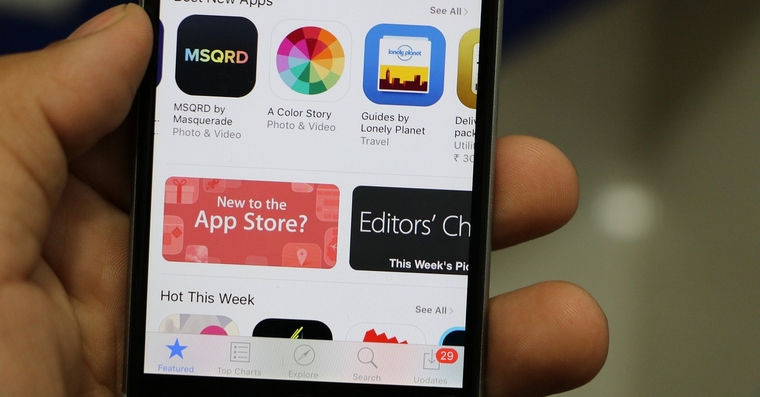
Most Apple device users are now having problems connecting to the iTunes Store or App Store. Don't worry, the fault is not yours, but Apple, as their service is currently down and you cannot download applications for, for example, iPhone, iPad or songs from the iTunes Store. The error may not necessarily be for all users, but many of them are now complaining on Twitter and we in the editorial office have also noticed problems with downloading updates and with the entire service being down. App Store.
Even on the website Appyou will find that iTunes Store is currently out of service for some users. According to information and my own experience, it is also not working. App Store and when trying to download the application, an error message pops up or nothing happens nestand then the option to get or update the application will appear again.






I've been noticing problems for a long time, updates don't update automatically, and when I force them, the next day it seems like nothing happened nestHello, and again the same applications require an update. And so it goes on for a few days before they get tired of it. And some are even unable to load the update for 5 days.
Restarting or logging out/in doesn't help. AppStore.
Personally, sharing doesn't work for me either.Cloud libraries….
I haven't been able to back up my phone since this morning, normally I wouldn't worry about it that much, but today I got my 6s, so I wanted to play everything in peace and nothing. I tried restarting, turning it off cloudetc., nothing, I spoke to a Czech specialist on the infoline, then to an English-speaking specialist, thenonec they promised that someone else would call me within 4 minutes, currently it's already 6 o'clock and they still haven't called.-) so they obviously have some bigger problem
I had the same problem, but right now everything is fine :-)
So I can't even log in. app It's either telling me the password is wrong, which I've changed at least five times, or it's throwing some error.
If you have a problem with this, just go to Settings -> WiFi, unclick the (i) next to your network and delete the contents of the DNS field. Then it will work. Or at least it helped me :)