Microsoft over the last few months he has started to expand the set Office about several interesting programs and one of them is definitely a program that is currently only available as beta in selected countries – Office Sway. Program could be compared to a kind of successor to PowerPoint, which focuses on storing your thoughts and creating presentations that I can describe as best as possible and, if necessary, also graphically represent. What's nice is that the program doesn't need a membership Office 365 and that the application is, or will be, available for free in App Store pre iPhone with the system iOS 8 or later.
At the very beginning, you will be greeted by the definition of the word "Sway", which may at first remind someone of the beginning of Tarantino's all-time favorite, Pulp Fiction. But here you will learn more about the word Sway, which it represents "a fine-tuned, interactive canvas for sharing your ideas." Below it, you will find a short tutorial divided into three steps that will explain what you can do in your presentations.

|
|
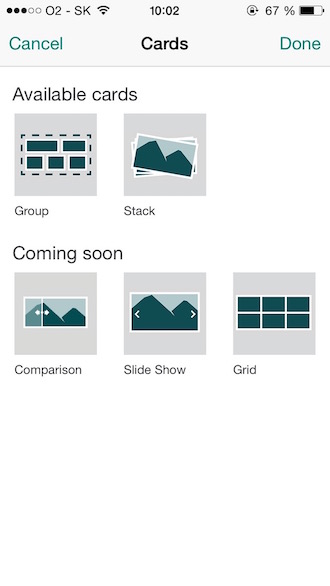
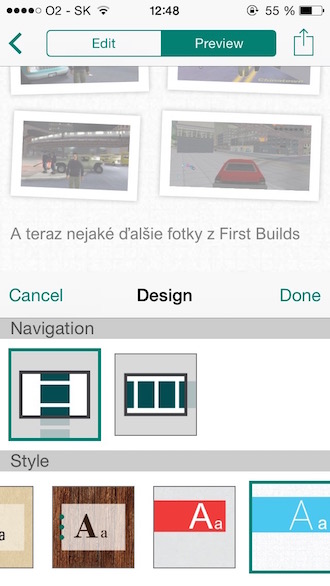
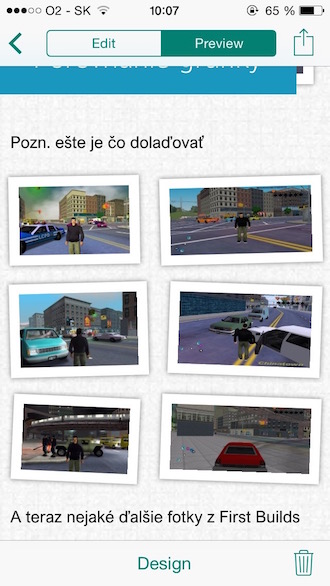
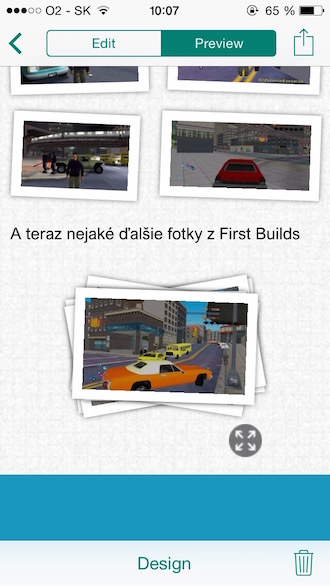
The mobile application interface is very simple and mainly automated. This means that you have a canvas in front of you that you literally just add new content to. I like the environment, you immediately know what functions are available to you and you don't have to move around in tone all kinds of settings. In short, you can choose whether you want to add an image or text, make a photo or make a collection of photos in the panel. For now, you have the option to make a photo gallery or a summary, in which you move by tapping on the photos. In the future, however, the possibility of adding comparative "slides" will also be added, so you can directly show how the project has developed from the previous concept. An important part is also the ability to quickly change the design of the entire presentation using the Design button. Actually, designing a new design is a matter of two taps, first you choose a graphic theme and then decide whether you want the presentation to move from top to bottom or from left to right.
|
|
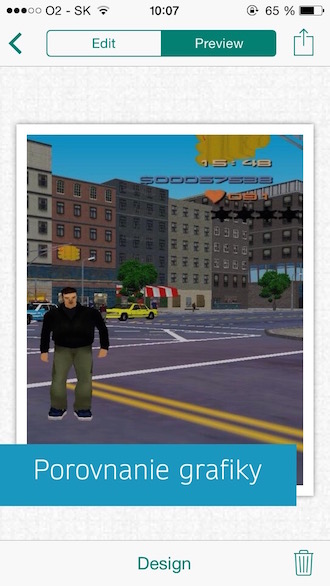
Of course, there is the possibility to display a preview of the given presentation. What pleases me is that the environment is automatically animated and designed to look as good as possible on your device, so you see in front of you, so to speak, a finished thing that already looks to the world. Basically, you just decide what should be displayed and the program does the work for you, so if you get an idea on the go, you can jot it down here. Personally, however, I would like to supplement the application with the possibility of drawing in case the user has a stylus with him, even if this is rather a matter for the owners Galaxy Notes and similar diaries. The app is also available for iPad, but is currently only available in selected countries as it is still a work in progress beta test. But it is possible that Office Sway will be released to the general public in the fall/autumn, so we'll keep you posted on its status. A web version is also available at Sway.com.
|
|