
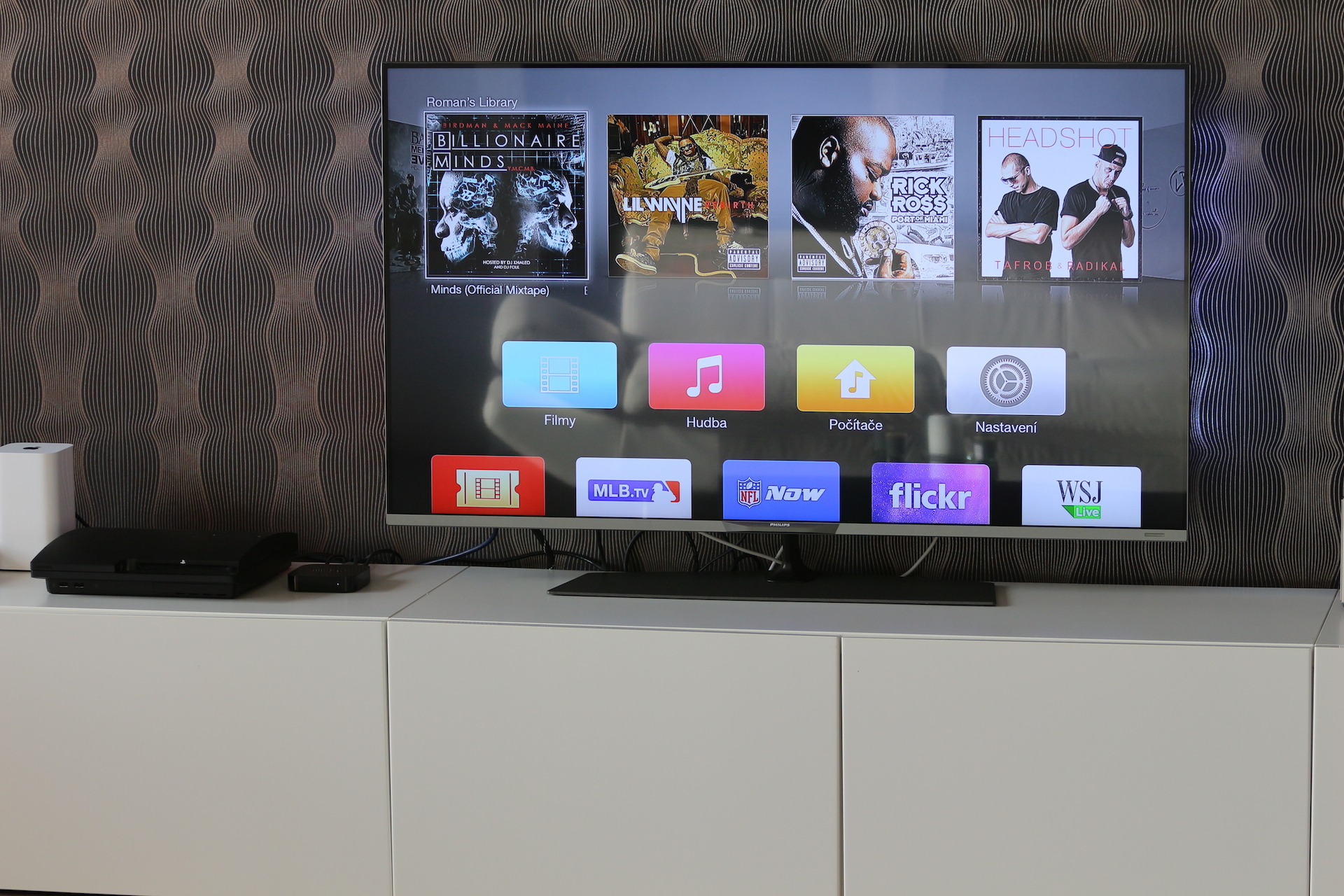
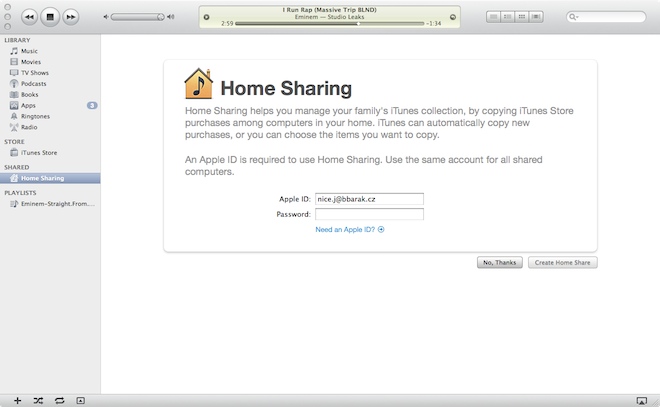
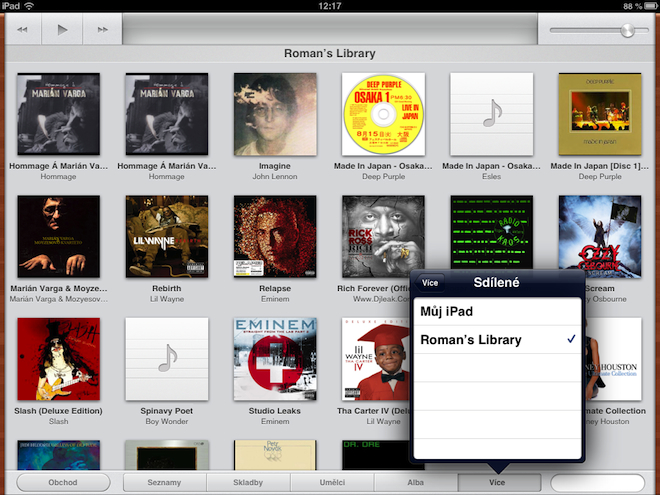
As I wrote in one of our articles, Apple TV I use it mainly because Home Sharing, that is, because of the function that can transfer the library from iTunes on your computer to Apple TV and therefore also to the TV itself. This function worked for me without any problems and once a month I only had to disconnect and reconnect the computer in the settings Apple TV, when the content within failed to load Home Sharing. So everything worked without complications and to my complete satisfaction.
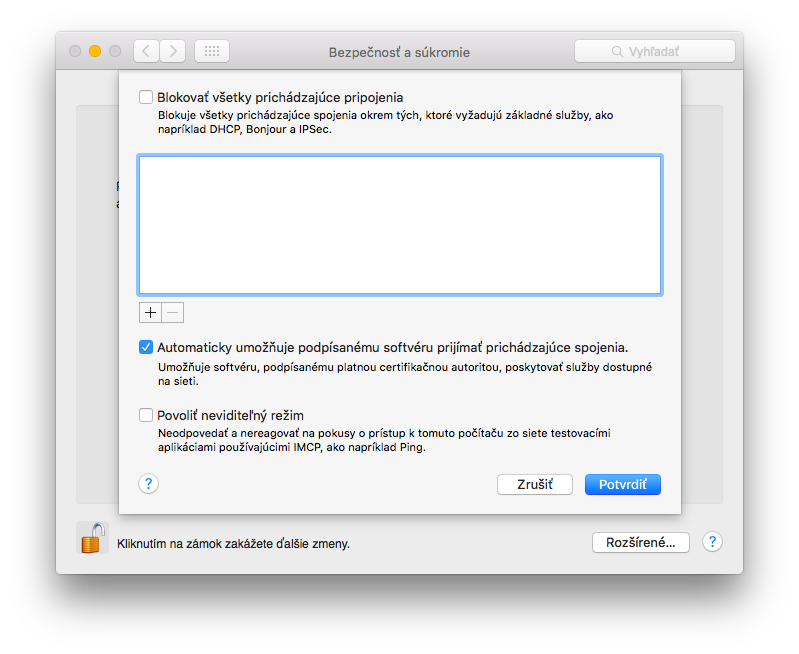
When I replaced the old one MacBook Pro for a new iMac Retina, of course I authorized the computer and started sharing to Apple TV library from the iMac, which was also no problem. After some time, however, I realized that the Mac does not have the Firewall turned on by default, so I turned it on. On MacBookI always had the Firewall turned on and nothing happened, but in the case of the iMac, or rather in the case of OS X 10.10, a problem occurred and Home Sharing to Apple TV It worked incredibly slowly or, better yet, not at all.
At first I didn't really understand what the problem could be until I realized that the only thing I had changed was turning on the Firewall. When I turned it off again, Home Sharing started working as it should. ProThe problem is that even though it looks fine in the Firewall settings, it may not actually be. So I tried turning the Firewall off and on again and checking in Firewall Options whether iTunes is allowed to pass through the Firewall. I turned off the Firewall, restarted the computer and turned the Firewall back on. The restart also worked for Apple TV 3rd generation and since then everything has been working as it should. Sometimes, it really takes very little to fix even a seemingly unsolvable problem.








Hi, do you have experience using macbook – aTV – time capsule? I initially decided to play purchased movies directly from iTunes every time I start them and not from the library. macbookon local wifi.. I managed to do that (although I ate FUP twice :) I understood where the problem was :) Still, it works so that if I just click macbook, the ATV playback will be interrupted. I thought about resetting the media folder in the iTunes preferences to the disk in the time capsule. But I'm afraid that it will still need a running apple device running iTunes on the network. So the question is – is it utopia to think that it could work in such a way that I can play a downloaded movie from iTunes, recorded on a timecapsule, even if I am with macbookem gone? thanks
Nice short troubleshooting guide. In kancEláří had the same problem and now it's gone. Thank you :-)
and one more small question. Is there a way to search for instructions on the website? when I type in the search, of course a lot of articles with instructions come up, but not this one, for example. If it is an instruction, would it be possible to put a tag in the title of the article so that we can then use the instructions nicely? :-) or some page with links to them would perhaps be even better, for example with a division by products/problems. :-)
I wanted to ask, I'm thinking about buying Apple TV and I wonder if if I connect the hard drive to AirExtreme port so what's on the disk can be played on Apple TV ?
@Petr: unfortunately, you won't be able to help yourself by resetting the location where iTunes stores data - the actual Stream is "produced" by iTunes;
@ElBarto: – the answer is similar – it is impossible – and that is because AirPortExtreme (and neither TimeCapsule) have any streaming support (iTunes); ...the only solution (if you don't want to invest in a server like me :-)) is to buy a NAS (with my preferred Synology you have both TimeCapsule=backup, iTunes and Plex for streaming in LAN/WAN...among other things...)
Voldzi: but over the moon macbook Should it work normally or not?