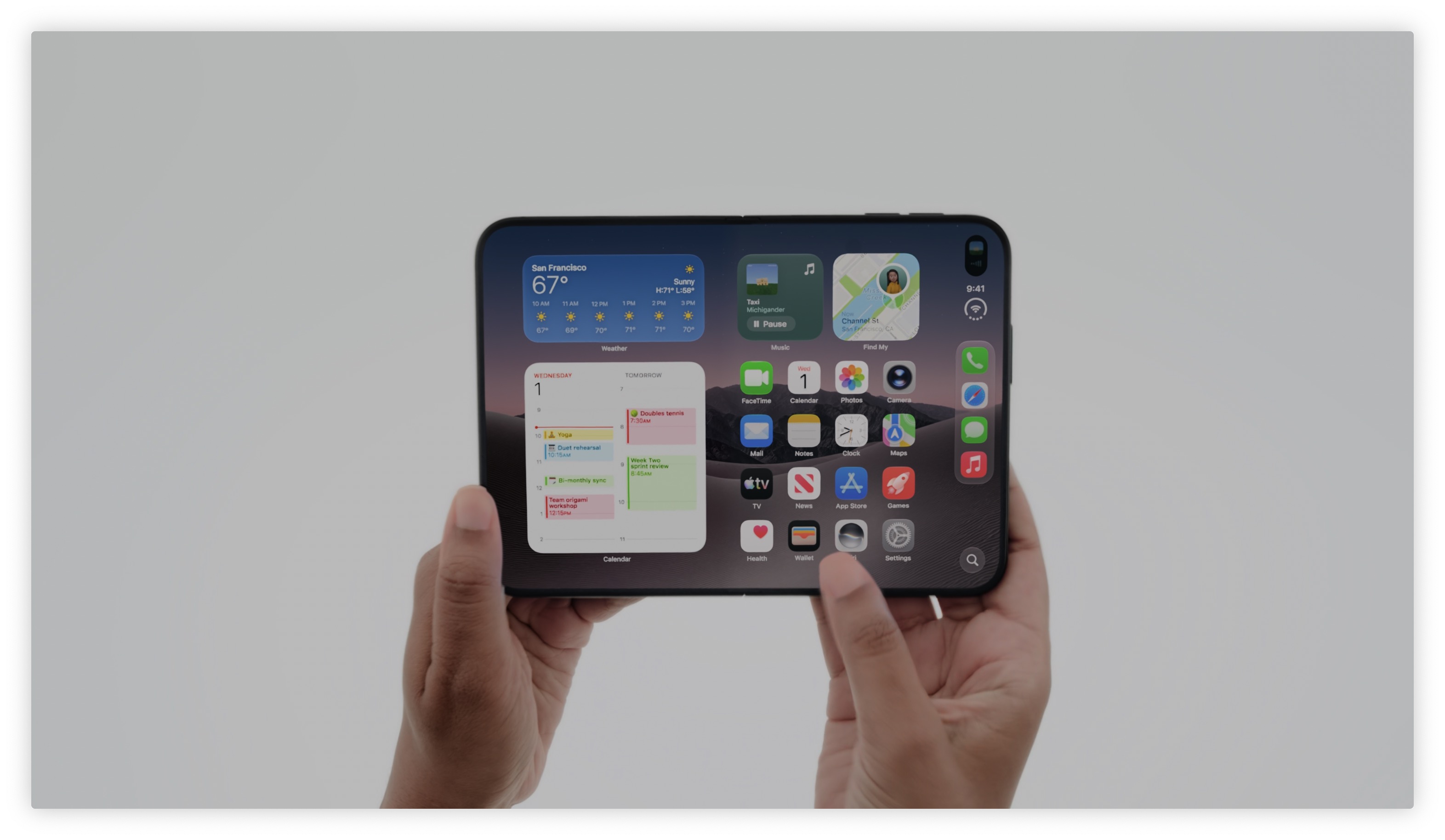
If for any reason you are unable to download updates iOS 7.1 via iTunes or directly to your phone, you can download the installation files directly from the links below. You need to download the file directly for your iPad, iPhone or iPod touch. Once you have downloaded the IPSW file, simply connect it iOS device to iTunes and then hold down the Alt key and choose either Restore or Check for Update directly in iTunes. Then you just need to select the IPSW file from the menu that appears and the installation can begin. It is important to actually select the exact type of IPSW file for your mobile phone iPhone, iPod touch multimedia player or iPad tablet. Also choose GSM or CDMA version, or Wi-Fi or CDMA version for iPads.
- iPhone 5s (CDMA)
- iPhone 5s (GSM)
- iPhone 5 (CDMA)
- iPhone 5 (GSM)
- iPhone 5c (CDMA)
- iPhone 5c (GSM)
- iPhone 4s
- iPhone 4 (GSM 3,2)
- iPhone 4 (GSM 3,1)
- iPhone 4 (CDMA)
- iPad Air (5th Gen Wi-Fi + Cellular)
- iPad Air (5th Gen Wi-Fi)
- iPad (4th Gen CDMA)
- iPad (4th Gen GSM)
- iPad (4th Gen Wi-Fi)
- iPad mini (CDMA)
- iPad mini (GSM)
- iPad mini (Wi-Fi)
- iPad mini 2 (Wi-Fi + Cellular)
- iPad mini 2 (Wi-Fi)
- iPad 3 Wi-Fi (3rd Gen)
- iPad 3 Wi-Fi + Cellular (GSM)
- iPad 3 Wi-Fi + Cellular (CDMA)
- iPad 2 Wi-Fi (2,4)
- iPad 2 Wi-Fi (2,1)
- iPad 2 Wi-Fi + 3G (GSM)
- iPad 2 Wi-Fi + 3G (CDMA)
- iPod touch (5th Gen)