Komerční sdělení: Are you an artist with a folder full of designs people would actually buy, but you don’t have the time, money or patience to deal with printing, holding inventory, packaging and shipping?
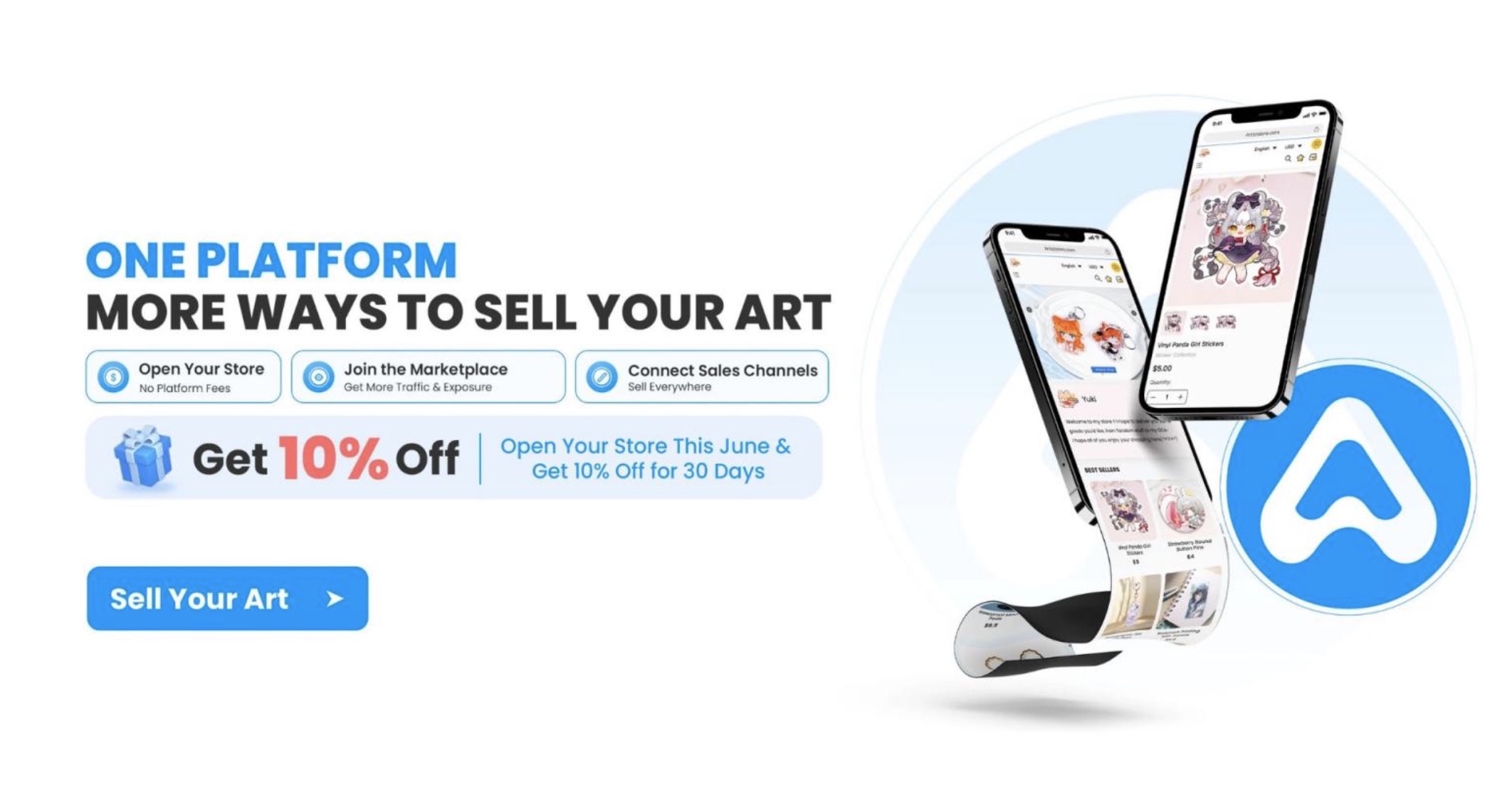
If that’s you, then what you need is print-on-demand. You upload your designs, and a platform turns them into real products and ships them straight to your customers.
There are many POD stores, but in this guide you will explore Artiststore. Artiststore is Vograce‚s print-on-demand store platform built specifically for artists and creators, and this guide walks you through exactly how to set up your own store on it.
Why Create Your Store With Artiststore
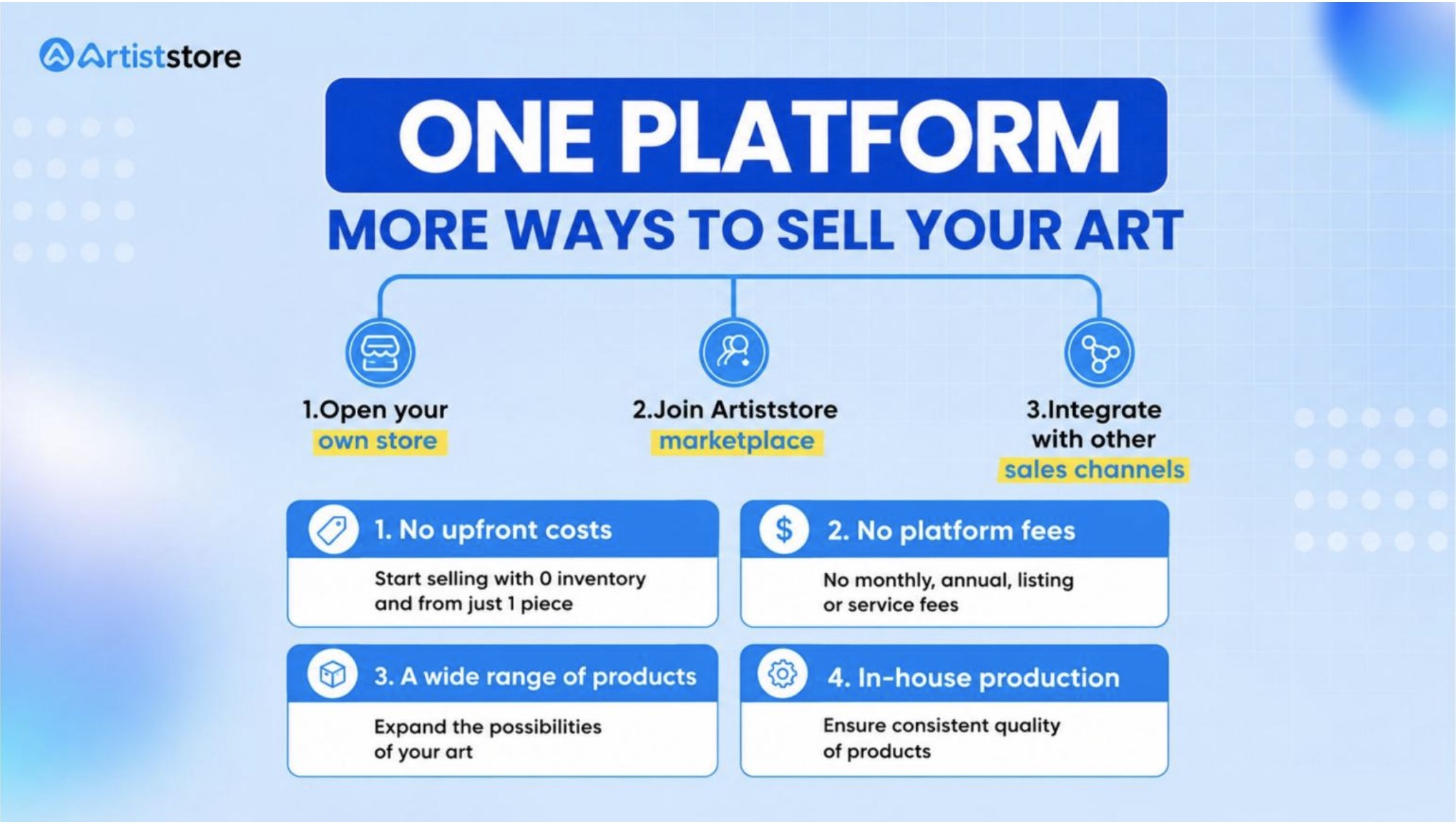
With Artiststore, you do not pay anything to open a store. There are no monthly fees, no setup costs and no charge just for listing a product. You only pay the production cost, and that only happens after a customer actually places an order. Everything else, including manufacturing, packaging and shipping, is handled for you.
Your earnings also go directly to your own Stripe or PayPal account. Artiststore does not hold your money or take a cut before you see it. You decide your prices, so your margin is entirely up to you.
On top of that, you get access to over 10,000 customizable products, from keychains and stickers to apparel and home goods, plus a free design editor that generates realistic mockups without needing any outside software.
Since Artiststore runs on Vograce’s own manufacturing, production stays consistent and quality-controlled from the same facilities that Vograce already uses. If you want extra visibility, you can also list your products on the Artiststore Marketplace, which adds another sales channel without any added cost.
How to Create Your Store With Artiststore
Creating a store with Artiststore is straightforward. Simply follow these steps, and you will go from designing to selling your products in no time.
Step 1: Go to Artiststore, then click on the „Create your own store“ button.
Step 2: Click on Sign Up, and you will be redirected to the Artiststore application form. This form helps the team understand you and your work, and it helps them offer spots to artists who are really interested.
Step 3: Enter your details in the form. Make sure to select all types of art you create, and then provide a link to showcase your work. This can be a social media profile, an ArtStation profile or anything that helps verify you as a human artist.
Step 4: Enter details about your prior experience running a store and designing merch, check the agreement and then click submit.
Once the team reviews and approves your form, you will get a confirmation email.
Now, simply click on the „Register“ button, enter your basic details like store name, timezone, currency, etc., and you will land straight on your dashboard.
From here, everything is a cakewalk because Artiststore walks you through all the steps to get your store live.
Missed the tutorial? Simply click on the „Getting Started“ button on the bottom right, and you will find a step-by-step guide on how to create products, customize your store, set up payments and promote your store in the easiest way.
How to Set Up Your Store on Artiststore
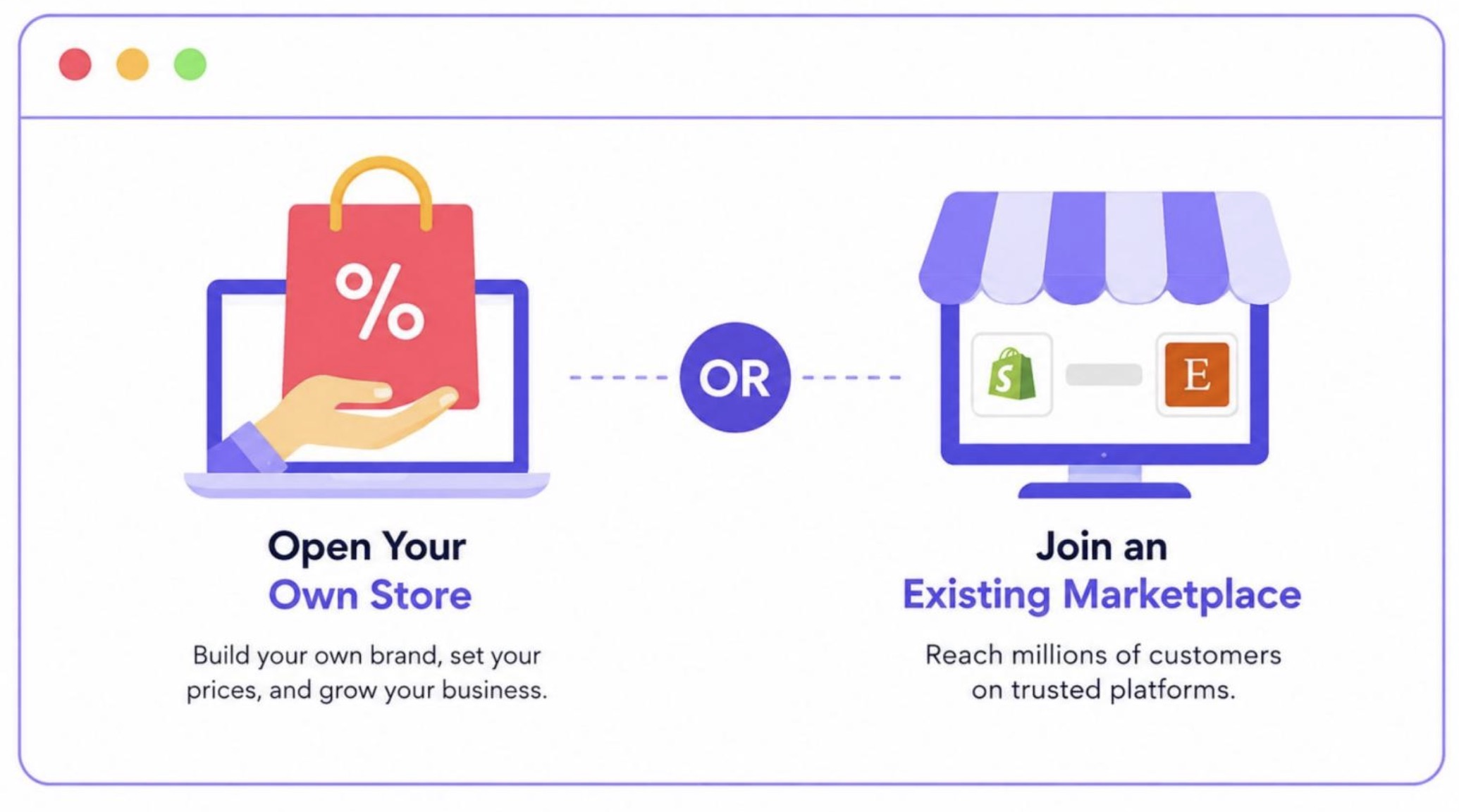
Here, you have two options. You can either set up a new store or connect your existing store to Artiststore. As of now, Artiststore allows store connections with Shopify, WooCommerce and Etsy, with Wix coming soon.
Setting Up a New Store
Click on „Set Up a New Store“ if you want to build a completely new store. From here, building your store design is extremely easy. Simply upload your logo, images, your details and your products if you’ve created any.
If you don’t want any particular section in your store, you can hide or delete it from the menu on the left side. You can build your entire store with this menu alone, so make sure to explore all the options.
Don’t forget to switch between mobile and desktop views to verify everything is looking great on both platforms.
Once ready, click on Save and Apply to set up your store. Now, what’s left is to create your products, set up your payment, and start selling.
Connecting an Existing Store
Click on „Connect to My Existing Store“ if you already own a store on Shopify, WooCommerce or Etsy.
Now, simply click on the „Connect“ button and follow the steps to successfully connect your store.
By connecting your store, you don’t have to manage your products in two different places; you can completely manage your store through Artiststore.
How to Connect to the Marketplace

Connecting to the marketplace is optional. If you skip it, your store remains private and works as if you’re running your own online shop.
But if you want more exposure, you should definitely opt for this option. It costs nothing to join, there is no cap on how many products you can list, and Artiststore takes 0% commission on marketplace sales.
Once you’re ready with your products and store and payment mode setup, simply click on the „Join our marketplace“ button, read the terms and conditions, and click on the „Join Now“ button.
Final Thoughts
Opening your own art store no longer means taking on inventory risk or learning fulfillment logistics from scratch. With Artiststore, you can go from designing to selling in a matter of days, whether you are starting fresh or linking a store you already have.