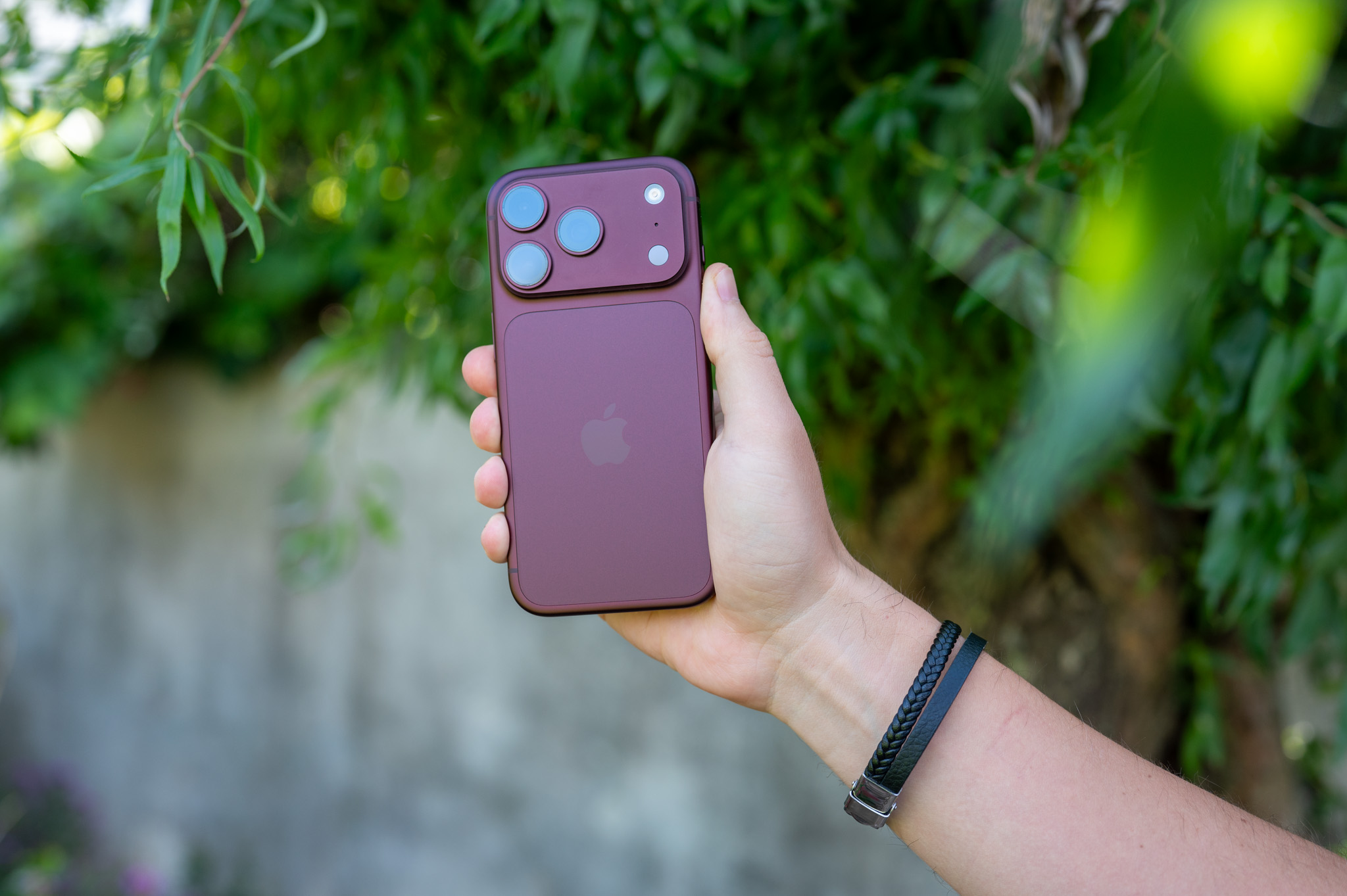
Photos stored on your iPhone don't have to remain just static images. iOS offers a function Spatial Scenes, or spatial scenes, can add depth and subtle movement to regular photos that respond to the tilt of the phone. The result is an impressive spatial impression without having to take the photo in any special way.
You might be interested in
iPhone When creating a spatial scene, it analyzes the photo and creates a depth map. Thanks to this, it can distinguish objects in the foreground from the background and work differently with individual layers of the image as the phone moves. This creates a parallax effect reminiscent of the natural perception of space - just iPhone Tilt it slightly and the photo will start to subtly "move" before your eyes.
The feature is available on iPhone 12 and later and does not require Apple Intelligence. It is therefore not dependent on its regional availability and can also be used in the European Union. Of course, photos in which the main subject and background can be clearly distinguished work best.
How to create a 3D scene in Photos
Open a compatible photo in the Photos app and tap the hexagon icon in the top right corner. The photo will then switch to 3D view. Then all you have to do is iPhone Tilt the camera slightly to the sides and you can watch how the individual parts of the image move relative to each other. There is no need to use the phone.onem does not need to be manipulated significantly, the effect responds even to relatively subtle movements.
Gallery
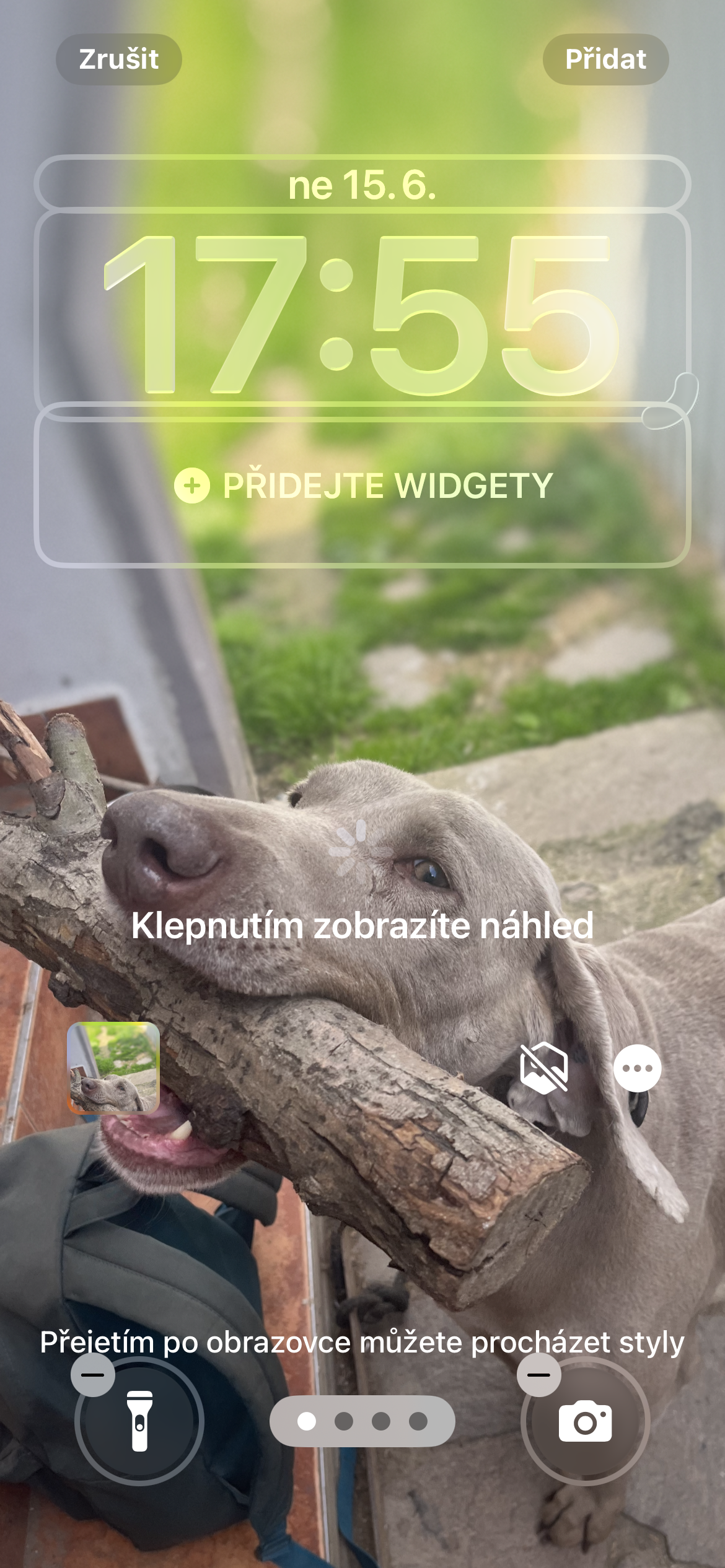
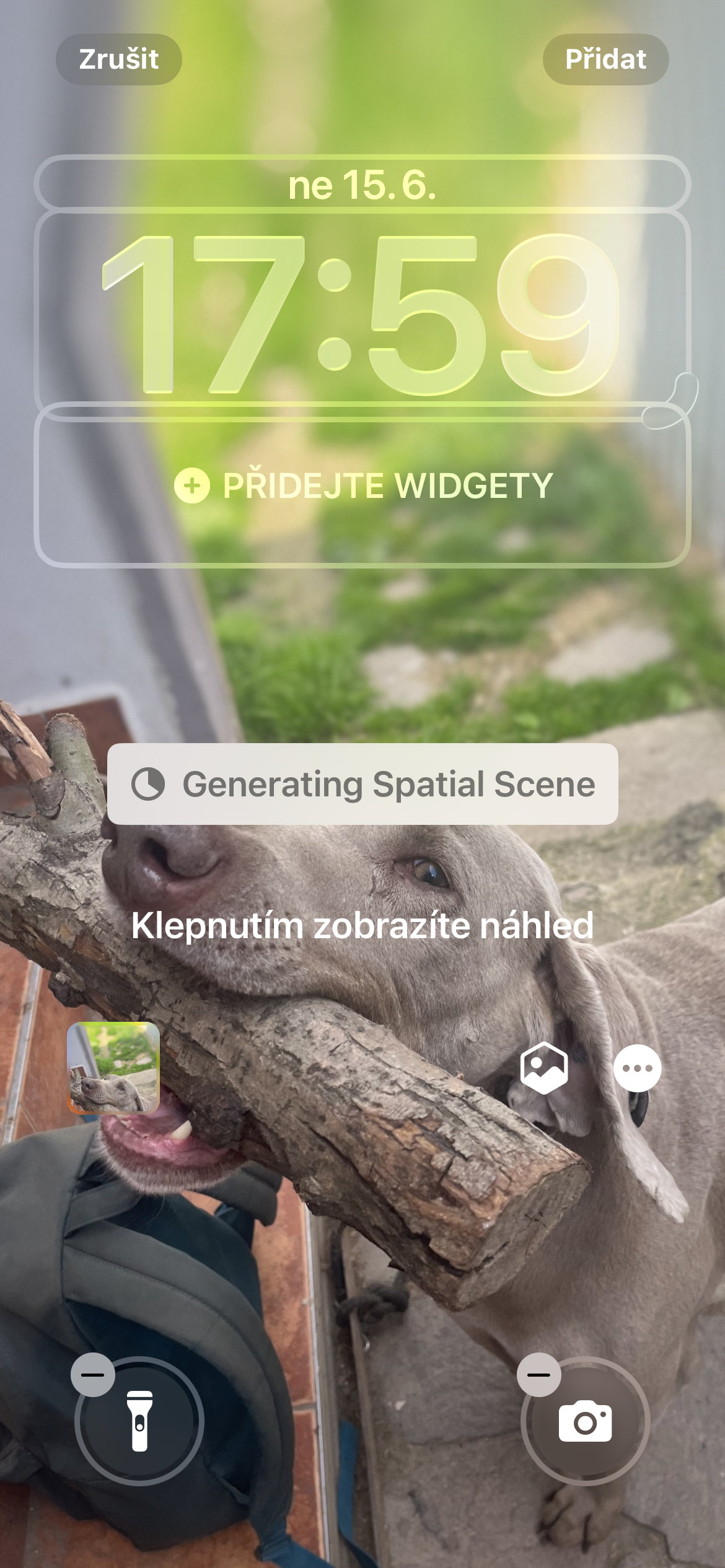
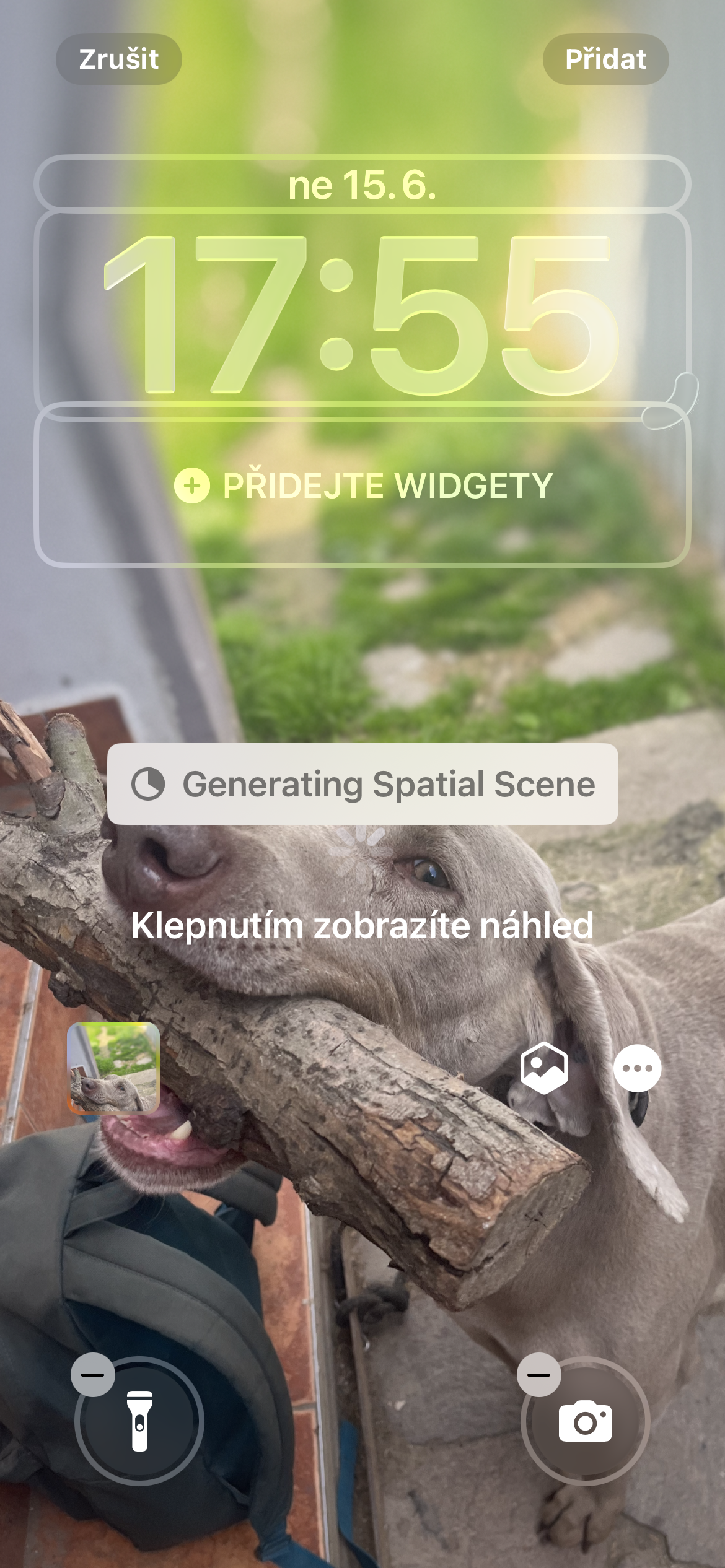
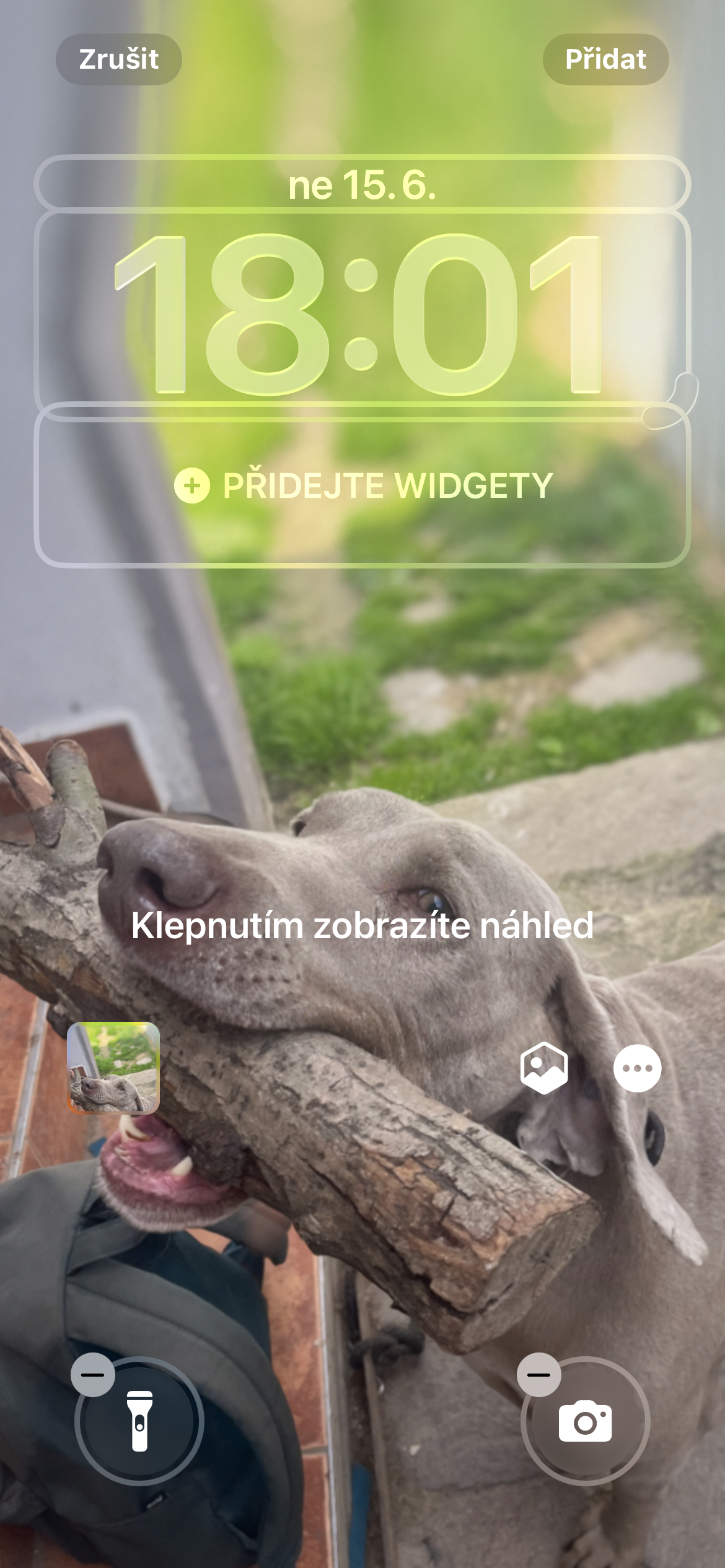
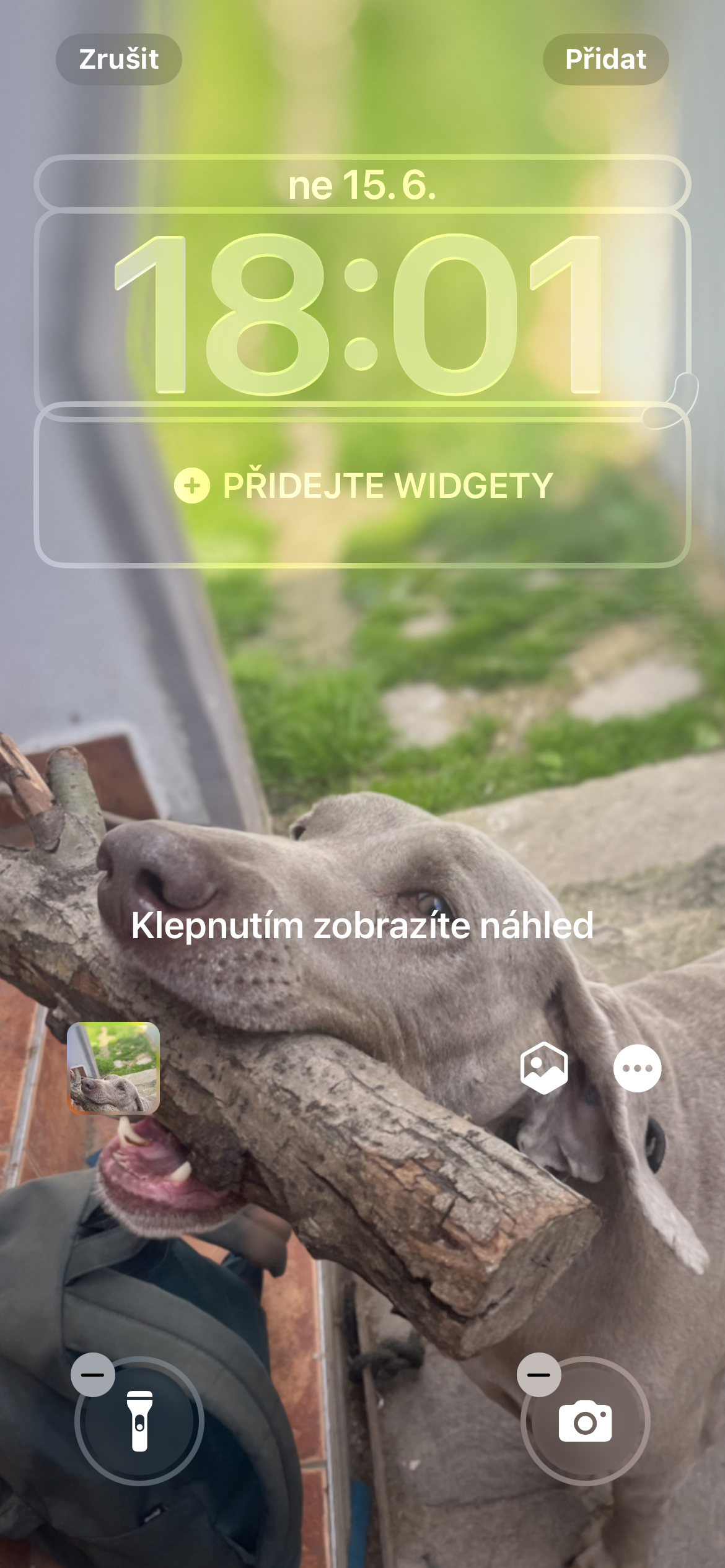
ProThe shutter effect can also be used on the lock screen. When setting the wallpaper, you iOS can offer photos that are suitable for it, or you can select your own image and activate the spatial effect directly while editing it.
The feature makes even more sense for wallpapers than when browsing your library. It can instantly turn a photo that's been on your lock screen for months into a much more vibrant background that responds to every movement of your iPhone.