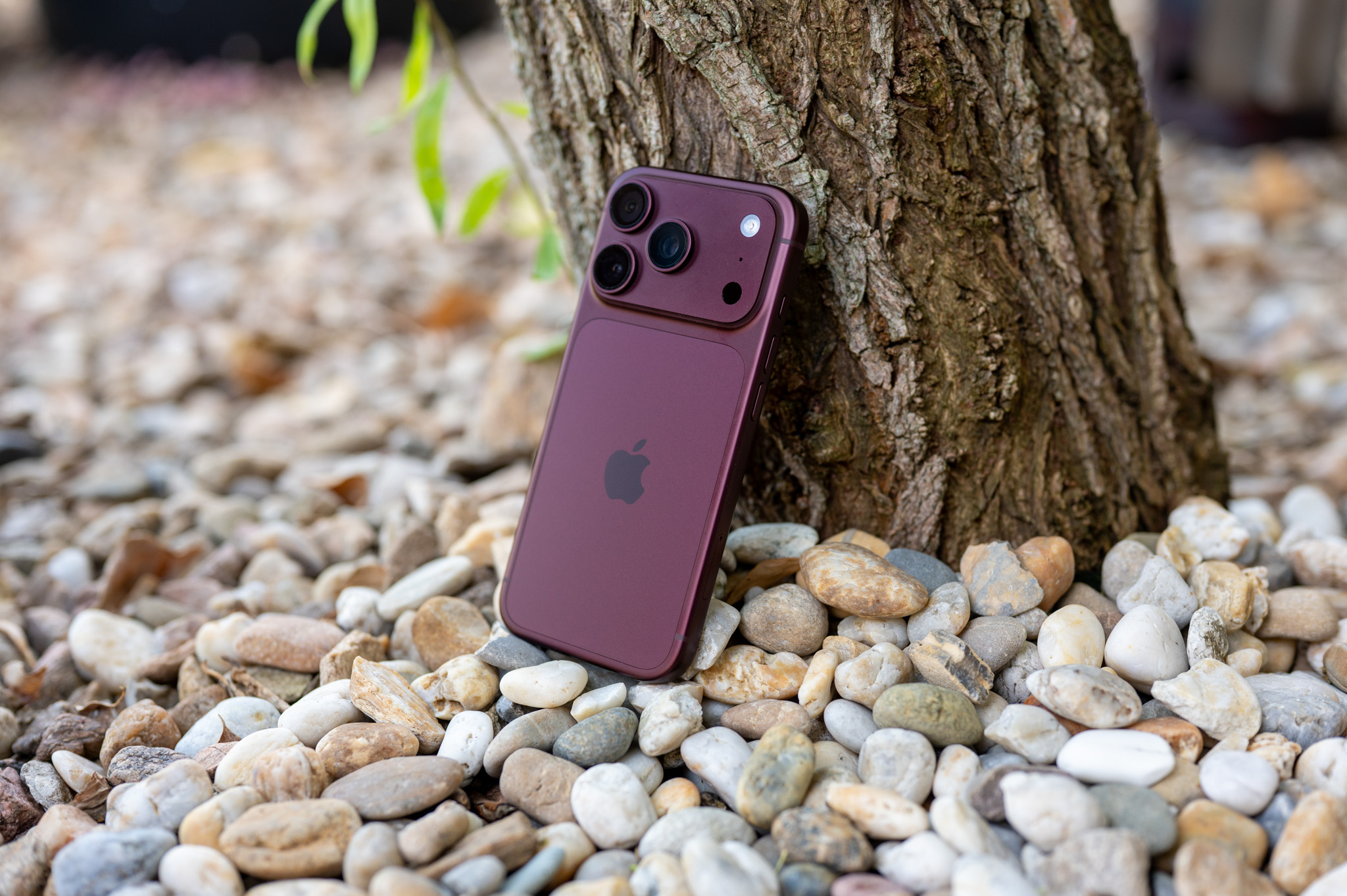
The Health app on iPhone can do much more than just show your steps or heart rate data. Apple WatchOne of the practical features is a medication overview, thanks to which you can set regular reminders for their use and at the same time have an overview of what you are currently taking in one place.
You might be interested in

The feature is not limited to classic prescription medications. You can also add vitamins or supplements to Health, so you can keep a broader overview of your regular use in one place.
How to add a medication to the Health app
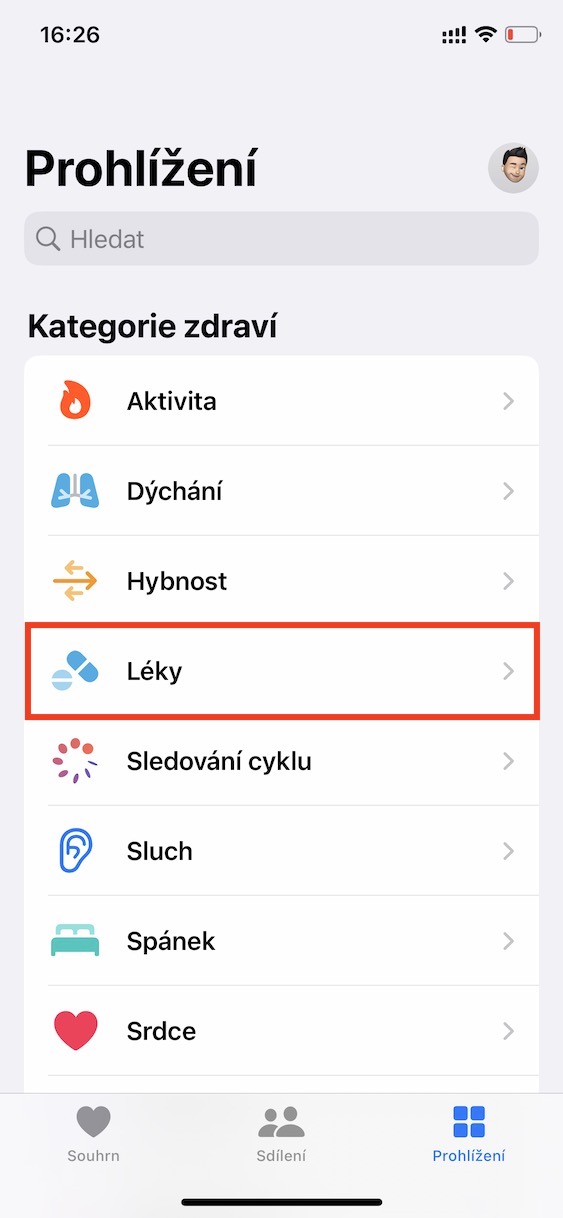
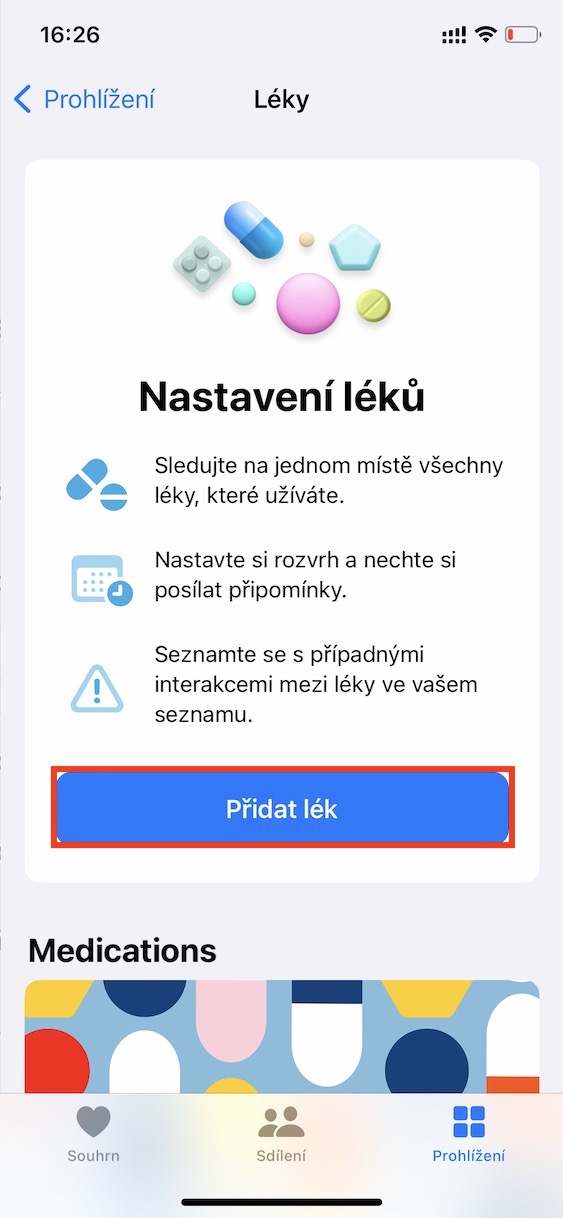
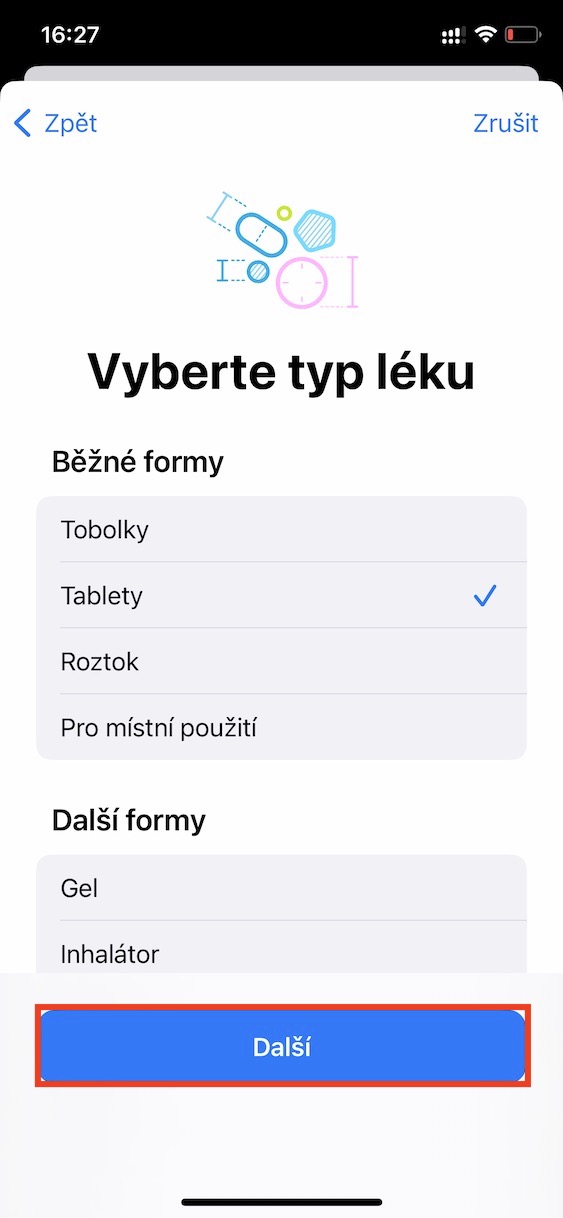
It's simple. Open the Health app and go to the Proviewing. Here, select Medications and then tap Add Medication.
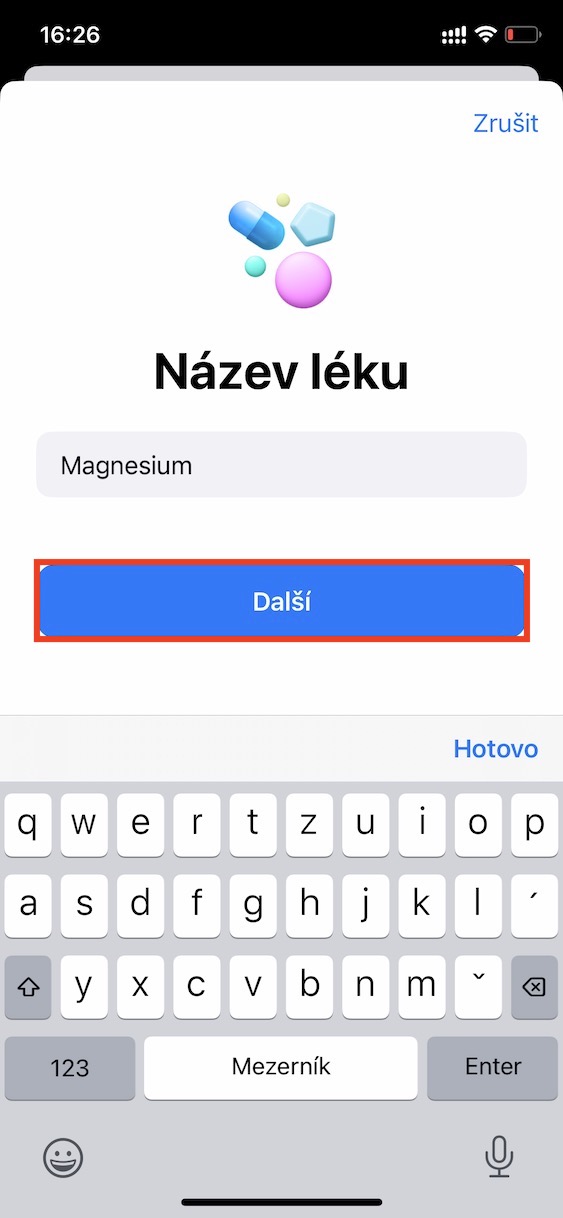
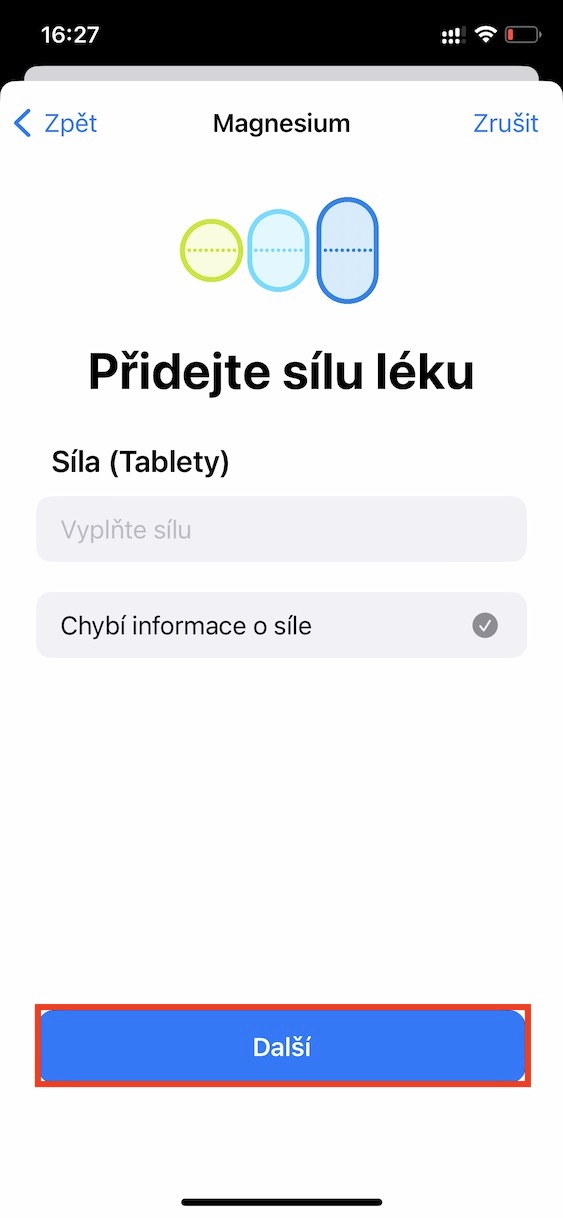
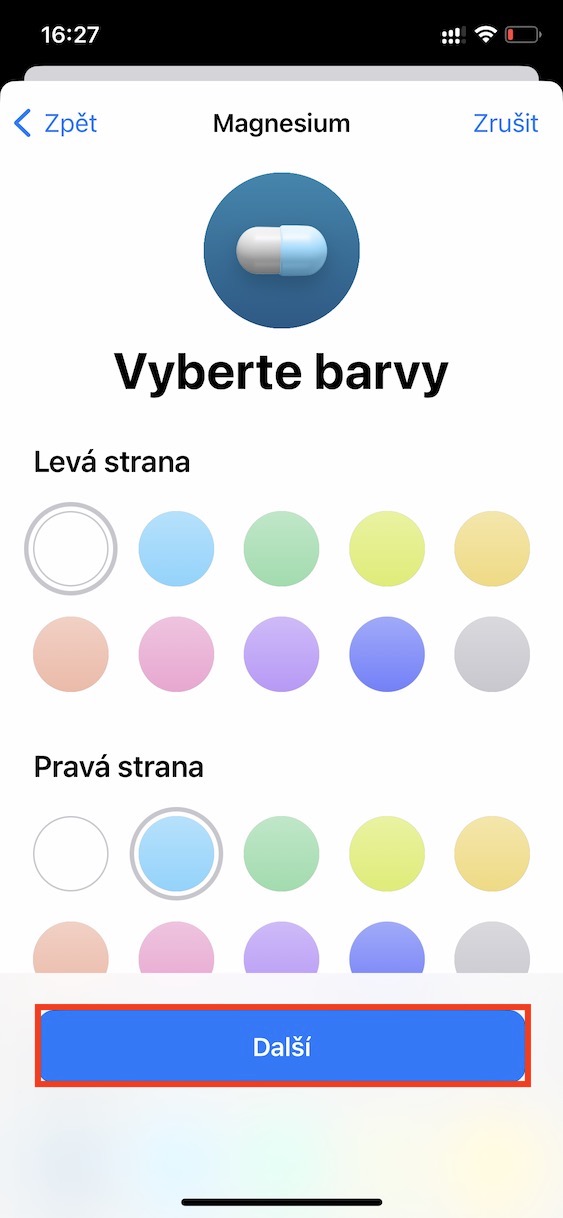
You then enter its name and other details, such as strength or form. There are various varianty, such as tablets, drops or sprays. You then set the frequency and specific times when you want to take the medicine.
Once everything is done, iPhone will alert you at the time you choose. This means you don't have to rely on your memory or create separate alarms in Clock.
Gallery


What to do if you stop taking the medicine
It is also practical to manage the list afterwards. If you no longer need a certain medication, you don't necessarily have to delete it completely. You can archive it so that it disappears from the main overview, but remains saved in case you return to it later.
This is especially useful if you don't want to fill in the same information again unnecessarily. On the other hand, if it is clear that you no longer need to record it, you can delete it from the list.
The advantage of the whole feature is primarily its simplicity. Instead of several different reminders and notes, you have everything in one place, including an overview of the set times and frequency of use. If you also use Health for other data, medication management will fit naturally into the rest of the app and can make it a slightly more useful tool for your daily routine.